Hero background

30-Second AI Video Generator

Creators can build quick, eye‑catching videos using Magiclight AI’s 30-second AI video generator. Try it now and see how fast your social media posts go viral.

Create 30-Second AI Video Now
30 Second AI Video Generator
ai video generator 30 seconds
free 30 second ai video generator
30 second ai video generator free
30 second video generator ai
30 seconds free ai video generator
 free ai video generator 30 seconds
free ai video generator 30 seconds
30 Second AI Video Generator
ai video generator 30 seconds
free 30 second ai video generator
30 second ai video generator free
30 second video generator ai
30 seconds free ai video generator
 free ai video generator 30 seconds
free ai video generator 30 seconds
30 Second AI Video Generator
ai video generator 30 seconds
free 30 second ai video generator
30 second ai video generator free
30 second video generator ai
30 seconds free ai video generator
 free ai video generator 30 seconds
free ai video generator 30 seconds

Everything You Require to Generate 30-Second AI Video

When you use Magiclight AI's 30-second video generator, ideas can be turned into charming clips with just a few steps. Therefore, the video creation process is easy and fast.

Explore the video generator
3D decoration

Custom Characters in Seconds

Adjust style, age, clothes, hairstyle, and look for each character. Magiclight AI lets you filter, edit, and reuse the perfect faces for each video.

Rich Styles for Every Scene

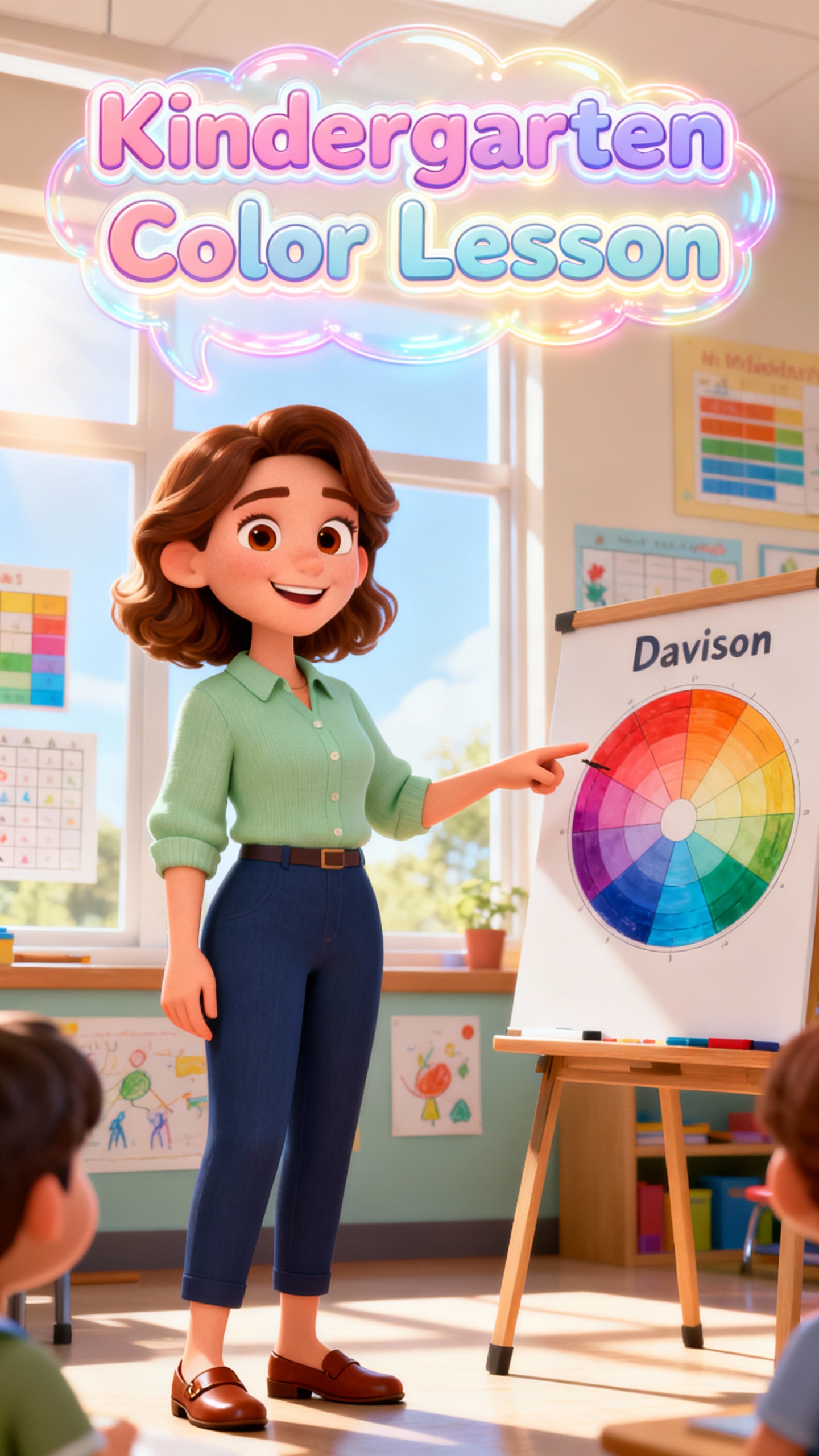
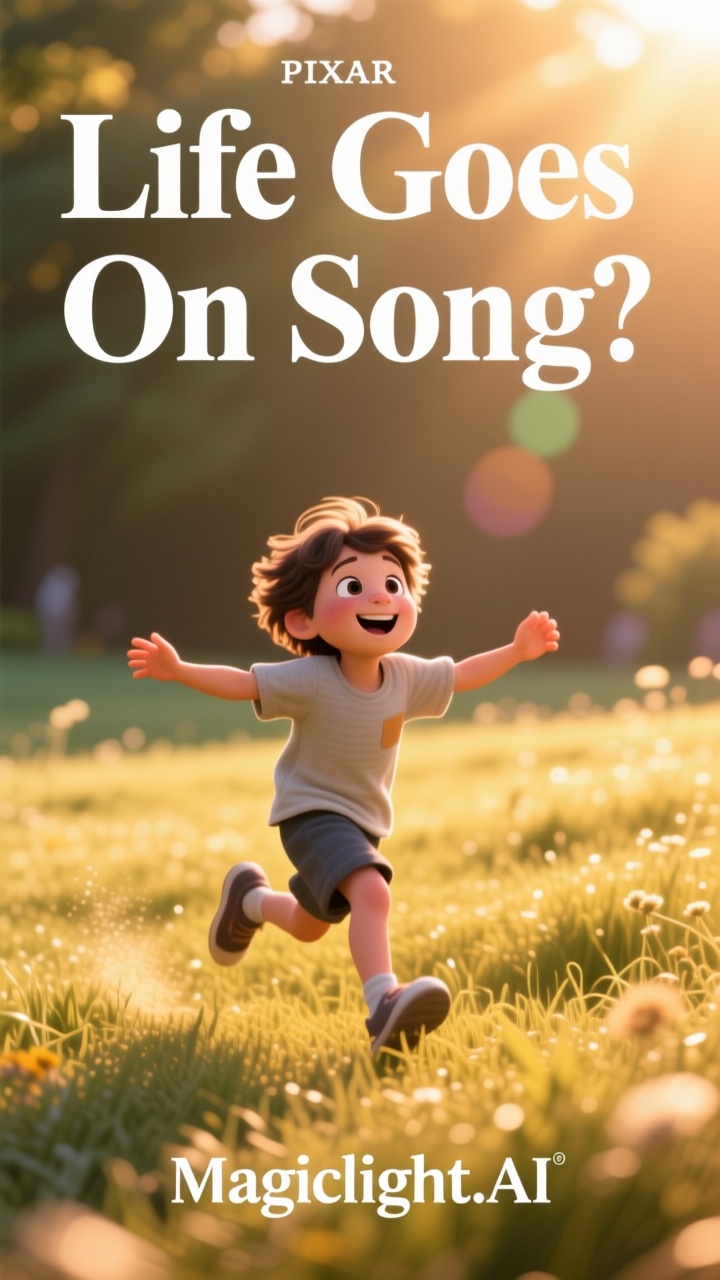
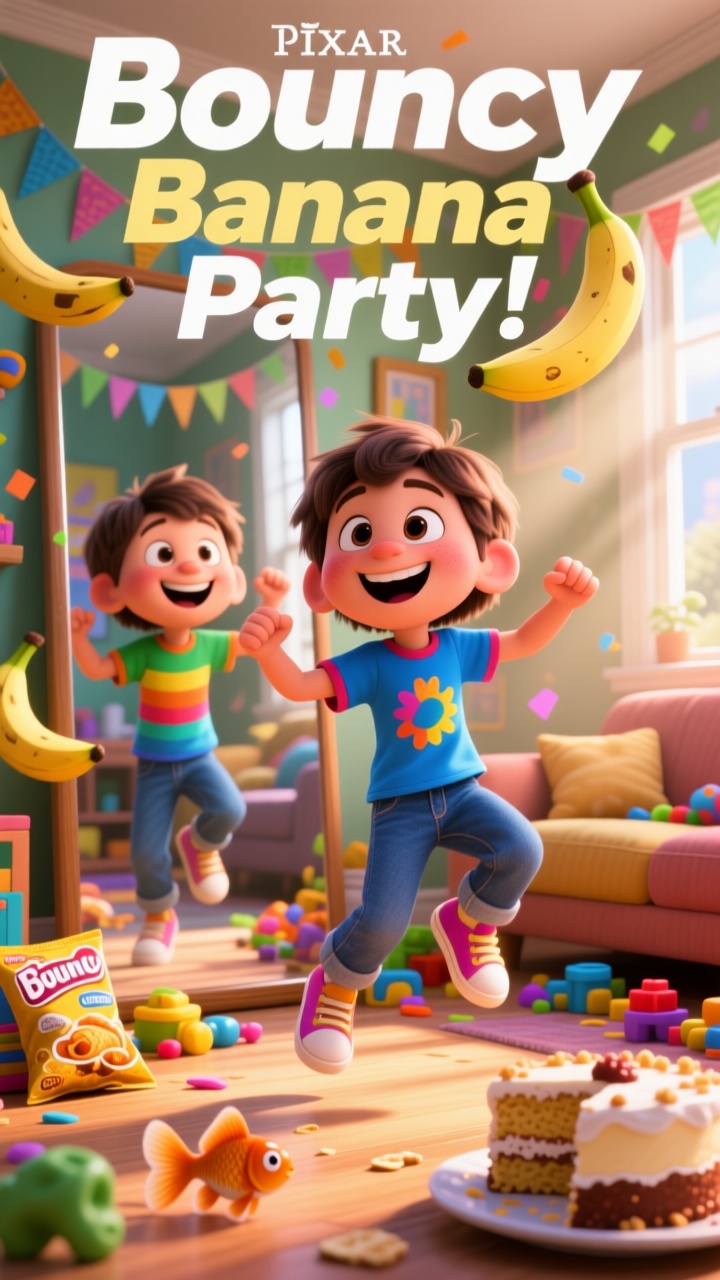
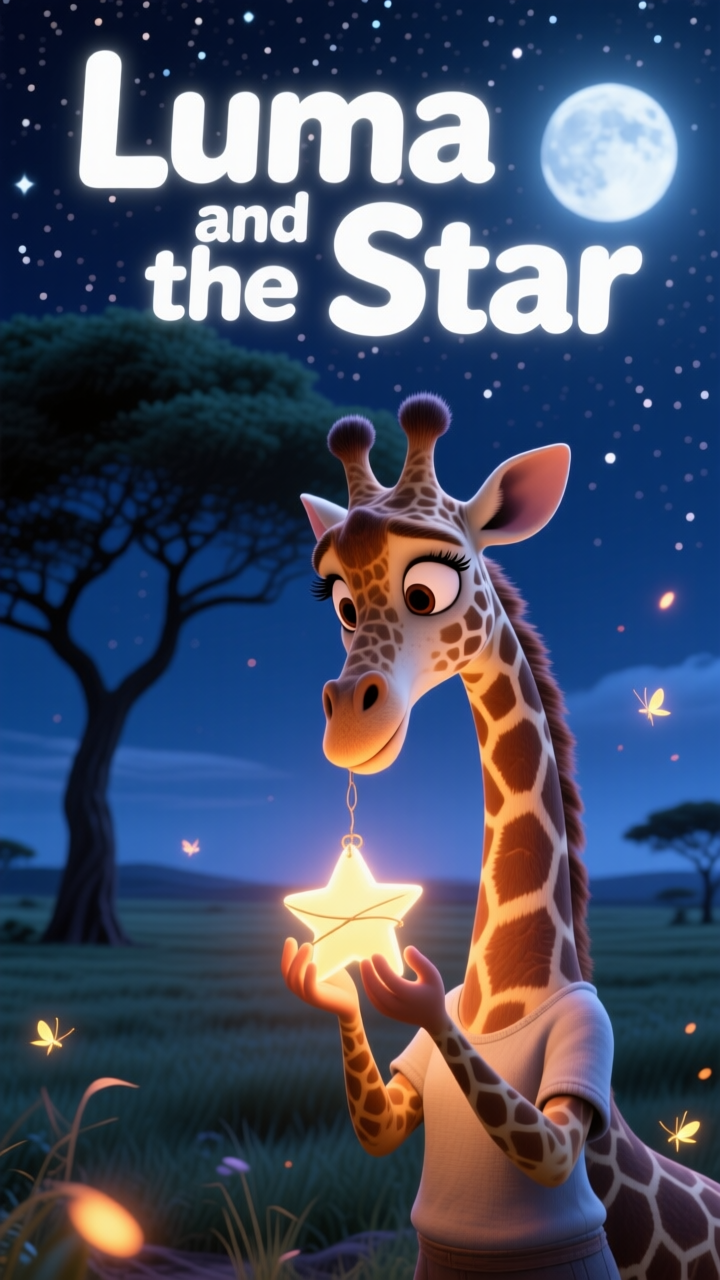
You can pick from cartoon, realistic, or Pixar-style visuals. The characters and scenes are consistent across all videos in Magiclight AI.

Finishing Touches in One Place

Set text, sound, and 21 covers in Magiclight AI without extra effort. The tool helps you finish videos fast with clean, ready‑to‑share details

Realistic Voice and Lip Sync

Magiclight AI follows your audio closely and matches every word on your character’s face. You can either clone your voice or choose from 37 styles.

Who Fits For Magiclight AI 30 second AI video generator
Small teams and content creators who post many short videos should rely on Magiclight AI 30 second AI video generator for free. The final videos are high-quality and interactive.
for b2b markrters
For B2B Marketers
Summarize complex features in 30-second explainer clips.
Turn case study wins into short LinkedIn videos with less effort
Support sales teams with fast AI clips made on a tight budget.
for content creators
For Content Creators
Post short clips daily without burning through your energy.
Repurpose old posts as Shorts in a few simple steps.
Turn quick ideas into Reels without complex editing.
for social media influencers
For Social Media Influencers
Launch short promo clips without hiring video editors.
Refresh ad creatives weekly instead of monthly.
Test different hooks and styles while keeping costs low.
for ecommerce agencies
For Ecommerce Agencies
Show product benefits with short AI clips made in minutes
Update sale and launch videos while keeping costs low.
Turn product photos into stylish clips with minimal effort.
Why Magiclight AI
30-Second AI Video Generator Outperforms
With Magiclight AI video generator, 30-second short videos become much easier to plan and publish. Unlike other tools, you can create, edit, schedule, and post in one place.
Enter Prompt
Chat and Create with Magic Clawt
If you do not know where to start, chat with Magic Claw. It quickly converts the conversation into a complete story clip. Magic Claw also tracks views and likes on your videos.Test different hooks and styles while keeping costs low.
Export & Publish
Adjust Each Scene with Animated Storyboards
With Magiclight AI, creators get an animated storyboard that can be edited at any step. Easily change prompts, adjust clothes, poses, and expressions till your video is perfect.
Choose Visual Style
Fast One‑Click Video Creation
Create videos in one click using 14 ready models, then refine with on‑screen editor tips while they render. Magiclight AI helps you learn as you go, making it great for beginners.
Reuse Templates for Faster Creation
Multilingual Clips Ready for Every Audience
Magiclight AI supports 11 languages, so you can share your message with viewers across regions. The AI-generated clips gain global reach and travel much further than other tools.
Storyboard Editor
Story‑Themed Templates For Quicker Videos
Use built‑in story templates in Magiclight AI that give you a start, pace, and end, so you never face a blank screen. The tool ensures you build clear clips without planning.
 Optimize for Social Media Sharing
From Still Image to Moving Video
Start with a photo and add a prompt of up to 1500 characters in Magiclight AI. It follows your input precisely to create clear, on-brand video clips that keep viewers engaged

How to Make Short Clips With Magiclight  AI 30 Second Video Generator

Follow a simple flow that includes writing your idea, choosing a look, and exporting the clip. Magiclight AI 30 Second Video Generator lays out each step so anyone can use it.

1.

Enter Your Prompt

Input your idea, dialogue, or concept into the prompt box. Use specific words to guide the AI model on what you want your clip to be about.

2.

Choose a Visual Style

Pick a visual style to animate the characters for your video. Then, pick a voiceover or clone your own. You can change the age, gender, and accent of the voice style.

3.

Preview Scenes in Storyboard Editor

Edit the animated scenes in the Nano storyboard editor. Here, quickly change body shapes, facial expressions, poses, and clothes.

4.

Export and Publish the Clip

Add subtitles and music and then export the final video after making any last-minute changes. Otherwise, you can publish it too to share the clip with others.

FAQs on AI 30-second video generator

What is Magiclight AI 30-second Video Generator and how does it work?

It creates short clips from simple ideas or scripts. With Magiclight AI 30-second video generator, you turn quick thoughts into ready Reels, Shorts, or TikToks fast.

Is the Magiclight AI 30-second generator free to start using?

Yes. Creators can start using Magiclight AI’s AI video generator for 30 seconds for free. Quickly test and explore features and styles for your social media posts with this tool.

What kinds of content can I create with the 30-second generator in Magiclight AI?

With Magiclight AI, anyone can make quick promos, tips, product highlights, teasers, and more. It helps you turn many ideas into short videos without extra strain.

Can beginners use Magiclight AI to create short social media clips?

Magiclight AI is a beginner-friendly video creation tool. There is no complex timeline, so everyone can start creating and publishing with guided options for every stage.

Why should I use Magiclight AI over other AI tools?

Other tools do not support longer video creation, detailed character customization, or many languages. Magiclight AI gives users detailed stories within 30 seconds.

Which features are available for Magiclight AI’s 30-second video generator?

You get to add voices, characters, and captions in Magiclight AI. Everything is kept simple and fast so creators focus on clear, strong messages rather than editing skills.


Create 30-Second AI Viral Clips with Magiclight AI

Input a simple prompt into Magiclight AI, and it makes charming Reels and Shorts perfect for social media.