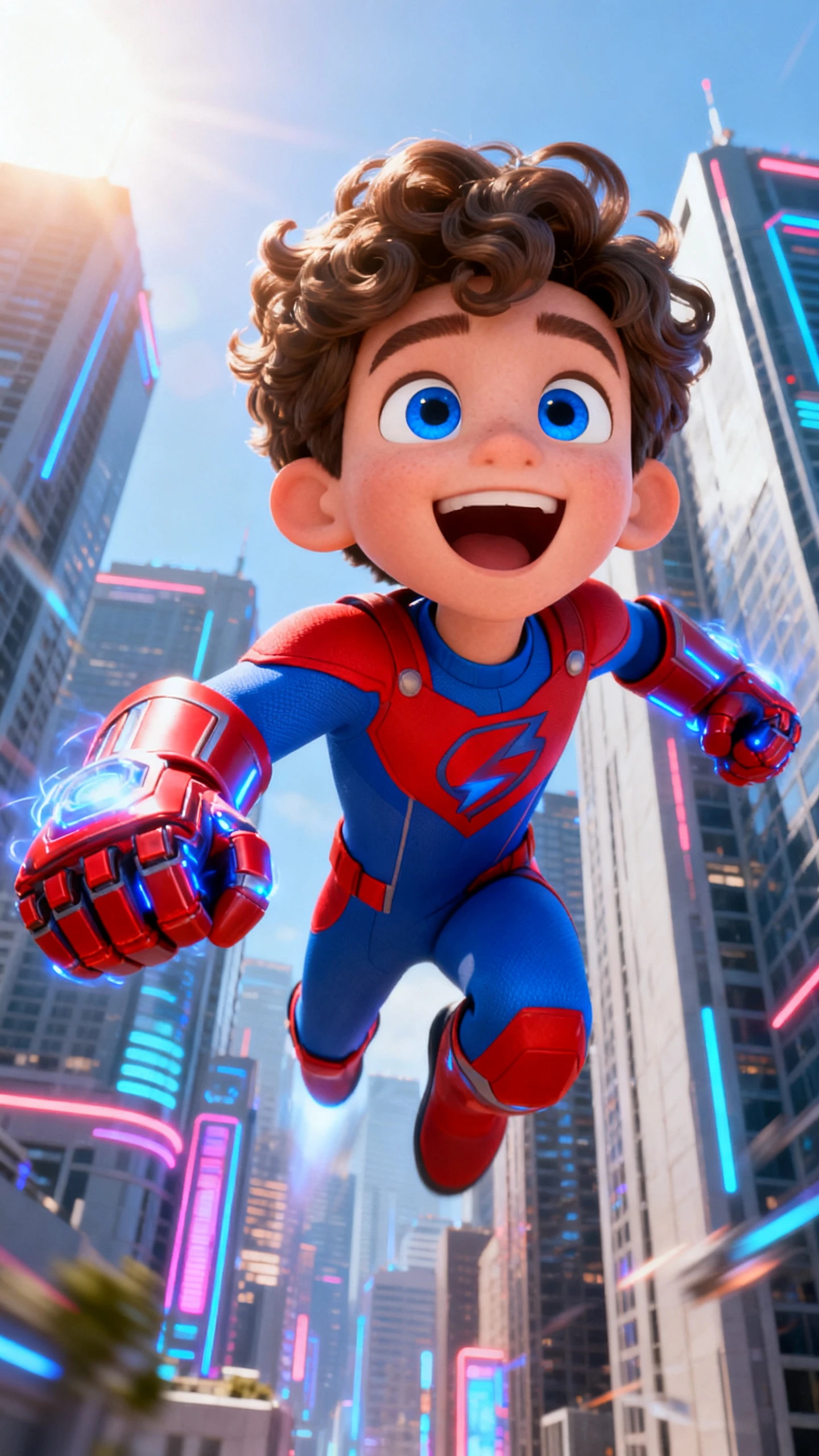
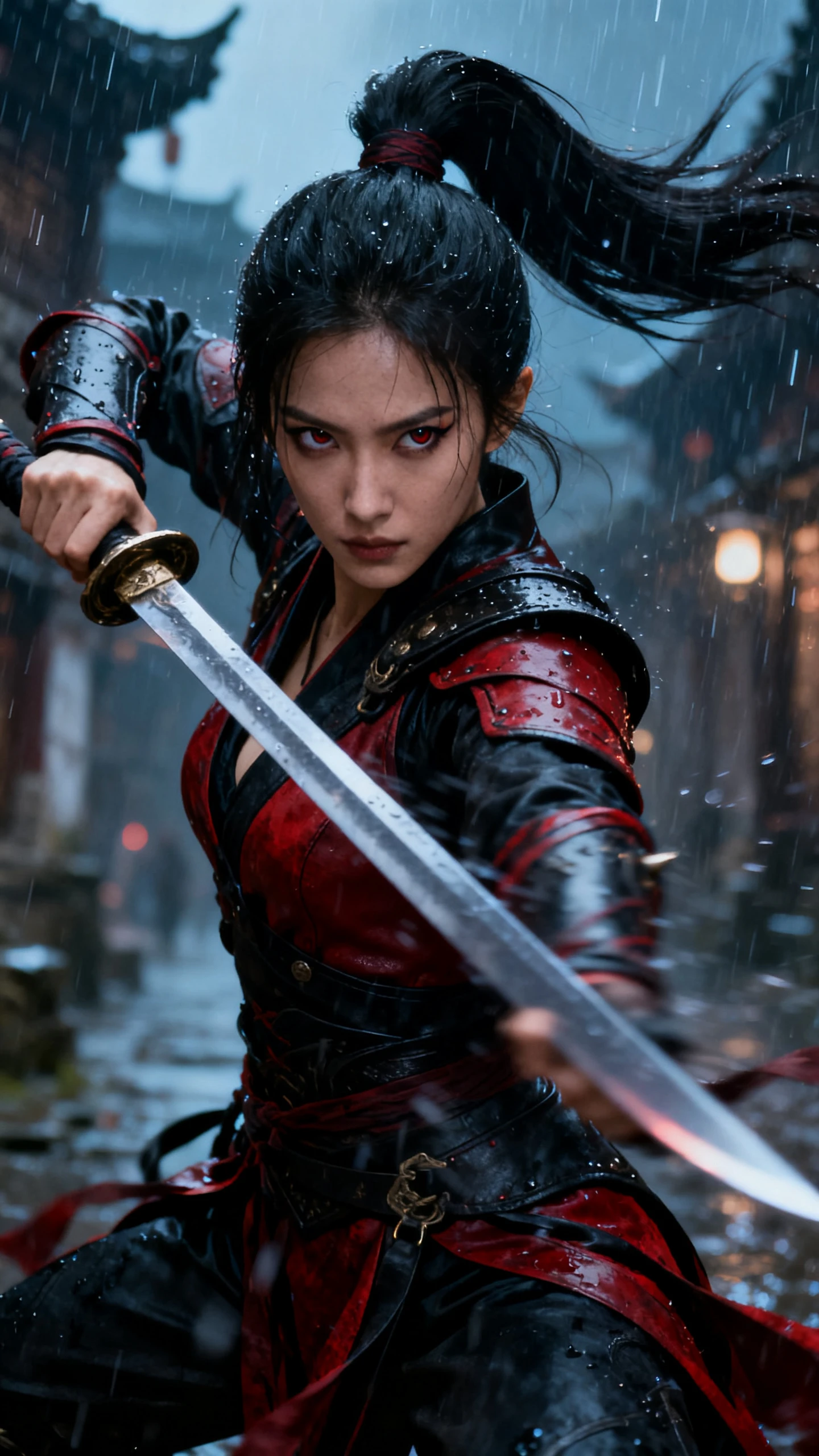
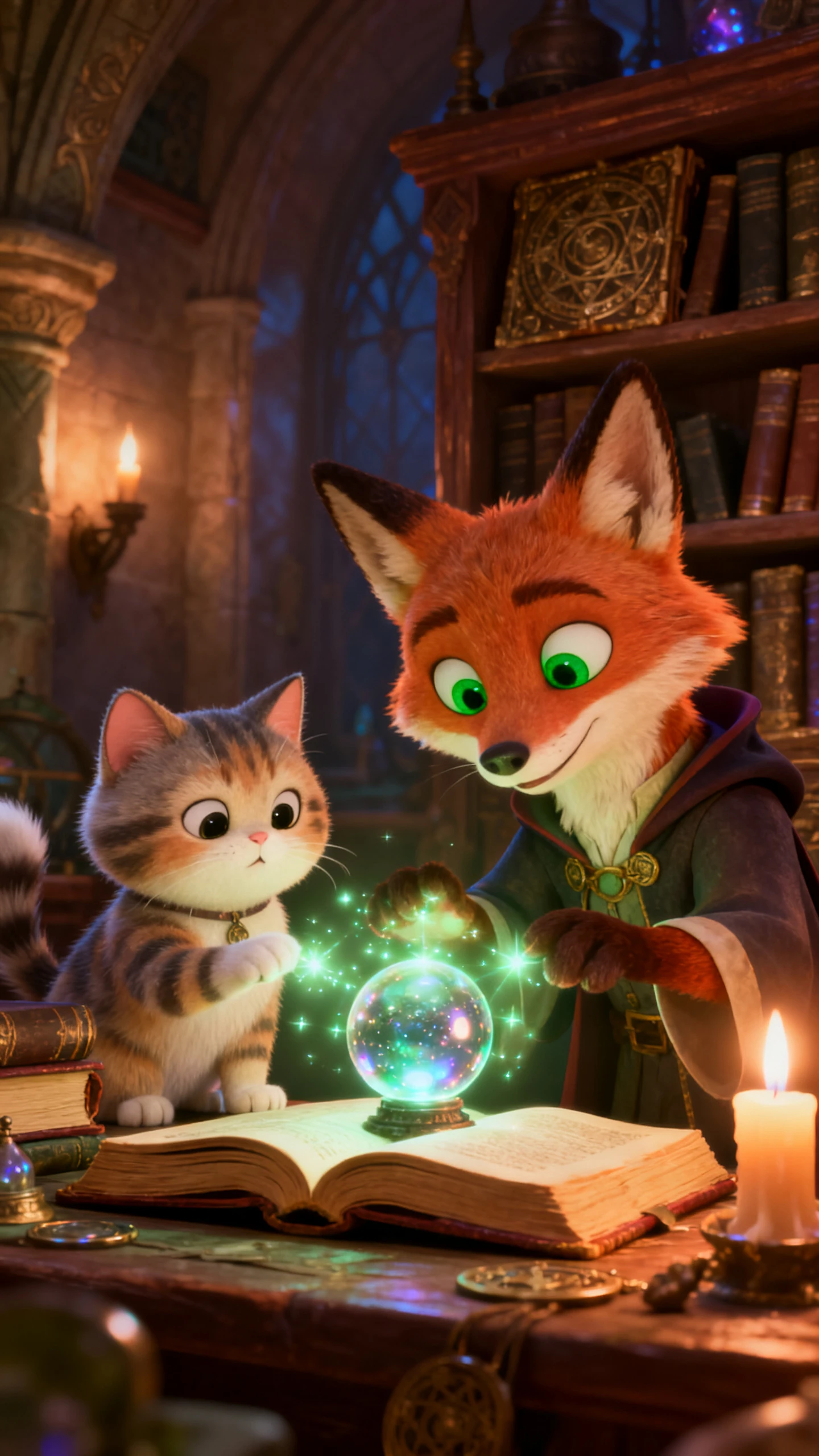
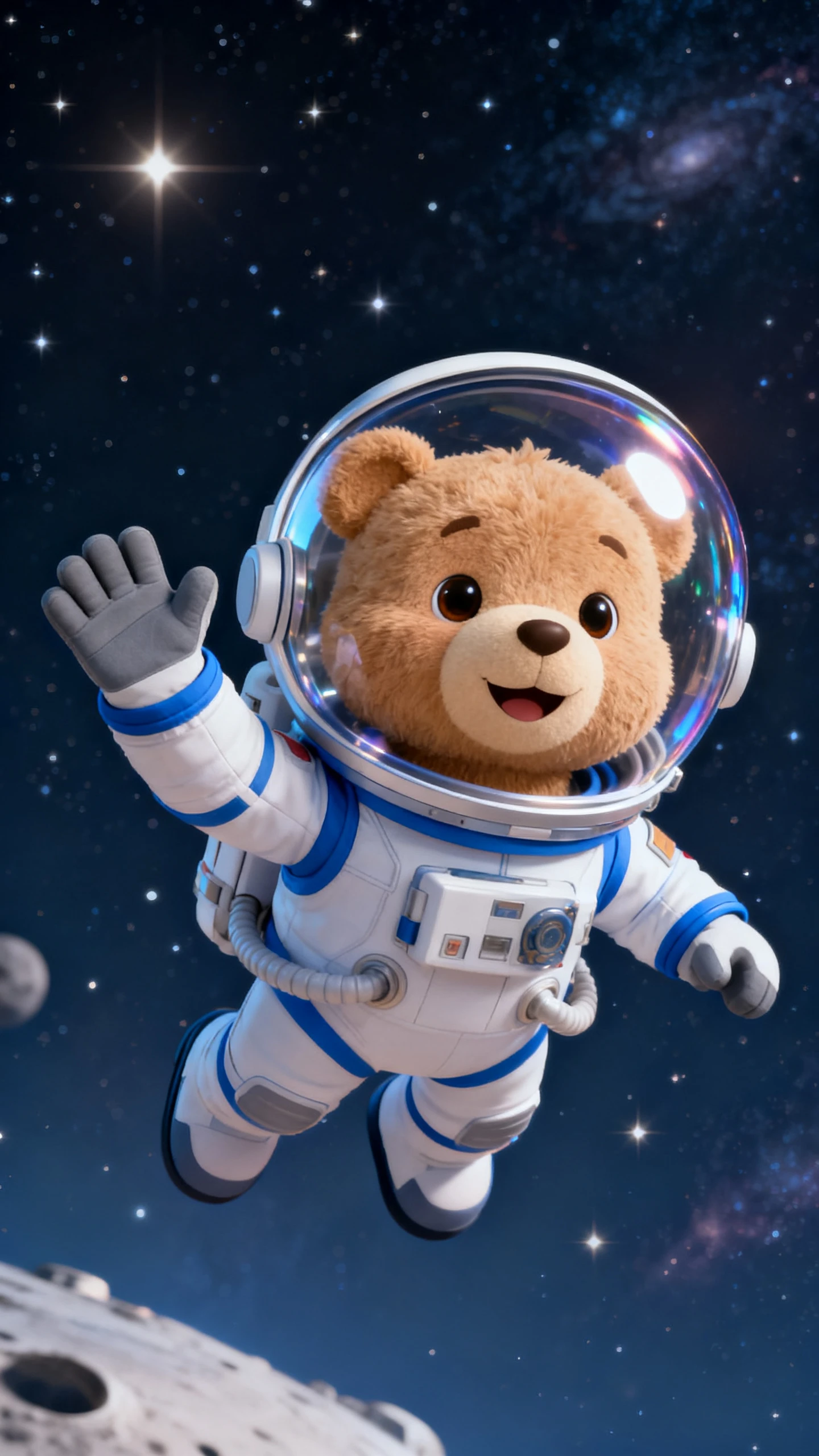
Hero background

3D Character Creator for Instant Custom Designs

Create polished characters from text, images, and rough ideas in one guided workflow. Magiclight AI helps users design, refine, voice, and reuse characters for new projects fast.

Create Your 3D Character Now
3d character creator
3d character maker
3d character creation software
3d character creator online free
free 3d character generator
free character creator 3d
ai 3d character generator
3d character creator online
3d character creator
3d character maker
3d character creation software
3d character creator online free
free 3d character generator
free character creator 3d
ai 3d character generator
3d character creator online
3d character creator
3d character maker
3d character creation software
3d character creator online free
free 3d character generator
free character creator 3d
ai 3d character generator
3d character creator online

Explore Features of Magiclight AI’s 3D Character Creator

Magiclight AI is an AI 3D character generator that turns prompts or images into reusable characters with style control, voice options, and editable storyboard scenes fast.

Explore the video generator
3D decoration

Create Characters From Prompts

Write a 3D character prompt up to 1000 characters or upload a reference image. Magiclight AI supports AI expansion and re-editing for creation.

Keep Characters Consistent Everywhere

Reuse the same character across scenes and videos easily. Save designs in the library to keep faces, outfits, and style aligned every time.

Choose 3D Styles Easily

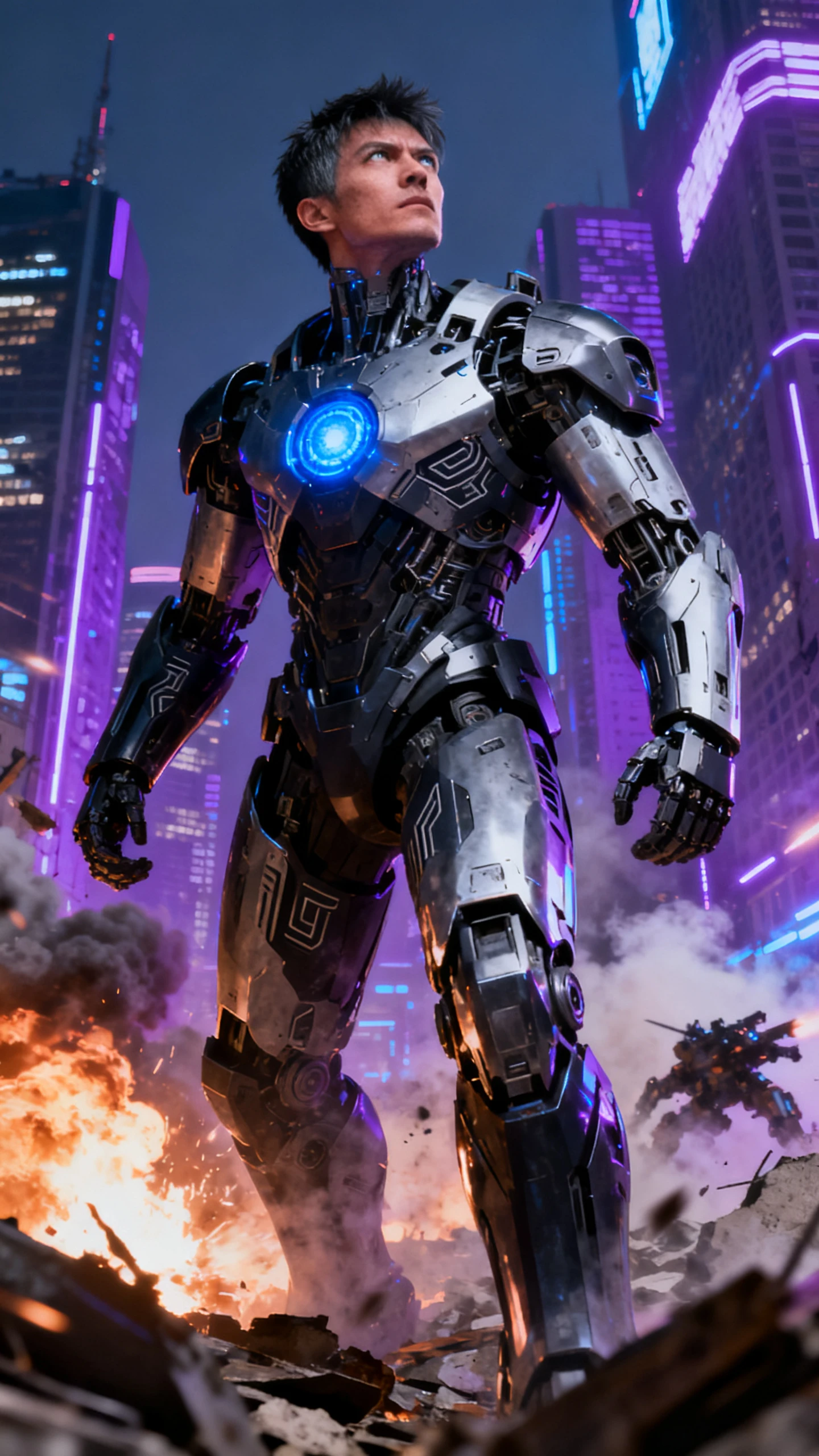
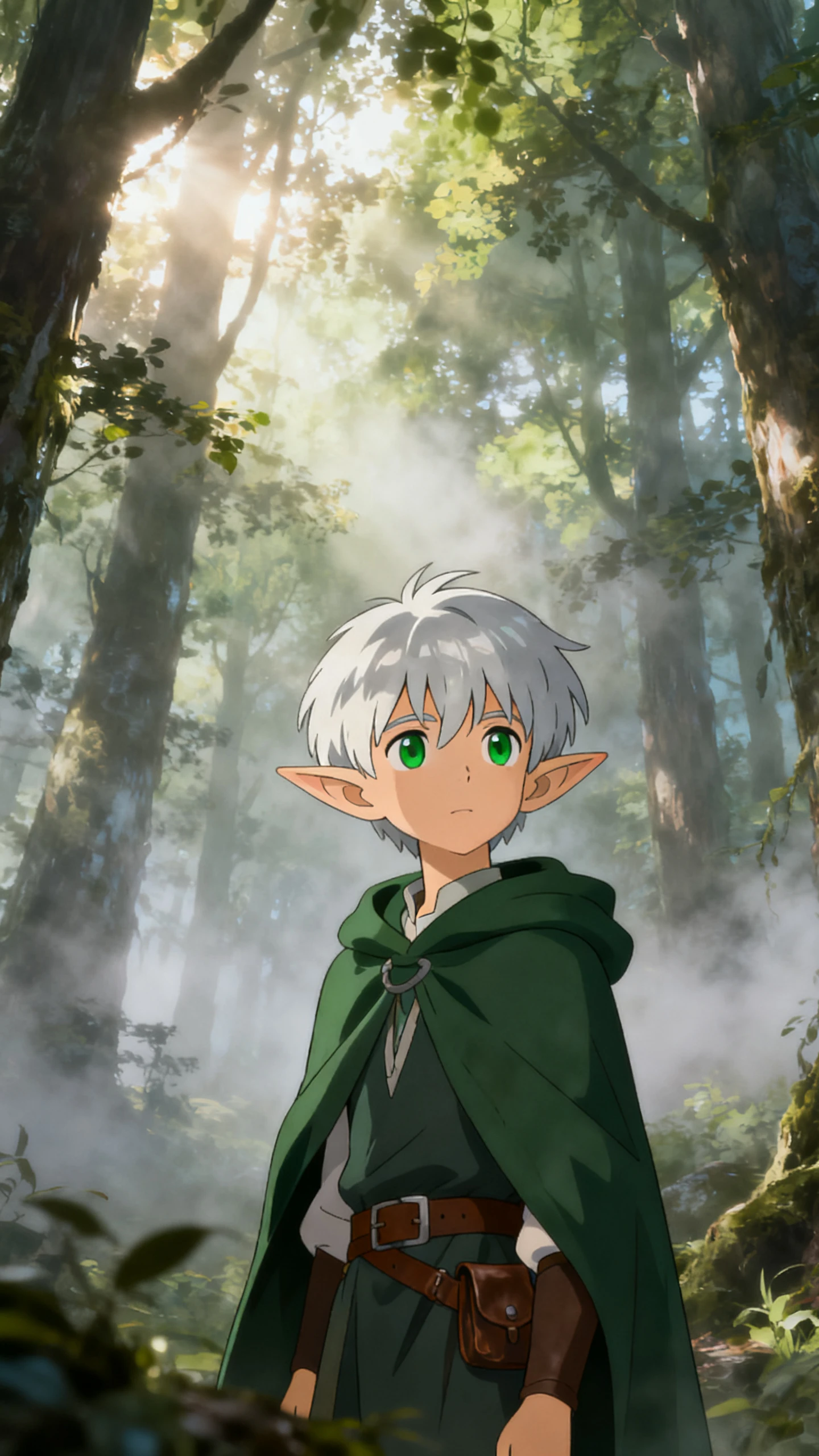
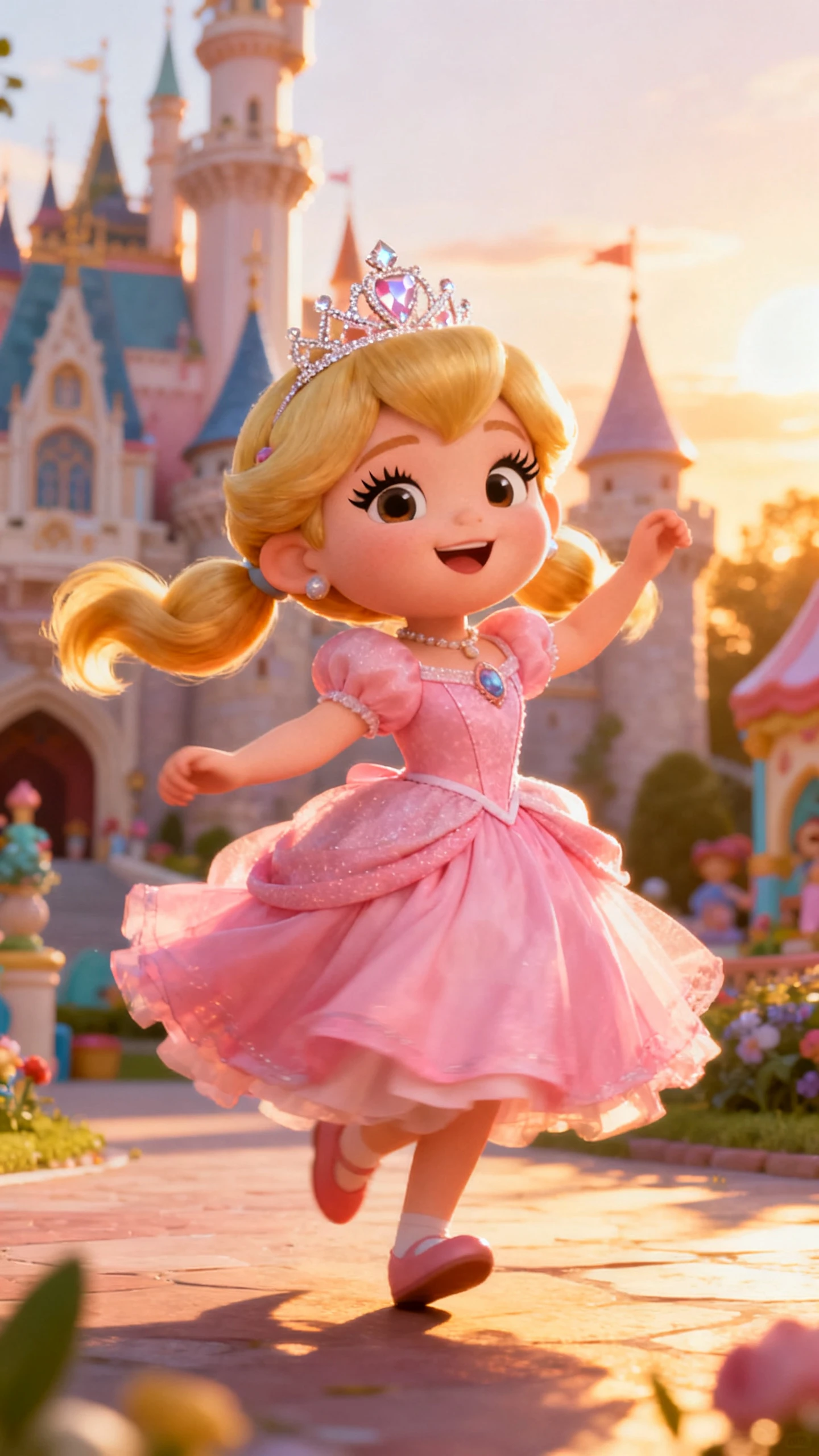
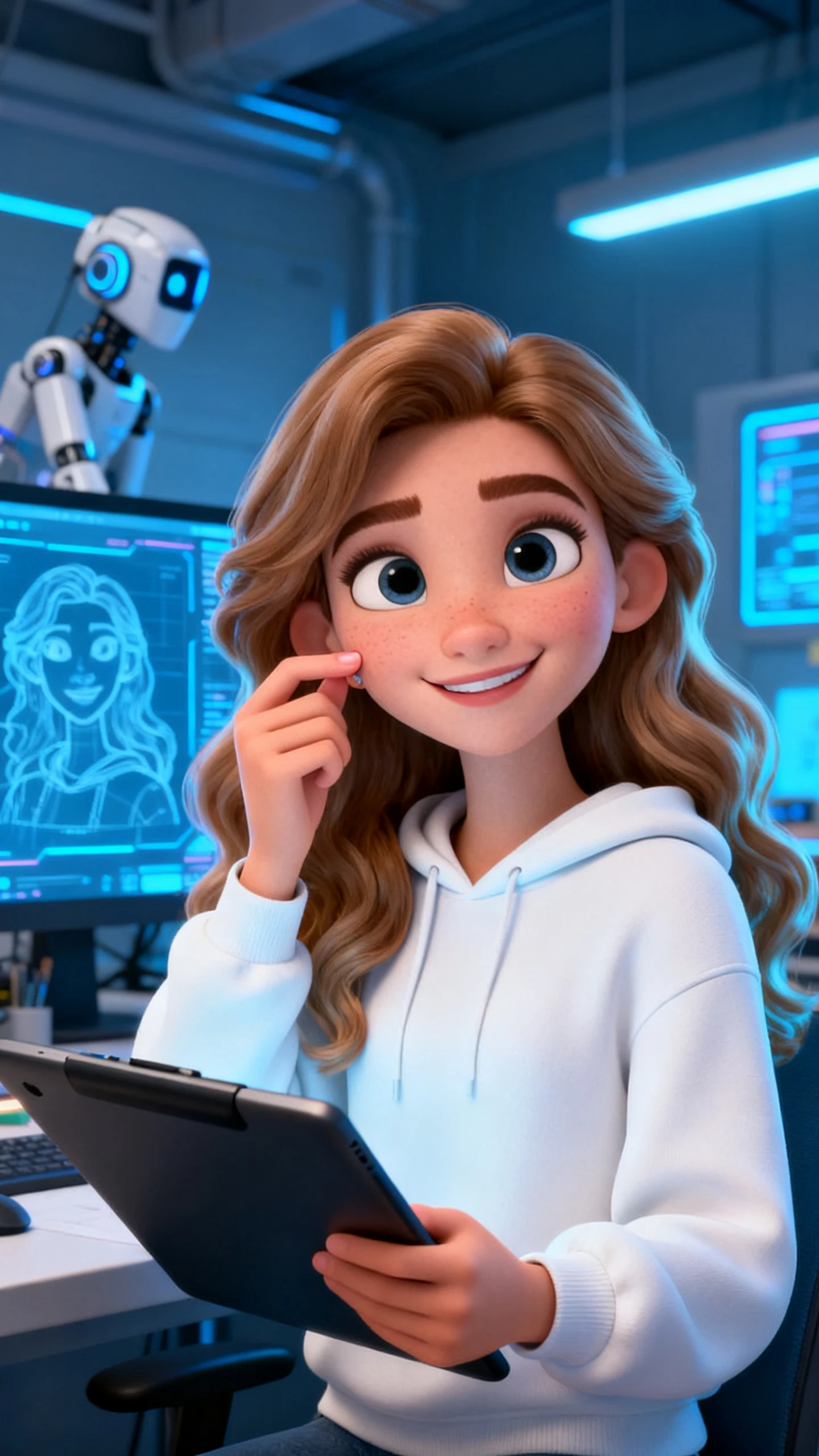
Pick from 52 styles across four model groups. Characters can match 3D cartoon, Pixar, CGI, Disney-style, or 3D modeling looks.

Turn Characters Into Videos

Add 37 voiceovers, voice cloning, storyboard preview, and 16 subtitle styles. Refine expressions, clothing, body type, and up to 50 poses.

Who Gets the Most Benefit from Magiclight AI 3D Character Creator
From solo creators to growing teams, Magiclight AI 3D character maker fits many creative workflows. It helps users design, refine, reuse, and turn characters into content faster.
vtubers
VTubers
Build stream avatars with reusable visual identity.
Create side characters for lore clips and skits.
Test new outfits, voices, and styles before debut.
story creators
Story Creators
Design heroes, villains, and NPCs from one prompt.
Keep characters consistent across scenes and episodes.
Turn character ideas into storyboard-ready scenes.
marketing teams
Marketing Teams
Create brand mascots for ads, explainers, and reels.
Reuse campaign characters across content formats.
Produce promo visuals without complex design tools.
educators
Educators
Build speaking characters for lessons and class videos.
Use visual avatars to explain topics more clearly.
Create teaching mascots for repeat course content.
Why Magiclight AI
3D Character Creator Stands Out
Get reusable characters and story-ready scenes without switching between separate tools. Magiclight AI combines design, voice, and workflow control in one place.
Share Characters Across Languages
Reach wider audiences with character stories in 11 supported languages. That gives each design more room to travel across global communities and markets.
Keep Dialogue Easy to Follow
Character videos work better when viewers can clearly follow every line. The platform includes 16 subtitle styles that help scenes stay readable on smaller screens, too.
Unlock More Visual Range
Move beyond one fixed look when shaping each character. Magiclight AI supports 52 style options, helping each design best suit its world, tone, and mood.
Reuse Winning Designs Easily
Good characters should stay useful after one project. The character library keeps each design ready for future scenes, stories, and repeat content.
Create Deeper Character Stories
Some ideas need more than a quick profile or intro scene. Support for 12000-character scripts and 50-minute videos gives characters more space to grow. Keep Dialogue Easy to Follow
Guide Stories With Templates
Starting from nothing can slow a strong concept. 7-story theme templates help shape each character's journey with clearer direction from day one.

How to Use Magiclight AI 3D Character Creator  in 4 Simple Steps

Magiclight AI free character creator 3D turns character creation into a guided workflow instead of a complex process. The steps below show how to create, adjust, and reuse characters more easily.

1.

Describe Your Character

Enter a prompt with the character’s look, role, and style direction. Users can also upload an image and expand the concept with AI assistance for a stronger starting point.

2.

Choose Your Style

Pick a visual model and select a 3D style that fits the project. Magiclight supports several style families, including 3D cartoon, Pixar-style, CGI, and 3D modeling looks.

3.

Refine the Storyboard

Review the generated scenes, then adjust clothing, expressions, body type, and poses. Nano storyboard controls help users shape micro-actions before the final animation begins.

4.

Save and Reuse the Character

Export the project, then store the finished character inside the library. That makes it easier to launch new videos without rebuilding the same design again.

FAQs on 3D Character Creator

What is a 3D character creator in Magiclight AI?

Magiclight AI’s 3D character creator builds characters from prompts, images, and style choices. It also supports scene refinement, voice setup, and reuse across later projects.

Can I use Magiclight as a 3d character creator online for free?

Free access depends on current plans, so check Magiclight AI pricing details first. The platform still supports prompts, image uploads, and reusable character assets directly.

Does this AI 3D character generator support multiple styles?

Yes, Magiclight AI supports several model groups for varied 3D character styles today. Users can switch between Pixar, CGI, Disney-style, cartoon and modeling looks easily.

Is Magiclight only a free 3d character generator for static images?

No, beyond static images, Magiclight AI supports scenes, subtitles, voices, and animation tools. Users can also export, publish, and reuse characters in future projects easily.

Can I save and reuse characters later?

Saved inside the library, characters stay ready for later use in Magiclight AI. That makes recurring stories, videos, and campaigns easier to build consistently overall.

Who should use this free character creator 3d alternative?

Creators, VTubers, educators, and teams benefit most from Magiclight AI's broader workflow today. It suits users needing character design, reuse, scenes, and publishable content together.


Create Custom 3D Characters with Magiclight AI

Design, refine, animate, and reuse characters faster with Magiclight AI 3D character maker. Join thousands of creators making professional 3D characters online.