1,000-Character Talking Character Setup
There is no artwork to layer and no mouth set to name. Give Magiclight AI a 1000-character brief, or an image you already have, and the character arrives able to speak its lines from the start.
Create Now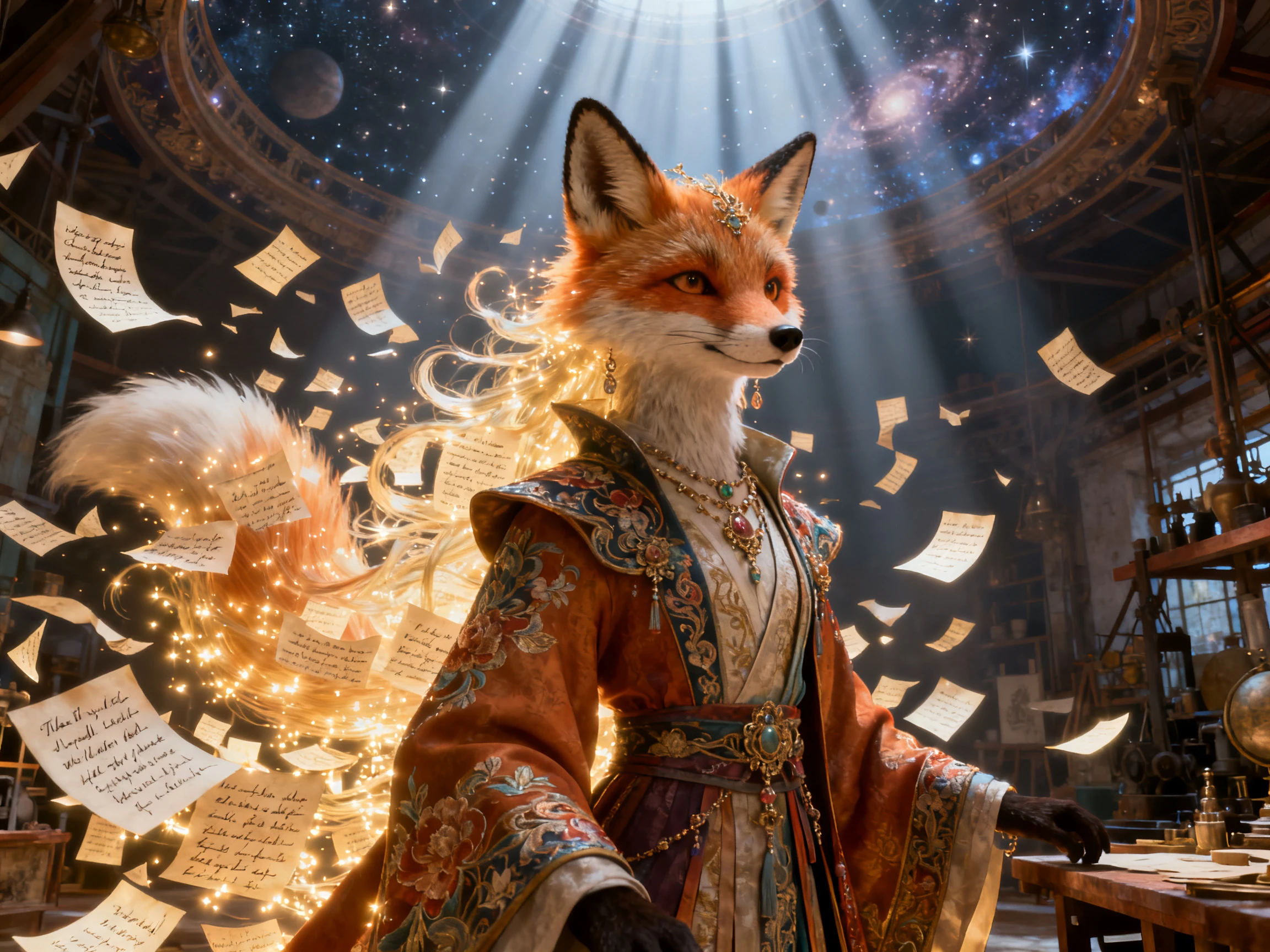

Skip puppet setup with character lip sync in Magiclight AI. Get your character speaking without preparing rigs or mouth sets, with no animation
Start Character Lip Sync For Free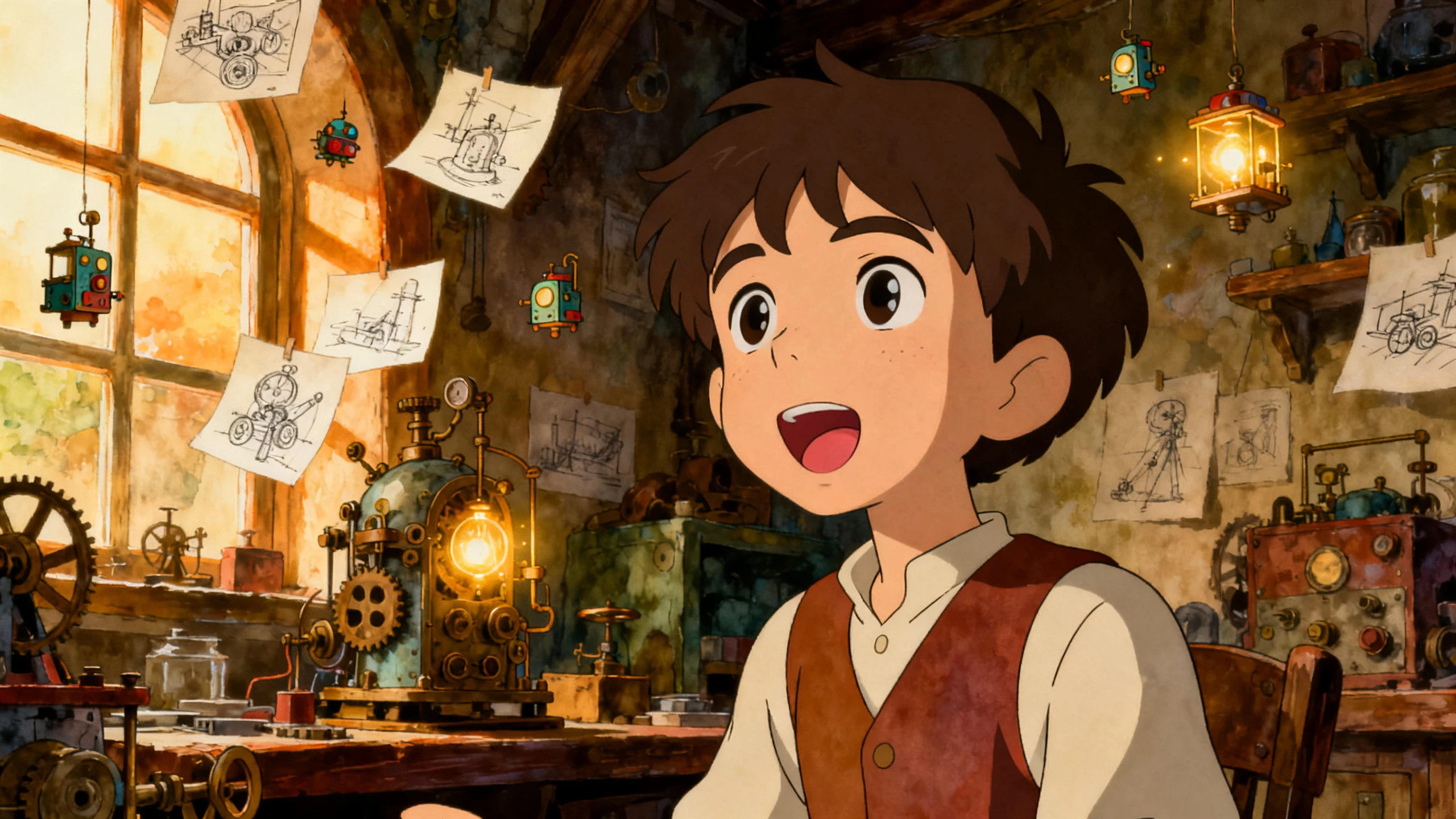










Set up character lip sync animation without the usual rigging work. Magiclight AI takes your character from its first description to natural-looking spoken scenes.
There is no artwork to layer and no mouth set to name. Give Magiclight AI a 1000-character brief, or an image you already have, and the character arrives able to speak its lines from the start.
Create NowRigged puppets need every reaction wired up in advance. Here the 50 pose presets are attached to the character from the start, so you pick a reaction per shot instead of building one.
Create Characters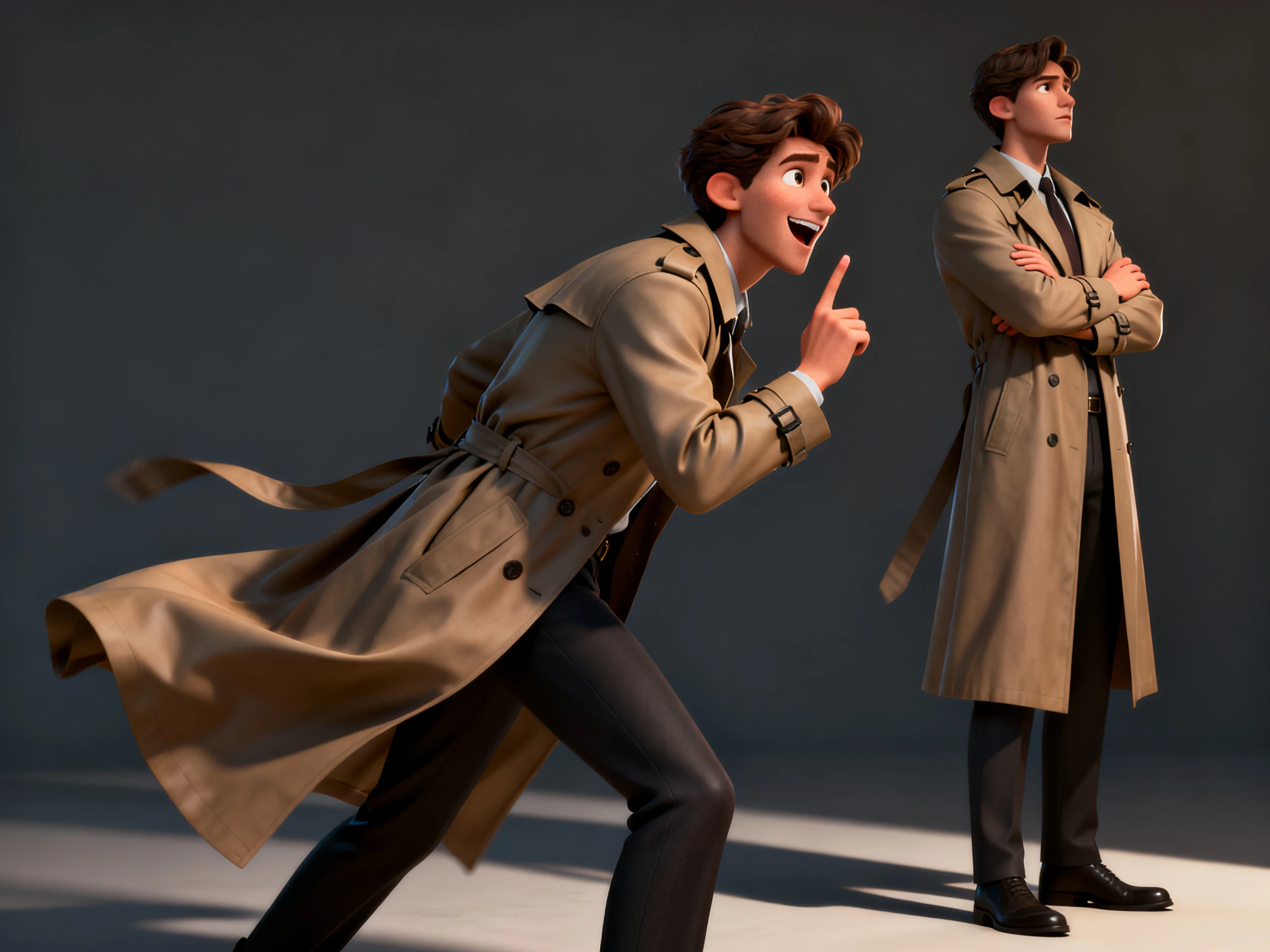
Some tools want you to perform the lines into a mic. Magiclight AI reads them instead, drawing on the 37-voice library or a voice you have cloned, and times the mouth to what it generates.
Generate a Video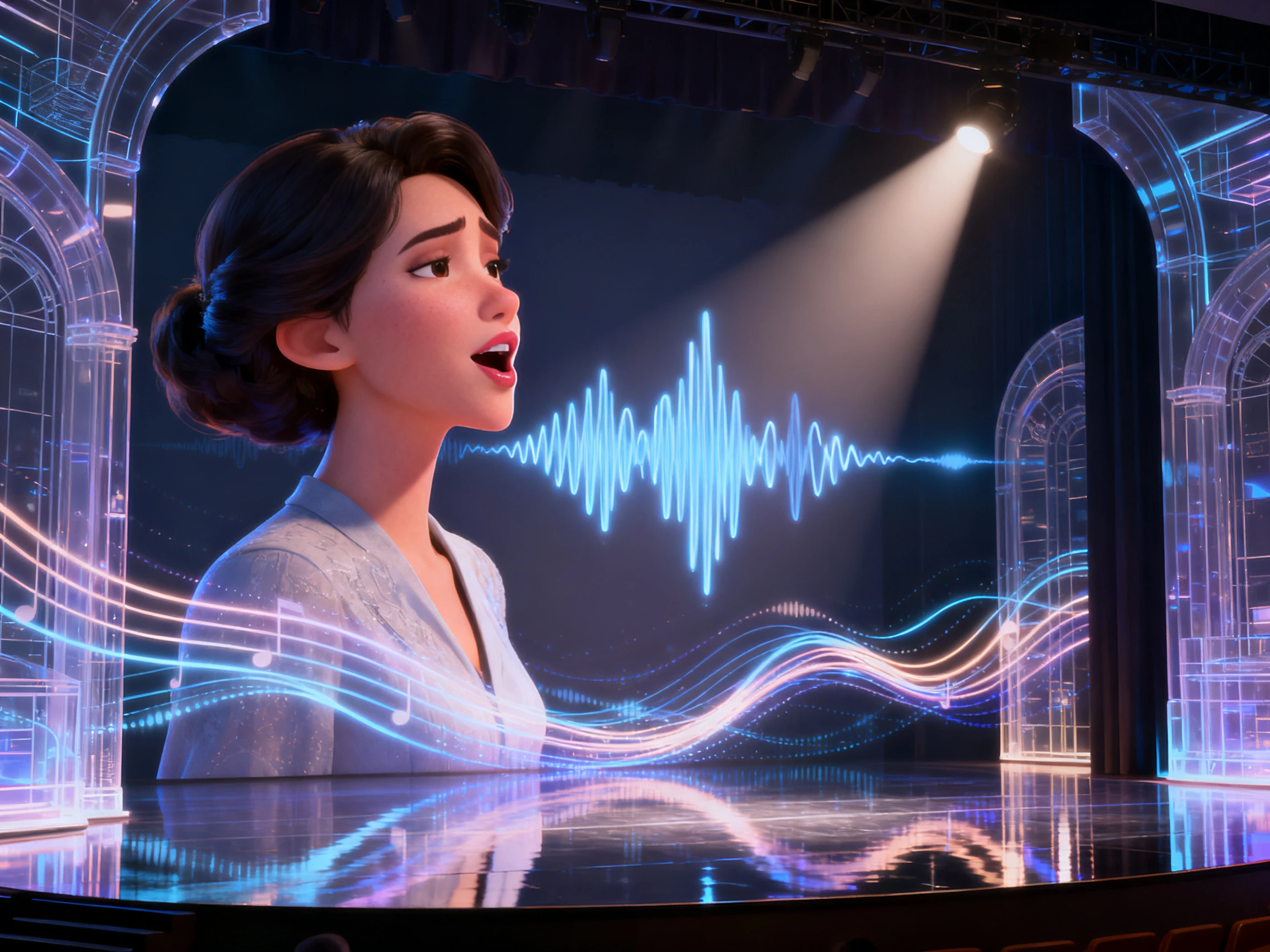
A rig usually belongs to one project and dies with it. Characters made in Magiclight AI stay in your library, so the second video starts with the cast already standing there.
Start Creating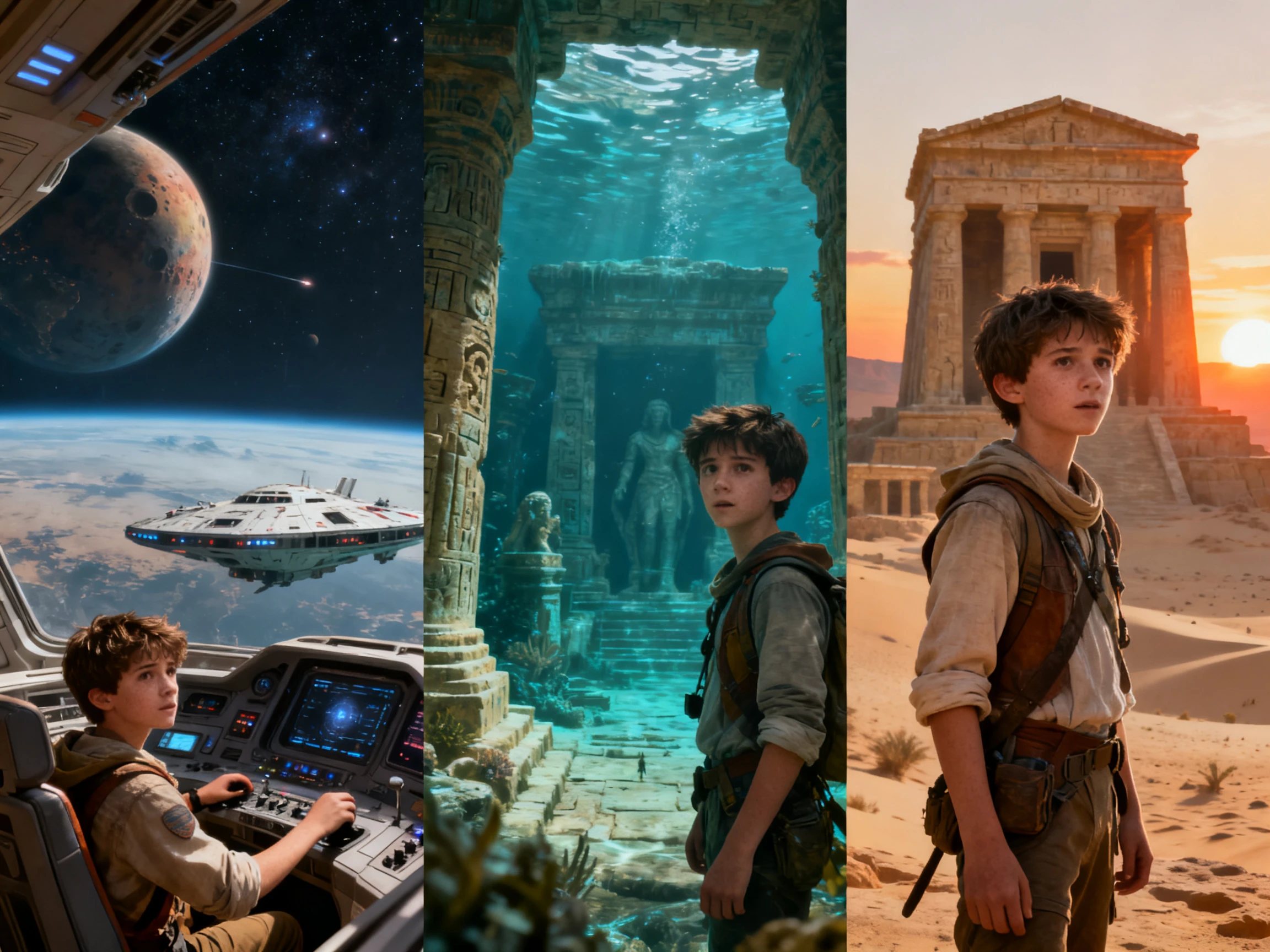


Take a character from setup to its first spoken scene in 4 steps. Magiclight AI 3D character lip sync handles the speech while you shape the character, dialogue, and reactions.
Describe the character in up to 1,000 characters or upload an existing image. Save the character so you can use the same look again in later scenes.
Enter the 12,000-character story script and define video settings including voiceover. Finalize the character by choosing your creation from the library.
Use Nano Storyboard controls to refine the character’s pose, expressions, and voiceover. Follow with animating the scenes to lip sync all dialogues.
Check the character lip sync and scene settings, then export the finished video in 720p or 1080p and select the aspect ratio that fits your platform.
3D Artist
Rigging faces used to take days before I could animate a word. With Magiclight AI, I can get a character speaking without building a traditional facial rig first.
Podcast Host
Magiclight AI lets me animate my podcast without hiring an animation team. I can give both hosts different voices and keep them consistent throughout each episode.
Producer
We are twelve episodes in and the cast has not needed rebuilding once. Everything just stays in the Magiclight AI library between one episode and the next.
Graphic Designer
I never wanted to record every line just to animate a mouth. I add my script, and Magiclight AI matches the character’s mouth movements to the generated voice.
No, and that is the first thing to check. Magiclight AI is a separate platform with its own character system, so you can't import and drive a puppet created elsewhere here.
The sync itself is comparable. The difference is everything before it, since Magiclight AI generates the character rather than asking you to build and rig one first.
Yes. 3D character lip sync uses the same workflow in Magiclight AI, but it produces an animated video rather than a rigged 3D model you can export.
The free tier costs nothing and asks for no card. It covers enough to make one character and hear a few lines inside Magiclight AI before committing to a paid tier.
You can supply an audio file rather than generating the voice. Magiclight AI will time the mouth to it, though generating the voice is what keeps a later script change cheap.
That is where the saved cast pays off. Each character keeps its look and its voice in Magiclight AI, so episode ten sounds and looks like episode one without any setup.



There is nothing to generate before the first line. Magiclight AI works as a mouth character animator that reads the script, casts the voice, and moves the face with it.