What Magiclight AI Car Video Generator Offers
With Magiclight AI, you can turn simple car thoughts into a stunning, AI-generated car show video. It keeps each edit smooth, simple, and ready to share across platforms.

Magiclight AI helps you turn simple car ideas cinematic. Type a text prompt or upload car visuals. Then, let this AI car video generator build smooth edits automatically.
Try AI Car Video Generator Free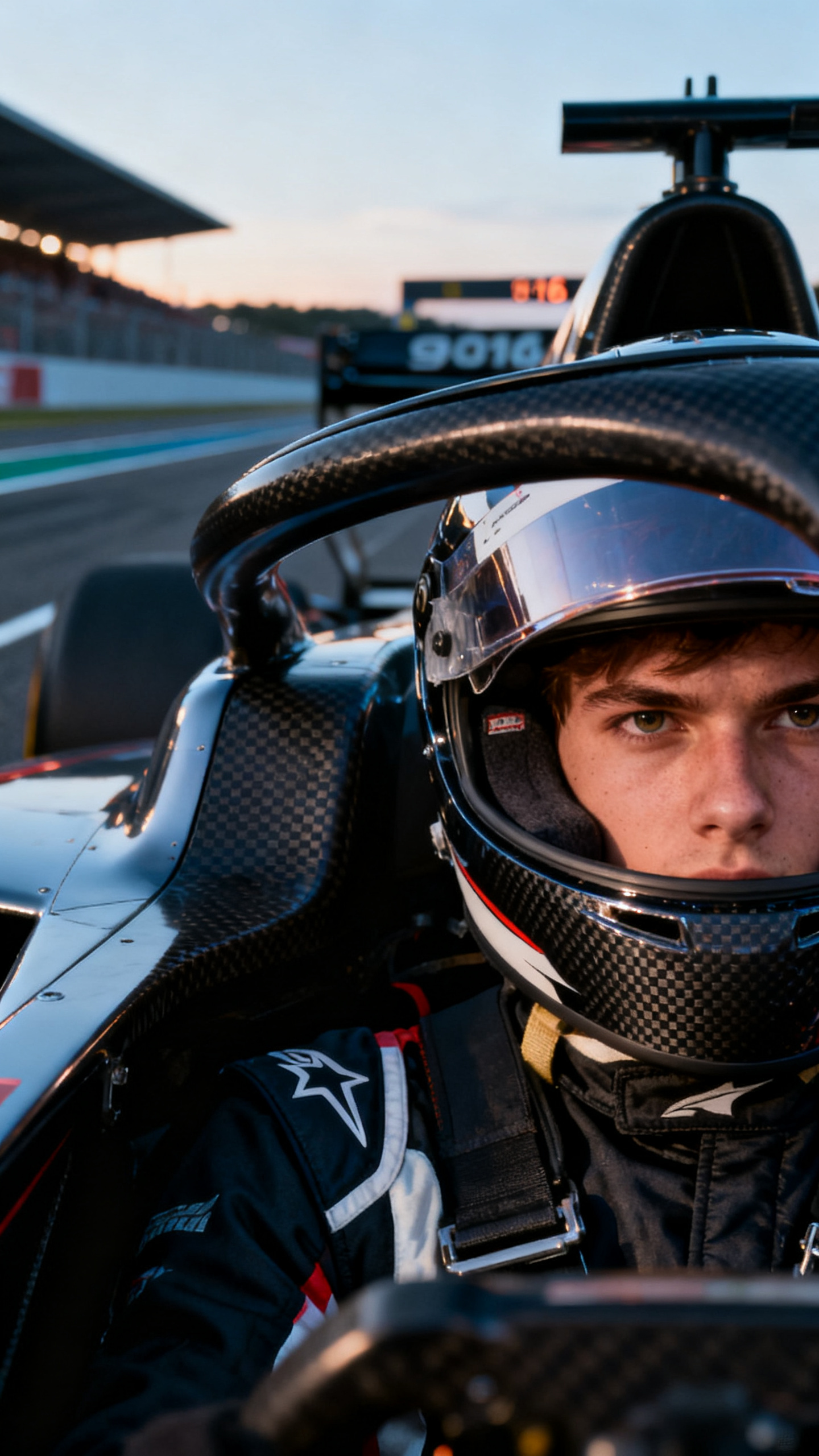
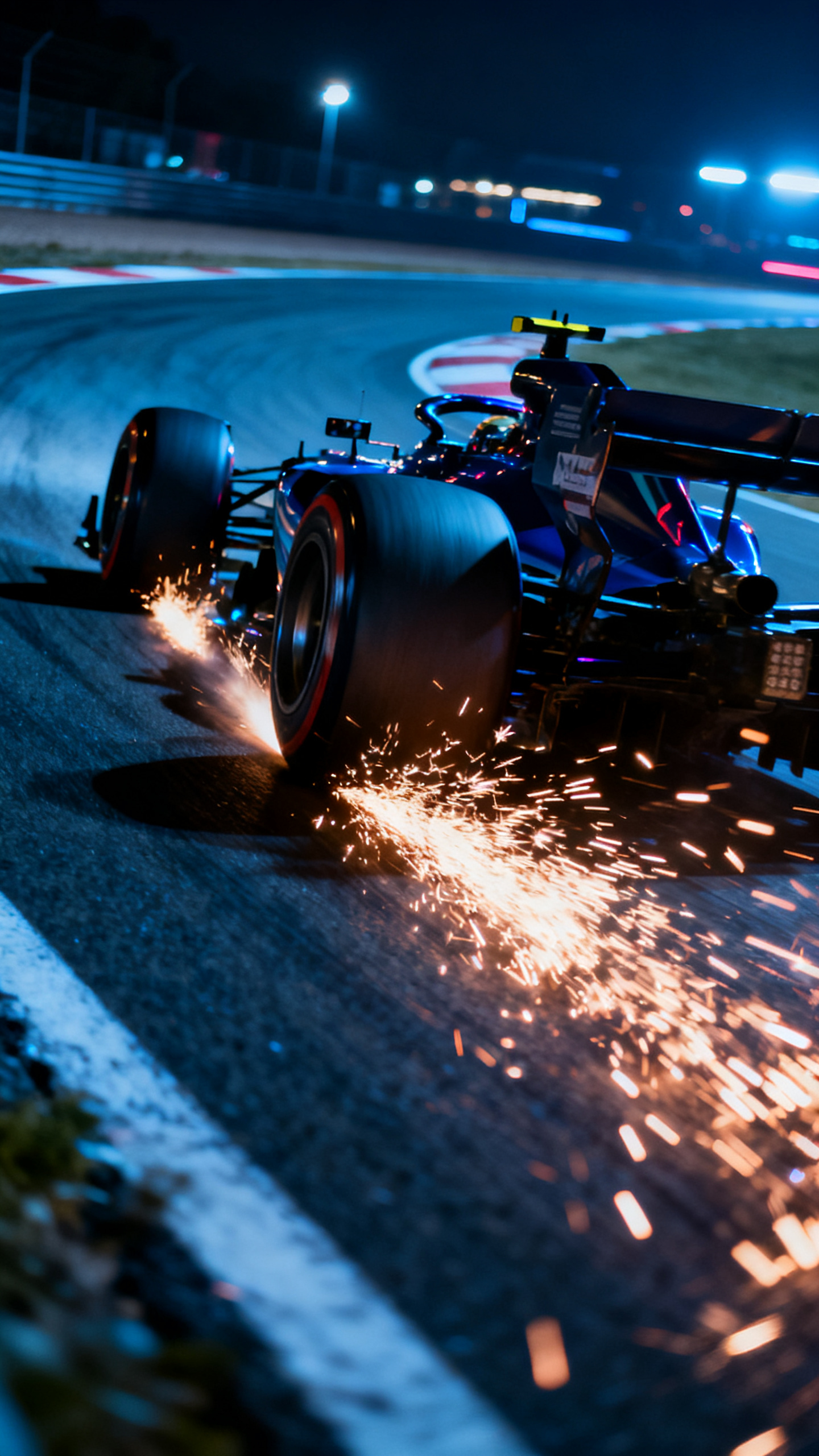
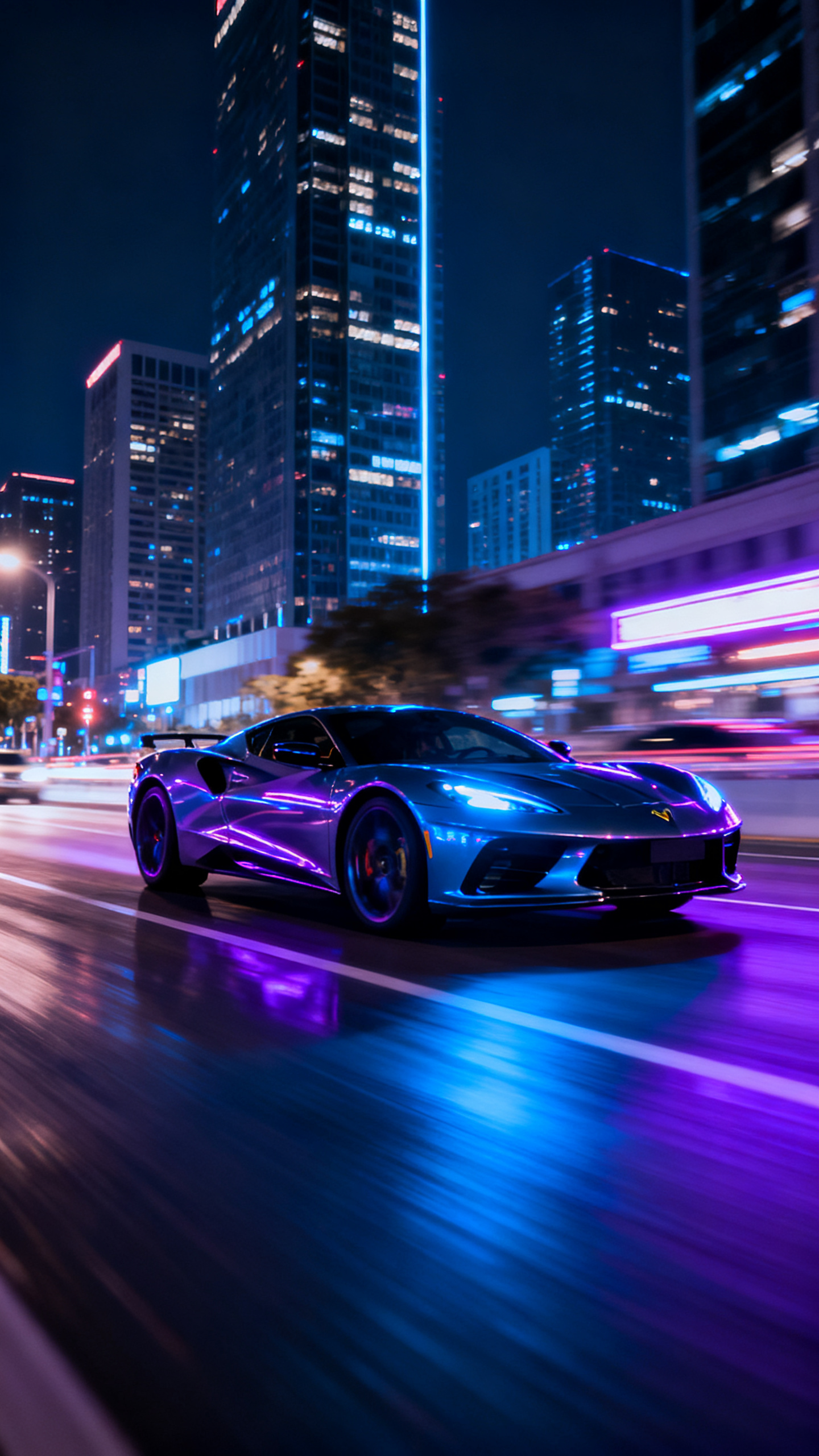
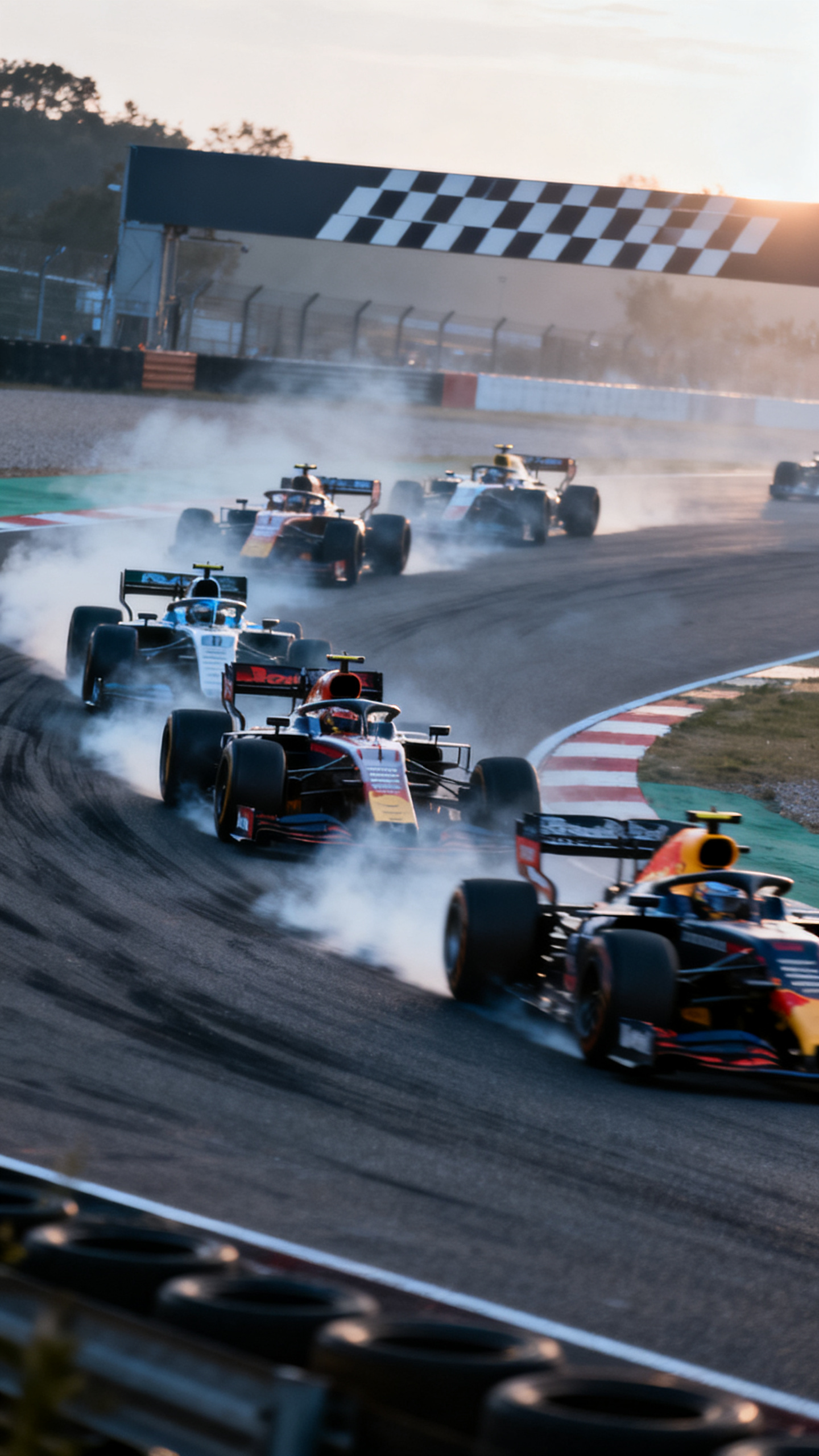
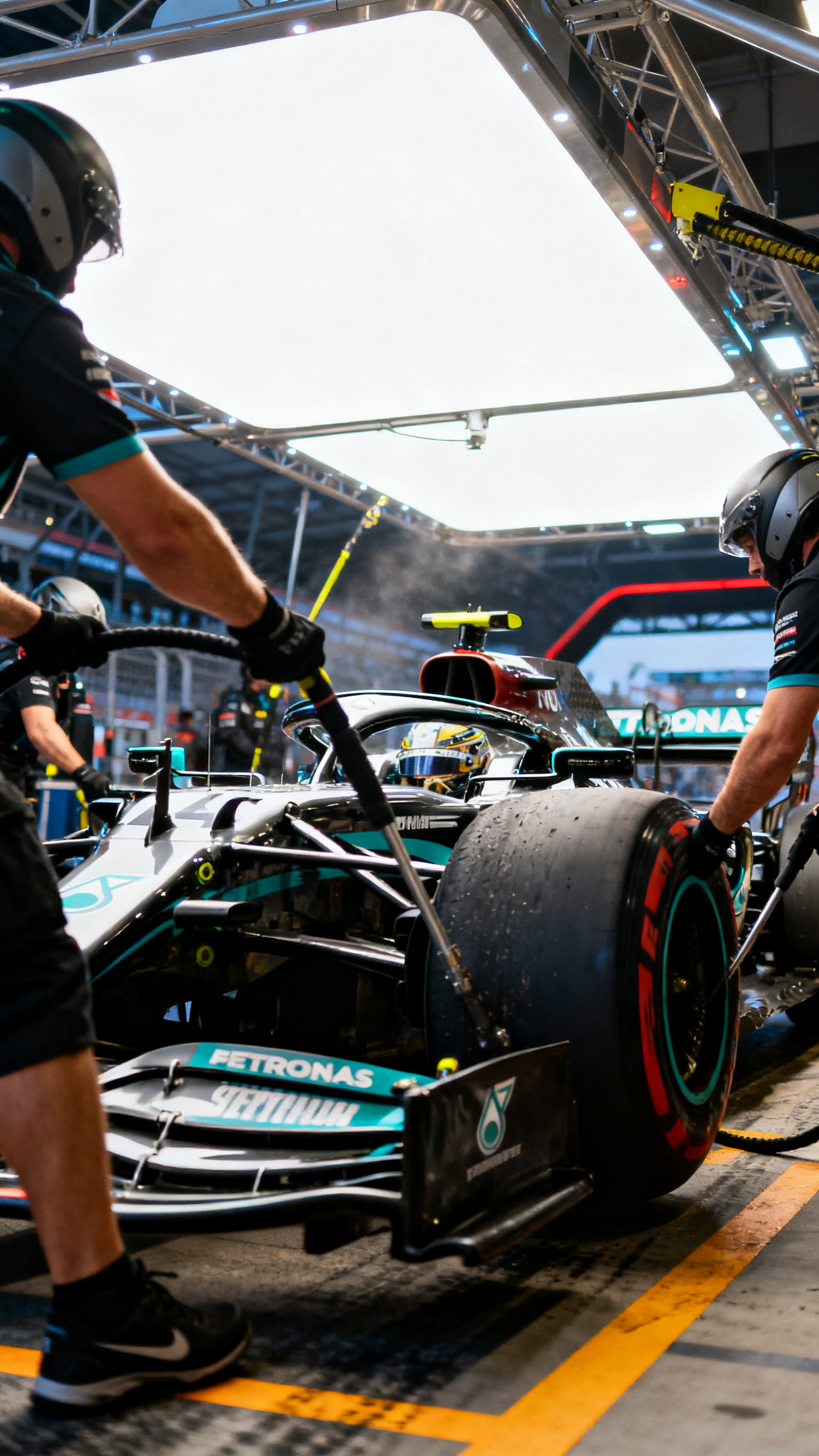
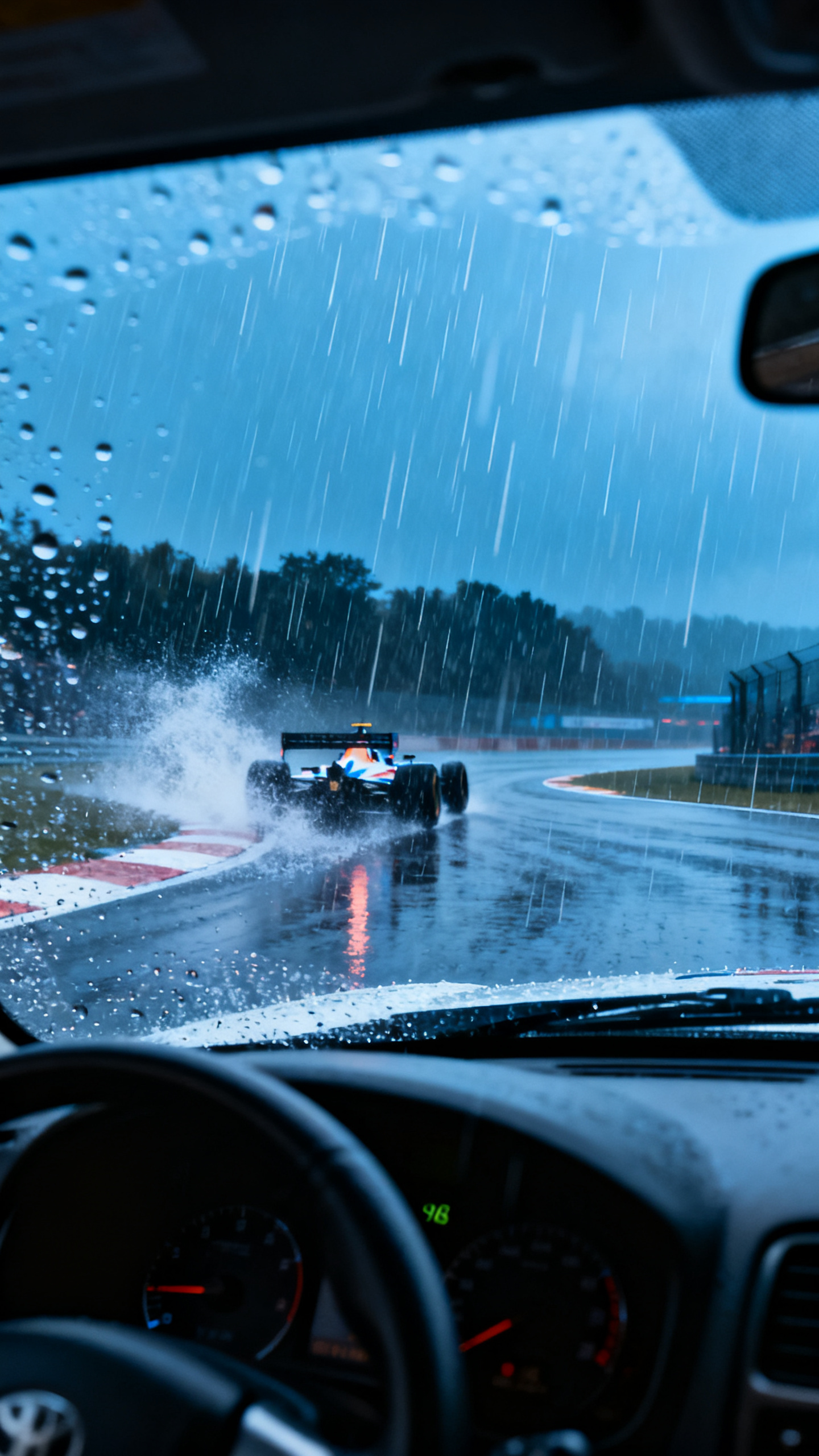
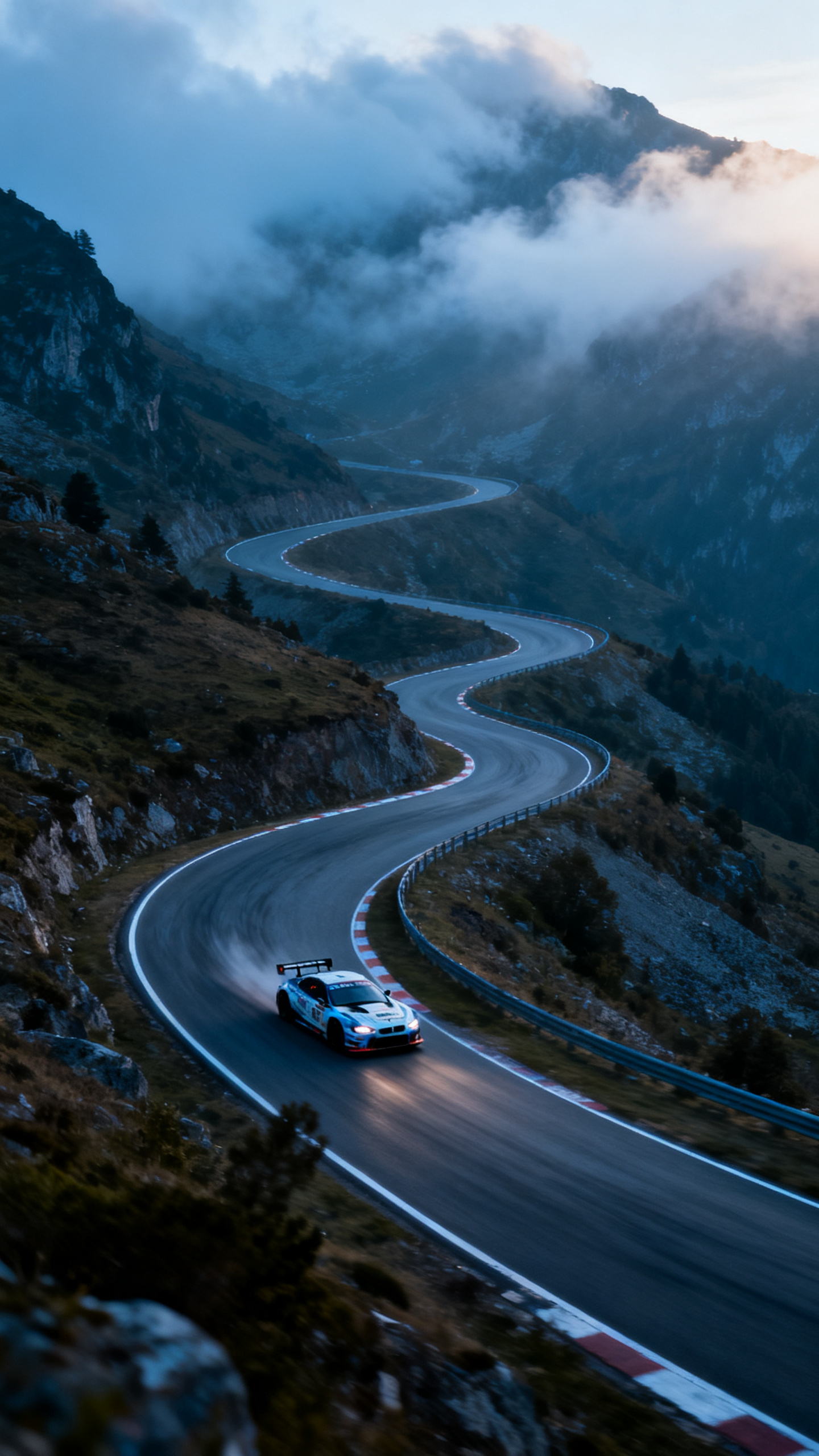
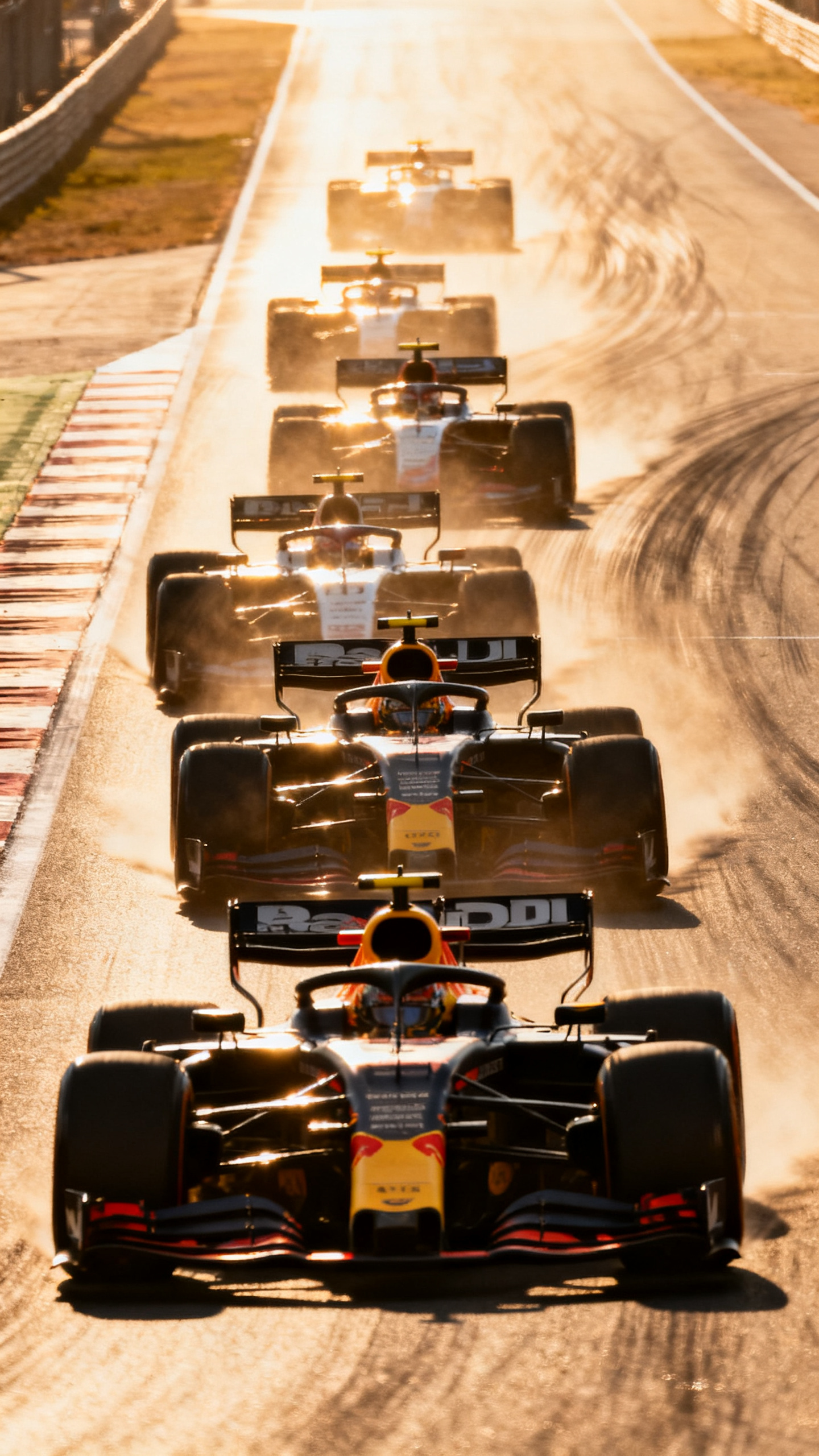
With Magiclight AI, you can turn simple car thoughts into a stunning, AI-generated car show video. It keeps each edit smooth, simple, and ready to share across platforms.

Type up to 12,000 characters describing how the car looks and moves. Magiclight AI turns your full script into precise cinematic motion.
Magiclight AI can generate car videos of up to 50 minutes for reviews or shows. It lets you plan full journeys instead of just quick highlights.
Choose from 14 AI video models, then generate with a single click. Magiclight AI handles pacing, looks, and mood for your car footage.
Tweak tempo and timing in real time while the video builds. Magiclight AI lets you refine moments without stopping your car video render.


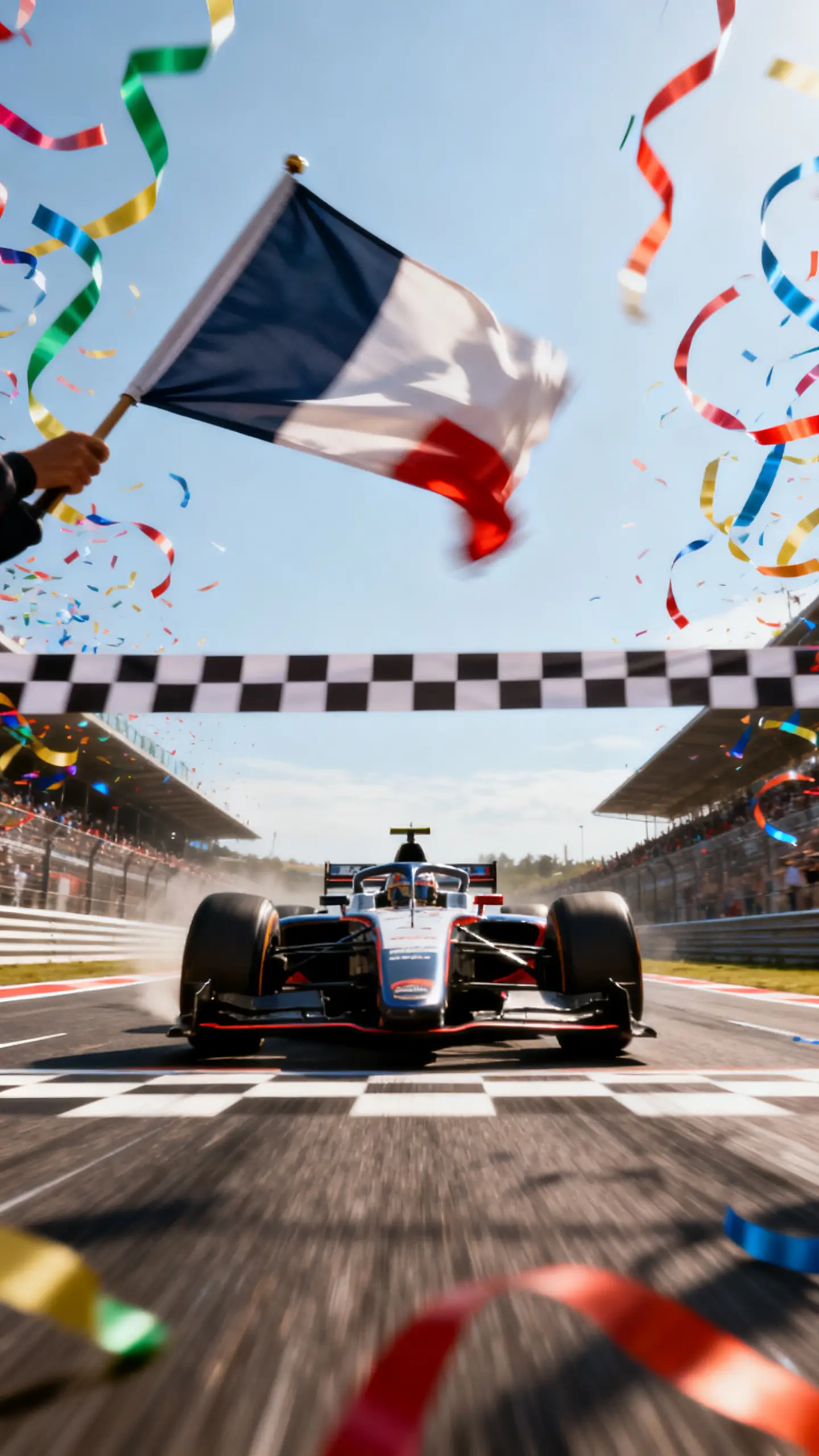
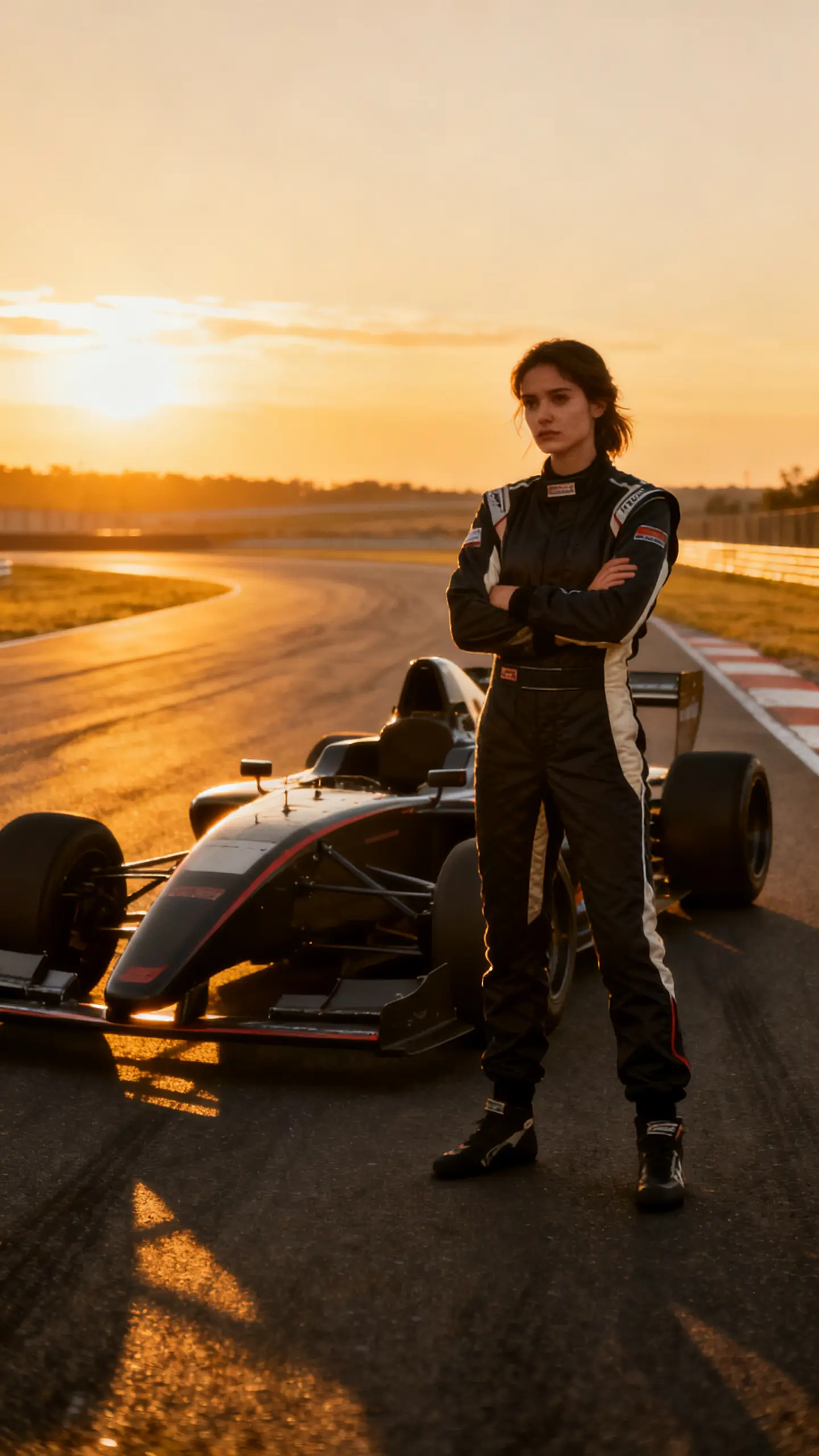
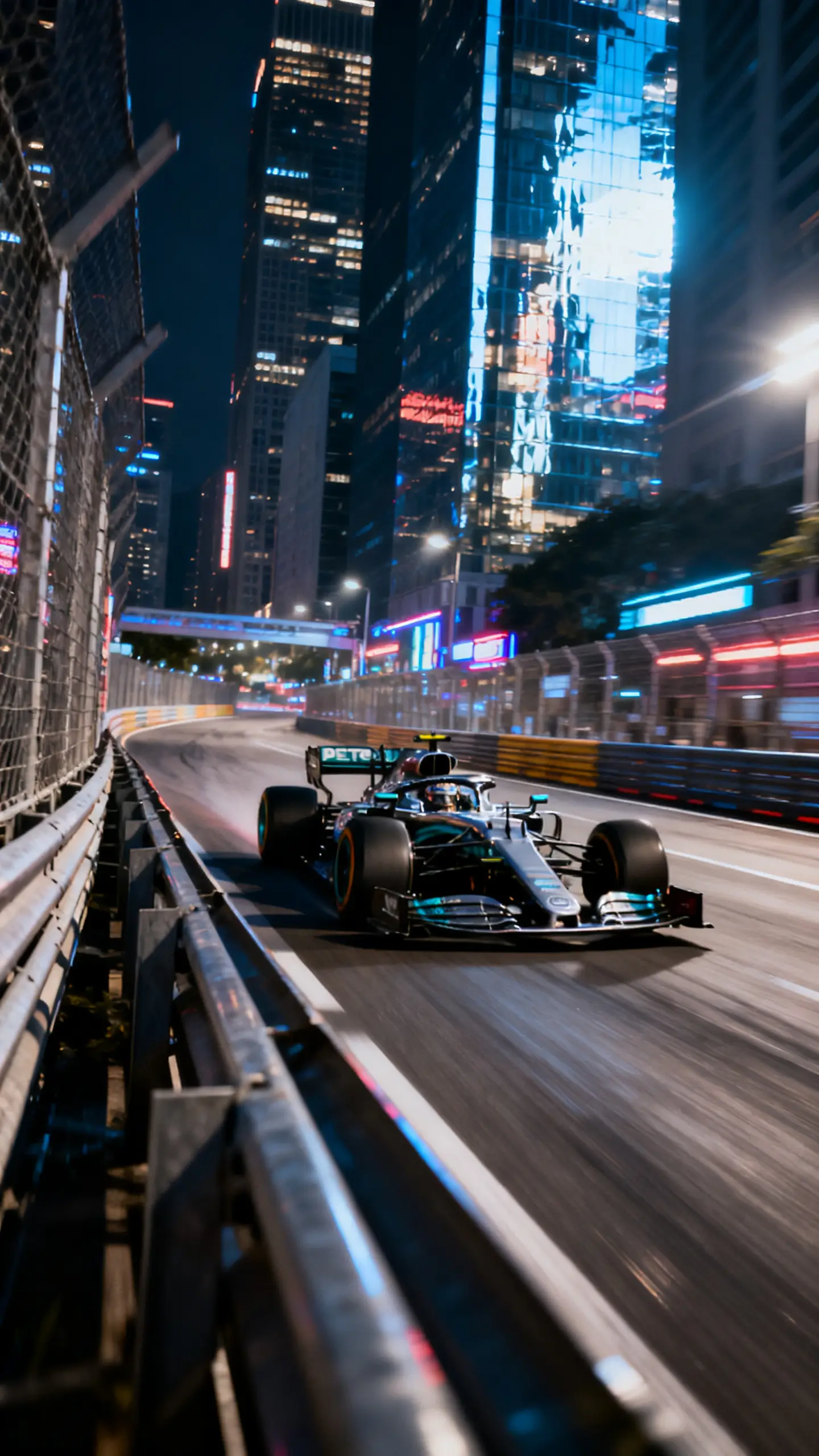
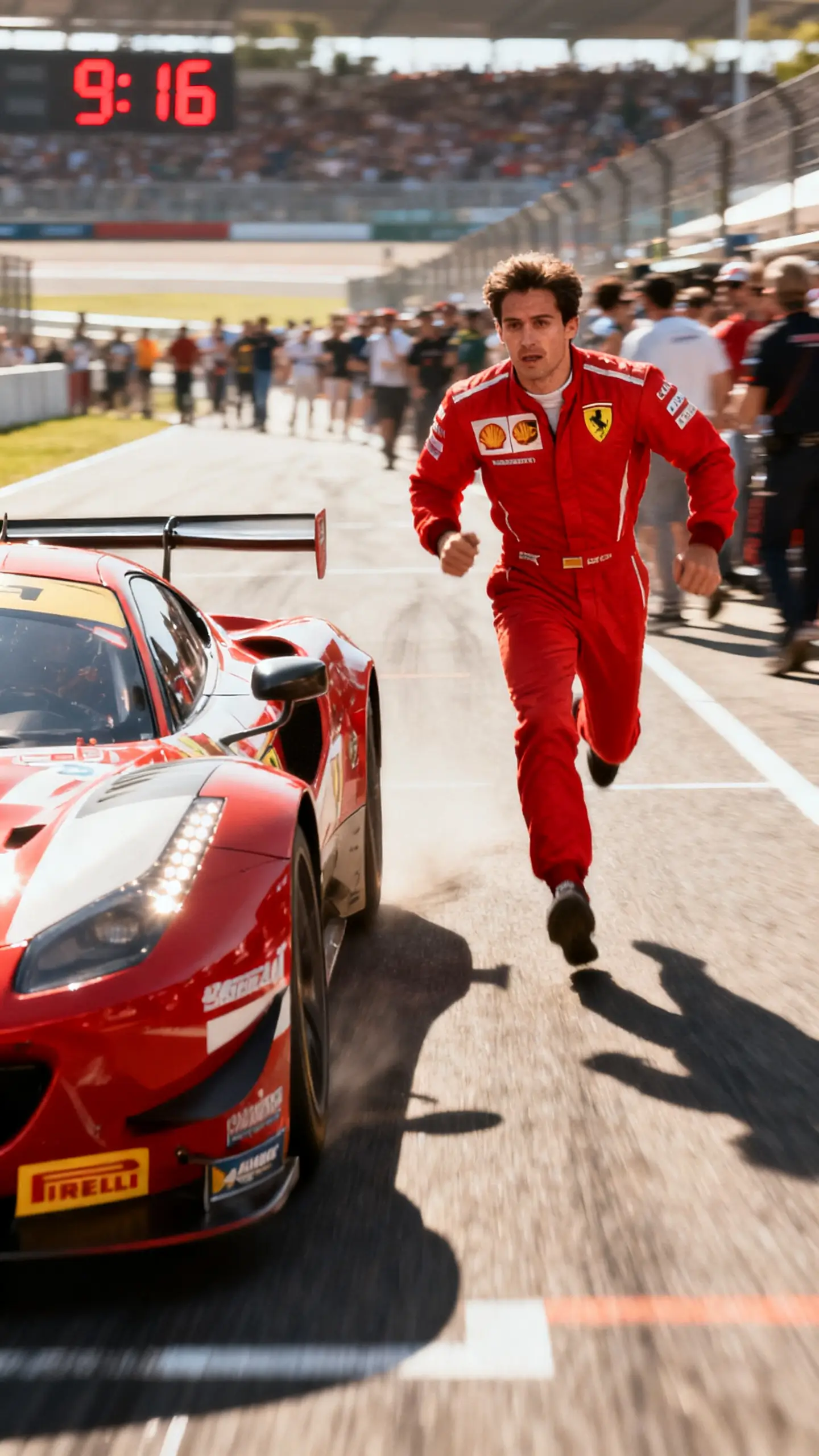
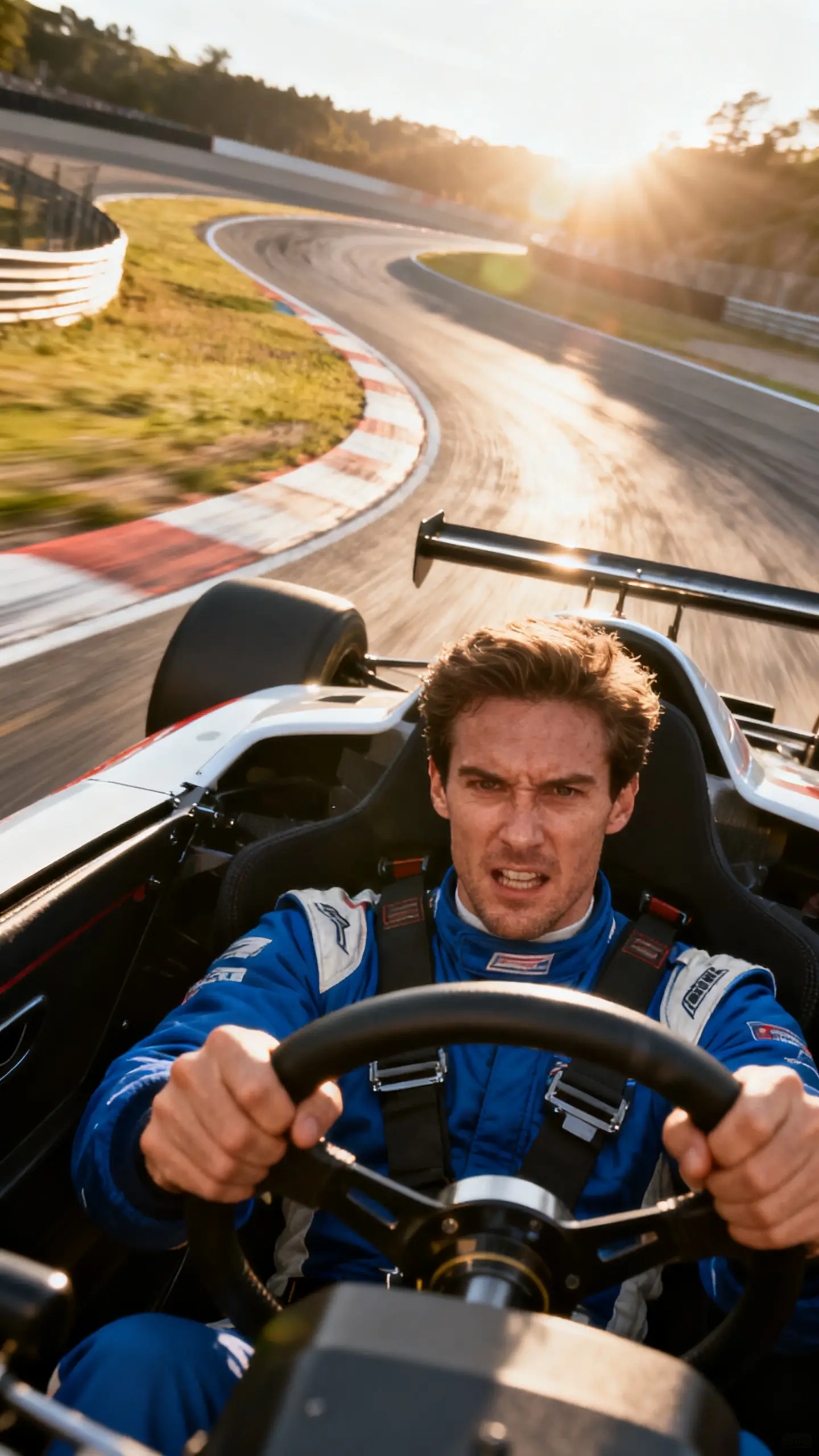
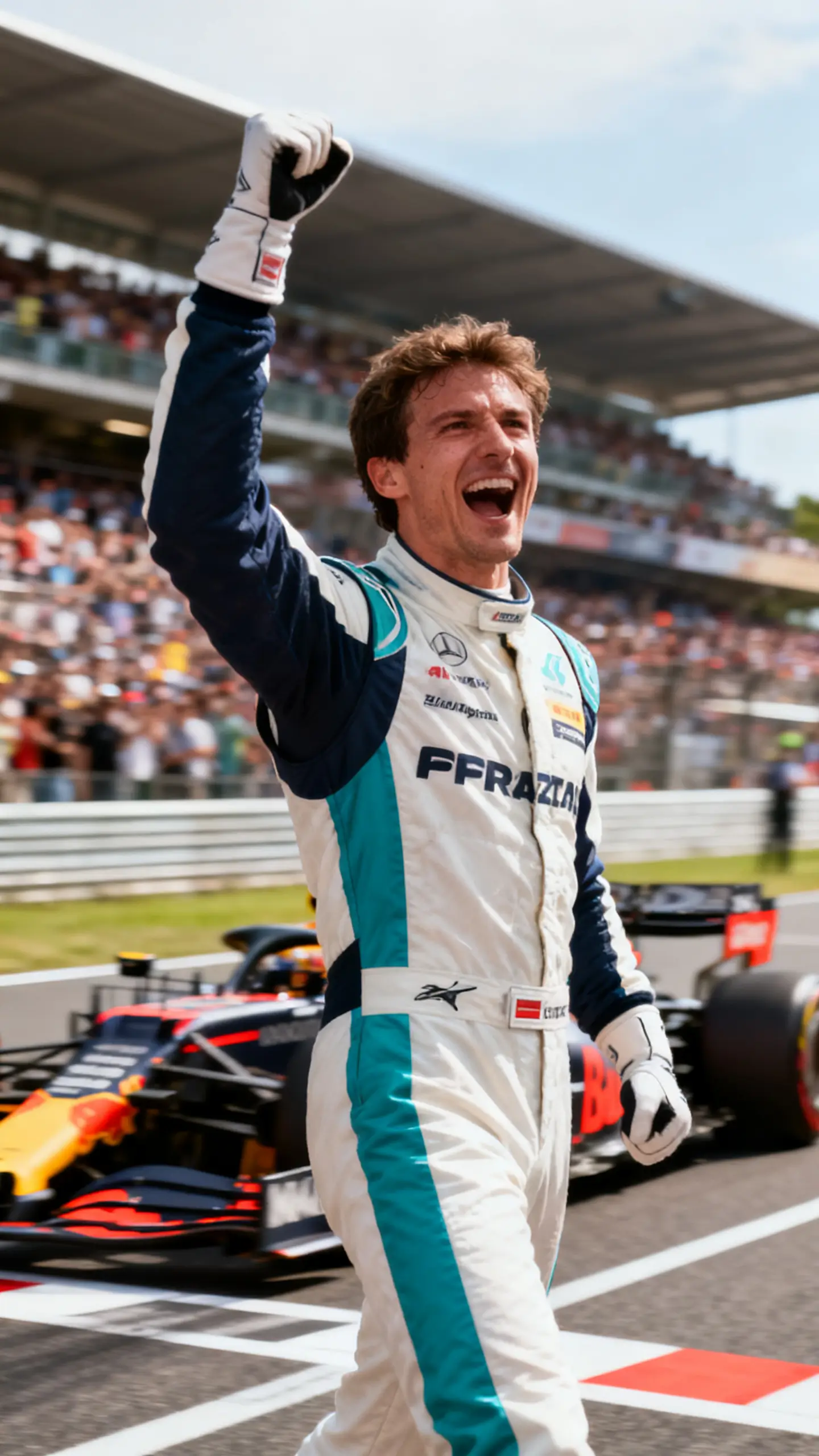
Magiclight AI keeps the whole workflow simple, so car clips feel easy to complete. With an AI car video generator, free flow like this, each step clearly guides you forward.
Describe the car, setting, and actions clearly in the prompt box. Be specific about colors, angles, and movement, so the AI understands your idea.
Adjust your prompt and choose the visual style that fits your car concept. Pick voiceovers that match the mood, then tweak lines until everything feels right.
Review each generated car scene inside the nano storyboard editor. Change camera moves, expressions, outfits, and poses until every moment looks correct.
Watch the full AI car video to check pacing, visuals, and audio together. Download the finished clip and share it wherever you post your car content.
An AI car video generator in Magiclight AI turns your written car ideas into full car video clips. It takes your prompts and turns them into car videos.
Yes, you can review each scene and adjust pacing, angles, or key details. The nano storyboard editor in Magiclight AI lets you refine shots before final export.
Magiclight AI supports adding 37 voices, subtitles, and 40 background music options. It lets you match voiceovers and subtitles to every generated car scene in one place.
Yes. Magiclight AI lets you upload your own car photos as a starting point. Then, it animates those images into short driving video segments.
In Magiclight AI, you can create short teaser clips or up to 50-minute clips. You can go all the way to a full AI-generated car video that feels like a complete journey.



Build short car scenes from simple prompts, without complex editing steps in Magiclight AI.