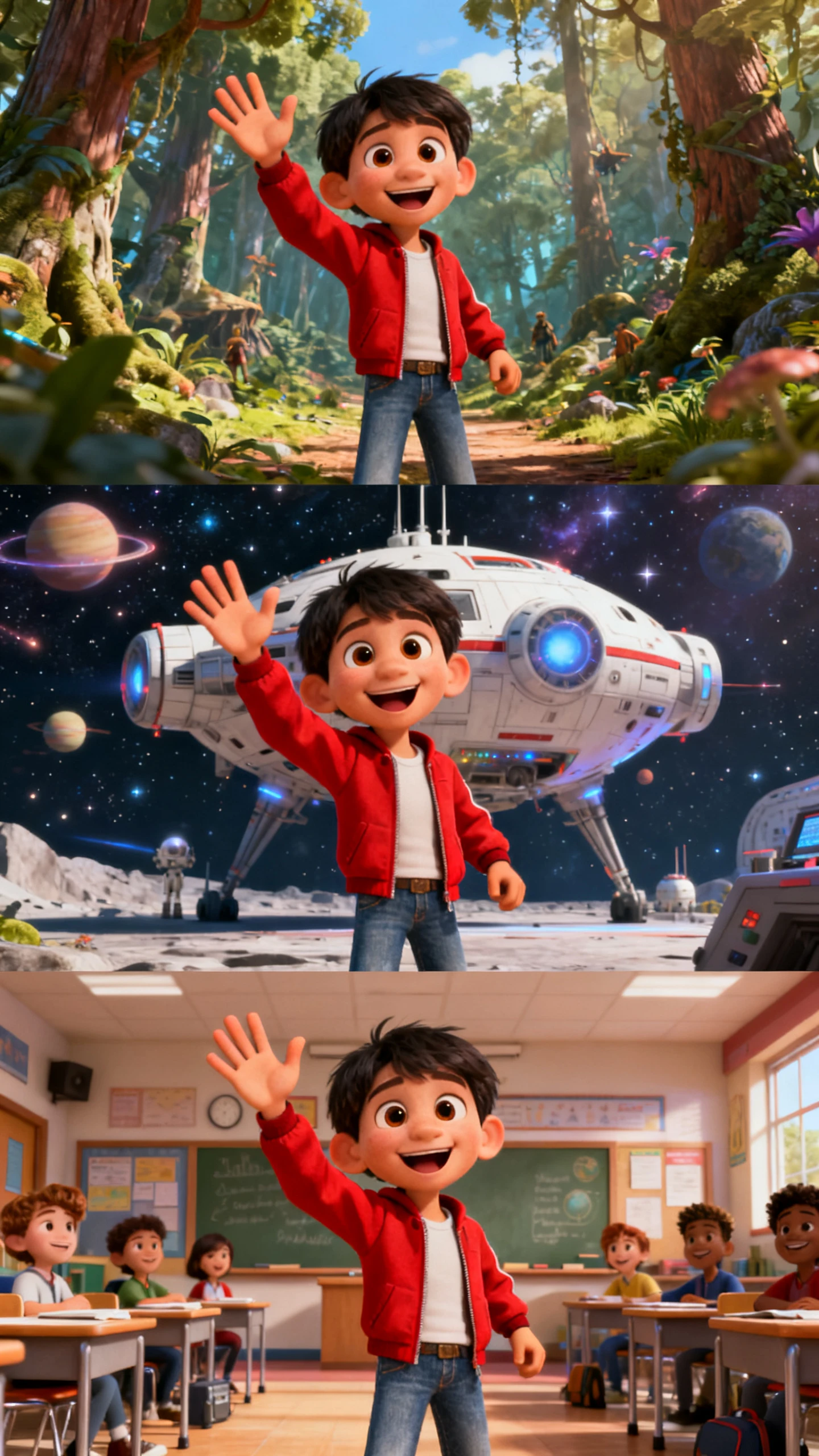
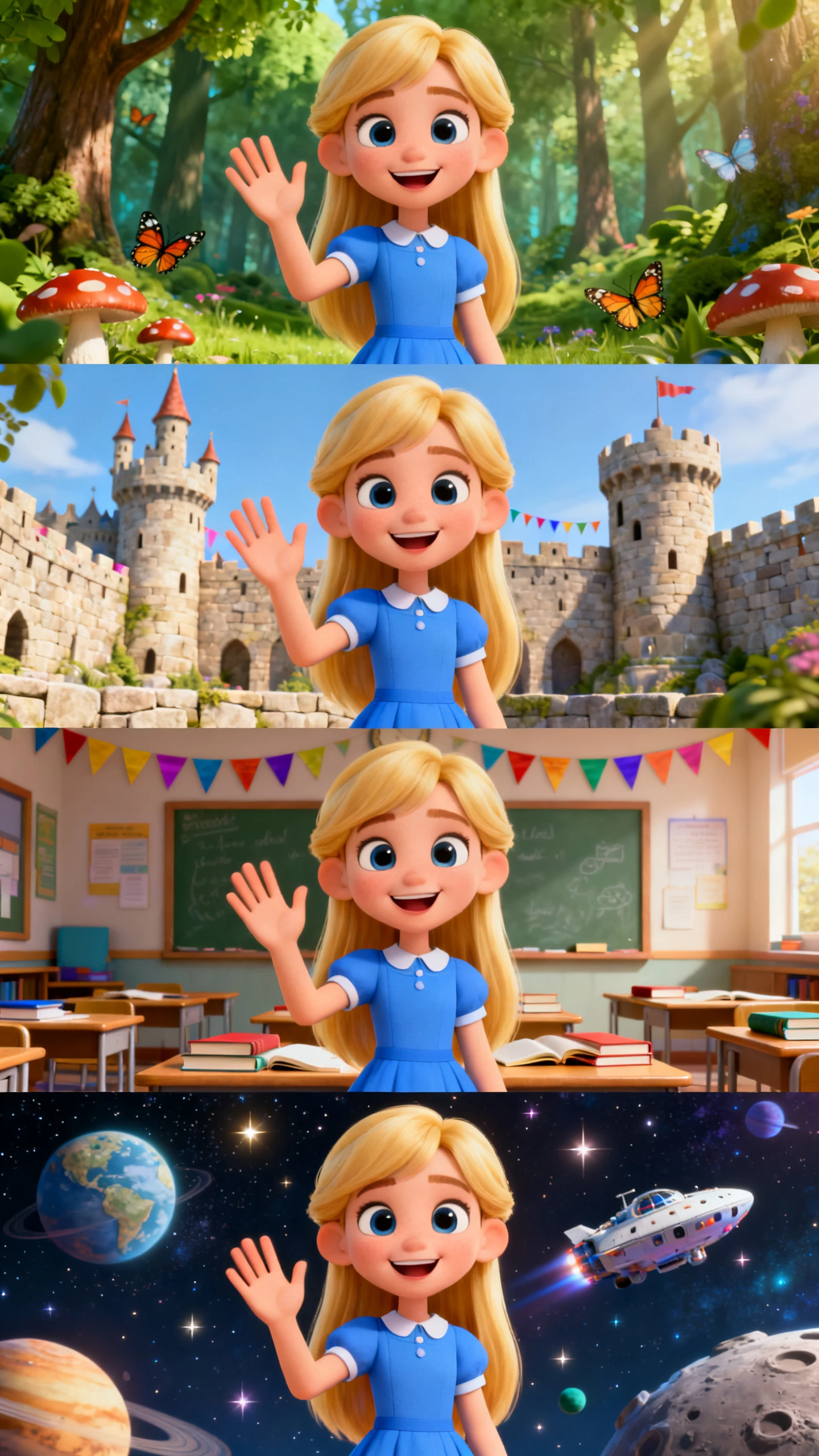
Hero background

AI Character Video Generator for Consistent Character Videos

Magiclight AI gives creators, educators, and brands an AI character video generator with reusable characters, unique voices and modern styles. Build one cast for every video.

Create Character Video For Free
AI character video generator
free AI character video generator
AI character video generator
free AI character video generator
AI character video generator
free AI character video generator

Explore Features of Magiclight AI’s Consistent Character Video Generator

A consistent character AI video generator must preserve one face, voice, and style across scenes. Magiclight AI turns saved characters into videos without manual rebuilding.

Explore the video generator
3D decoration

Build Reusable Character Library

Create a character from a name, role, or personality prompt. Magiclight AI saves the face so future videos can reuse the same visual identity.

Add Speaking Character Voices

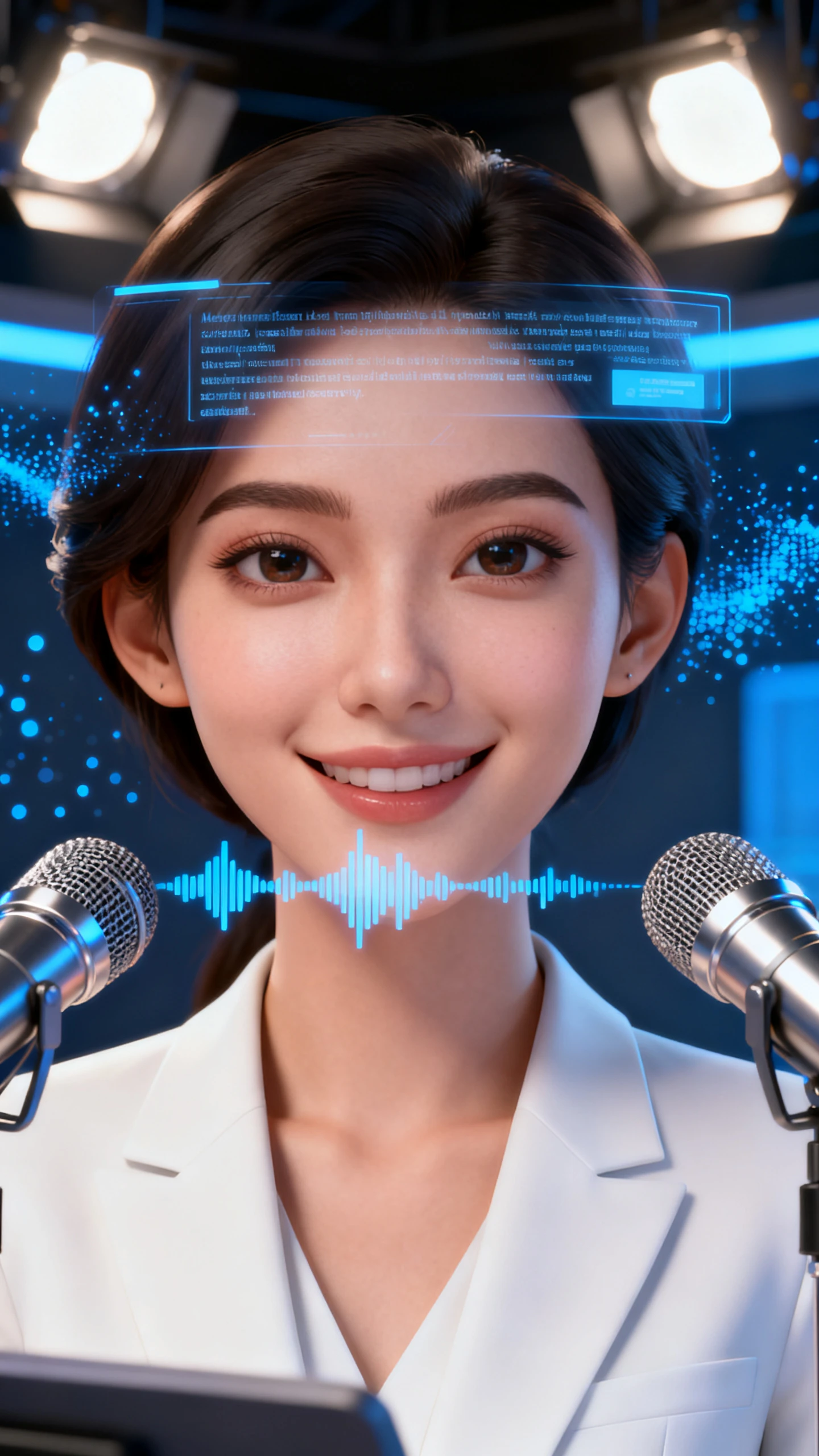
Choose from 37 voices or clone your own voice. The AI character speaking video generator keeps delivery steady across lessons, promos, and channel clips.

Animate With Motion Models

Pick from 19 video models, including Seedance 2.0, Kling 3.0, and Veo 4. Each model gives the character a different motion feel.

Match Character Visual Worlds

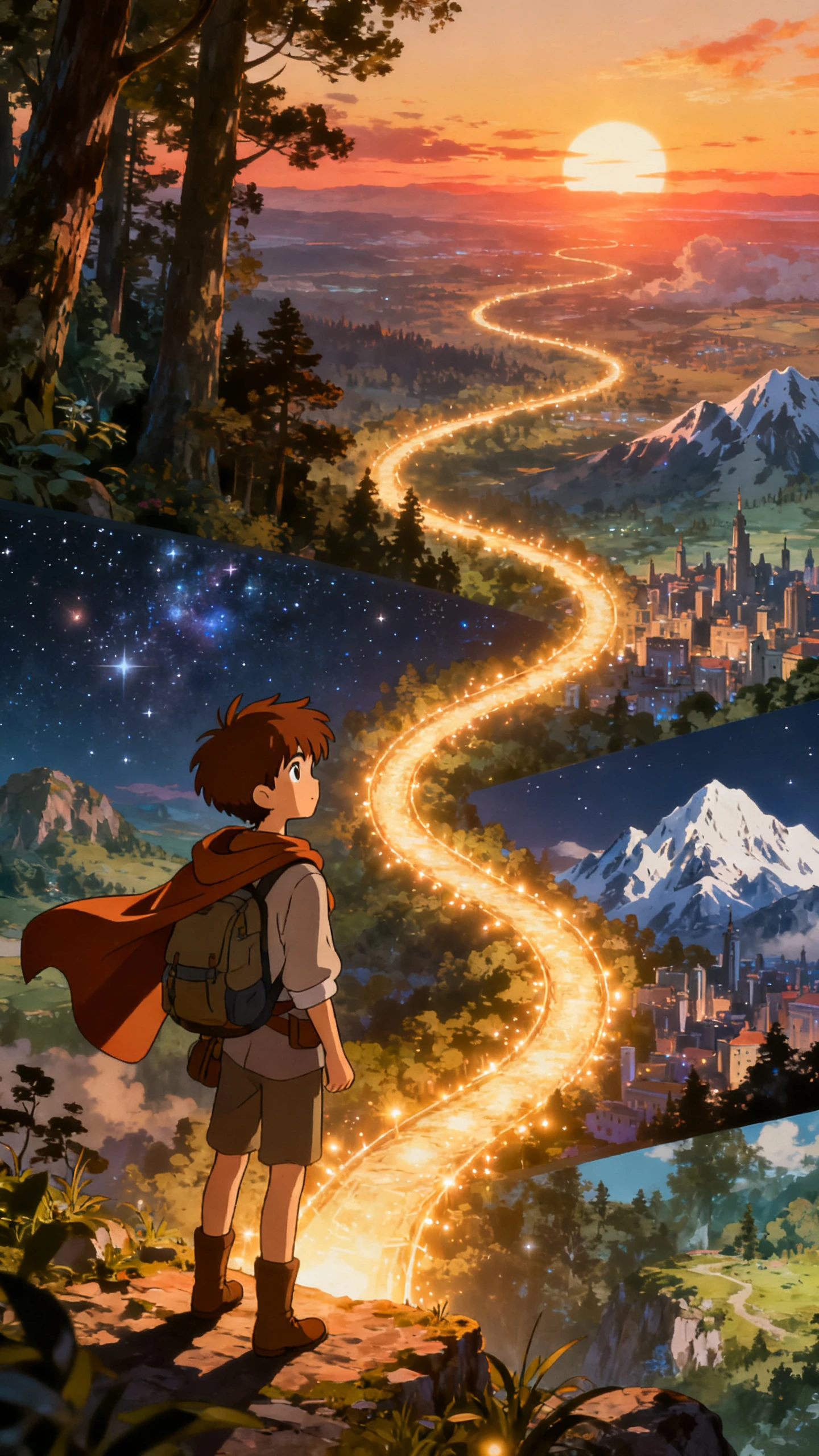
Apply cinematic, anime, illustration, Ghibli, or flat art styles. The chosen look stays connected from the opening scene to the final shot.

Who Gets the Most Out of an AI Character Video Generator
One cast, endless stories. Magiclight AI helps creators, educators, and brands build reusable characters with vivid voices, stylish looks, and easy export.
Faceless Channel Creators
For Faceless Channel Creators
Build a recurring AI host for YouTube, TikTok, or Shorts.
Post character-led content without appearing on camera yourself.
Keep the same face and voice across every upload.
Educators and Online Coaches
For Educators and Online Coaches
Use one character presenter for course lessons and quick explainers.
Clone your voice so the character sounds familiar to learners.
Export polished lesson videos for LMS pages or social learning clips.
Brands and Marketing Teams
For Brands and Marketing Teams
Create a spokesperson character for product explainers and campaigns.
Carry one brand personality across ads, updates, and launch videos.
Produce character videos without a camera crew or studio setup.
For Game Developers and Creative Writers
Build character story videos, pitch scenes, or short cut scenes.
Create a full cast with different voices and visual styles.
Match each character to the world, genre, and story tone.
Why Magiclight AI
Keeps Characters Consistent
The best AI video generator for consistent characters should not invent a new face each time. Magiclight AI keeps identity, voice, style, and scenes aligned across a full series.
 One Recognizable Face
Keep One Recognizable Face
Saved characters keep the same face, outfit, and expression across scenes. This protects series continuity without manual matching between clips.
Speaking Video Workflows
Support Speaking Video Workflows
For voice-led content, the AI character speaking video generator free workflow supports voice choices, cloning, subtitles, and a consistent visual host.
Direct Every Character Shot
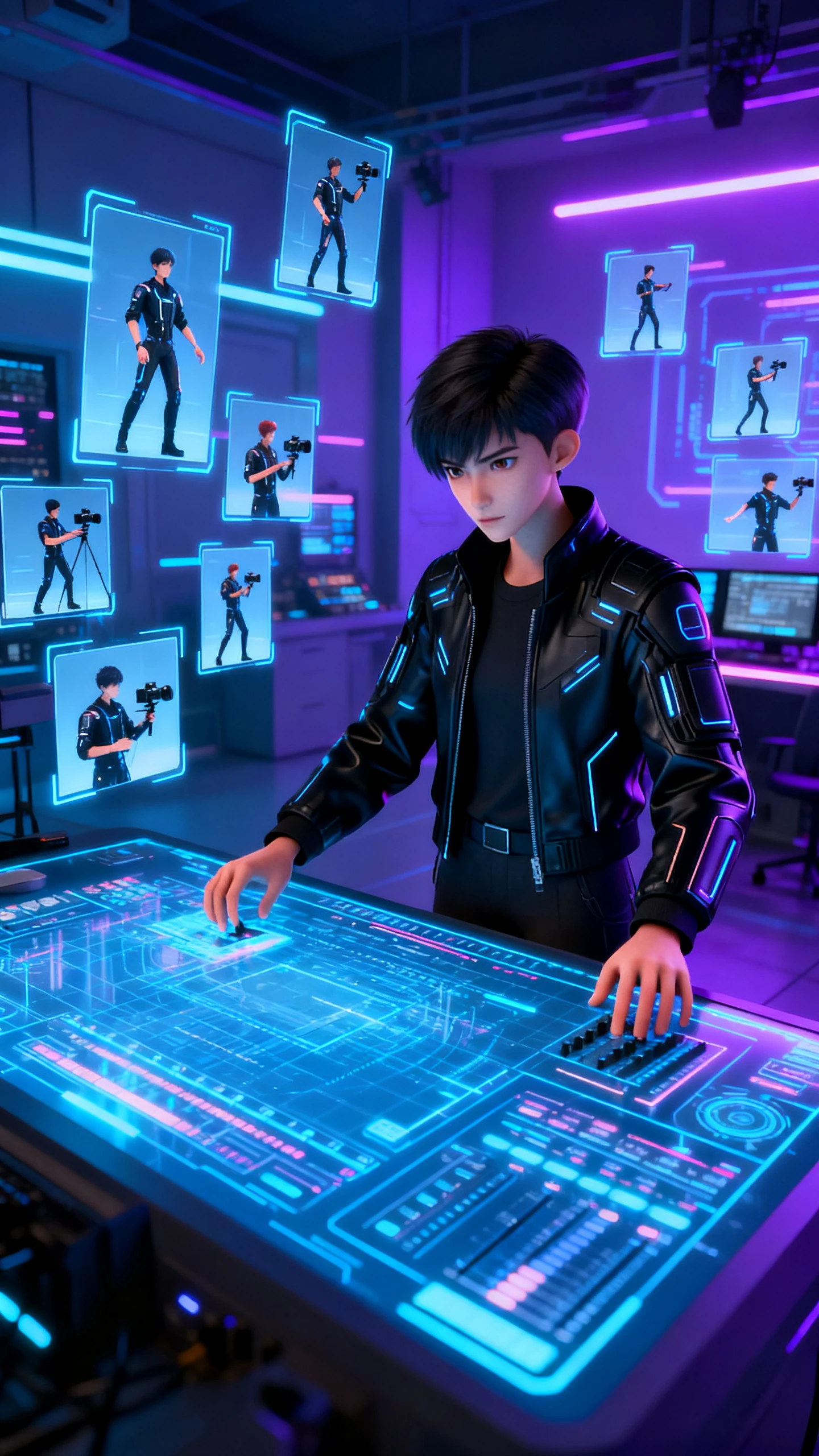
Nano Storyboard lets you set poses from 50 options, camera angle, and expression per scene. Important moments can be shaped before rendering.
Longer Character Stories
Build Longer Character Stories
Short clips and longer videos can stay inside one workflow. Story video projects can reach up to 50 minutes when the format needs room.
Reuse Characters
Reuse Characters Across Sessions
A saved character remains available for later projects. Long-running channels can keep one stable host months after the first build.
Localize Character Videos
Localize Character Videos Easily
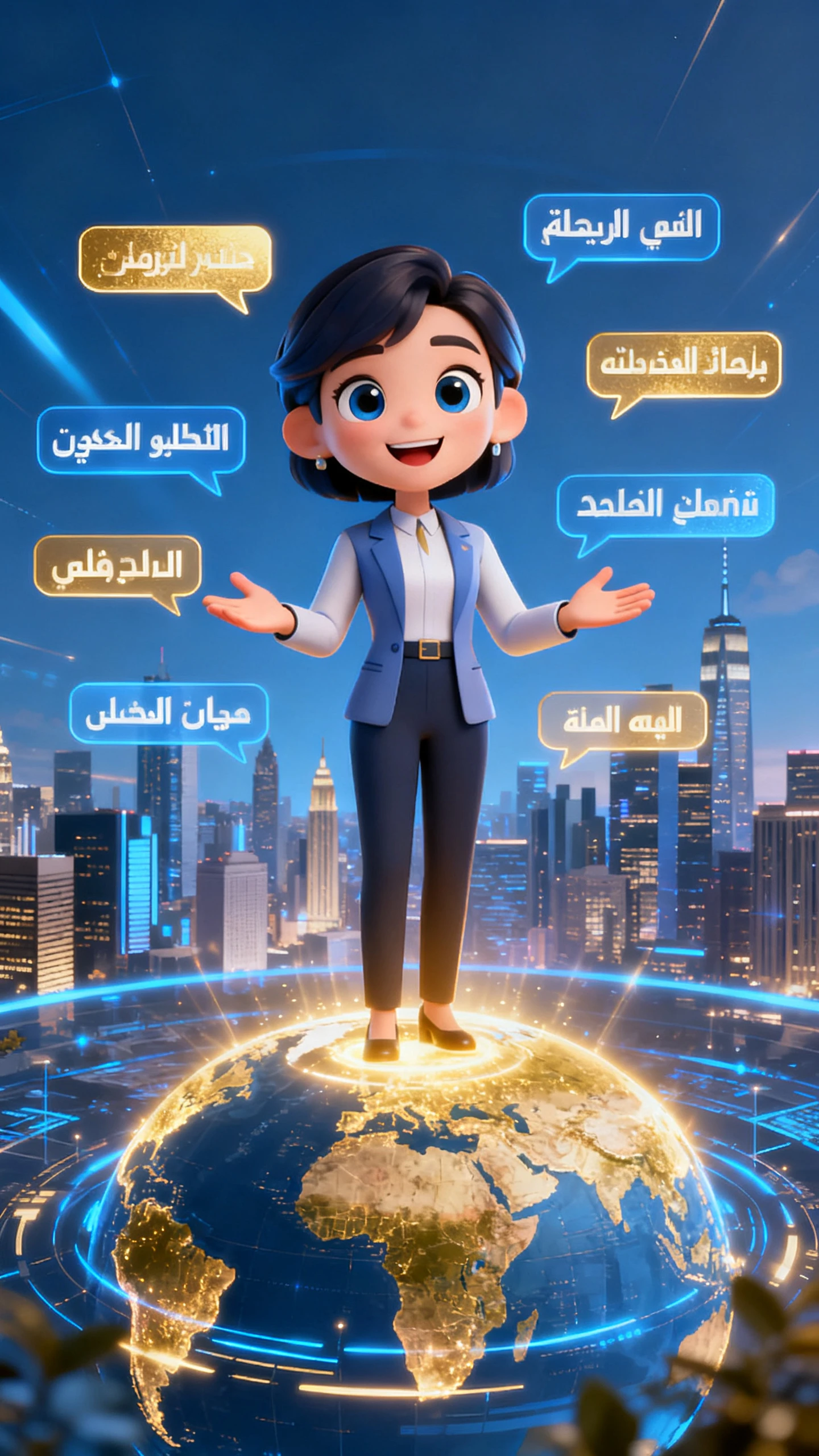
With 11 languages, one character can speak to several audiences. Voiceovers and subtitles change while the character identity stays intact.

How to Make an AI Character Video  With Magiclight AI

This free AI character video generator moves your character from setup to export in 4 guided steps. No camera, acting, or editing timeline is needed to finish a polished video.

1.

Build Your Character

Name the character and write a short personality prompt. Magiclight AI creates the visual identity and saves it for future videos.

2.

Assign Voice and Style

Select from 37 voices or clone your own. Then choose a visual style that fits the character, topic, and platform.

3.

Enter Topic and Adjust Scenes

Type the topic or script, then open Nano Storyboard. Set pose, camera angle, and expression before the video renders.

4.

Add Music and Export

Pick background music, add subtitles, and choose export quality. Download the finished video in 720p or 1080p for publishing.

FAQ on AI Character Video Generator

What is an AI character video generator?

An AI character video generator creates videos where one character speaks across scenes. Magiclight AI combines saved characters, voices, styles, and export in one online workflow.

Is Magiclight AI’s character video generator free to try online?

You can explore the AI character video generator free workflow before choosing a plan online. Check Magiclight AI plans for current limits, exports, and available character tools online.

Can I make a speaking character video with my own voice?

Yes, the AI character speaking video generator lets your character deliver narration clearly. With Magiclight AI, voices and cloned audio stay connected to each scene smoothly.

Can the same AI character appear in multiple videos?

Saved characters keep the same face, outfit, and style across new videos online. In Magiclight AI, that consistency reduces rebuilding between sessions and campaigns for creators.

What makes Magiclight AI useful for consistent character videos?

A consistent character AI video generator should avoid visual drift between scenes completely. Magiclight AI saves character identity, voice, and style for repeat productions over time.

How long can an AI character video be in Magiclight AI?

The Character Vlog workflow accepts topic inputs up to 500 words per session, after which your story defines the length. For longer videos, Magiclight AI story workflows can reach 50 minutes per session.


Turn Any Character Into Viral AI Videos with Magiclight AI

Start with one saved character and turn it into repeat videos with voice, style, and scenes with Magiclight AI.