Hero background

AI Medical Video Generator

Magiclight AI turns a health topic or script into a narrated video, with style and voiceover automatically matched. No skill or experience is required.

Create Medical Videos For Free
ai medical video generator
medical education video maker
health explainer video creator
patient education video generator
ai medical video generator
medical education video maker
health explainer video creator
patient education video generator
ai medical video generator
medical education video maker
health explainer video creator
patient education video generator
ai medical video generator

Explore the Features of Magiclight AI’s Medical Video Generator

Every health-related video starts with a medical brief. The medical AI video generator inside Magiclight AI shapes that brief into a structured, ready-to-publish video or clip.

Explore the medical video generator
3D decoration

Medical Story Idea Into a Full Video

Drop a script, treatment outline, or condition explainer up to 12,000 characters. Magiclight AI converts the input into a sequenced clip.

Voices Built for Medical Narration

Select from 37 voices filtered by accent, age, and tone. Clone a specific doctor or presenter voice so every health series sounds uniform.

Short to Long Medical Series

Magiclight AI generates quick 30-second health reels or extends sessions up to 50 minutes for full condition walkthroughs.

Nano Storyboard for Scene-Level Precision

Adjust poses and camera movement from 50 options before rendering. Sensitive medical scenes stay visually clear with shot-level control.

Who Is Magiclight AI Medical Video Generator Best For
A medical AI video generator serves different medical or health creators. Magiclight AI gives each medical communicator a direct path from a topic to a finished or shareable clip.
Marketers & Business Teams
For Medical Educators and Professors
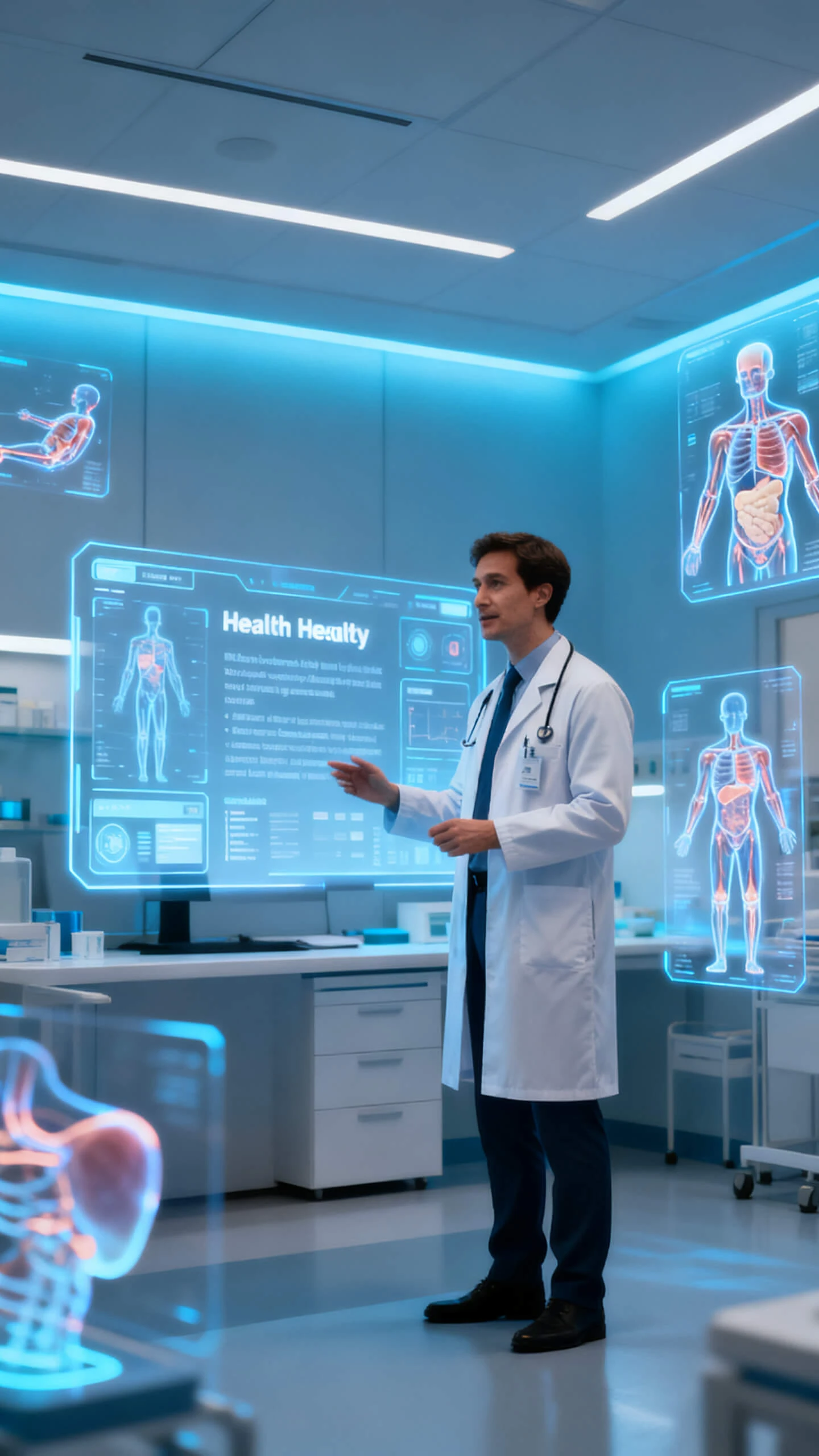
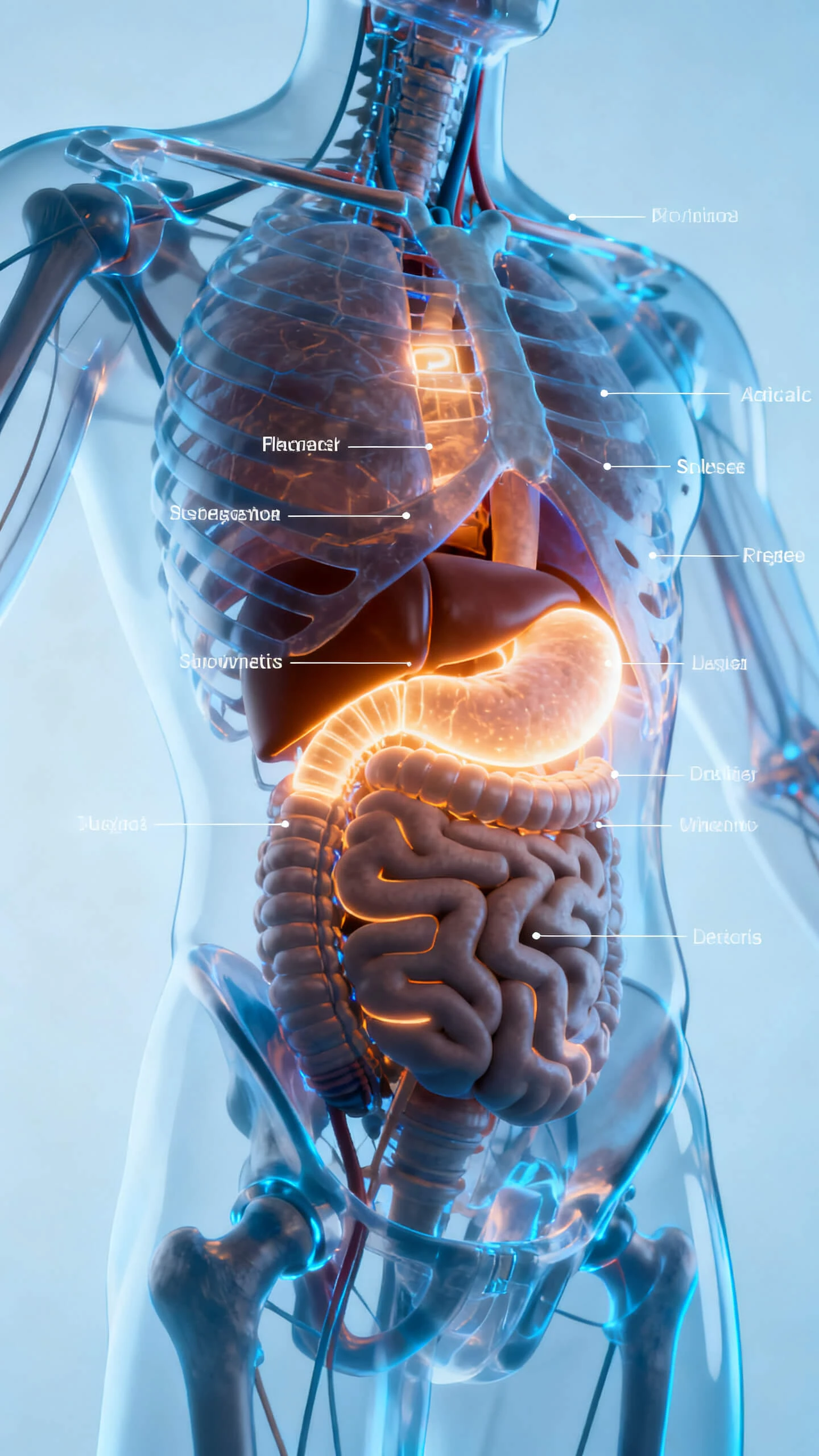
Turn anatomy lessons into 9:16 explainer shorts
Narrate complex topics in 11 supported languages
Keep characters consistent across a full course series
Health Content Creators and Influencers
For Health Content Creators and Influencers
Make medical awareness reels from a text prompt
Pick illustration or 3D cartoon styles for clarity
Export 1080p clips ready for Reels or TikTok upload
Hospitals and Patient Education Teams
For Hospitals and Patient Education Teams
Produce patient-care instruction clips at scale
Use calm, professional voices for sensitive topics
Localize health content into multiple languages fast
Pharma Brands and Health Marketing Teams
For Pharma Brands and Health Marketing Teams
Animate drug mechanism clips without a film crew
Embed readable on-screen medical text in any scene
Generate thumbnail covers to drive click-through rates
Why Magiclight AI Is the Best AI
Medical Video Generator
A single medical clip is just the opening chapter of a series. Magiclight AI’s medical video generator adds story structure, so every topic reaches the audience ready to watch.
No Two Scenes Ever Look Mismatched
Magiclight AI keeps visual style, character appearance, and tone identical from the first frame to the last. Your medical clip never suffers from an inconsistent look.
One-Click Animation Across AI Models
Convert any storyboard to animation using 16 animation models inside Magiclight AI. Switching from a realistic to a 3D illustrated medical style takes seconds, not hours.
Every Language Your Audience Speaks
With narration and subtitles supported in 30 languages, Magiclight AI lets you reach Spanish, Arabic, and many other patient communities just as easily as an English-speaking one.
Make an AI Presenter for Every Episode
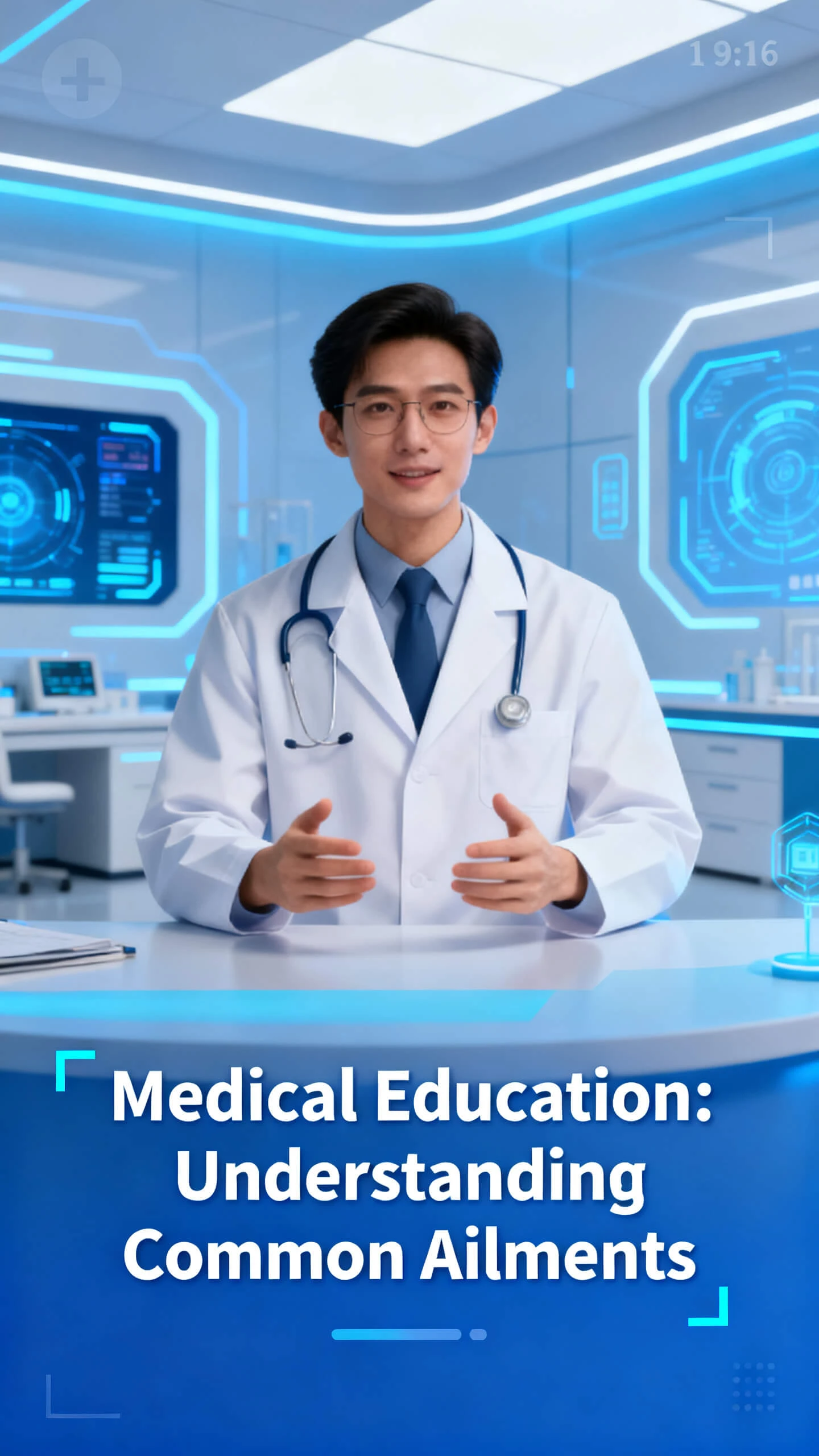
You can warm up to a familiar presenter quicker than a rotating cast of stock clips. Magiclight AI lets you design one AI character and reuse it across every medical episode.
Thumbnail Creation Inside the Same Session
There are 21 cover templates in Magiclight AI, which means your medical clip ships with a click-optimized thumbnail. There is no need to open a second design tool after export.
Free Entry Point for Every Health Creator
Magiclight AI opens the medical AI video generator to all users at no cost. No card is required to create and export the first medical clip on any topic.

How to Generate a Medical Video in Magiclight AI in 4 Steps

From a rough medical topic to a fully narrated and styled video, Magiclight AI medical video generator walks you through four easy steps.

1.

Step 1. Write Your Medical Script or Topic

Type your medical topic or paste a script up to 12,000 characters. Specify the target audience, tone, and clip length to guide scene generation.

2.

Step 2. Choose Your Visual Style and Voice

Select a visual style that fits your medical content. Then pick a narrator from 37 voices or clone a specific presenter to maintain a consistent host across the series.

3.

Step 3. Refine Each Scene in Nano Storyboard

Open Nano Storyboard before the clip renders. Adjust character poses, set camera direction, and fine-tune expressions so every medical scene reads clearly and accurately.

4.

Step 4. Export and Share Your Medical Video

Preview the finished short, select 720p or 1080p resolution, and export it. Publish it directly from Magiclight AI or download the file for any platform you use.

FAQs on AI Medical Video Generator

How does the AI medical video generator in Magiclight AI work?

The AI medical video generator turns a script or topic into a structured clip with scenes, narration, and music. Magiclight AI handles layout, animation, and export automatically.

Do I need a medical production background to use it?

No. Four guided steps carry the project from script to final export. You set the style and voice, and Magiclight AI makes every visual and audio element without manual editing.

Can I keep the same doctor character across multiple clips?

Yes. Magiclight AI stores your created characters so the same doctor or narrator appears consistently across every clip you produce, keeping your content series visually unified.

What languages does the medical AI video generator support?

In Magiclight AI, the medical AI video generator supports narration and subtitles in 11 languages. Health creators can reach local and global audiences from one single session.

Can I use my own voice for the medical clip narration?

Yes. Voice cloning in Magiclight AI lets you replicate a doctor or presenter voice. The same cloned voice runs through every clip, so the series sounds like a connected program.

What resolution does Magiclight AI export medical clips at?

Magiclight AI exports at 720p or 1080p. Both resolutions meet the standard for health-focused Reels or long video uploads without any conversion step after export.


Create High-Quality Medical Clips With Magiclight AI

A script and a stock photo were never enough to explain a diagnosis. Magiclight AI turns any medical idea into a narrated episode.