








Hero background

Multi‑Character Lip Sync AI

Bring multi‑character conversations to life with Magiclight AI. Choose voices, work with longer scripts, and refine each scene without requiring animation or editing skills.

Create a Multi‑Character Video for Free
multi character lip sync ai
gemini
sora
seedance
hailuo
kling
midjourney
qwen
nano banana
veo3
gemini
sora
seedance
hailuo
kling
midjourney
qwen
nano banana
veo3
gemini
sora
seedance
hailuo
kling
midjourney
qwen
nano banana
veo3

Explore the Features of the MagiclightMulti‑Character Lip Sync AI

Take control of every conversation with Magiclight multi‑character lip sync AI, assign voices and lines, sync each speaker, and direct listener reactions for natural scenes.

37 Distinct Character Voices

Give each character a voice that suits their role and makes conversations easier to follow. Choose from 37 voiceovers, with filters for accent, gender, age, and scenario, plus voice cloning for more control.

Start Creating
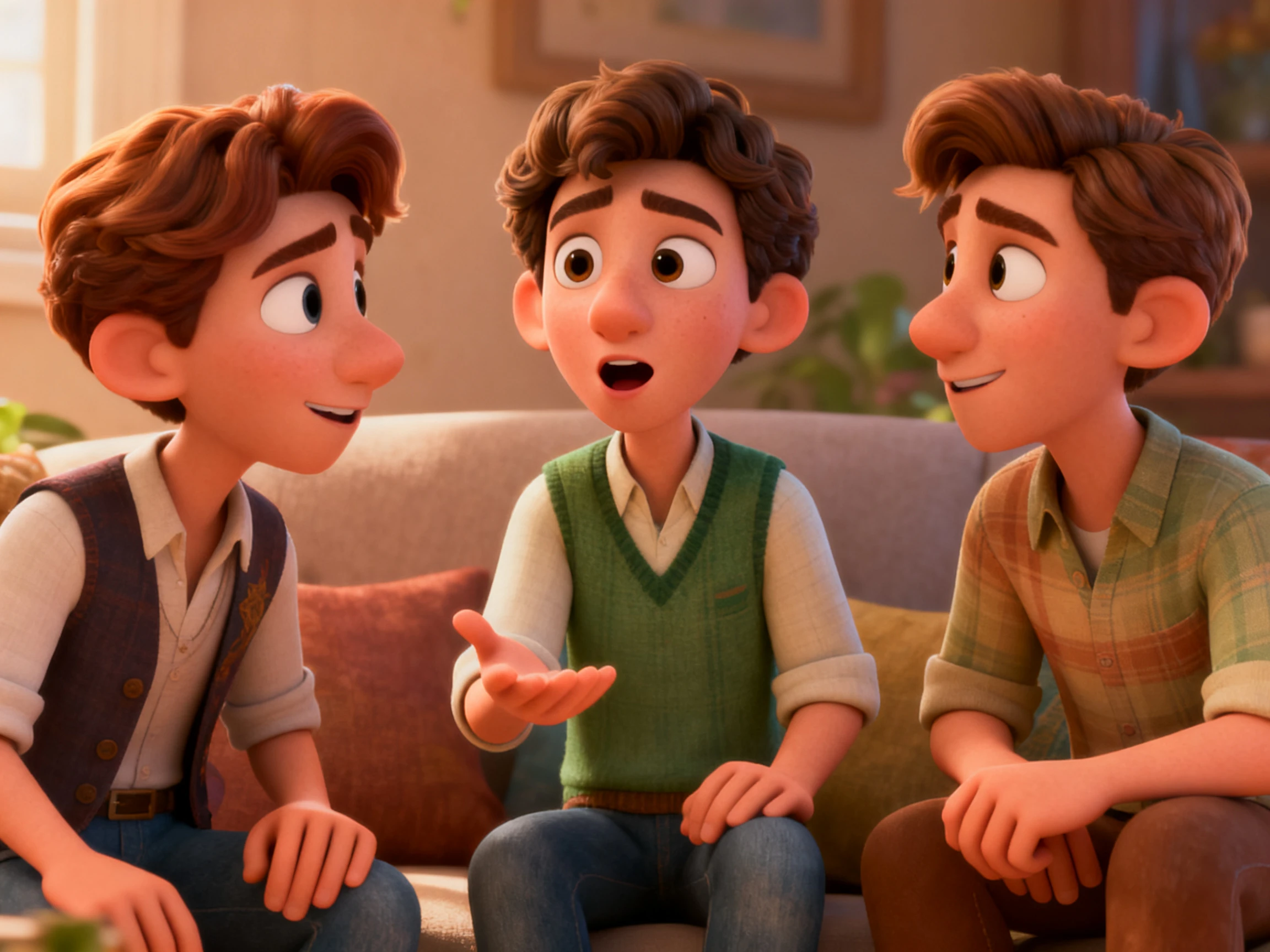

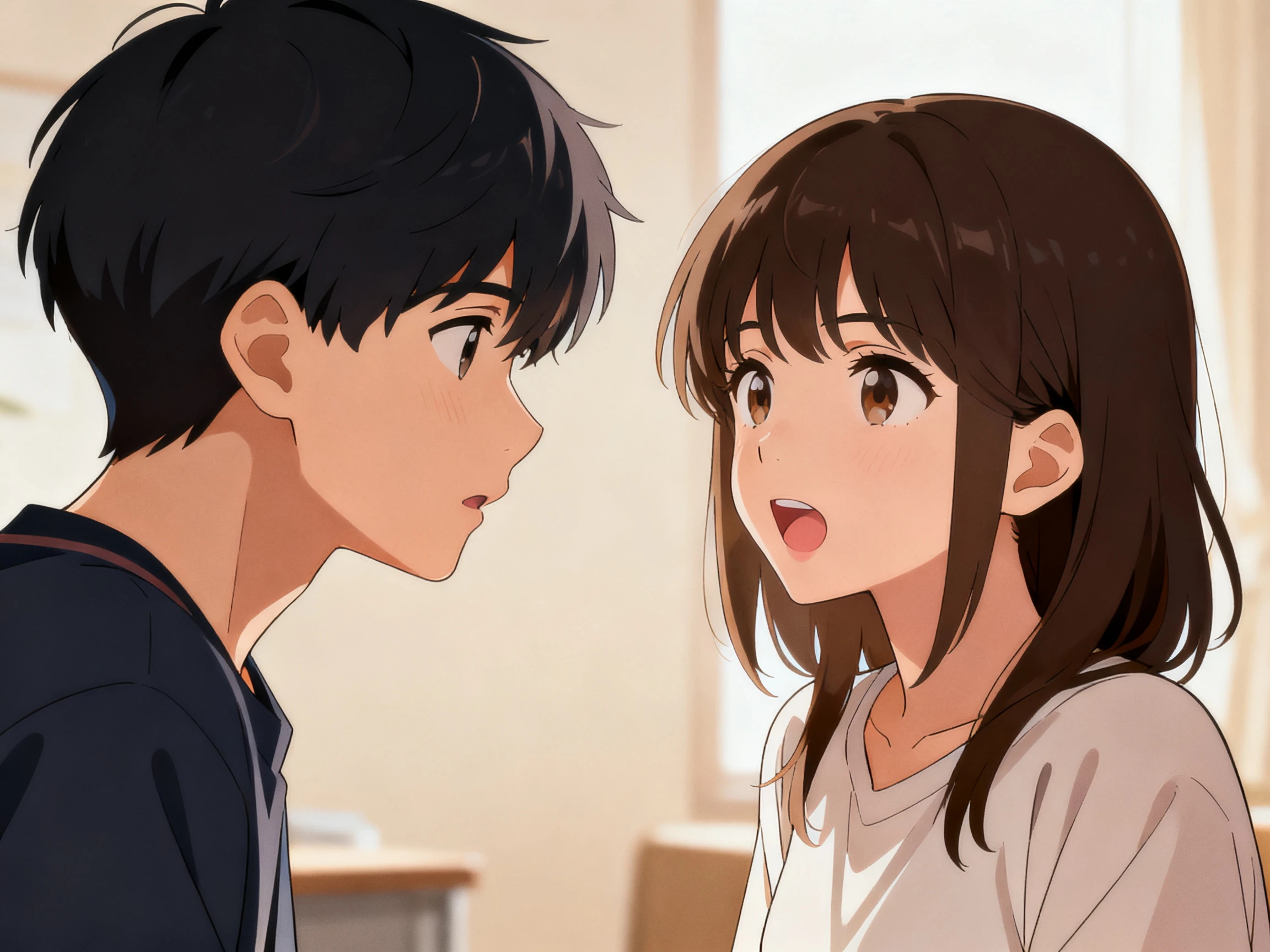
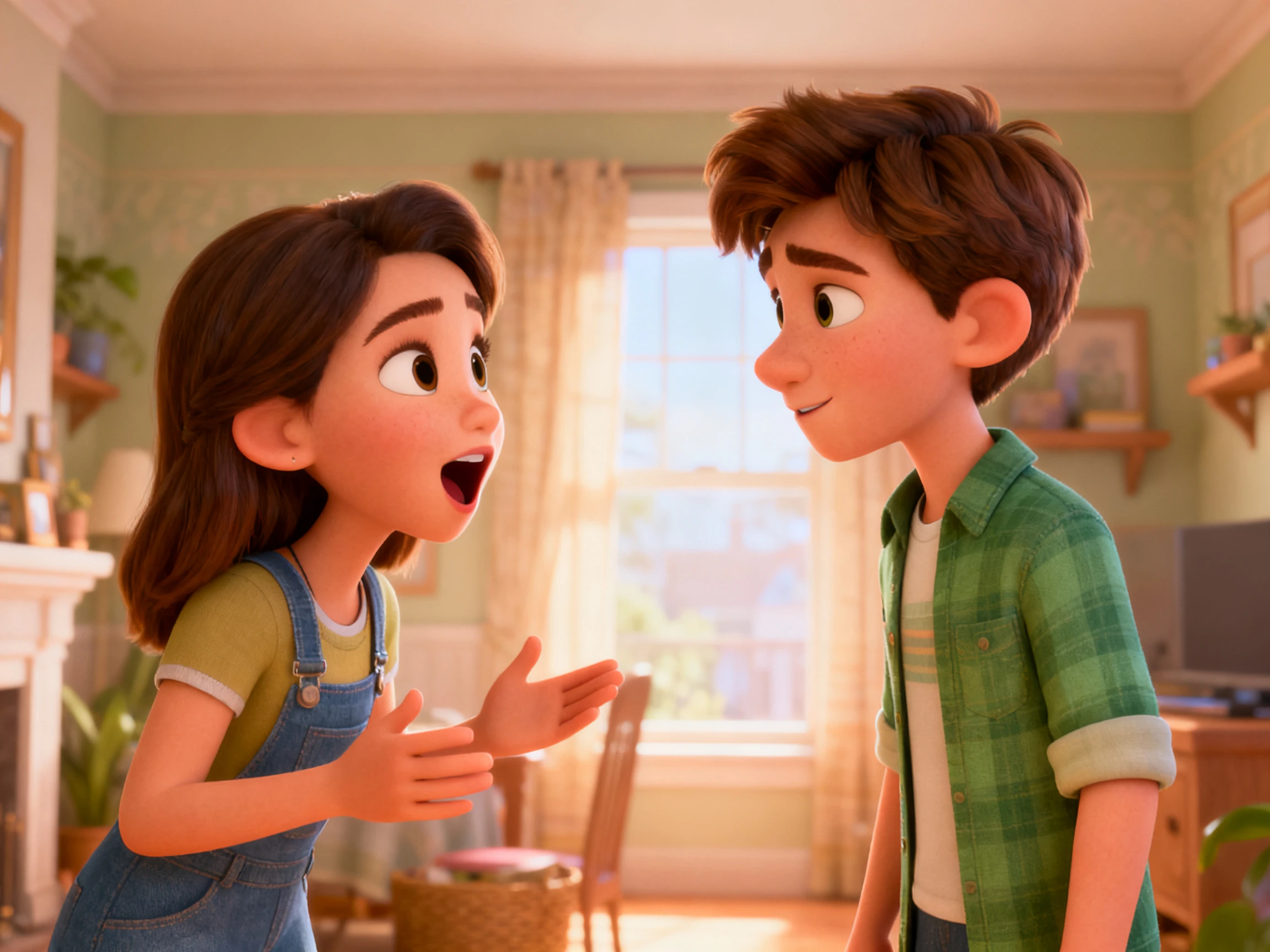
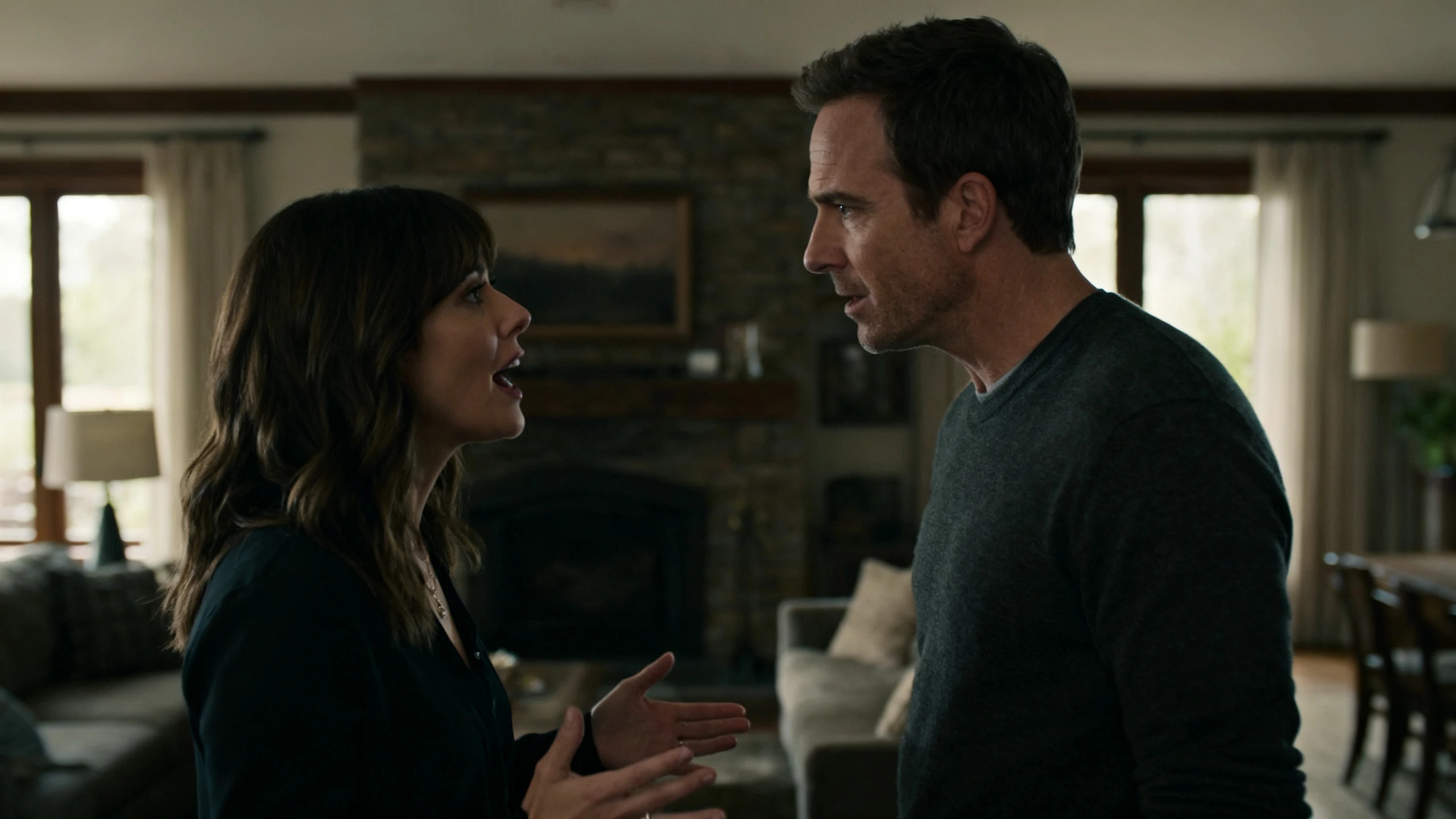
37 distinct character voices

12,000 Words for Longer Dialogue

Keep longer conversations, interviews, and story‑driven scenes together without cutting the script short. With Magiclight AI, scripts can reach 12,000 words, giving multiple characters room for detailed exchanges.

Start Creating
12000 words for longer dialogue

Multi‑Character Stories in 11 Languages

Dubbing a multi‑character conversation means replacing several performances. Each language gets its own casting rather than one voice being swapped and the others left, which is what usually gives a dub away.

Start Creating
multi‑character stories in 11 languages

50 Poses For the Listener's Half

The character with no lines is doing half the work. Give whoever is listening a pose and an expression in each shot, because a frozen second face is what makes a scene read as 2 clips stuck together.

Start Creating
50 poses for the listener's half
Who Can Use the Magiclight Multi Character Lip Sync AI
See where Magiclight AI multi‑character lip sync AI fits your workflow, from two‑person sketches and game cutscenes to panel‑style conversations with multiple speakers.
Cartoon Creators
For Cartoon Creators
Choose from 37 voices to clearly separate the 2 roles.
Vary body language with 50 available poses.
Refine lip‑sync expressions to support jokes and reactions.
Game Cutscenes
For Game Cutscenes
Keep recurring characters consistent across connected scenes.
Handle longer exchanges with up to 12,000 script words.
Convert storyboard frames into animation using 16 models.
Language Practice
For Language Practice
Create lip‑sync practice content in 11 supported languages.
Filter 37 voices by accent, age, gender, or scenario.
Add captions using 16 available subtitle settings.
Debate Formats
For Debate Formats
Handle discussions with up to a 12,000‑character script.
Use 16:9 output for a standard widescreen format.
Export finished lip‑synced videos in up to 1080p.

How to Use Multi‑Character Lip Sync AI  Free

Follow these 4 steps to use Magiclight AI multi‑character lip sync AI. Prepare your dialogue, choose distinct voices, refine each scene, and preview your final video.

1.

Step 1. Prepare Your Dialogue

Enter your dialogue or story script to set the conversation. Magiclight supports up to 12,000 words, giving you space for short exchanges or longer scenes.

2.

Step 2. Choose Suitable Voices

Select from 37 voiceovers to find voices that suit the characters in your scene. Filter the available options by accent, gender, age, or scenario, or use voice cloning when needed.

3.

Step 3. Refine the Storyboard

Review the auto‑generated storyboard before creating your video. Edit or regenerate prompts, then adjust expressions, clothing, body type, and any of 50 poses.

4.

Step 4. Generate the Video

Turn your finished storyboard into a lip‑synced animated video. Choose an appropriate subtitle format along with background music. Determine the aspect ratio and video resolution for export.

What Users Say About Magiclight AI'sMulti‑Character Scenes

Ines Moreau

Dialogue Editor

Long dialogue scenes are much easier for me to manage now. I can work with larger scripts in Magiclight AI without splitting every exchange into smaller sections.

Dmitri Volkov

Game Writer

For cutscenes, I need characters to stay recognizable from one scene to the next. That consistency is what makes Magiclight AI useful for connected story sequences.

Leah Bergstrom

Casting Director

With Magiclight AI, I can choose from 37 voiceovers and filter them by age, accent, gender, or scenario. It gives me more room to find voices that suit different roles.

Segun Adebayo

Drama Coach

Students need to see the pause before somebody answers, not only the lines. Magiclight AI lets me hold that beat exactly where I want it to sit.

FAQs on Multi Character Lip Sync AI

How many speakers can a single scene hold?

There is no fixed pair limit. Name each speaker in the script and Magiclight AI attributes every line to them, so a 4‑way panel works the same as a 2‑hander.

Does the listener move while the other talks?

Only if you set it, and it is the step worth taking. Magiclight AI lets every shot carry an expression and a pose for the silent character, which is what stops a scene reading as two clips.

Is multi character lip sync AI free to try?

Credits arrive at sign‑up with nothing else asked for. Those cover a first exchange in Magiclight AI multi‑character lip sync AI, enough to hear whether the 2 voices sit far enough apart.

How do I stop the voices sounding alike?

Choose across age and pace rather than within one range. The 37 voices in Magiclight AI cover enough ground that two speakers can be told apart without anyone looking up.

Can both characters be recast in another language?

Both get recast rather than one. Magiclight AI recreates each performance for every one of the 11 languages, so a dubbed exchange does not end up half in the original.

What usually gives a two‑hander away?

The joins, more than the mouths. A cut arriving a beat late or a listener frozen through someone else's line is what viewers notice, and both are set per shot in Magiclight AI.

Create Multiple Video Characters With Lip Sync

One character speaks, and the other one carries the scene. Magiclight AI gives you both performances rather than only the one with the lines.