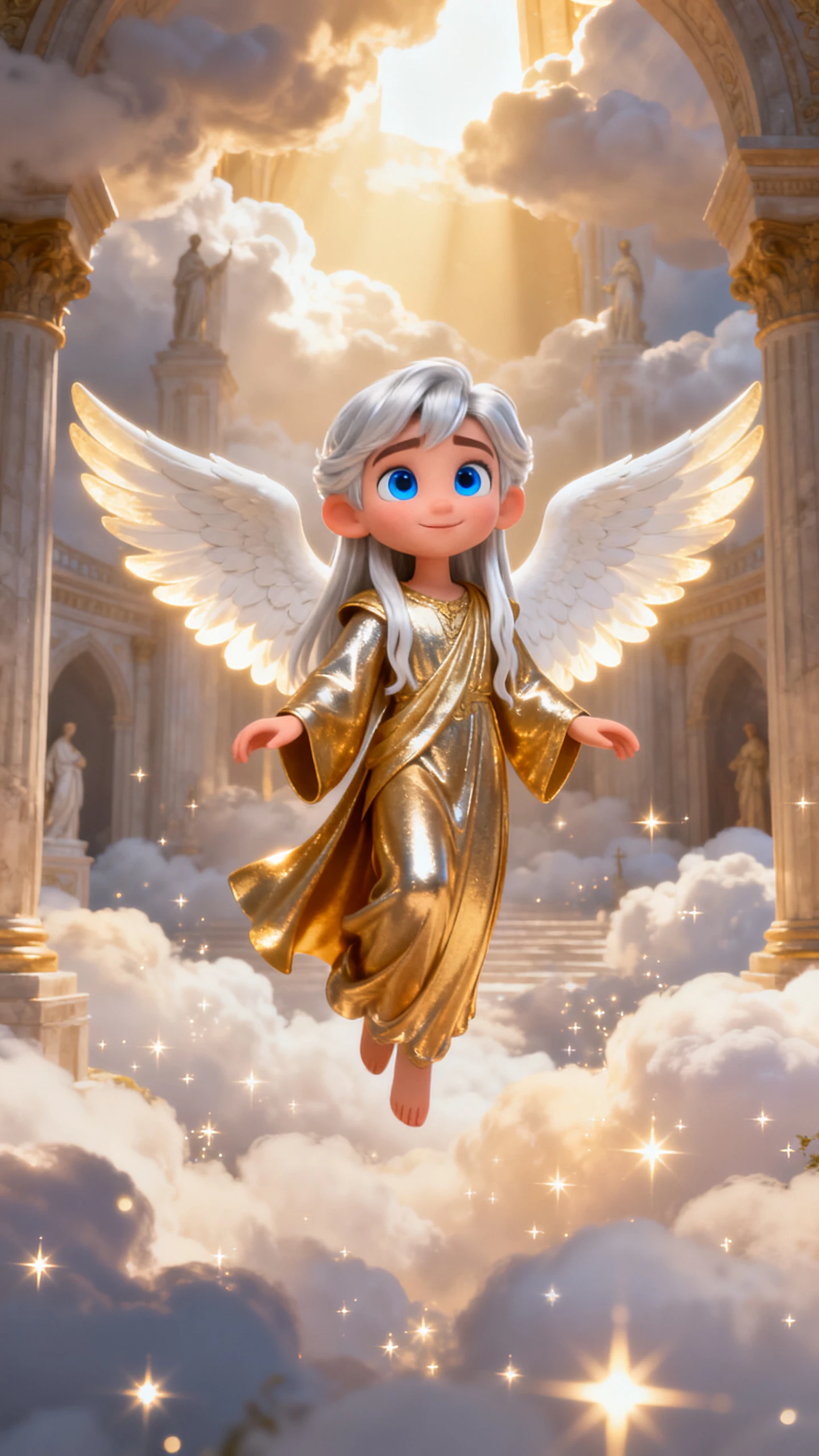
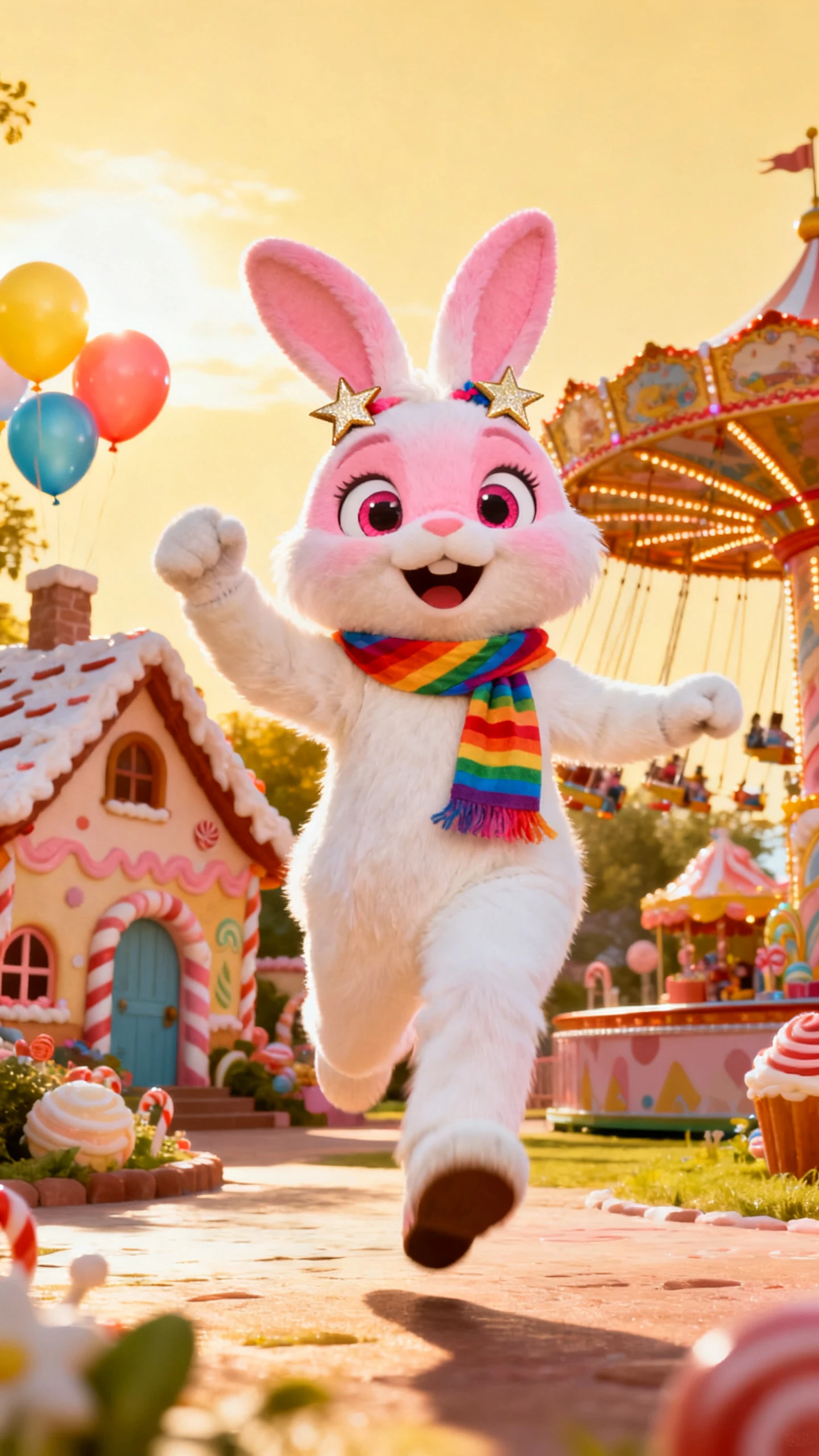
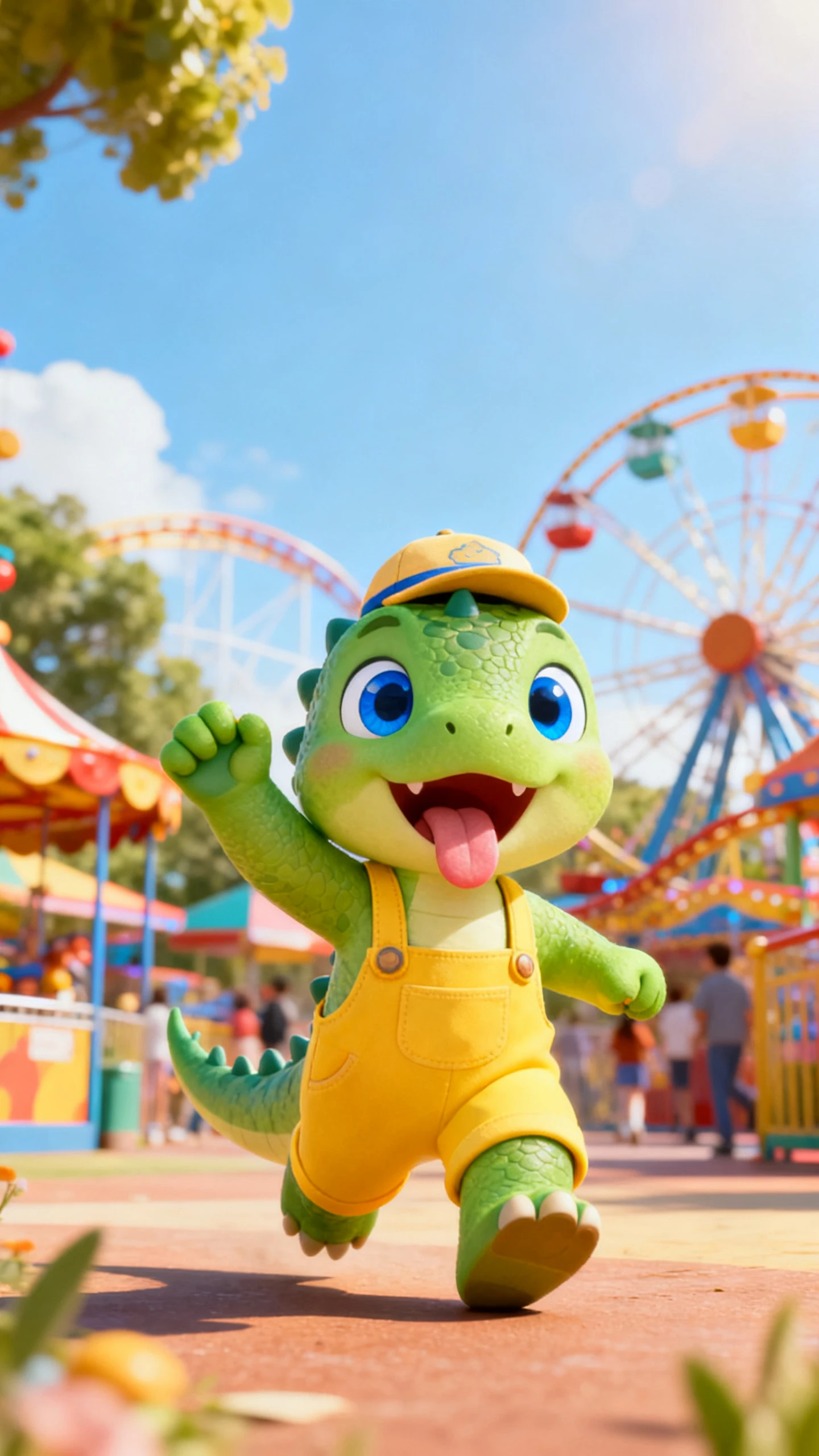
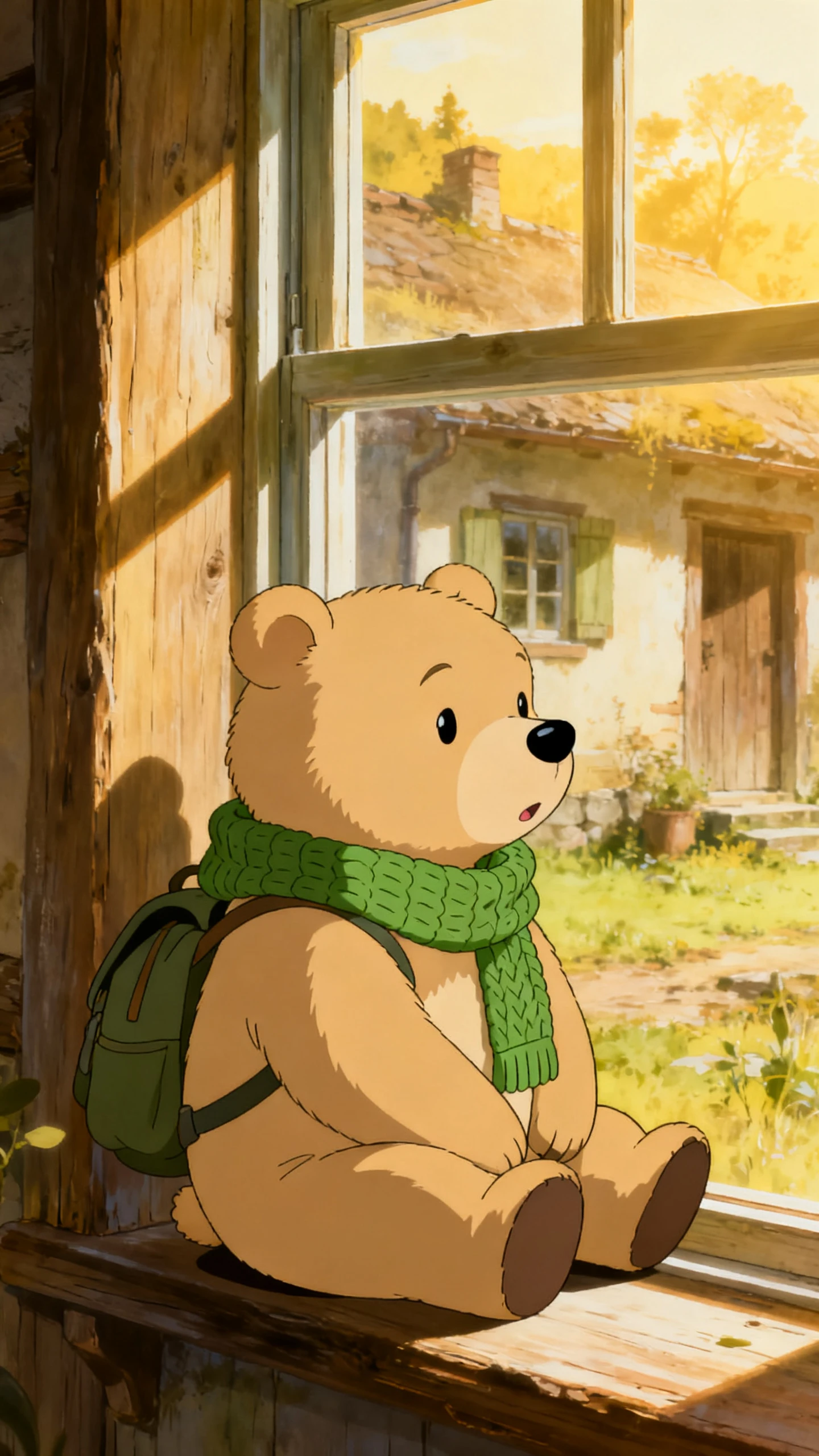
Hero background

AI Mascot Generator for Designing Unique Characters

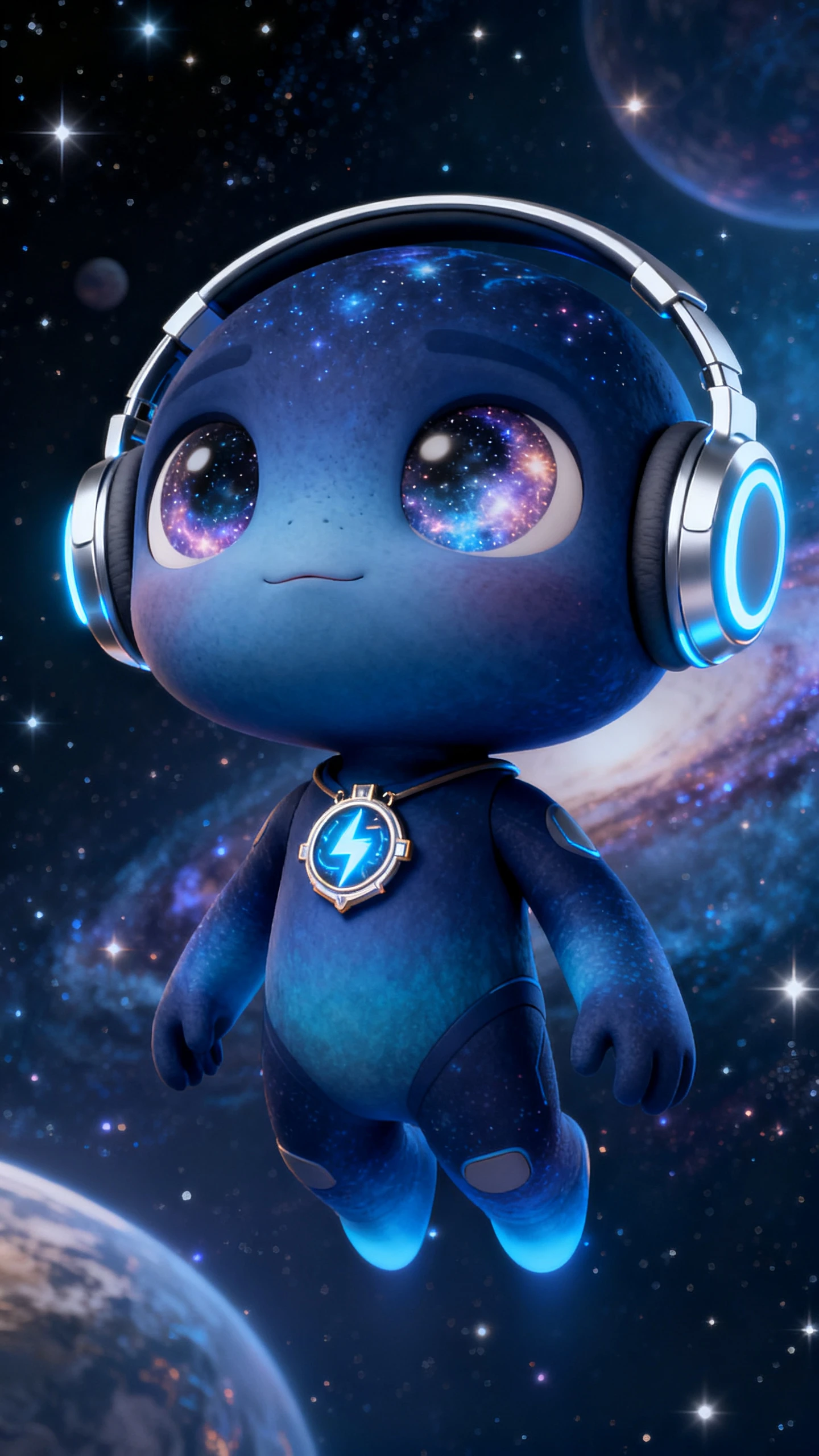
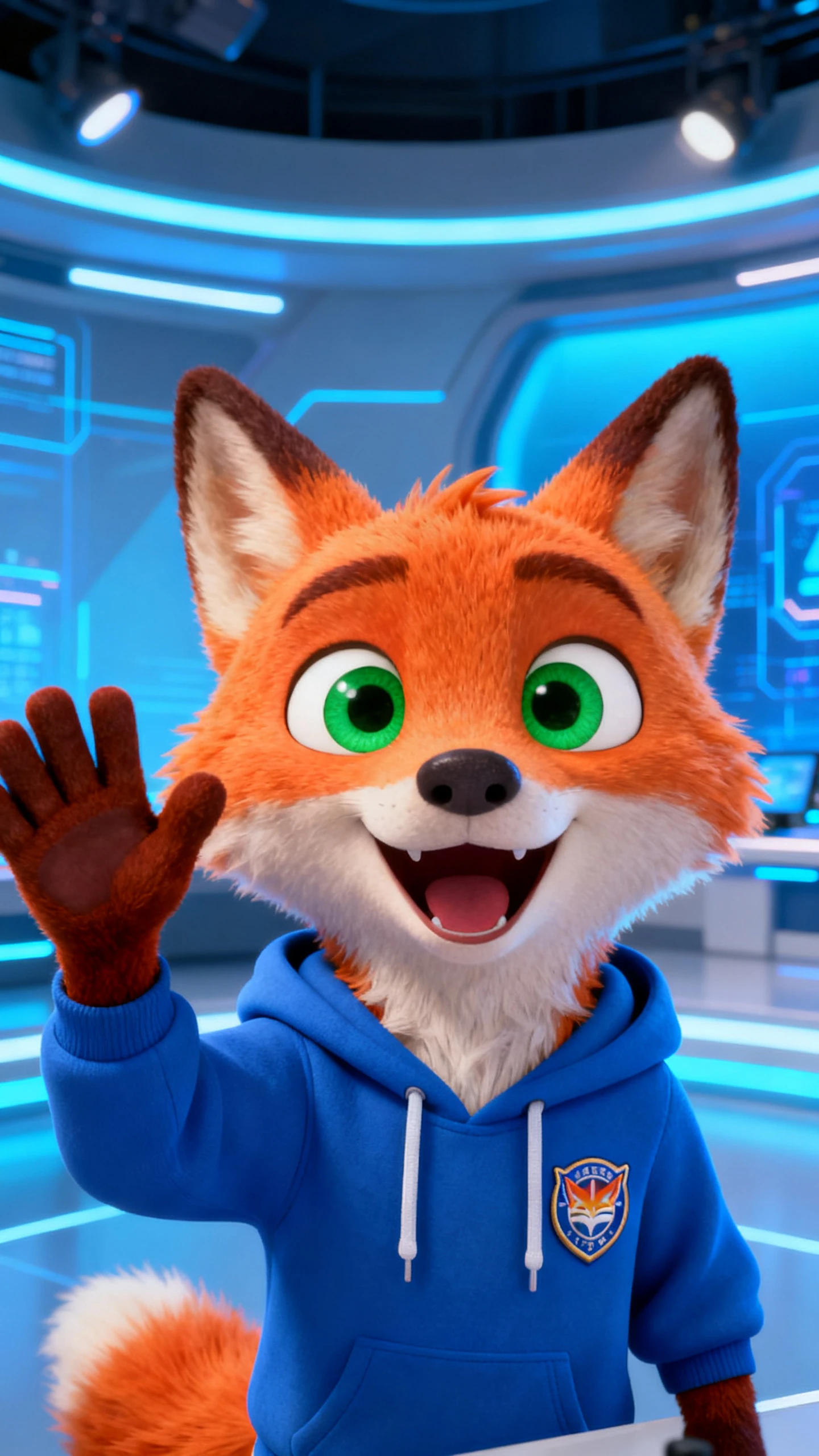
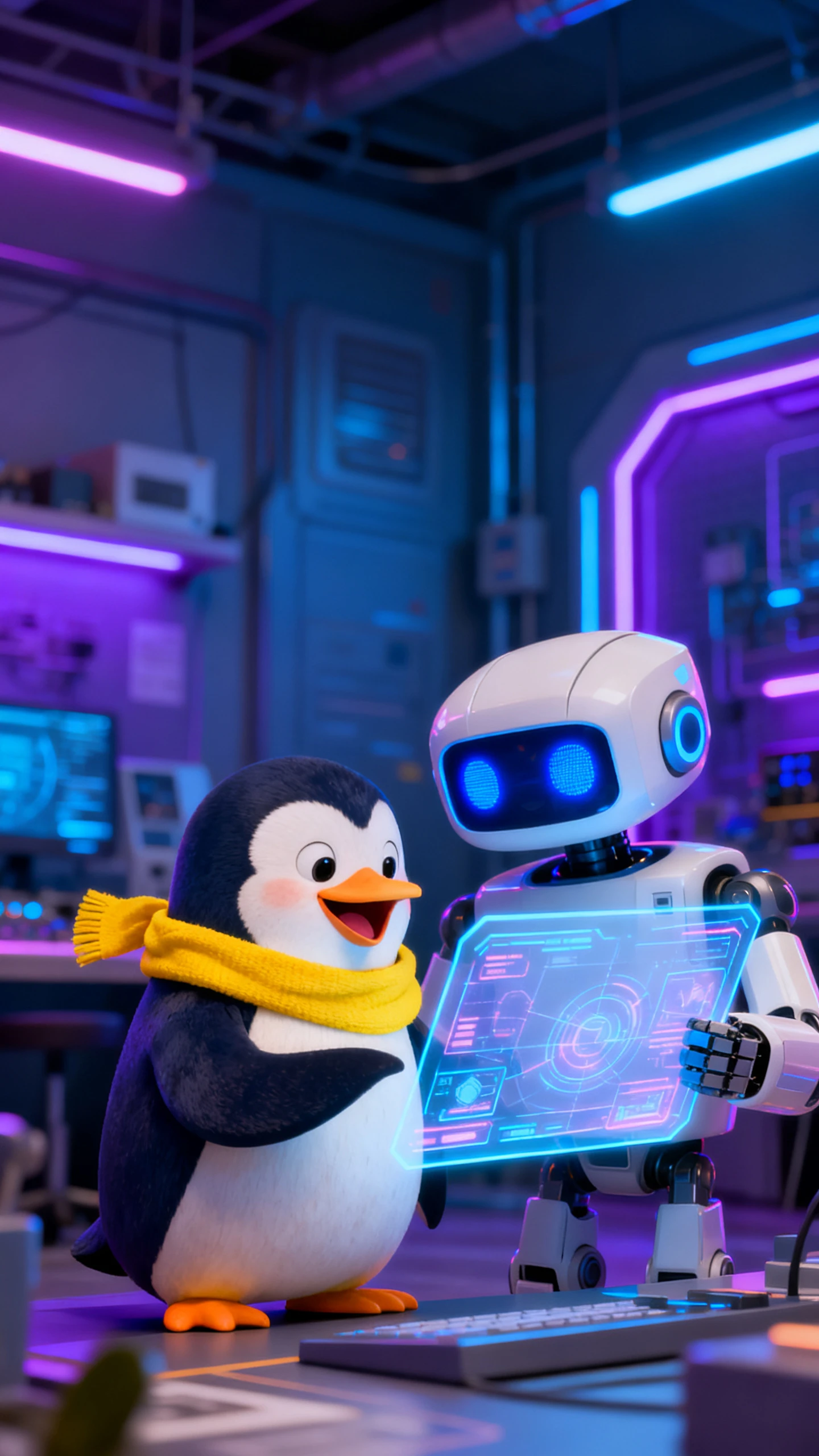
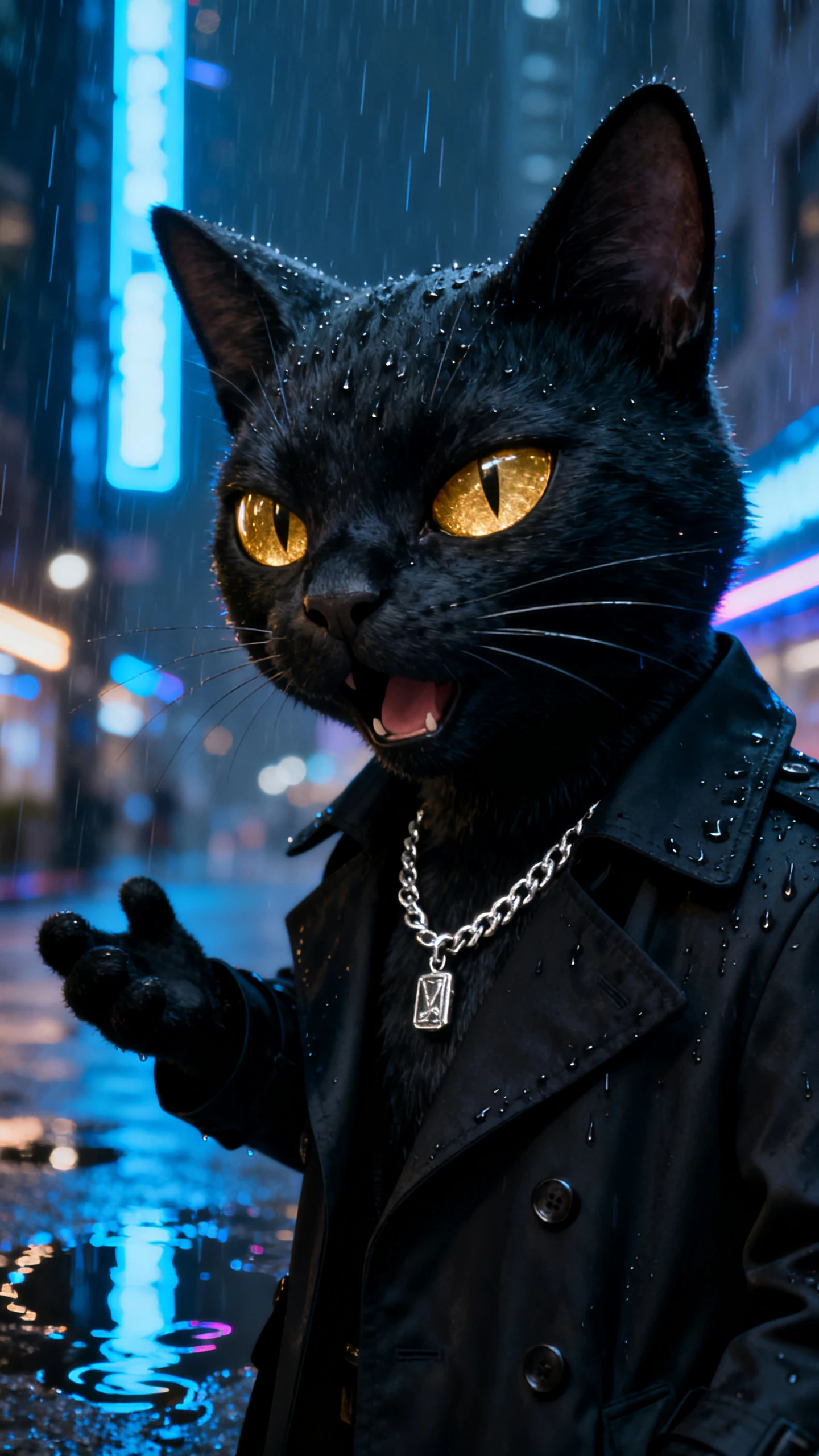
Magiclight AI Mascot Generator creates mascots for thumbnails with style presets for any niche. You can produce on‑brand variations for social clips. Start now.

Create Your First Mascot Now
ai mascot generator
mascot generator ai
ai mascot generator free
ai generator mascot
free ai mascot generator
mascot ai generator
mascot generator ai free
sketch to mascot ai
ai mascot generator
mascot generator ai
ai mascot generator free
ai generator mascot
free ai mascot generator
mascot ai generator
mascot generator ai free
sketch to mascot ai
ai mascot generator
mascot generator ai
ai mascot generator free
ai generator mascot
free ai mascot generator
mascot ai generator
mascot generator ai free
sketch to mascot ai

Everything You Need for an AI Mascot Generator

Within seconds, you can generate studio‑quality mascots tailored to any niche, style, or format using Magiclight AI’s mascot AI generator. It helps you scale content quickly.

Explore the video generator
3D decoration

Image-Based Mascot Creation

Turn a sketch or logo into a matching mascot character with a polished style. Magiclight AI reads shapes, colors, and details to recreate the look.

Control Every Character Detail

Describe exact traits like costume, props, or brand colors in Magiclight AI. The tool reads your prompts to refine the mascot with precise changes.

Many Visual Styles for Mascots

Render the same mascot in 2D, 3D, or anime styles. With Magiclight AI, reuse one core character quickly across 20+ styles for your audience.

Use and Reuse Characters Easily

Magiclight AI keeps mascot poses stable across every frame, so characters never flicker on screen. It keeps branding visually consistent.

Suitable Matches For Magiclight AI’s Mascot Generator
Users who need fast, on‑brand characters save time and money with the mascot AI generator in Magiclight AI. It creates standout mascots and refreshes visuals much faster.
content creators
Content Creators
Update avatars and overlays fast without hiring designers.
Experiment with mascot styles quickly before mass production.
Create branded channels instantly with custom mascots.
small businesses
Small Businesses
Launch on-brand mascots in minutes and skip expensive agency fees.
Refresh packaging visuals fast without costly redesign cycles.
Test multiple mascot styles risk-free before finalizing branding.
brand marketers
Brand Marketers
Prototype mascot concepts rapidly without full studio production costs.
Launch unique mascots for various products and services in less time.
Localize campaign mascots quickly for global markets with minimal effort.
game developers
Game Developers
Test game characters quickly without hiring professional art design teams.
Iterate mascot designs fast before costly official game art production.
Build game app promo art rapidly instead of manual hand-drawn illustration.
Why Magiclight AI’s
Mascot Generator is the Best Choice
The free Magiclight AI mascot generator combines stable characters, smart styling, and fast testing in one platform. You only get that level of precise control with this tool.
Instant Video Templates That Fit Your Creative Style
Use guided video flows that automatically align with your unique tone and format. Magiclight AI provides 7 story templates, so every new project starts fast and stays consistent.
Consistent Characters in Longer Video Narratives
With Magiclight AI, scale projects up to 50 minutes while preserving the look. Character and scene consistency are maintained so your narrative feels unified from start to finish.
Scene‑by‑Scene Storylines That Keep Viewers Hooked
Build videos with scene‑level outlines in Magiclight AI that naturally engage your viewers. The tool shapes the narrative, so you fine‑tune ideas rather than deal with structure.
Reach Global Audiences With Multilingual Language Support
Create videos in 11 different languages so no audience gets left behind. Magiclight AI maintains clarity and flow, helping your content feel relatable to worldwide viewers.
Automatic Lip-sync That Matches Every Spoken Word
Upload a voice track, and Magiclight AI syncs the dialogue to the character's lips in one step. Your videos look natural with less effort and no need for manual keyframing.
Easy Finishing Tools for Production‑Ready Videos
In Magiclight AI, users can apply captions, 40 background audio options, and 21 cover templates. Users get to polish videos in a single workflow without hopping between tools.

Create a Mascot With  Magiclight AI’s Mascot Video Generator

Go from concept to camera‑ready mascot scenes in just a few clicks with Magiclight AI mascot generator. Both beginners and pros can publish eye‑catching mascot videos in seconds.

1.

Describe the Prompt

Type your idea, concept, or even a single line about the mascot into the prompt box. Mention specific details, such as the mascot's facial expressions or outfit.

2.

Refine The Mascot

Select a voiceover for your mascot to make it talk. You can also change its gender, age, and accent to match whatever your character should sound like.

3.

Revise Scenes in the Storyboard

Watch each generated scene separately and revise poses, camera angles, and expressions. You can also add captions and music to create tension.

4.

Download and Share

Replay the entire video once and see if you want to make any further revisions. If every detail looks ready, export the clip and share it with your viewers.

FAQs on AI Mascot Generator

What is the AI Mascot Generator in Magiclight AI?

Magiclight AI Mascot Generator turns scripts or images into custom mascot visuals and videos with simple workflow, letting you go from idea to finished output faster.

Can I create both mascots and video content?

Yes. You can generate custom mascots and turn them into animated scenes, reuse the same character across thumbnails, intros, explainers, stories and more content types.

How customizable are the created mascots?

You can tweak colors, outfits, expressions, styles and all details via prompts and quick adjustments to perfectly match your brand identity.

Can I use my logo or sketch as a mascot starting point?

Import a logo, sketch, or reference image into Magiclight AI, and it will guide mascot creation. The tool adapts shapes and themes, so the final character feels unique and lifelike.

Is the AI Mascot Generator suitable for long videos?

s the AI Mascot Generator suitable for long videos? You can expand a concept into multi‑scene narratives without losing character continuity. Magiclight AI creates clips upto 50 minutes, while keeping mascots visually consistent.

Can I export and reuse mascots for new video projects?

Yes. You can export refined mascots from Magiclight AI’s mascot AI generator and reuse them for your future video projects. The mascots are saved in the character library for reuse.


Create Unforgettable Mascot Videos Today

Join thousands of creators and businesses using Magiclight AI Mascot Generator to build unique brand characters and professional animated content effortlessly.