
Explore AI Visual Video Generator Features in Magiclight AI
Use Magiclight AI's visual video generator to manage your whole workflow. Add scenes and a background track before you download your finished video.

Turn your visual story idea into perfect clips from a text prompt inside Magiclight AI. Make stories, clear voices, and professional visual scenes without editing skills.
Try AI Visual Video Generator for Free
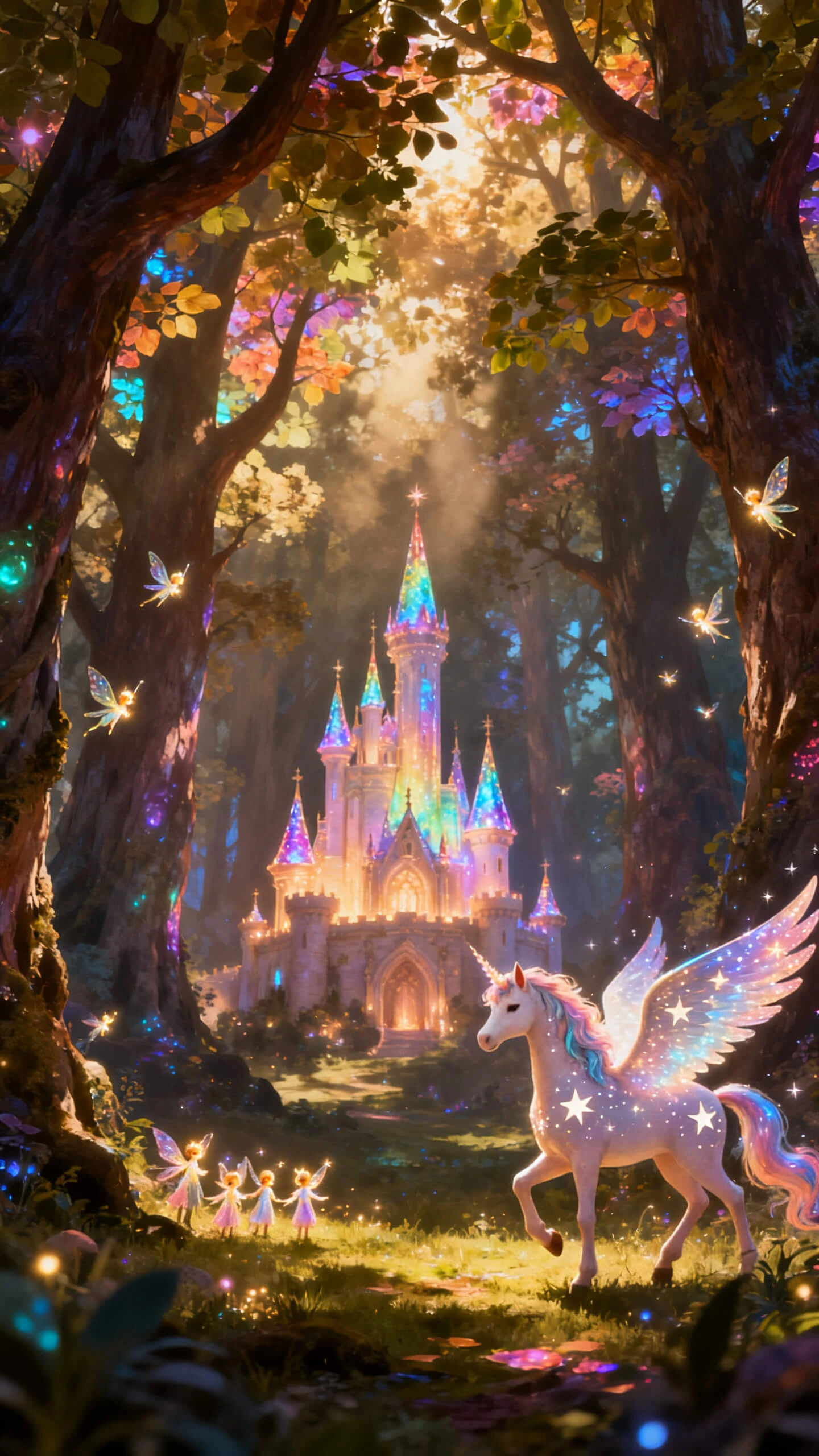
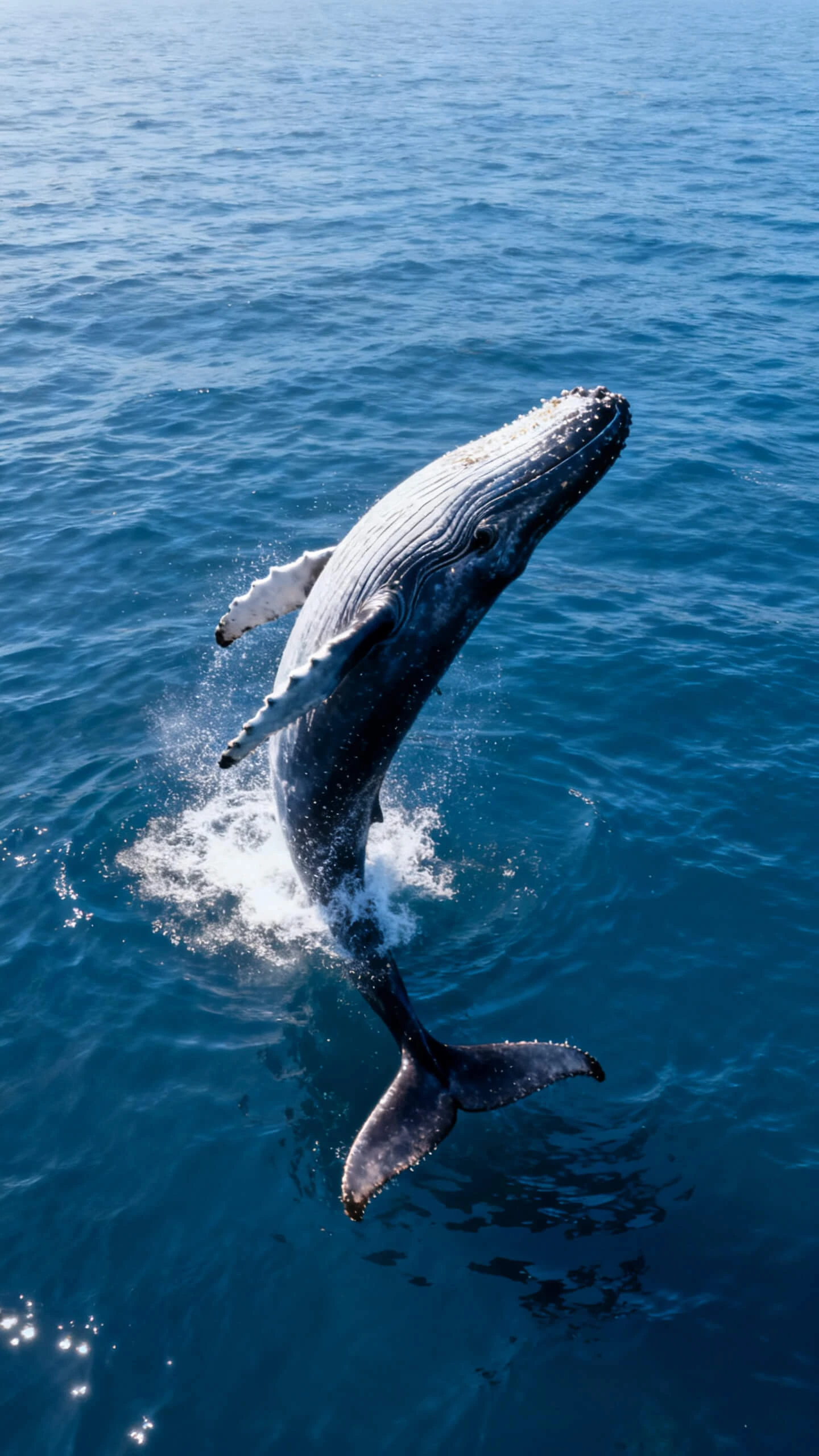
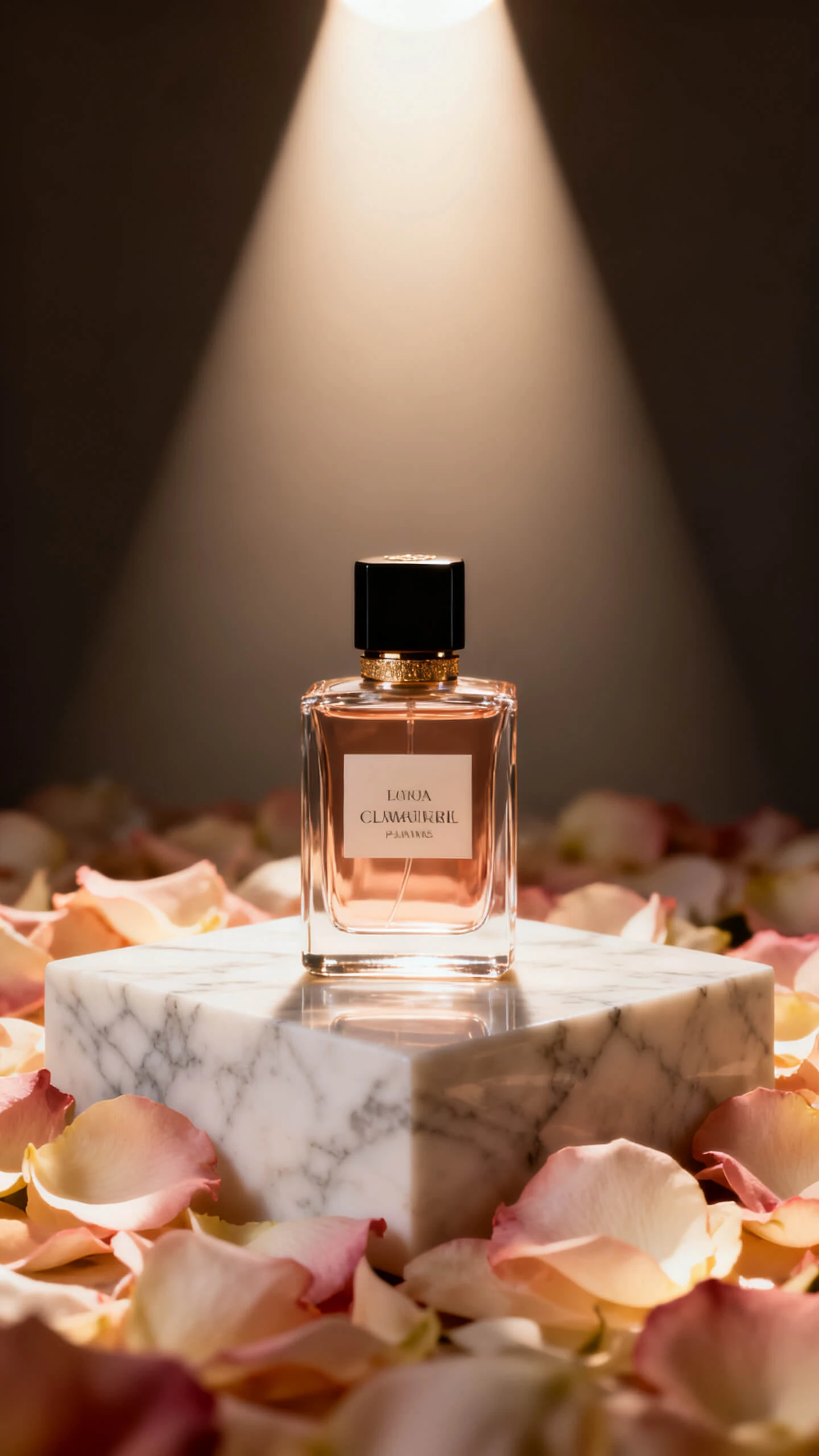
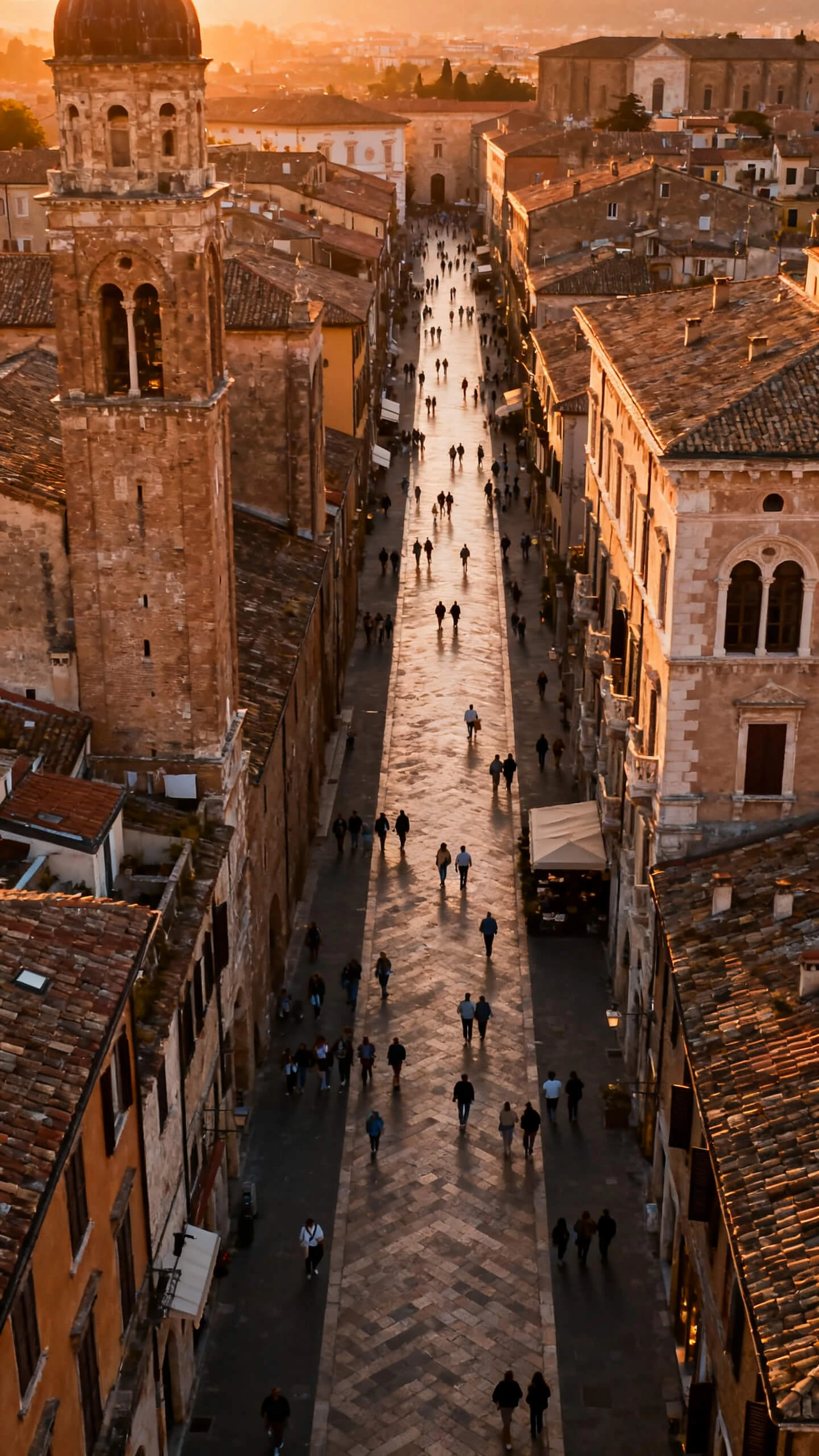
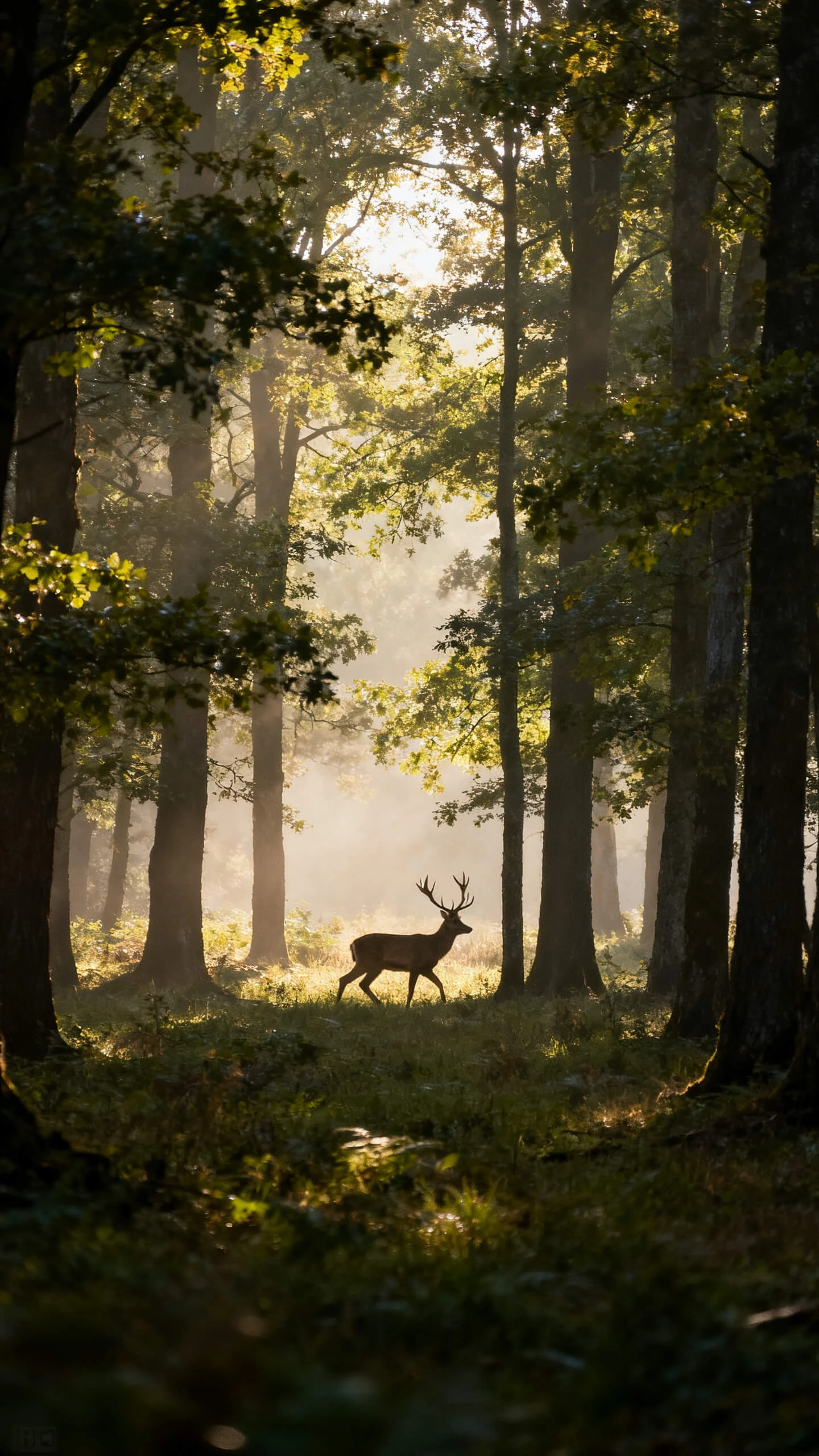
Use Magiclight AI's visual video generator to manage your whole workflow. Add scenes and a background track before you download your finished video.

Review every scene with Magiclight AI's storyboard editor to refine the details. Adjust actions and camera angles, and you can choose from 50 poses.
Set a name and style using a prompt of up to 1,000 characters. You can use the same AI character across all scenes in Magiclight AI.
Magiclight AI includes 37 voice options and 40 music tracks for every project. Match the sound to your story without using any separate tool.
Choose from 16 subtitle styles inside Magiclight AI to keep every word readable. Simple and clear captions work well on any platform.


Magiclight AI’s visual video generator moves your idea to a finished video in 4 steps. You can create a professional video in just a couple of minutes.
Describe your detailed scene or story idea in the prompt description. Mention the setting and key moments in the text you want Magiclight AI to include.
Pick your visual styles from the library and select the one that best fits your story idea. Magiclight AI maintains the same style throughout the entire video.
Open Nano Storyboard to adjust poses, expressions, and camera angles shot by shot. Adjust the details so every frame comes out the way you want before it generates.
Review the finished video and choose the resolution before exporting. From there, save it to your device or send it straight to the platform you have in mind.
An AI visual video generator takes an idea or a photo and turns it into a video with visuals already applied. Magiclight AI includes scenes, voiceovers, and background music.
Yes. New users can start on Magiclight AI's free plan and upgrade later if they need more. A small number of videos can be made at no cost right away.
It depends on the story, but realistic, cinematic, and animated looks all perform well. Magiclight AI includes over 20 style options designed for different kinds of videos.
Yes. Outfits, facial expressions, and poses can all be changed later inside Magiclight AI. The character keeps its identity no matter how many scenes it appears in.
Everything from scripting to voice, scene editing, and export lives in Magiclight AI. Creators avoid switching back and forth between different apps for each part of a video.
There are resolution options available in Magiclight AI’s video visual generator, such as 720p and 1080p. Either one holds up well across YouTube, social platforms, and websites.



Share your story idea with Magiclight AI and create a complete video in minutes.