Hero background

AI Travel Video Maker

Turn routes, clips, and travel notes into cinematic stories. Magiclight AI travel video maker uses story models, narration, and visual styles for unique trip videos.

Create Travel Video For Free
travel video maker
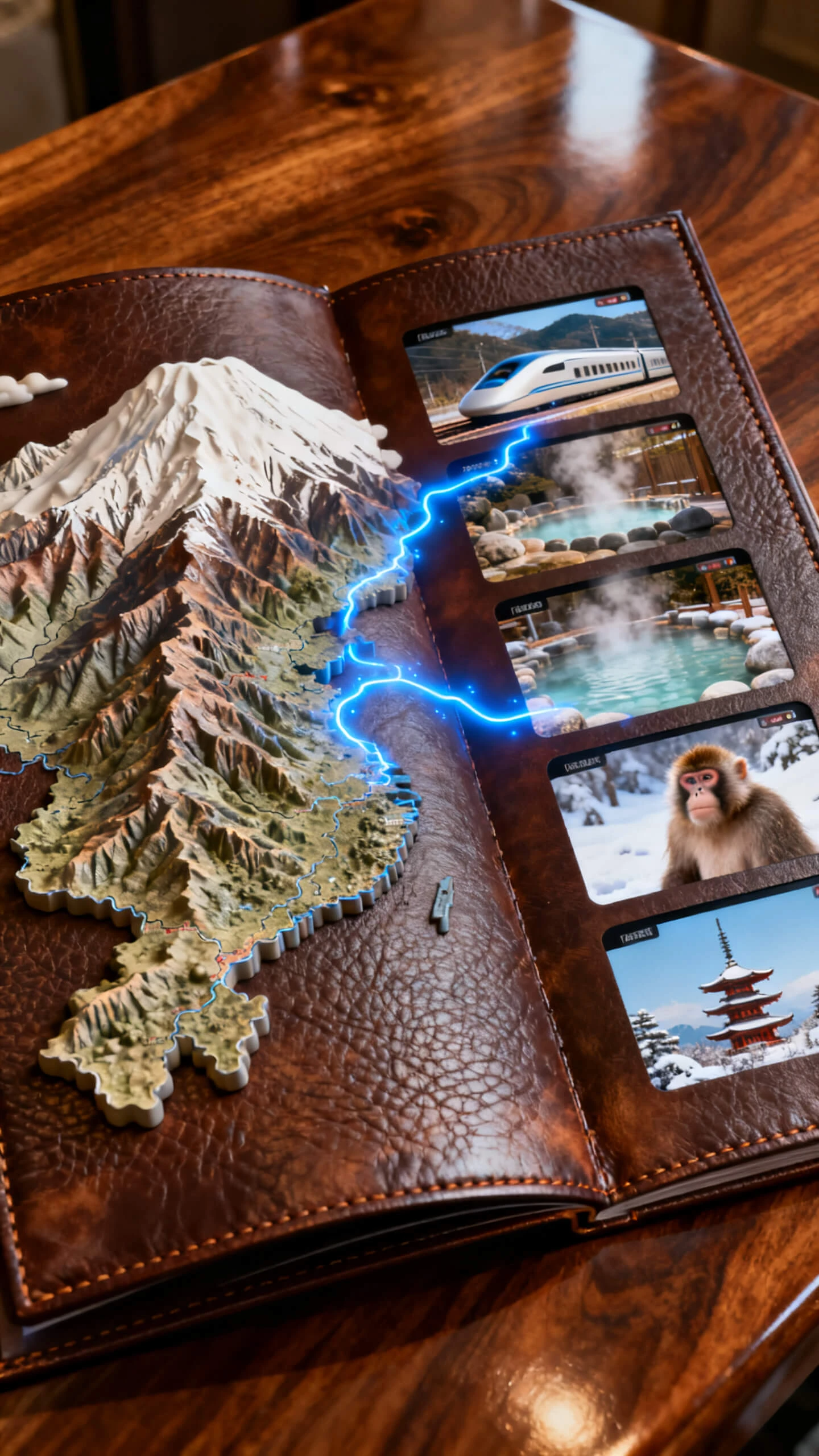
travel video maker map
travel video maker photos
ai travel video maker
travel video maker ai free
free ai travel video maker route
travel video maker story
travel video maker Global Tours
travel video maker
travel video maker map
travel video maker photos
ai travel video maker
travel video maker ai free
free ai travel video maker route
travel video maker story
travel video maker Global Tours
travel video maker
travel video maker map
travel video maker photos
ai travel video maker
travel video maker ai free
free ai travel video maker route
travel video maker story
travel video maker Global Tours

Explore Features of Magiclight AI's Travel Video Maker

Travel stories need more than scattered clips. With Magiclight AI, each destination moves through scripting, scene order, visual styling, and export in one guided workflow.

Explore the video generator
3D decoration

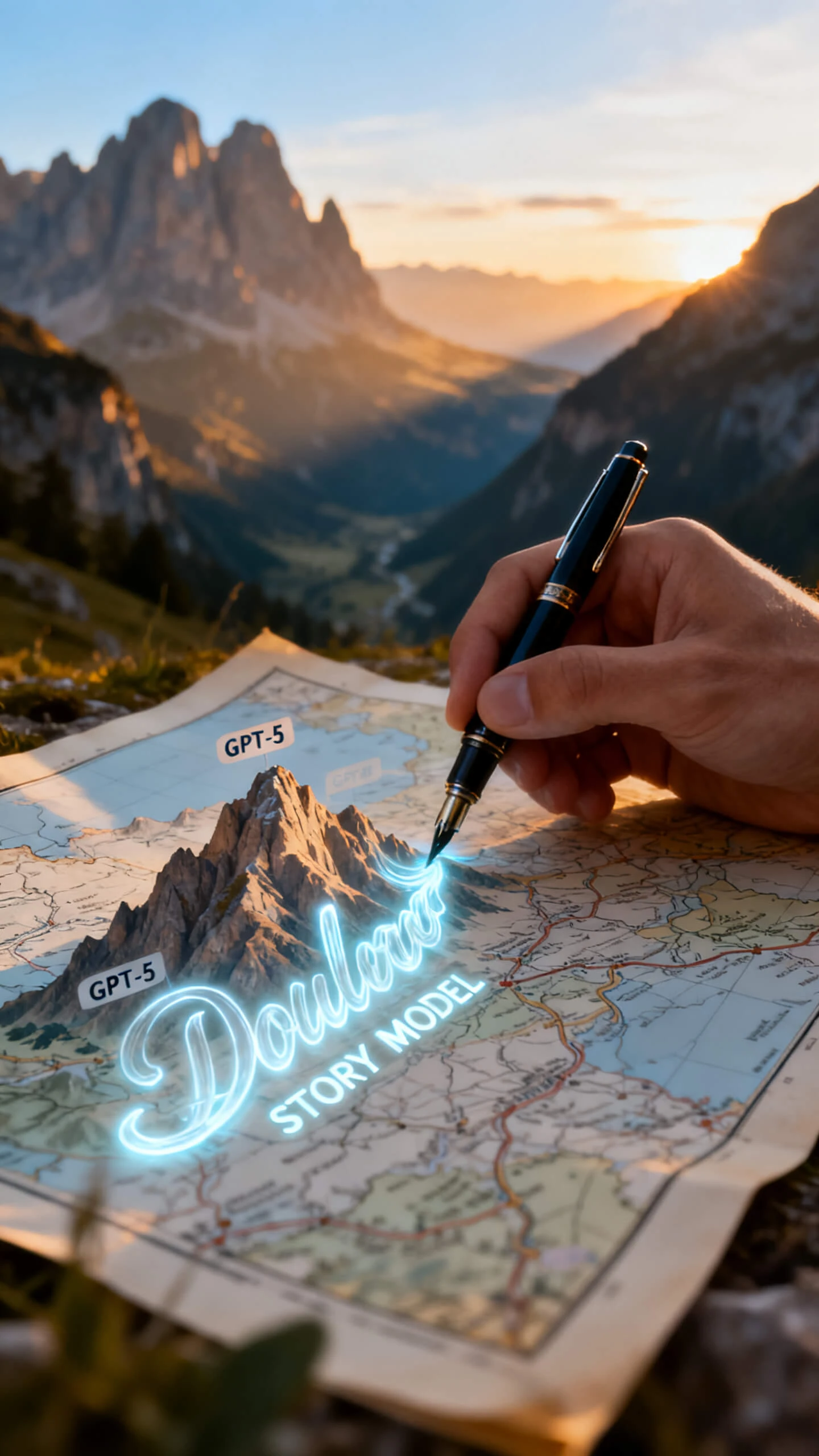
Story Models for Travel Narratives

Magiclight AI uses 9 script models, including GPT-5 and Claude Opus 4.6, to write travel video scripts with a natural storytelling arc.

Generate Cinematic Location Footage

With Seedance 2.0, Veo 3.1, and several other video models, travel scenes can shift from scenic landscapes to urban streets with cinematic motion.

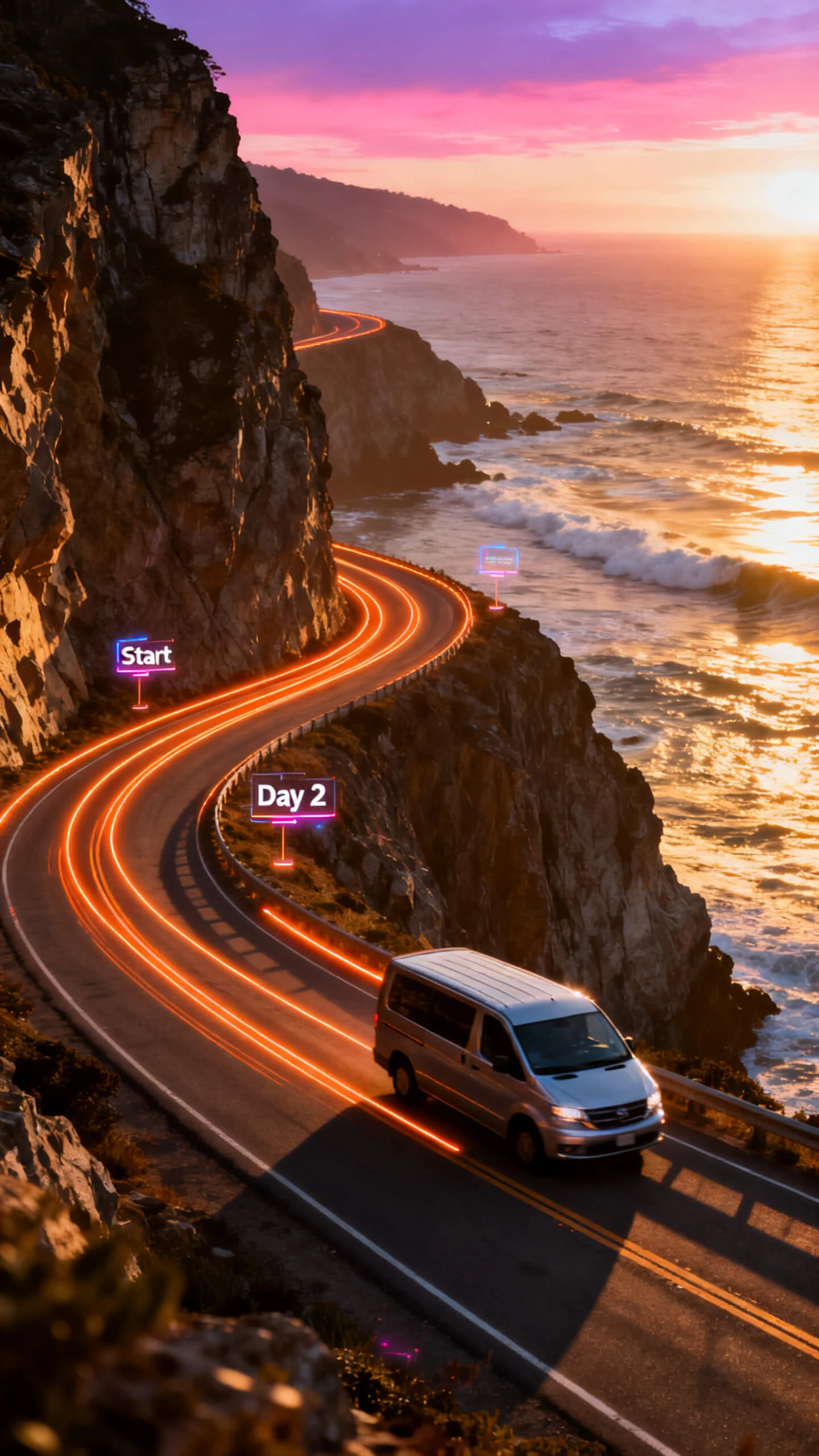
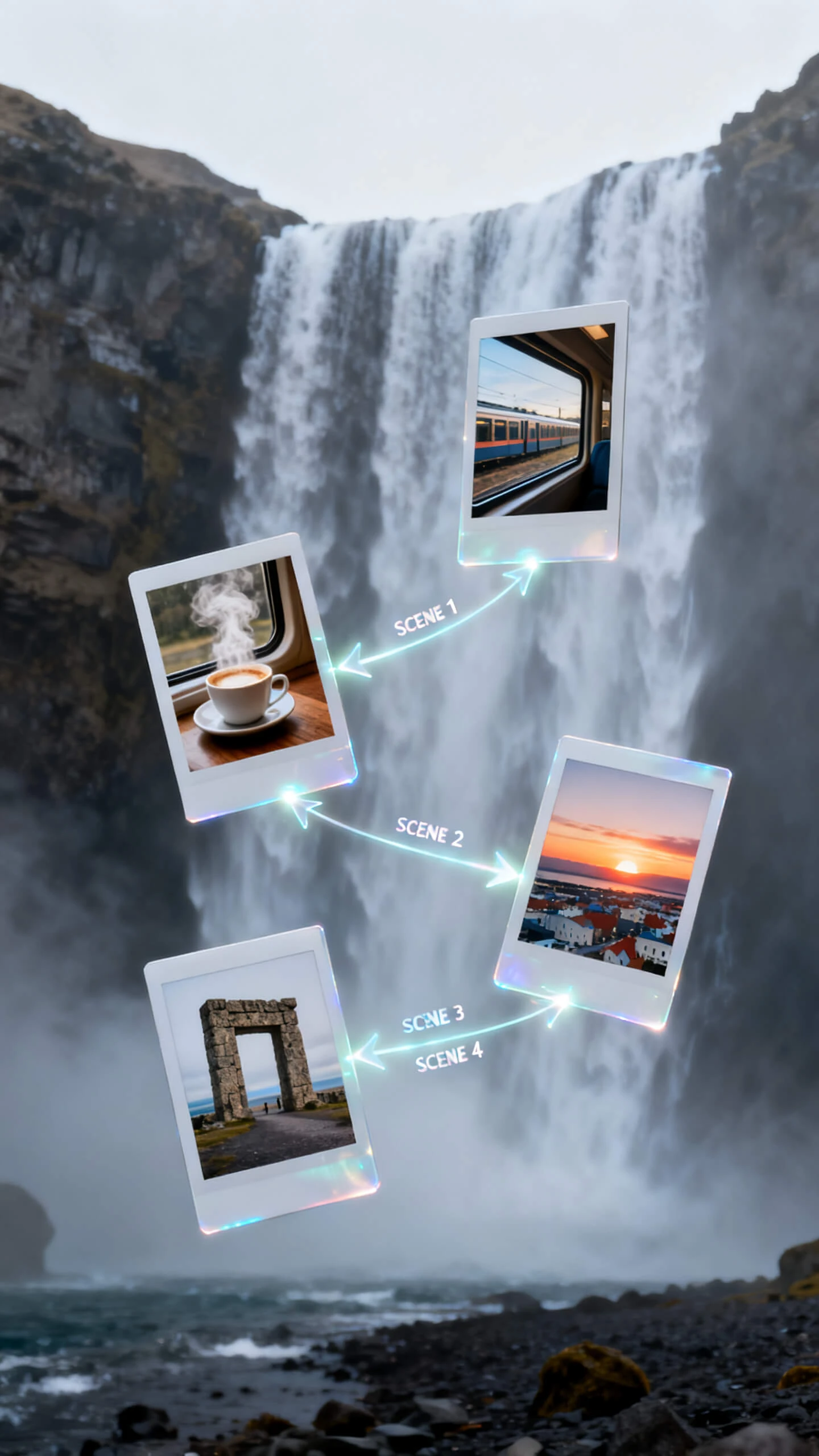
Sequence Routes By Scene

Use Magiclight AI's Nano Storyboard to place every stop into a separate scene, so timing, transitions, and camera angles match the route.

Match Every Travel Aesthetic

Choose cinematic, illustration, or flat art for each journey, while Magiclight AI keeps the visual tone steady from first stop to final scene.

Who Gets the Most Out of an AI Travel Video Maker
For agencies, creators, and travel brands, Magiclight AI works as a travel video maker online for trip recaps, destination promos, route planning, and social content across all channels.
Travel Vloggers
For Travel Vloggers
Build a structured travel episode from a destination prompt.
Keep visual style consistent across your entire series.
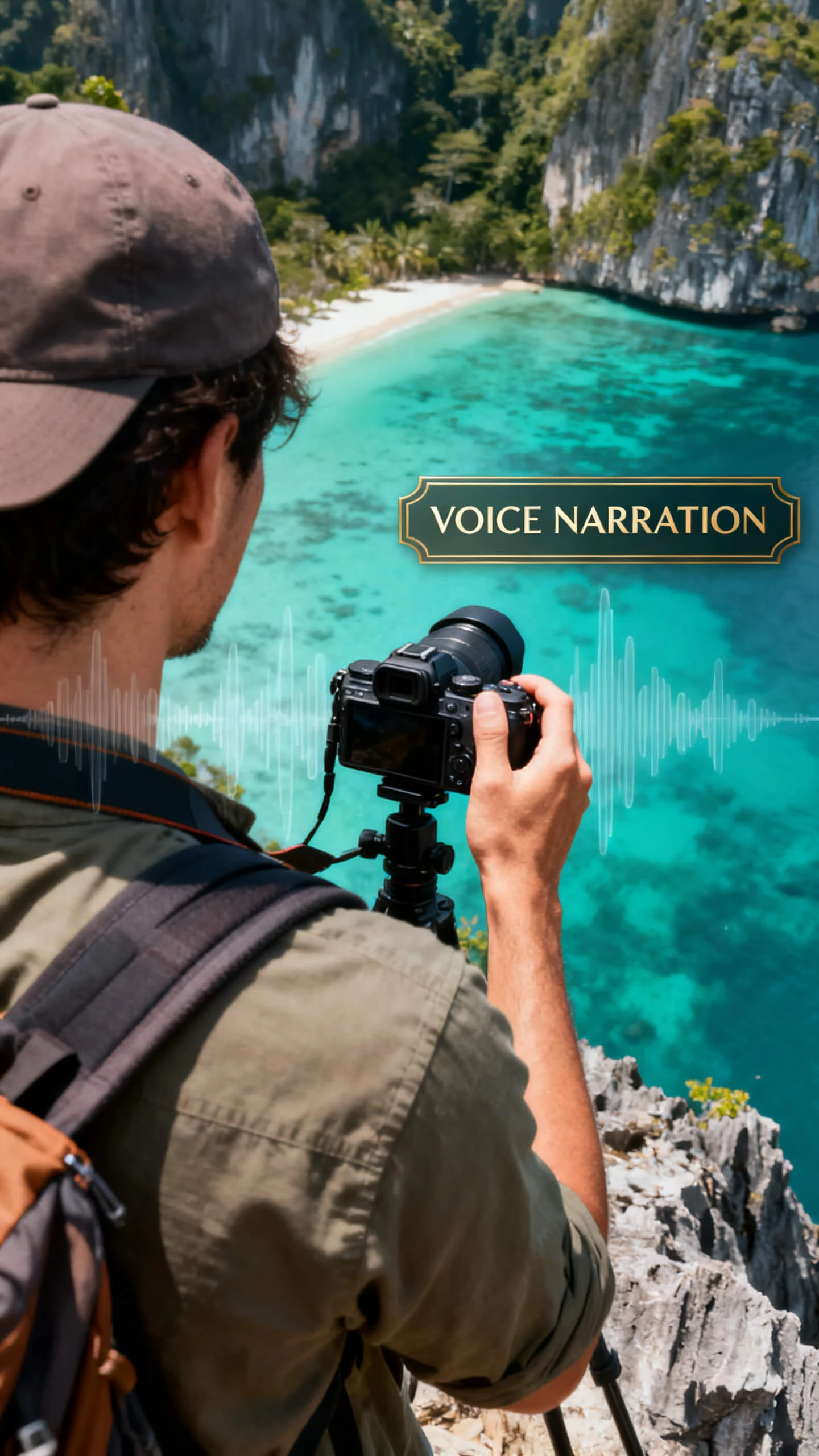
Add narration in 37 voices without recording equipment.
Travel Agencies
For Travel Agencies
Create animated route previews for any tour package.
Showcase destinations with cinematic-style footage.
Produce promo videos in 11 languages for global audiences.
Travel Platforms and App Companies
For Travel Platforms and App Companies
Generate destination preview clips without a film crew.
Animate travel map sequences as video content quickly.
Export 1080p clips for app listings and landing pages.
Solo Travelers
For Solo Travelers
Turn trip memories into a narrated souvenir video.
Recreate your travel route as an animated video sequence.
Share a styled travel recap with friends and family.
Why Magiclight AI Is
the Best Travel Video Maker Online
Other tools give you only a template and music. As a travel video maker online, Magiclight AI writes the trip story, arranges places, and creates footage before editing.
Use Ready Travel Templates
Start with templates for destination recaps, route stories, or travel guides. You save planning time while keeping each video shaped around a clear, publish-ready trip format.
Localize Videos for Viewers
Subtitles and voiceovers work across 11 languages without rebuilding the video. Travel brands can reach global viewers while keeping the same route, pacing, and visual tone.
Write Longer Travel Prompts
Use up to 12,000 characters for itinerary notes, place details, route context, and travel memories. Magiclight AI turns detailed trip input into a structured destination story.
Customize Covers For Destinations
Choose cover templates or generate one automatically for each travel video. Your destination guide looks polished before it reaches viewers on any online platform or channel.
Keep Characters Across Destinations
Magiclight AI helps to keep your host or traveller looking the same across beaches and landmarks in every scene. The journey feels connected, not stitched from unrelated clips.
Add Subtitles For Travelers
Pick from 16 subtitle styles to make narration easier on social feeds, travel pages, or course-style guides. So, viewers can follow the journey even without sound.

How to Make a Travel Video With Magiclight AI

Magiclight AI takes your destination list or travel story through script, scenes, voice, and export in four steps. No filming equipment or editing software needed.

1.

Describe Your Trip or Destination

Type your route, key destinations, and the tone of the journey. Magiclight AI generates a structured travel narrative based on your input.

2.

Arrange Your Route With Nano Storyboard

Open the Nano editor and place each destination as an individual scene. Set camera angles, adjust character poses from 50 options, and confirm transition timing before export.

3.

Choose Your Visual Style and Voiceover

Pick from 20+ visual styles, including cinematic, illustration, and flat art. Select a voice from 37 options or clone your own to narrate the journey across every scene.

4.

Add Music and Export

Choose one of 40 background tracks, apply a subtitle style from 16 presets, and export at 720p or 1080p. Your finished travel video is ready to post on any platform immediately.

FAQs on Travel Video Maker

Can I turn rough trip notes into a polished travel story?

Rough notes become clear travel scenes when Magiclight AI reads your itinerary. You still choose the mood, stops, and story direction before rendering begins.

How much detail can I add before generating the video?

Add longer route notes, hotel details, memories, and destination context freely first. Magiclight AI travel video maker supports detailed prompts, helping your trip feel properly planned onscreen.

Can I keep one travel presenter throughout the video?

Your presenter keeps a steady look across beaches, markets, streets, and landmarks. That consistency in Magiclight AI makes the journey feel genuinely connected onscreen.

Can I check the travel scenes before the final render?

Preview the storyboard before committing to the final travel video render stage. In Magiclight AI, scene prompts and route order stay adjustable longer online.

Can I make different versions for reels and YouTube?

Choose ratios, subtitles, covers, and resolution based on your platform needs today. Magiclight AI helps one travel concept fit several publishing formats smoothly online.

Can I start faster without planning every scene myself?

Ready templates give your travel video a clearer starting direction quickly today. Afterward, Magiclight AI lets you customize pacing, scenes, and visual style easily.


Turn Every Route Into a Travel Story Video With Magiclight AI

Plan the destination, and Magiclight AI shapes the route, scenes, footage, and sound into a travel video ready to share the same day.