
Explore Features of Magiclight AI’s Bing AI Video Generator
With Magiclight AI, the Microsoft Bing AI video generator experience gets a full upgrade. Go from a simple text prompt to a complete, shareable video in just minutes.

Make engaging videos in minutes using the innovative Bing AI video generator for free. Turn a simple text prompt into a fully edited clip with dynamic scenes for social media.
Try Bing AI Video Generator Now
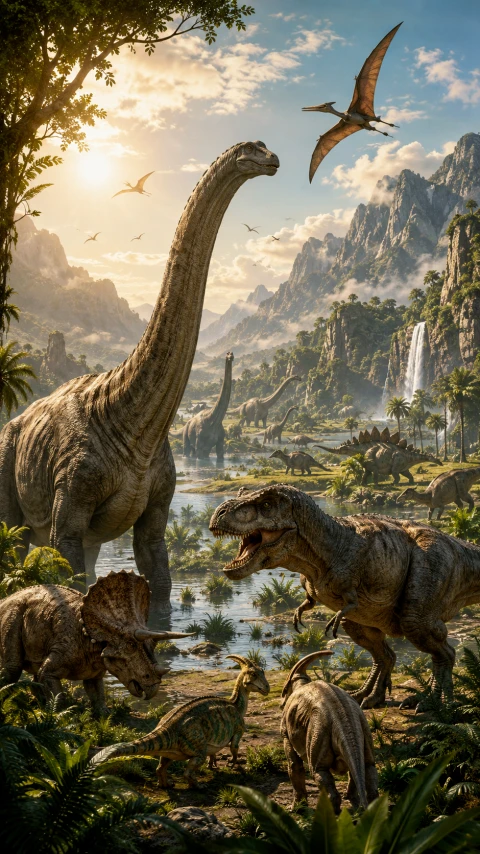
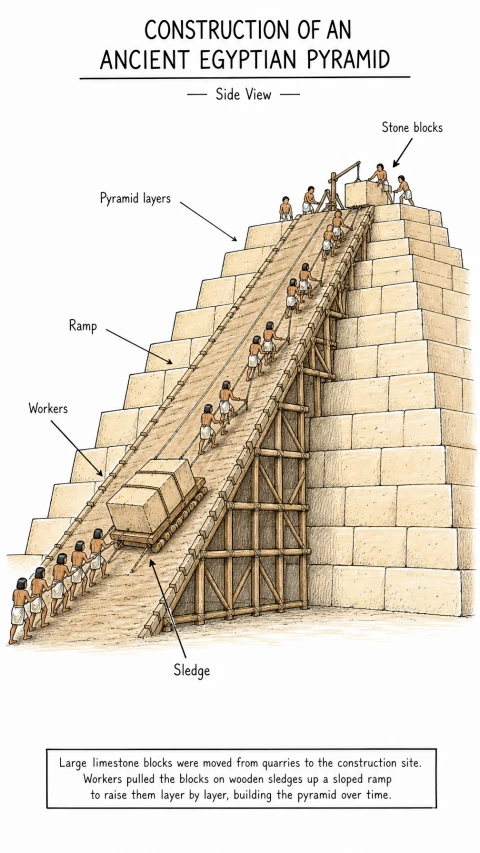
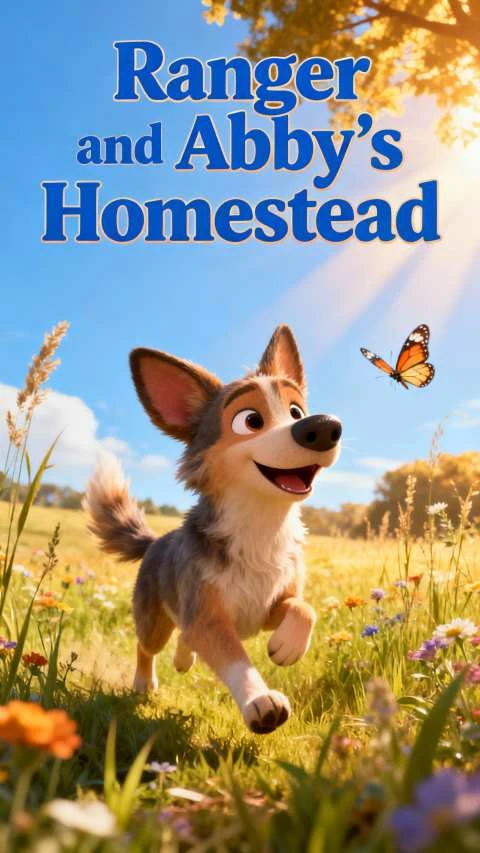
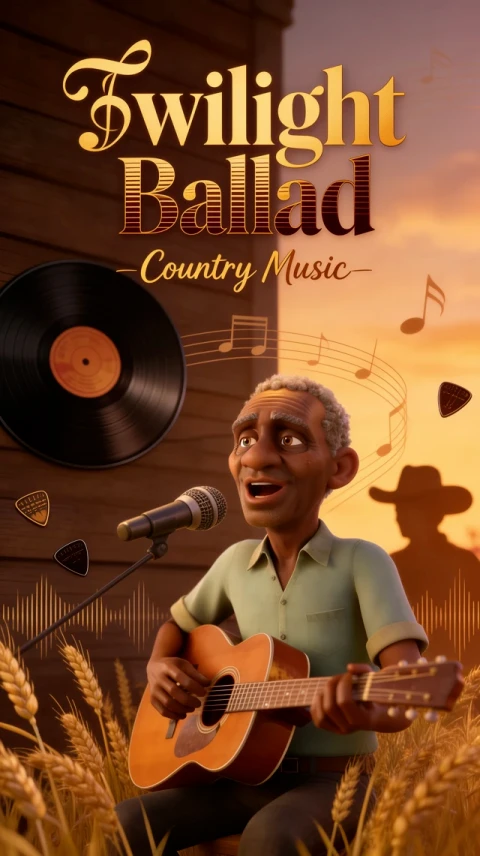
With Magiclight AI, the Microsoft Bing AI video generator experience gets a full upgrade. Go from a simple text prompt to a complete, shareable video in just minutes.

Write a prompt and watch Magiclight AI turn it into a full scene-by-scene video with smooth motion and sharp visuals automatically.
Create videos using Kling AI, Seedance 2.0, Veo 4, or Hailuo that depend on the visual motion style and speed you need most.
Use the Bing AI image to video generator feature and turn still photos or visuals into animated video clips with one simple upload.
Add auto-generated subtitles to every video clip you create. Edit font, timing, and style to match your content and target audience perfectly.


Magiclight AI makes the full video creation process simple, guided, and beginner-friendly for everyone. Follow these given steps to create your first polished AI video today.
Describe your video idea clearly, including the topic, tone, setting, and goal. A strong prompt helps Magiclight AI generate more accurate and relevant video scenes.
Pick from cinematic, comic, cartoon, or other visual styles for your video. Match the style to your content type and the audience you are targeting today.
Check each scene, caption, and transition before the final video gets rendered. Remove weak scenes, adjust the pacing, and make sure the message comes through.
Preview the finished clip, then save it in your preferred resolution and format. Share directly to TikTok, YouTube Shorts, Instagram Reels, or any platform you use.
The Bing AI video generator refers to AI tools that turn text or images into video. Magiclight AI offers a full-featured version with scenes, music, and voiceover options.
Yes, you can try the Bing AI for free within Magiclight AI. It lets you test prompts and generate basic video clips before upgrading your account.
Yes, Magiclight AI supports commercial use on paid plans, so you can create promotional, educational, and branded video content with full rights included.
The Bing AI image-to-video generator in Magiclight AI works with uploaded photos and visuals. You can turn product images, portraits, or scene photos into animated video clips.
Magiclight AI supports cinematic, comic, cartoon, and several other styles. You can match the visual tone to your brand, audience, or the specific type of video content you need.
Magiclight AI handles videos up to 50 minutes long with scripts up to 12,000 characters. It is one of the few tools that handles both short clips and long-form video content.



Turn any text idea into a polished video with scenes, captions, music, and narration included.