See What Makes Magiclight AI’s trailer maker so powerful
Get cinematic visuals, voices, and custom characters with the automatic trailer maker in Magiclight AI. Its prompt-based editing and simple presets let beginners create with ease.

The Magiclight AI trailer maker helps you build engaging series promos with AI-driven editing. You can highlight key moments and grow your audience in minutes.
Try AI Trailer Maker For Free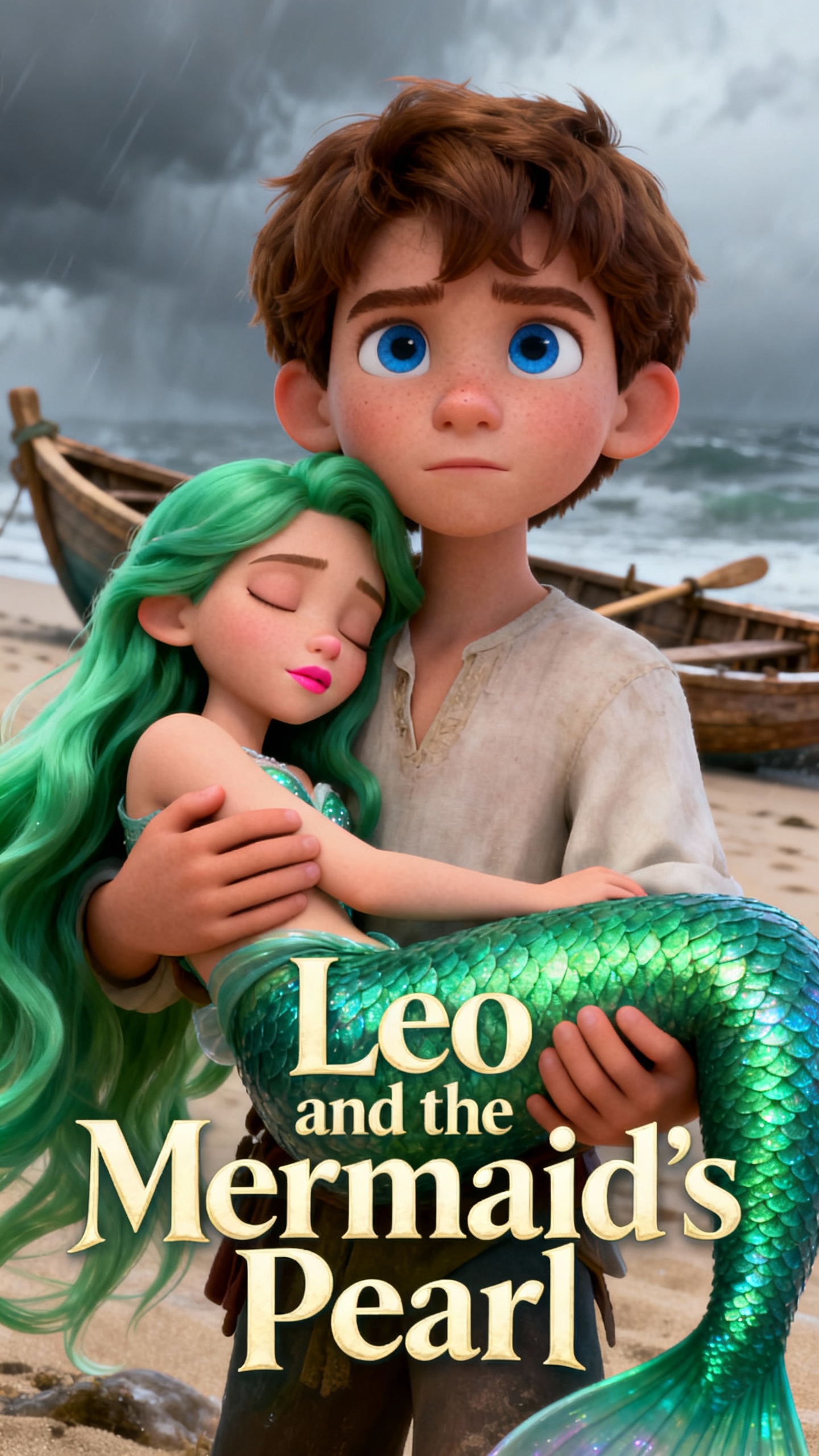

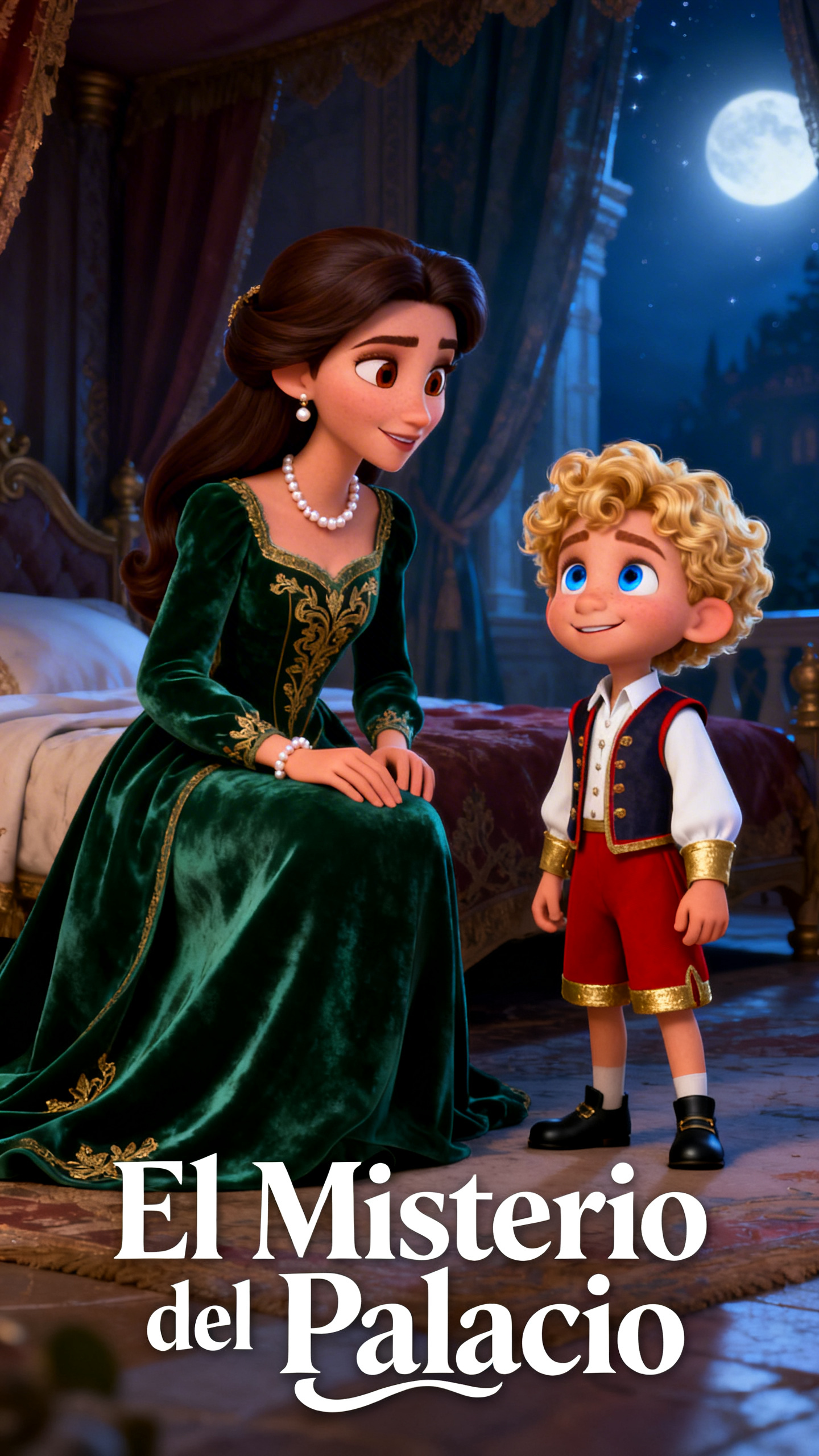
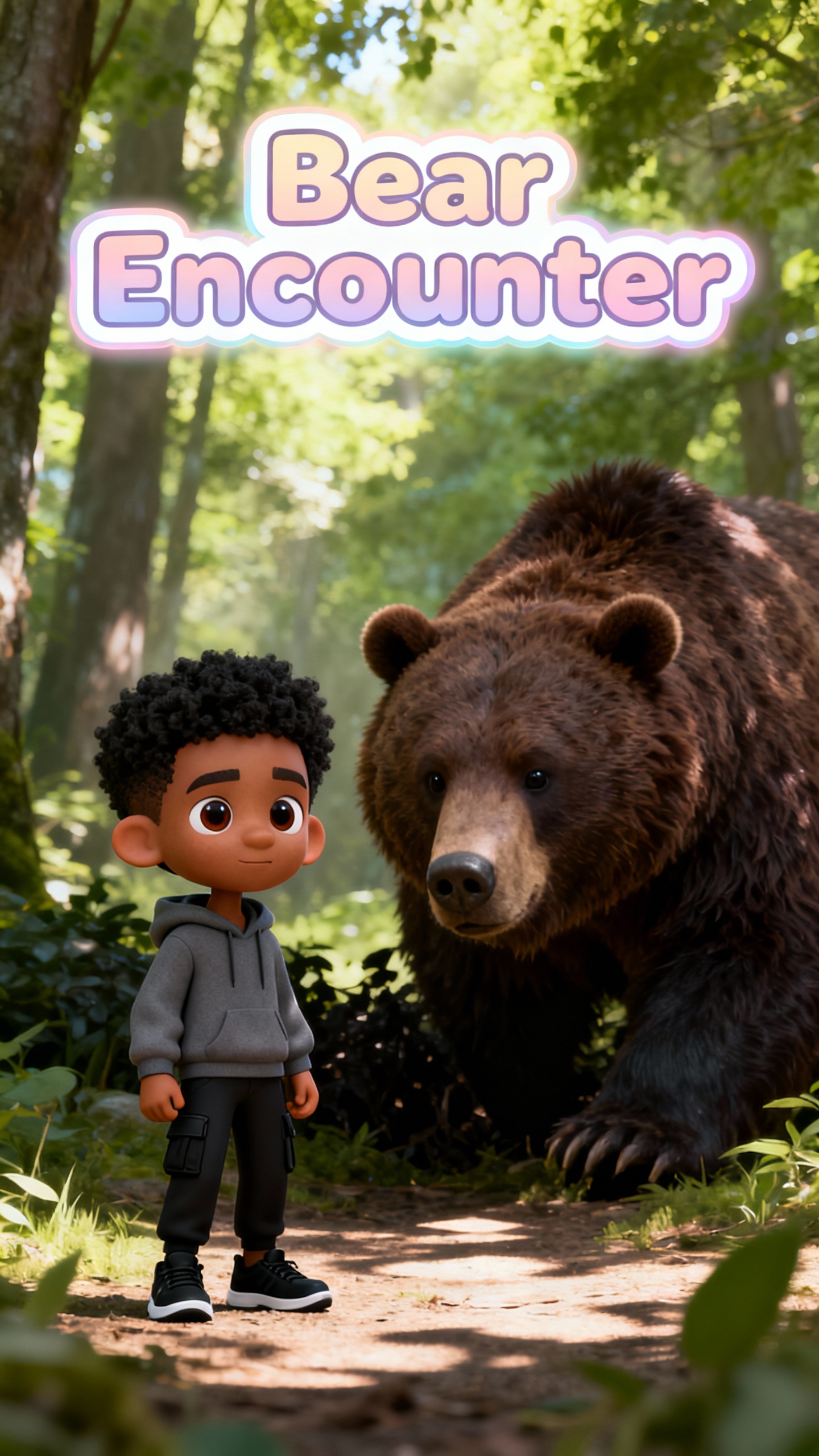

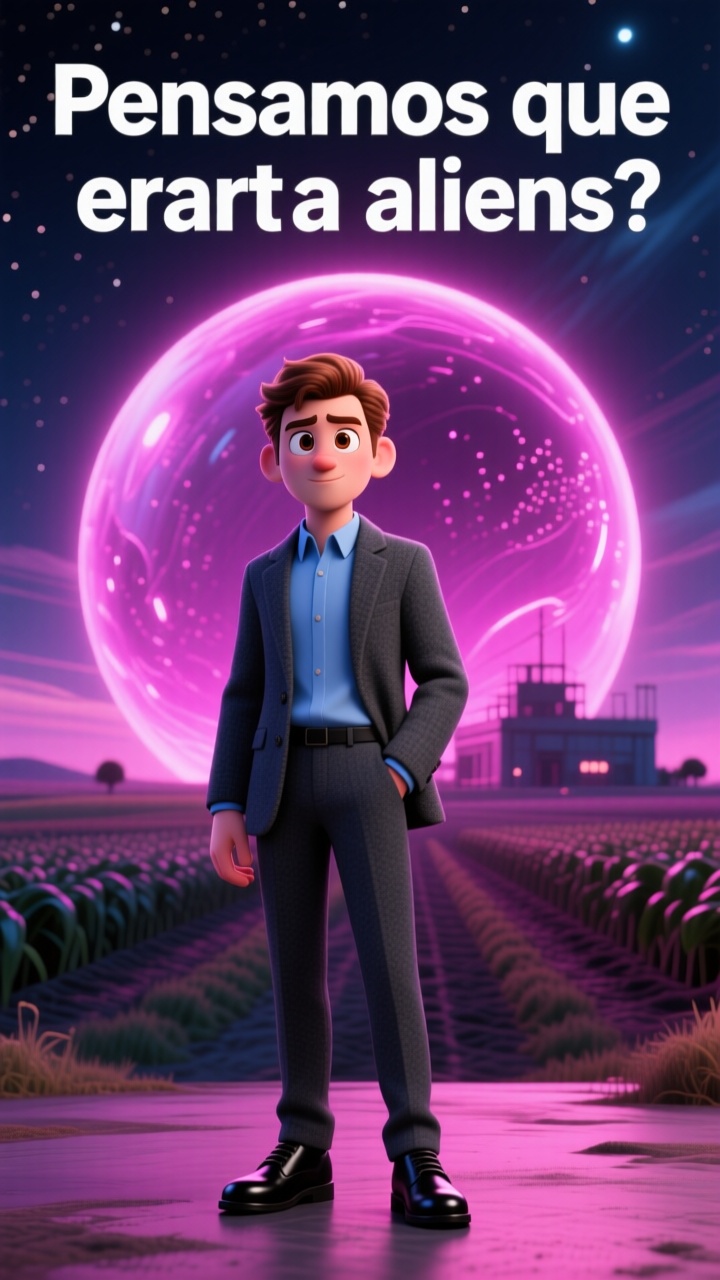
Get cinematic visuals, voices, and custom characters with the automatic trailer maker in Magiclight AI. Its prompt-based editing and simple presets let beginners create with ease.

Generate teaser trailers in Magiclight with plain text. Input a prompt up to 12,000 characters, and it is transformed into a pro-looking clip in seconds.
Make your characters that have their own distinct style and appearance. Magiclight AI lets you choose from 37 voice styles, so characters talk like humans.
Magiclight AI has 16 caption formats and 40 music options to create more thrilling intros. You add these finishing touches with one click.
Make trailers in no time using Magiclight AI’s story-themed templates. Choose from 7 presets on a specific topic to produce your trailers quickly.


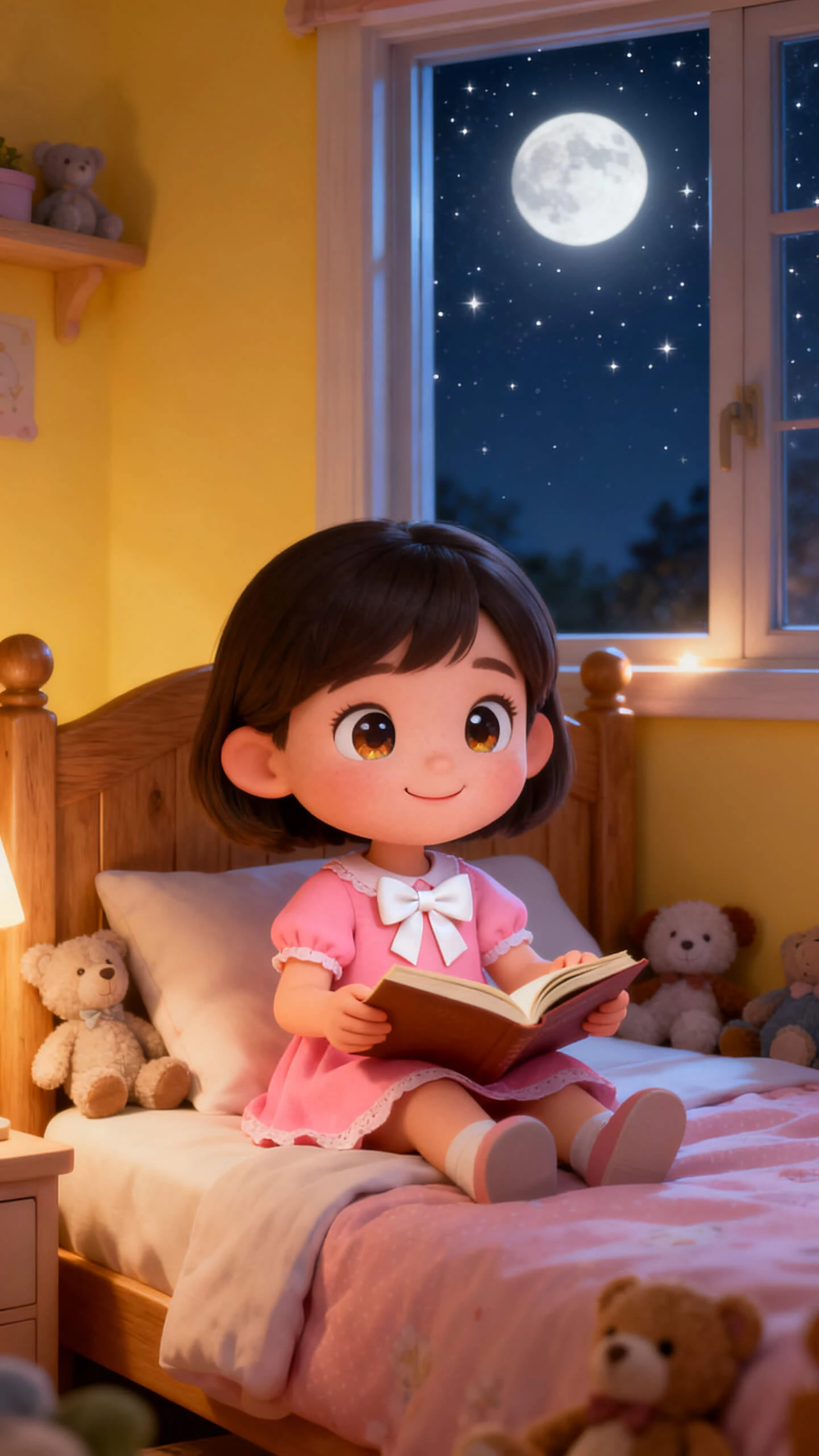

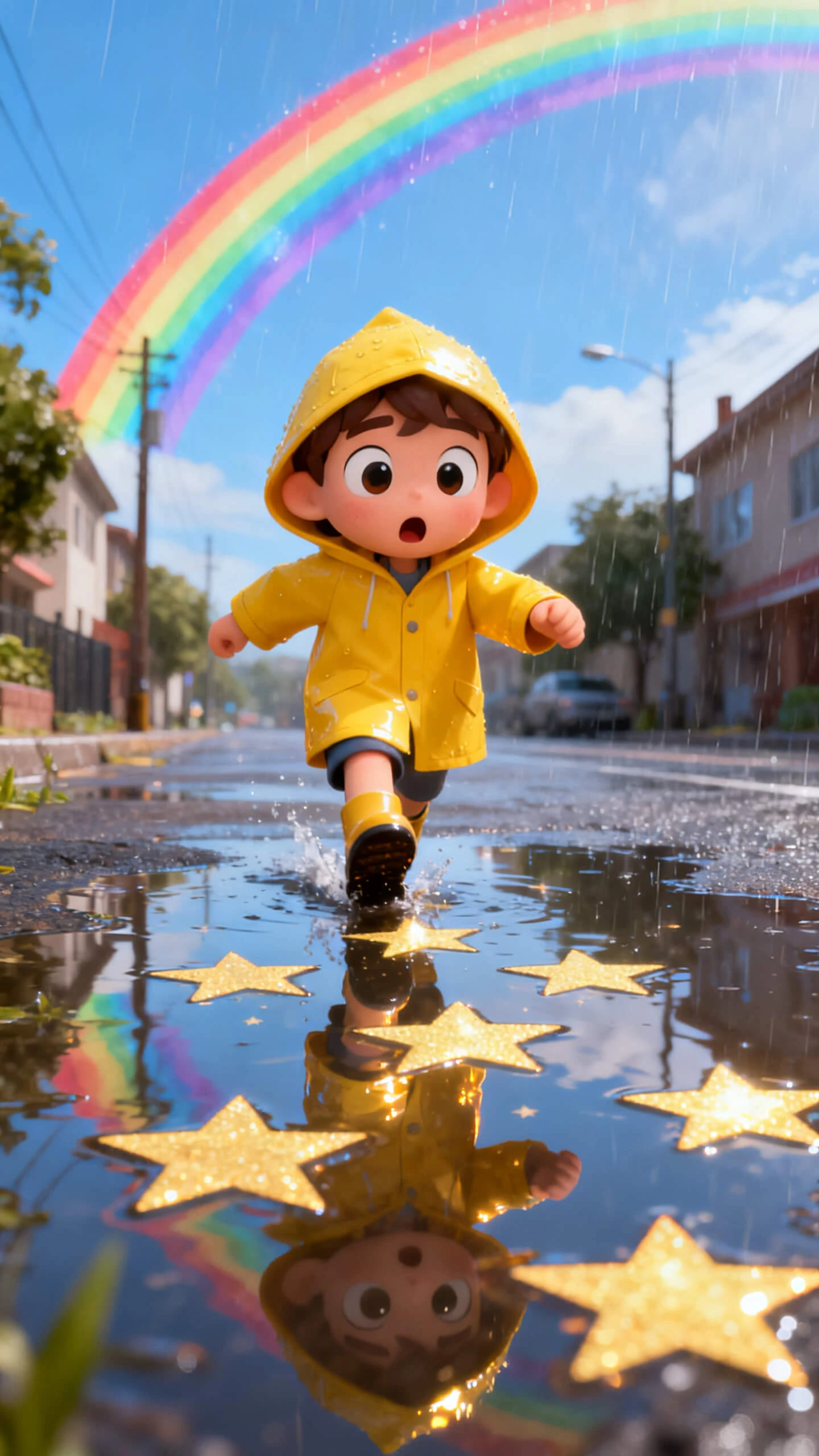



Learning how to produce teasers with Magiclight AI’s automatic trailer maker is fun and simple. Each step takes you from concept to finished trailer in less time.
Type your idea, dialogues, characters, and backgrounds. Add other video elements, such as tone and setting, so the AI knows to include them.
Choose a look, like realistic or Zootopia, that fits your idea or topic. Adjust the characters and the voiceover tone and accent.
Adjust the transitions or backgrounds until every moment feels perfect. Refine the timing and add background music to set the story's mood.
Review the full video once, and if all is perfect, export the trailer. Alternatively, share your final trailer with others on social media or on Magiclight AI.
Magiclight AI offers a trailer maker that turns scripts into stunning intros in a few guided steps. You can create pro-looking trailers without advanced editing skills.
You are able to add voiceovers and subtitles in Magiclight AI to complete the trailer. This means you avoid extra tools for narration, captions, and text animation.
Yes, you can adjust visual styles, characters, and pacing directly inside Magiclight AI. The software lets you match each trailer to your brand, genre, and audience quickly.
Absolutely. Reusing assets keeps your trailers consistent while saving time and production costs. You can store and reuse characters, prompts, and styles within Magiclight AI.
The automatic trailer maker by Magiclight AI builds trailers from prompts. It sequences scenes, adds styles, and speeds up production so you can focus on creative direction.
Many creators make client-ready trailers using Magiclight AI, as it supports professional outputs and flexible styles. You only need to review your subscription plan for the tool.



Let Magiclight AI turn rough story beats into polished, high-impact previews across social media.