Hero background

AI Video Agent

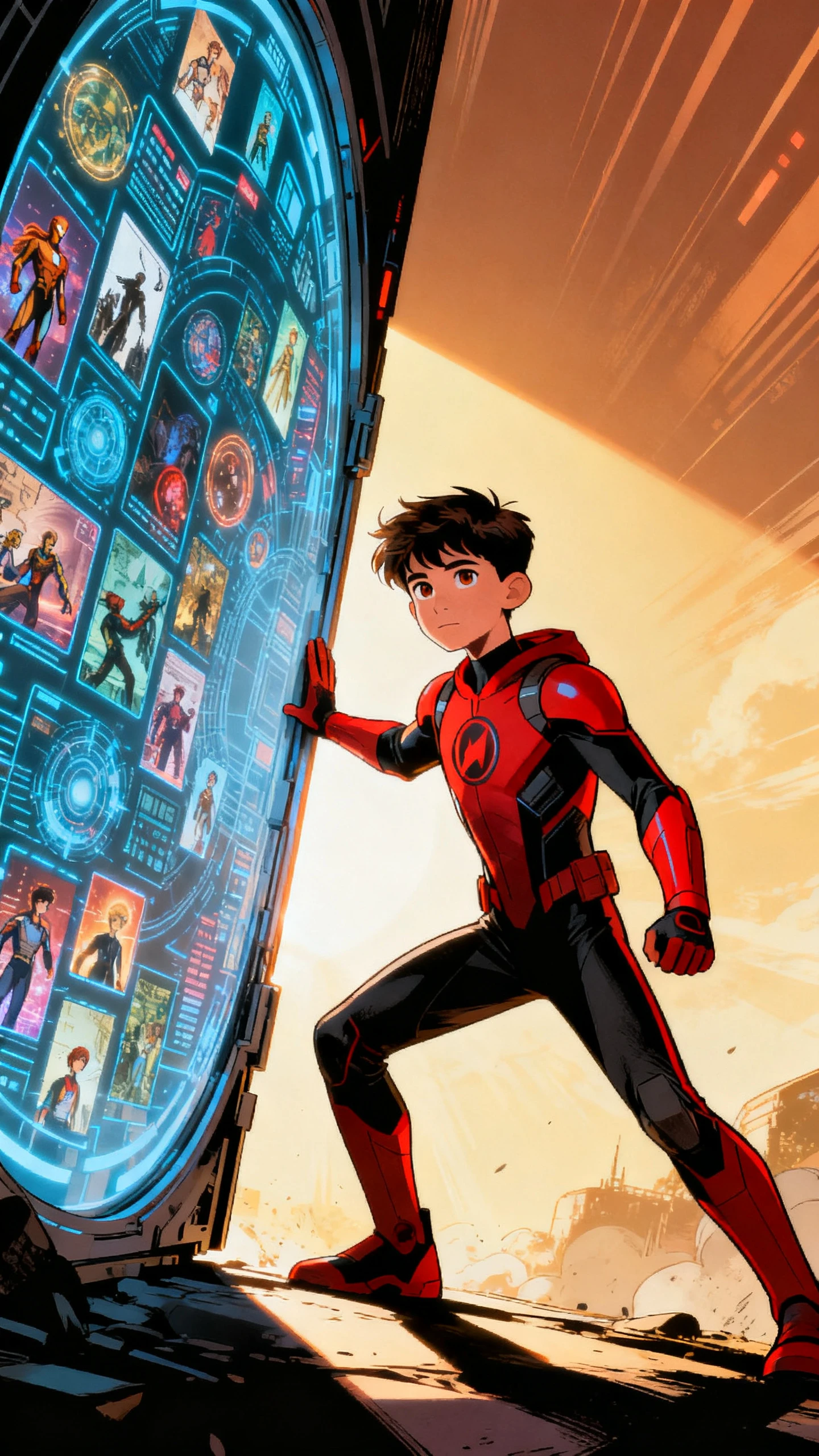
The AI video agent by Magiclight AI transforms plain text into stunning videos with just a few clicks. Save time by using presets and an automated workflow.

Try AI Video Agent For Free
ai video agent
ai video agents
video ai agents
ai agent video generator
video ai agent
ai agent to create youtube videos
ai agent video generator
ai video agent
ai video agents
video ai agents
ai agent video generator
video ai agent
ai agent to create youtube videos
ai agent video generator
ai video agent
ai video agents
video ai agents
ai agent video generator
video ai agent
ai agent to create youtube videos
ai agent video generator

Discover the Features of Magiclight AI’s AI Agent Video Generator

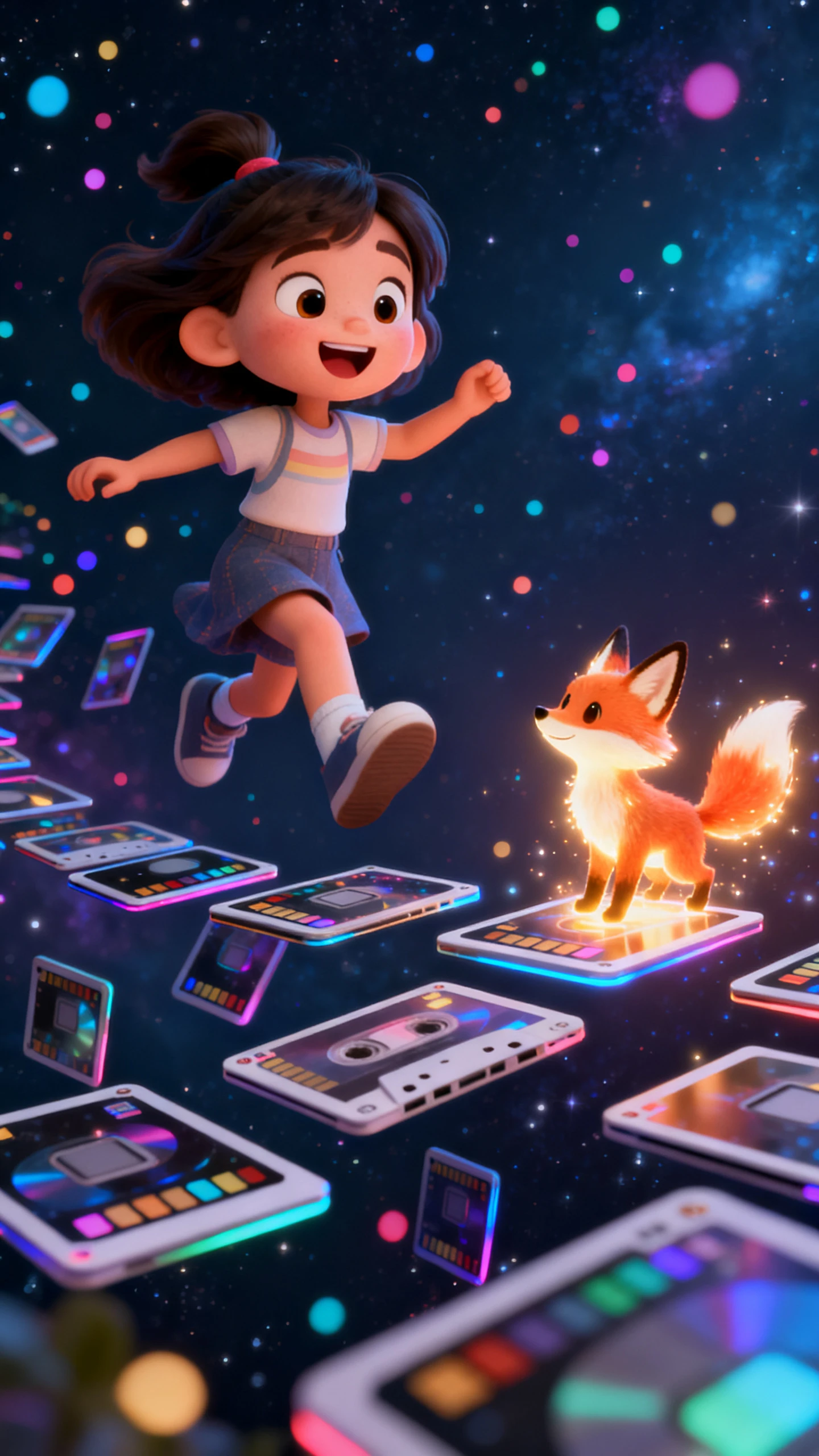
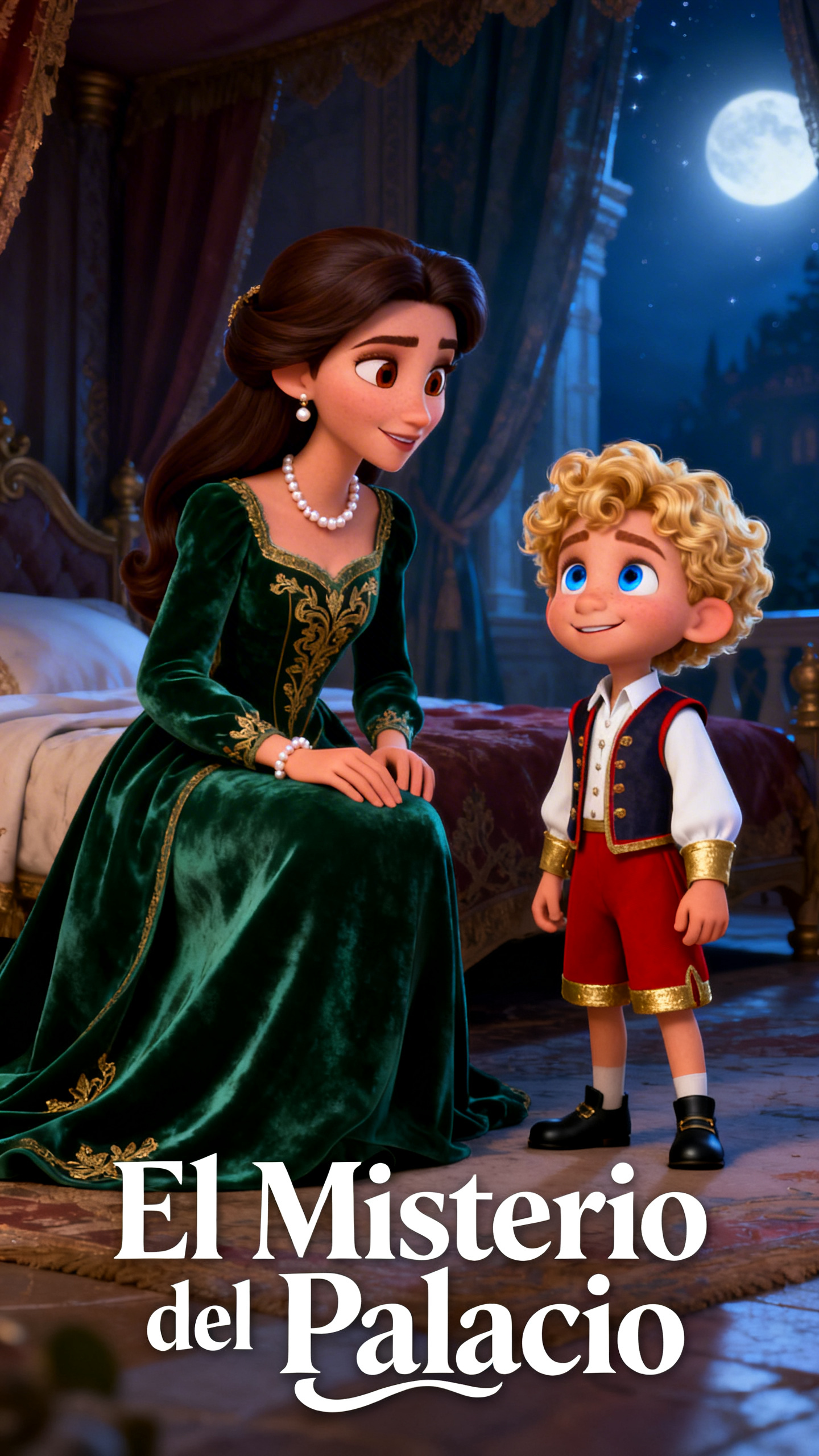
Content creation is faster and easier these days. Describe what you want to the AI video agent in Magiclight AI, and it generates a full video with narration and characters.

Explore the video generator
3D decoration

Chat‑Driven Video Creation

Skip the complex settings and just type your idea. Magiclight AI transforms simple prompts into detailed video instructions that are followed precisely.

Precise Scene Refinement

Nano in Magiclight AI lets you control every detail of your video. Adjust the poses, accessories, and outfits for every shot of your clip.

Multi‑Language Voiceovers

Magiclight AI adds lifelike narrations in minutes. It offers 37 voice styles and supports 11 languages, so you can share your video with more people.

Platform‑Smart Video Formats

You can easily tailor videos for TikTok, Reels, and YouTube with Magiclight AI. The tool auto‑adjusts aspect ratios, framing, and caption styling.

Who Can Achieve More with Magiclight AI’s Video Agent
Both solo creators and teams can quickly share the message all over the world. With little effort, the video AI agent in Magiclight AI converts your ideas into polished clips.
text to brainrot generator
For Solo Content Creators
Produce social videos daily without exposing your identity.
Batch‑produce TikToks and Reels in one go to reduce time and costs
Modify long scripts into Shorts without hiring a video editor.
text to brainrot
For Course Creators
Turn lesson outlines into fun videos in less time and money.
Repurpose lectures into engaging clips quickly to cut editing time.
Auto‑caption summary videos fast, so students can follow along.
brainrot video generator
For Marketing Teams
Generate UGC‑style ads quickly and avoid expensive fees.
Test multiple hooks per campaign without extra resources.
Localize campaigns in minutes, minimizing agency translation spend.
text to brainrot video
For Startups and Small Businesses
Convert sales decks into videos quickly to avoid design costs.
Update promo videos in minutes, not days.
Launch service and product explainers with less effort required.
Why Professionals Prefer Magiclight AI’s
Video Agent
In Magiclight AI, the AI agent video generator helps creators build consistent, high‑quality story videos without complex timelines. The tool streamlines production for you.
text to brainrot generator
Write More Details For Longer Videos
Make video content with a script input of up to 12,000 characters. Magiclight AI handles the narrative structure and timing, so you don't have to.
text to brainrot generator
Complete Video Creation with Character Consistency
Experience a workflow from thinking of the idea to exporting the video. The scenes and characters look the same in every moment of the whole clip when you use Magiclight AI.
brainrot video generator
Tailor-Make Your Characters
In Magiclight AI, you are in control of each and every aspect of your characters. Change their hairstyle, skin tone, outfits, poses, and name within 50 characters.
ai brainrot generator
Integrated Captions and Music Tracks
Select from 16 subtitle formats and 40 music options to improve the tension and atmosphere of your clip. You craft engaging content that keeps watchers coming back for more.
text to brainrot
Clone Your Own Voice for Dialogues
You can upload a voice recording to personalize the characters in your story. Using Magiclight AI, the characters get a human voice with a proper accent, mood, and tone.
text to brainrot video
Multiple AI Models for Voice, Video, and Music
Work with AI video models, including Seedance 2.0, Gemini Omni, and Gemini 3.5 Flash. With Magiclight AI, video generation has become very easy for everyone and takes less time.

Create Clips with Magiclight AI’s Video Agent in 4 Steps

Unlike other tools, Magiclight AI video agent is not complicated and turns ideas into videos in a few steps. The entire workflow is simple, so anyone can publish clips in seconds.

1.

Begin with Plain Text

Type a random idea like you are chatting with a friend. Magiclight AI understands your prompt and shapes the video idea accordingly.

2.

Adjust the Style

Select your desired visual style and AI model. Then, alter the voiceover style for your characters and pick a tone and accent that makes them sound real.

3.

Tweak Scene Details

Change the outfits, timing, and camera lighting for each shot. In Magiclight AI, you can adjust the body shapes, eye color, and transitions until everything feels smooth.

4.

Export the Clip

Preview and then export the clip. You can either save it onto your device or share it on the official website so other creators can see your work.

FAQs on AI Video Agent

What is the AI video agent in Magiclight AI?

The AI video agent in Magiclight AI turns scripts, concepts, or ideas into ready‑to‑publish videos. It automates scripting, visuals, and editing so you create content faster.

How does Magiclight AI speed up my video workflow?

You skip manual editing steps and get more published videos out in less time and with minimal effort. Magiclight AI automates scripting, scene building, captions, and exports.

Can I use Magiclight AI without editing experience?

Yes. The tool was designed so that both beginners and professionals could easily create videos. All you have to do is type your idea, and Magiclight AI does the rest.

Does Magiclight AI support multiple video formats?

Creating videos for TikTok, Reels, and YouTube is so much easier with Magiclight AI. You can quickly change the aspect ratios and export formats for each platform with a single click.

Can teams collaborate inside Magiclight AI?

Within Magiclight AI, professionals and teams can review, comment, and iterate on projects. This feature reduces back‑and‑forth emails and speeds up approvals and revisions.

Is the AI agent video generator by Magiclight AI secure?

Of course. Magiclight AI’s agent video generator keeps your projects private. No one can view them without your permission. Your assets and drafts stay protected in your workspace.


Create Stunning AI Videos with Magiclight AI

Let Magiclight AI transform your idea into a fully animated clip with lifelike characters.