Explore the Features of Magiclight AI Apple Video Generator
Using the Apple AI video generator in Magiclight AI turns simple ideas into polished clips. Customize scenes, add voice, and produce a complete clip without a challenging edit.

Magiclight AI’s Apple AI video generator turns ideas into structured scenes, syncs audio, and delivers publish-ready videos in minutes.
Create AI Videos Now
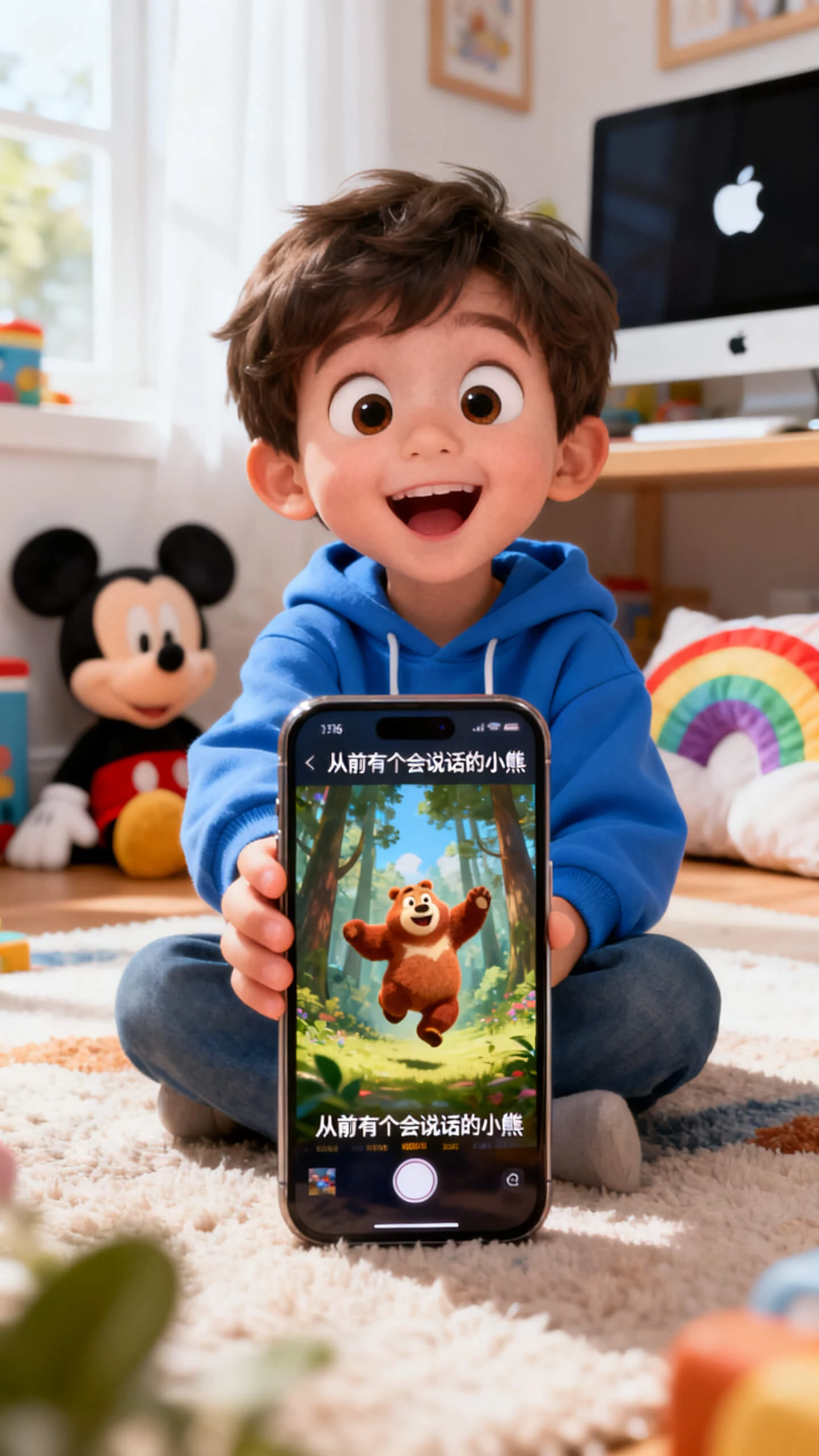
Using the Apple AI video generator in Magiclight AI turns simple ideas into polished clips. Customize scenes, add voice, and produce a complete clip without a challenging edit.

Share your idea in simple words, and let Magiclight AI turn it into scenes, voice, and motion using Apple's AI video generator.
Get access to 16 subtitle styles and 40 unique tracks to add the right set of audio and captions to your generated videos.
Choose from 37 natural voices and music tracks so your projects in Magiclight AI feel polished and ready to publish.
Export in 720p or 1080p so every clip stays crisp on screens in Magiclight AI and is easy to share across social feeds and product pages.


Magiclight AI follows a simple social video workflow. You start with a clear idea, shape the video, refine scenes, and export for sharing.
Describe the topic, goal, and tone in clear language. Add details about audience and platform so Magiclight AI can shape stronger scenes and a focused message.
Select a visual style and voice that fit your viewers. This keeps the Magiclight AI workflow targeted so each video suits your brand and the Apple channel you use.
Review the Nano storyboard and adjust expressions or captions as needed. Fine scene control helps the video feel less generic and more usable.
Export the final video and give it a quick review. Once you are satisfied, you can download the file and upload it to YouTube and another social platform.
An Apple AI video generator on Magiclight AI helps you create videos on Apple devices from text, images, or ideas. It speeds up planning, visuals, and export.
With Magiclight AI, you can upload an image and animate it into a short clip, which works well for promos, explainers, and fast social content on Apple screens.
Yes. The Magiclight AI video generator workflow supports voice and subtitle options. That helps videos feel more complete and easier to watch.
You can export your videos at 720p or 1080p with Magiclight AI. This keeps the video sharp on screens and makes it look clean on social platforms.
Magiclight AI offers a starting path for the free AI video generator Apple workflow. You can test creation before moving to bigger projects.
Inside Magiclight AI, you can get 20 visual styles, including cinematic, Disney, Pixar, Ghibli, 3D cartoon, comic book, realistic, and picture book.



Turn simple ideas into polished Apple-ready videos with Magiclight AI.