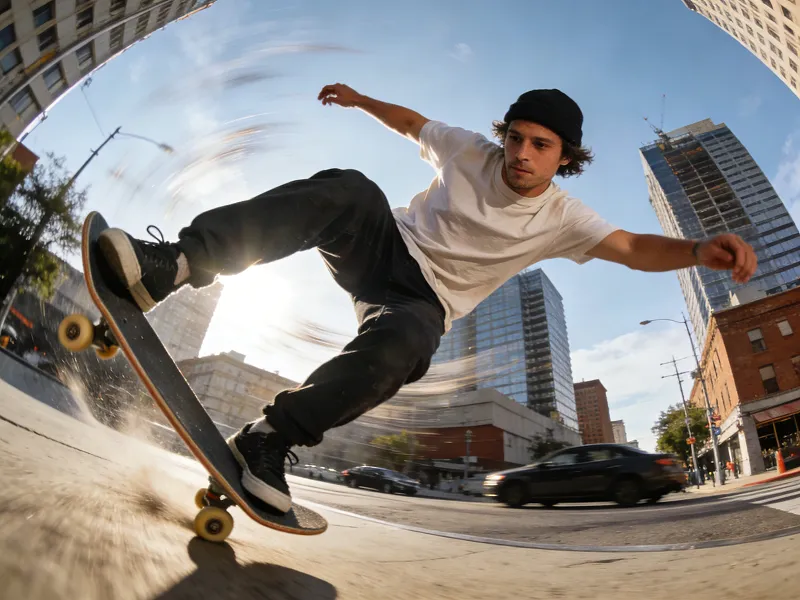
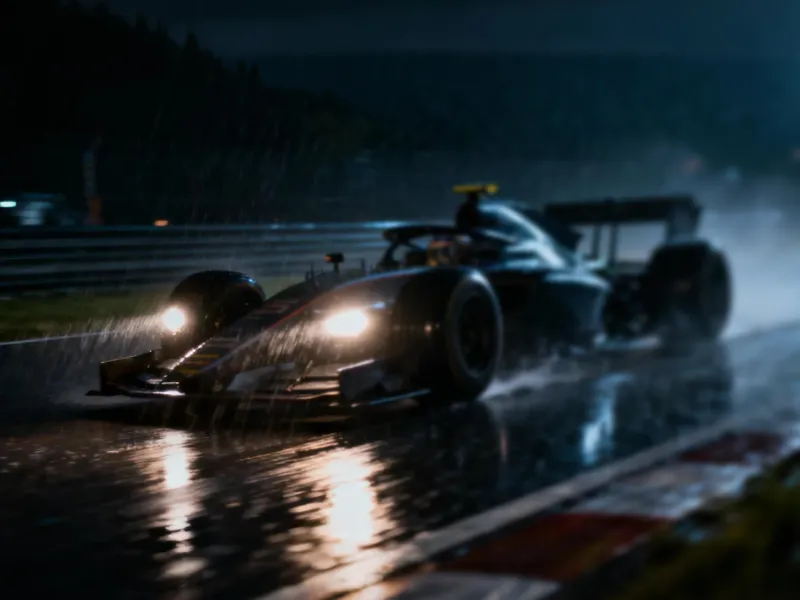
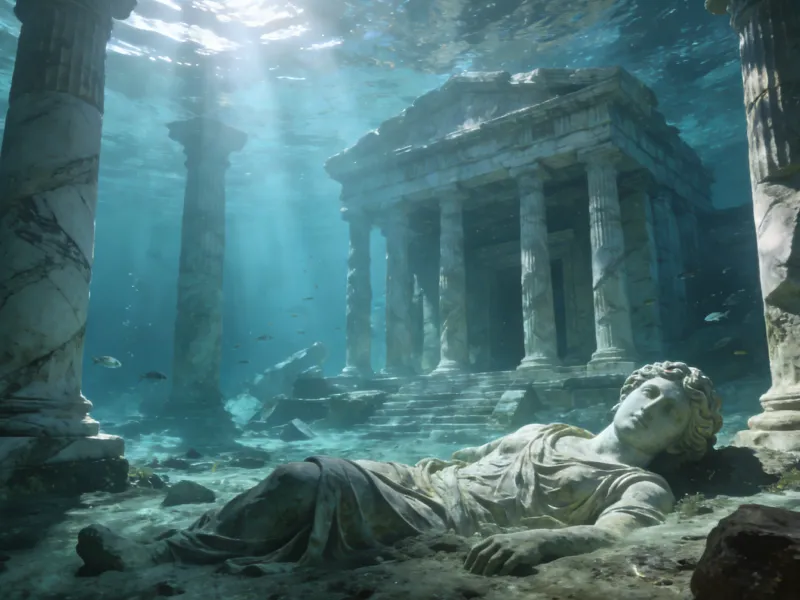
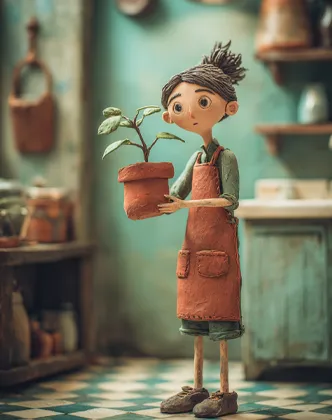
Create smooth, cinematic AI videos with Happy Horse 1.5 in MagicLight AI. Turn prompts, images, and story ideas into dynamic clips built for creators, brands, and visual storytellers.
Happy Horse 1.5 is integrated into Magiclight to help creators create cinematic clips without complex production steps. Just describe a scene, upload an image, or shape a story, and let it generate the video.
Write a simple idea and let Happy Horse 1.5 create a complete video moment with subject movement, atmosphere, camera direction, and visual detail.
Image-to-Video Made Simple
Bring still images, concept art, character designs, or product visuals into motion while preserving the core look of your original reference.
More Natural Motion Results
Generate clips with smoother gestures, cleaner transitions, and more believable scene movement for social posts, trailers, story clips, and campaign visuals.
Creator-Friendly Workflow in Magiclight
Use Happy Horse 1.5 inside Magiclight to move from generation to refinement faster, with tools designed for repeatable creative production.
Who Should Use Happy Horse 1.5?
Happy Horse 1.5 AI Video Generator is designed for creators, teams, and studios that need fast video concepts, polished visual drafts, and cinematic content without a traditional production pipeline.
For Solo Creators
Turn daily ideas, short scripts, or image references into eye-catching AI videos.
Create social-ready clips without learning complex editing software.
Test multiple visual directions quickly before choosing the final version.
For Creative Agencies
Convert campaign ideas into visual storyboards and pitch-ready video concepts.
Produce different creative routes for client review in less time.
Match prompts, references, and brand direction with flexible generation options.
For Marketing Teams
Create product teasers, launch visuals, ad tests, and short-form campaign videos.
Experiment with hooks, scenes, and pacing before committing to production.
Generate polished visual assets for multiple channels and audience segments.
For Game and Media Studios
Build mood videos, character moments, scene previews, and teaser concepts.
Animate environments, action beats, and visual references from simple inputs.
Speed up previsualization while keeping creative direction flexible.
Why Choose Happy Horse 1.5
Inside Magiclight?
Happy Horse 1.5 is made for practical AI video creation. It helps creators produce cleaner motion, stronger scene interpretation, and more usable clips for real content workflows.
Cinematic Scenes from Simple Inputs
Describe the shot you want and generate a visually rich scene with lighting, motion, subjects, and mood shaped by your prompt.
Useful for Social and Brand Content
Create short videos for reels, ads, product moments, creator posts, and campaign concepts directly in the Magiclight workflow.
A Faster Path from Idea to Video
Happy Horse 1.5 shortens the creative loop, helping you move from concept to preview faster so you can test more ideas in less time.
More Believable Character Motion
Happy Horse 1.5 focuses on smoother movement and more coherent actions, helping generated clips feel less stiff and more visually convincing.
Better Control for Story-Driven Clips
Guide characters, tone, action, and scene direction with clear prompts or reference images, making the model useful for storyboards and narrative content.
Flexible Creative Direction
Use the model for realistic scenes, stylized videos, product visuals, character clips, and creative experiments across different formats.
How to Create Videos with Happy Horse 1.5 AI Video Generator
Start with a prompt or image, refine your creative direction, and generate a video clip in Magiclight with a workflow built for fast iteration.
1.
Enter Your Idea
Describe the scene, subject, action, visual style, and camera movement you want. You can also begin with an image reference.
2.
Choose the Creative Direction
Adjust the story angle, visual tone, character details, and generation settings so the result better matches your goal.
3.
Preview and Refine
Review the generated clip, improve the prompt, change references, or create another version until the scene feels right.
4.
Export and Share
Download the finished video or continue using it inside your Magiclight workflow for social content, campaigns, or story production.
Happy Horse 1.5 AI Video Generator is integrated into Magiclight, enabling users to create AI videos from prompts, images, and ideas. It delivers cinematic scenes, smoother motion, and faster video generation workflows.
Can Happy Horse 1.5 generate video from images?
Yes. You can use image references to create animated clips, making it useful for character concepts, product visuals, artwork, and scene references.
What can I create with Happy Horse 1.5?
You can create short cinematic clips, social media videos, ad concepts, product moments, story previews, character scenes, and visual drafts for creative projects.
How is Happy Horse 1.5 different from basic AI video tools?
Happy Horse 1.5 focuses on practical video generation inside Magiclight, with stronger prompt interpretation, smoother scene motion, image-to-video support, and a workflow made for creators who need fast iteration.
Do I need editing experience to use Happy Horse 1.5?
No. Happy Horse 1.5 is built for simple creative input. You can start with a short prompt or image and refine the result step by step.
Is Happy Horse 1.5 AI Video Generator free to try?
You can start creating in Magiclight as long as your account has available credits or access to the required generation features. Availability may depend on your current Magiclight plan or credit balance.
Create Your Next AI Video with Happy Horse 1.5
Use Happy Horse 1.5 in Magiclight to turn prompts and images into smooth, cinematic video clips for stories, campaigns, social posts, and creative experiments.