
Explore Features of Hot AI Video Generator in Magiclight AI
The hot AI image-to-video generator in Magiclight AI converts scripts and images into full videos with advanced control over styles, scenes, voices, and exports.

Generate high-quality videos using the hot AI video generator inside Magiclight AI. Turn scripts, images, and ideas into complete videos with full creative control and automation.
Create Hot AI Videos For Free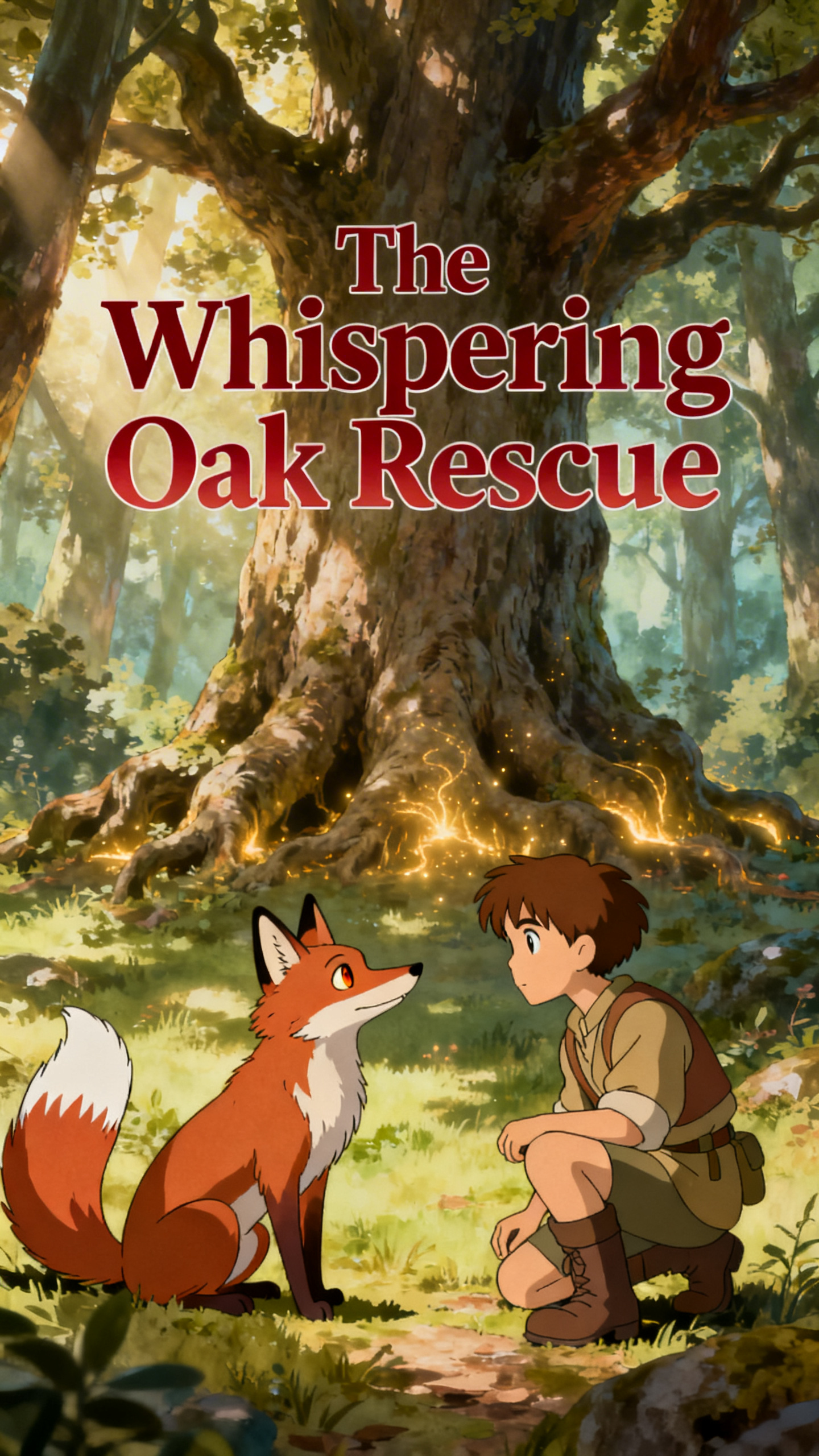
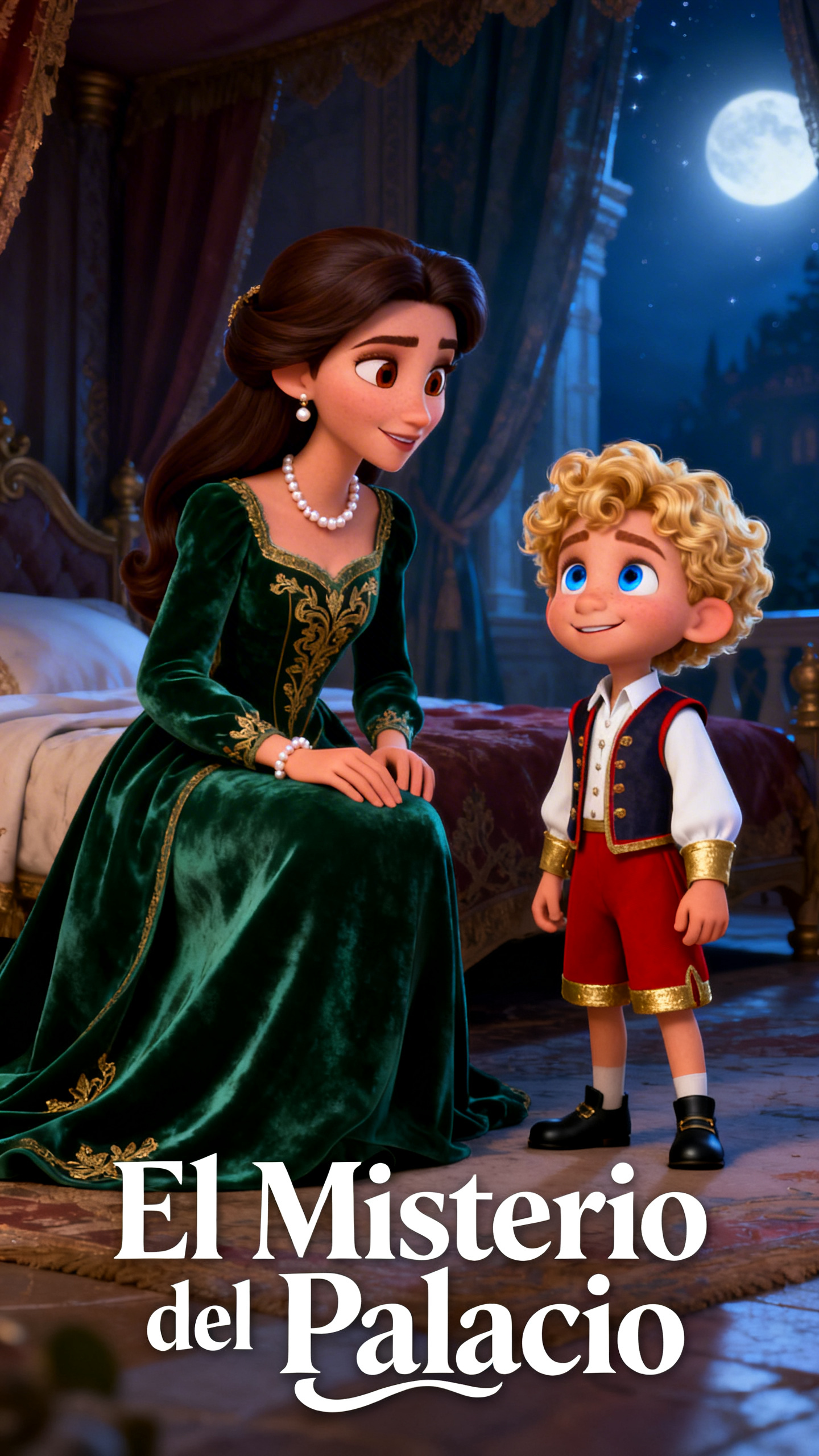
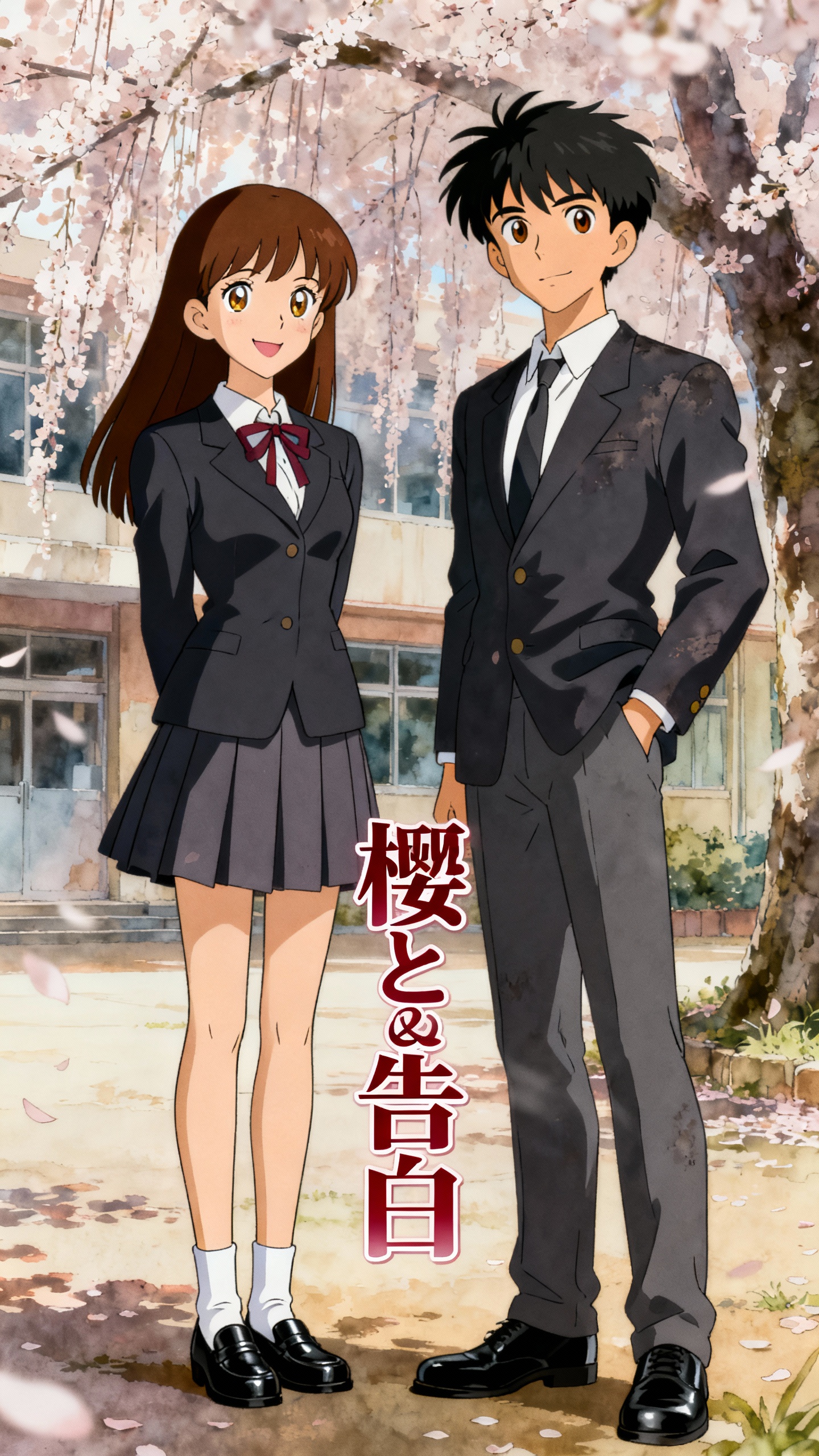


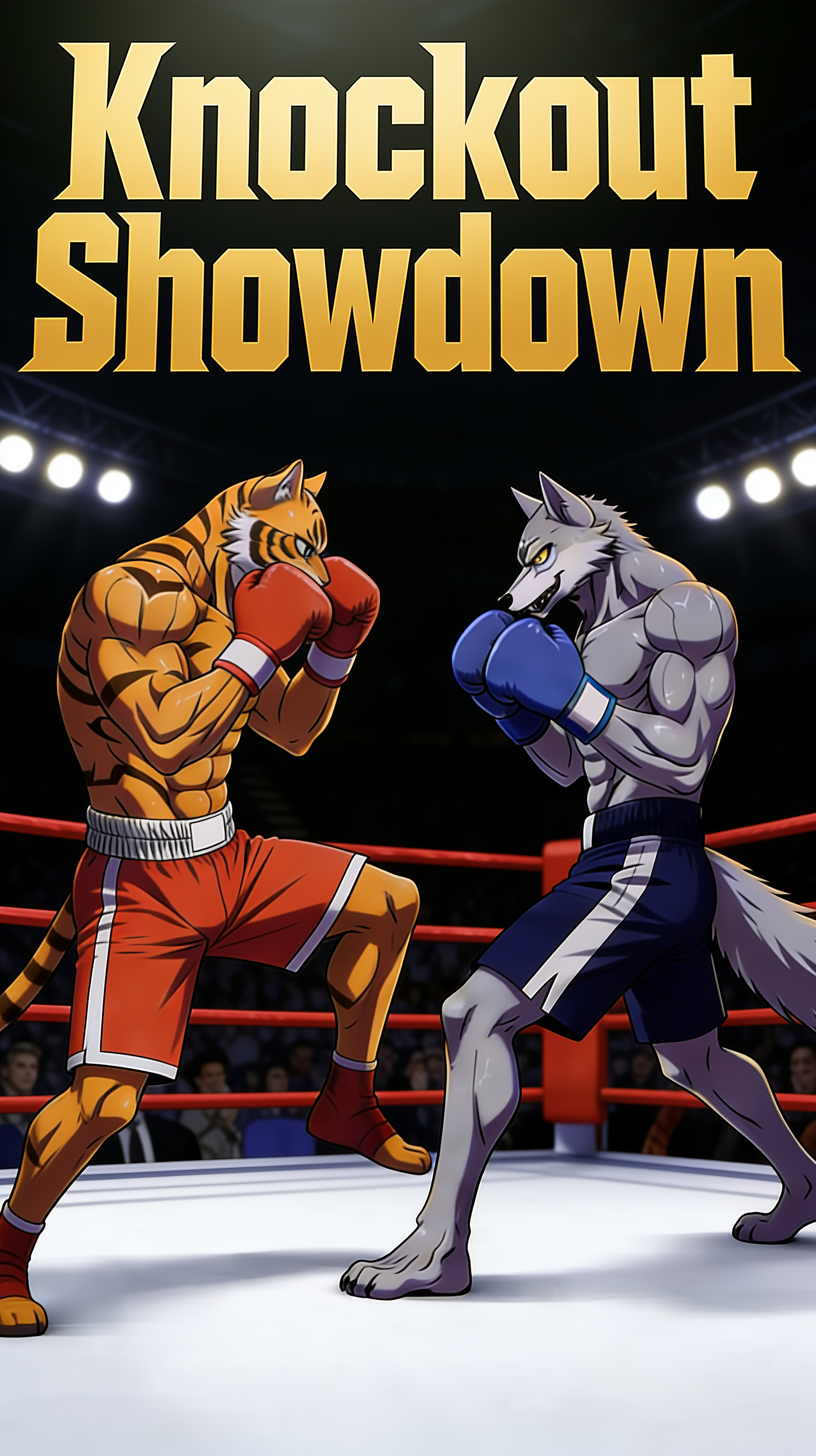
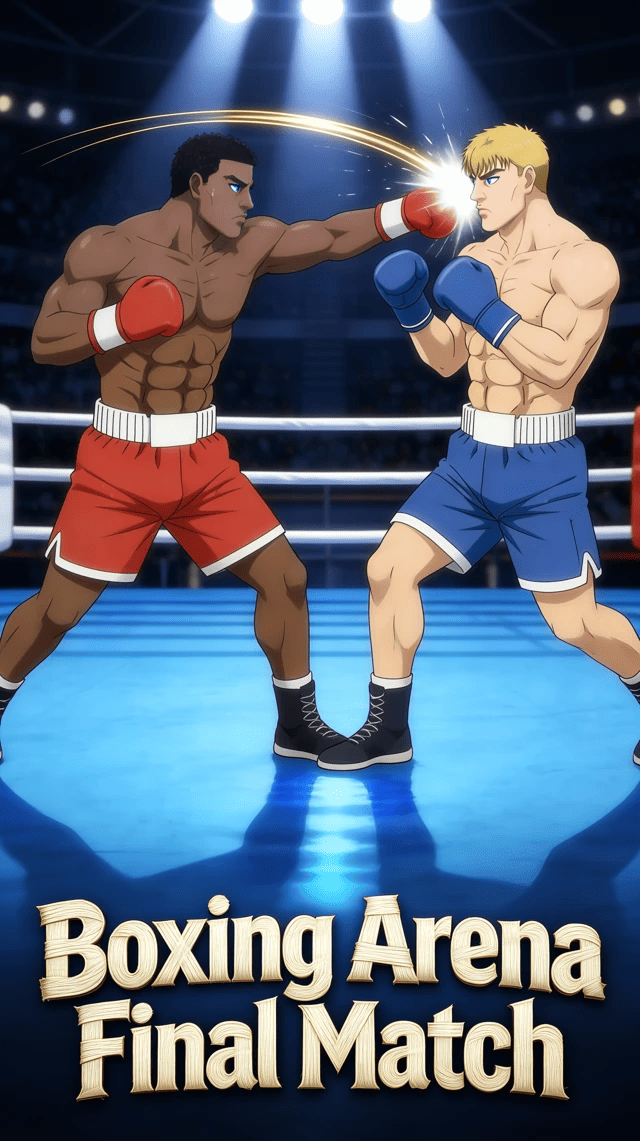
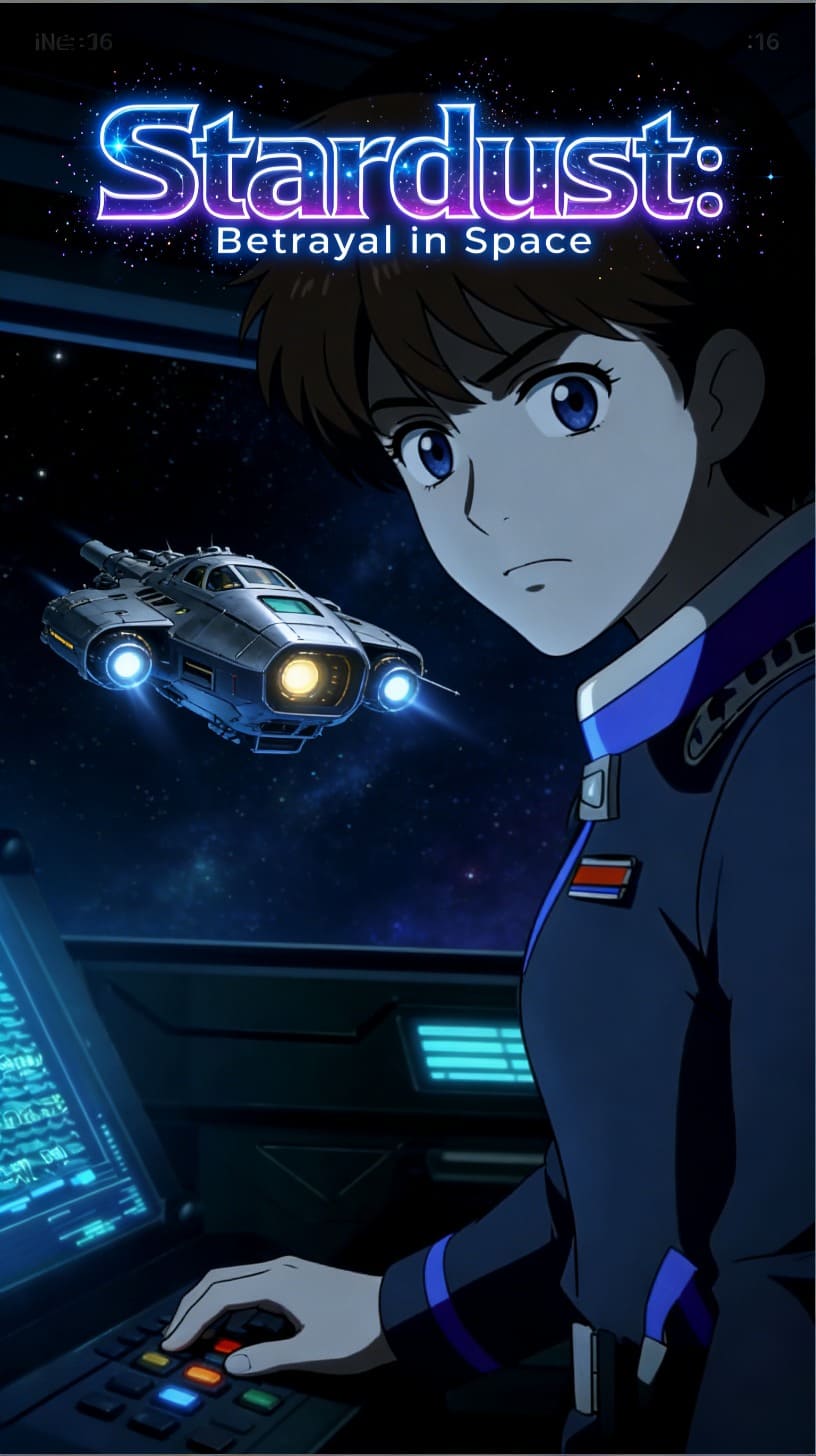
The hot AI image-to-video generator in Magiclight AI converts scripts and images into full videos with advanced control over styles, scenes, voices, and exports.

Choose from Seedance 2.0 Fast, Kling 3.0, Veo 3.1 Fast, or 16 other models. Match speed, style, and realism based on your image-to-video goal.
Adjust prompts, styles, or motion details during generation. Refine outputs instantly without restarting the entire creation process.
Upload any image and add a prompt of up to 1500 words. Direct movement and scene behavior using specific instructions.
Select short-form durations like 10s or 15s. Create video files at 270p resolution, optimized for social media and platform-ready.


With the AI hot video generator free workflow in Magiclight AI, you can transform static images into animated videos in just 4 simple steps.
Drag and drop the images you want to animate to the hot scene. Use character art, photos, illustrations, or concept designs as your starting point.
Write what should happen in each scene. Define movements, expressions, camera actions, and interactions for better results.
Choose a visual style, video length, and aspect ratio. Synchronize the event with social media, storytelling, or entertainment.
Review the generated hot video and make the final adjustments. Export in HD quality in 720p and publish, download, or share instantly.
A hot AI video generator creates videos from images and prompts. Magiclight AI automates scenes, animation, audio, and final video exports.
Yes, uploaded images can become animated scenes with realistic motion in Magiclight AI. Add action prompts to guide movements, expressions, and camera behavior.
Yes, Magiclight AI includes a free hot AI video generator workflow. Start creating videos immediately without downloading complex editing software today.
Magiclight AI supports projects ranging from short clips to stories. Video duration can extend up to 50 minutes within workflows.
The AI hot video generator of Magiclight AI supports images, scripts, and storyboards. Generate videos using voices, subtitles, music, and visual styles.
You can create custom characters using names, ages, appearances, and personality traits. Magiclight AI lets you choose from 37 voices or clone voices for consistent narration.



Magiclight AI to turn images into stunning videos instantly, with free access to get started today.