Hero background

AI Photo to Video GeneratorTurn Photos into Videos Free

Use Magiclight AI's photo-to-video generator to create animated clips for families and brands. Keep your viewers watching and style your next story now.

Turn Photo to Video Free
photo to video ai generator
free ai photo to video generator
photo to video ai generator
free photo to video ai generator
photo to video ai generator
free ai photo to video generator
photo to video ai generator
free photo to video ai generator
photo to video ai generator
free ai photo to video generator
photo to video ai generator
free photo to video ai generator

See How Our Photo-to-Video AI Generator Makes Realistic Videos

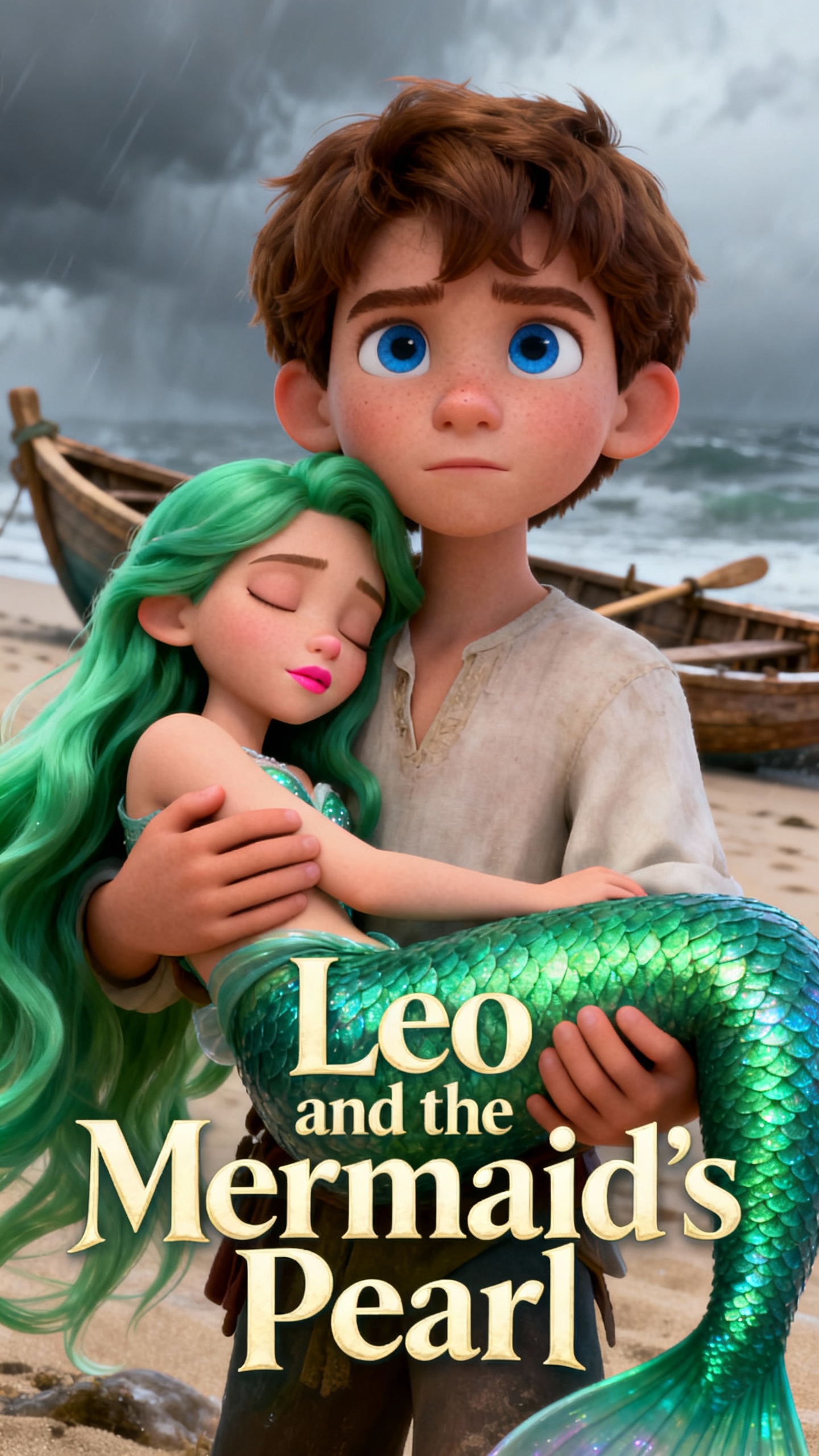
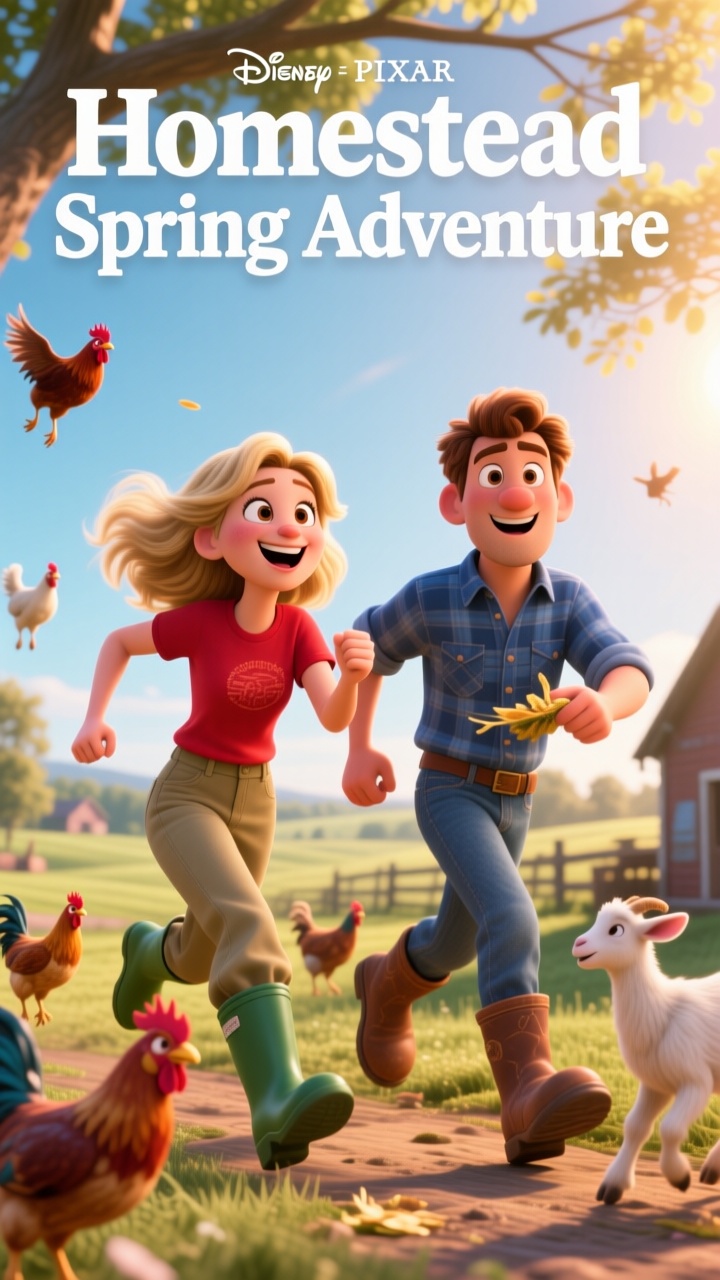
Magiclight AI turns simple pictures into interactive clips with its photo-to-video AI generator. You can create fun videos for every personal and professional event.

Explore the video generator
3D decoration

Keep Every Frame Consistent

The smart engine keeps faces and backgrounds steady. MagicLight AI removes glitches, so each scene feels smooth and easy on the eyes.

Direct Every Scene With Text

Prompt-driven action control changes how the scene moves. MagicLight AI follows your text, so shots feel planned without tricky tools.

Fast and Easy Workflow

Upload an image and refine the prompt for instant creation. There are 19 video models, a range of video lengths, and HD exports, so your videos feel polished.

Make Sure Every Detail is Sharp

Every shot includes clear textures and lighting. MagicLight AI keeps that sharp look even as your still image becomes a moving clip.

Why Creators Choose Our Photo-To-Video AI Video Generator
Creators and brands have different goals when making content. Some need interesting reels; others need product demos. With this free AI photo-to-video generator, you can do it all.
Indie Creators
For Indie Creators
Transform images into videos with fun characters.
Use prompts to change mood and vibe for each story.
Add cool soundtracks and lyrics to music videos.
Small Brands
For Small Brands
Turn product shots into animated demo clips.
Design short clips to emphasize product features.
Make short ad videos with dynamic visuals.
Online Teachers
For Online Teachers
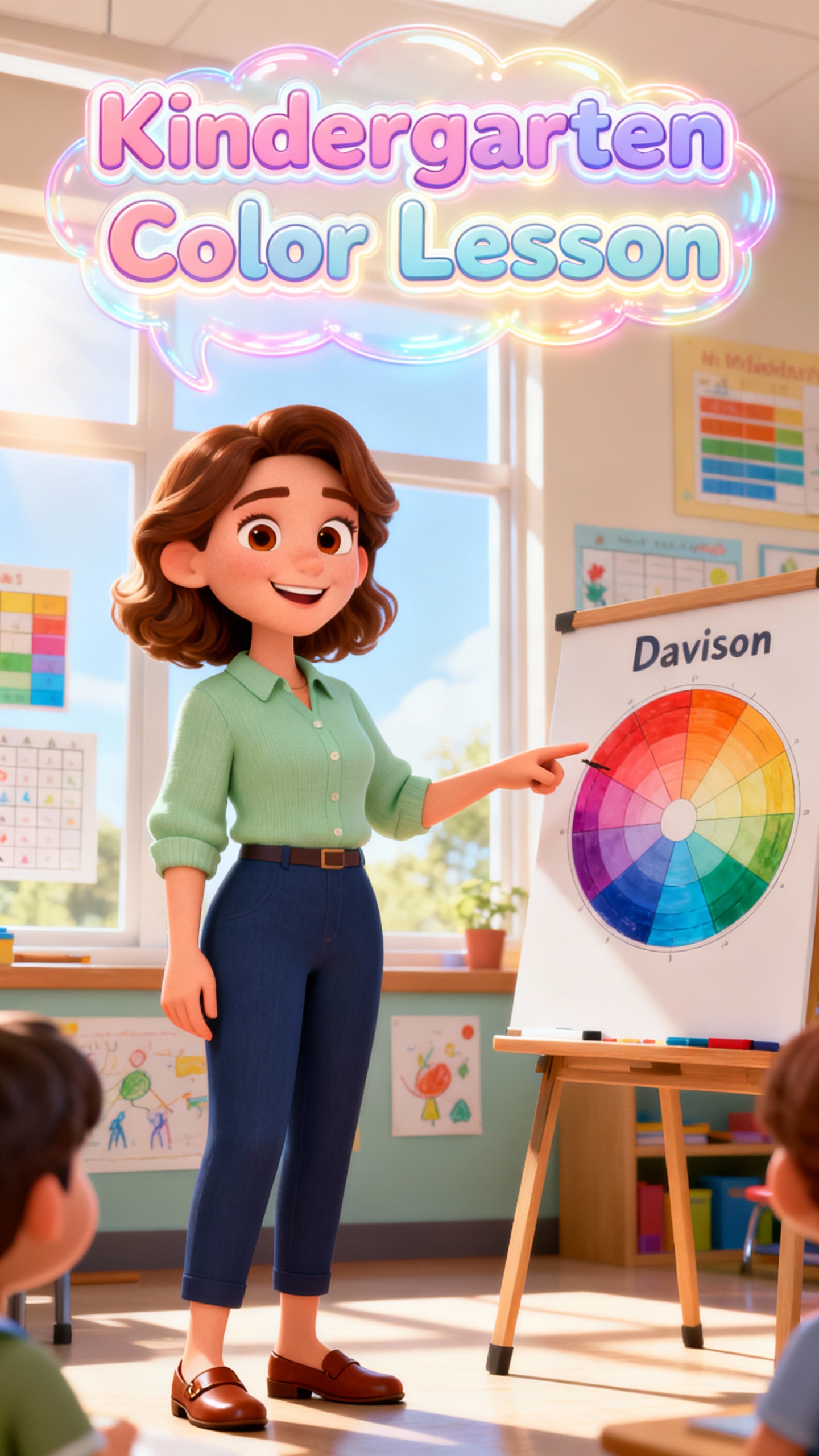
Convert lessons into easy explainer videos.
Turn diagrams into animated clips to grab students' attention.
Highlight key learning goals with cool animations.
Religious Educators
For Religious Educators
Create and share lessons on faith and religion for classes.
Turn story art into fun, appealing clips.
Design animated clips to teach kids religious stories.
What Makes Magiclight AI's
Photo-to-Video Generator App Unique
Magiclight AI allows you to edit in only one workspace. Creators can quickly design and refine their videos in the AI Photo-to-Video Generator app and share them with friends.
Create, Publish, and Track in One Workspace
Magiclight AI has a special feature called Magic Claw that lets you create videos, schedule posts, and track views. Skip extra tools and manage the whole content process easily.
Style and Dress Your Characters As You Like
You can create characters with names, traits, styles, and voices. Magiclight AI lets you change expressions, outfits, and up to 50 poses, so videos feel personal and perfect.
Nano Control So Every Scene is Perfect
Nano Storyboard editor turns a script into scenes with camera moves, timing, and actions laid out in detail. All you have to do is change poses and expressions, however you want.
One-Click Video Creation for Busy Influencers
With different styles and 8 director modes, you can create one-click videos. This is great for busy content creators who want to publish and track views faster.
Many Templates for Different Video Needs
In Magiclight AI, there are templates for kids' stories, explainers, vlogs, and religious clips. Select a theme and get a full story video without complex editing skills.
Rare Long-Form Story Video Creation
Unlike other tools, Magiclight AI offers long-form content creation. Now, you can create complicated plots and combine multiple ideas in a single video clip.

Convert Photo to Video with AI in 4 Steps

Upload an image and Magiclight AI animates it into a full story video. The Photo-to-Video AI generator creates a fun story with detailed characters and backgrounds.

1.

Step 1. Drag-and-drop an Image

Upload an image that you want to convert into a video.

2.

Step 2. Type a Prompt

Enter a specific and detailed prompt which will guide the AI model on how to change the image into a video.

3.

Step 3. Select Style and Format

Choose a video style, aspect ratio, and video duration for your clip.

4.

Step 4. Export the Video

Preview the generated video and download it if you are happy with the way it looks.

FAQ on AI Photo to Video Generator

How do I use Magiclight AI's photo-to-video generator?

Enter an idea or images, and it is turned into a full video without complex editing skills. Magiclight AI lets you use the AI photo-to-video generator for free with enough credits.

How is MagicLight AI different from other AI video tools?

Magiclight AI supports long videos, Nano storyboards, and exact character control so your stories stay clear and connected. Everything is completed in a single, simple workflow.

Who can use Magiclight AI's photo-to-video tool?

It works well for lessons, explainers, product demos, and quick updates. Teachers, small creative teams, and brands can all use Magiclight AI to craft stunning videos.

Can I reuse the same characters across different videos?

Yes, Magiclight AI lets you build and save characters so you can reuse them across stories, vlogs, and lessons. This keeps faces, styles, and motion consistent for every clip.

Is MagicLight AI good for beginners in AI video creation?

Beginners will love Magiclight AI because of its templates, previews, and one-click video tools. It handles difficult editing, making it the best photo-to-video AI generator.

How can I turn my selfies into fun, animated clips?

With Magiclight AI, the process is simple and fast. Upload your selfie, edit the prompt, and download the video in HD formats.


Convert Photo to Video Free

Go from everyday photos to playful, smooth videos that feel real with Magiclight AI.