Hero background

Minecraft Parkour Video Generator

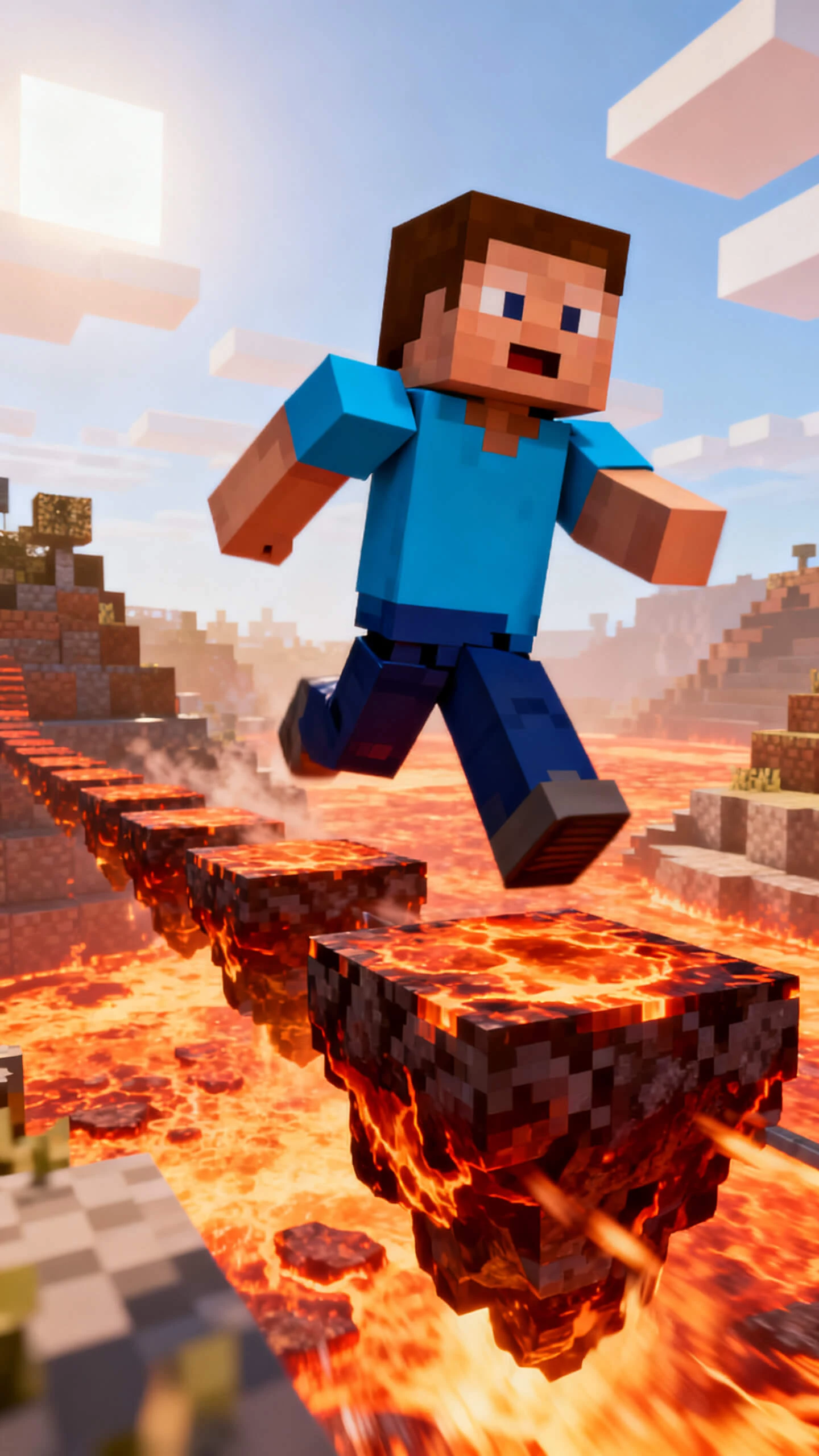
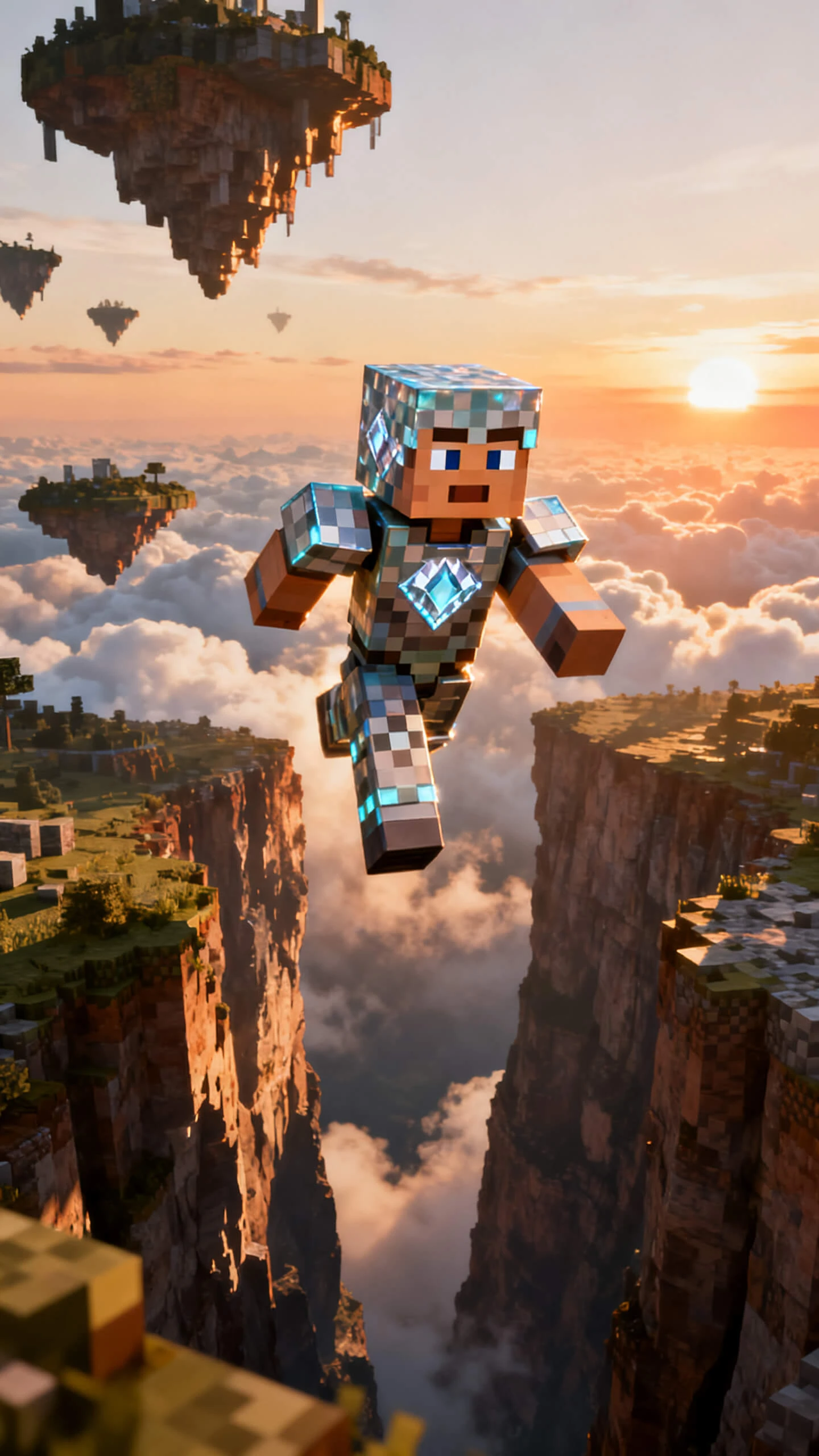
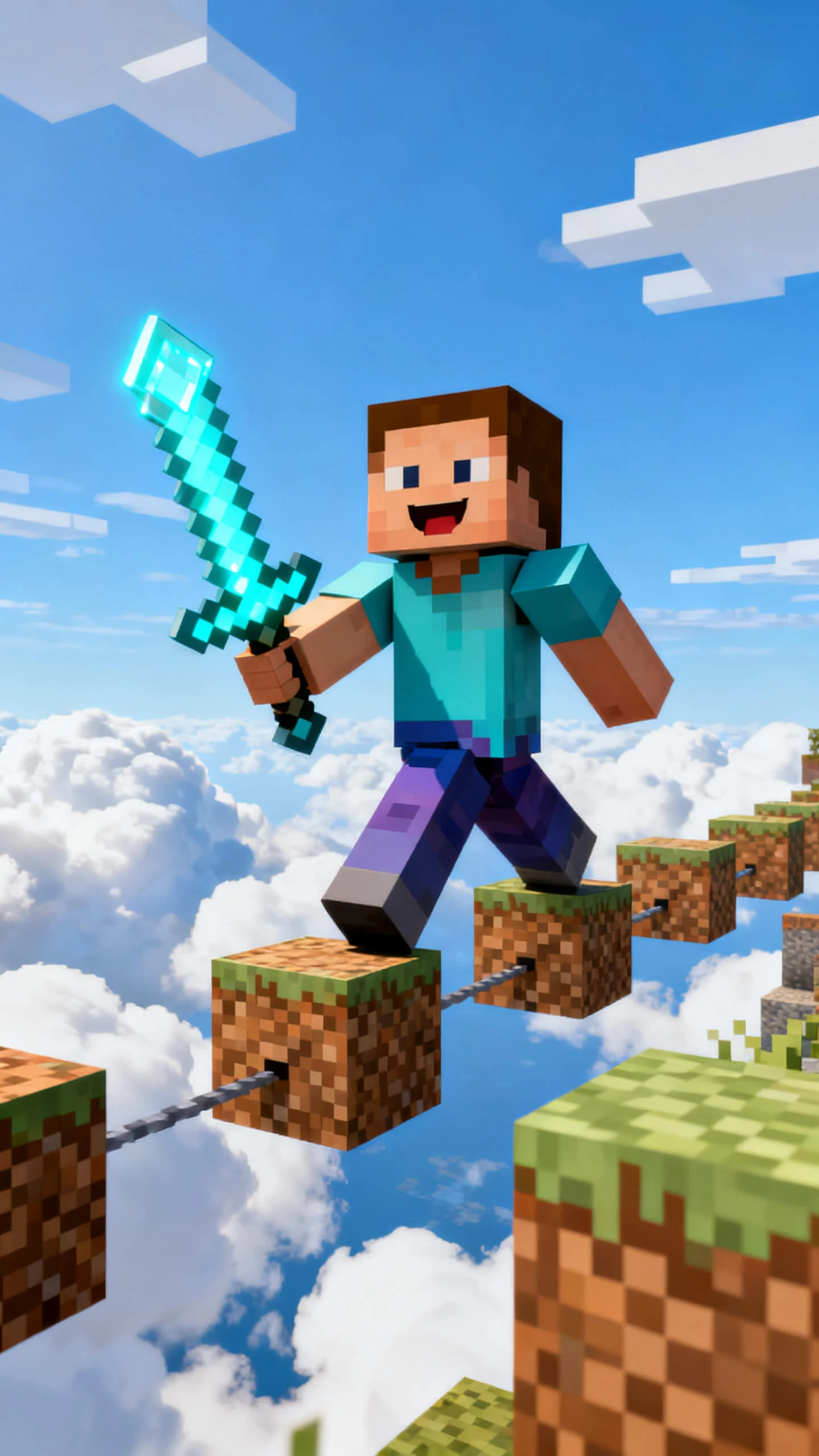
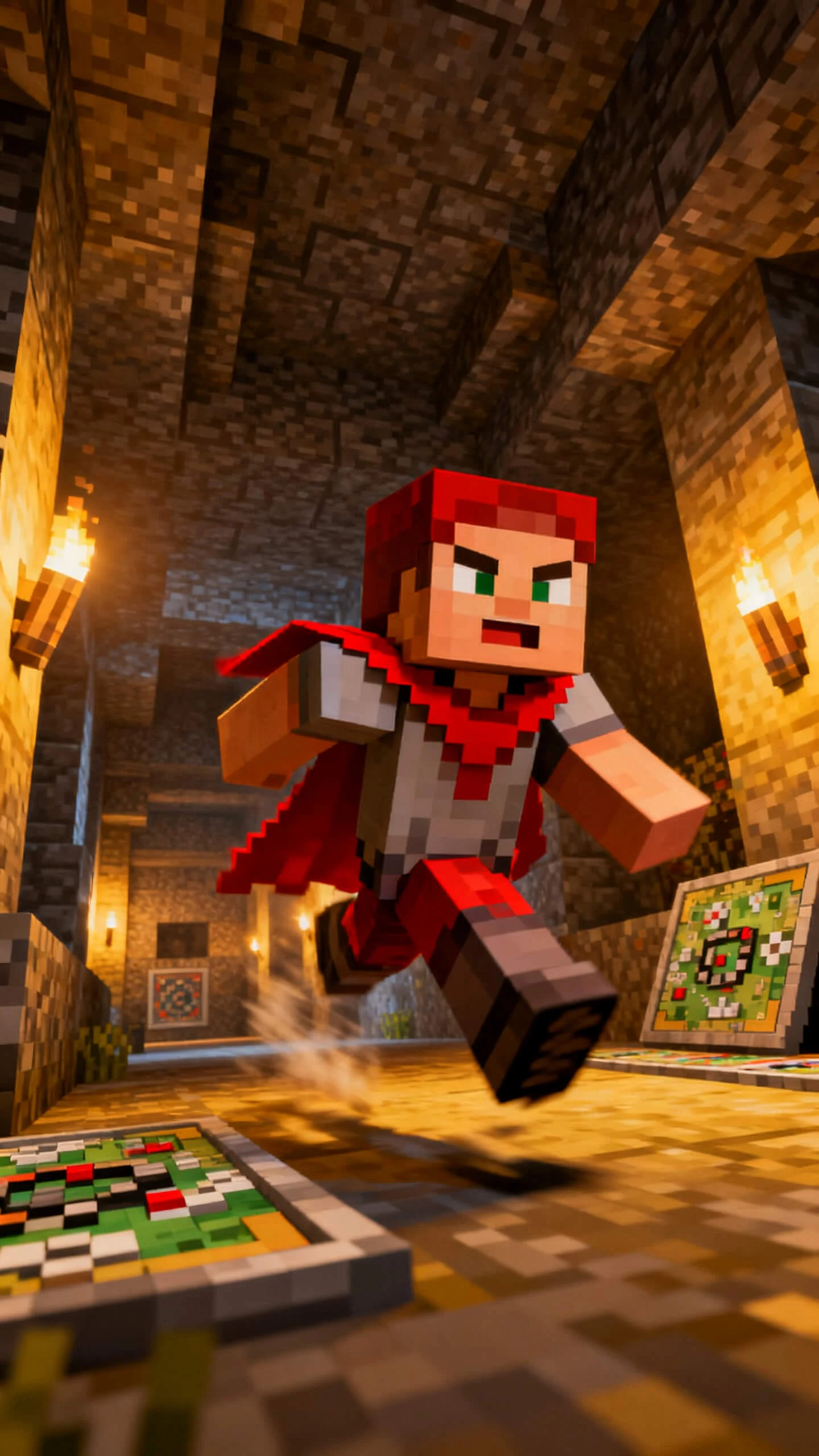
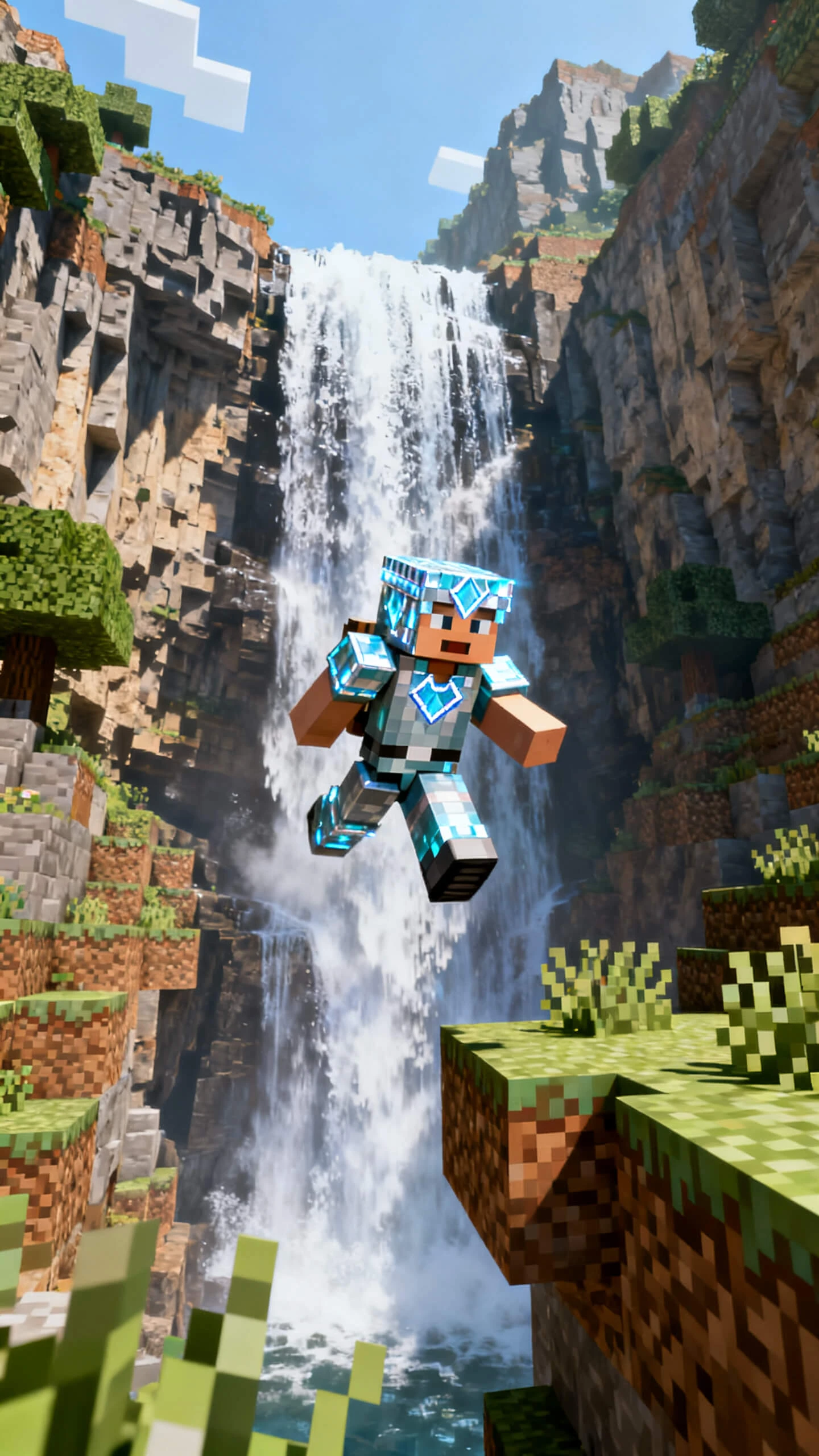
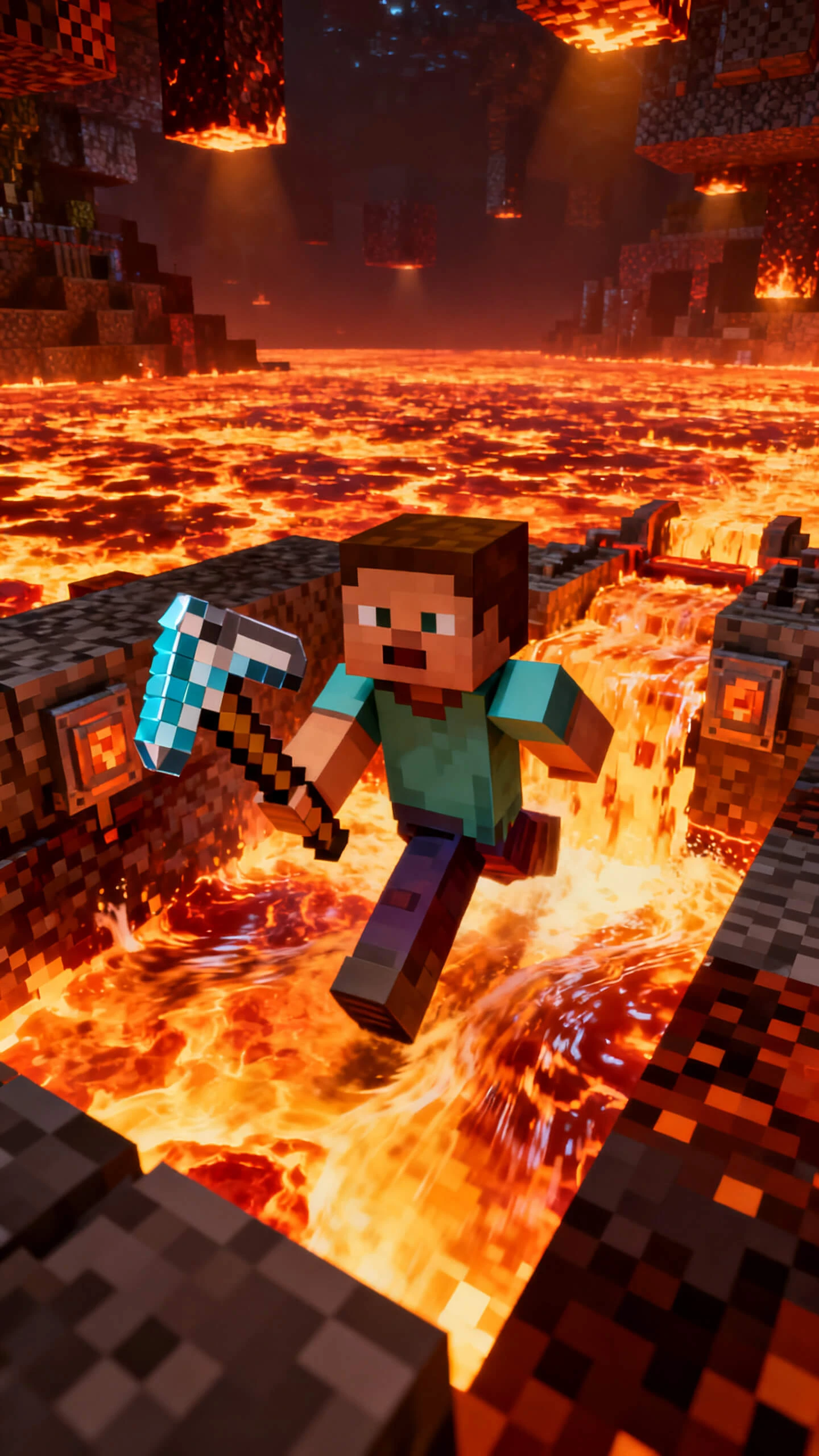
Creating Minecraft parkour involves building maps and spending hours editing. Magiclight AI transforms simple text prompts into Minecraft-inspired videos with no experience.

Create Minecraft Parkour Videos for Free
Minecraft Parkour Video Generator
how to make viral minecraft parkour clips
ai minecraft gameplay video maker
generate minecraft parkour challenge videos
Minecraft Parkour Video Generator
how to make viral minecraft parkour clips
ai minecraft gameplay video maker
generate minecraft parkour challenge videos
Minecraft Parkour Video Generator
how to make viral minecraft parkour clips
ai minecraft gameplay video maker
generate minecraft parkour challenge videos
Minecraft Parkour Video Generator

Discover the Features of Magiclight AI’s Minecraft Parkour Video Generator

Traditional Minecraft video production requires multiple tools. Magiclight AI Minecraft parkour video generator combines the entire production process into one platform.

Explore the Minecraft Parkour Generator
3D decoration

Long Video Generation

You can generate proper parkour videos using scripts up to 12,000 characters, producing videos as long as 50 minutes.

Generation With 19 Video Models

Create parkour videos using the best AI video models. Magiclight AI offers 19+ professional AI models for unique gaming content.

53 AI Style Presets

Generate Minecraft parkour videos using 53+ visual styles offered by Magiclight AI. These styles include comic, fantasy, realistic, and more.

Easy Nano Storyboarding

Fine-tune every scene in your parkour videos with Nano Storyboarding in Magiclight AI. Refine each scene and camera movement as per your choice.

Who Creates Viral Gaming Clips with Magiclight AI’s Minecraft Parkour Video Generator
Whether you're a content creator or gamer, Magiclight AI Minecraft Parkour video generator helps you create engaging videos faster.
Minecraft YouTube Creator
For Minecraft YouTubers
Create exciting Minecraft parkour challenge videos easily.
Produce engaging intros for gaming channel content.
Upload fresh Minecraft videos on a regular schedule.
TikTok Gaming Creator
For TikTok Gaming Creators
Turn creative parkour ideas into viral gaming clips.
Create engaging short videos with AI-generated gameplay.
Publish trending Minecraft content faster every week.
Minecraft Streamer
For Streamers
Promote upcoming livestreams using cinematic AI videos.
Share memorable Minecraft gameplay highlight moments instantly.
Transform live streams into engaging short-form content.
Minecraft Gaming Community
For Gaming Communities
Showcase impressive custom Minecraft parkour map creations.
Share original gameplay concepts with community members.
Inspire players through creative AI-generated challenge videos.
Why Gaming Professionals Prefer Magiclight AI’s
Minecraft Parkour Video Generator
With the Minecraft parkour video generator in Magiclight AI, you get more features in one single tool. Create better and more engaging gaming content that your audience loves in minutes.
Create Videos Without Recording Gameplay
Skip the lengthy recording sessions and screen-capturing software. Magiclight AI turns a text prompt of 12,000 characters into a complete Minecraft parkour video.
Easily Repurpose Every Parkour Project
Convert one Minecraft parkour concept into content for TikTok and other social platforms. With Magiclight AI, you can design visual content of a desired duration as per your needs.
Consistent Gaming Brand
Maintain the same visual identity across every upload by reusing AI characters offered by Magiclight AI. You can personalize the characters according to your preferences.
One-Click Video Generation
Easily create multiple parkour videos in a few clicks using 10+ AI models like Shinkai and Ghibli. Magiclight AI simplifies the complex video generation process.
Generate Captions for Video
Convert the gameplay narration into captions without manual editing. You can add captions with Magiclight AI in 16 styles.
Add Voiceover for Gameplays
Add narration to your parkour videos in different dialects by choosing from 37+ voice options offered by Magiclight AI.

How to Make a Minecraft Parkour Video with Magiclight AI in 4 Steps

Designing an AI-generated parkour video takes only 4 simple steps. You can craft results by following a simple workflow of this free AI Minecraft parkour video generator.

1.

Describe Your Parkour Challenge

Enter your gameplay idea in text form to the Magiclight AI interface. You can add a text prompt of up to 12,000 characters describing your parkour map, obstacles and challenge rules.

2.

Select a Visual Style

Select the AI model from the options provided by Magiclight AI. Opt for animation style, aspect ratio, and overall visual direction for your Minecraft world.

3.

Review the Storyboard

Preview every generated parkour scene and edit transitions using the features offered. Customize player skins, map environments and add captions before rendering the video.

4.

Export and Share

Download your video in HD and publish directly to different social gaming platforms like YouTube, TikTok and Instagram Reels.

FAQs on Minecraft Parkour Video Generator

Do I need Minecraft gameplay footage to create a video?

With Magiclight AI's free Minecraft parkour AI video generator, you can create parkour videos from your text prompts. This eliminates the need to record the gameplay first.

Can I make both short and long Minecraft videos?

Create short videos for social platforms using Magiclight AI. You can also create a video up to 50 minutes long using this tool.

Which social platforms are supported by Magiclight AI?

It lets you export the 9:16 videos for TikTok, Instagram Reels and YouTube Shorts. You can export 16:9 landscape videos for YouTube in 720p and 1080p.

Can I customize my parkour map and environment?

You can customize the generated storyboard’s scenes and environment according to your preferences. Magiclight AI also lets you edit the Minecraft world theme before rendering.

Why is Magiclight AI suitable for Minecraft content creators?

The platform is ideal for gameplay content creators as it combines AI video generation. Further, it offers multiple models with a completely customizable workflow.

Can I use my own AI character in different videos?

Magiclight AI Minecraft AI parkour video generator allows you to create custom player skins that you can tweak easily. These skins can be saved and reused for future parkour videos.


Start Your First Minecraft Parkour Video with Magiclight AI

Turn your parkour map concepts into viral gaming clips that boost engagement with Minecraft audiences.