Explore Features of Magiclight AI’s ChatGPT Video Generator
Magiclight AI ChatGPT video generator is free and can generate social clips, explainers, and cinematic edits from a simple prompt. Explore the features the tool provides here.

Magiclight AI's ChatGPT video generator turns simple prompts into engaging videos with avatars and dynamic captions. Boost viewer engagement today.
Try ChatGPT Video Generator For Free
Magiclight AI ChatGPT video generator is free and can generate social clips, explainers, and cinematic edits from a simple prompt. Explore the features the tool provides here.

Magiclight AI automatically generates storyboards. Refining the prompt lets you tweak scenes, poses, outfits, body type, and expressions in a few clicks.
You can upload an image and a prompt to create a cinematic video. Magiclight AI lets you adjust settings mid‑generation without starting over.
Pick from 7 templates in Magiclight AI for explainers, children’s tales, vlogs, etc. It handles structure and pacing, so you focus on creativity
With Magiclight AI’s support for 11 languages, your videos become truly global. The tool helps you localize content, so each audience feels native.


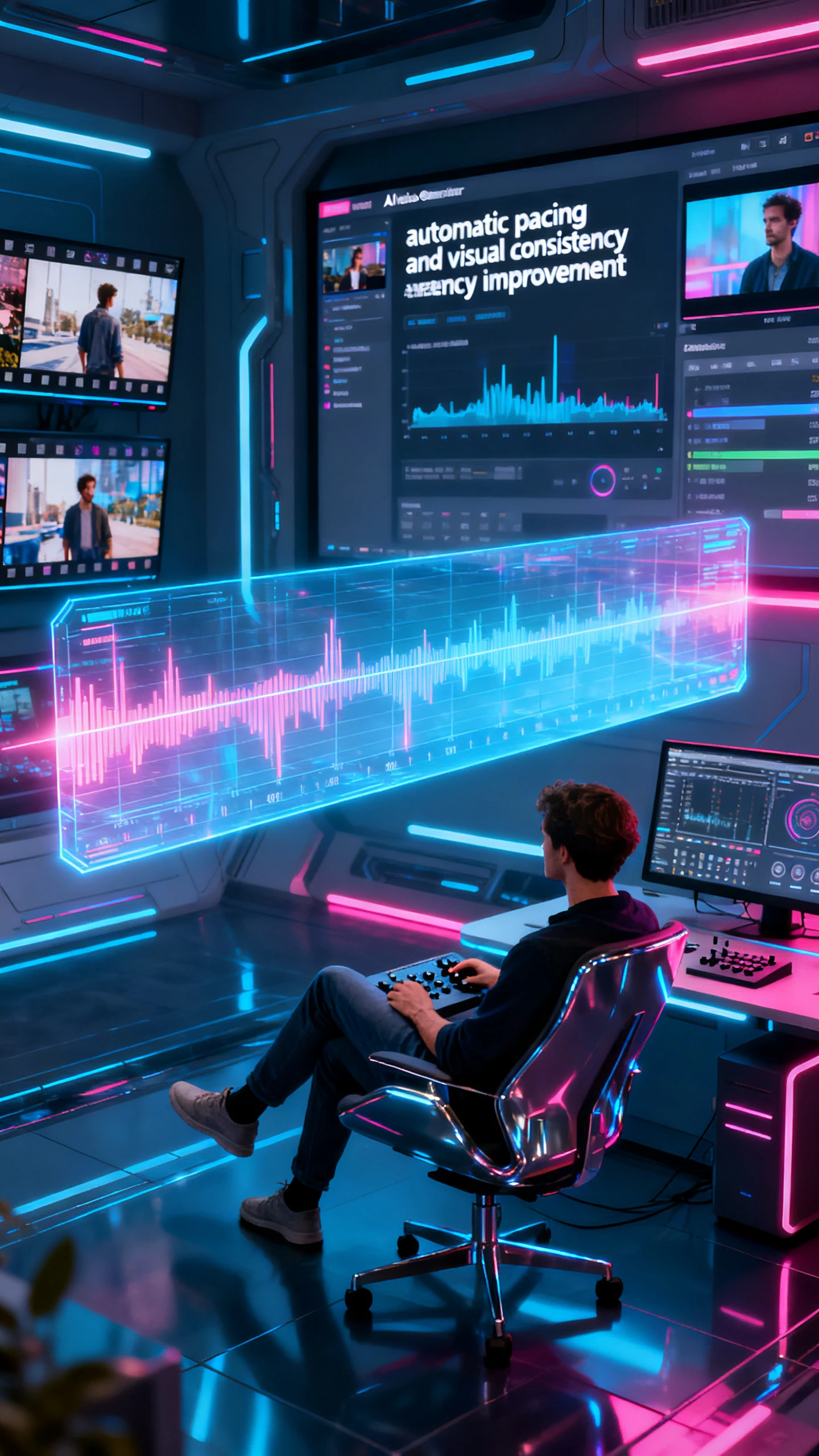
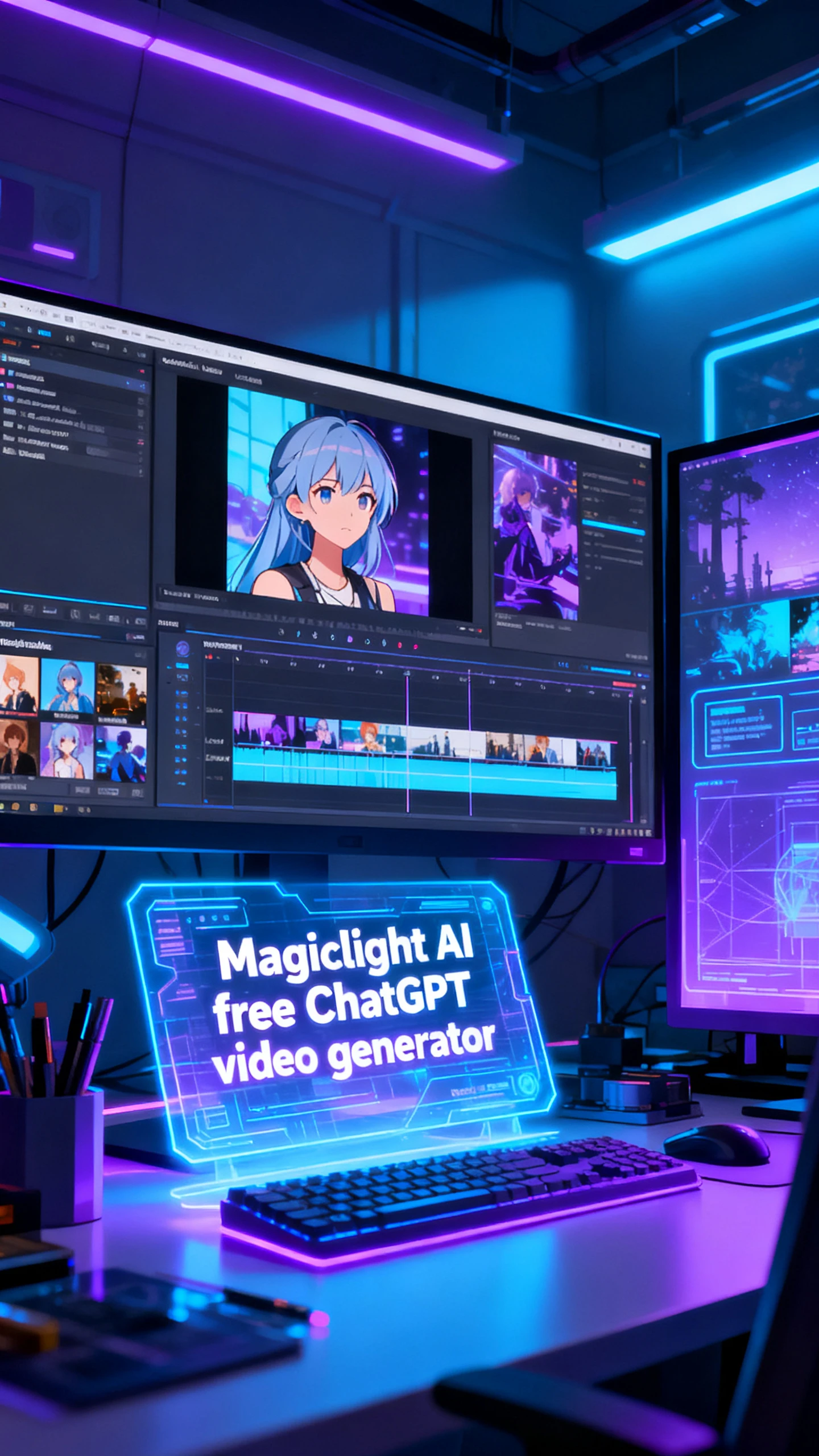
Move from prompt to storyboard with the ChatGPT video generator in Magiclight AI through a streamlined four‑step process. Even beginners can produce good results on the first try.
Describe the story in your head with a plain text prompt. In case you go blank, copy-paste a trending script from one of the options.
Create or adjust the characters for your video. Give them a voice or clone your own and adjust the accent and tone, so every dialogue feels real.
Watch each generated scene and refine poses, camera angles, and expressions. Add subtitles and background music until every scene looks ready.
Re-check the final story video for any final revisions. If you are pleased with the results, export and share your finished clip with your friends or team.
The ChatGPT AI video generator in Magiclight AI is a tool that turns prompts or images into full-length videos automatically. You get polished output without heavy editing skills.
You do not need prior editing experience to start. Magiclight AI guides you through a simple, step‑by‑step flow so beginners can create professional‑looking videos in seconds.
The tool provides a free tier so you can test core video features. Once credits are finished, Magiclight AI requires its users to upgrade to a paid plan to continue using it.
Users can create social clips, explainers, ad promos, tutorials, and cinematic stories. Magiclight AI adapts your text prompt into the right format for your content creation goals.
Yes. You can start from a single image and build animated scenes around it in minutes. This makes Magiclight AI a powerful ChatGPT image-to-video generator for visual storytellers.
With Magiclight AI, it is possible to bring your own assets and mix them with AI‑generated scenes. This method allows you to enhance your existing content instead of replacing it.



Turn any idea or script into a cinematic, ready‑to‑share video in just a few minutes with Magiclight AI.