Explore Features of Magiclight AI’s Stable Diffusion AI Video Generator
Unlike basic tools, Magiclight AI handles stable diffusion image-to-video and stable diffusion text-to-video in a single workflow. Every output is a sequenced, audio-scored video.
Choose from 19 AI models, including Seedance 2.0, Kling 3.0, and Veo 4. Magiclight AI produces different motion characteristics across genres.
Quick Image-to-Video Process
Magiclight AI turns any uploaded image into an animated clip. Add a prompt up to 1,500 characters to guide motion and scene direction.
Visual Styles for Stable Output
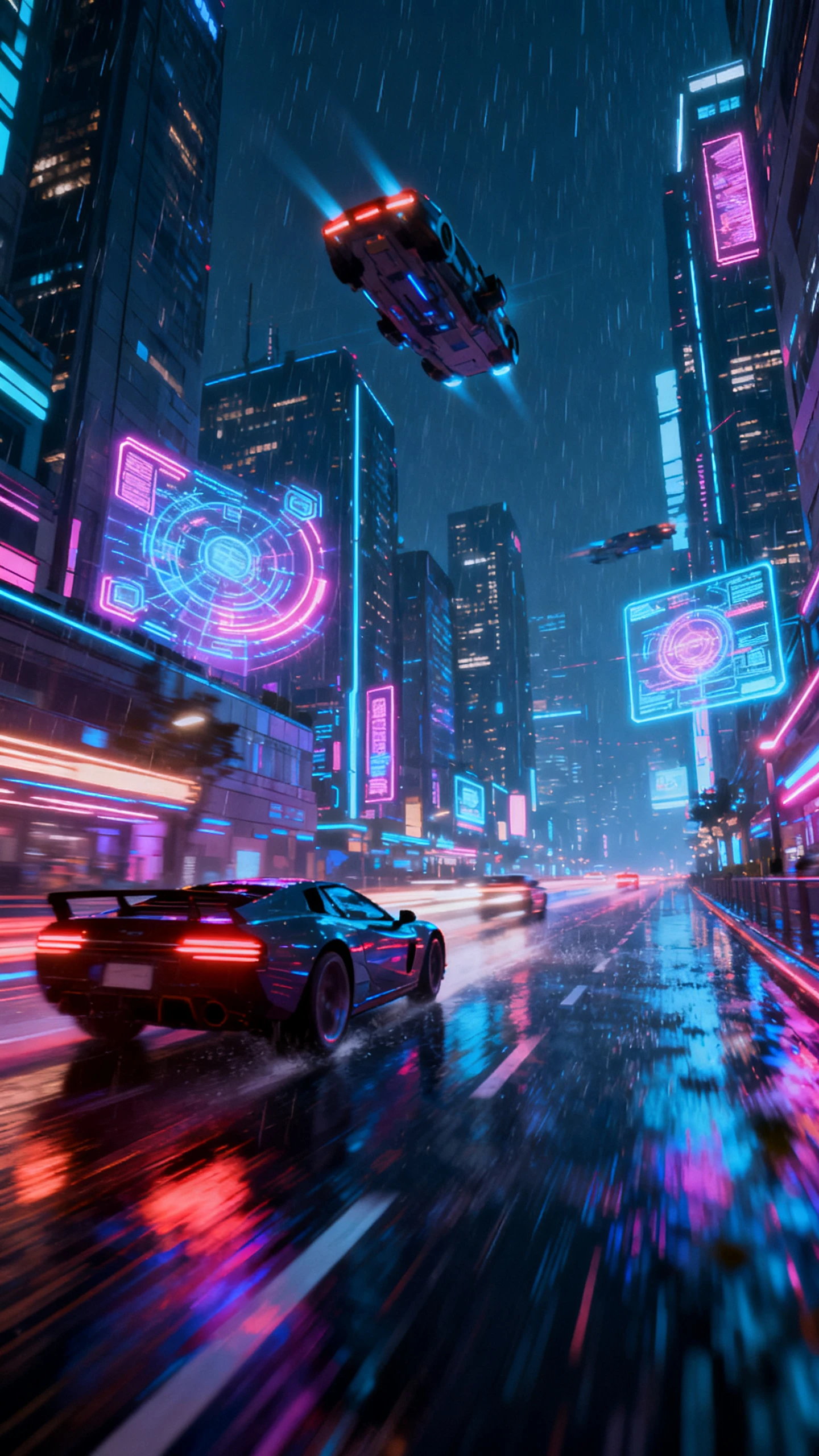
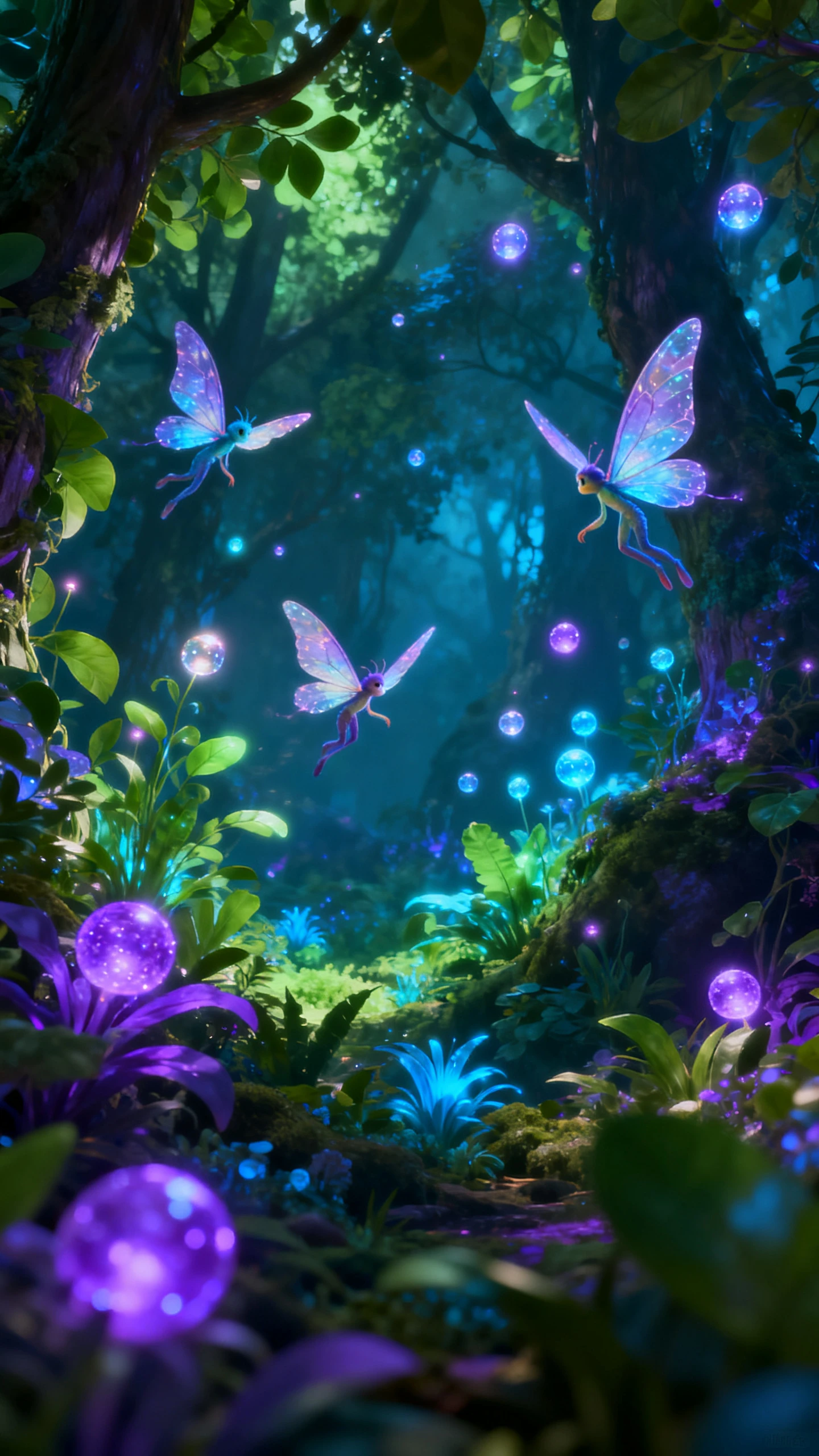
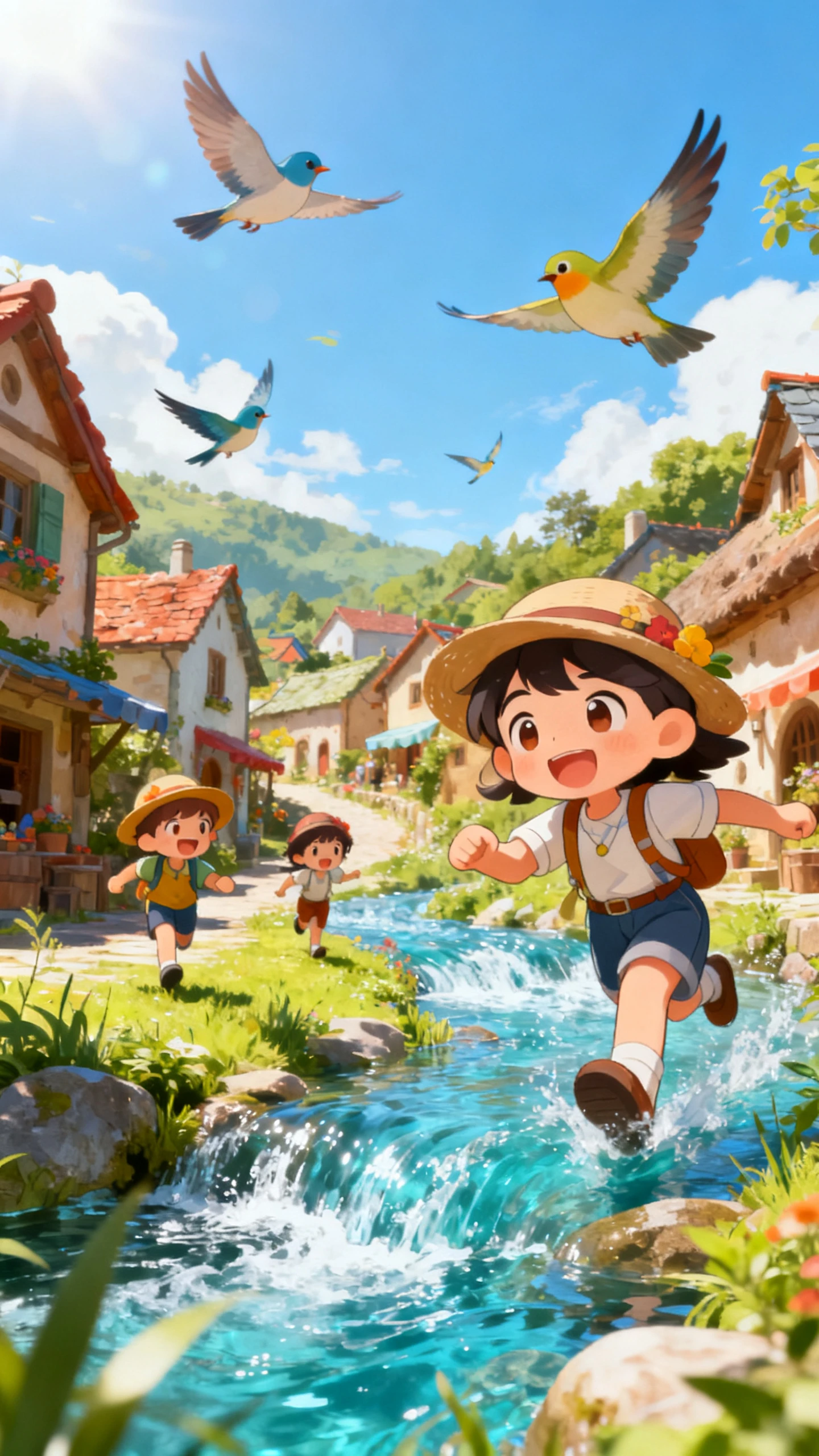
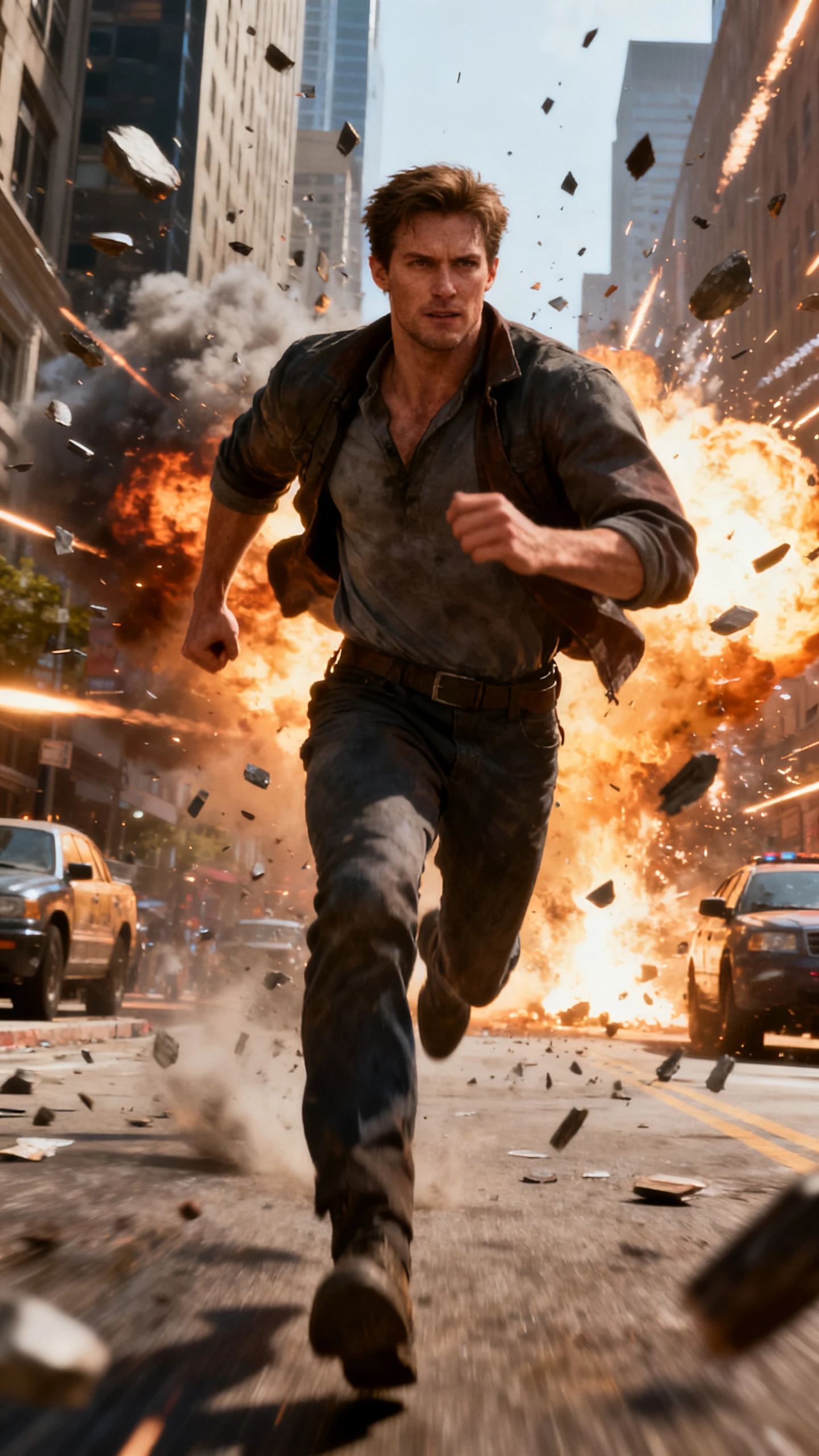
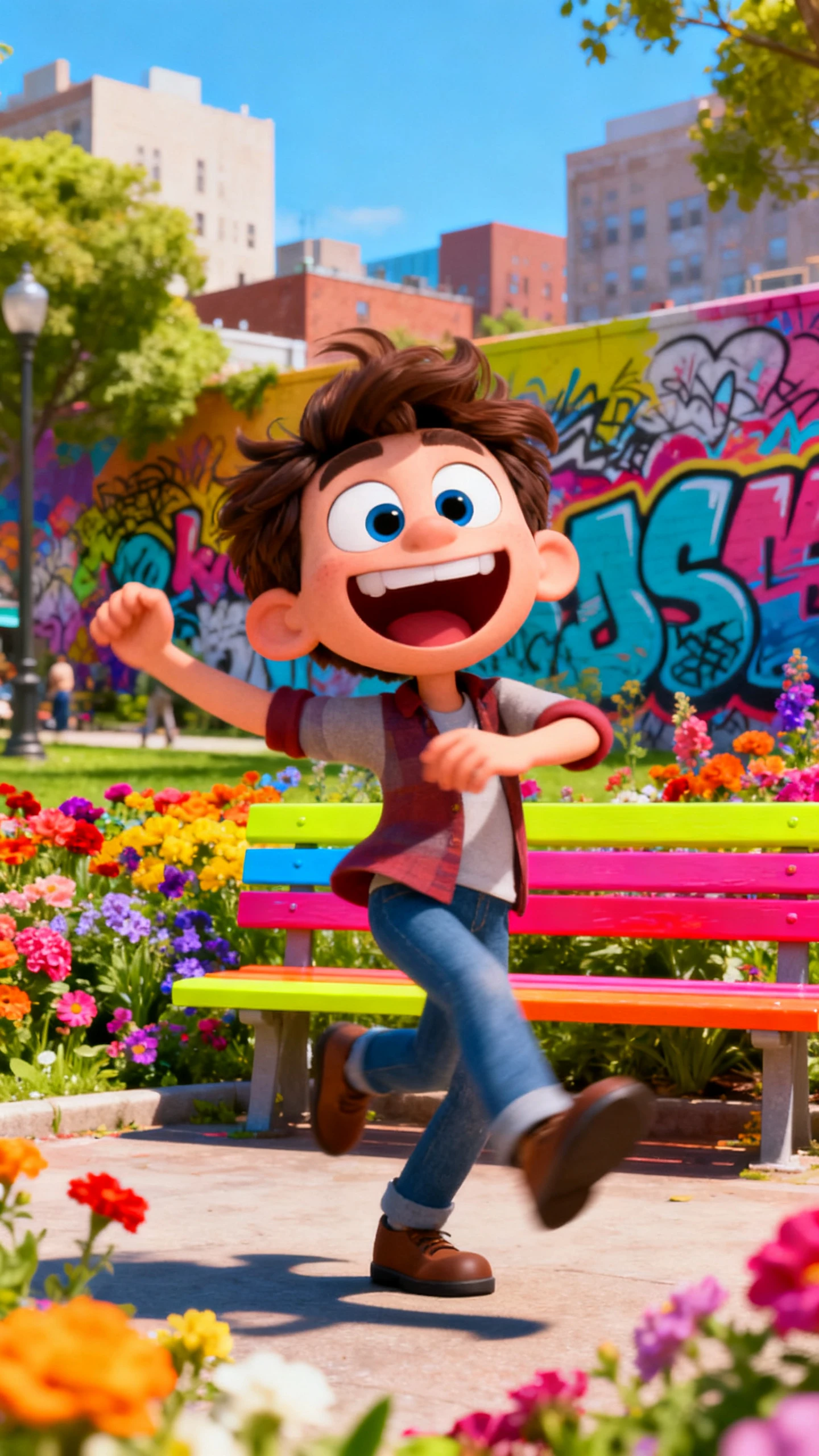
Try out cinematic, flat art, or Pixar-style 3D to any stable video diffusion output. Magiclight AI keeps the chosen style consistent in the clip.
One Click Generation
Render the video in just a single click. With Magiclight AI, busy creators are able to get more work done in less time.
Who Gets the Most Out of Stable Diffusion Video Generator in Magiclight AI
Magiclight AI’s stable diffusion AI video generator serves creators across many production contexts. Each audience uses it for a different procedure according to their work.
For Social Media Animators
Animate images into Reels and TikTok clips via image-to-video.
Apply visual styles to Stable Diffusion videos to enhance feed aesthetics.
Produce polished clips in HD with music already synced.
For Solo Filmmakers
Generate cinematic scenes from a script using stable diffusion.
Build a multi-scene video without a camera or production crew.
Use Nano to frame each stable diffusion shot in less time.
For AI Researchers
Test stable diffusion video generation without a local GPU.
Compare video models for motion quality and output.
Export stable diffusion AI video clips for analysis.
For Game Developers
Make concept scenes using stable diffusion text to video.
Test visual styles and environments based solely on a text prompt.
Design 3D-style scene concepts without any modelling software.
Why Creators Switch to Magiclight AI
for Stable Diffusion Video
Most tools produce a clip, but Magiclight AI also offers through narration, scoring, storyboarding, and export. Every stable diffusion video comes out as a complete production.
Narration and Music Built In
Magiclight AI ensures that narration and audio are automatically timed to the clip. Get 37 voice options, voice cloning, and 40 music tracks for every video output.
Frame Each Shot Before It Renders
You use your video as a visual board and adjust any details in Magiclight AI. You can refine prompts, outfits, and body types so every shot feels perfect and ready.
Character Consistency Across Videos
Characters and scenes remain similar in every shot. The same character looks the same from the first clip to the last without manual checking between scene generations.
Generate Longer Videos For Any Topic
With Magiclight AI, produce lengthy clips up to 50 minutes while keeping characters and scenes consistent from beginning to end. All you need to start is a good idea.
Distribute Videos to Many Audiences
With support for 11 languages, you can add localized subtitles to any video clip. Magiclight AI makes it easier to produce region-specific versions without translators.
Save Characters for New Clips
Build your characters only once. Using Magiclight AI, you can store these refined characters and drop them in long episode series, without starting over.
How to Generate Stable Diffusion Video With Magiclight AI in 4 Steps
The stable diffusion AI video generator in Magiclight takes your image and prompt through video generation, audio, and export. In four simple steps, you get a fully polished clip.
1.
Upload Your Photo
Import an image from Stable Diffusion Image to Video generation. Include motion direction, scene tone, and character details in the prompt.
2.
Choose Model and Style
Select a video model to define how your stable diffusion videos move. Then, choose an artistic look to set the aesthetic for your clip.
3.
Refine Duration and Aspect Ratio
Choose a runtime for your clip from the options. Then select your desired aspect ratio for the platform where you want to share your clips.
4.
Download the Clip
Export in HD or regenerate the clip if you are dissatisfied with the results.
What is stable video diffusion, and how does it work?
Stable video diffusion is a framework for generating animated clips from images and prompts using certain AI models. Magiclight AI builds on this approach with 19 video models.
Is Magiclight AI’s stable diffusion video generation free to try?
Yes. New users get up to 300 credits for free which lets you explore all the features of Magiclight AI. The users who need more functionalities can access a paid plan.
Can I generate a video from an image using Magiclight AI?
Yes. Magiclight AI’s image to video workflow accepts any uploaded image as input. Add a prompt and select a video model to generate a 10 or 15-second clip in one session.
What video models does Magiclight AI use for stable diffusion video?
Magiclight AI offers many video models, from Seedance 2.0 and Kling 3.0 to Veo 3.1 and Gemini Omni. Each model produces different results suited to different video types.
Can stable diffusion videos be published in multiple languages?
Yes, because Magiclight AI supports 11 languages. Creators add localized subtitles and voiceovers to any AI video without rebuilding the clip.
Do I need a local GPU to run stable diffusion video generation?
No, you do not. Magiclight AI runs in the browser and handles all stable diffusion video generation on its own infrastructure.
Generate Quick Videos from Images and Text With AI
Enter a prompt or upload an image in Magiclight AI and get an export-ready video in minutes.