Everything Magiclight AI Twitter Video Tool Offers
You can create social videos using Magiclight AI’s video Twitter tool for prompts, scene planning, and voice generation. Turn one short idea into a Twitter-ready post in minutes.

Make Twitter promos, updates, and branded posts with Magiclight AI’s Twitter video tool. It helps users add captions, style scenes, and publish faster.
Create Twitter Videos For Free
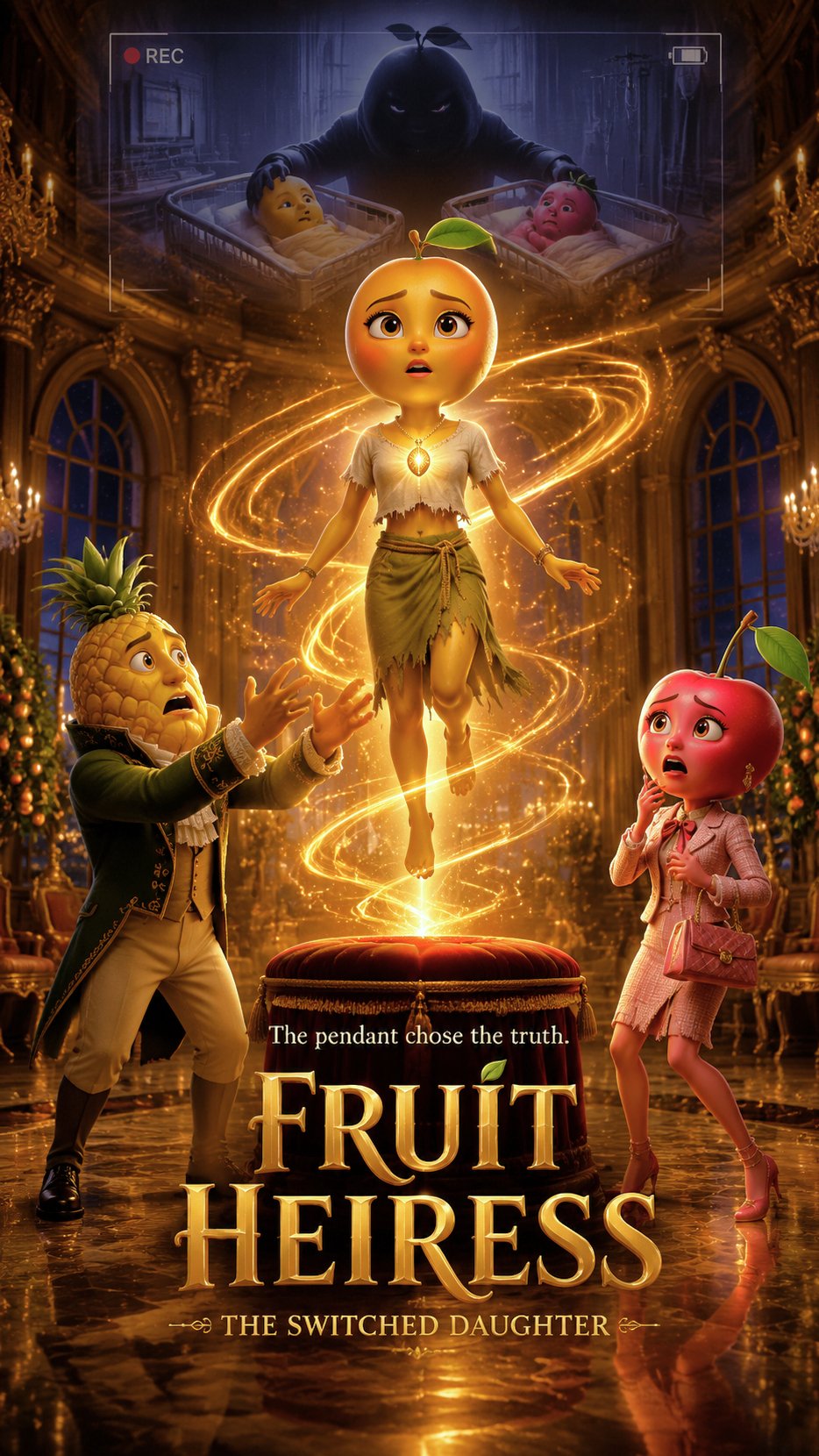

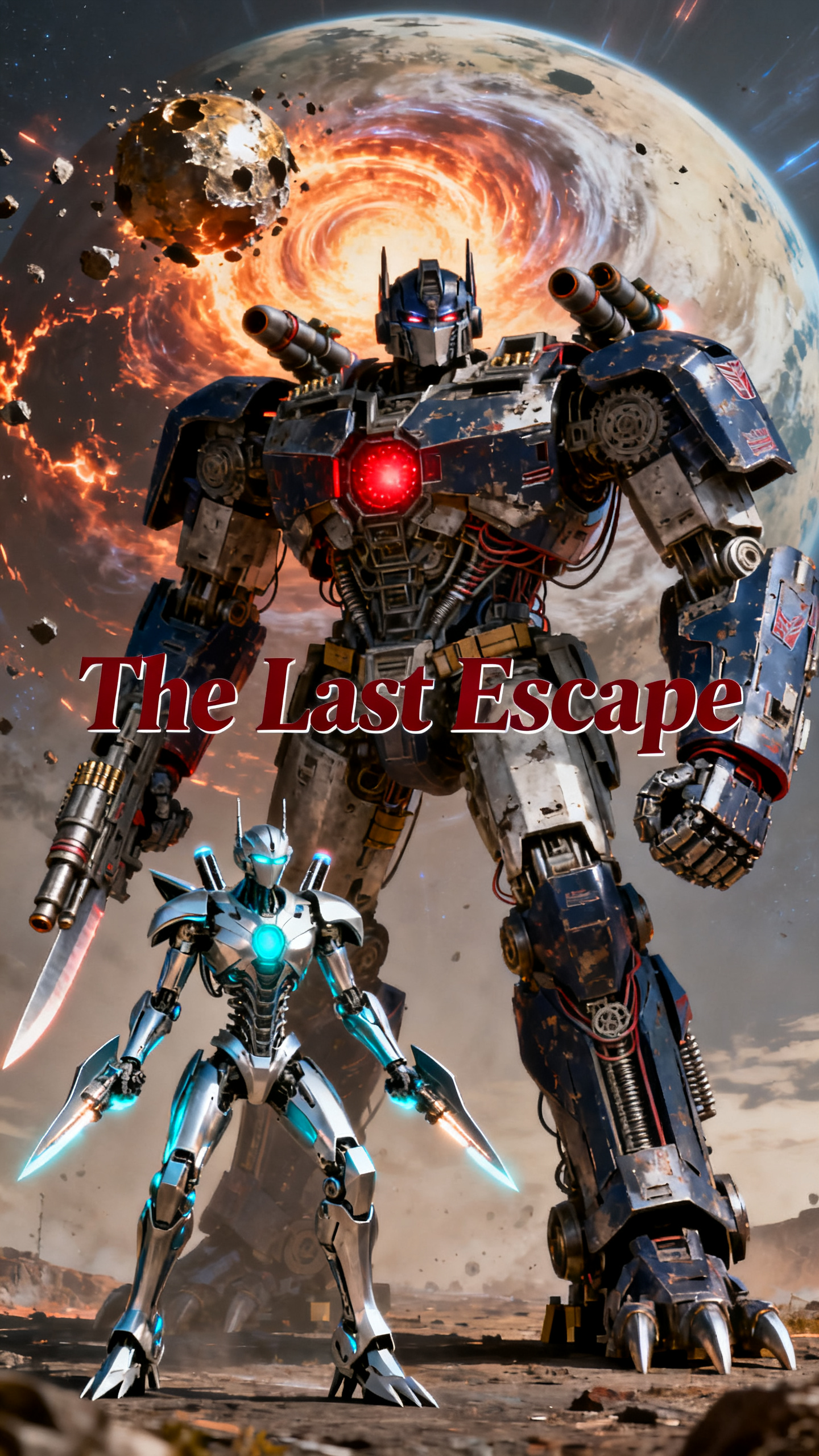
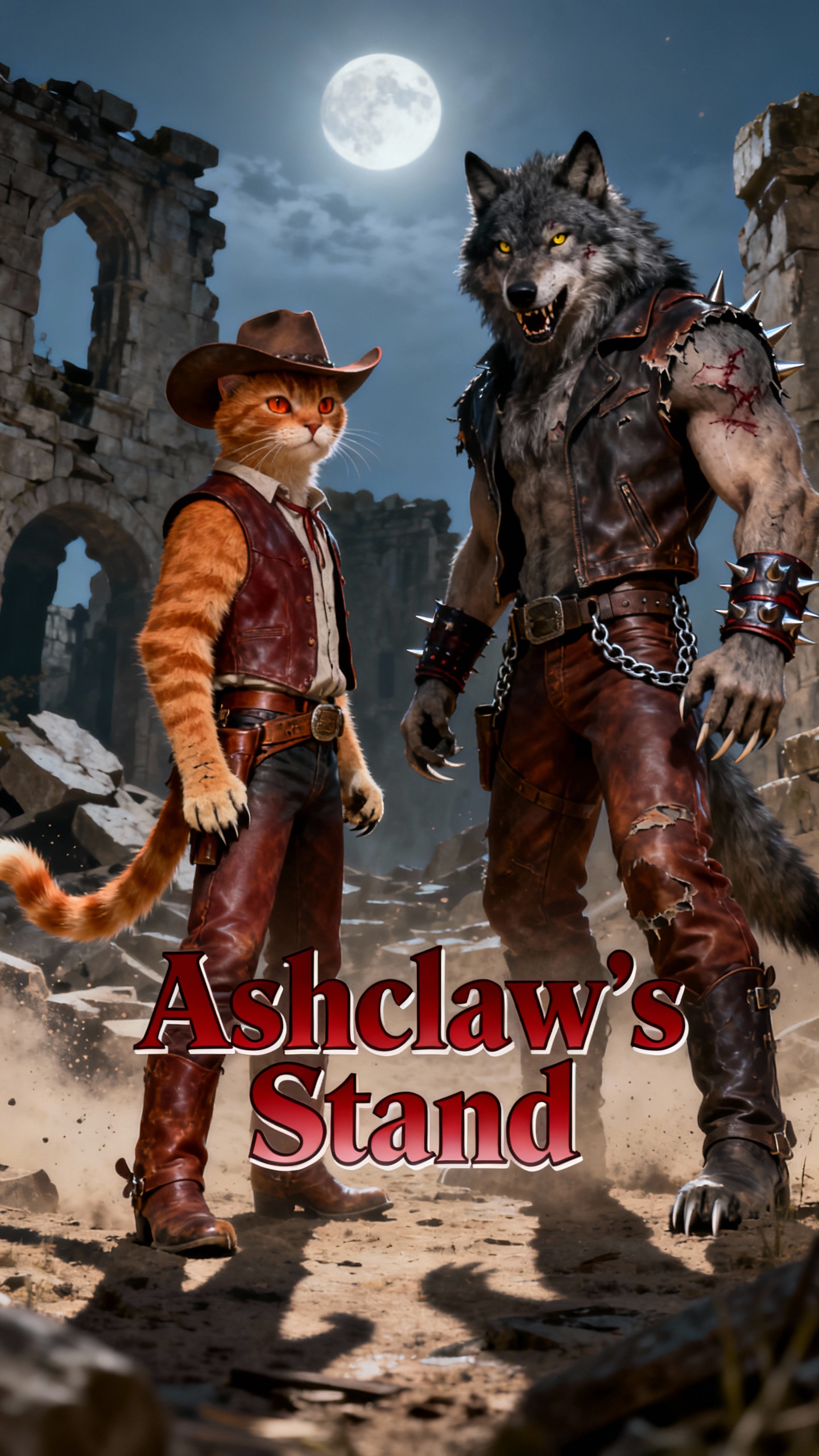

You can create social videos using Magiclight AI’s video Twitter tool for prompts, scene planning, and voice generation. Turn one short idea into a Twitter-ready post in minutes.

Use Magiclight AI templates to turn ideas, topics, or scripts into social videos faster. Build polished posts without shaping every scene from scratch.
Create X-ready videos from detailed scripts in Magiclight AI, with 12000 characters and 50-minute output for threads, recaps, and campaigns.
Upload an image and a 1500-character prompt with Image to Video. Magiclight AI helps turn static visuals into 10s or 15s Twitter posts.
Magiclight AI gives users 37 voiceovers, voice cloning, and 16 subtitle styles. That keeps fast-moving social posts easier to follow on smaller screens.


Getting started takes less effort when the workflow stays clear from the beginning. Magiclight AI helps users shape ideas into polished, platform-ready Twitter content faster.
Write the topic, message, or script inside the prompt area. Users can begin with a short idea or build from a longer script when the post needs more structure.
Choose the style model, subtitle look, voice setup, and aspect ratio that match the post. This helps the finished video feel better suited to the platform and audience.
Review the generated scenes, then refine prompts, timing, or visual flow before rendering. Nano storyboard controls support more detailed scene shaping during preparation.
Preview the final result, then export the finished video in the preferred format. You can then upload it to Twitter with captions, hashtags, or campaign text.
For Twitter video creation, Story to Video works best inside Magiclight AI overall. It turns ideas into scenes, captions, voiceovers, and polished exports more smoothly.
Yes, creators can add natural voiceovers, cloned voices, and styled captions very easily. Those options make posts clearer and more engaging when using Magiclight AI.
No, this video Twitter tool can support short clips and longer narrative videos. Magiclight AI also handles extended scripts when content needs more structure overall.
Users can export videos in multiple aspect ratios for different posting needs easily. Inside Magiclight AI, that flexibility helps content fit feeds more naturally online.
Yes, shared workflows reduce delays and keep video production moving across active teams. Scheduling and smoother approvals become easier for teams with Magiclight AI daily.
These tools suit marketers, educators, creators, and brands needing faster social videos regularly. When speed matters, Magiclight AI helps without making the workflow feel complicated.



Create sharper Twitter videos with Magiclight AI and keep every post ready for faster engagement.