Explore Features of Magiclight AI's LongCat-Video Generator
Magiclight AI makes it simple to work with the LongCat-Video generator for creation. Start quickly, adjust your settings clearly, and generate longer videos with less effort.

Magiclight AI lets you access LongCat-Video to turn simple ideas and images into videos. Pick your style, set duration, then generate smooth long clips. No experience required.
Try LongCat-Video Creator For Free
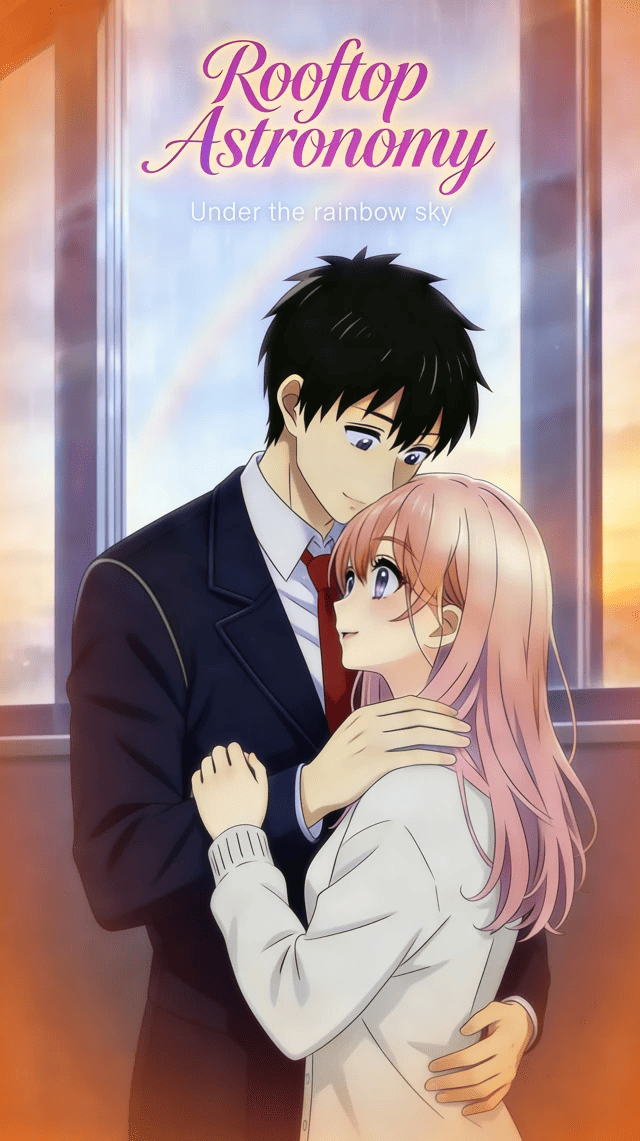

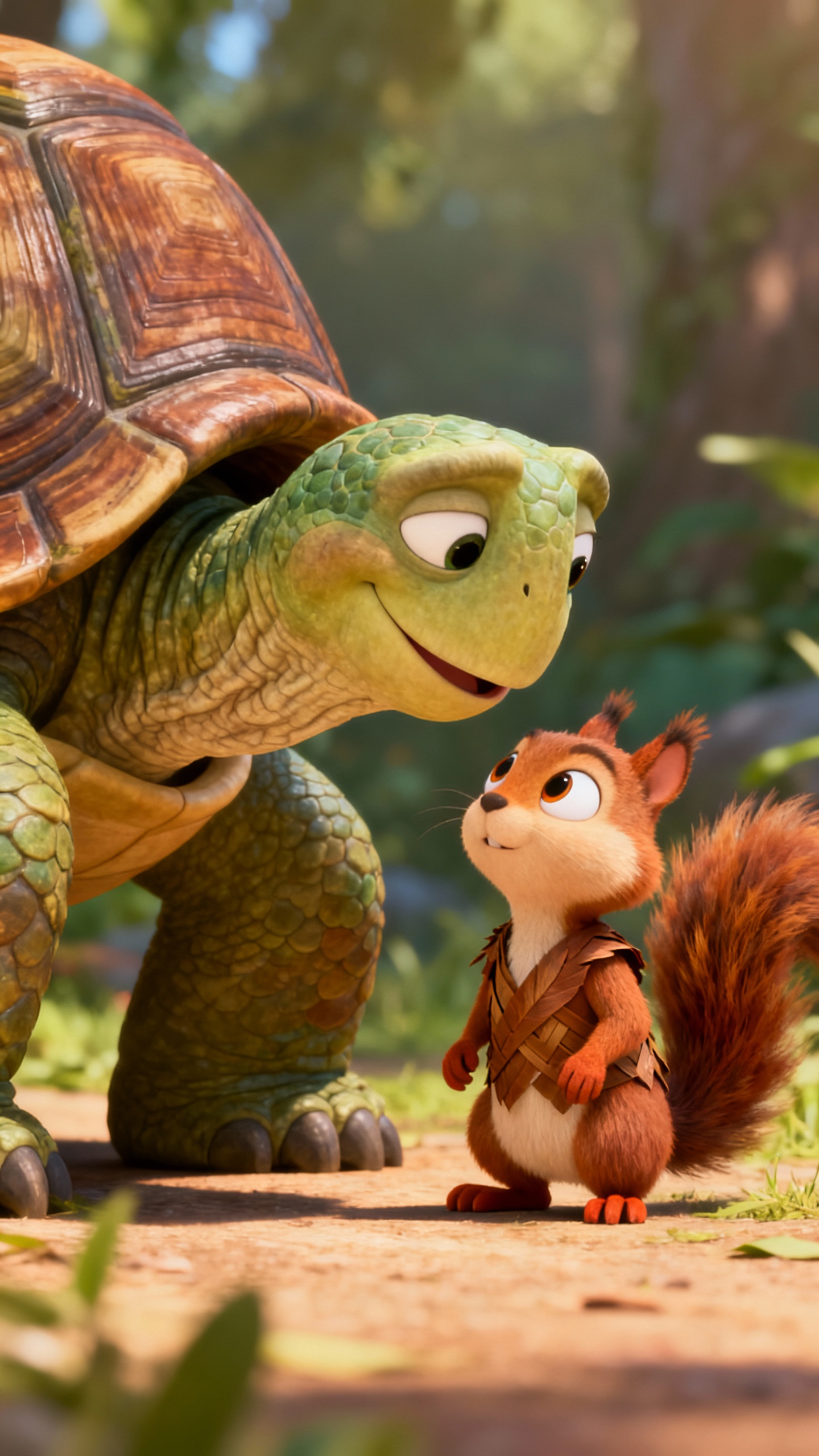




Magiclight AI makes it simple to work with the LongCat-Video generator for creation. Start quickly, adjust your settings clearly, and generate longer videos with less effort.

Magiclight AI with LongCat-Video keeps characters and scenes visually consistent. Backgrounds, looks, and movements stay aligned.
Users can edit prompts, regenerate shots, and refine moments before rendering. Magiclight AI previews LongCat-Video scenes as a storyboard flow.
Write scripts, build visuals, and add audio in one workspace. Edit timings, refine scenes, and render complete videos without jumping between tools.
With Magiclight AI, you get 21 easy cover templates ready to use. Swap colors, titles, and images to match each campaign without extra design work.




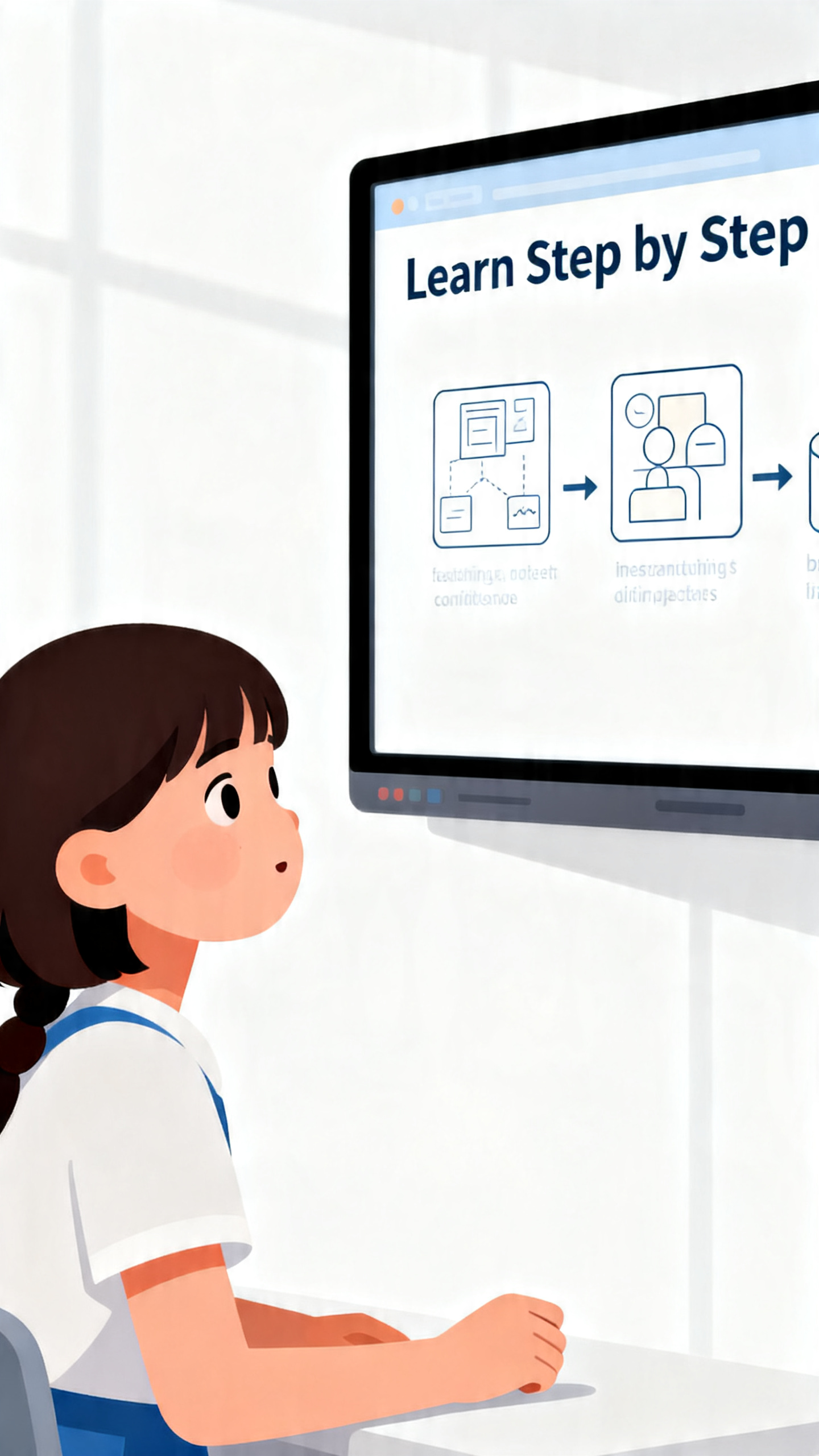

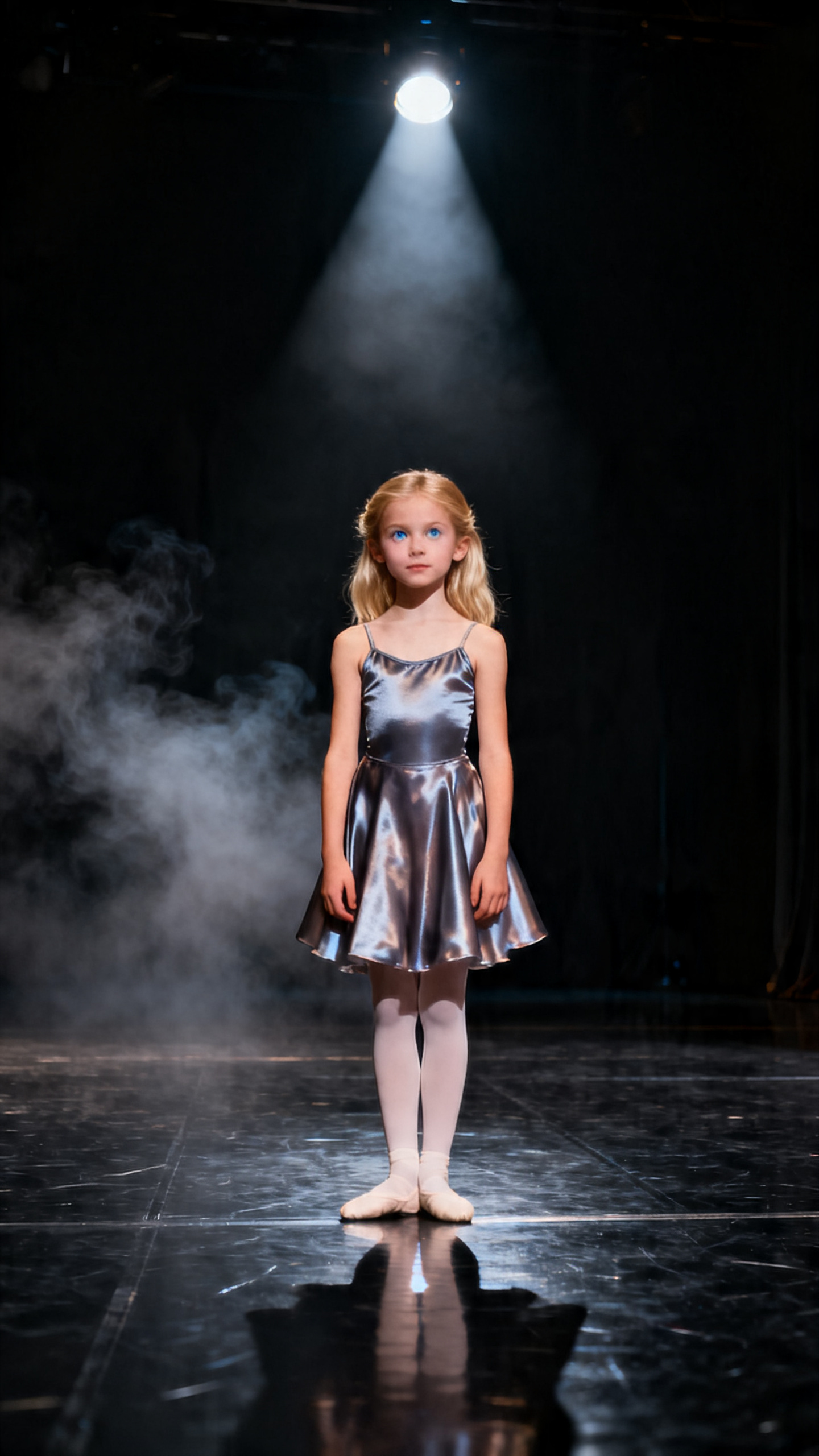
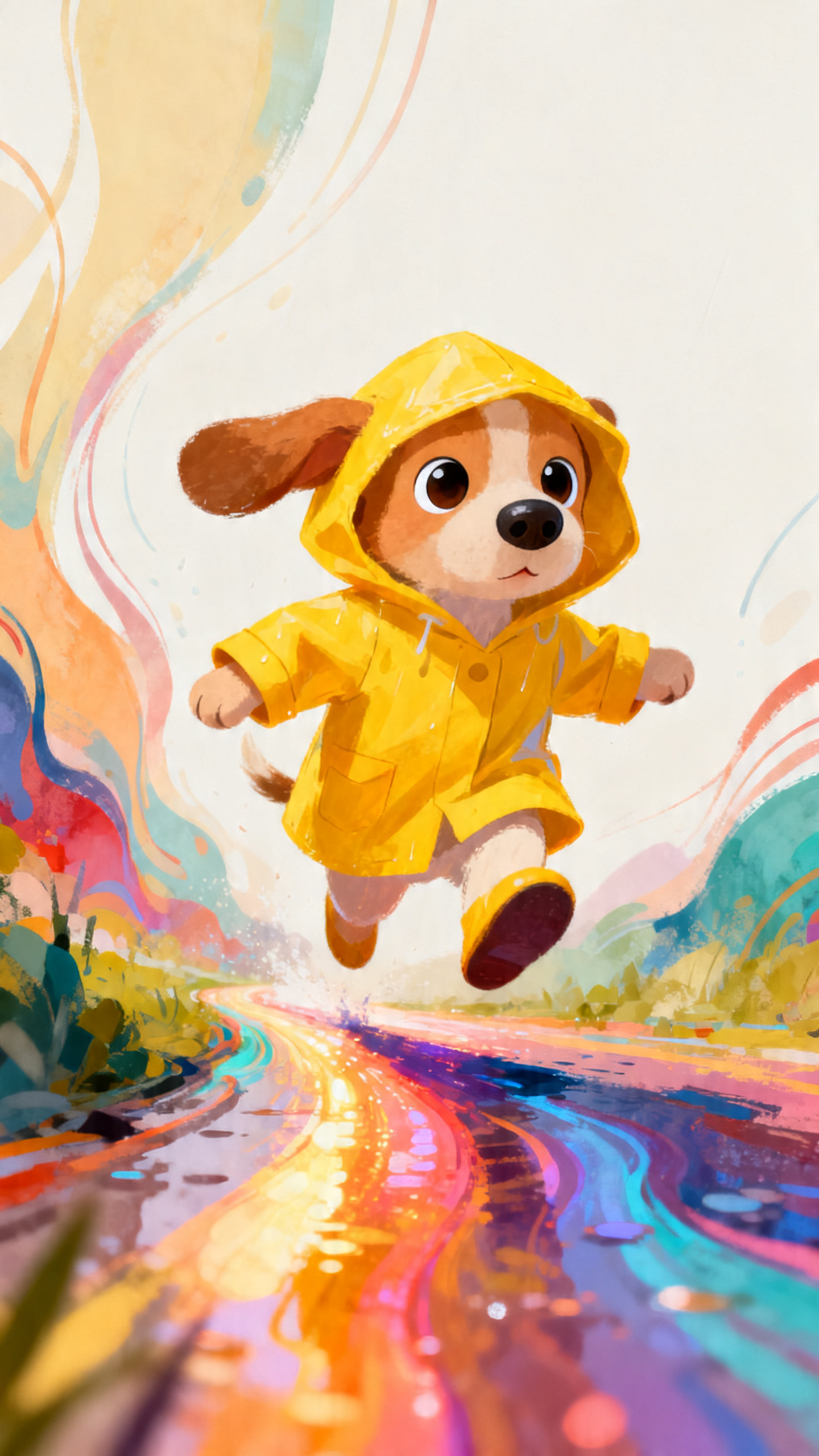
Start with one simple idea and move through each step at your own pace. Magiclight AI's LongCat-Video generator helps shape prompts into finished clips faster.
Pick LongCat-Video inside Magiclight AI, then choose prompt, script, or reference image. Describe your idea so the system understands your main direction.
Choose scene style, character look, and visual mood for your video. Set a clear style and character look that helps every scene feel connected.
Preview the storyboard, then adjust scenes, pacing, and visual details where needed. Change shots, tweak prompts, and strengthen the flow before you generate video.
Pick the aspect ratio and quality that fit your main publishing platform. Export the finished video, then download or polish directly inside the workspace.
LongCat-Video generator turns ideas, scripts, or images into long videos. Inside Magiclight AI, it guides you from basic input to a finished clip.
You only describe your idea and adjust simple options on each screen. Magiclight AI handles cutting, timing, and rendering so you avoid complex timelines.
Yes. Magiclight AI lets you upload a still image and build motion around that frame. It then uses video models to extend the picture into moving scenes.
You can create extended videos up to 50 minutes long for lessons or stories. Magiclight AI supports long timelines, so one project can comfortably hold more content.
Yes. With Magiclight AI, you can work in 11 languages and pick from 37 voice options. It keeps lip timing and expressions closer to your chosen narration.
Yes, you can review a storyboard, then tweak prompts and pacing where needed. The LongCat AI video generator lets you update scenes before rendering, reducing the need for full re-generations.



Turn a simple idea into a full video using Magiclight AI's LongCat-Video generator.