Hero background

Wanx AI Video Generator

Create cinematic TikTok‑ready videos with Wanx AI in Magiclight AI from a prompt. You get smooth character motion, presets, and stylish captions with the tool.

Try Wanx AI For Free
Wonder Tales
Morning Bliss
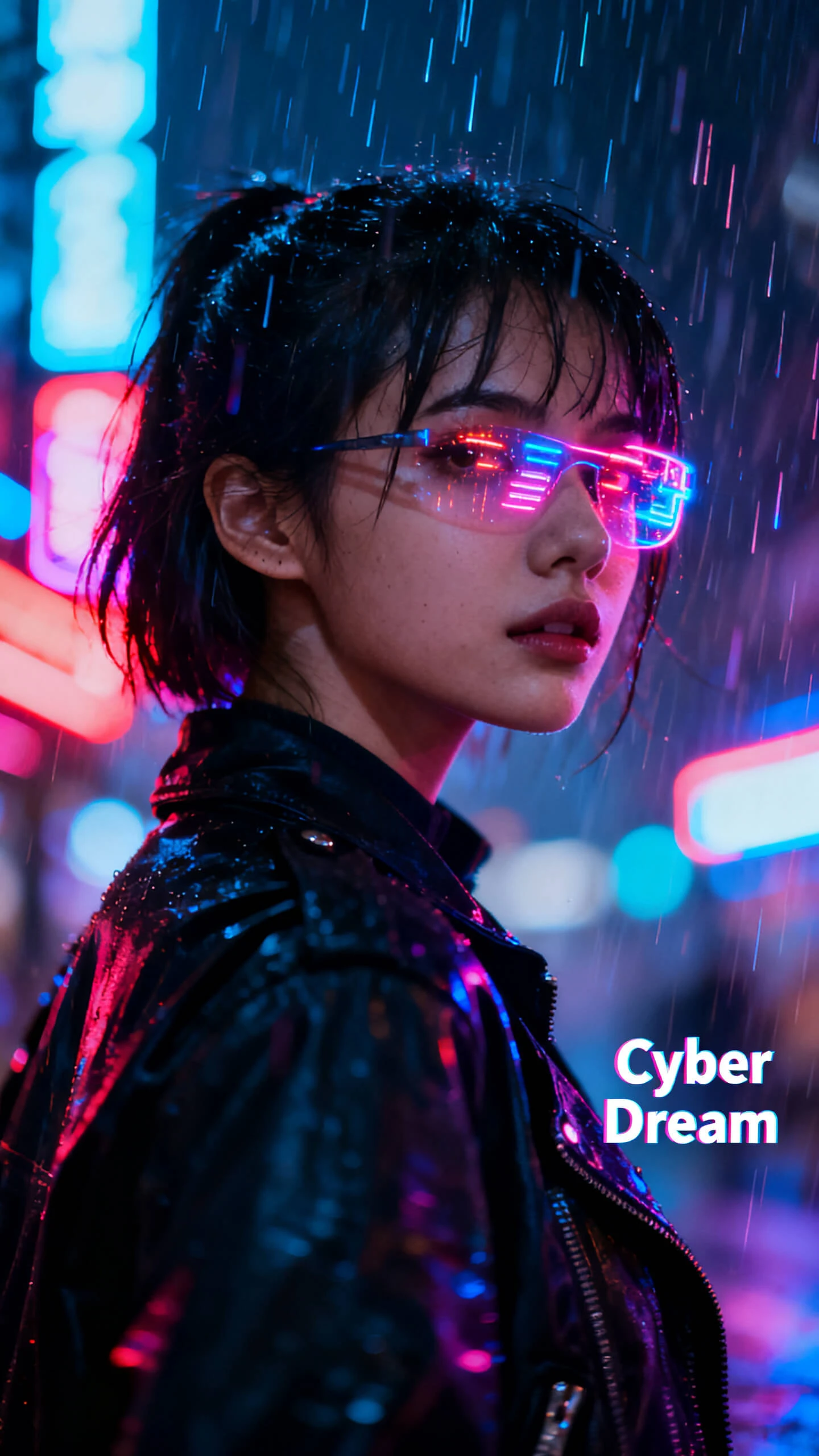
Cyber Dream
My Journey
Sweet Bites
City Style
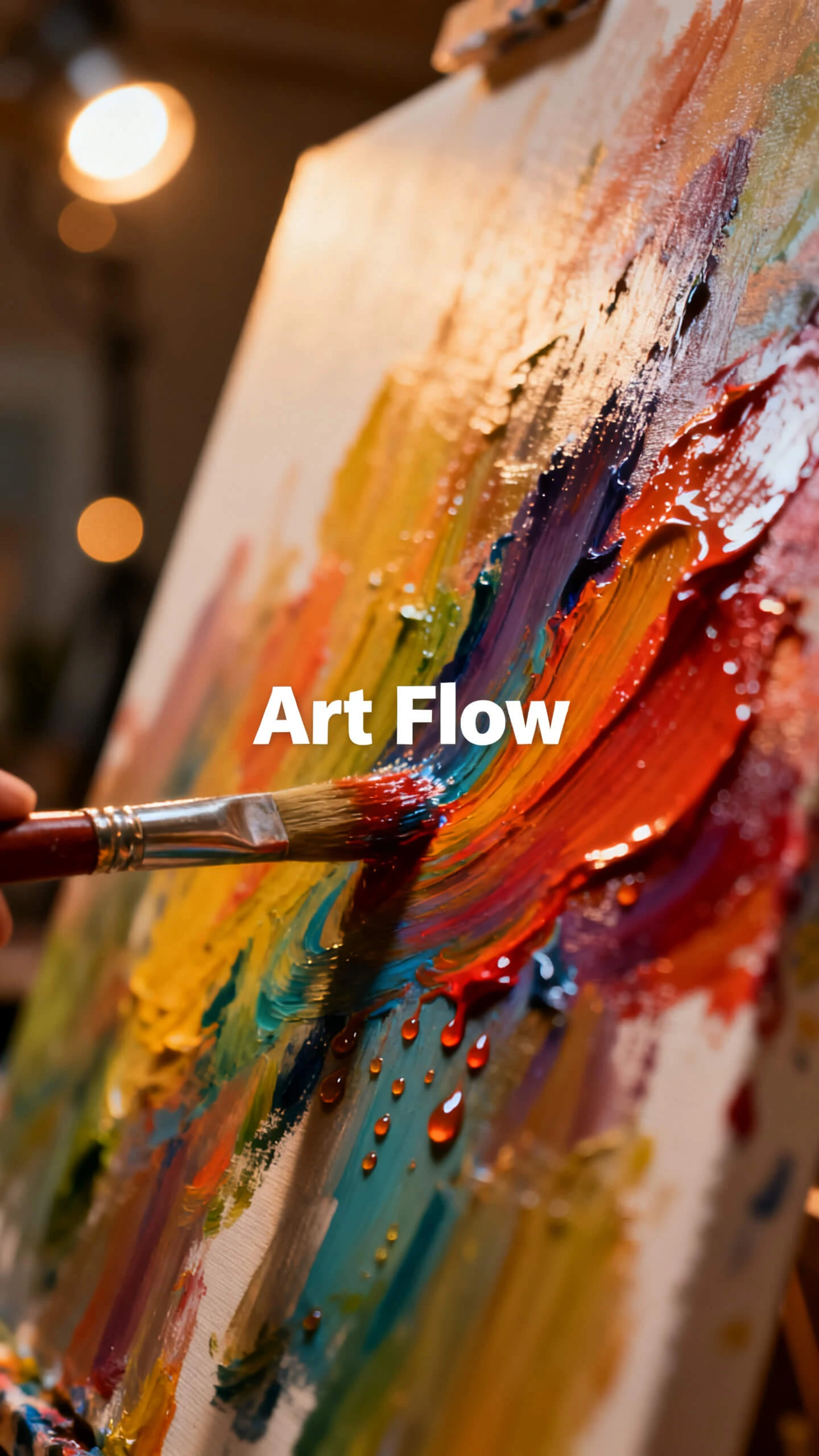
Art Flow
Nature Pals
Wonder Tales
Morning Bliss
Cyber Dream
My Journey
Sweet Bites
City Style
Art Flow
Nature Pals
Wonder Tales
Morning Bliss
Cyber Dream
My Journey
Sweet Bites
City Style
Art Flow
Nature Pals

Discover How Wanx AI within Magiclight AI Drives Better Results

The Wanx AI video model in Magiclight AI streamlines the creation of powerful visual content. Every scene and detail is optimized to boost viewer engagement and conversions.

Explore the video generator
3D decoration

High‑Quality Visual Realism

Create lifelike HD videos with rich lighting and motion with Magiclight AI. Users can export in 720p or 1080p, so every visual is crisp and clear.

Multi‑Input Video Creation

With Magiclight AI, you can upload images, texts, and scripts to create stunning videos. The tool maps each input to its appropriate video workflow.

Visual Consistency in Stories

Keep your characters and environments steady across frames. In Magiclight AI, you can be sure that objects and characters do not shift across scenes.

Lip‑Sync and Voiceover Options

Generate talking characters with synced speech and faces. With 37 voiceover options in Magiclight AI, characters can have a distinct style and vibe.

Who Can Use Wanx AI Video Generator in Magiclight AI For Work
Many creators produce more content in less time with Magiclight AI's Wanx AI video generator. It streamlines the video-creation process, so even beginners are not stressed.
Educators and Trainers
For Educators and Trainers
Convert lesson prompts into Wanx AI video explainers in less effort.
Visualize complex topics fast with animated visuals and music.
Reuse templates for modules to reduce prep time and effort.
Content Creators and Influencers
For Content Creators and Influencers
Batch‑produce themed series and save hours on manual editing.
Experiment with different styles cheaply to avoid costly reshoots.
Transform ideas into Wanx AI video shorts, no crew required.
Game & Media Designers
For Game & Media Designers
Pitch new video game concepts with polished clips and save money.
Visualize character motion fast, replacing test animations.
Prototype scenes as video clips, skipping manual storyboards.
Product Marketers
For Product Marketers
Turn product photos into cool video demos in less time and effort.
Refresh catalog visuals often, with minimal production effort.
Create feature explainers for products in minutes, not days.
Why Video Creation is Easier
with Wanx AI in Magiclight AI
From idea to final cut, even non‑experts can ship polished clips in minutes. Assisted scripting, scene planning, and rendering are available due to Wanx 2.1 AI in Magiclight AI.
Long‑Form Videos With Stable Worlds
Users can produce 30–50-minute videos with stable characters and scenes. Magiclight AI keeps backgrounds, characters, and designs consistent from the first frame to the last.
Make Characters Sound Like You
You can use your own voice for narration or dialogue with a single audio upload. The mouth shapes are adjusted by Magiclight AI to create believable speech on screen.
Build Your Monster Collection for New Content
One‑Click Videos in Many Unique Styles
Magiclight AI lets busy creators generate animated videos in various styles with just a single click. The tool also provides editor tutorials while the video is rendering.
Various Styles for Different Topics
Assign unique styles to each video based on tone and story. Magiclight AI applies the chosen style from 20+ artistic options to ensure each video matches its theme.
Character Libraries for Ongoing Series
Save characters and recall them for any new video with Magiclight AI. The features remain the same, and they never shift between scenes, so you can create more content faster.
Readable Subtitles and Immersive Sound
With Magiclight AI, layer 16 subtitle styles and 40 background tracks for realistic scenes. It coordinates timing perfectly to ensure dialogue and music support the story.

Steps to Create Realistic Clips with Wanx.AI Model in Magiclight AI

It is simple to make stunning clips with subtle camera motion using Wanx.AI in Magiclight AI. Turn short prompts into share‑ready, realistic scenes in just a couple of minutes.

1.

Start with a Simple Prompt

Type a short scene idea or description into Magiclight AI, such as “two girls walking on the sidewalk,” to guide the Wanx AI video generator.

2.

Define Characters and Style

Choose or load your characters, then pick a visual style, such as anime, Pixar, or realistic. Afterward, set the name, age, gender, and voiceover to make them seem real.

3.

Shape Each Shot Visually

Adjust camera moves, lighting, and expressions for key moments, using Nano control in Magiclight AI. It ensures that each AI‑generated scene matches your story and pacing.

4.

Add Audio, Subtitles, and Export

Integrate background music and subtitles for your video. Then preview the full sequence and export your Wanx AI video.

FAQs on Wanx AI

How does the Wanx AI video generator work?

The Wanx AI video generator in Magiclight AI turns text or images into animated clips in a few guided steps. You choose prompts, styles, and outputs directly in one workflow.

Can I create long videos or just short clips with Magiclight AI?

With Magiclight AI, you can generate both short clips and longer episodes depending on your project. Story structure and pacing are handled through scene prompts and settings.

What styles are available for Wanx AI videos?

You can mix and match styles so each Wanx‑powered video feels distinct. Magiclight AI offers multiple visual styles, including anime, cinematic, realistic, and Pixar‑like looks.

Does Magiclight AI support voiceovers and subtitles?

Yes. In Magiclight AI, you can add cloned voices, narration, and subtitles to any clip. These elements sync with the generated visuals to create more engaging videos and stories.

What makes Magiclight AI different from other AI video platforms?

Unlike basic tools, the Wanx AI video model within Magiclight AI offers advanced motion and long‑form consistency. This lets users produce pro‑quality clips in less time.

Do I need video editing skills to use Wanx AI?

No, you do not need any video ediitng expertise to start creating videos in Magiclight AI. There are simple controls for prompts, styles, and exports keeping the workflow easy.


Convert Every Concept into a Visual Clip with Wanx AI

Generate on‑brand, high‑impact videos without a studio and or eiditing skills using Magiclight AI.