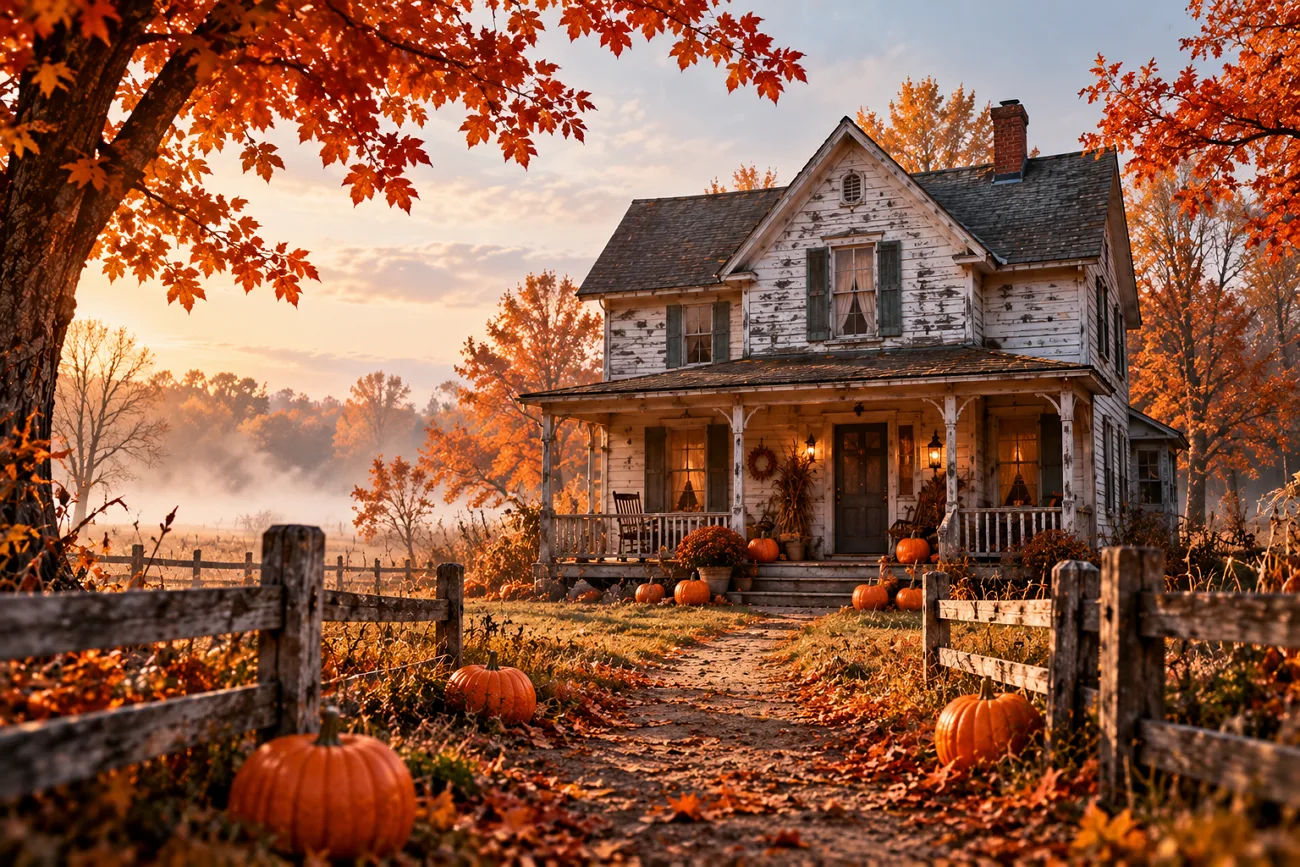
一座家庭農場想為萬聖節海報製作一張陰森的稻草人圖片,之後還打算用在 Instagram 影片中。但只輸入「稻草人、霧氣、黑暗田野」這樣簡短的提示詞,結果可能和想像完全不同。稻草人可能看起來很友善,一點也不可怕,背景也可能太明亮。
撰寫 Nano Banana 萬聖節提示詞時,把場景細節描述清楚,就能幫助你避免這些問題。本文分享 20 組適合海報、照片編輯和公仔圖片的萬聖節提示詞,讓你直接試用。你也會學到如何用 MagicLight AI 將靜態圖片製作成影片。
第 1 部分:20 組值得一試的 Nano Banana 萬聖節提示詞
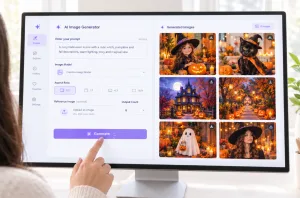
Google 於 2026 年 10 月 6 日推出 Nano Banana 2.1,提升了圖片編輯能力、視覺品質與角色一致性。以下 20 組 Nano Banana 萬聖節提示詞涵蓋電影感場景、照片改造、收藏公仔及創意海報設計。你可以在 MagicLight AI的 Image Generator 中,使用 Nano Banana 2 試試這些提示詞。
電影感萬聖節場景提示詞
一個獨自站在漆黑玉米田裡的稻草人,就能營造出令人毛骨悚然的萬聖節場景。再讓淡淡的霧氣繚繞在稻草人四周,整個畫面就會更加陰森。以下提供 4 組不同場景的萬聖節提示詞,讓你試試看。
- 迷宮入口的稻草人: A scarecrow with a stitched burlap face guards the entrance of a moonlit corn maze. Low-angle shot, mist between the stalks, warm lantern glow, 9:16.
- 燈塔看守人的提燈: Show an old lighthouse keeper climbing a spiral staircase with a swinging oil lantern. Wide-angle lens, chiaroscuro lighting, sea fog drifting through a broken window, 16:9.
- 午夜燭光圖書館: Books slide off candlelit library shelves as a ghostly reading lamp floats down the aisle. Shallow depth of field, drifting dust, muted teal shadows, 16:9.
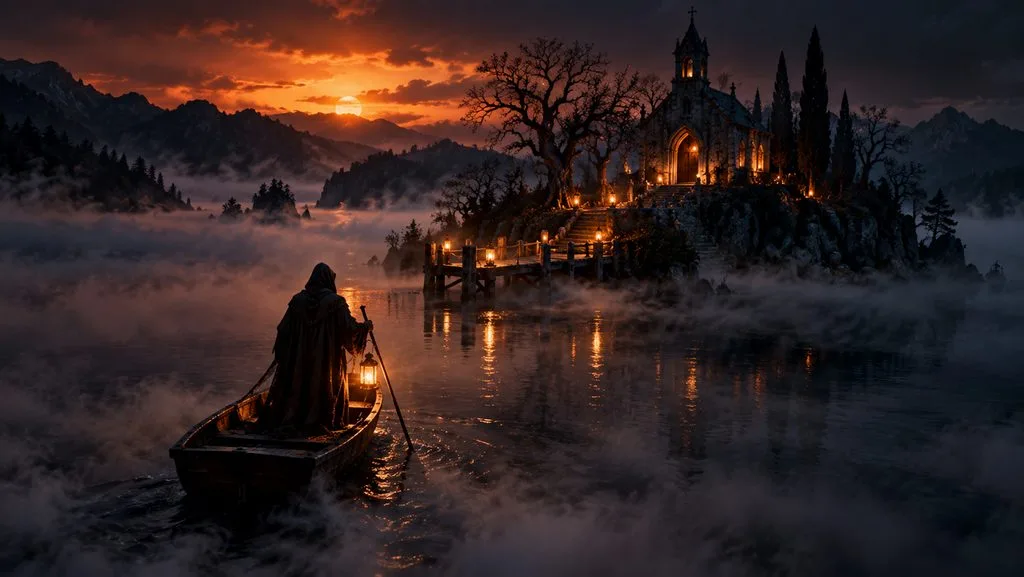
- 霧中渡船: Picture a hooded ferryman poling a wooden boat across a black lake toward a lantern-lit island chapel. Aerial view, thick ground fog, orange light on the horizon, 16:9.
上傳照片的編輯提示詞
你可以為照片加上恐怖的萬聖節風格,同時保留照片中每個人的原本模樣。Nano Banana 能讓你只修改照片中的指定部分,其餘內容維持不變。以下提示詞示範如何為上傳的照片增添驚悚的萬聖節細節。
- 門廊鬧鬼改造: Turn the uploaded front porch photo into a haunted porch at night, with jack-o’-lanterns on each step. Keep the house shape, door, and windows exactly the same, 4:3.
- 白天街景變萬聖節之夜: Change this daytime street photo to Halloween night, with glowing windows and a full moon. Every building and parked car stays where it is, 16:9.
- 客廳派對布置: In the uploaded living room photo, add orange string lights, a candy table, and paper bats on the ceiling. The sofa, rug, and wall color remain untouched, 4:3.
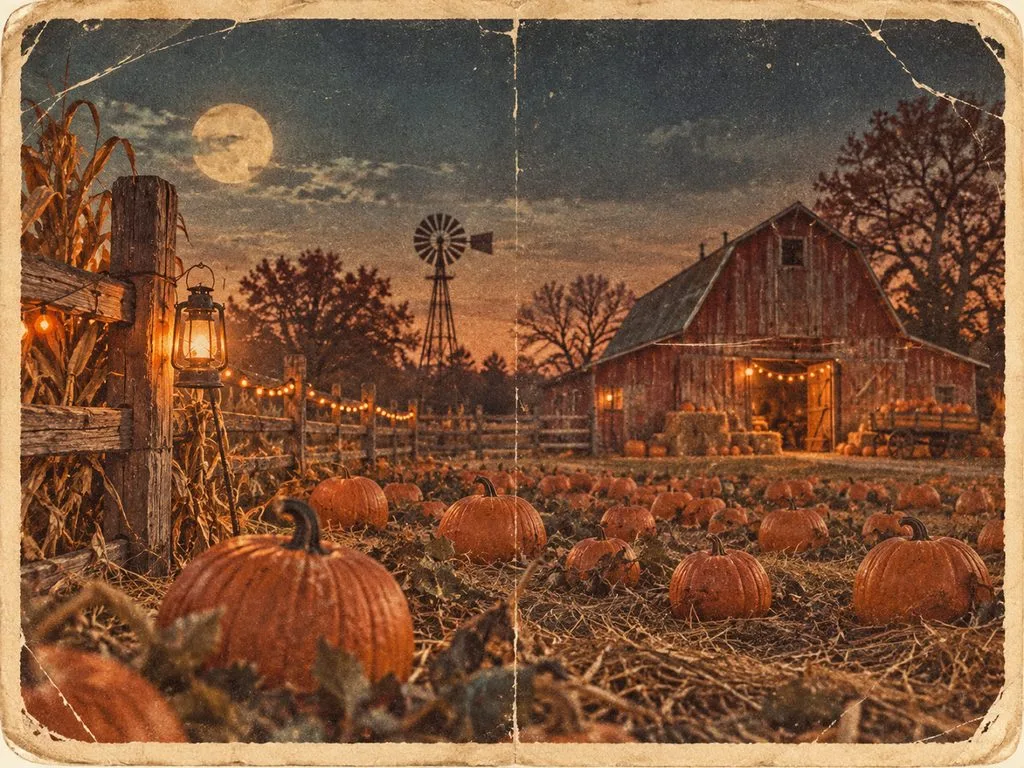
- 南瓜田明信片: Recreate the uploaded pumpkin patch photo as a 1950s Halloween postcard, with every pumpkin, fence post, and barn in its exact place. Faded print colors, soft paper texture, 4:3.
收藏公仔與微縮模型提示詞
迷你玩具公仔在 2025 年成為 Nano Banana 的熱門創作風潮。你可以利用 Nano Banana 萬聖節提示詞,搭配適當的打光與逼真的細節,創作類似的公仔圖片。以下幾組提示詞,能讓你在不同場景中打造迷你 萬聖節角色 。
- 桌上的女巫公仔: Create a 1/7 scale collectible figure of a cheerful witch holding a pumpkin lantern, on a round clear acrylic base beside its printed toy box. Soft studio lighting, 1:1.
- 鬧鬼小鎮微縮場景: Tilt-shift photograph of a miniature haunted town on a wooden table, with glowing windows and cotton fog between the houses. Macro lens, shallow depth of field, 16:9.
- 乙烯基吸血鬼玩具: Product photo of a glossy vinyl vampire toy with a round face and oversized ears on a collectibles shelf. Three-point softbox lighting, pastel background, 1:1.
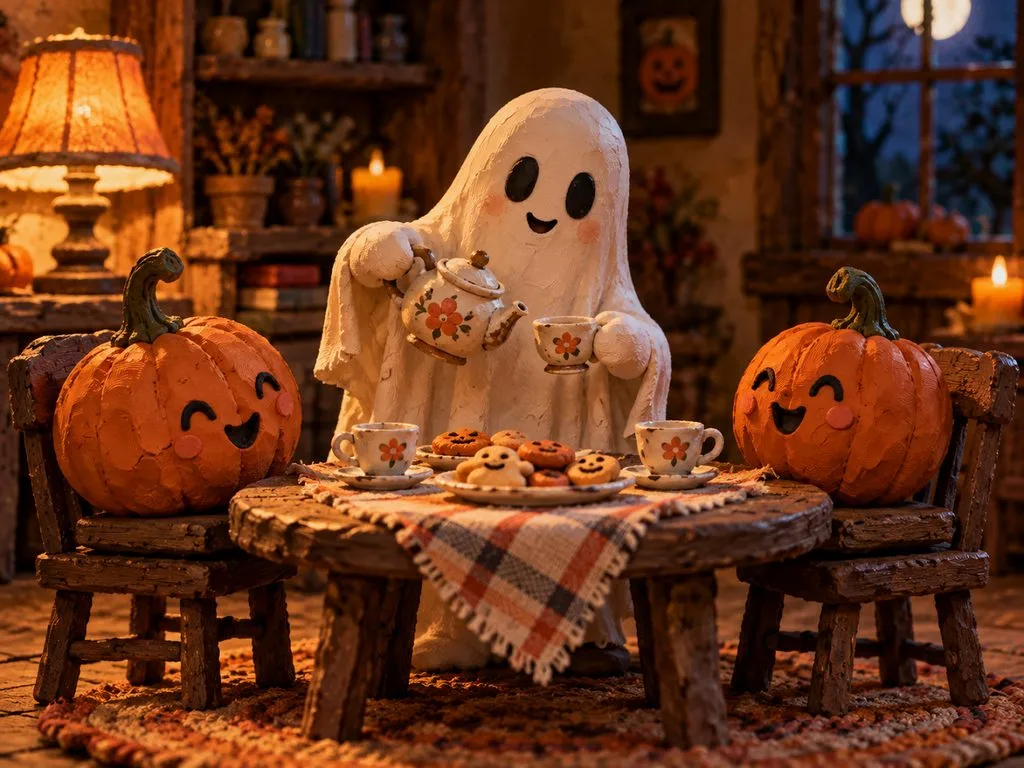
- 黏土動畫風幽靈茶會: Show a handmade claymation ghost hosting a tea party for two pumpkins, with fingerprints visible in the clay. Warm lamp light, stop-motion film look, 4:3.
海報與字體設計提示詞
萬聖節海報 的文字需要清楚易讀,讓大家一眼就能看懂活動資訊。Nano Banana 萬聖節提示詞能幫你在海報與賀卡上加入充滿驚悚感的文字設計。以下提示詞提供了不同萬聖節設計所需的確切文字與字體風格。
- 玉米迷宮活動海報: Design a vertical poster titled “Lost in the Stalks” in tall, weathered wooden letters above a scarecrow silhouette. Add “Fridays in October, 7 PM” in small white sans-serif type, 9:16.
- 1950 年代 B 級電影海報: Paint a 1950s B-movie poster titled “The Night the Pumpkins Woke” in red hand-lettered type, with townsfolk fleeing giant jack-o’-lanterns. Halftone texture, faded cream border, 9:16.
- 鬼屋入場券: Vintage admission ticket for “Blackwood Manor Haunt” on yellowed card stock, with a torn edge and “Admit One” in ornate Victorian type. Close-up flat lay on dark wood, 4:3.
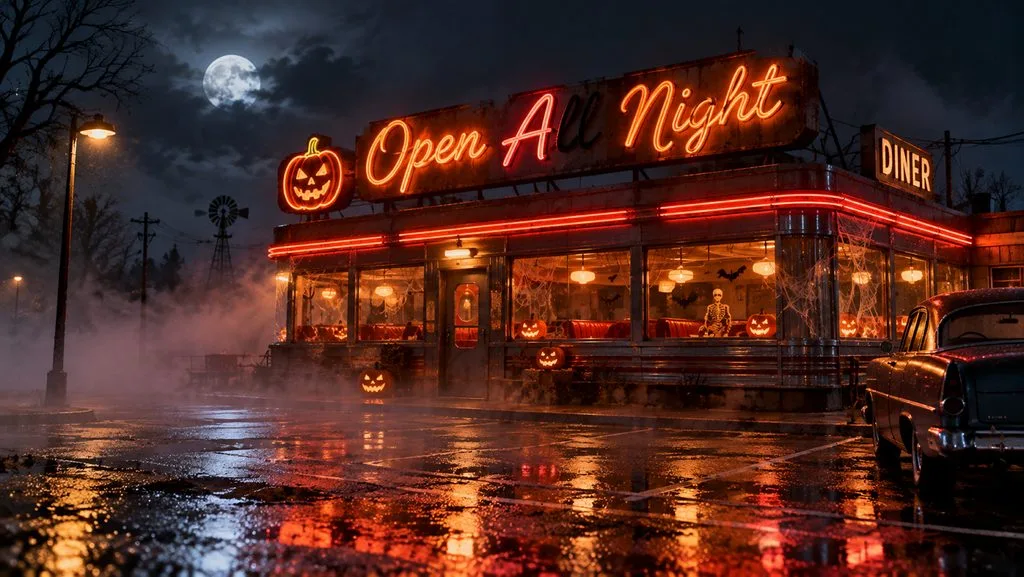
- 美式餐館霓虹招牌: A neon sign reading “Open All Night” in looping cursive tubes buzzes above a roadside diner on Halloween, one letter flickering off. Fog over the empty parking lot, wet asphalt reflections, 16:9.
多圖合成提示詞
你可以將多張照片上傳到 Nano Banana,合成一個萬聖節場景。每張照片都能為最終圖片帶來不同元素。以下提示詞示範如何把這些照片融合到不同的萬聖節場景中。
- 草圖變鬼屋: Use the attached pencil sketch for the layout and the brick photo for the walls, then render a photorealistic haunted mansion at dusk. One lit attic window, low clouds, 16:9.
- 用兩張照片試穿變裝服: Dress the person in the first photo in the witch costume from the second, keeping face and hairstyle unchanged. Pumpkin stand at golden hour, 9:16.
- 鬧鬼小屋裡的馬克杯: Place the mug from the product photo on a candlelit cottage windowsill, steam rising, rain on the glass. Logo and color exactly as photographed, macro lens, 1:1.
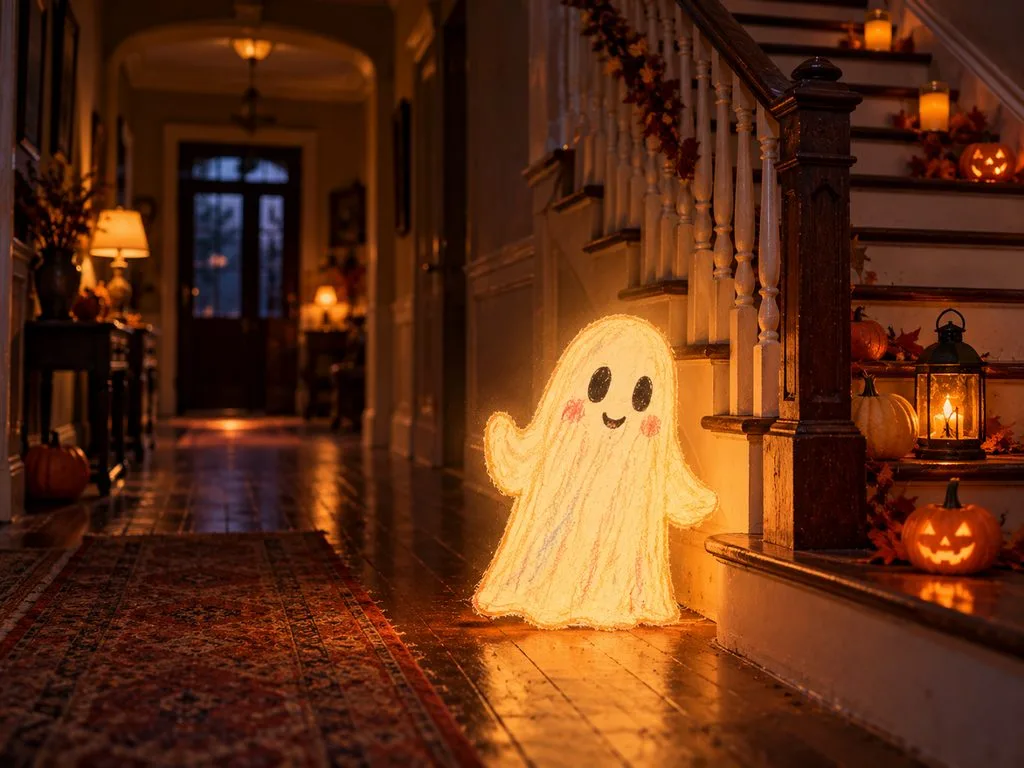
- 真實走廊裡的蠟筆幽靈: Use the attached crayon ghost drawing for the character and the hallway photo for the setting, with the ghost glowing softly by the stairs. Keep the drawing’s shape and colors, 4:3.
第 2 部分:用 MagicLight AI 將 Nano Banana 萬聖節提示詞製作成 AI 影片
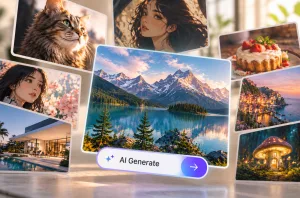
Nano Banana 萬聖節提示詞能幫你創作恐怖圖片,之後再將圖片製作成影片。MagicLight AI 的 Image Generator 可讓你使用 Nano Banana 2 生成這些萬聖節圖片,依照提示詞打造陰森的角色與各種萬聖節場景。
MagicLight AI 也提供 20 款 AI 影片模型,包括 Kling 3.0 和 Hailuo 2.3 Fast。圖片準備好後,就可以使用它的 圖片轉影片 功能,將圖片製作成 萬聖節影片。
MagicLight AI 的主要功能
- 內建 Nano Banana 2: MagicLight AI 提供 5 款圖片模型,包括 Nano Banana 2,可用來製作萬聖節圖片。選擇這款模型,就能直接透過文字提示詞生成萬聖節場景。
- 上傳圖片進行編輯與合成: 上傳多張照片來更換背景,或將它們合成為萬聖節場景。用於編輯與合成的每張參考圖片,檔案大小最高可達 20MB。
- 詳細的影片提示詞: 使用最多 1500 個字元的提示詞描述你的萬聖節影片,並加入最多 5 張參考圖片,引導最終影片的生成效果。
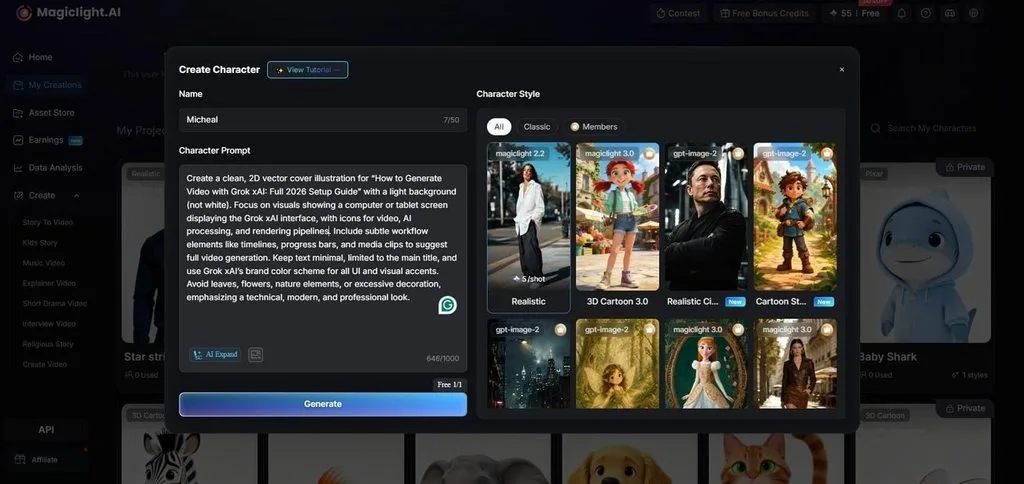
- 打造會說話的角色: 使用最多 1000 個字元描述萬聖節角色的外觀。透過 對嘴功能,萬聖節角色說話時,嘴型也會跟著變化。
- 完整故事影片: Story to Video 能將萬聖節故事製作成由多個連貫場景組成的影片。儲存的角色可在故事切換場景時維持一致的外觀。
使用 MagicLight AI 將 Nano Banana 萬聖節提示詞製作成影片的詳細教學
搭配 MagicLight AI,Nano Banana 萬聖節提示詞就能用來生成陰森圖片,再將圖片製作成影片。跟著以下步驟,建立你的萬聖節圖片,再加入動態效果,讓畫面活起來。
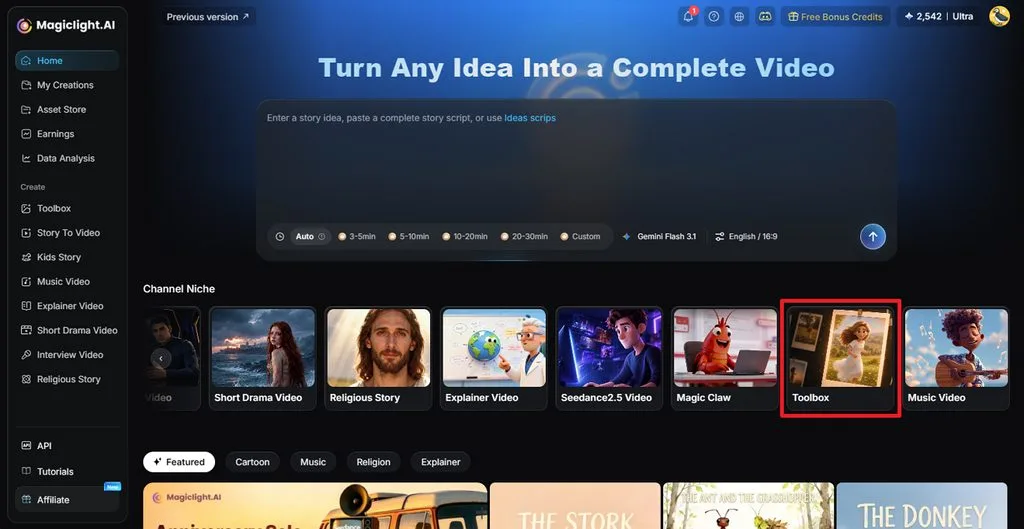
步驟 1:開啟 MagicLight AI 的 Toolbox
在 MagicLight AI 主控台中,選擇 Toolbox ,開啟圖片與影片創作頁面。
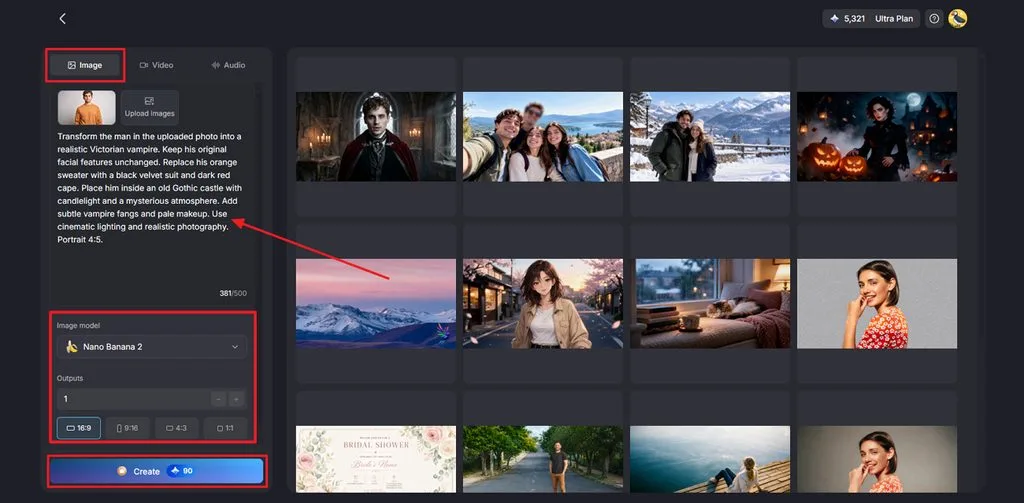
步驟 2:使用 Nano Banana 2 生成萬聖節圖片
開啟 Image 分頁,輸入第 1 部分中的任一組萬聖節提示詞。選擇 Nano Banana 2 作為 Image Model ,並選擇你想要的 Aspect Ratio。點擊 Create ,再下載你最喜歡的圖片。
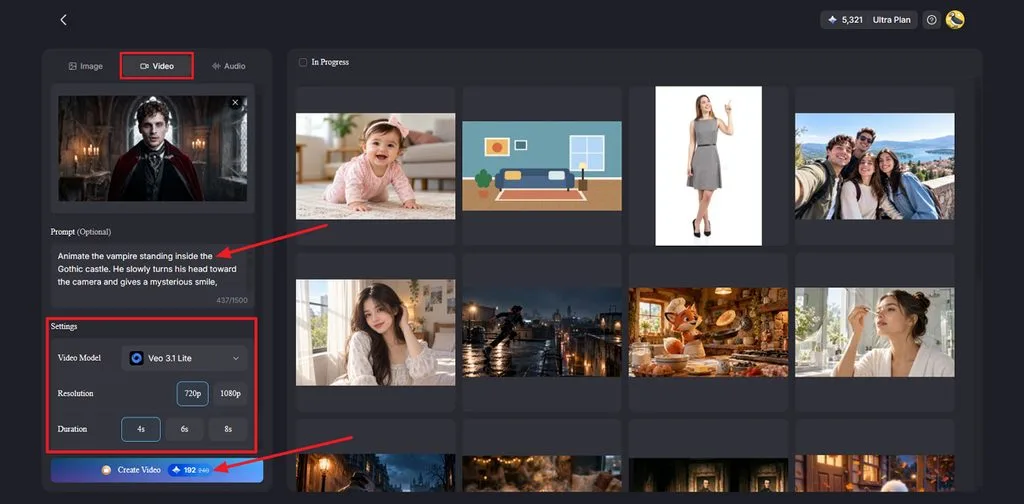
步驟 3:將萬聖節圖片製作成影片
切換至 Video 分頁,上傳你的萬聖節圖片。寫一段簡短的提示詞,說明場景中的哪些部分要動起來。接著選擇 Video Model ,並設定 Resolution 與 Duration。按下 Create Video ,即可生成影片。
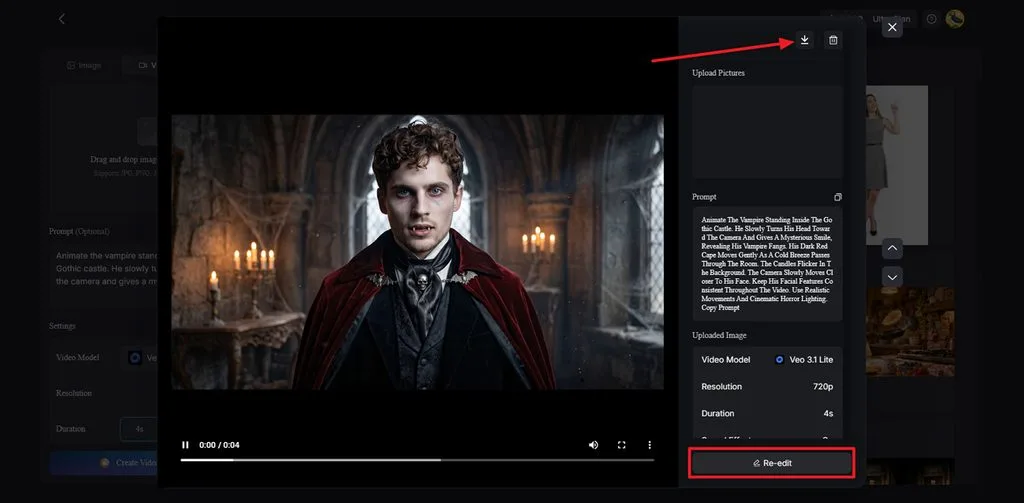
步驟 4:檢查並儲存萬聖節影片
播放影片,看看效果如何。如果有需要調整的地方,點擊 Re-edit ,修改提示詞或設定。當影片效果符合期待時,點擊 Download 圖示即可儲存。
第 3 部分:為什麼用 MagicLight AI 製作萬聖節影片
萬聖節內容的製作時間很緊湊,海報、預告片和派對短片往往都得在 10 月的短短幾週內完成。除了功能豐富,MagicLight AI 還有以下優點,能幫你應付這段忙碌的創作期。
- 圖片與影片一次完成: MagicLight AI 讓你在同一個平台製作萬聖節圖片與影片,不必在不同應用程式之間切換。
- 每支影片都保留相同角色: 儲存角色設計,並在不同影片中重複使用,讓角色外觀保持更一致。
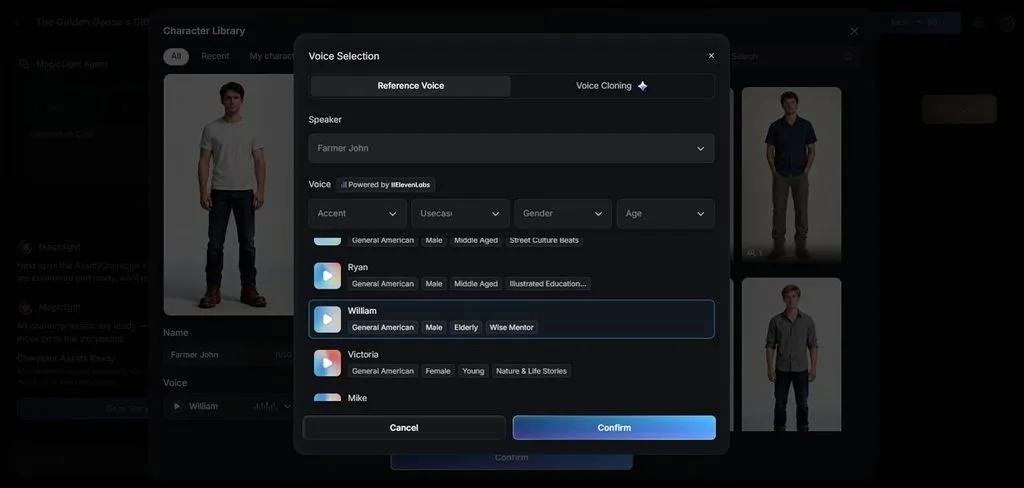
- 多語言旁白: MagicLight AI 支援 11 種旁白語言,提供 37 種聲音,並具備聲音複製功能。
- 高畫質無浮水印影片: MagicLight AI 付費方案可讓你匯出無浮水印的 1080P HD 影片,並製作最長 50 分鐘的影片。
結語
總而言之,Nano Banana 萬聖節提示詞能幫你創作細節清楚、場景逼真的驚悚圖片。這些圖片也能加入簡單的動態效果,製作成萬聖節短片。透過 AI 恐怖影片 產生器,就能讓恐怖角色與鬧鬼場景動起來。試試 MagicLight AI,在同一個平台使用 Nano Banana 2 製作萬聖節圖片,再將圖片轉成影片。
Nano Banana 萬聖節提示詞常見問題
1. 如何撰寫 Nano Banana 提示詞,讓萬聖節畫面效果更好?
使用完整句子,說明你希望萬聖節場景呈現的樣子。加入拍攝角度,讓場景能以不同視角呈現。描述你想看到的內容,而不是列出要避免的元素。
2. Nano Banana 萬聖節提示詞應包含哪些細節?
先從主要角色開始描述,再說明場景中發生什麼事,以及故事發生的地點。補上光線細節;如果要加入海報文字,請將文字放在引號內。
3. 可以把 Nano Banana 萬聖節圖片製作成動畫影片嗎?
MagicLight AI 能將萬聖節圖片轉成動作自然的影片。其 Image to Video 功能支援最長 30 秒的短片。你可以從 20 款影片模型中選擇,並視需要加入對嘴效果。
4. 如何讓同一個萬聖節角色在多個場景中保持一致?
先準備能清楚呈現萬聖節角色設計的參考圖片。在建立不同背景的場景時,持續使用相同的參考照片。MagicLight AI 也能儲存角色,讓你在較長的萬聖節故事中一路沿用。
5. 將 Nano Banana 萬聖節創意製作成完整影片,哪個 AI 工具最好用?
MagicLight AI 能幫你將簡單的萬聖節點子變成完整的動畫故事。MagicLight Agent 會先準備腳本與分鏡,再製作實際影片。Story to Video 會加入旁白與音樂,付費方案則可製作更長的影片。