
Explore the Magiclight AI Halloween Poster Maker Features
Enter the words you want on your poster and describe the Halloween scene. The Magiclight AI Halloween poster maker turns your idea into a poster with your text in the design.

Describe your Halloween poster idea and the style you want. MagicLight AI turns your prompt into eye-catching poster designs with your text included. No design skills needed.
Create a Halloween Poster For Free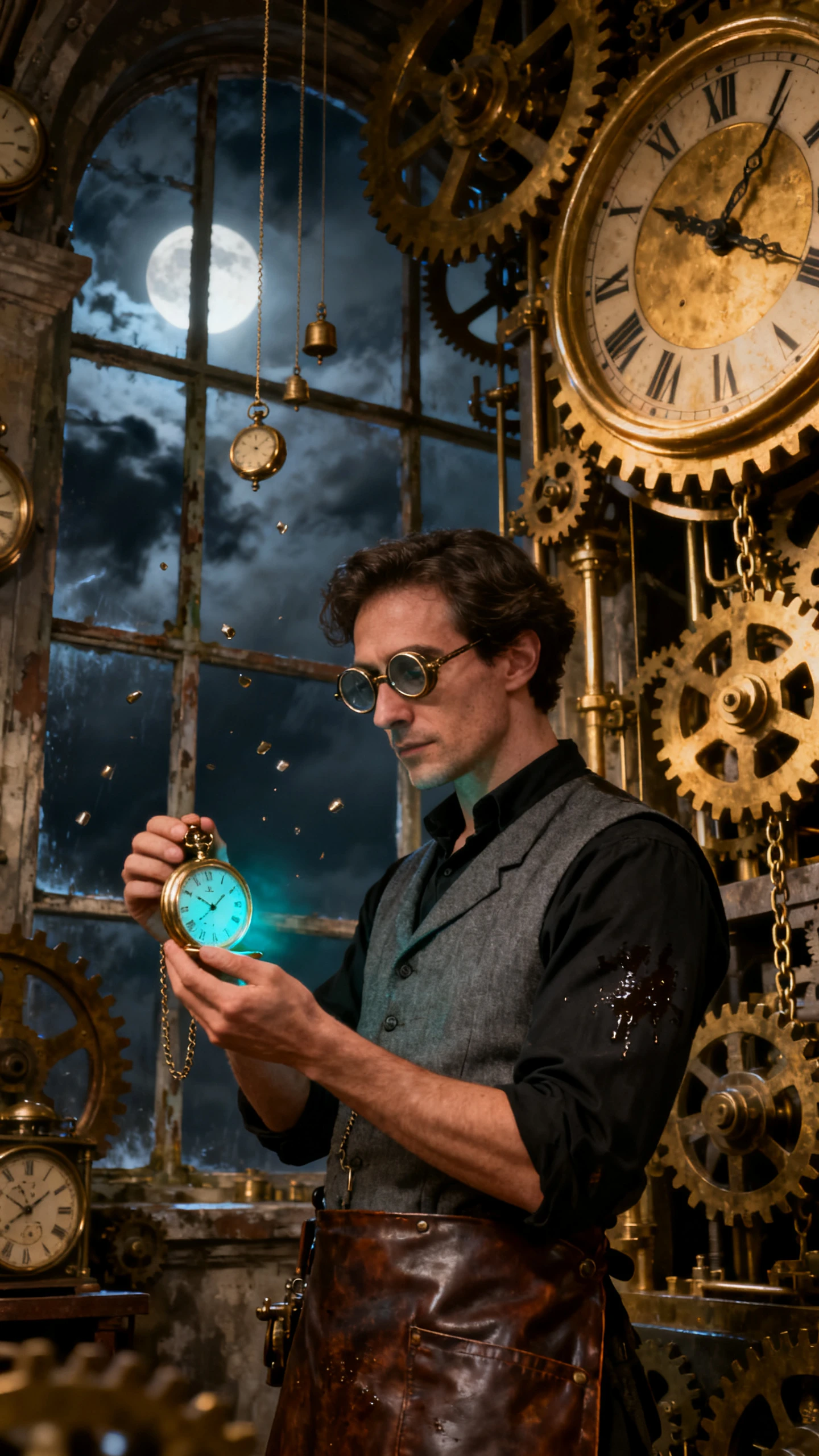
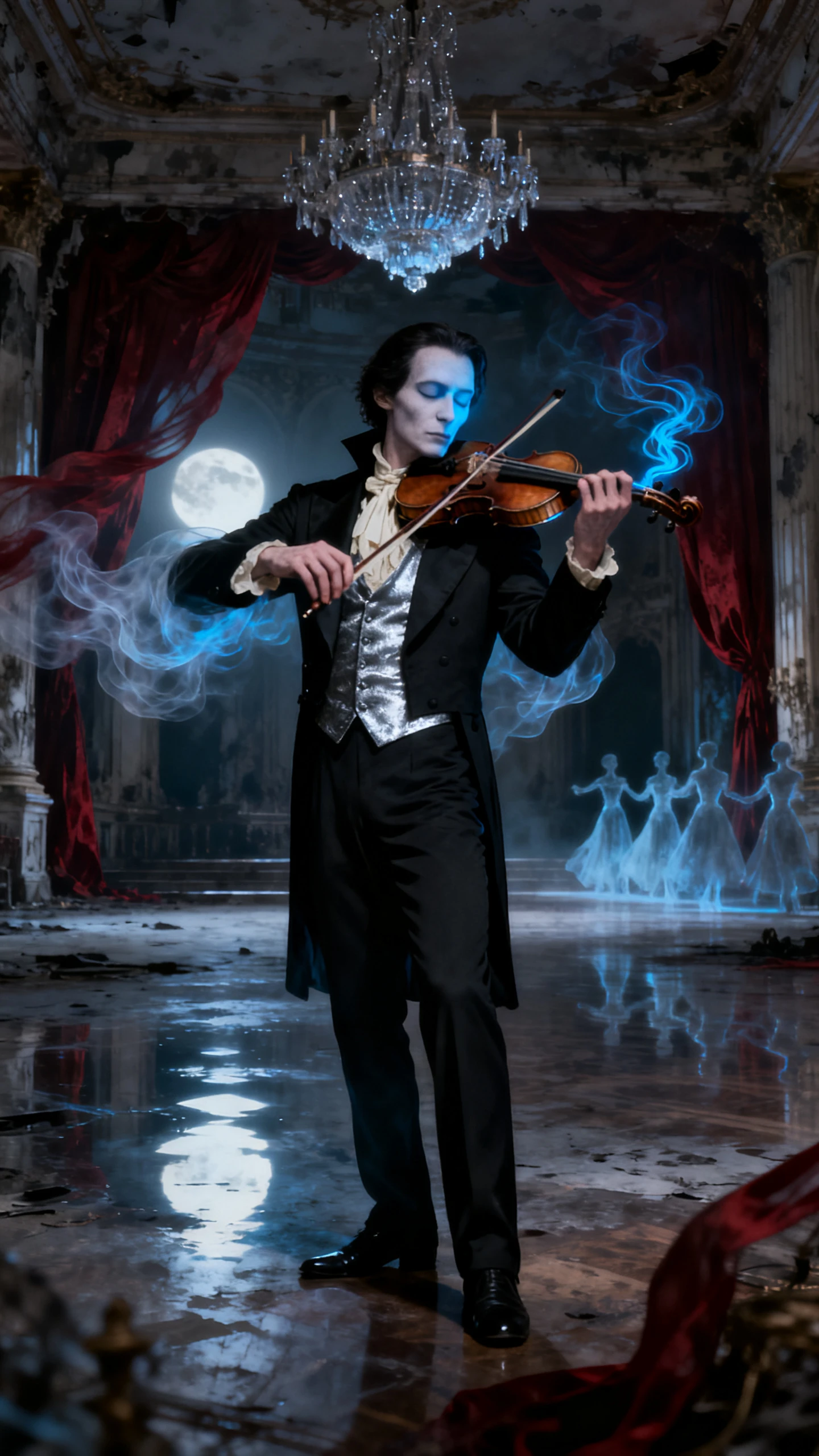
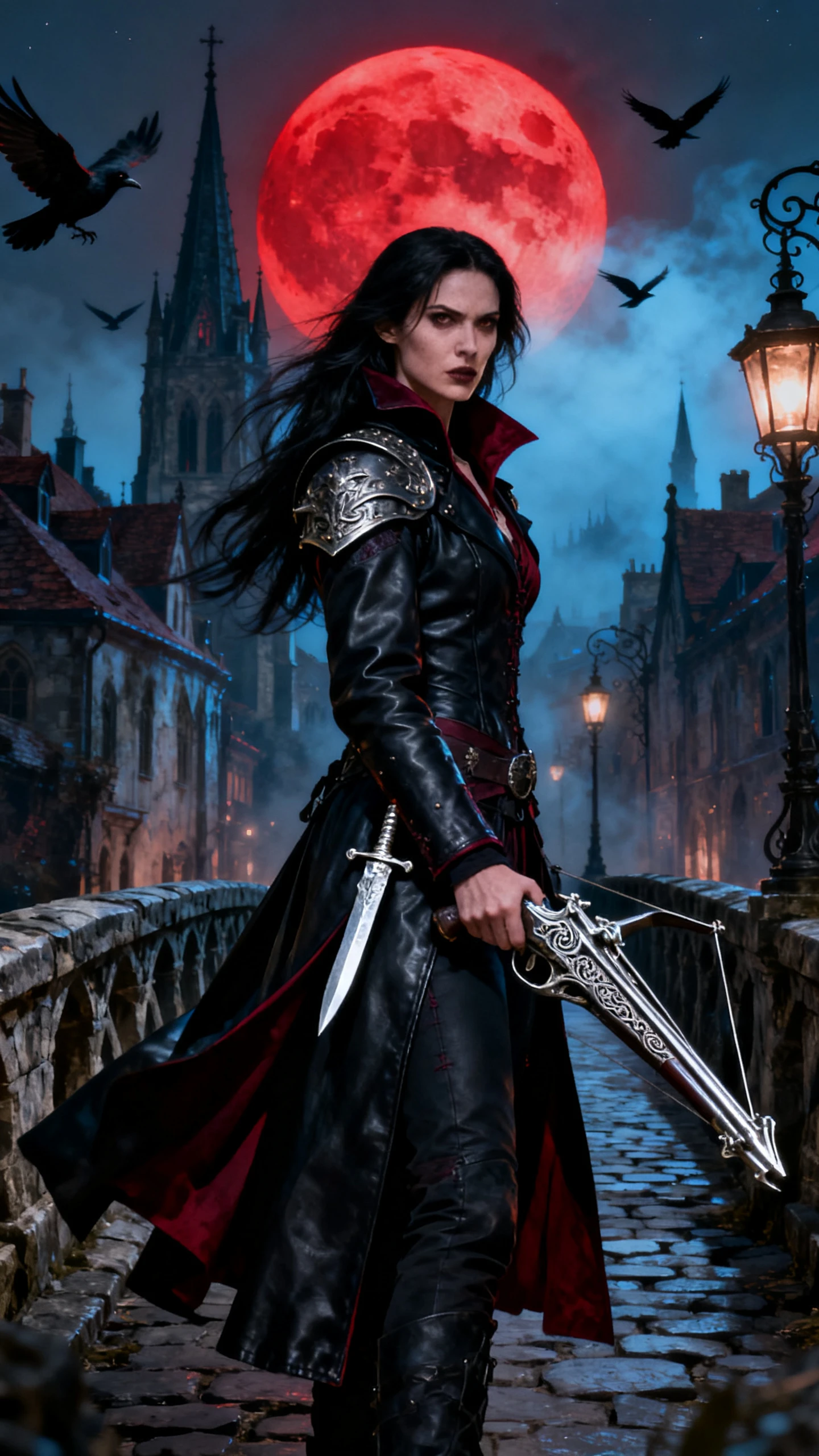
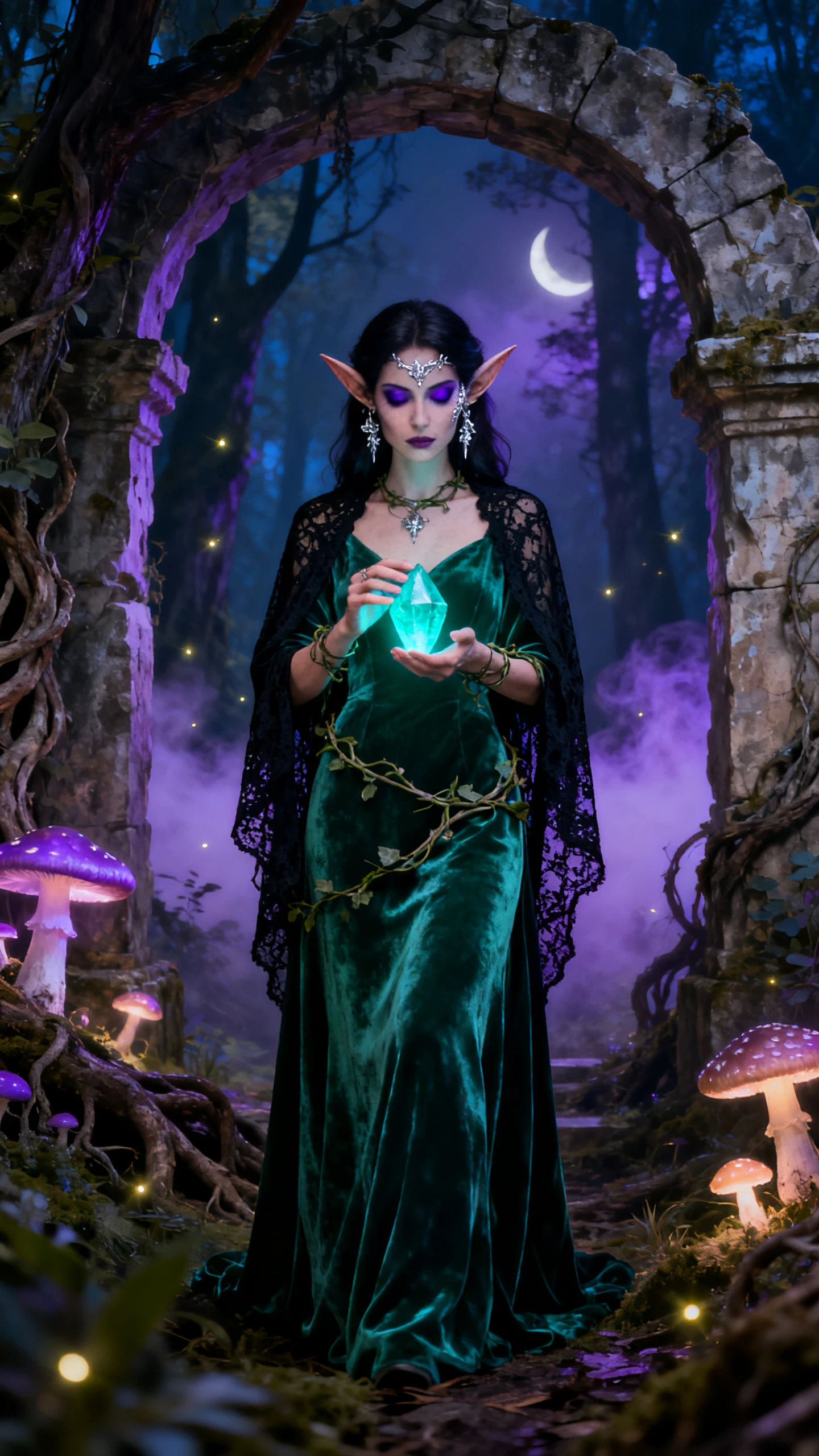
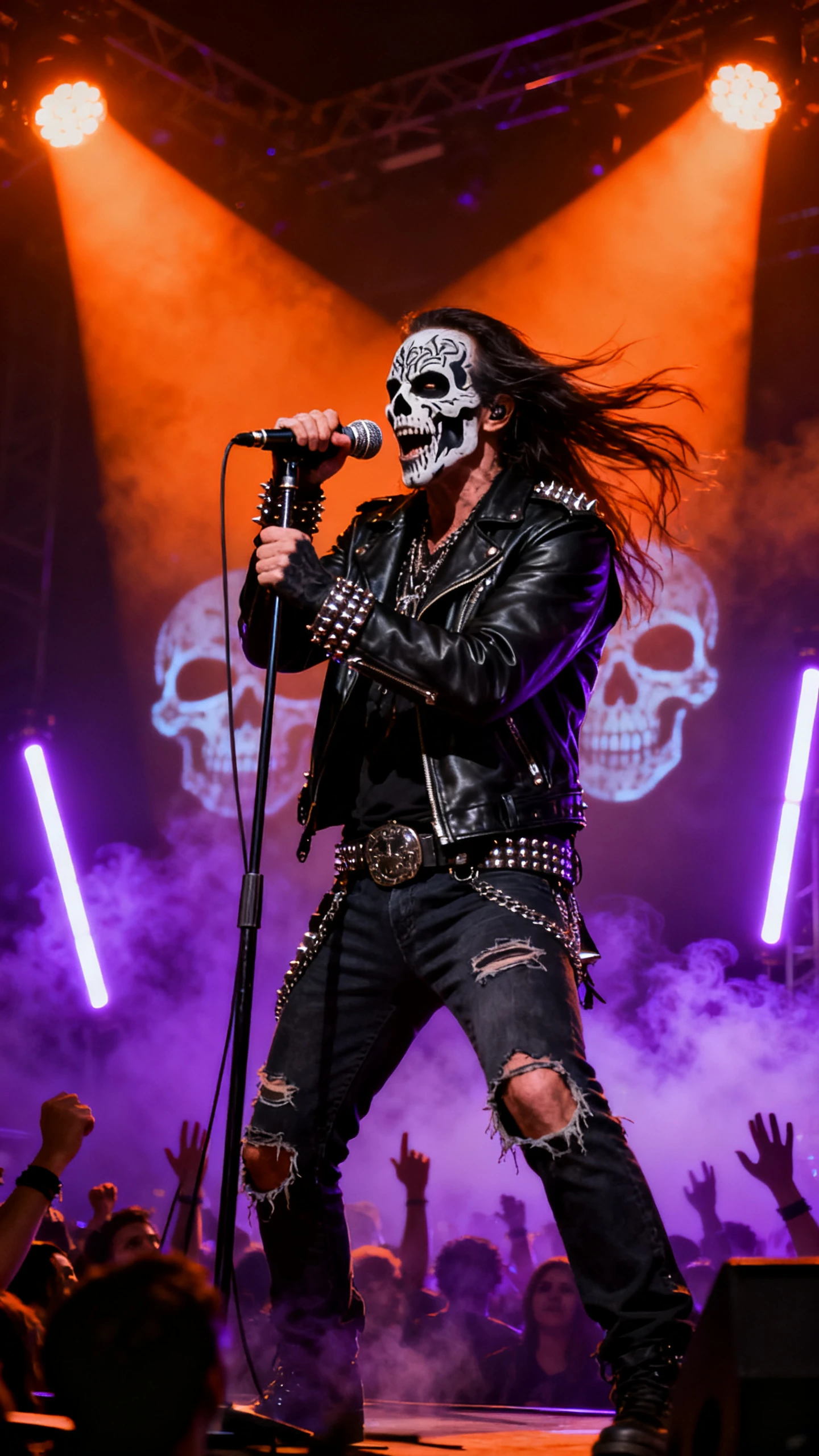
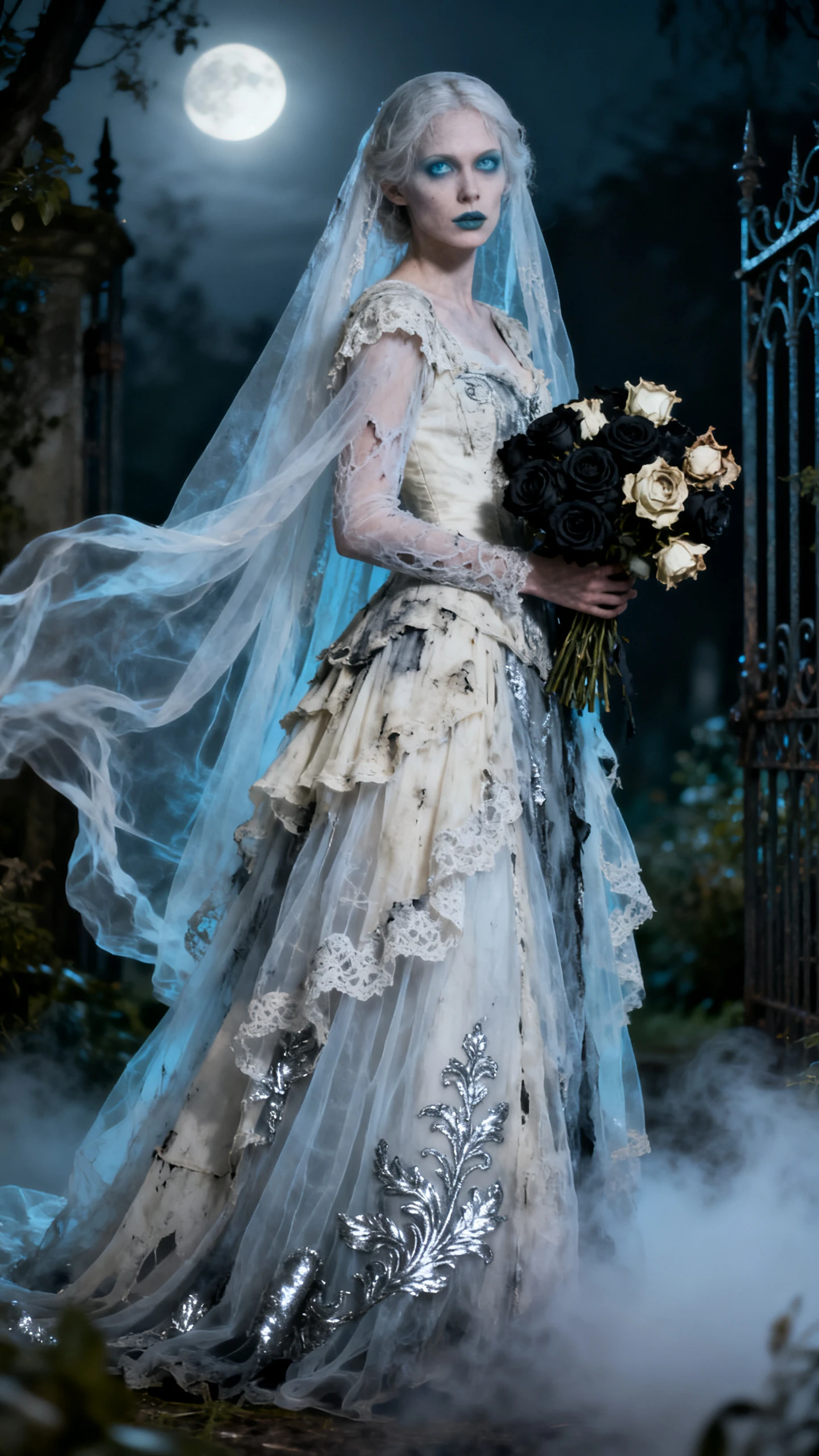
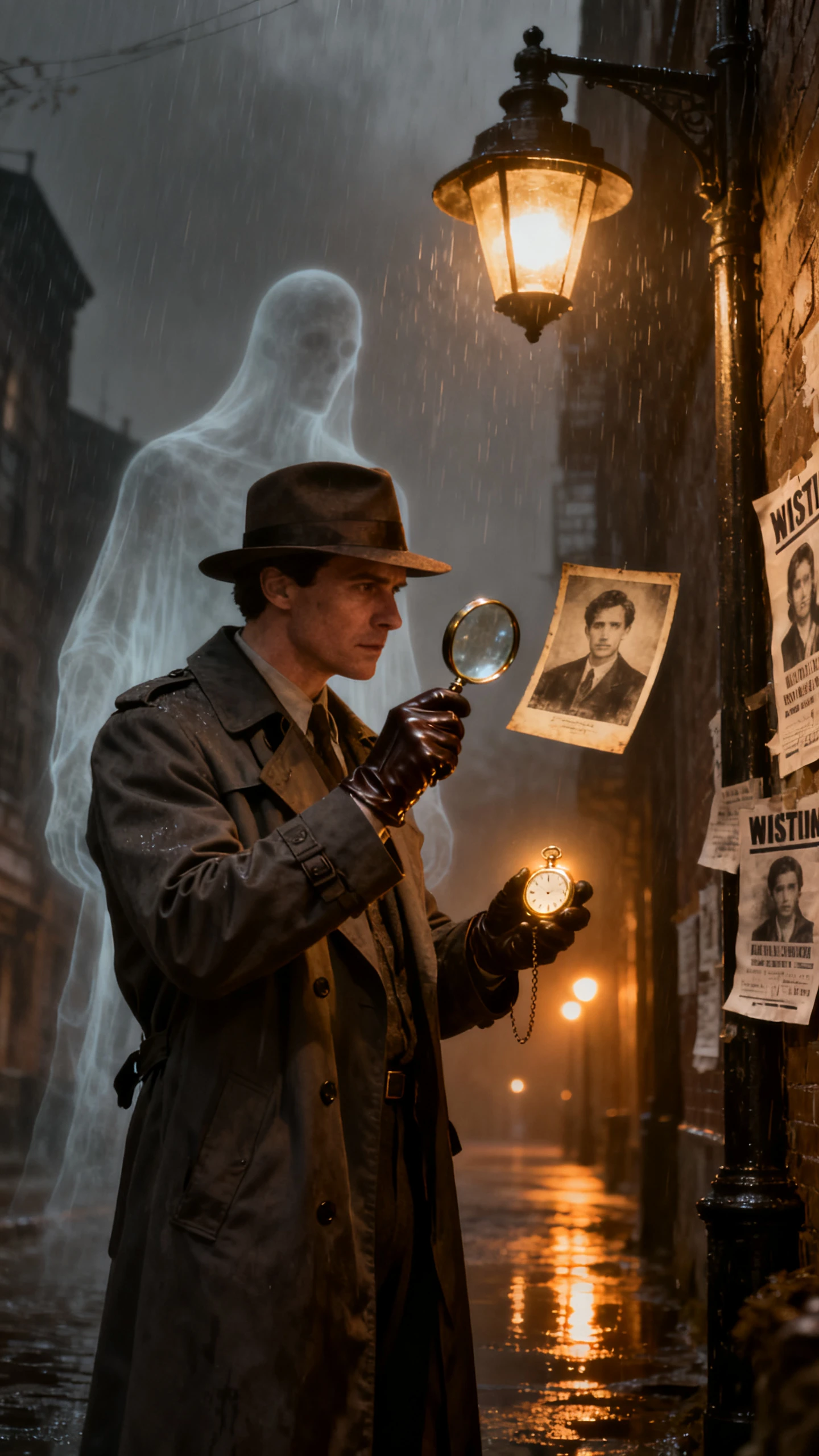
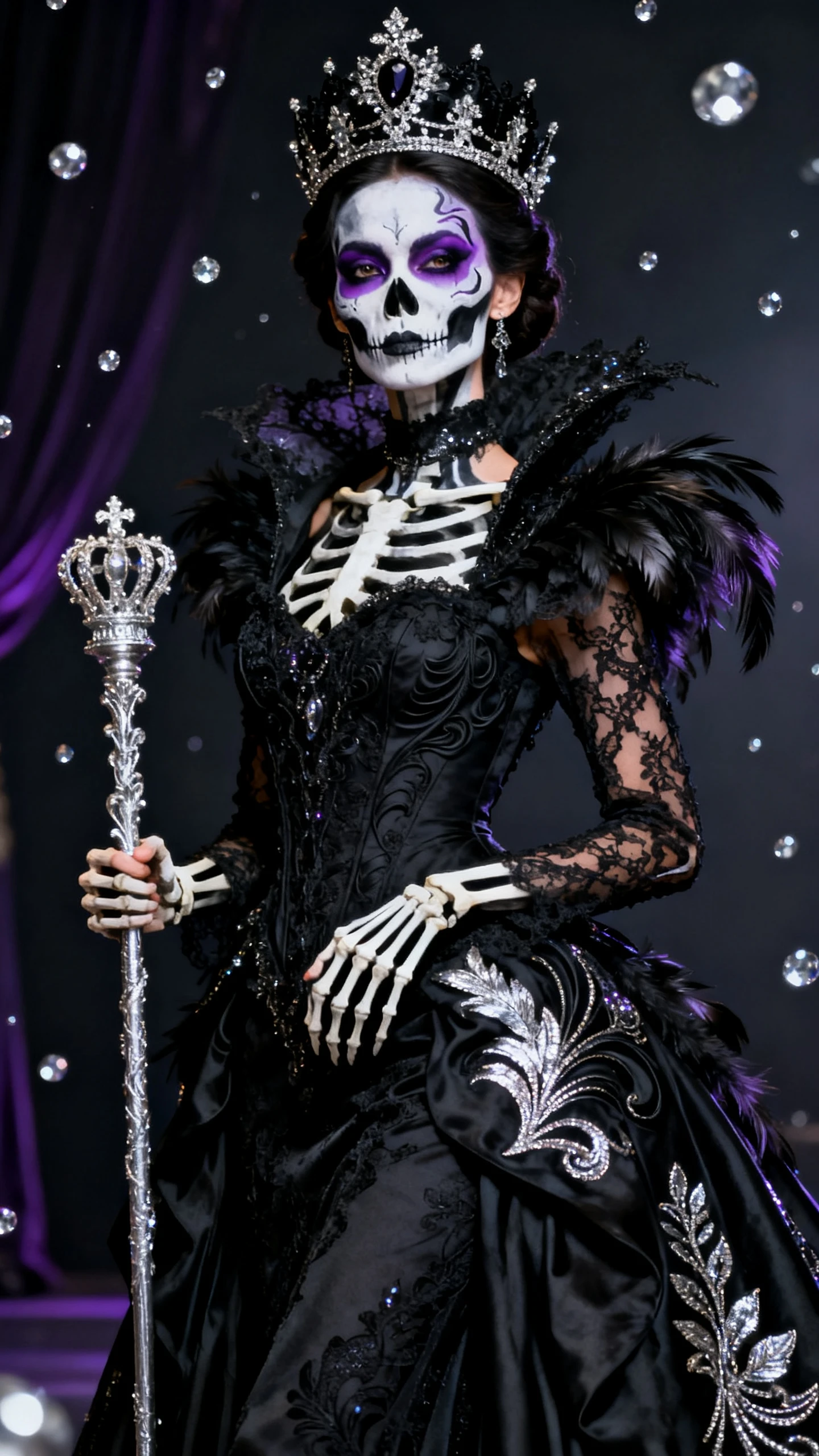
Enter the words you want on your poster and describe the Halloween scene. The Magiclight AI Halloween poster maker turns your idea into a poster with your text in the design.

Magiclight AI has 5 image models to try with your poster idea. Nano Banana 2 and GPT Image 2.5 Flare are one of the options you can use to create different designs and choose your favorite.
Your poster can have a party name and all the details guests need. Magiclight AI gives you 500 characters to describe the event and explain how you want the Halloween background to look.
Add up to 10 photos of your venue or Halloween decorations as references for your poster. Magiclight AI uses these images to create a design that follows the look of your photos.
Magiclight AI gives you 4 size options for your poster. Select 9:16 if you want a tall poster for your phone, or 16:9 if you want to show it on a wider screen like a TV.


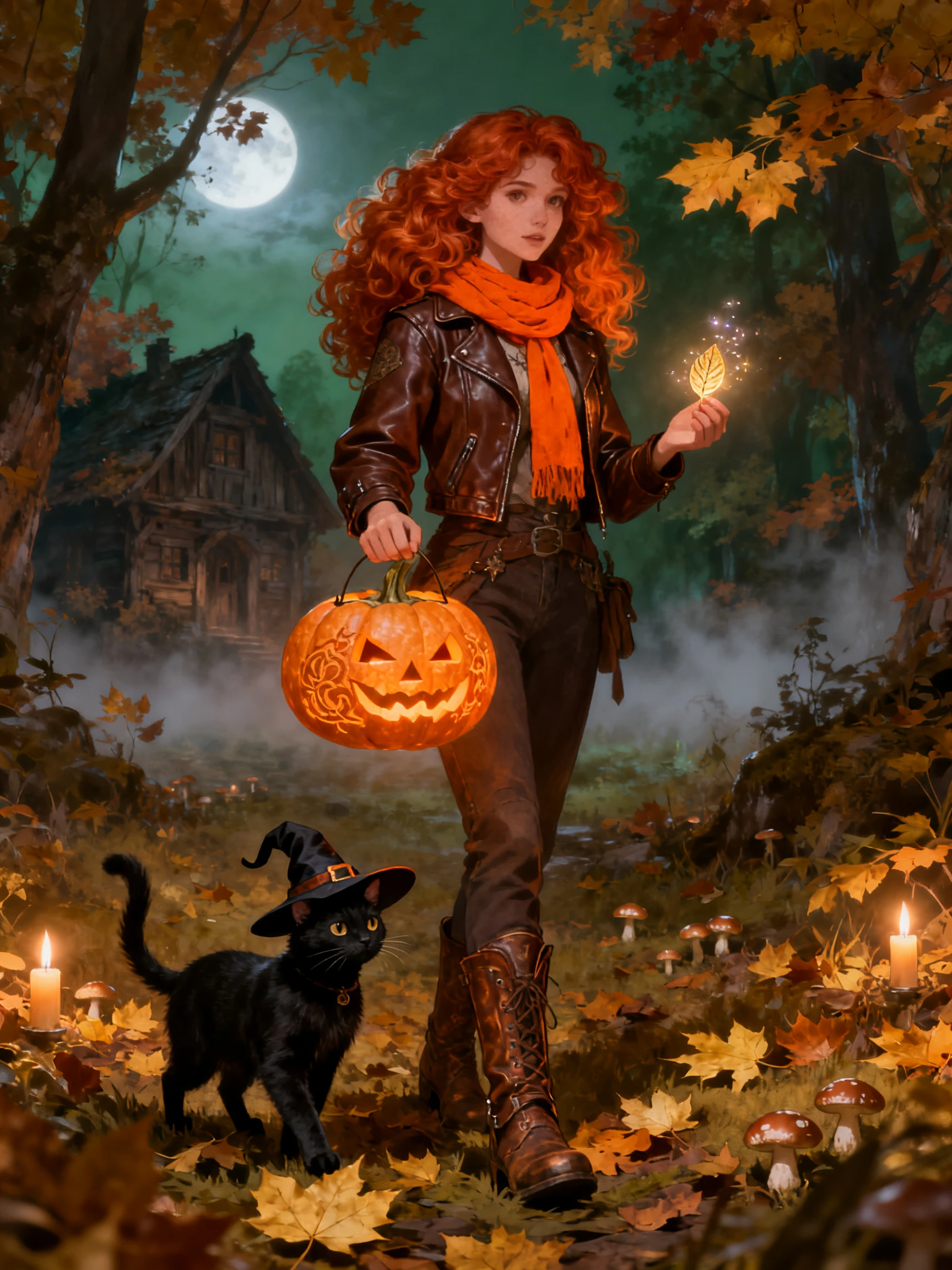
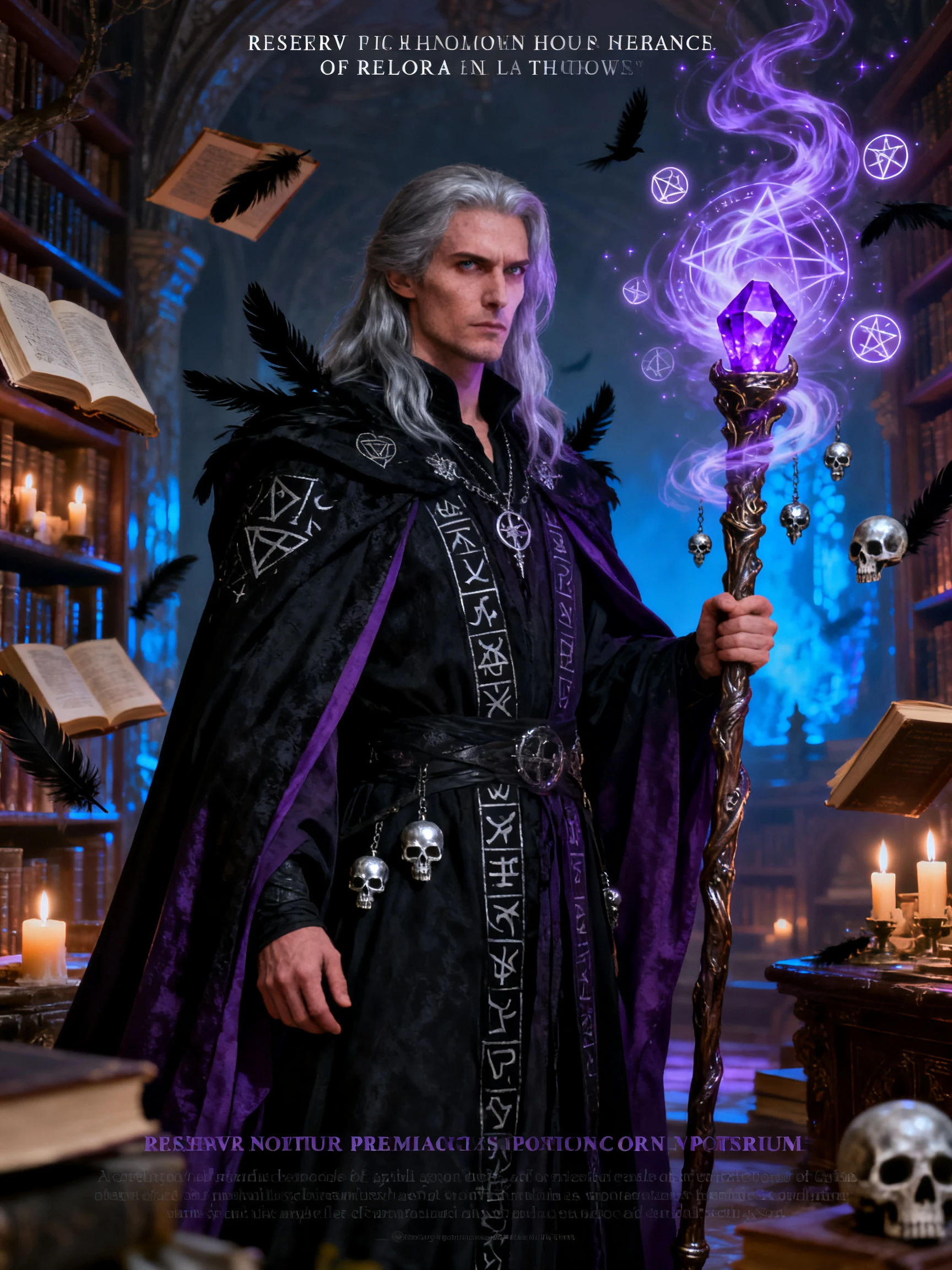
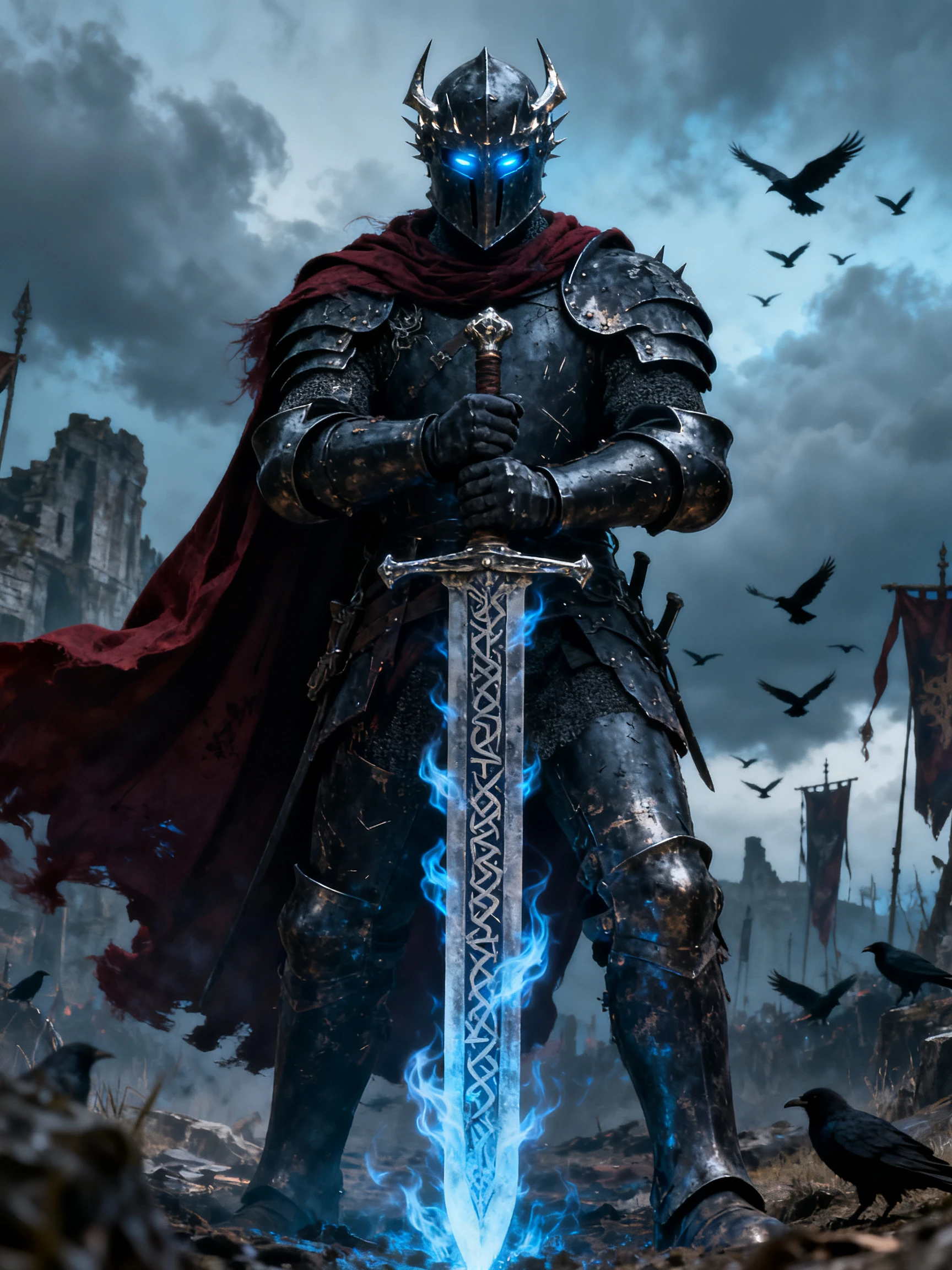
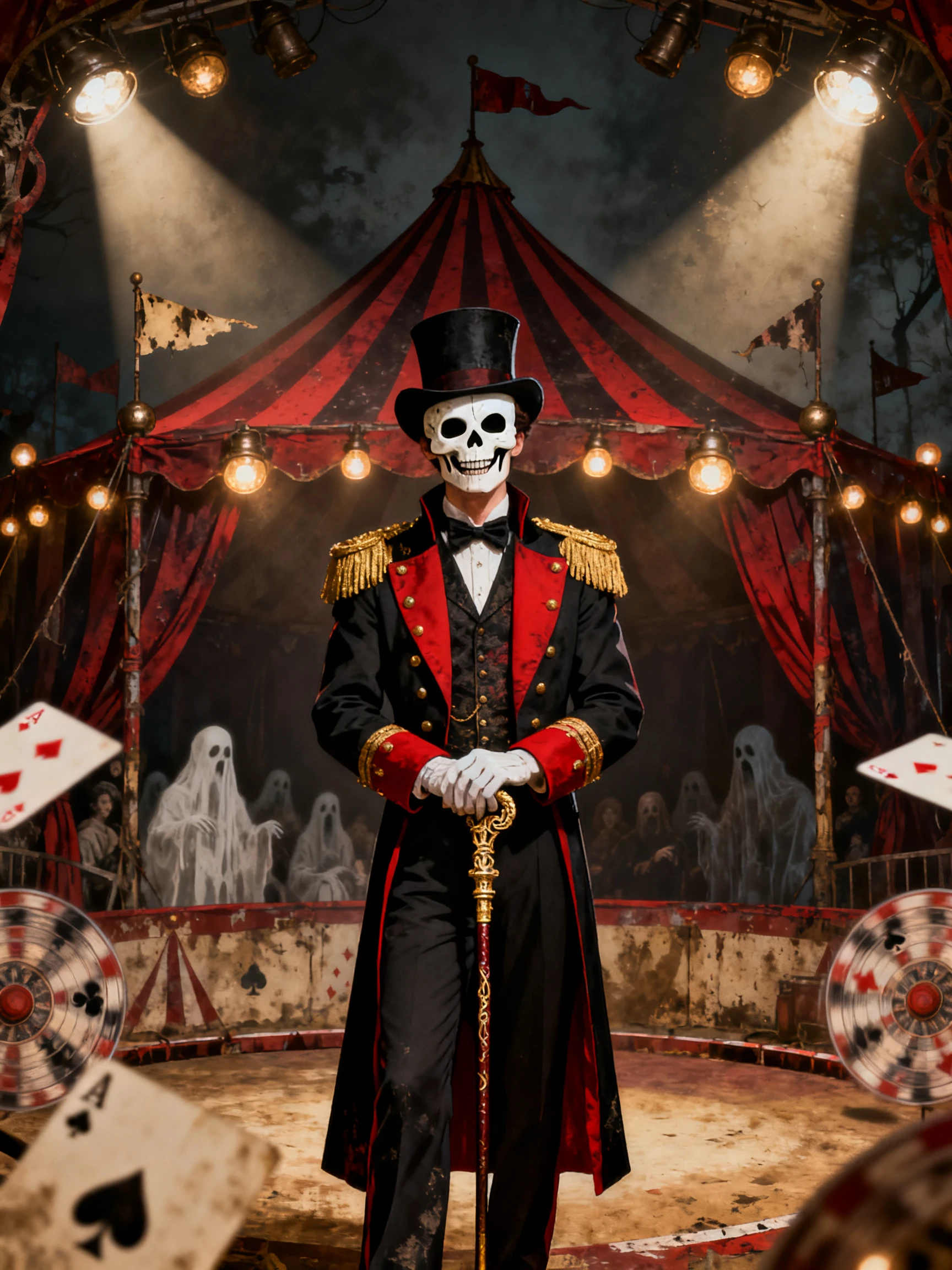
Create your Halloween poster in 4 simple steps with the Magiclight AI Halloween poster maker. Add your idea and check the final design before saving it.
Open the Image tab and add a photo of your party venue or logo. You can upload up to 10 reference images to help Magiclight AI follow your idea.
Use the 500-character prompt to write your party details inside quotes. You can also describe the Halloween scene you want behind the text.
Select from 5 image models, such as GPT Image 2.5 Sunburst, and choose a poster size. You can also set how many poster versions you want to create.
Press Create to generate your poster using 100 credits. Check the text on each version and correct any mistakes in your prompt before downloading.
Yes. New accounts get free credits to try the Magiclight AI Halloween poster maker. Each poster run uses 100 credits, and commercial use requires a paid plan.
You can correct the date in your prompt and try again with Magiclight AI. Keep the text short and check every word before downloading your poster.
Magiclight AI offers 4 aspect ratios for different poster sizes. Choose a shape that fits your print and leave some space around the edges.
Yes. You can upload up to 10 reference images in Magiclight AI. Add photos of your house or family to help the tool follow the look you want.
The Magiclight AI Halloween poster maker creates new poster art from your description. You can describe the scene and add the words you want directly to the design.
Yes. Magiclight AI can create fun posters with friendly ghosts and smiling pumpkins. Just describe a cheerful Halloween scene rather than a scary one.



Tell Magiclight AI what your poster should say and how scary it should look. It creates a design with your event details already added.