
Complete Halloween Stories With Magiclight Agent
Add a basic Halloween story idea and let Magiclight Agent structure a complete video for you. From finalizing the script to setting up the entire storyboard, it does it for you in no time.
Create Now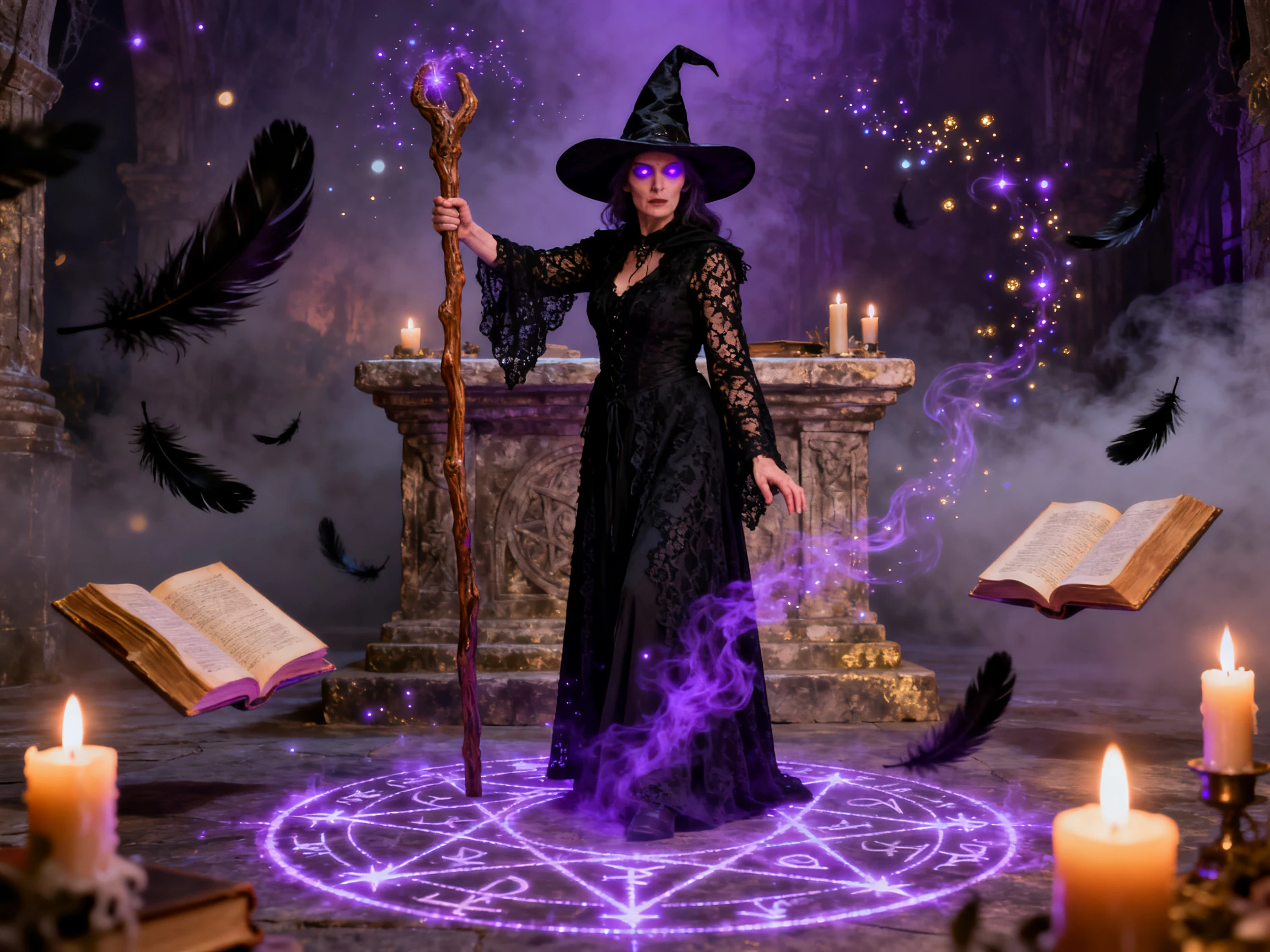

Turn your Halloween ideas into spooky videos with Magiclight AI. Create eerie scenes, creepy characters, and haunted settings from text or images, with no video editing experience required.
Create a Halloween Video For Free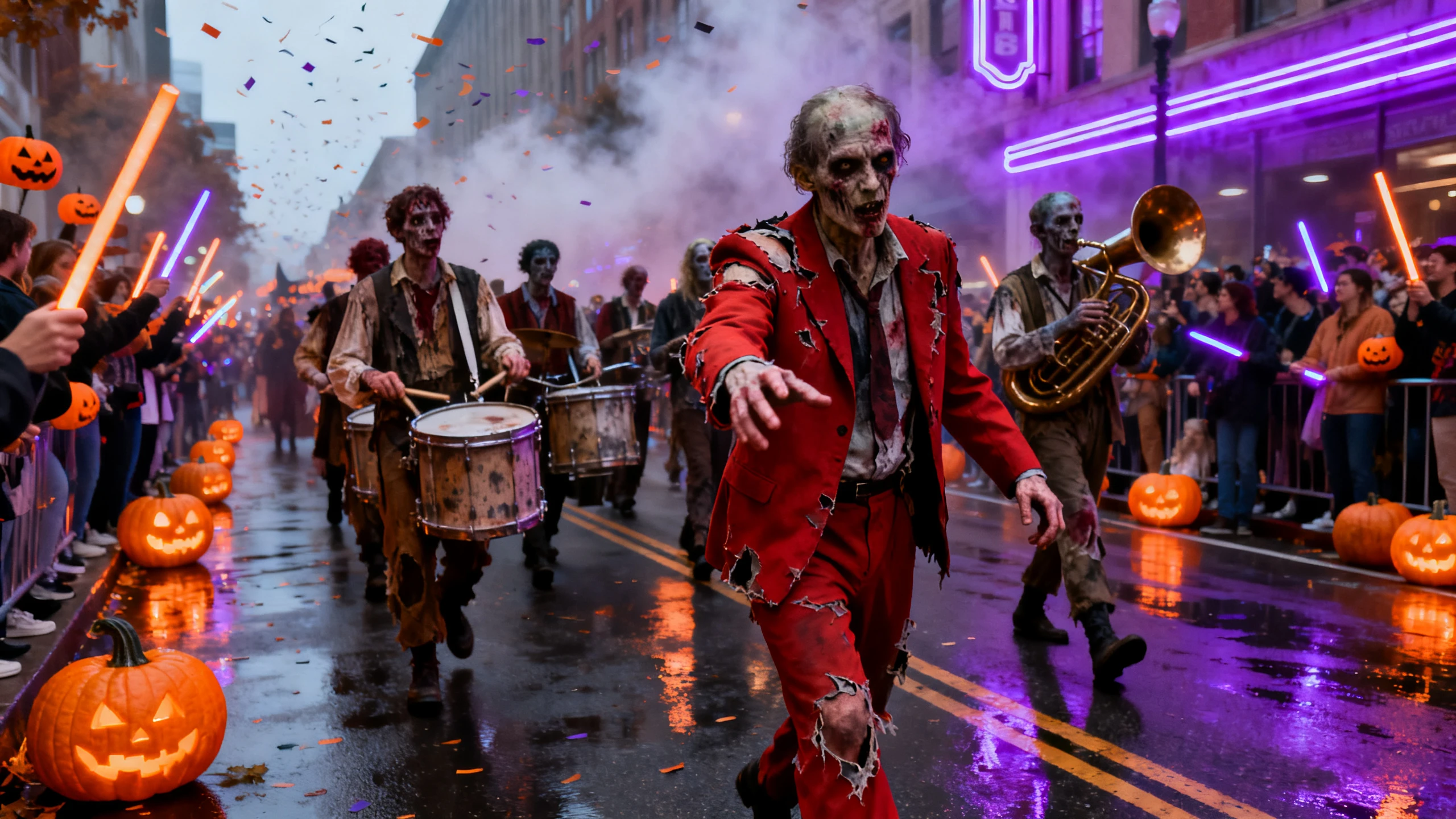










Turn ordinary photos into spooky Halloween scenes with Magiclight AI. Add eerie lighting, moving shadows, flying bats, or other effects to bring your Halloween ideas to life.
Add a basic Halloween story idea and let Magiclight Agent structure a complete video for you. From finalizing the script to setting up the entire storyboard, it does it for you in no time.
Create NowSeedance and Hailuo both sit in the model list. Models with a sound effects switch can add a creaking door or a distant howl to the clip, and silent models give you the motion alone.
Explore Models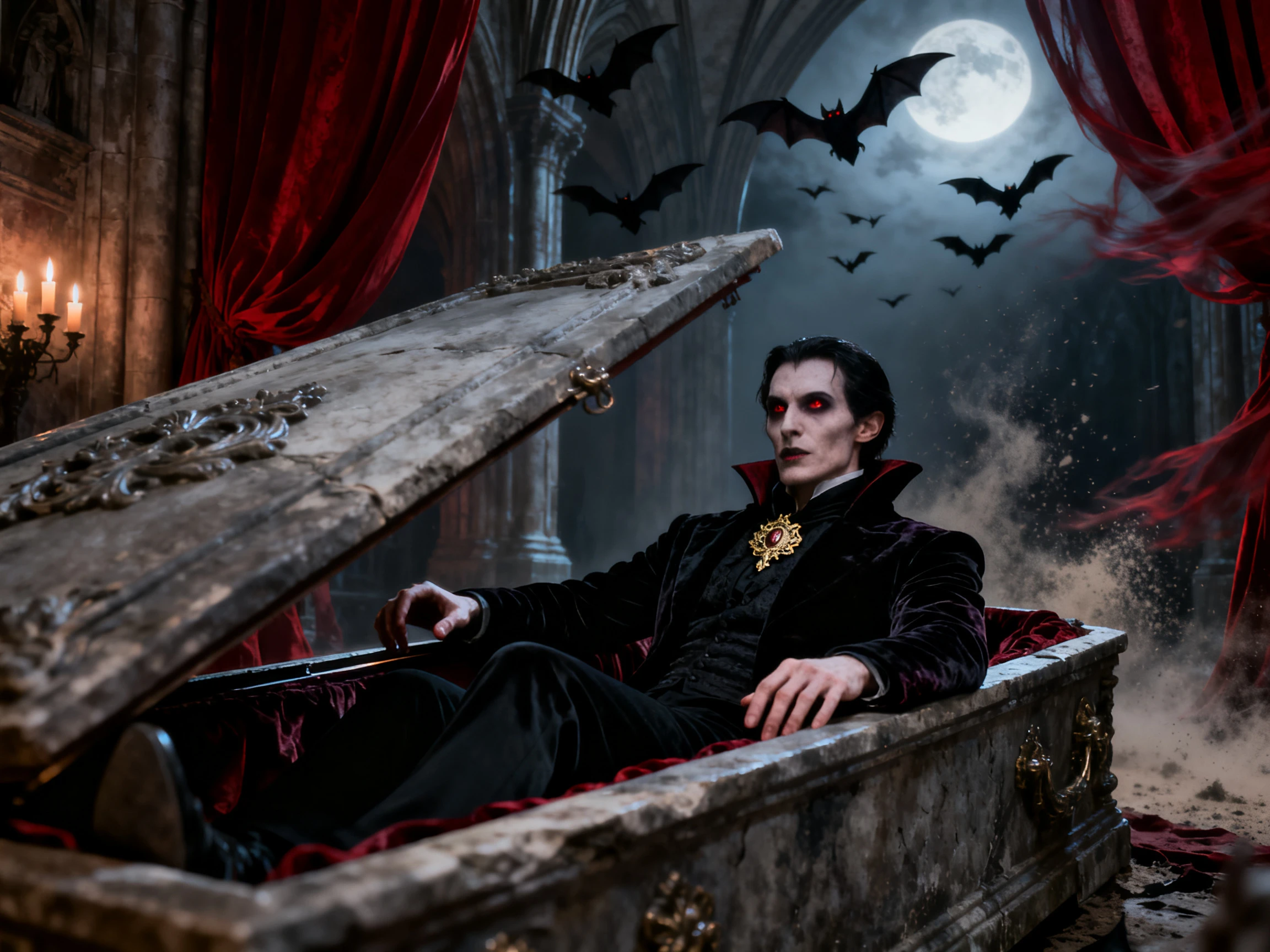
The 30 seconds option in Magiclight AI gives the fog time to cross the lawn before a shape appears in the upstairs window. A shorter clip suits one flicker of the candle inside a carved pumpkin.
Generate a Video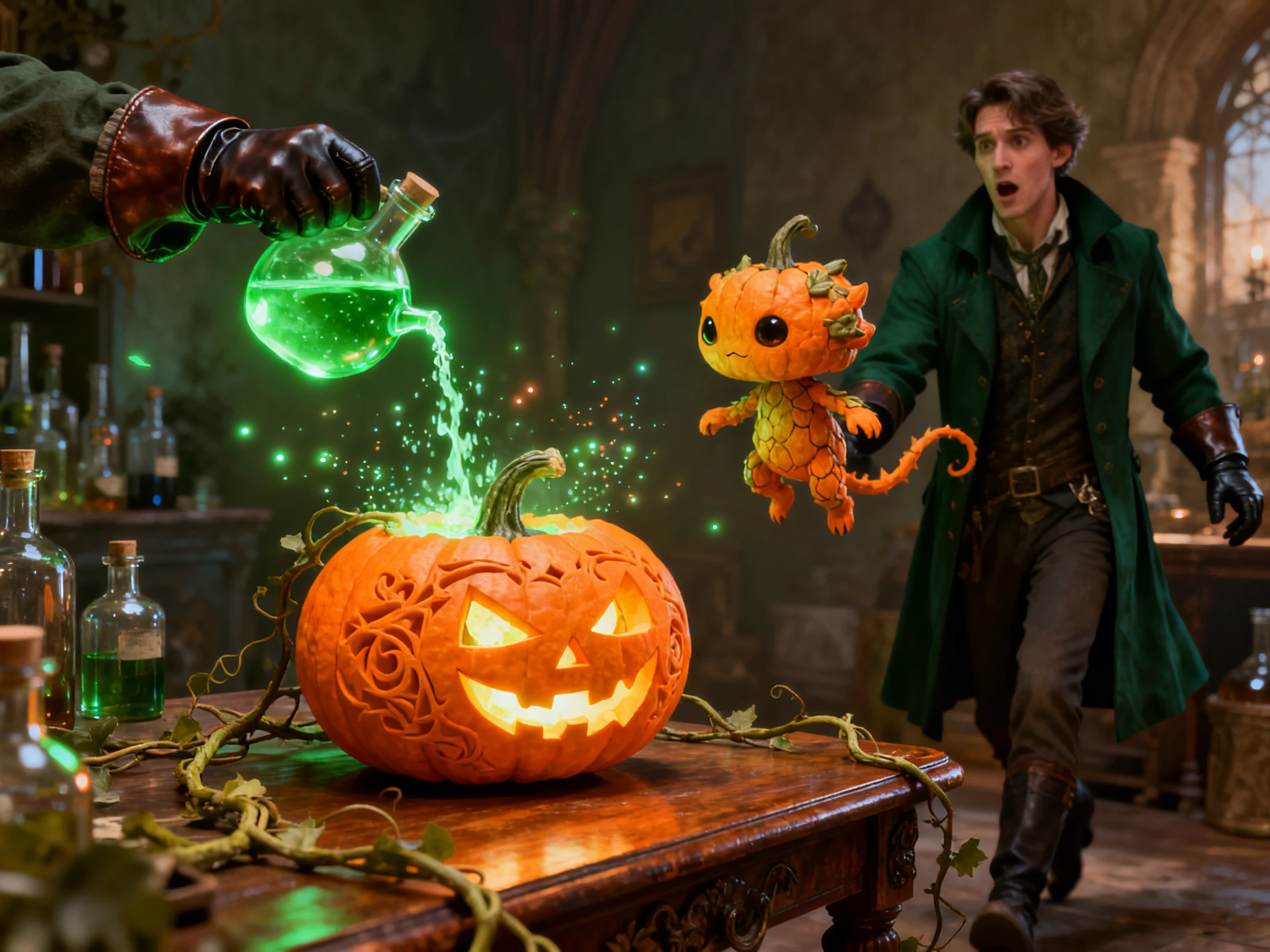
Write what should appear that is missing from the photo, like a pale hand on the window or bats leaving the chimney, in 1500 characters. Describe only what changes, since the photo is the starting frame in Magiclight AI.
Start Creating


Command your Halloween photo from still to spooky in 4 steps. Magiclight AI’s Halloween AI video generator handles the image, prompt, model, sound, length, and final clip.
Open the Video tab and upload a clear Halloween photo as the starting frame. You can use a JPG, JPEG, or PNG image up to 10MB, such as a costume, pumpkin, or haunted yard.
Use up to 1,500 characters to explain what should happen. Describe movement, new objects, and effects clearly, such as fog crossing the yard or a ghost appearing behind a window.
Select a video model that suits the effect, then choose 720p or 1080p resolution and set the clip duration. Use a sound-enabled model when the scene needs howls, thunder, or other effects.
Check your reference photo, prompt, video model, resolution, and duration. When everything looks right, click Create Video to generate the Halloween clip from your image.
Home Decorator
I used Magiclight AI to add fog and movement to a photo of our Halloween yard. The final clip made the display feel much more alive and spooky.
Pet Owner
My dog already looked funny in his vampire costume. Magiclight AI added movement to the photo, and the short Halloween video was perfect for sharing with friends.
Haunted Trail Owner
Magiclight AI helped us animate a photo of our haunted trail entrance. We added eerie movement and used the finished clip as a teaser before opening night.
Shop Owner
I gave our Halloween window display some motion with Magiclight AI. Seeing the pumpkins come alive made the seasonal promotion more eye-catching than a regular photo.
Yes, while Magiclight AI also creates videos from image prompts, you can provide a text across its Magiclight Agent and create a complete video.
It depends on the model. A few of the video models in the Magiclight AI Halloween video generator add sound effects, like thunder or a creak, when the switch is on. The rest return silent clips.
Magiclight AI hands new accounts free credits, which cover a few test clips before you pay. A clip for a ticketed haunted trail or a shop ad counts as commercial use, which needs a paid plan.
As long as 30 seconds in Magiclight AI. That covers fog crossing a yard or a short spoken line, and a clip of five or ten seconds is often enough for a single scare.
Ask them first, and ask a parent for photos of other people's kids. Magiclight AI can make any clear face move and speak, so the choice of whose photo to use sits with you.
Use sharp photos with one clear subject and enough light to show the details. For better results with Magiclight AI, brighten grainy night shots before uploading them.



Choose a Halloween photo and bring it to life. Magiclight AI’s Halloween AI video generator adds motion and can include spooky sounds with supported models.