
Create a Character From a Reference Image
Upload a clear reference image to Magiclight AI, then use AI Expand to improve details of the prompt. That extra visual context helps create a fuller, more usable character.
Create Now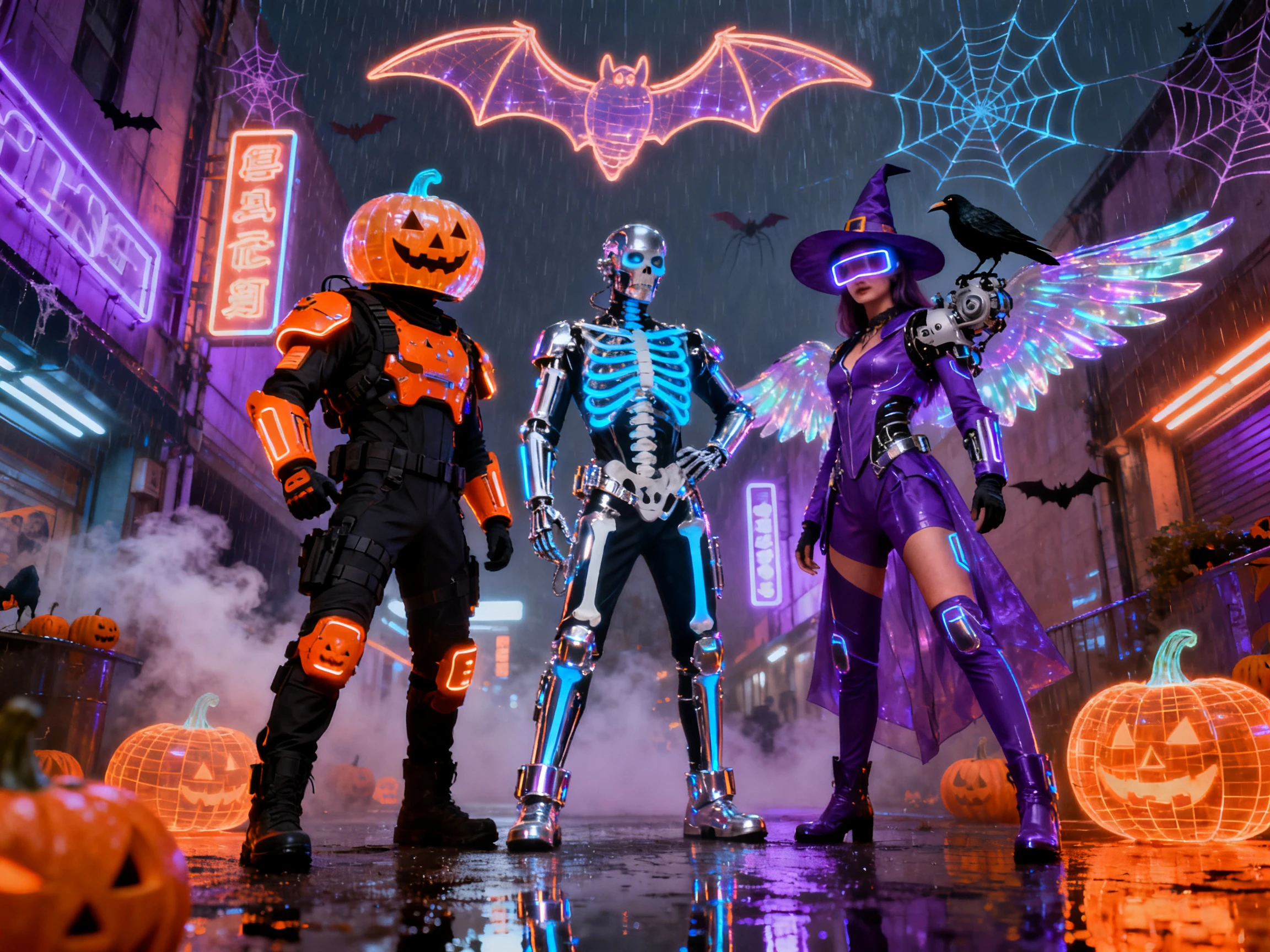

Create a spooky scarecrow, a cute little vampire, or a creepy Halloween creature. MagicLight AI turns your ideas or reference photos into unique Halloween characters. No drawing skills needed.
Create a Halloween Character for Free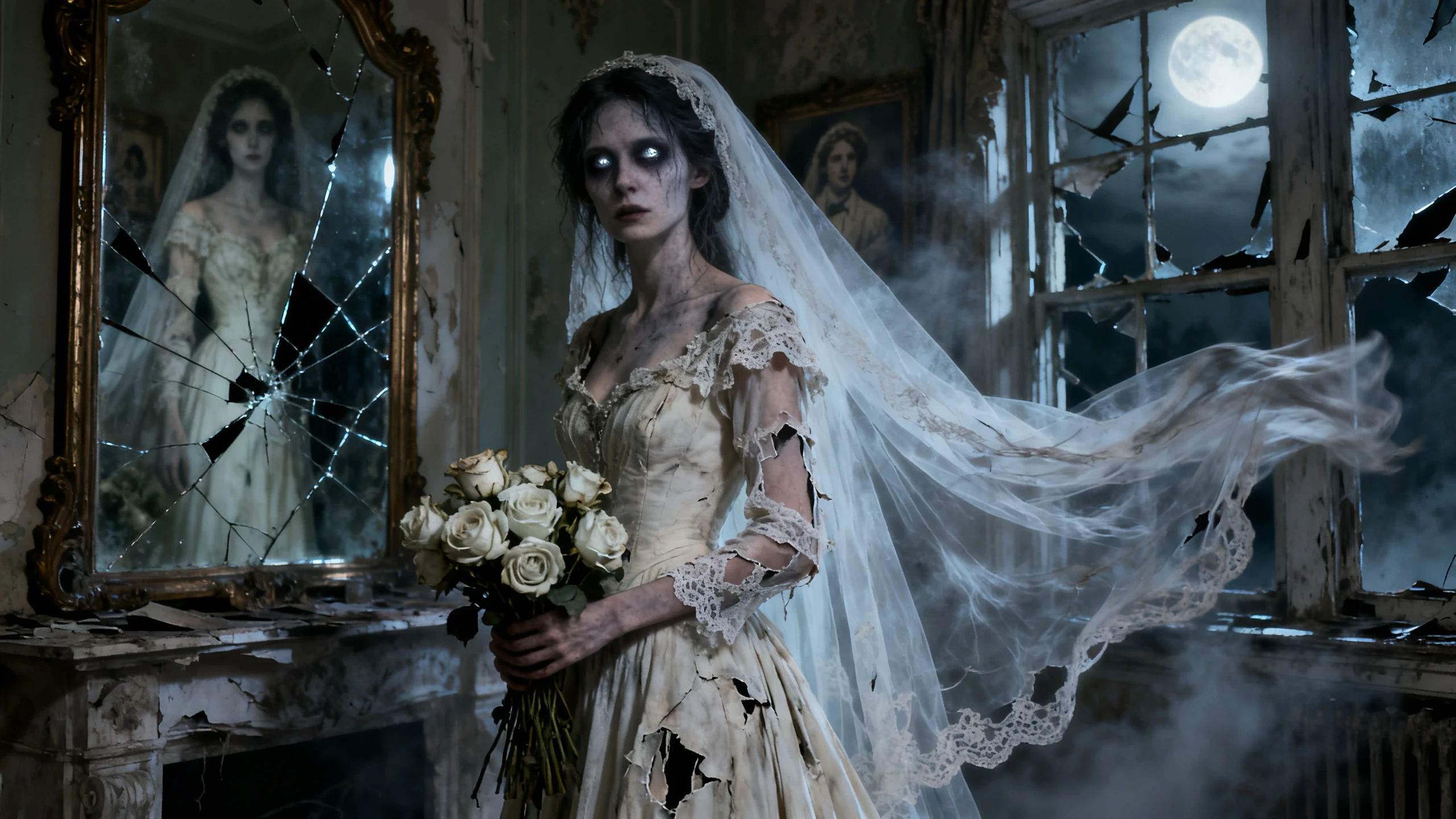










Think of one odd detail, like a vampire who is scared of the dark. This Halloween character generator creates the character around it and saves it for later videos.
Upload a clear reference image to Magiclight AI, then use AI Expand to improve details of the prompt. That extra visual context helps create a fuller, more usable character.
Create NowWith Magiclight AI, you can use up to 1,000 characters to describe details such as cracked glass eyes, torn sleeves, or muddy boots before generating the character.
Describe Your Character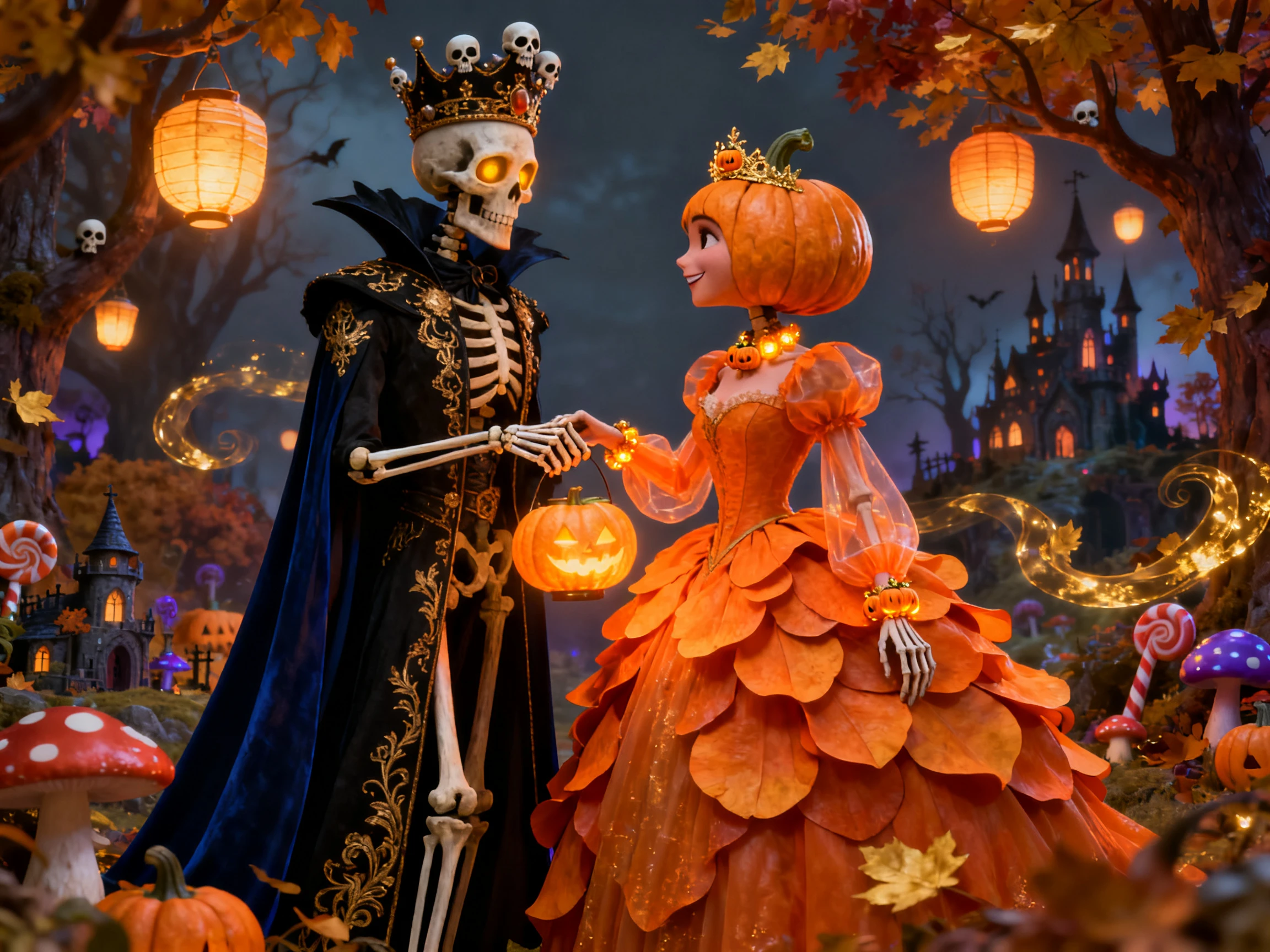
Pick from 37 voices to match the role, such as an older woman for a witch or a rough tone for a villain. Lip sync follows each spoken line, so the character appears to speak naturally on screen.
Choose a Voice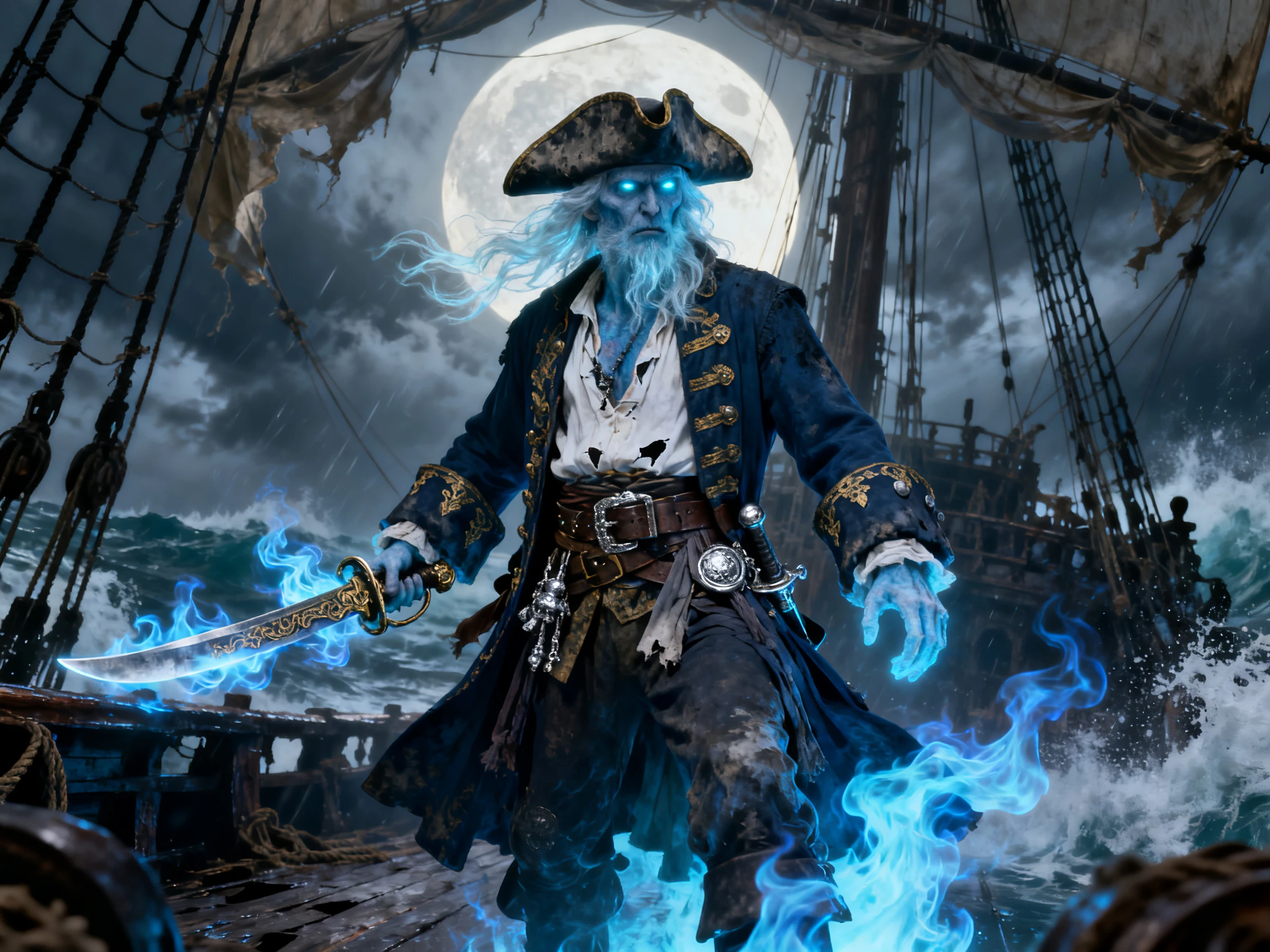
In Nano Storyboard, choose from 50 poses to show different moments, such as a ghost leaping from a closet in one shot and grinning in the next, while the same saved character stays consistent.
Start Creating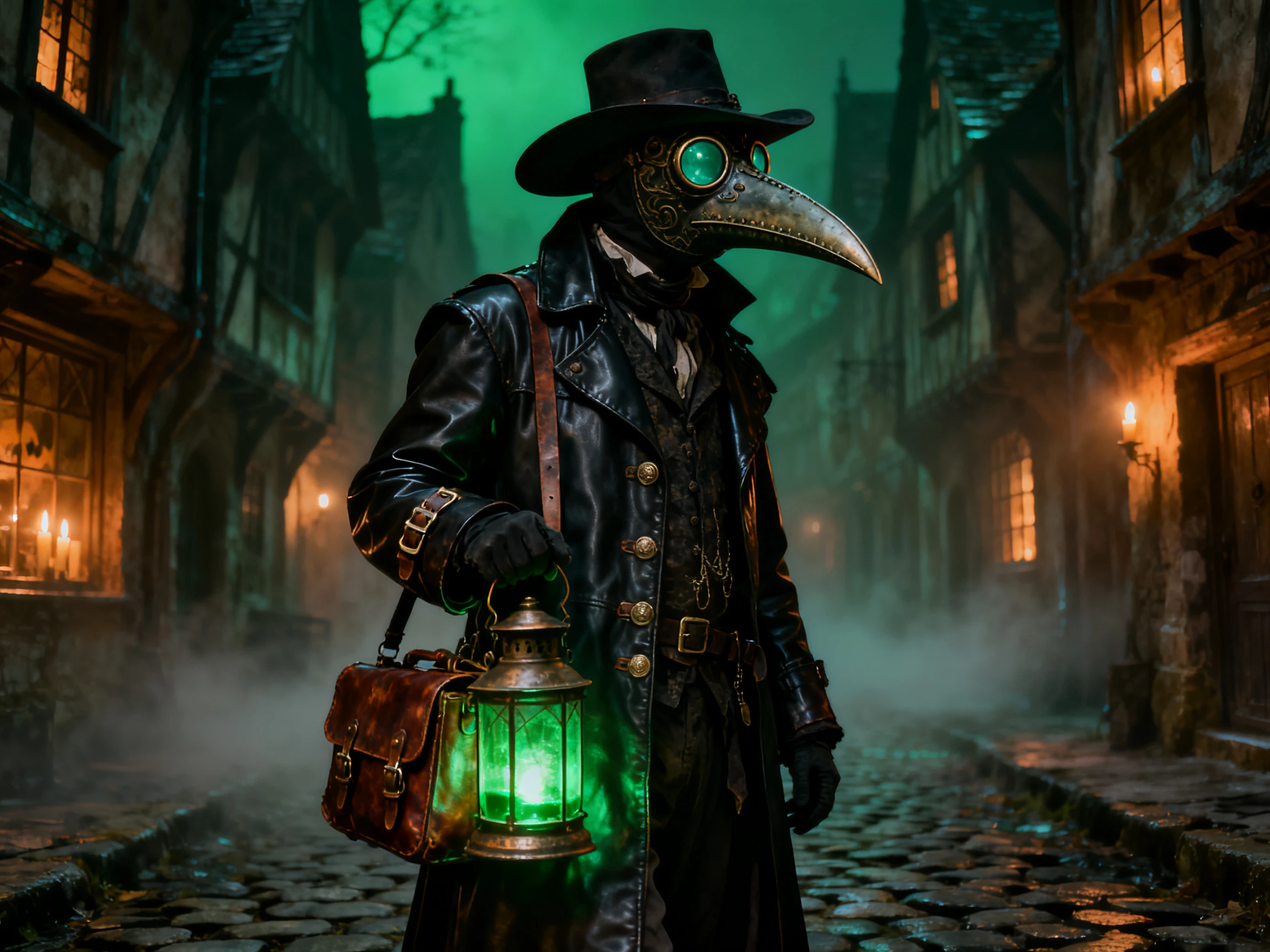


Create your spooky character in 3 simple steps with Magiclight AI. This Halloween character generator lets you design, save, and reuse the same character in future videos.
Describe the costume, face, hair, and body in up to 1,000 characters, or upload a reference image to give Magiclight AI a clear starting point for your Halloween character.
Pick from 52 visual styles to match your Halloween theme. Use 3D cartoon for playful characters, realistic for darker scenes, or CGI for a cinematic look.
Save the character for future Halloween scenes, Shorts, or videos without creating it again.
Pumpkin Patch Owner
Our pumpkin mascot needed the same look across seasonal posts and website videos. We saved it in Magiclight AI and reused it whenever we needed a new scene.
YouTube Creator
Magiclight AI made it easy to keep one Halloween character across several Shorts. I changed the pose and scene each time without starting the character over.
Parent
I made a friendly little monster with my kids for a Halloween story. With Magiclight AI, we could pick the look, adjust the pose, and save it for another tale.
Horror Story Narrator
I wanted one host to open every scary story. The character tools in Magiclight AI helped me keep the same style and pose the host differently for each episode.
Yes. Start with a clear photo of your face looking straight ahead, and Magiclight AI creates the character from it. Add the costume in the prompt, like vampire fangs and a high black collar.
Yes, once the character sits in your library. Magiclight AI reuses the same face and outfit in each new project, and a ghost made this October can return next year with the same look.
Yes. You need no credit card for your first character and story in Magiclight AI, only an account. A mascot for a shop or a paid event counts as commercial use, which comes with a paid plan.
Yes. This Halloween character generator can create a soft Picture Book look or a creepier Ghost Horror style. Your prompt can add details like a pumpkin with a gap-toothed smile.
Yes, with voice cloning. Record a sample of your voice, and Magiclight AI uses it for the character, with the lips moving on each word. Clone only a voice you have permission to use.
Yes. Save both to your library, like a witch and her talking cat, and Magiclight AI can place them in the same scene. Each one gets its own voice, and the cat never has to sound like the witch.



Choose the character you would least like to meet on Halloween night. The Halloween character generator in Magiclight AI designs it and casts it in your next video.