


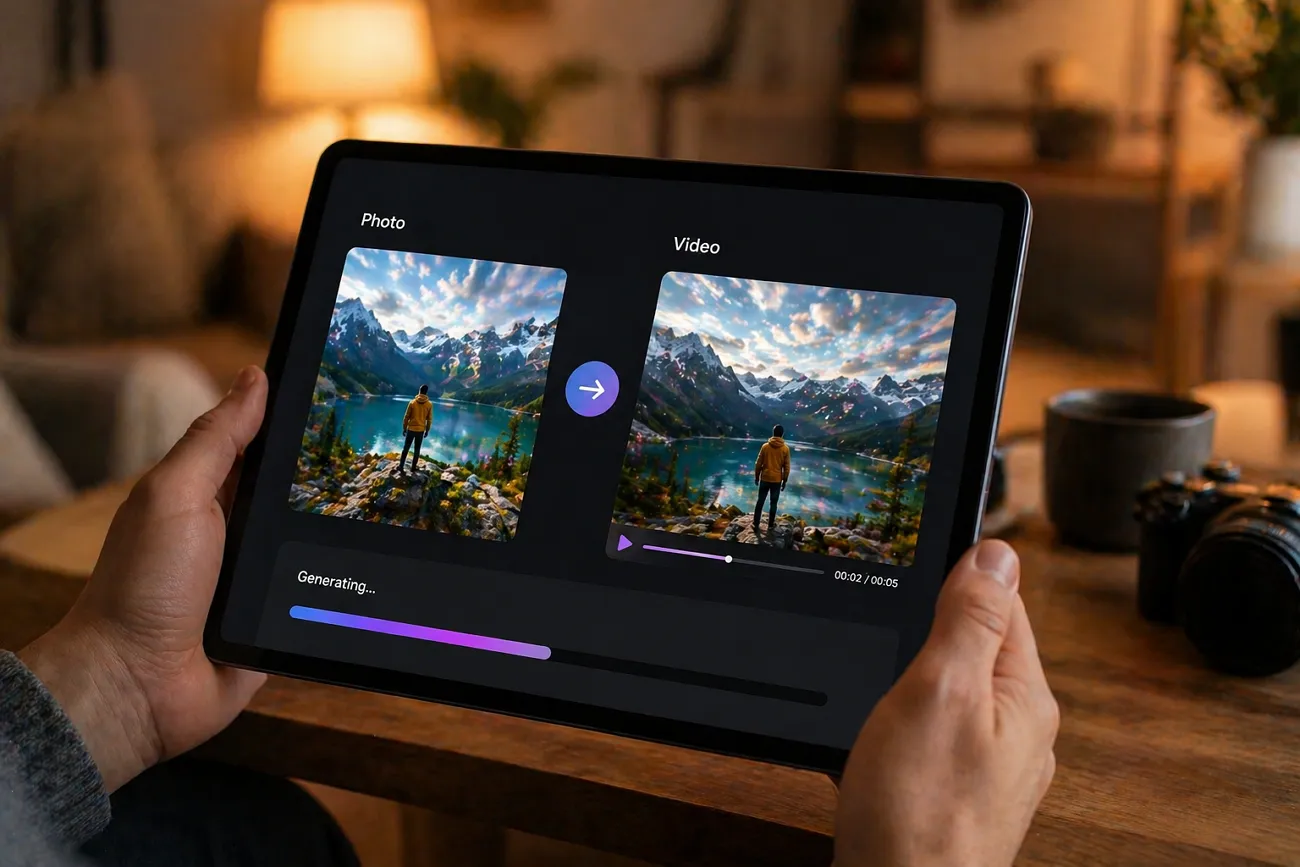
Everyone takes photos but wants to make them more fun and alive. Turning pictures into videos helps people share memories more effectively. Yet, many tools still feel confusing or hard for beginners to use. That is why finding the best AI photo-to-video generator really matters.
In 2026, tools like MagicLight AI help turn photos into video effortlessly. This guide will help you choose the right tool without confusion and stress.
Part 1. 10 Best AI Photo to Video Generator Free Tools
There are many of the best photo-to-video AI generator tools to help users get fast and easy results. Yet, this section provides you with the top 10 choices to guide your decision process:
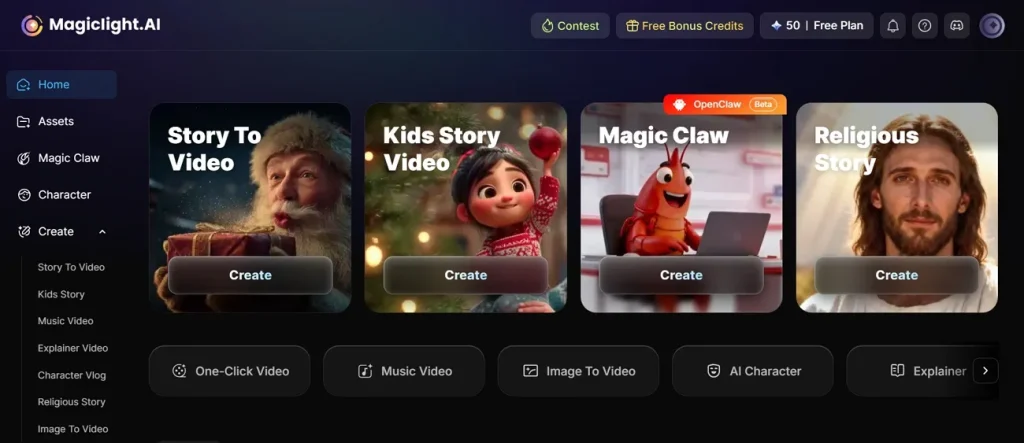
1. MagicLight AI
This platform is one of the best AI photo-to-video generators, offering 17 AI video models to create videos from images. With a size of up to 10 MB, users can upload images in popular formats such as PNG and JPEG. It also has a Motion Control feature that uses real-world physics models to make movements look natural in videos.
During photo-to-video generation, the tool offers a re-edit feature to make changes for better results. In addition, users can enter detailed prompts of up to 1500 characters to guide video creation with better results. Its preview feature helps visualize scenes before downloading the final results onto your device.
Key Features
- Style Variety: Offers diverse visual styles to match different creative themes and storytelling approaches.
- Visual Consistency: Maintains consistent output quality across different video lengths and generation sessions.
- Duration Flexibility: Supports wide-ranging video durations from short clips to extended animations across plans.
Pros
- Cinematic controls like zoom and pan improve video storytelling quality easily.
- Animated Pro mode delivers smoother and more realistic motion effects overall.
- Users can edit prompts and regenerate scenes to improve visuals and storytelling flow.
Con
- Direct image-to-video results can sometimes feel unstable or inconsistent in motion.
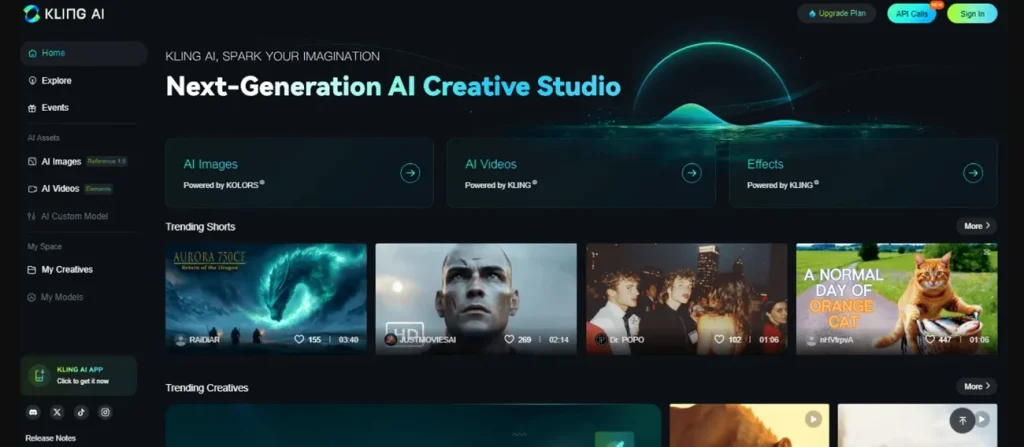
2. Kling AI
You can also use this tool, as it accepts JPG, PNG, WEBP, GIF, and AVIF images for flexibility. It even offers 24 to 30 fps for smoother academic presentation video motion. The tool includes 8+ models, including Kling 3.0 versions, to meet your video needs. It has a Professional Mode that improves visual storytelling output, making it the best free AI photo-to-video generator.
Key Features
- Maintains consistent frame rendering across clips for smoother and visually stable playback.
- Retains fine visual details from original images during motion generation and rendering.
- Ensures uniform output characteristics across multiple generated clips within a single project.
Pros
- 3D reconstruction makes characters appear more realistic and enhances visuals.
- Supports multiple aspect ratios for different social platform requirements.
Cons
- Prompt results can be inconsistent and require multiple retries for accuracy.
- Generated motion sometimes looks unnatural in complex action scenes overall.
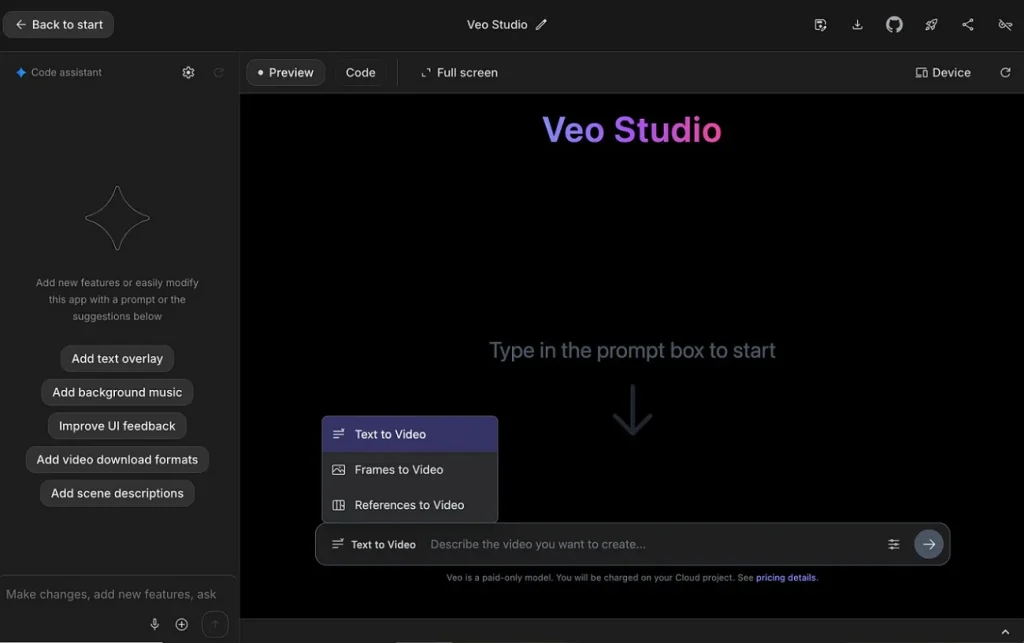
3. Google Veo 3.1
This is another of the best photo-to-video AI generator free, which generates 4, 6, or 8-second clips per single request only. It allows up to 3 images for consistent multi-shot video generation control. During the video creation process, it runs at a fixed 24 fps, ensuring consistent cinematic video motion output.
Key Features
- Smoothly transitions between two images using intelligent frame interpolation technology.
- Accepts multiple reference images to guide visual consistency and scene coherence better.
- Maintains consistent scene structure when generating sequential clips for extended narratives.
Pros
- Generates synchronized audio with dialogue and effects in a single pass.
- Scene extension allows nearly 168 seconds of continuous storytelling generation capability.
Cons
- Prompt results may still misinterpret complex creative instructions sometimes.
- Scene stitching in extensions may reduce overall visual quality consistency.
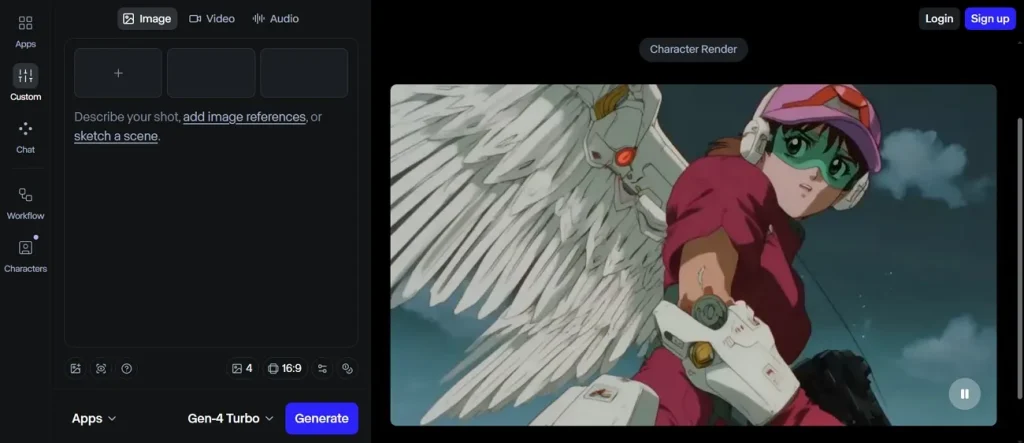
4. Runway Gen-4 Turbo
The tool is another AI video generation tool released in April 2025, specializing in creating 10-second video clips. As part of the Gen-4 family, it is considered among the best AI photo-to-video generator options, allowing up to 1000-character prompts for detailed creative video instructions. Runway maintains consistent characters, objects, and locations across scenes, enabling smooth multi-shot storytelling without fine-tuning.
Key Features
- Maintains spatial consistency between frames to prevent distortion during motion-heavy transformations.
- Expands a static image into dynamic scenes by predicting realistic motion progression over time.
- Allows controlled motion direction based on prompt instructions without requiring complex keyframes.
Pros
- Allows locking the first frame image for controlled storytelling and scene start.
- Six aspect ratios support cinematic, square, portrait, and social media formats.
Cons
- No native audio support limits storytelling and requires external sound editing.
- Talking face quality remains weak for realistic dialogue and expression rendering.
5. OpenAI Sora 2
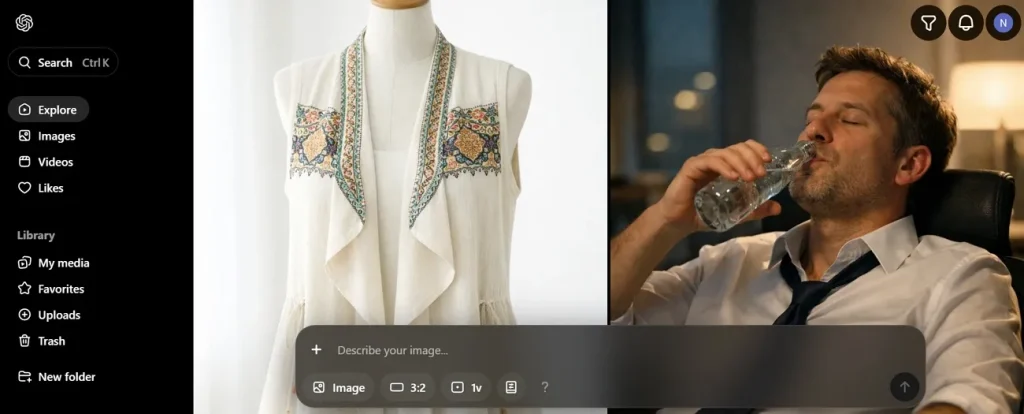
With this tool, you can generate multiple camera angles inside a single clip for cinematic storytelling, making it the best AI photo-to-video generator app. While using this, it maintains up to 2 consistent characters within a single video generation process. Along with that, the tool allows users to insert themselves into generated video scenes creatively.
Key Features
- Supports various frame dimensions tailored to different screen orientations and platform requirements.
- Delivers uniform visual results across multiple generated clips within similar settings.
- Supports external upscaling tools to enhance resolution after the initial video generation process.
Pros
- Uses realistic physics simulation for motion, gravity, and collision accuracy.
- Includes native synchronized audio with dialogue, music, and sound effects.
Cons
- Cross-generation consistency drops in complex multi-shot sequences.
- The extension feature may degrade the quality and introduce visible video artifacts.
6. Luma Dream Machine
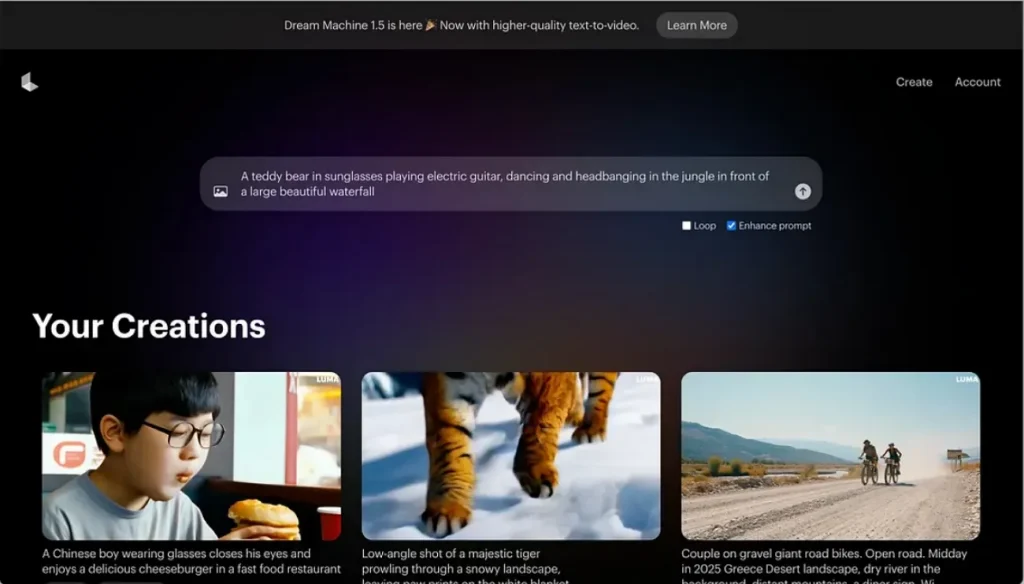
You can also use Luma Dream Machine as the best AI photo to video generator free because it generates cinematic clips using 1 advanced I2V AI model. The platform supports start and end frame input for controlled motion transitions. A Ray2 delivers realistic 3D motion with natural momentum and camera movement.
Key Features
- Uses a cinematic frame rate, ensuring consistent and film-like motion across generated videos.
- Adjusts video length and quality based on selected generation mode and performance settings.
- Processes video creation through structured frame-by-frame synthesis for smooth visual continuity.
Pros
- Generates 5 to 10 second clips, extendable up to 30 seconds total.
- Its Ray3 system models 3D physics across motion frames accurately and smoothly.
Cons
- Complex scenes may show artifacts during fast motion or transitions.
- Short base duration limits storytelling capability for longer narrative video creation.
7. Pika 2.5
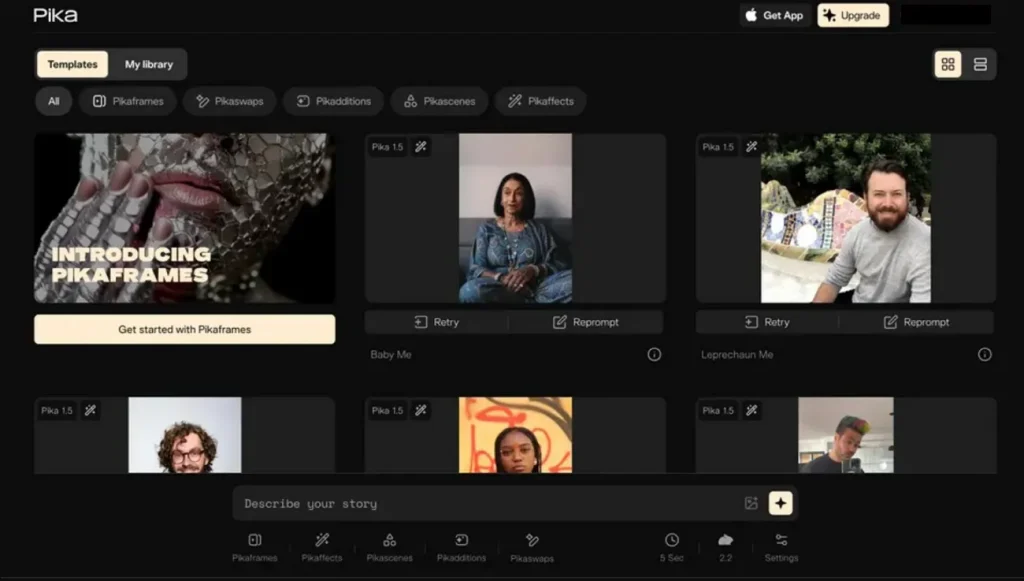
Pika 2.5 is a major upgrade to the Pika Art AI video generation platform, released in November 2025. It even supports orbit, pan, and zoom commands for cinematic still-image animation and is considered a strong best free photo to video AI generator option. Moreover, Pikascenes allows combining multiple images into structured animated video sequences.
Key Features
- Supports adjustable frame rates for balancing motion smoothness and processing performance efficiently.
- Enables structured keyframe-based animation for more controlled motion transitions within clips.
- Maintains stable generation performance across different inputs and rendering conditions consistently.
Pros
- Exports videos in MP4 format to ensure universal platform compatibility smoothly.
- Outputs videos at a fixed 24 fps for smooth short-form motion creation.
Cons
- Single video generation only limits batch creation efficiency for users.
- Physics can appear unrealistic with floating or stiff character motion issues.
8. Hailuo AI (MiniMax)
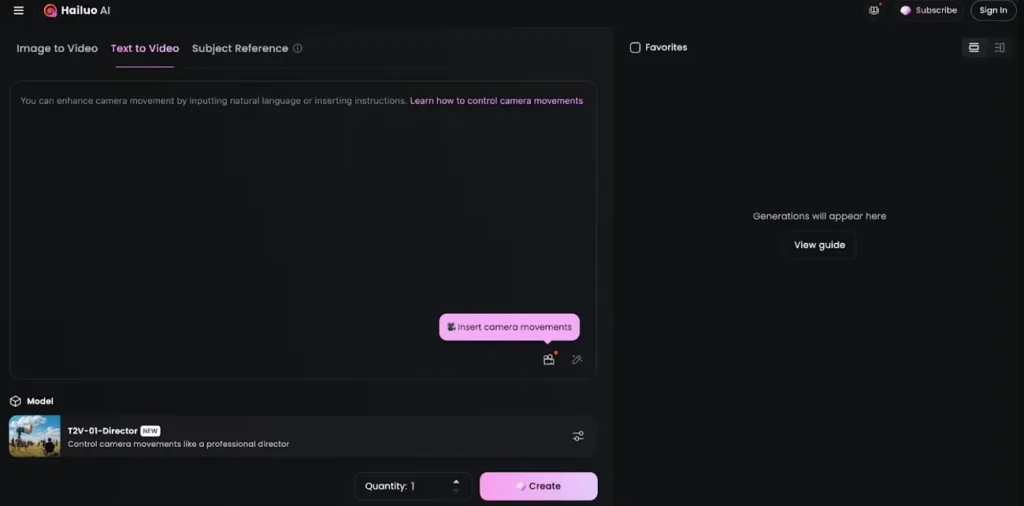
Creators may also use this tool, as it maintains character consistency using a single reference image across scenes. It also supports prompts in multiple languages, including English and Chinese, for global content creators. As the best AI photo-to-video generator, the tool includes professional color grading for improved depth and visual quality.
Key Features
- Supports 1 or 2 images for creating animated transitions between visual states.
- Includes preset quality modes for optimizing output based on different production needs.
- Uses efficient encoding methods to maintain video quality while reducing file sizes.
Pros
- The director model allows advanced camera motion like pans and zooms.
- Supports multiple image formats, including PNG and JPEG files, seamlessly.
Cons
- No native audio support limits complete video production capabilities for creators.
- Output quality can be inconsistent with complex prompts and scenes sometimes.
9. PixVerse V5.6
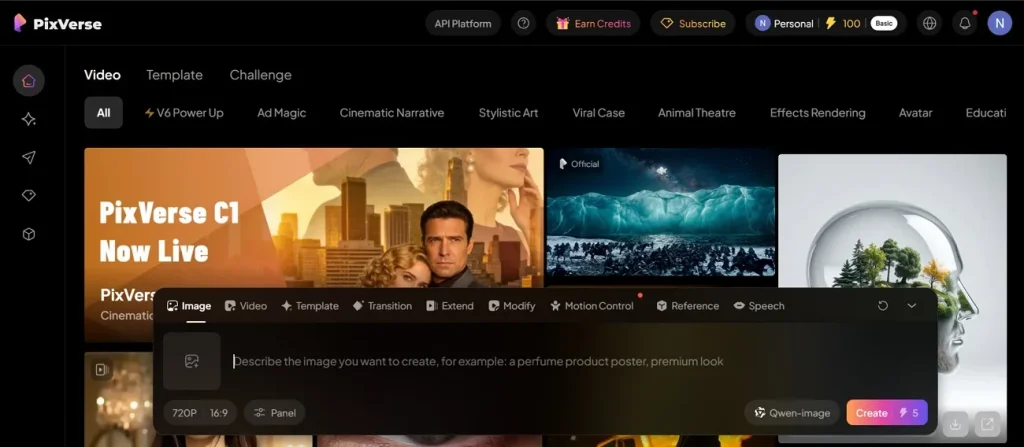
Another best photo-to-video AI generator is PixVerse V5.6 model, released in January 2026, featuring improved cinematic motion. It excels in "smart motion vectors" for 3D depth, integrated lip-syncing, and audio-visual alignment. To get multiple shots from different angles, PixVerse supports dynamic camera switching within a single video generation output. The tool even allows multiple keyframes for precise motion and scene transitions control.
Key Features
- Supports diverse aspect ratios for social media, cinematic, and creative content formats.
- Generates audio tracks in different languages to support global content creation workflows.
- Produces smooth motion output within a moderate frame rate suitable for short videos.
Pros
- Combines multiple images to maintain AI character consistency across scenes.
- Allows multiple keyframes for precise motion and scene transitions control.
Cons
- Long video chaining can cause visible seams between connected segments sometimes.
- Some generated videos may show minor glitches in complex motion scenes.
10. Adobe Firefly Video
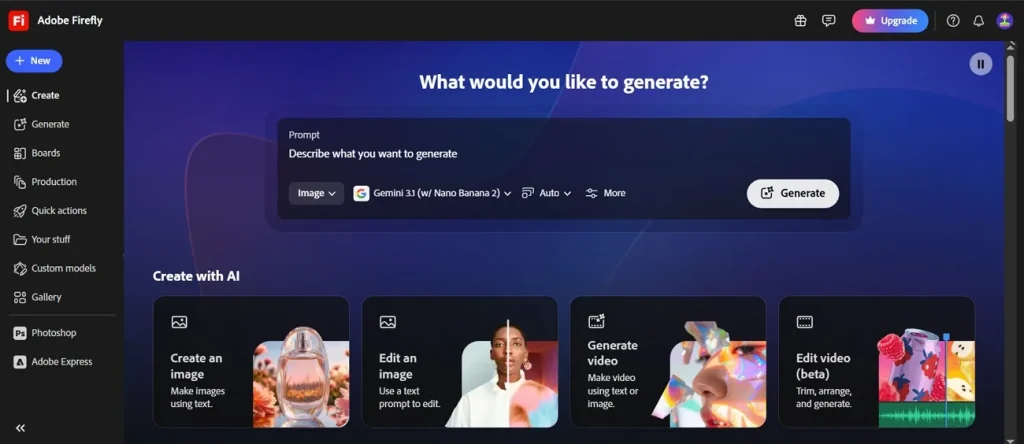
While finding the best AI photo-to-video generator, this platform supports first and last frame inputs for precise 5-second video transitions. For precision control, it allows detailed prompts up to 1000 characters for scene generation. Moreover, it accepts JPG and PNG formats as input for image-to-video generation workflows. Along with this, the tool offers predefined camera angles like aerial, eye-level, and top-down perspectives.
Key Features
- Maintains cinematic frame rate consistency for smooth and natural-looking motion across clips.
- Uses AI to predict realistic motion based on scene understanding and object relationships.
- Creates sequential frames to build smooth animations from static image inputs automatically.
Pros
- Exports final video files as MP4 formats for easy universal sharing.
- Enables lighting adjustments within the generator for enhanced visual storytelling effects.
Cons
- Complex scenes may produce visible artifacts and less realistic motion output.
- No built-in audio generation within clips reduces the complete production workflow.
Part 2. Comparison Table of the 10 Best Photo-to-Video AI Generators
Selecting the best free photo-to-video AI generator depends on comparing real capabilities. Below are detailed comparisons of top tools based on performance and key specs:
| Tool Name | Max Length | Model Strength | Visual Realism | Language Support | Editing Control | Scene Consistency |
| MagicLight AI | 50 minutes | 17 AI model system | Cinematic consistent visuals | 11 languages | Scene-level control | High universe consistency |
| Kling AI | 10 sec clips | Kling O1 models | High-detail motion realism | Limited languages | Prompt-based control | Strong frame stability |
| Google Veo 3.1 | 8 sec clips | Veo cinematic engine | Ultra-real physics visuals | Multilingual support | Frame interpolation control | Strong multi-shot consistency |
| Runway Gen-4 Turbo | 10 sec clips | Gen-4 Turbo model | Cinematic stylized realism | English + limited | Motion + camera control | Strong scene continuity |
| OpenAI Sora 2 | 20–25 sec clips | World simulation model | Highly realistic physics | English only | Storyboard-level control | Very strong continuity |
| Luma Dream Machine | 10 sec clips | Ray3 motion model | Smooth cinematic visuals | Limited languages | Frame-based control | Strong visual continuity |
| Pika 2.5 | 10 sec clips | Pika 2.5 engine | Stylized animated visuals | English prompts | Keyframe control system | Medium consistency |
| Hailuo AI | 10 sec clips | MiniMax Hailuo 2.3 | Realistic hybrid motion | English + Chinese | Frame interpolation control | High image consistency |
| PixVerse V5.6 | 10 sec clips | Smart motion vector AI | Cinematic 3D motion | Multilingual support | Multi-keyframe control | Strong scene linking |
| Adobe Firefly Video | 5 sec clips | Adobe Firefly model | Professional cinematic output | Multilingual support | Prompt + frame control | High visual stability |
Conclusion
To summarize, choosing the right tool helps you turn old photos into moving stories without any stress. This guide shows how the best AI photo-to-video generator options can make your work look professional. However, most people still want a simpler way to manage their social media posts every day. For those who want to automate their entire creative process easily, MagicLight AI is highly recommended.
FAQs on Best AI Photo to Video Generator
1. What is an AI photo-to-video generator?
An AI photo-to-video generator turns static images into moving video content easily. It uses artificial intelligence to create motion and smooth scene transitions. This helps users transform simple photos into engaging videos without editing skills.
2. How does AI convert images into videos?
AI analyzes image details like objects, faces, and background to understand content. Then it builds motion frames that simulate natural movement and flow. Finally, frames are combined into a smooth and realistic video output.
3. What is the best free AI photo-to-video generator?
MagicLight AI is widely considered a strong free AI photo-to-video generator option. It offers easy tools and multiple models for beginner-friendly editing. Users can quickly turn images into videos without technical knowledge.
4. Which AI tools create cinematic photo animations?
MagicLight AI produces cinematic animations using advanced motion and style models. It supports zoom, pan, and realistic camera-style movements in videos. This makes images feel like professionally filmed animated scenes.





![How to Make a Marketing Video 2026 [Step-by-Step Guide]](https://magiclight.ai/wp-2/wp-content/uploads/marketing-goal-planning-guide-300x200.png)