A few years ago, spending hours on one short video was completely normal for creators. Tools were hard to learn, and results were often still disappointing at the end. A free AI video-generating website has now changed things for everyone, which creates videos directly from text within a short time. So, this article explores 10 free platforms making video creation easier for everyday internet users worldwide.
Part 1. 10 Free AI Video Generating Websites to Try
Choosing between so many free AI video generator websites can feel very overwhelming sometimes. In this part, you will discover the 10 most useful and reliable options available for you:
1. MagicLight AI
MagicLight AI is the best free AI video generator website, as it supports 11 languages to create content for global audiences. The tool helps you turn simple story ideas into complete storytelling videos with smooth scenes in just minutes. It also helps create AI videos up to 50 minutes without splitting scenes into separate projects.
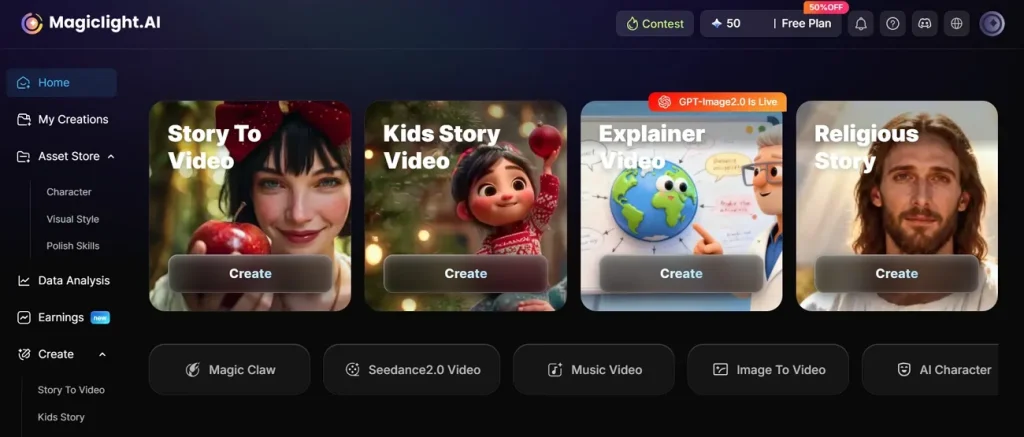
You can fine-tune video scenes using Nano Storyboard with detailed steps and timing controls. With its far-sighted video generation features, it integrates 13 advanced AI models, including Seedance 2.0 and GPT-5.4. Whether you have a short idea, you can improve it using the Smart Script feature with up to 12,000 characters.
Pros
- Allows users to re-edit videos during generation for improved scene accuracy and storytelling.
- Converts static images into clips supporting up to 15 seconds of generated video durations.
- Maintains consistent character appearance across multiple scenes for storytelling and visual continuity.
Con
- Offers video quality of up to 1080p, with no 4K assistance .
2. Google Veo 3
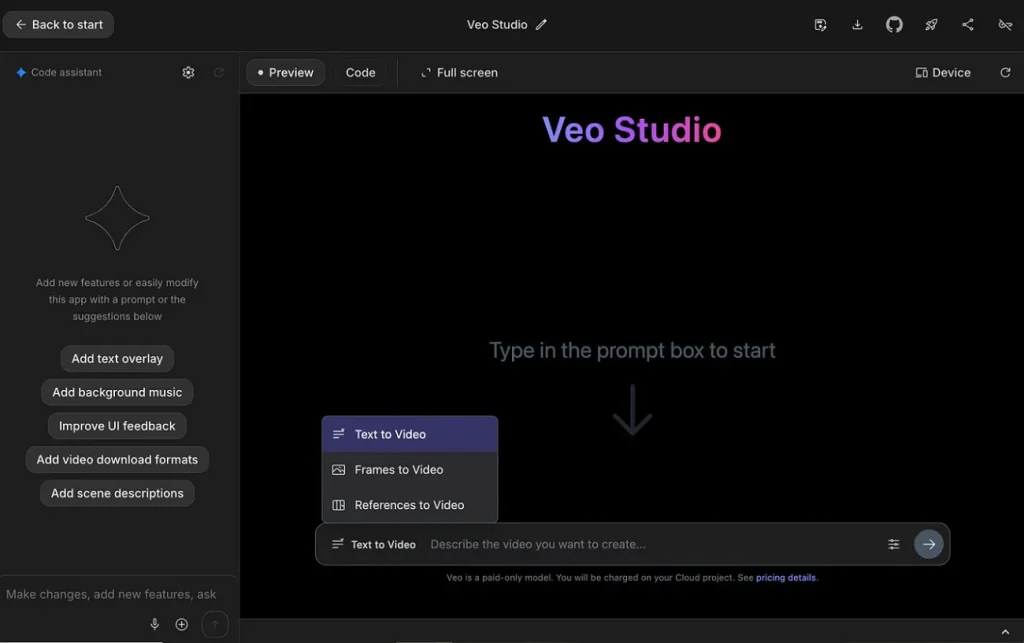
It is a state-of-the-art AI video generation model that handles lighting details accurately for realistic and cinematic scene creation. When generating videos, this free AI video generator website maintains consistent character appearances across connected scenes. The model supports up to 3 reference images for consistent multi-scene video generation.
Pros
- Generates video and audio together without requiring separate sound editing workflows.
- Creates believable human movements with smoother body and action animation.
Cons
- Prompt interpretation may produce results different from the exact instructions.
- Users can generate videos up to only 8 seconds for short clips.
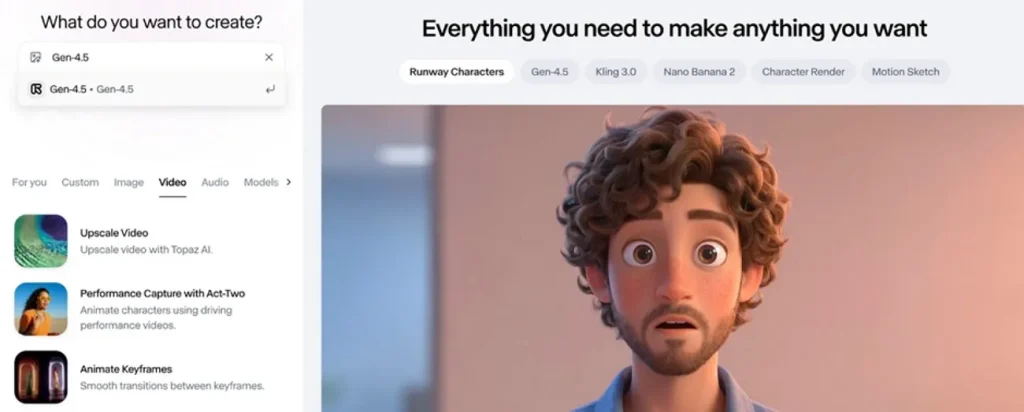
3. Runway Gen-4.5
This AI video generator free site helps understand complex prompts with multiple instructions for detailed video creation. Runway Gen-4.5 also provides 3 cinematic presets for adjusting depth, motion, and framing. Additionally, it maintains consistent frame flow, ensuring smooth cinematic video transitions overall. Each prompt generates a single video of up to 10 seconds duration for short scenes.
Pros
- Supports 720p rendering with cinematic frame quality and smooth motion handling.
- Handles complex scene choreography with multiple coordinated actions smoothly.
Cons
- Motion physics may look unrealistic in complex action scenes sometimes.
- Characters sometimes show inconsistency during long multi-scene generation processes.
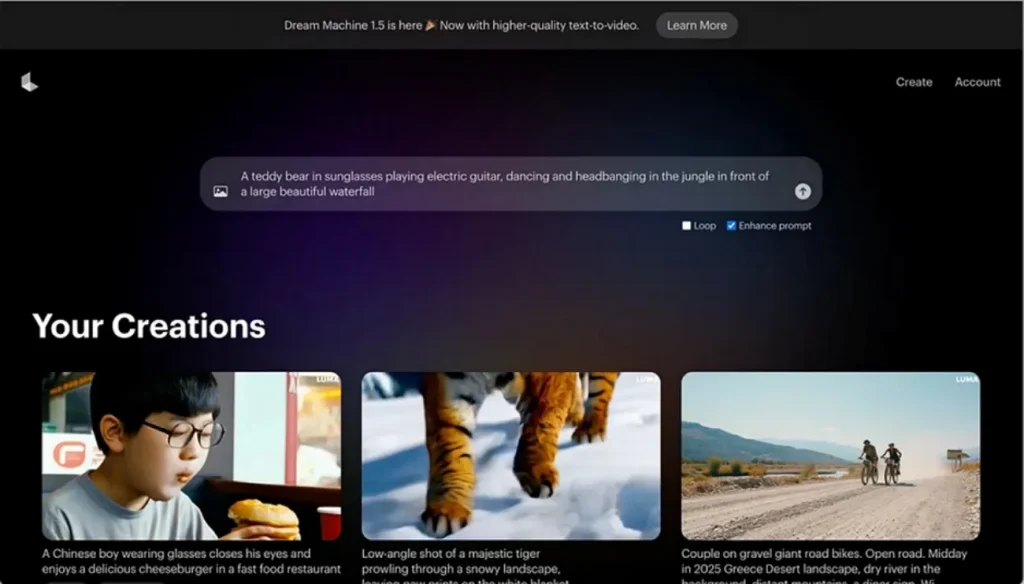
4. Luma Dream Machine
You can also use Luma Dream Machine as the best AI video generator free website because it generates cinematic videos up to 60 seconds using Ray2 models. The platform also uses parallax depth effects for more immersive dynamic videos. It even enables accurate timing and motion control using keyframe-based editing.
Pros
- Luma Agents streamline multi-shot video creation workflows efficiently and automatically.
- Allows prompt refinement for improved accuracy in video generation results.
Cons
- Consistency varies significantly across multiple generations, even with similar prompts.
- Complex motion may produce visible morphing or visual artifact issues.
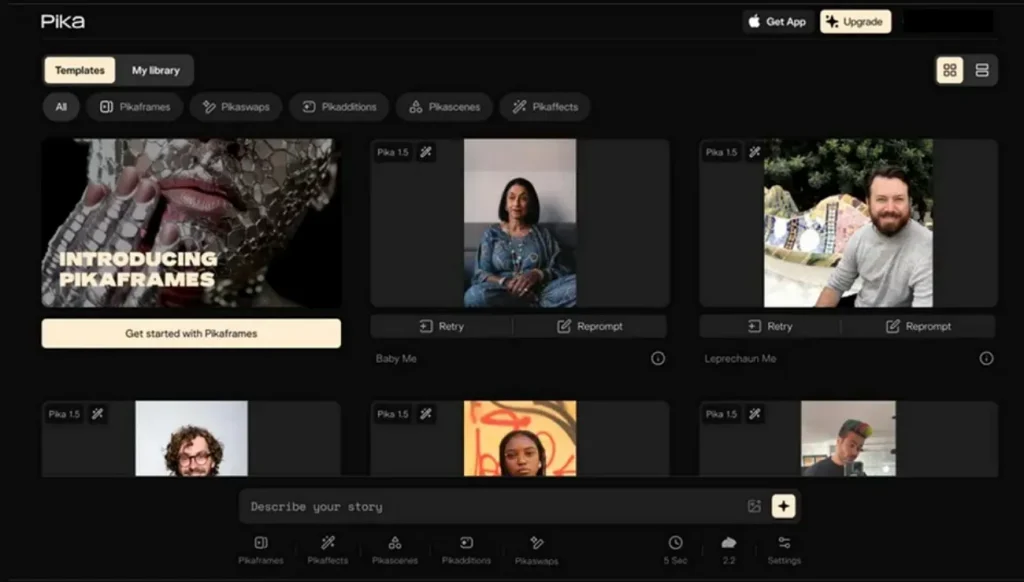
5. Pika
The platform transforms short prompts and images into AI videos of 10 seconds. As a free AI video generation website, it enhances smooth motion rendering for realistic animation and object movement. During the video generation process, Pika generates synchronized lip movements matching the uploaded voice or text input. Moreover, the platform maintains consistency across 2 to 3 frames in scenes.
Pros
- Supports 3 formats, including text, image, and video for video generation.
- Applies realistic physics simulations for dynamic and creative video scenes.
Cons
- Character consistency remains inconsistent sometimes.
- Complex effects may require multiple attempts for the desired output quality.
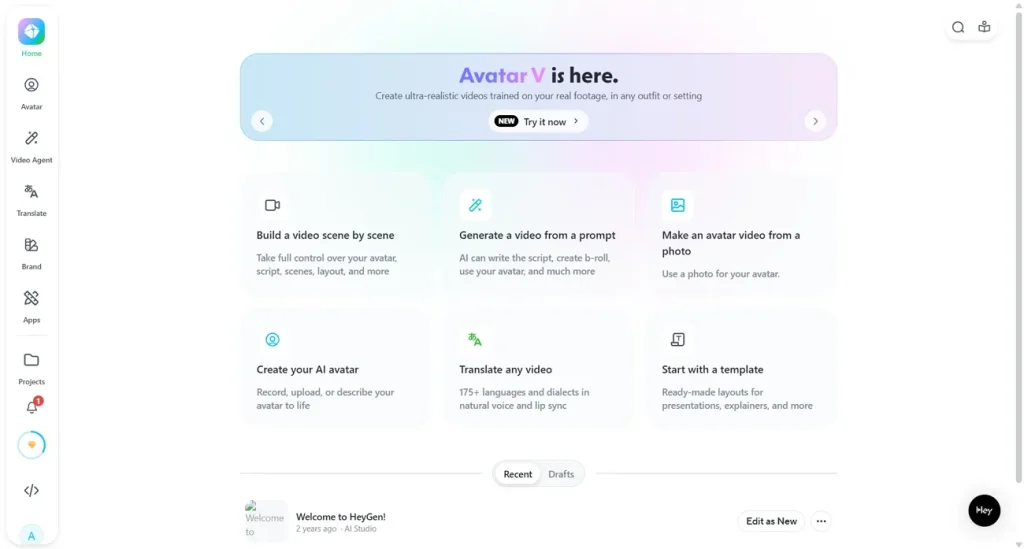
6. HeyGen
It is a versatile AI-powered platform specializing in creating professional videos with lifelike digital avatars. Moreover, users can build custom avatars using 3 to 5 minutes of training footage and the AI kissing video generator free website tools. While generating videos, HeyGen provides accurate lip-sync matching for avatars across multiple languages.
Pros
- Supports 175+ languages that enable global video communication and localization.
- Long videos up to 30 minutes are generated by merging multiple segments.
Cons
- Avatar animations may appear stiff in basic generation mode output.
- Output quality varies, requiring multiple attempts for the best final results.
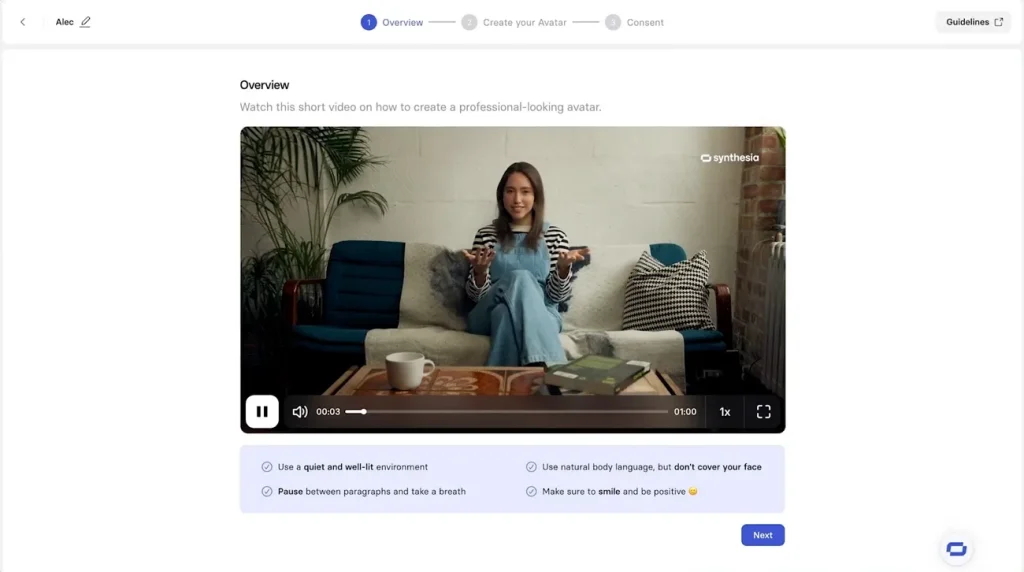
7. Synthesia
Synthesia is an enterprise-focused AI video platform that creates professional avatar-based videos from text. Furthermore, its AI video assistant converts URLs and documents into structured scripts and video scenes automatically using websites to generate AI videos for free tools. The platform also supports 160+ languages to create professional videos with AI avatars.
Pros
- Lip sync tool matches mouth movements perfectly across all supported languages.
- Enhances avatars with natural hand and facial movement control features.
Cons
- Not ideal for cinematic projects with advanced motion graphics and editing needs.
- Avatars sometimes appear robotic, lacking natural human emotional expression.
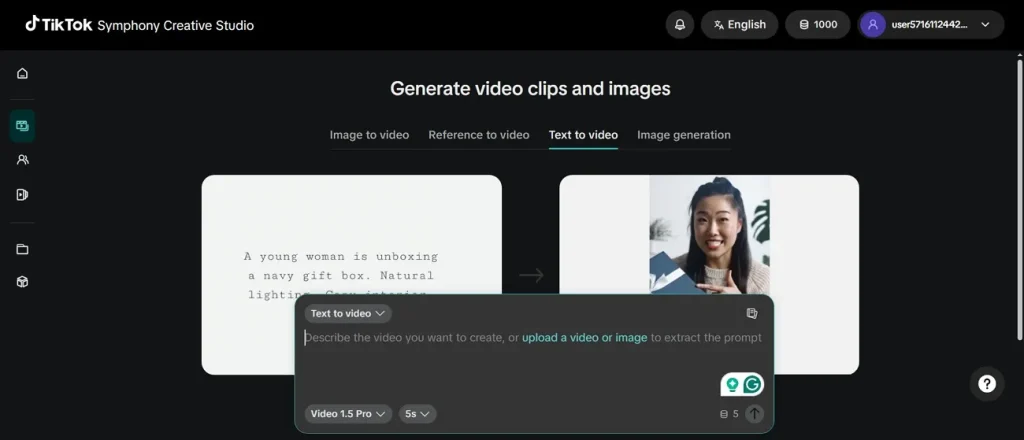
8. TikTok Symphony
This AI video generator free site supports text-to-video, image-to-video, and reference-to-video. In addition, users can enhance short prompts using AI for improved video output quality. It also includes synchronized audio with automatically generated video content. The platform even provides adjustable camera movements for more cinematic video composition control.
Pros
- Generates auto captions for videos to improve accessibility and engagement.
- Maintains consistent branding across all generated TikTok video campaigns.
Cons
- An AI-generated content label may reduce audience trust and authenticity.
- Limited exclusively to the TikTok ecosystem, reducing cross-platform usability.
9. InVideo AI
With this, creators can build scenes from prompts using AI-driven storytelling logic and AI video generator free site tools. Plus, InVideo AI V4 agent supports up to 30 minutes of video from a single prompt. The tool also enables voice cloning for personalized narration and multilingual video creation. Moreover, it allows adjustment of music, sound effects, and audio.
Pros
- Automatically generates captions and subtitles in more than 50 languages.
- Voice cloning enables personalized narration for faceless content creation.
Cons
- Less suitable for highly precise cinematic editing and detailed control workflows.
- Not ideal for detailed frame-by-frame advanced editing workflows.
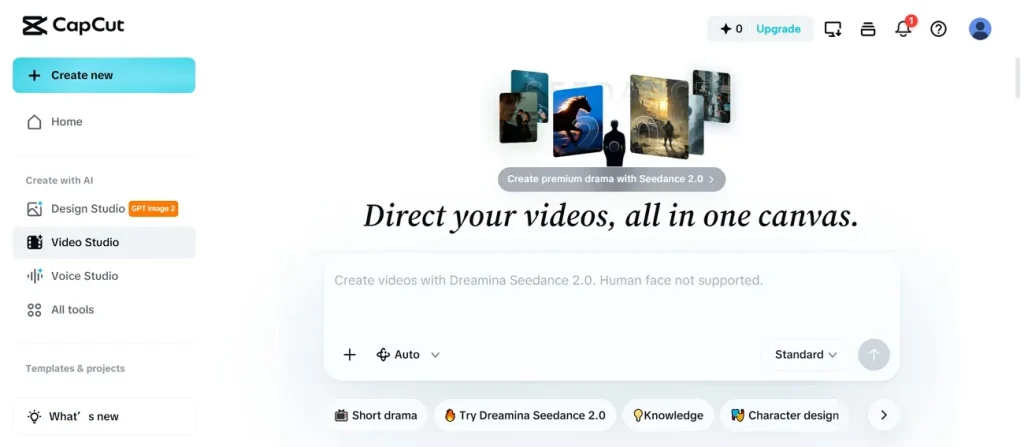
10. CapCut
While exploring free AI video generator sites, CapCut supports 7 AI models, including Veo 3 Fast for video creation. It has a Director mode that optimizes cinematic film quality storytelling production. Along with this, the platform supports extended video generation up to 10 minutes in duration. This tool also supports multi-track timeline editing for precise professional video control.
Pros
- Offers 49 visual styles, including cartoon 3D and GTA 4 aesthetics.
- Auto captions improve accessibility and audience engagement across videos.
Cons
- Limited advanced color grading compared to professional editing software tools.
- Less manual control over advanced motion graphics and keyframes.
Part 2. How to Generate Free AI Video Using the Best Site?
Users can generate an AI video using this free AI video generating website in minutes. Go through the given steps and turn any story idea into a full video using MagicLight AI quickly and without any hassle:
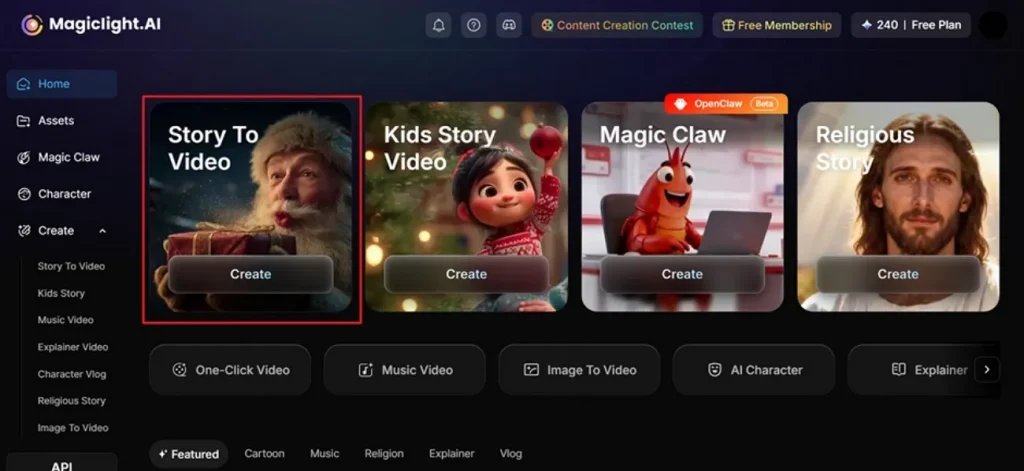
Step 1. Start a New Project in MagicLight AI
To initiate, open MagicLight AI in your preferred browser and choose the Story To Video feature.
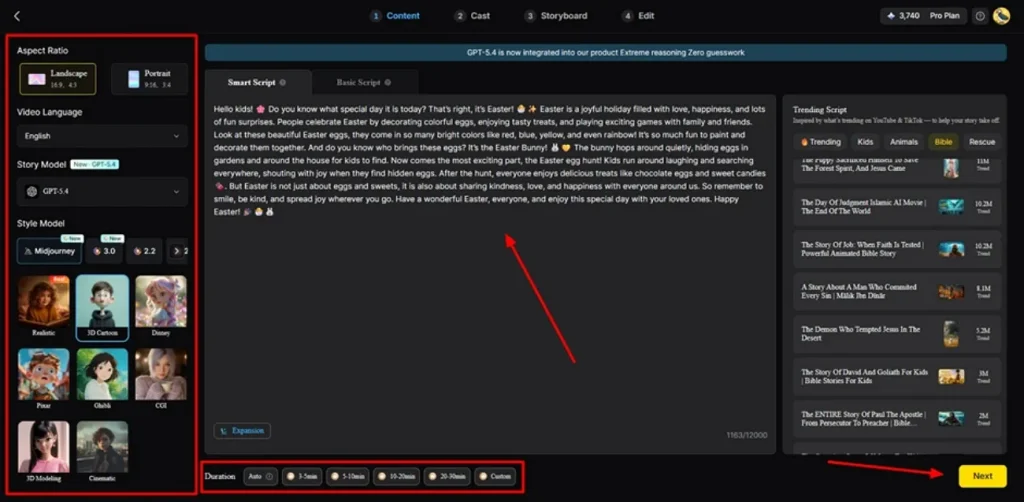
Step 2. Describe the idea and Adjust Video Settings
From the left side panel, choose the preferred Video Language and select the required Aspect Ratio. Next, pick an AI Story Model such as GPT-4 and choose a Style Model like Pixar or Ghibli for visual appearance. After that, add or improve the story inside Smart Script and adjust the Video Duration. Once all the settings are confirmed, opt for the Next button to proceed.
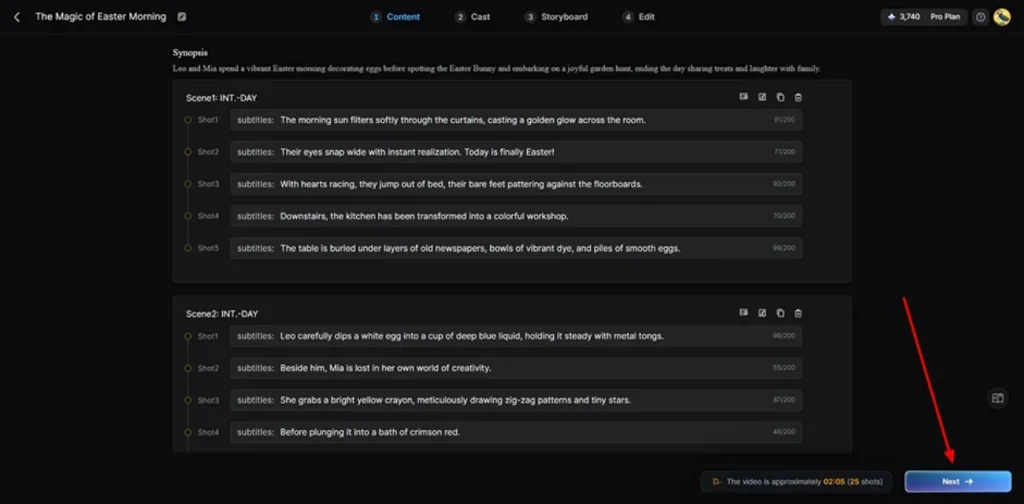
Step 3. Review or Customize Story Structure
After generating scenes, verify the generated video summary carefully for better accuracy. If all details are correct, opt for the Next button.
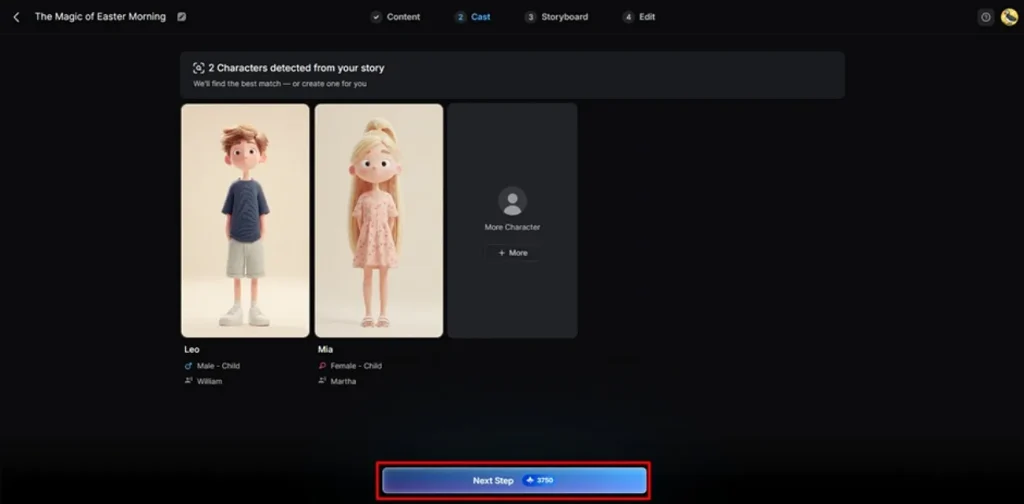
Step 4. Choose or Generate AI Characters
Next, the tool suggests characters based on your selected story theme and visual style preferences. You may select characters from the available library or create a custom one through the More Character option and then press Next.
Step 5. Customize Character and Storyboard Frames
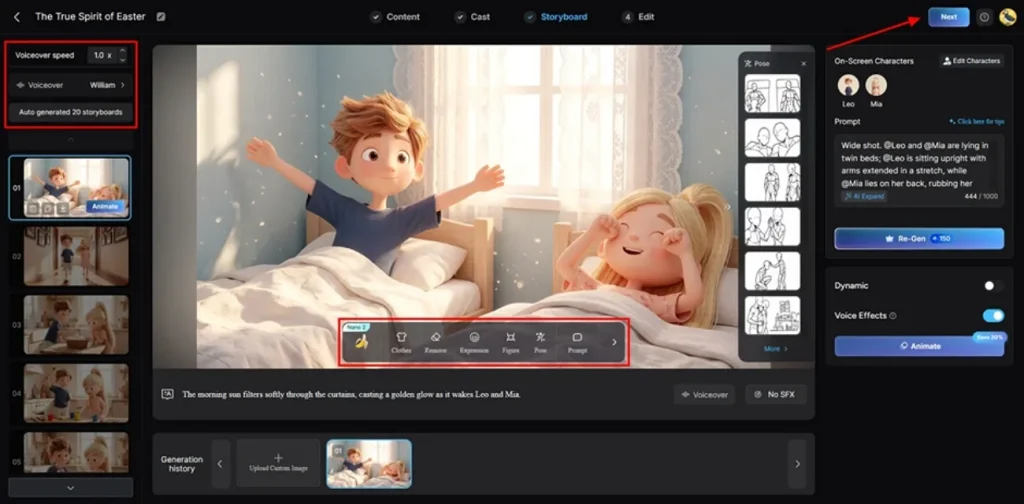
Within the Storyboard section, users can adjust Voiceover Speed and modify generated scenes individually. The platform also allows changing Outfits, Expressions, Poses, and selection of Voiceover. Once all customizations are finalized, opt for the Next button to continue.
Step 6. Insert Background Audio and Captions
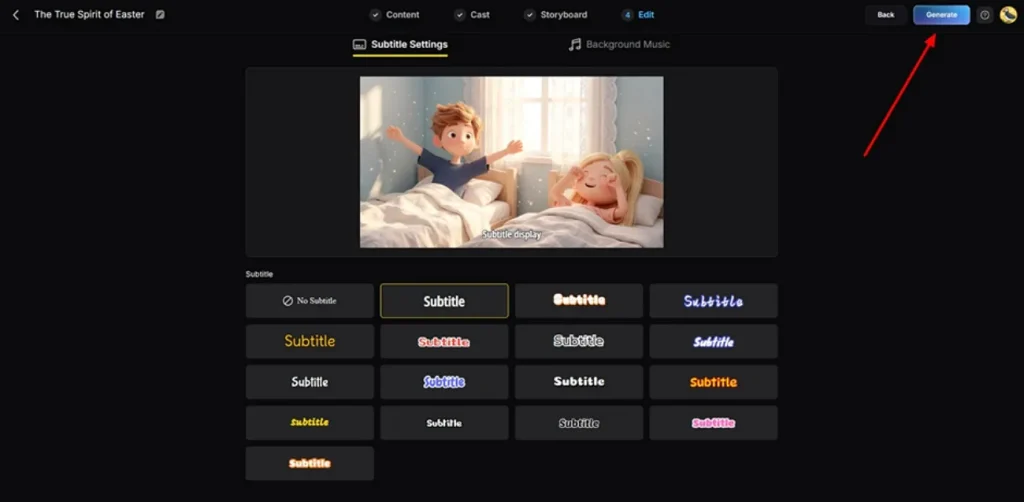
In the edit window, access the Subtitle Settings section to add captions to your video. To add a soundtrack, opt for the Background Music and set the tone of your video, and click Generate.
Step 7. Preview and Download Final AI Video
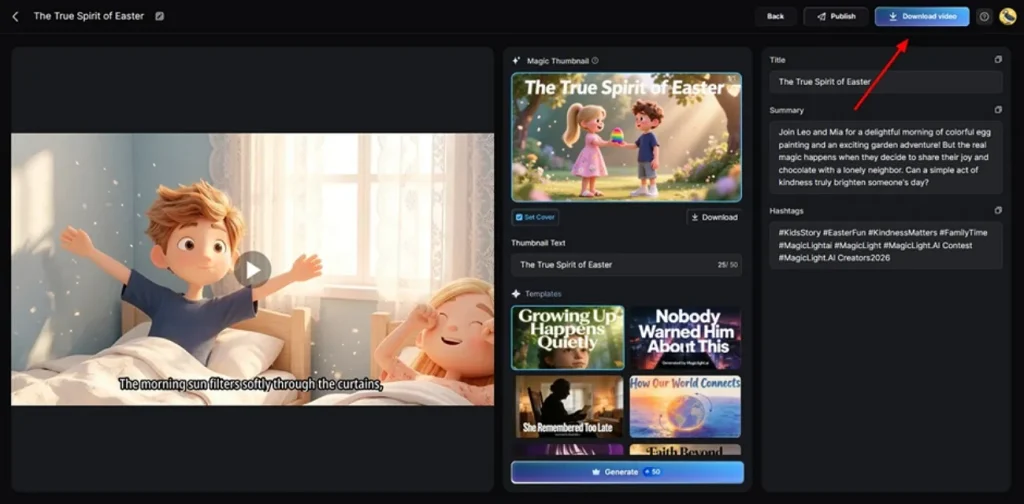
At last, preview the generated AI video along with the generated captions and sound. Once final edits are checked successfully, opt for the Download Video button to save the video on your device. Additionally, you can add a custom Thumbnail and Hashtags to your video.
Conclusion
In summary, this guide has covered 10 tools that make video creation much simpler than before. Each free AI video-generating website on this list brings something unique to the table. However, not every tool gives you a complete solution in one place. Professional creators require a platform that supports long-form videos and re-editing features. If you need an all-round beginner-friendly platform, MagicLight AI is highly recommended.
FAQs on Free AI Video Generator Websites
1. What is the best free AI video generator website?
MagicLight AI is the best free AI video generator website available. It gives you full video creation tools without needing any technical skills at all. You can create long videos with characters' voices and subtitles completely for free.
2. Are AI video generator websites really free?
Yes, many AI video generator websites do offer a free plan to start. MagicLight AI lets you create videos without paying anything on its free tier. However, some advanced features may require upgrading to a paid plan later on.
3. Can I generate videos without editing skills?
You can easily generate videos without having any editing skills or experience. The advanced platform called MagicLight AI handles the script and visual subtitles all by itself automatically. You just type your idea, and the tool builds the full video for you.
4. What is the fastest free AI video generator website?
MagicLight AI is one of the fastest free AI video generator websites right now. It creates a complete video from your idea in just a few simple steps. The one-click video feature makes the whole creation process very quick and easy.
5. Do free AI video websites add watermarks?
Yes, many free AI video websites add watermarks on exported videos. Watermarks are usually removed only in paid subscription versions of tools. Some platforms offer limited watermark-free exports on mobile apps.