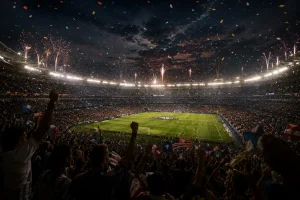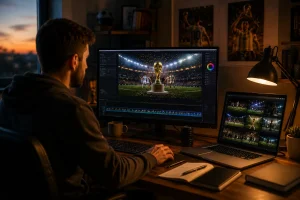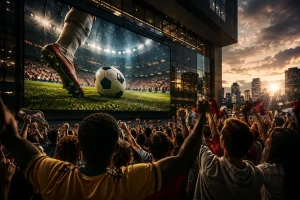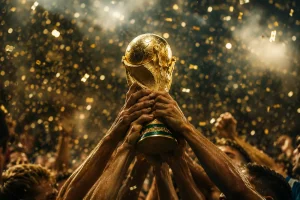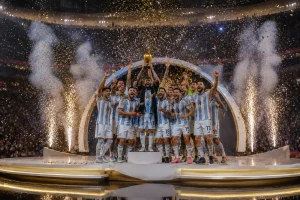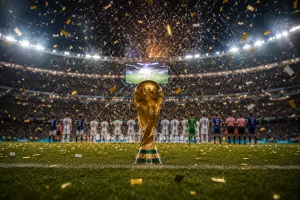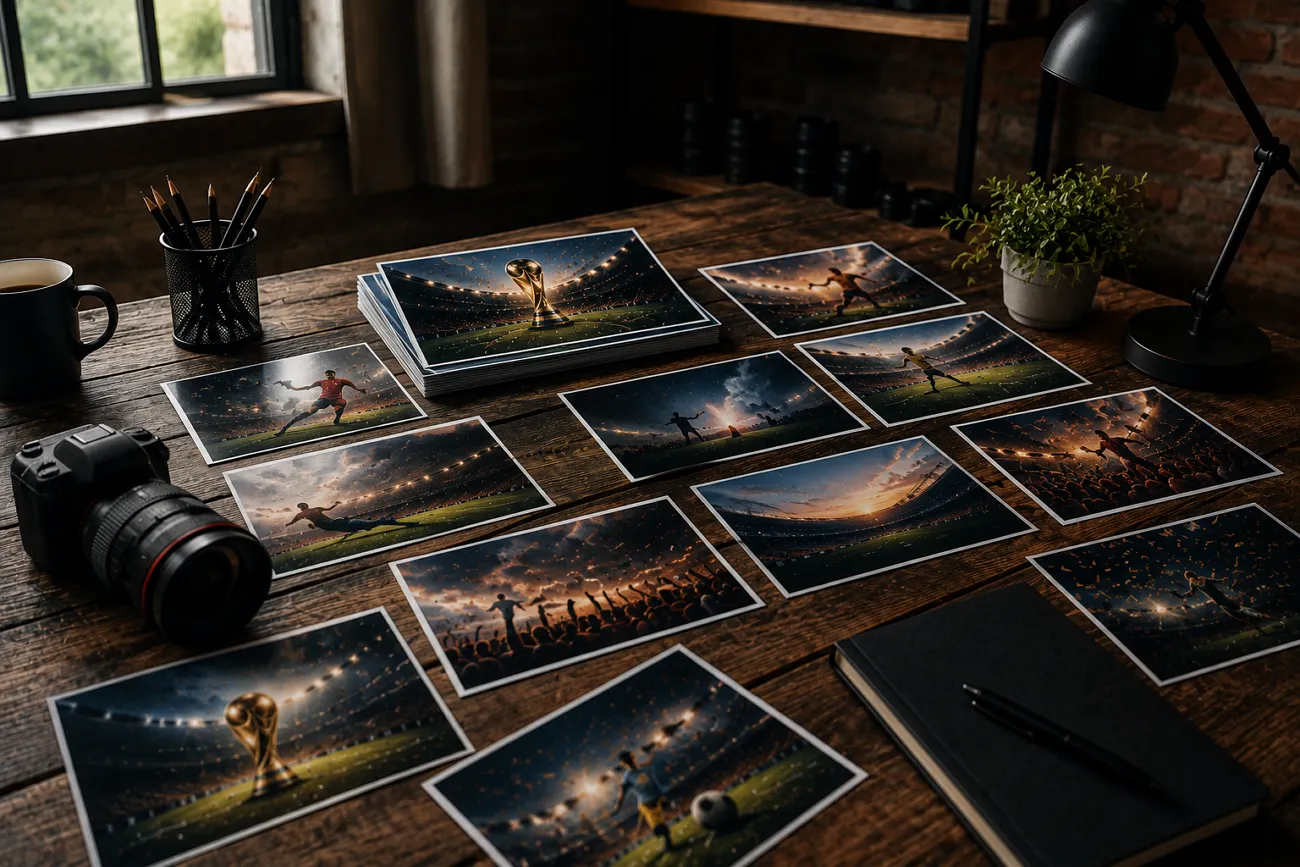
A user scrolled through the highlights of a football match when a stunning photo caught their eye. They wonder how people create visuals like that without hiring photographers or designers. This is where Midjourney comes into the scenario as it helps anyone generate a football-inspired photo using the right prompt.
In this article, you will learn 20 well-crafted Midjourney World Cup prompts for generating football pictures. Read the article till the end to get the most authentic text prompts.
Part 1. 5 Best Midjourney World Cup Prompts for Football Posters
Some of the most memorable football photos are not taken during a match. They are designed as relatable posters with stunning details. The following Midjourney World Cup prompts focus on creating cinematic visuals with a professional look:
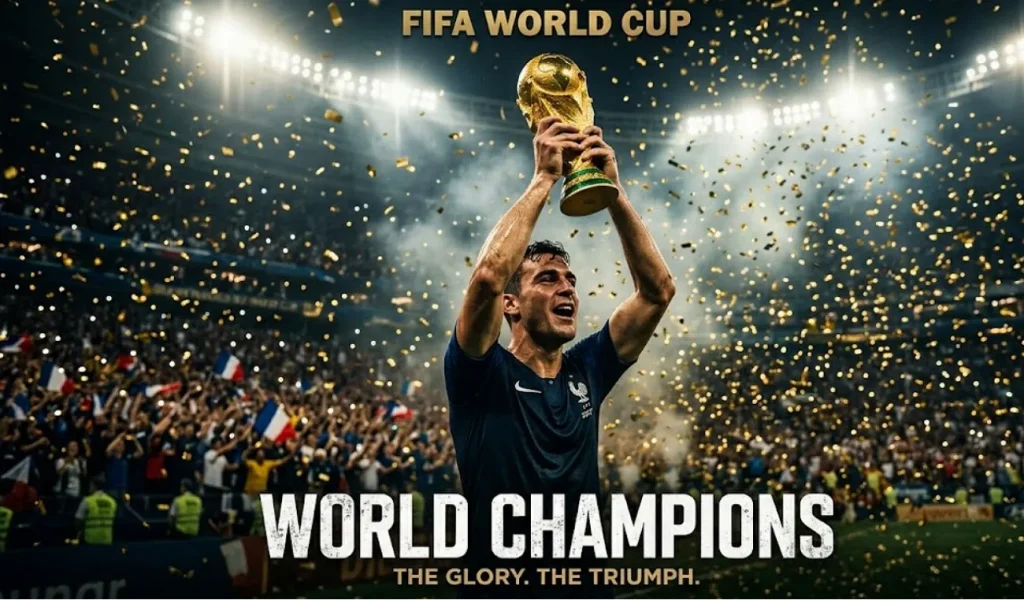
1. Champion's Moment with the Trophy
Create a cinematic football poster of a FIFA World Cup champion lifting the trophy high above their head. Fill the scene with golden confetti, packed stadium lights, dramatic shadows, and ultra-detailed sports photography.
2. Action Poster of a Breakaway Attack
Design a dynamic World Cup poster showing a star footballer sprinting toward the goal in a final match. Add roaring crowds, waving flags, motion blur effects, cinematic lighting, and intense stadium atmosphere.
3. Legendary Captain Poster
Craft a powerful football poster featuring a legendary captain standing before the glowing World Cup trophy. Include smoke effects, dramatic contrast, stadium floodlights, and premium editorial-style composition.
4. Celebration Poster of a Winning Goal
Create an emotional World Cup poster capturing a footballer celebrating a last-minute winning goal. Show rain, fireworks, cinematic color grading, and ultra-realistic stadium details.
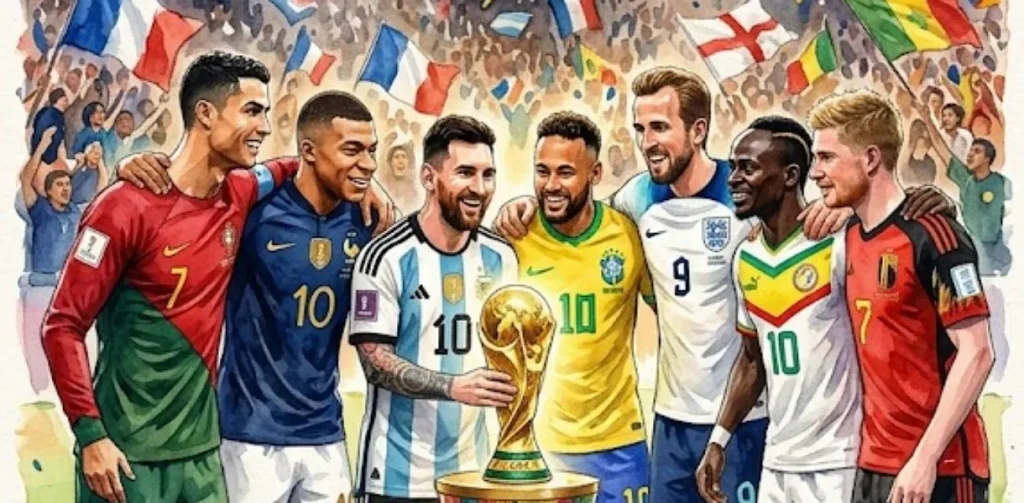
5. Team Unity World Cup Poster
Design a cinematic poster of international football stars gathered around the World Cup trophy. Highlight unity, stadium lighting, detailed jerseys, expressive faces, and premium advertising style.
Part 2. 5 Midjourney World Cup Prompts for Player Portraits
Not every World Cup moment is about the crowd or the match itself. Sometimes it is about the players too. The following Midjourney World Cup prompts are designed to bring players to life in stunning detail:
1. Heroic World Cup Player Portrait
Create a cinematic close-up portrait of a FIFA World Cup footballer looking directly into the camera with intense focus. Add stadium lights glowing behind, sweat details, shallow depth of field, and ultra-realistic skin texture.
2. Emotional Victory Portrait
Design a powerful World Cup portrait of a player after a big win, showing tears of joy and exhaustion. Use dramatic lighting, blurred stadium background, cinematic color grading, and high-detail facial expression.
3. Dramatic Pre-Match Focus Portrait
Craft a close-up portrait of a footballer in the tunnel before a World Cup match. Add moody lighting, smoke effects, sharp focus on eyes, and intense cinematic atmosphere.
4. Golden Hour Stadium Portrait
Create a warm golden-hour portrait of a World Cup player standing on the pitch during sunset. Include soft lens flare, realistic jersey textures, and a calm yet powerful expression.
5. Rain-Drenched Match Portrait
Design a cinematic portrait of a footballer under heavy rain during a World Cup game. Capture water droplets on face, dramatic stadium lights, and high-detail emotional intensity.
Part 3. 5 Midjourney World Cup Prompts for Stadium and Match Scenes
Now let's move from individual players to the bigger picture. The stadium also plays a vital role in portraying the real emotion of the World Cup. The following Midjourney World Cup prompts focus on crowd energy, match drama, and cinematic football action:
1. Cinematic World Cup Final Stadium Battle
Create a packed FIFA World Cup final stadium filled with roaring fans under blazing floodlights. Show intense match action on the pitch with dramatic camera angles, ultra-realistic crowd detail, cinematic lighting, and high-energy sports atmosphere.
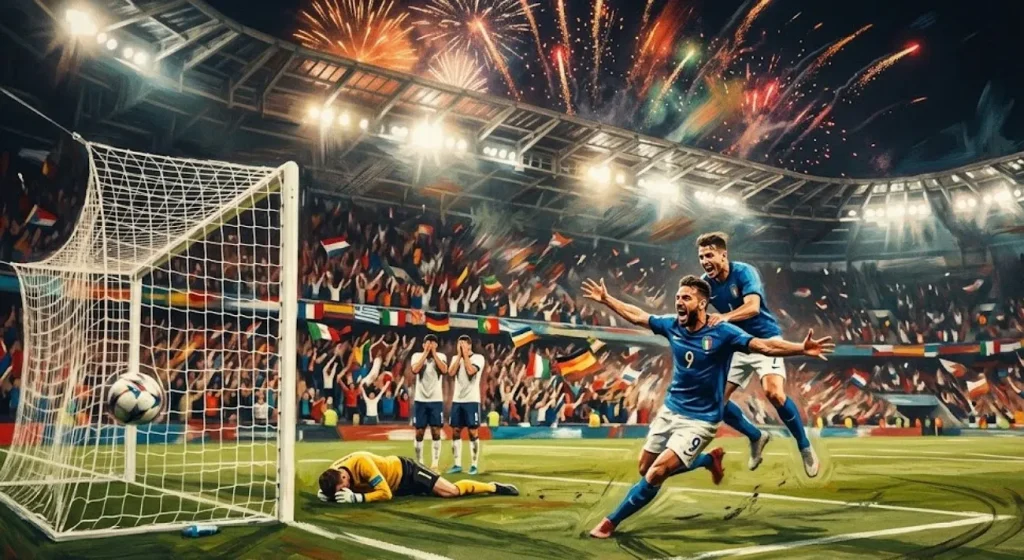
2. Dramatic Last-Minute Goal Moment
Design a World Cup match scene capturing a last-minute winning goal with players reacting in explosive emotion. Add motion blur, cheering crowd waves, stadium fireworks, and cinematic color grading for maximum impact.
3. Intense Night Match Showdown
Craft a high-energy World Cup night stadium scene with glowing lights and heavy atmosphere. Focus on fast-paced gameplay, flying turf particles, dynamic motion, and realistic cinematic sports photography style.
4. High-Pressure Penalty Shootout Scene
Create an intense World Cup penalty shootout moment with a striker preparing to take the shot and a goalkeeper ready to dive. Include spotlight focus, silent tension, dramatic shadows, and ultra-realistic stadium depth.
5. Rain-Soaked Epic Football Match
Design a cinematic World Cup match played in heavy rain with players sliding on wet turf under glowing stadium lights. Capture reflections, emotional intensity, and dramatic sports realism for a powerful visual impact.
Part 4. 5 Midjourney World Cup Prompts for National Teams
After individual portraits and match action, it’s time to focus on collective strength. The following Midjourney World Cup prompts showcase national teams and the emotional power of representing a nation:
1. National Team Victory Parade Poster
Create a FIFA World Cup national team celebrating victory while holding the trophy together on the pitch. Add confetti rain, stadium lights, cheering fans, and ultra-realistic cinematic sports photography.
2. Flag-Filled Team Entrance Scene
Design a World Cup national team walking onto the pitch holding their country's flags. Include dramatic tunnel lighting, smoky atmosphere, cinematic shadows, and intense pre-match energy.
3. Unified Team Huddle Moment
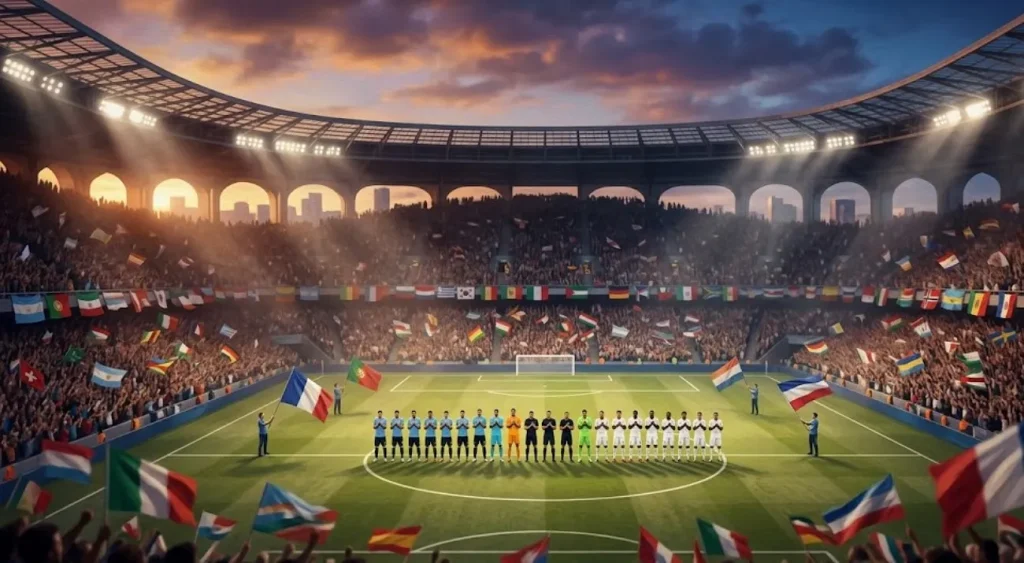
Create a World Cup stadium scene during the national anthem with players standing in formation. Add emotional lighting, waving flags, crowd silence, and cinematic depth.
4. Defensive Wall Free-Kick Moment
Create a tense World Cup scene of a national team forming a defensive wall during a free kick. Add stadium pressure, focused expressions, dramatic lighting, and cinematic realism.
5. National Anthem Stadium Moment
Craft a cinematic bench scene of a national team reacting emotionally during a crucial World Cup match. Show cheering, frustration, and dramatic stadium depth with realistic detail.
Part 5. Best Way to Turn Midjourney FIFA World Cup Images Into Videos
After creating stunning FIFA World Cup images with Midjourney World Cup prompts, many creators often think how do you bring these still visuals to life? A powerful football poster or stadium scene already looks cinematic. Users can take it to another level by turning it into motion. MagicLight AI is designed to transform static photos into engaging videos with smooth motion effects.
Its image-to-video feature adds movement to crowds and cinematic transitions that make every football moment more immersive. Users can create long videos up to 50 minutes using this incredible tool. Moreover, you can put the created footballer character into any scenario according to your preferences.
Key Features
- AI Video Models: MagicLight AI provides advanced video generation models that ensure high-quality output, including powerful options like Gemini Omni and Seedance 2.0. These models help create smooth, realistic, and visually rich football videos.
- AI Character: Users get the ability to generate characters of their choice according to their preferences. It lets you create animated as well as realistic characters with just a text prompt.
- Character Customization: All generated football characters are automatically stored in the “My Characters” library for easy reuse. Users can further customize player details according to their preferences.
- Story-to-Video: The platform converts simple scripts and images into engaging football video content. It also supports multilingual storytelling and allows video generation in over 30 languages.
- Video Editing: MagicLight AI includes storyboard editing options along with AI voiceovers featuring multiple voice styles. It also supports voice cloning and helps creators produce more realistic results.
Steps To Generate Midjourney FIFA World Cup Videos Using MagicLight AI
With MagicLight AI, users can generate videos from football photos using its story-to-video in no time. To learn how to create videos from Midjourney World Cup prompts, read the steps provided below:
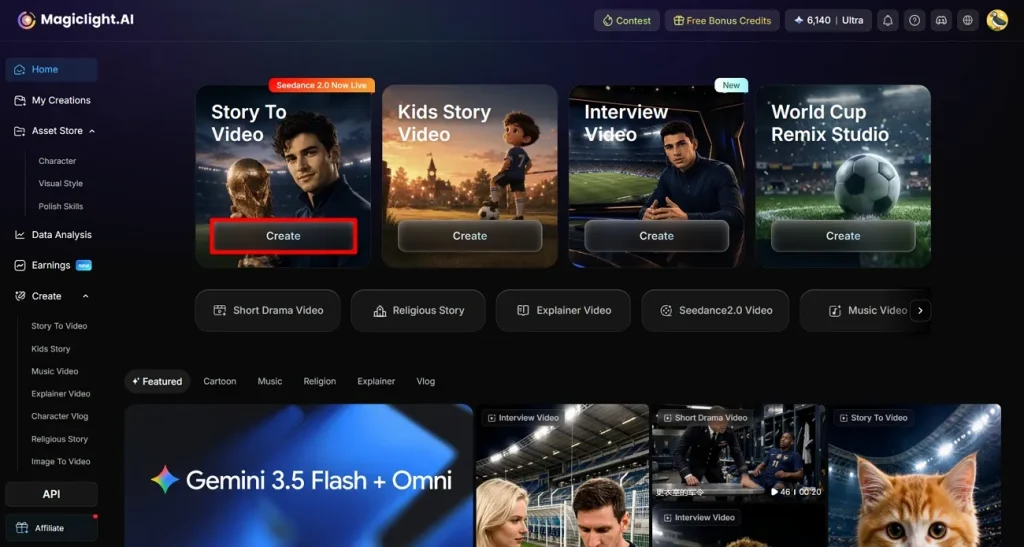
Step 1. Start By Pressing Create
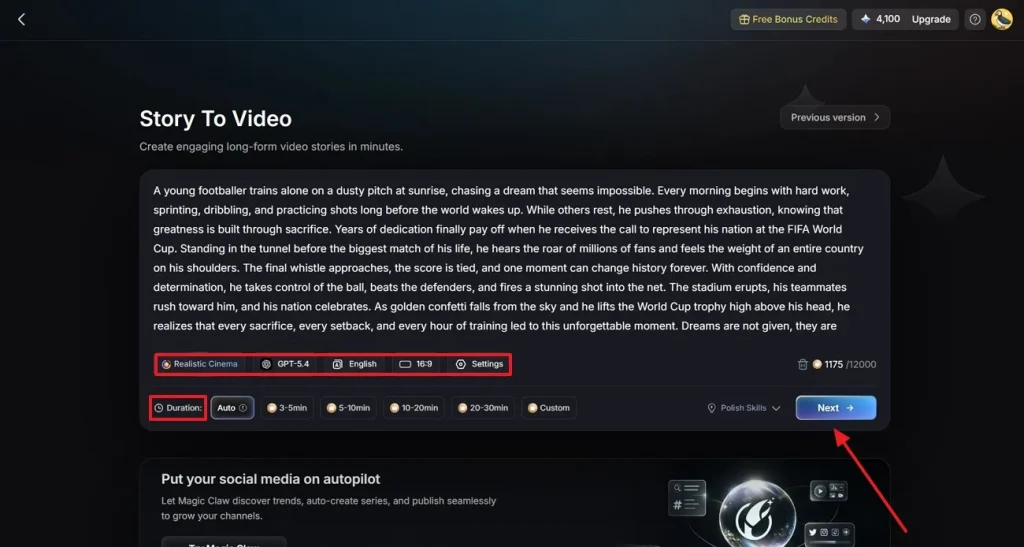
Access MagicLight AI on your browser and choose the Story to Video feature. Click the Create button located within the interface.
Step 2. Set Up Your FIFA Video
On the next page, enter your FIFA video script and choose the type of video you want to create. Select your preferred AI video generation model, story model, along with the voiceover language. Choose the aspect ratio and duration for the video, along with other necessary options such as Duration and hit the Next button.
Step 3. Review and Refine the Scenes
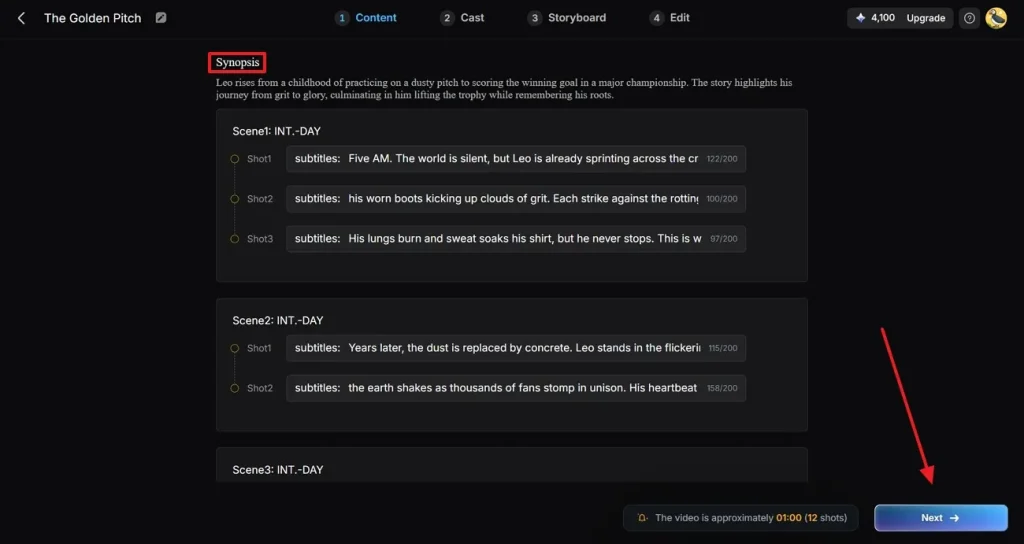
Review each generated scene in the following interface under the Synopsis section. Make any necessary edits to improve the storytelling. Click the Next button to continue to the next step of the video creation process.
Step 4. Choose the Footballer Character
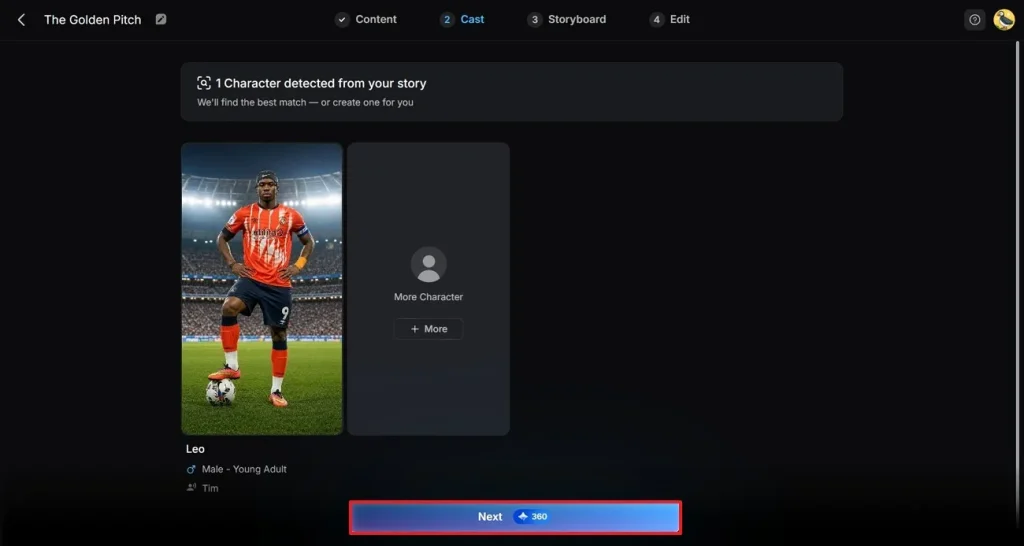
Select the character for your video from the options provided and press the Next button. If you wish to make changes to your character or select your own option, you can tap the character and look for the right option in the My Character section. For adding more characters to your video, use the More Character button for improvising new options.
Step 5. Edit and Modify Character
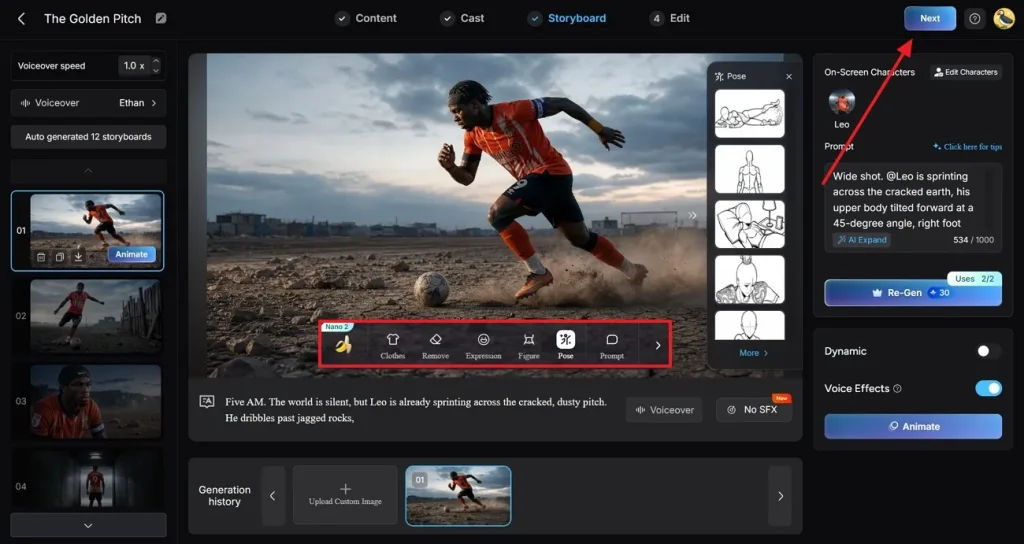
Preview the created storyboard and modify the character, such as clothes and poses. Within the Nano Storyboard window, you can also define the Voiceover speed and Voiceover for your video. Upon confirming all sections, hit the Next button located at the top–right corner.
Step 6. Add Captions and Background Music
Add and modify the captions according to the preferences. Users can also include background music using the available options across Magiclight AI. Press the Generate button in the top-right corner of the screen.
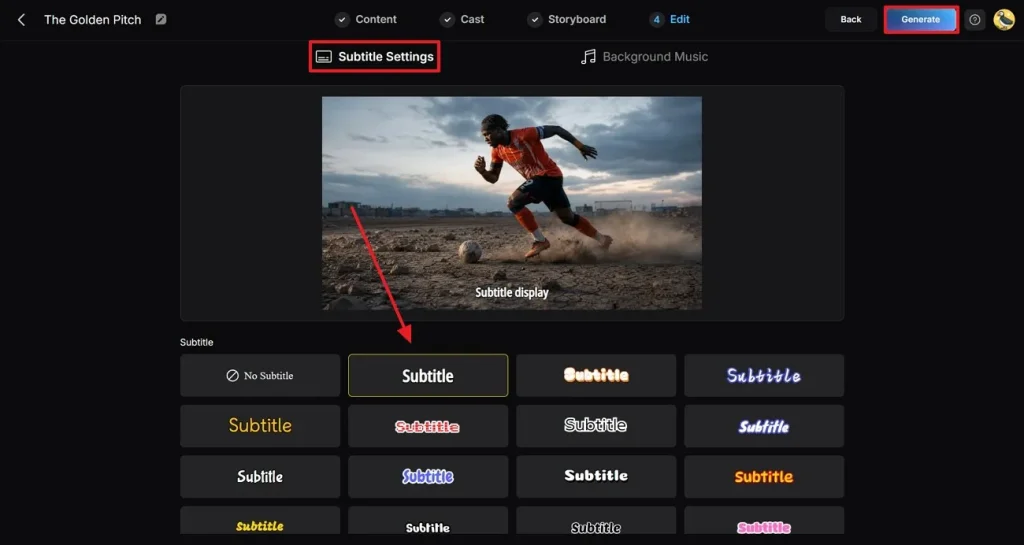
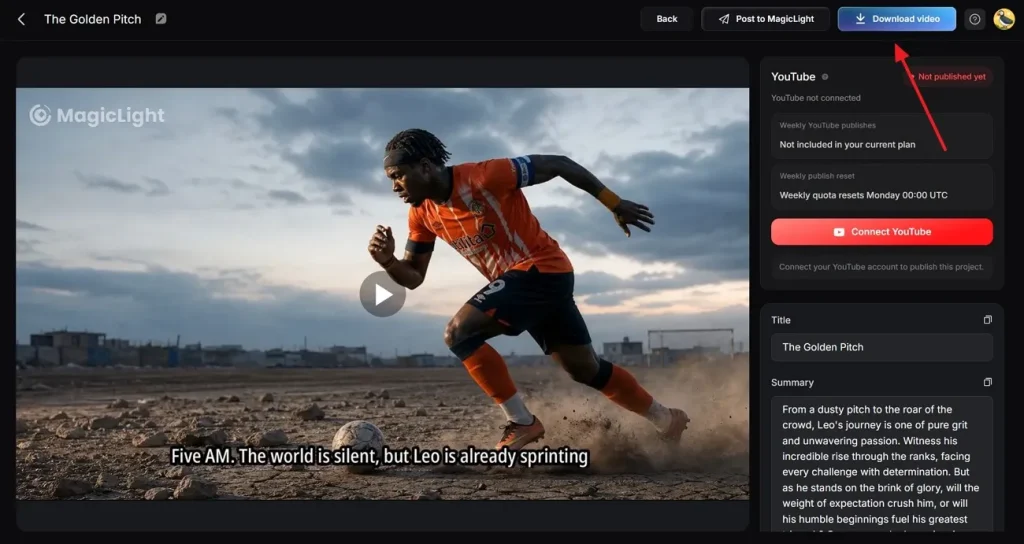
Step 7. Preview and Download Generated FIFA Video
Preview the final video in the following interface and make changes if required. Press the Download button once you are satisfied with the results.
Conclusion
To wrap it up, this article provided a detailed guide for the top 20 Midjourney World Cup prompts. These text prompts let you create everything from dramatic stadium scenes to emotional player portraits. Users can turn simple ideas into cinematic football artwork that feels alive. One such tool that will help you turn football photos into videos is MagicLight AI.
FAQs on Midjourney FIFA World Cup Prompts
1. What styles work best for World Cup AI images?
Cinematic sports photography and dramatic posters are among the most popular styles. These styles help capture the energy and emotions of the game.
2. Can I use Midjourney images commercially?
Commercial usage depends on Midjourney’s current licensing terms, and the subscription plan you are using. MagicLight AI can help enhance them with animation if you want to turn those images into promotional videos.
3. How can MagicLight AI turn Midjourney images into videos?
MagicLight AI transforms Midjourney images into dynamic videos by adding motion. It can convert football posters and match scenes into engaging visual stories.
4. What types of World Cup videos can be created with MagicLight AI?
MagicLight AI can create a wide range of World Cup-themed videos. Users can create match highlights and football storytelling content using this tool. Users can also generate multilingual videos for different audiences.
5. How do I create realistic World Cup images in Midjourney?
Use detailed prompts that include realistic facial expressions and sports photography terms. You can also create consistent football characters and then bring them to life in videos.