Modern audiences expect beautiful videos and fresh content on a regular basis. Because of this, creators now rely on AI tools to create videos faster. Seedance 2.0 is a tool designed for creating videos from prompts and images. Still, users often need more features, different styles, or faster performance. To solve it, this article covers every top Seedance 2.0 alternative to help you choose smarter in 2026.
Part 1. 10 Best AI Video Tools Like Seedance 2.0 (Creator Picks)
Every creator wants a flexible Seedance 2.0 free alternative to improve creative video results. In this section, you will explore the top 10 leading AI tools that deliver genuine creative value:
1. MagicLight AI
Best For: Creators producing long storytelling videos with stable characters and automated workflows.
MagicLight AI works as a strong Seedance 2.0 alternative, as it provides 50+ style options, along with 19 advanced AI video models. For detailed editing, it breaks scenes into micro-actions with timeline-level animation planning control. The tool also synchronizes character lip movements with dialogue and voiceovers for natural animation.
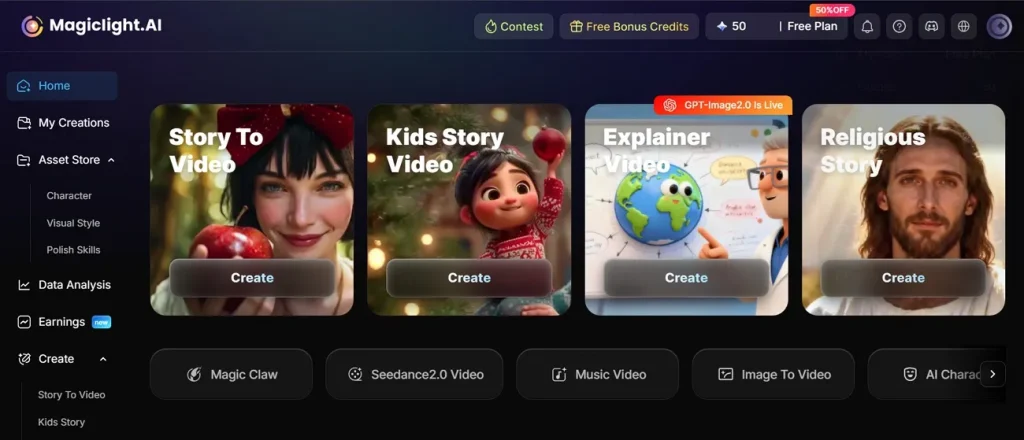
For global creators, MagicLight AI supports 11 different languages for wider content reach. Its simplified workflow helps manage video projects without unnecessary operational complexity. With its Storyboard feature, users can edit each video frame individually and customize character appearance. Additionally, it supports scripts up to 12000 characters for creating longer storytelling videos.
Pros
- Supports video creation up to 50 minutes for detailed storytelling.
- Keeps characters visually consistent across multiple scenes and changing environments.
- Provides realistic cartoon, anime, cinematic, and illustrated visual styles.
Con
- Only offers output resolution up to 1080p.
2. Runway Gen-3 Alpha
Best For: Cinematic video creators needing realism, advanced motion, and polished storytelling.
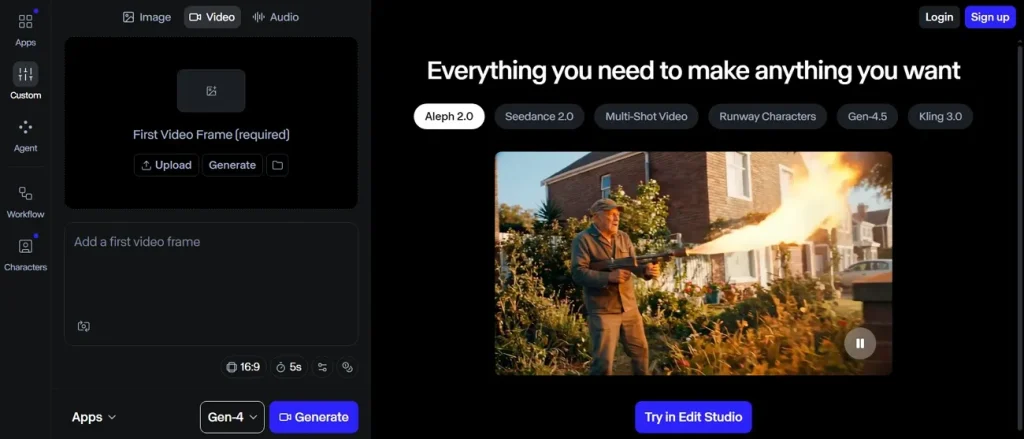
This Seedance 2.0 free alternative works as a multimodal system that supports both text-to-video and image-to-video generation. Moreover, it handles keyframed changes across multiple video moments smoothly. The AI model supports video generation up to 10 seconds in standard mode. While using it, the model uses moderation measures for safer AI video creation.
Pros
- Supports keyframes at start, middle, and end in Turbo mode editing.
- Maintains better visual consistency across generated scenes and video outputs.
Cons
- Misses storyboard tools for structured cinematic video planning workflows.
- Lacks advanced customization for models, motion controls, and editing settings.
3. Kling AI
Best For: Creators producing cinematic and Storytelling multi-scene videos with longer narrative continuity.
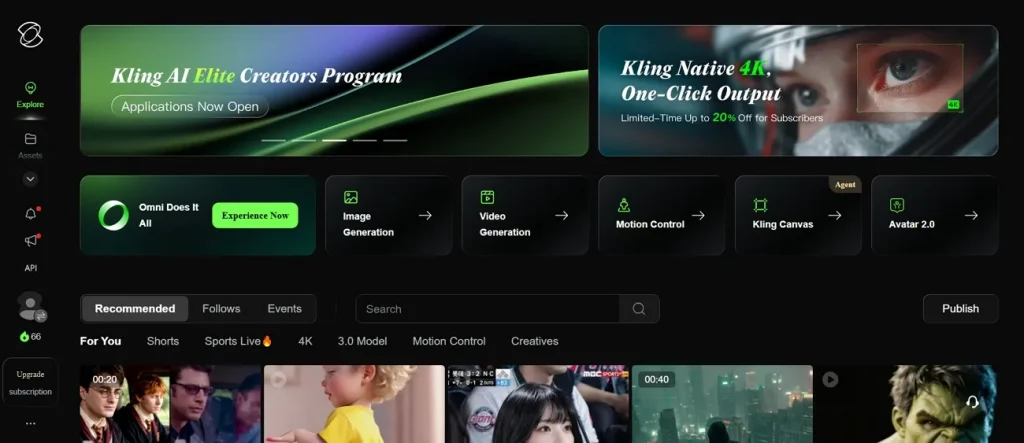
Another Seedance 2.0 alternative is Kling AI, which understands complex prompts using deeper multimodal instruction processing. It matches video scenes with background music for smoother pacing and stronger engagement while generating videos. Furthermore, this platform supports 1080P resolution, providing clear visuals and up to 30 FPS.
Pros
- Enables storyboard-based control and maintains stronger visual continuity across multiple generated scenes.
- Allows video extension up to 3 minutes for longer creative sequences.
Cons
- Longer cinematic workflows can demand more detailed prompt planning and adjustments.
- Scene-heavy projects may require additional refinement for stronger visual consistency.
4. OpenArt
Best For: Producing polished short videos with realistic motion and cinematic camera control.
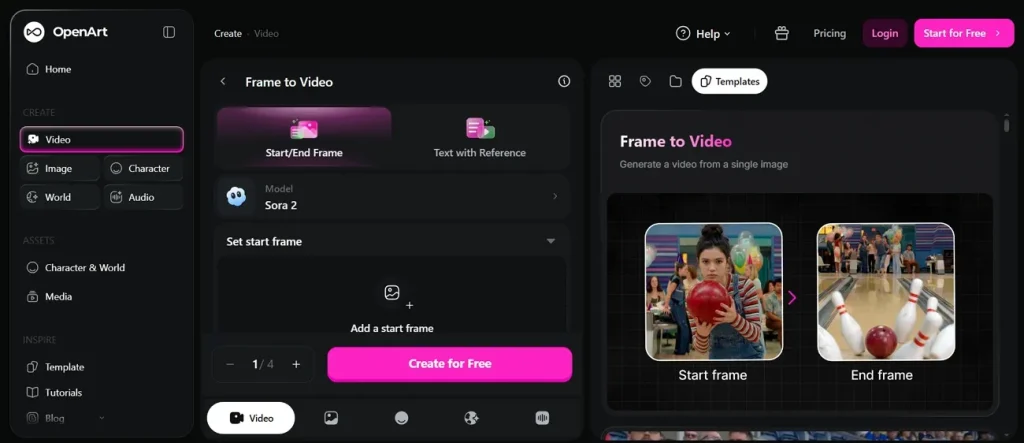
It is built for creators and social media, creating looping videos for social and creative projects. For precision, this system uses multi-frame processing for stable motion and improved scene continuity. As a Seedance 2.0 free alternative, OpenArt adds C2PA metadata for generated video transparency measures.
Pros
- Matches video scenes with synchronized dialogue audio and sound effects.
- Supports 30 FPS and 60 FPS and maintains character continuity across scenes
Cons
- Longer video sequences may reduce consistency across highly detailed cinematic scenes.
- Extended scenes may show weaker effect consistency during generation.
5. Google Veo 3
Best For: Cinematic short videos with native audio generation, strong realism, and precise prompt control.
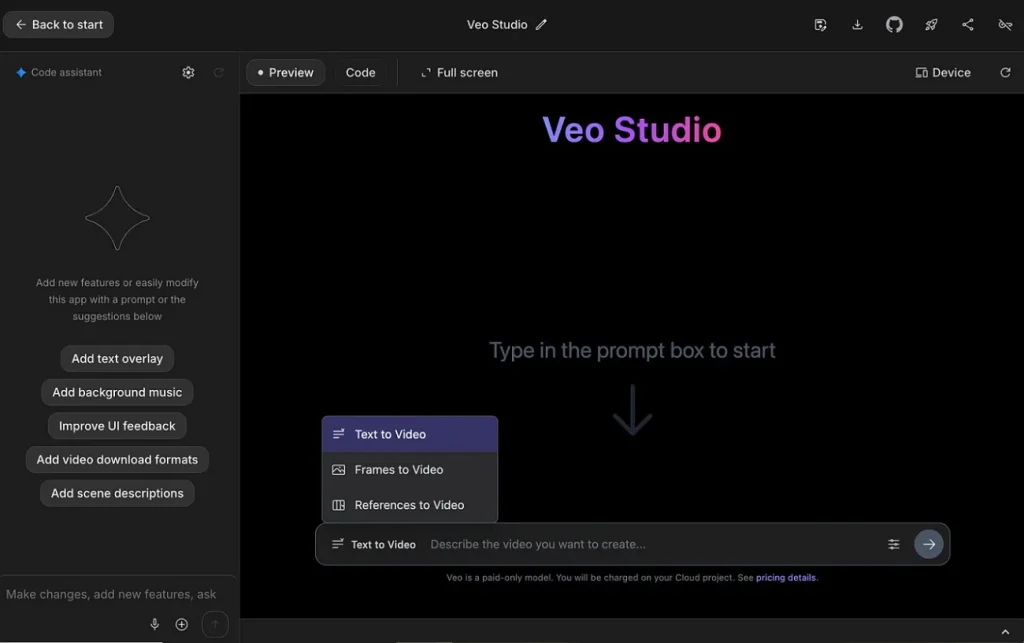
For creators aiming to achieve cinematic-style visuals, Google Veo 3 simulates real-world physics to achieve more natural motion. Plus, it enables guided camera movements and improves prompts for better structured video generation output. The tool even generates up to 4 videos per single prompt request, making it the best Seedance 2.0 alternative.
Pros
- Produces synchronized native audio, including dialogue and immersive sound effects.
- Allows up to 3 reference images to guide the content of your generated AI video.
Cons
- Video duration is limited to 8 seconds for most generated outputs.
- Complex scenes often require multiple prompt refinements for better visual accuracy.
6. Pika
Best For: Fast social media videos and stylized short creative clips with adjustable effects
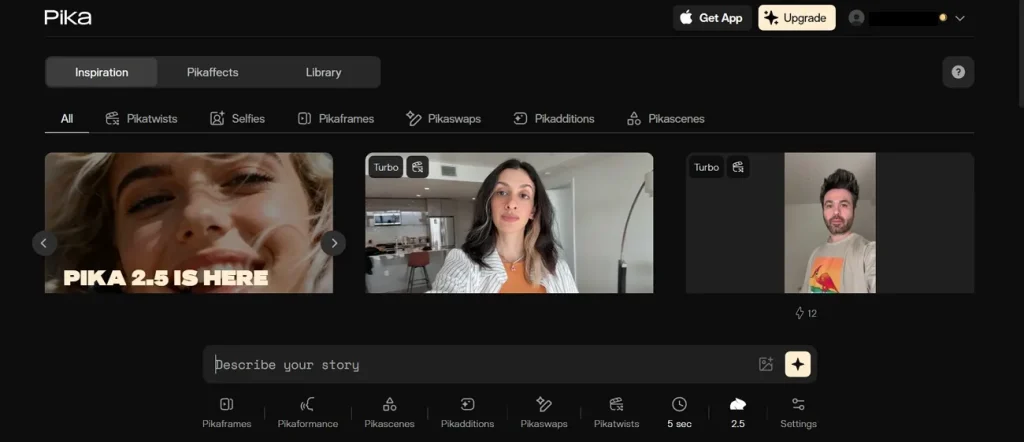
Pika supports text-to-video, image-to-video, and keyframe-based generation to create smooth transitions using AI processing. It has a Pikaframe system that supports extending videos up to 25 seconds. After generating AI videos, users can export high-quality output up to 1080p resolution, making it a strong Seedance 2.0 free alternative.
Pros
- Replaces objects or subjects inside generated video content seamlessly for edits.
- It accepts 3 formats, including text, image, and video inputs.
Cons
- Some effects may reduce realism in professional video production contexts.
- Complex storytelling often requires multiple separate video generations for completion.
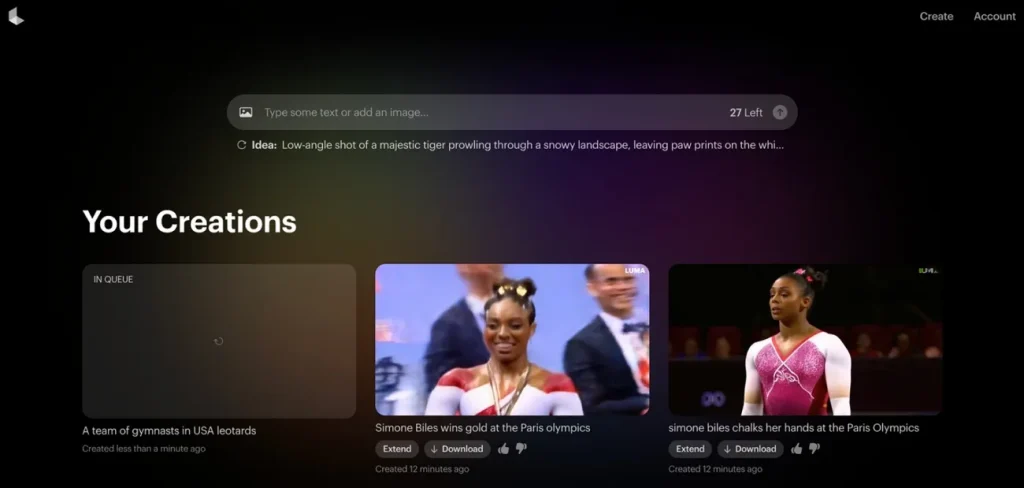
7. Luma Dream Machine
Best For: Creators producing short cinematic clips with strong visual consistency and motion realism.
Creators can use this Seedance 2.0 alternative to turn prompts into dynamic clips that feel cinematic and atmospheric. Additionally, Luma Dream Machine uses the Ray3 system to simulate 3D physics across motion frames. With its Scene Refinement features, users can make adjustments for improved cinematic video quality.
Pros
- Enables storyboard-style visual organization systems for structured video creation.
- Maintains consistent character identity across different video shots seamlessly.
Cons
- Requires multiple iterations for highly detailed cinematic video scene refinement.
- Complex prompts may still produce inconsistent or unexpected video outputs.
8. Higgsfield MCP
Best For: Developers and creators building automated cinematic AI workflows using agents for scalable video generation
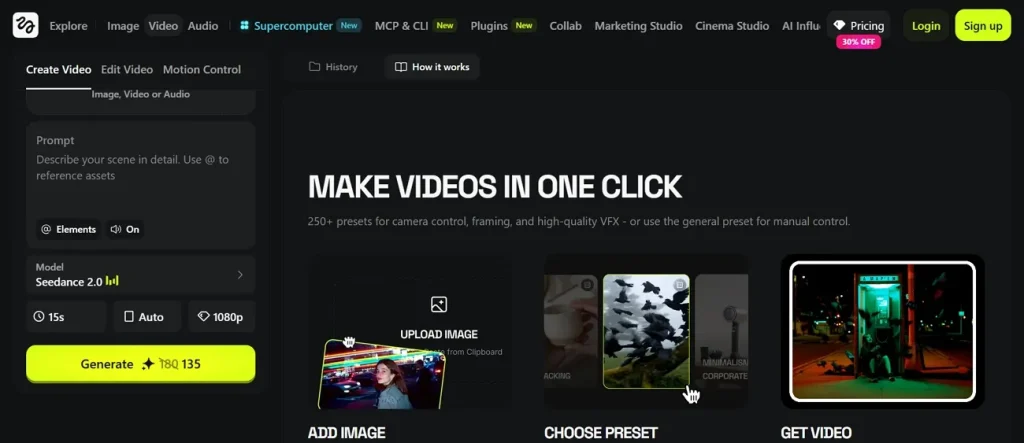
Users can also use Higgsfield MCP, which supports multiple AI models, including Kling 3.0 and Wan 2.7, to create videos. As a strong Seedance 2.0 free alternative, it maintains consistent characters across multiple image and video outputs. The platform offers various aspect ratios while generating videos up to 15 seconds.
Pros
- Offers 250+ cinematic presets for controlled and consistent visual generation results.
- Generates multiple images and videos within a single processing task.
Cons
- Performance varies depending on prompt detail and structured input quality.
- Cinematic outputs may require refinement for improved visual consistency results.
9. DomoAI
Best For: Creating stylized anime edits and talking avatar content with strong visual transformations.
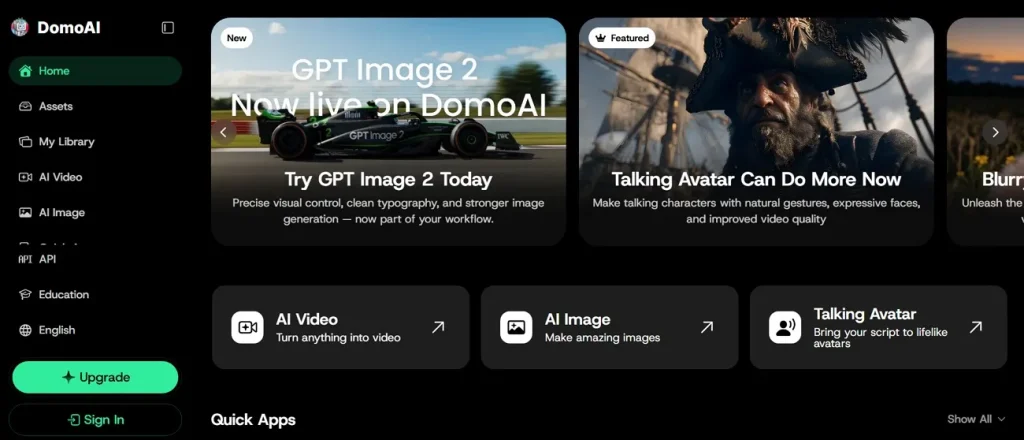
This AI innovation creates lip-synced talking avatars from images and audio input. Moreover, it accepts 3 input types, including text, image, and video, for creation, making it a strong Seedance 2.0 alternative. DomoAI supports frame-to-video and character-to-video generation for smooth motion creation. In addition, the platform keeps the original video structure and movement while applying new artistic styles.
Pros
- Supports more than 30 styles, including anime, cartoon, and creative transformations.
- Animates characters using reference videos to replicate realistic human movements.
Cons
- Limited maximum video duration up to 30 seconds reduces long-form storytelling potential.
- Complex animations may require multiple prompt refinements for accuracy.
10. InVideo AI
Best For: Marketers, creators, and businesses producing long-form branded videos with automated workflows.
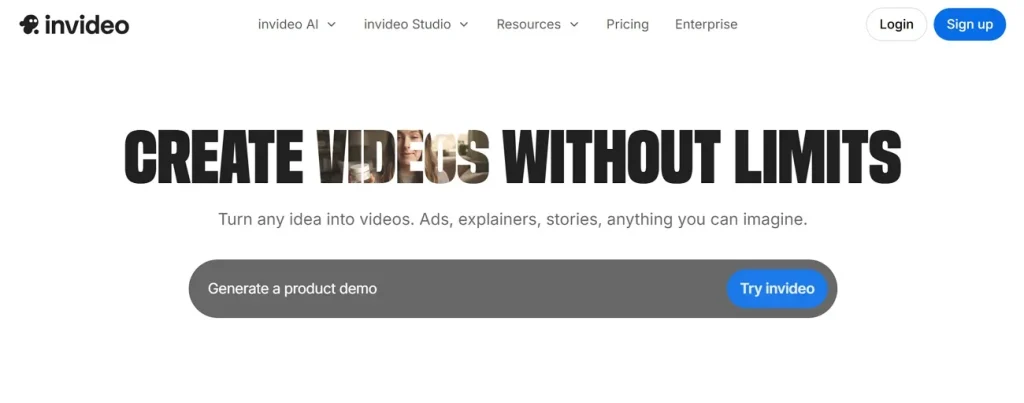
While exploring the Seedance 2.0 free alternative, this platform generates and edits videos directly from any online webpage content. Its AI automatically aligns visuals and assets to ensure consistent video storytelling. Moreover, users can generate up to 30-minute-long videos by using its latest video V4 agent.
Pros
- Supports reference images for consistent character and style control outputs.
- Offers strong keyframe and frame-based animation control tools for videos.
Cons
- Heavy automation may reduce detailed creative control for professional users.
- Long videos require careful prompt structuring for optimal generation results.
Part 2. Best Seedance 2.0 Alternatives Compared Side by Side
Every Seedance 2.0 alternative offers unique strengths that suit different video creators. Thus, read the given table below to evaluate tools in a side-by-side comparison overview:
| Tool | Video Length | Scene Control | Character Consistency | Motion Quality | Audio Support |
| MagicLight AI | 50-min videos | Frame storyboard | Highly stable | Cinematic smooth | Voiceover sync |
| Runway Gen-3 Alpha | 40-sec clips | Keyframe control | Strong continuity | High realism | Limited audio |
| Kling AI | Multi-scene videos | Storyboard control | Scene consistency | Cinematic motion | Music sync |
| OpenArt | Short clips | Multi-shot control | Persistent chars | Realistic physics | Dialogue audio |
| Google Veo 3 | Up to 8 seconds | Camera control | Stable chars | Physics motion | Native audio |
| Pika | 25-second motion clips | Frame control | Moderate consistency | Stylized motion | Basic audio |
| Luma Dream Machine | Around 10 seconds | Board control | Strong reference | Physics motion | No audio |
| Higgsfield MCP | Up to 15 seconds | Agent workflow | Cross-shot stable | Cinematic presets | Speech video |
| DomoAI | 30-sec videos | Video style edits | Character reuse | Smooth animation | Lip sync |
| InVideo AI | 30-min videos | Script control | Brand consistency | Template motion | Voiceover tools |
Part 3. Why MagicLight AI Is the Better Alternative to Seedance 2.0
MagicLight AI stands out as a powerful Seedance 2.0 free alternative for creators. Below are key points showing why it delivers stronger video generation results:
- Story Automation: An automated storytelling system builds a full narrative structure from simple user input ideas. It reduces manual planning time while improving overall story coherence and flow.
- Scene Logic: Scene sequencing follows intelligent logic, ensuring smoother visual storytelling across the entire video. Such a structure helps maintain clarity when transitioning between multiple actions or environments.
- Character Memory: Character profiles remain stored for reuse across multiple videos and projects consistently. So, it maintains identity continuity across long storytelling or series production.
- Motion Accuracy: Motion rendering ensures smooth transitions between actions without unnatural frame disruptions. This improves realism, especially in character-driven or dynamic scene compositions.
- Music Library: Searching for external background music wastes valuable creative time unnecessarily. Over 40 background music tracks are already available directly inside the platform.
Conclusion
In summary, this article covered the top 10 options for creators seeking a strong Seedance 2.0 alternative. Each tool brings its own set of features that fit different budgets and creative workflows. However, one platform that delivers a truly complete experience for creators is MagicLight AI. It offers diverse generation models, a long-video format, and a simplified end-to-end workflow.
FAQs on Seedance 2.0 Free Alternatives
1. Which AI tool is like Seedance 2.0?
Several strong tools work just like Seedance 2.0 for video creation. Runway, Kling AI, and MagicLight AI are among the closest matches available. Each tool offers cinematic video generation with different controls, styles, and workflow strengths.
2. Is Seedance 2.0 free to use?
Seedance 2.0 does not offer a fully free plan for all users. In contrast, MagicLight AI is a better option as it gives complimentary credits to generate videos. You get more features and longer video support without spending a lot more.
3. Which tool gives the most realistic AI videos?
Realistic video quality depends on the models and styles a tool supports. MagicLight AI uses models such as Google Veo 3 and Seedance 2.0. This combination makes it one of the strongest tools for realistic video output.
4. What is the alternative to Seedance 2.0?
There are many excellent options for replacing your old editing system. Tools like Runway Gen-3 and Kling AI offer wonderful video generation features. It gives creators more control, more styles, and a simpler overall production process.

![How to Write a Script for a Short Film in 2026 [Beginner’s Guide]](https://magiclight.ai/wp-2/wp-content/uploads/short-film-screenplay-writing-guide-300x169.webp)