With 1500-Character PromptMake Photos Sing
Start with an image and animate it with automated lip syncing, with the assistance of 1500-character prompt. Define the mood and environment, and get your photo sing or talk with no lag.
Create Now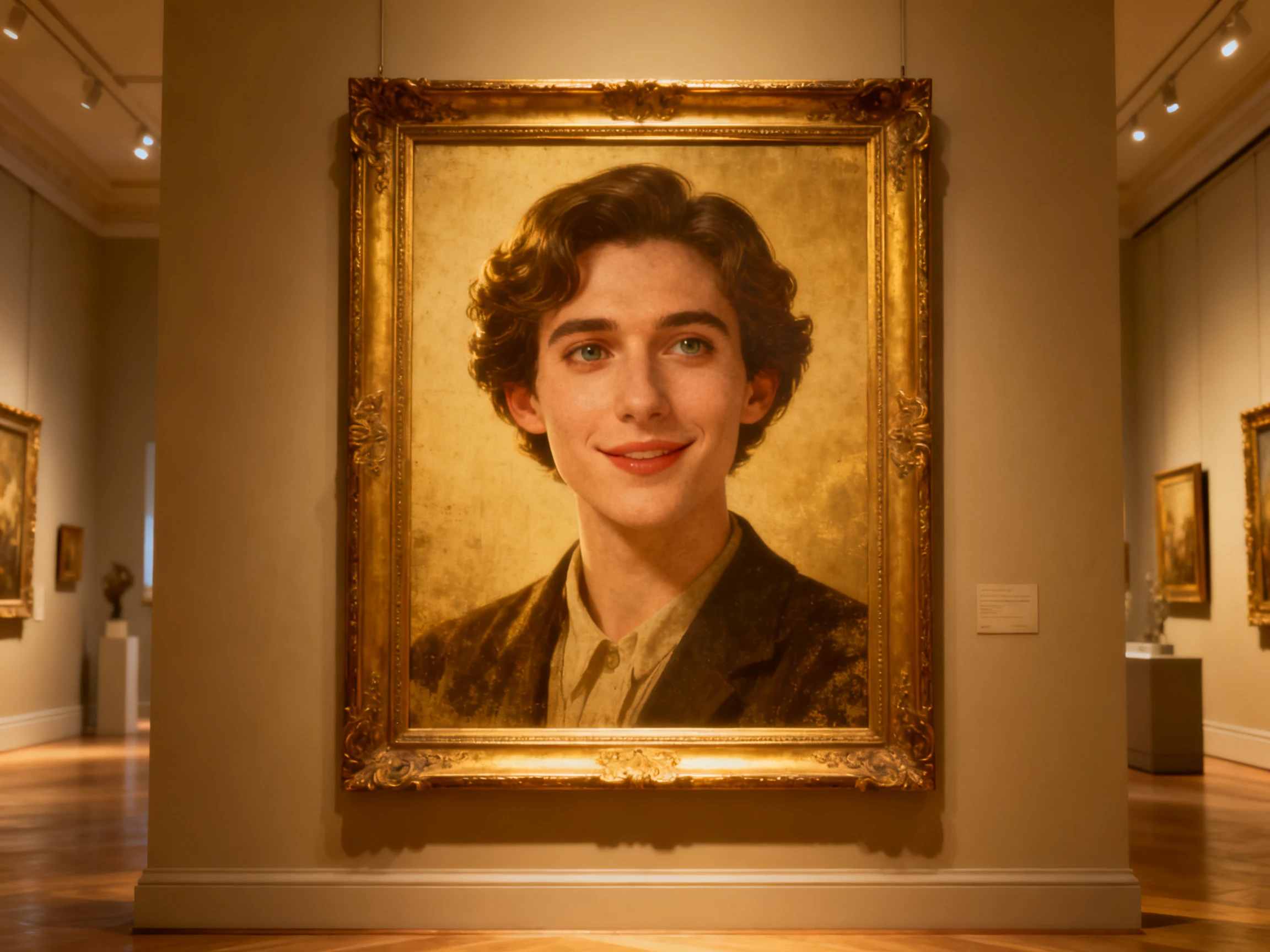

Get natural lip syncing animation with Magiclight AI matching mouth movements to speech while you control the reactions. No animation experience or manual editing needed.
Create Auto Lip Sync For Free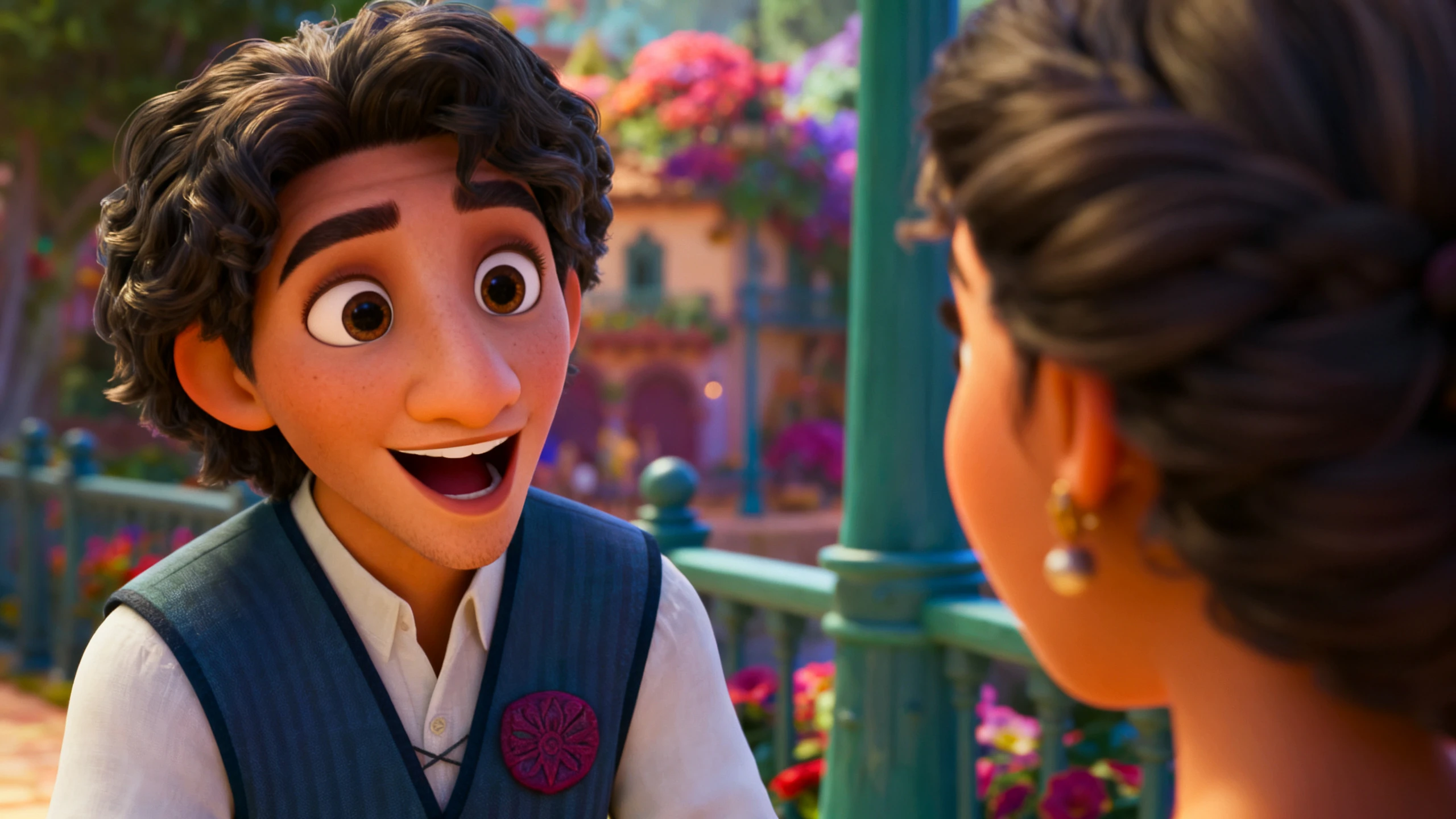










See how Magiclight AI splits lip sync mouth animation between what it handles and what you set. Draft the lines, run the timing, then take over the reactions.
Start with an image and animate it with automated lip syncing, with the assistance of 1500-character prompt. Define the mood and environment, and get your photo sing or talk with no lag.
Create NowUse 12,000-character scripts to create detailed videos using different characters and avatars. Magiclight AI helps in matching the mouth movements of avatars with the audio, creating a comprehensive lip-syncing experience.
Create Characters.webp)
Change the overall environment of your video using 16 different animation models, while ensuring the animations talk with proper lip-sync. Magiclight AI ensures the animations have no mismatches in final results.
Generate a Video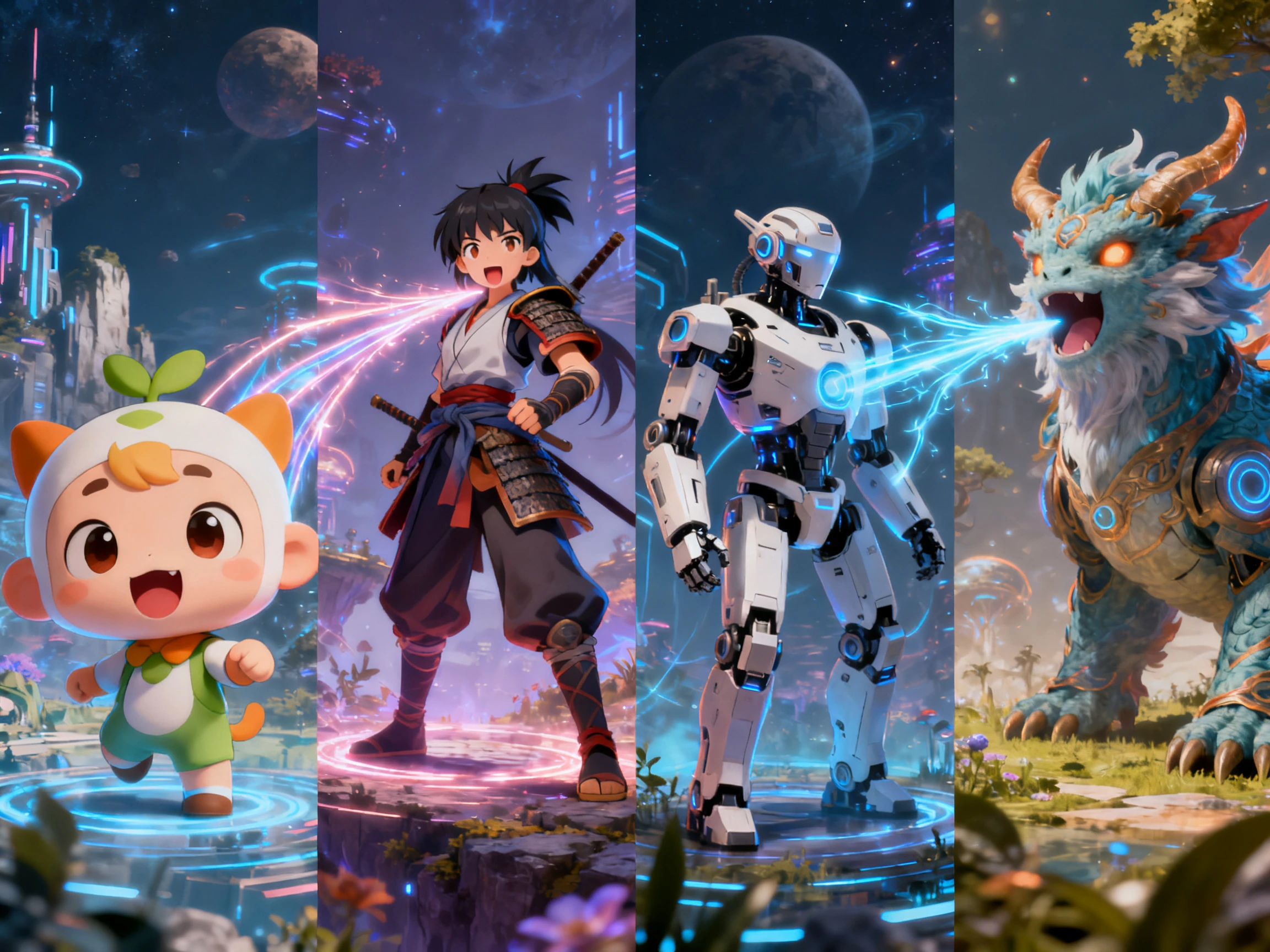
Captions usually mean a second pass in a different tool. Magiclight AI takes them from the same script the mouth is timed against, so the 16 subtitle settings are only a style choice at the end.
Start Creating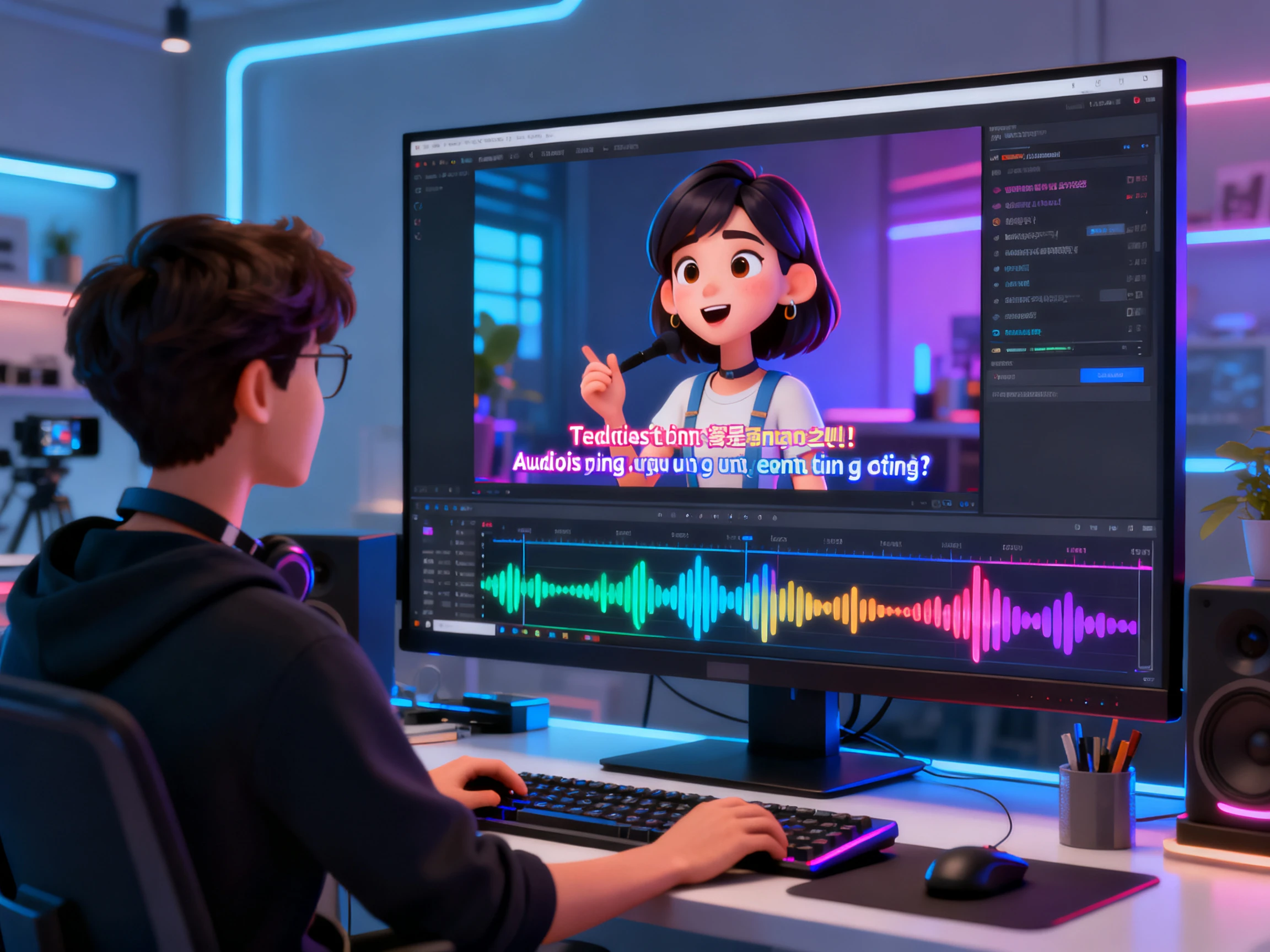


Try free lip sync animation in a simple 4-step workflow. Magiclight AI takes care of the speech timing, while you decide how the character looks and reacts on screen
Add the 12,000-character script across the platform and choose the major video settings including the voiceover or voice cloning option.
While you finalize the scenes for the video, continue to select the character for executing the lip syncing process.
After managing all frames across the Nano Storyboard, run the scene and let Magiclight AI match the mouth movements to the sounds in the speech.
Check the finished talking character, make any needed adjustments, and export the animation from Magiclight AI when everything looks right.
Animation Student
I had a deadline and no budget for animation software. The free credits in Magiclight AI gave me enough to test my first talking scene that same evening.
Freelance Designer
Getting the mouth timing right used to take most of my attention. Now I let Magiclight AI handle the sync while I spend more time on how the character reacts.
Copywriter
I knew how to write the dialogue but not how to turn it into animated scenes. I started with my script and used Magiclight AI to help move it into a visual story.
Community Manager
We post a short skit every week and there is never any time to animate one. Magiclight AI runs the whole scene through in a single afternoon.
With lipsync AI free, Magiclight AI matches mouth movements to the speech automatically, while you control the character’s poses, reactions, and framing.
You write or generate the dialogue and pick a voice, and that is the whole input. Magiclight AI handles the rest of the mouth work, so nothing here needs animation training.
Yes, in the browser with no install. Signing up releases a batch of free credits without a card, which covers a first talking scene in Magiclight AI end to end.
Credits rather than unlimited use, which is worth knowing up front. They cover building a scene and watching it back in Magiclight AI, and they run out rather than renewing endlessly.
Not on free credits. Commercial use of anything made in Magiclight AI sits behind the paid tiers, so a project you intend to monetize needs one of those first.
It holds better than volume-driven flapping, which is what a lot of automatic sync actually does. Magiclight AI works from the sounds themselves, so a quick line still lands on the right shapes.



Two halves, and only one of them is yours. Magiclight AI drafts the lines, casts the voice, and times every mouth, then leaves the reactions to you.