12,000 Characters to lay out the quest
Give MagicLight Agent the destination and a few places the hero must cross. It can use up to 12,000 characters of story input, leaving room for obstacles, clues, rivals, and the final goal too.
Create Now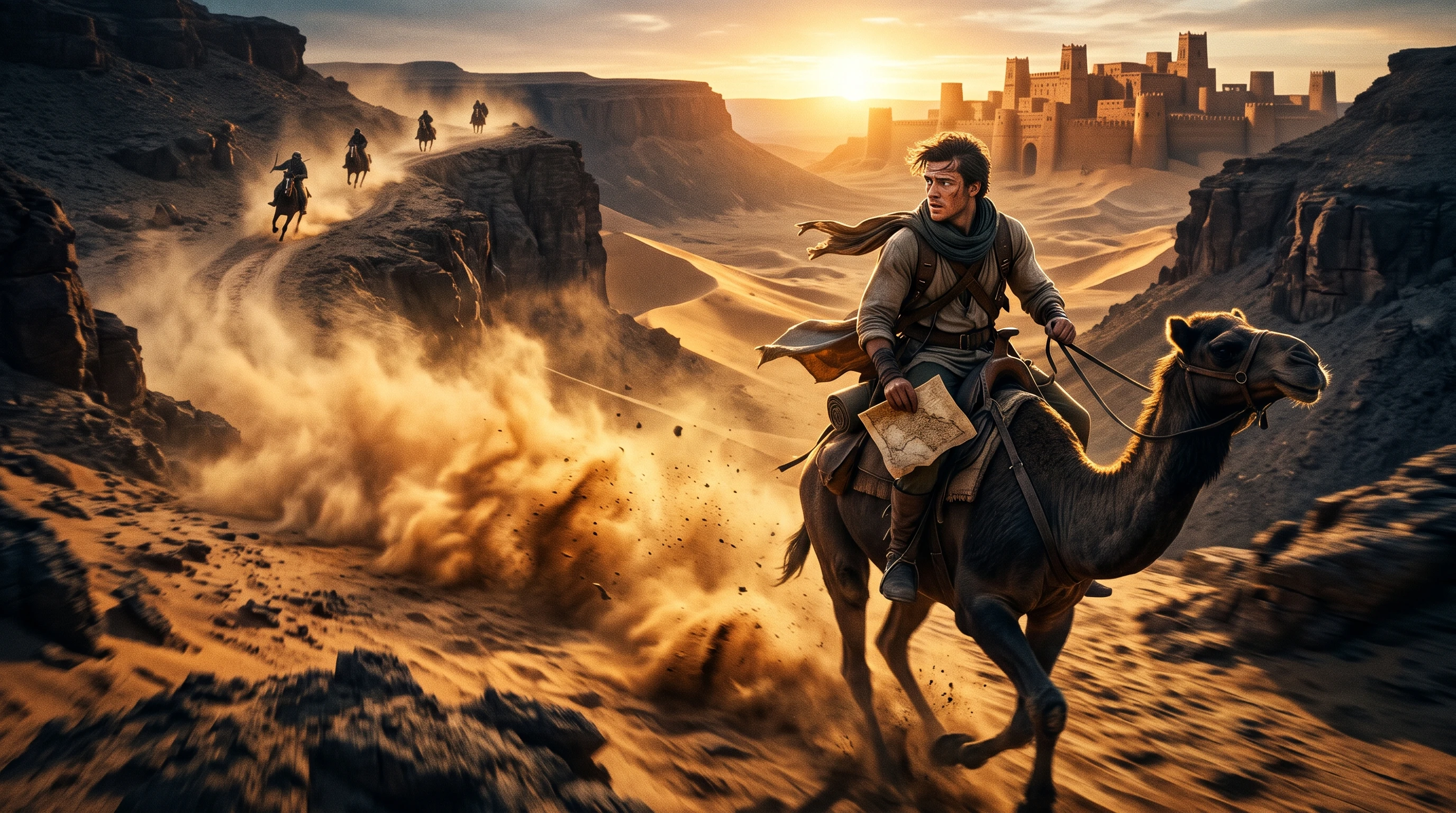

Turn your adventure ideas into exciting story videos with Magiclight AI. Bring your characters and stories to life with engaging scenes and narration. No video editing skills needed.
Create an Adventure Story for Free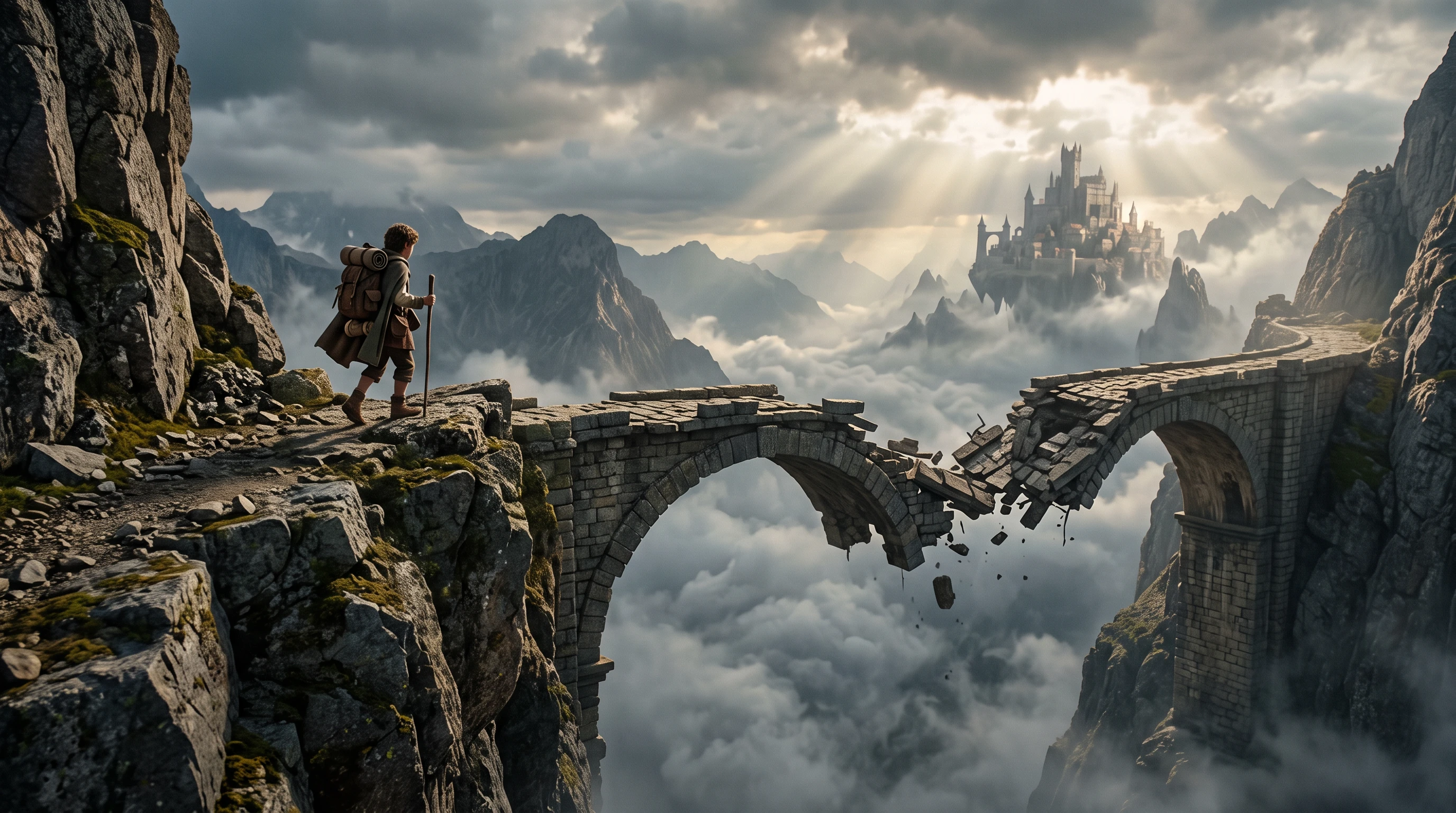










Before the hero reaches the prize, the route has to test them. The adventure story generator turns each stop into a new part of the quest, keeping the journey moving all the way.
Give MagicLight Agent the destination and a few places the hero must cross. It can use up to 12,000 characters of story input, leaving room for obstacles, clues, rivals, and the final goal too.
Create NowAction scenes need more than a standing character. In Nano Storyboard, choose from 50+ poses to show the hero climbing, running, falling, hiding, or reaching for something just out of reach.
Create Characters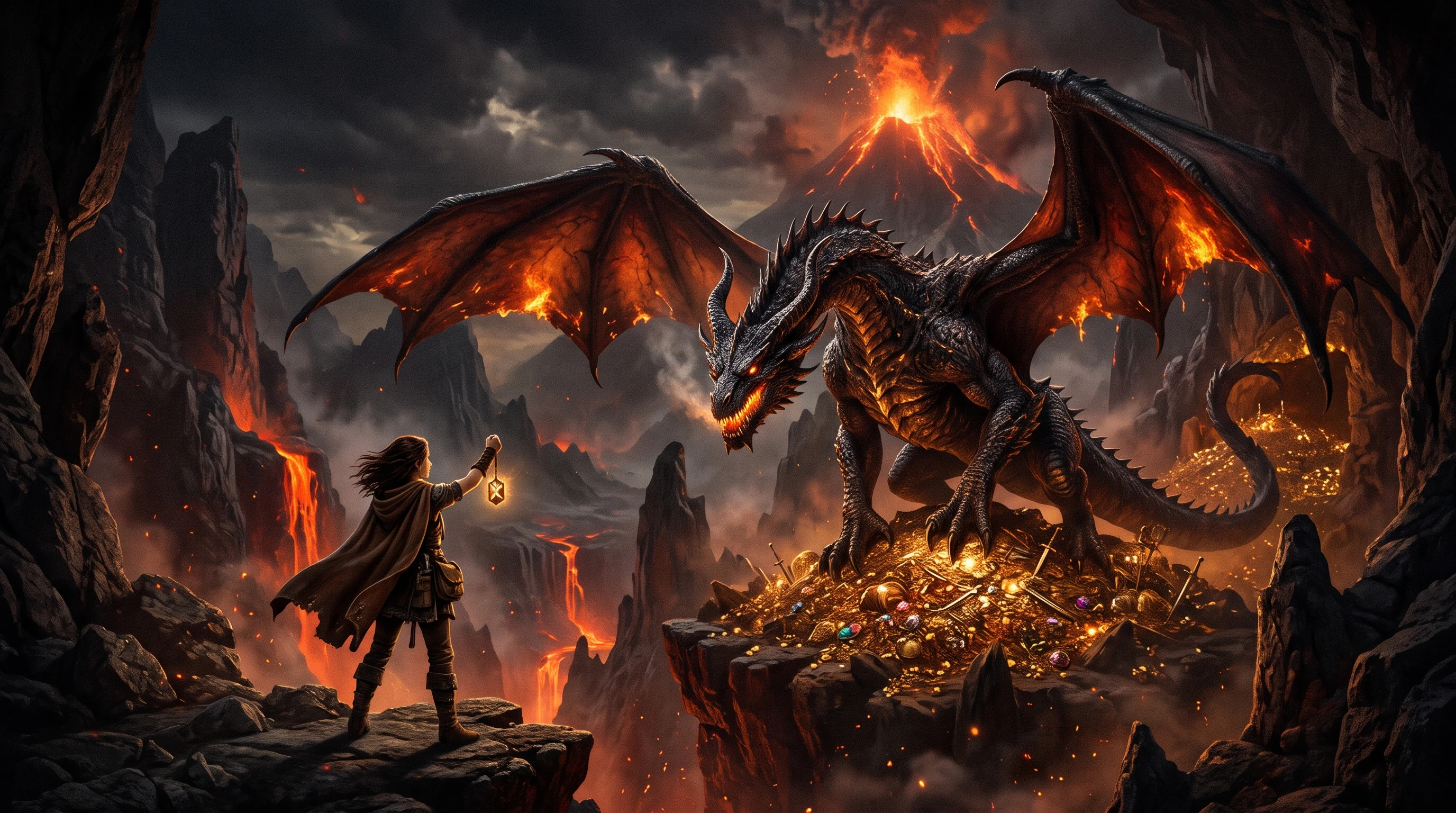
A wide canyon and a vertical cliff need different frames. Magiclight AI supports 16:9 for broad landscapes and 9:16 for tall scenes, so the route can fit the screen instead of feeling squeezed.
Generate a Video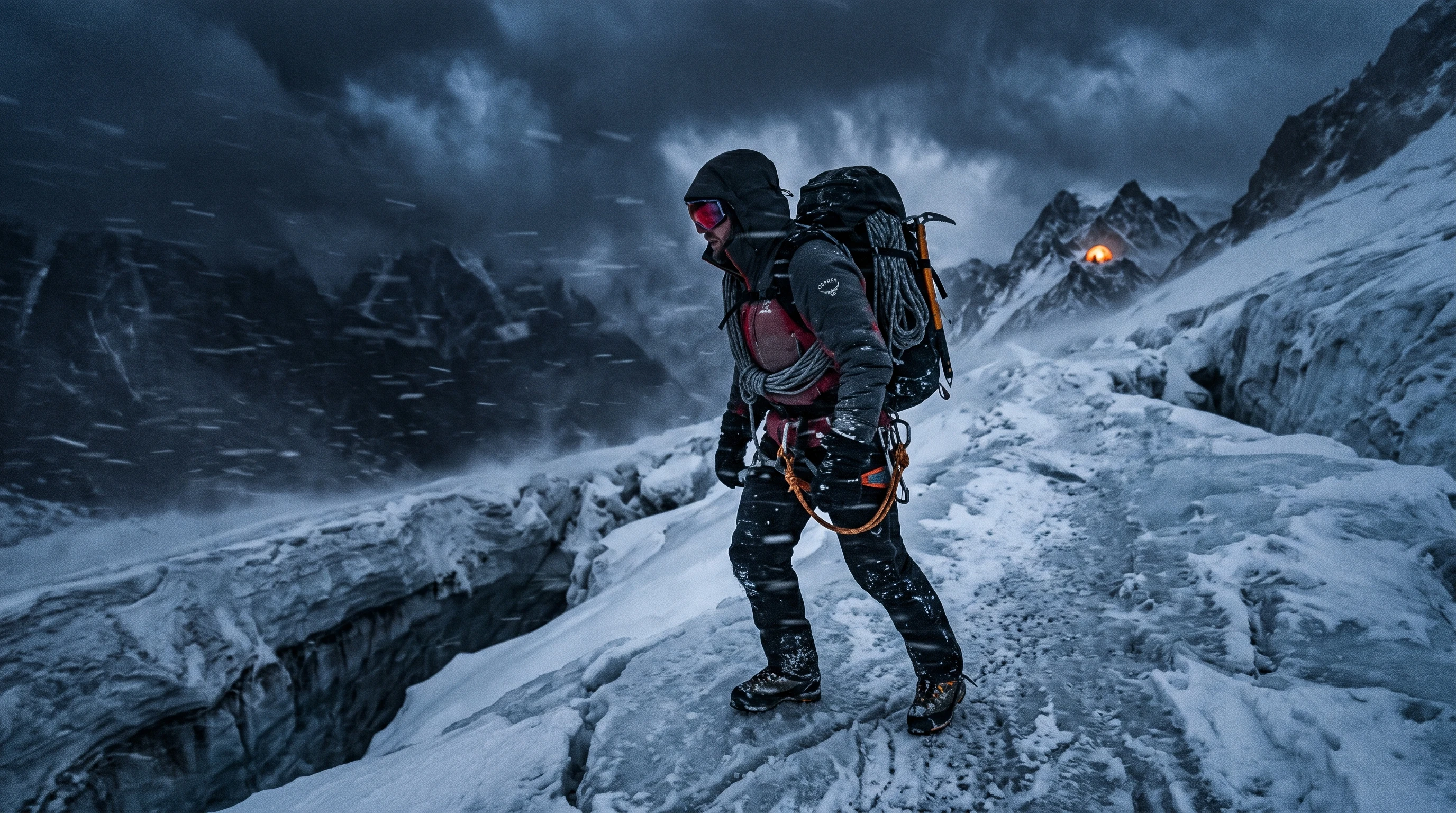
Music can change how quickly a scene feels even when the action stays the same. Pick from 40 music options in Magiclight AI to give a chase, quiet discovery, or final approach the right energy.
Start Creating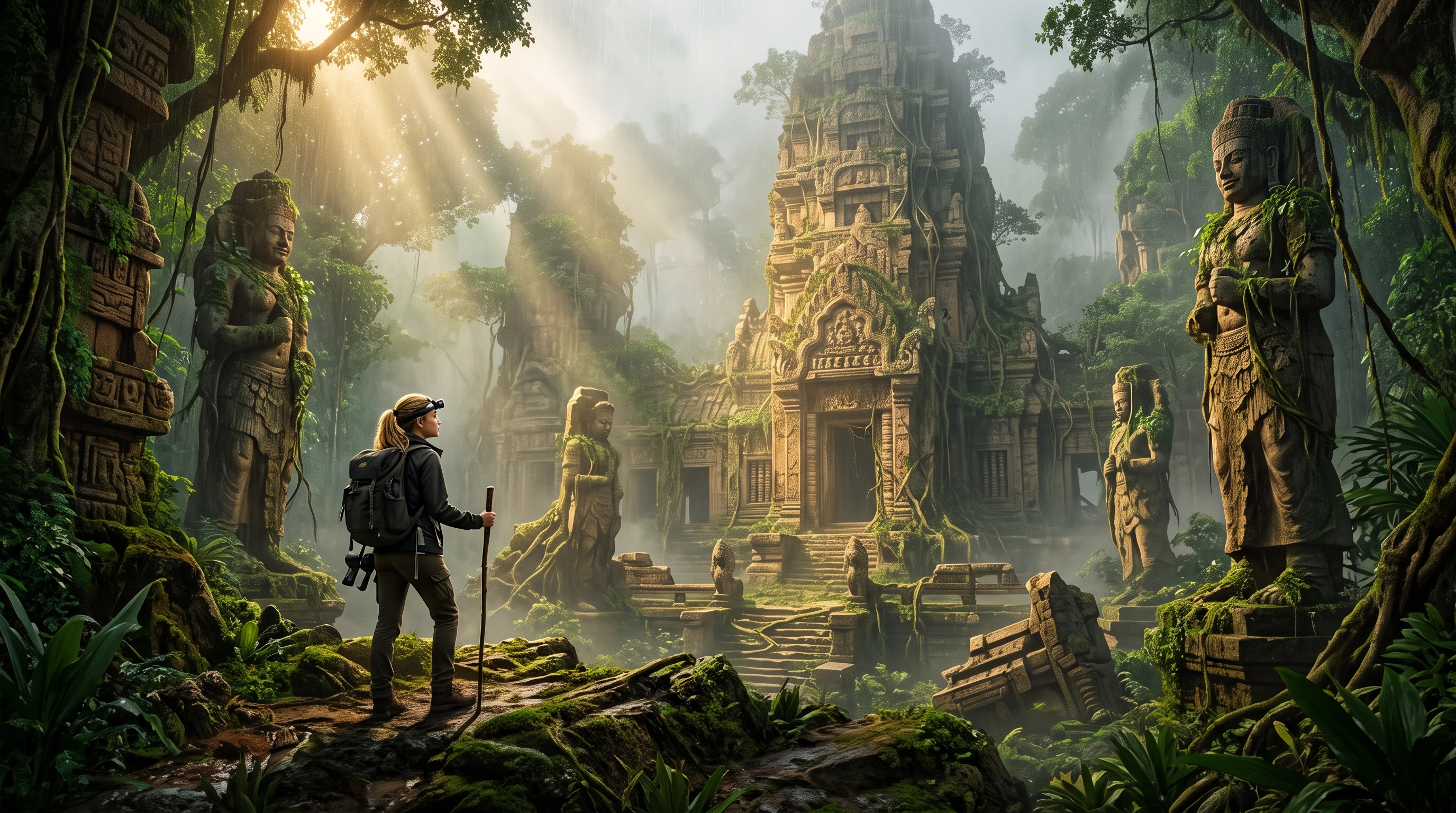


A good quest keeps putting something between the hero and the finish. Follow 4 steps in the adventure story generator to picture the action and give the journey its sound.
Set the destination and stops in MagicLight Agent, with up to 12,000 characters for the routes, clues, setbacks, and the problem your hero must face before reaching the end goal.
Select from 52+ visual styles in Magiclight AI to suit the terrain. Try Picture Book for the lost jungle or Realistic when the journey crosses mountains, ruins, or rough terrain.
Go through Nano Storyboard stop by stop. Use its 50 positions to place the hero running, climbing, crouching, or reacting when a dangerous part of the route appears next.
Give the quest a gritty sound with 40 background music options. Preview the scenes so the chase, discovery, and final scenes have the right pace too before exporting.
YouTuber
I use Magiclight AI to test quest ideas before filming. Seeing each stop become a scene helps me catch slow parts, change the route, and keep viewers interested right to the end.
Teacher
For class writing exercises, Magiclight AI makes plot structure easier to show. My students can see how each obstacle changes the journey instead of only reading it on paper now.
Game Designer
When I test a new quest, I map the main beats first. Magiclight AI then helps me see where the action drags, where a clue belongs, and whether the final ending works really well.
Content Creator
I can take a rough adventure idea into Magiclight AI and see how it plays as scenes. That makes it easier to adjust the route before I share the finished video with my audiences.
Not inside one video, since a video plays straight through. Make each path in Magiclight AI its own video, then link them with YouTube end screens, which do not work on videos made for kids.
For a short video, three to five, with one problem at each. Magiclight AI adventure story generator keeps them in order, so save the hardest danger for the last stop before the treasure.
Yes. Put a real place in the prompt, such as the Amazon River or Iceland's black sand beaches, and Magiclight AI draws it from that description. Landmarks will not match photos exactly.
No. An adventure is about a journey and its dangers, with or without magic. Fantasy builds on magic or an invented world. Say which one you want in Magiclight AI, or mix the two.
Enough to cheer about, like a shaky rope bridge, with no one badly hurt. Check the Magiclight AI script first, and swap anything too scary, like a cave of snakes, for a gentler problem.
Yes. Set up the hero as a saved character in Magiclight AI, then use that character throughout the adventure. You can still change the outfit or pose when the setting calls for it.



Send your hero somewhere worth exploring. Add the route, obstacles, and final goal, then let the adventure story generator carry the journey from the first scene to the finish.