
Explore Features of Magiclight AI’s Talking Avatar Video Generator
Avatar videos need more than a speaking face. Magiclight AI combines character setup, voice delivery, templates, and export so each avatar stays consistent across content online.

Magiclight AI gives creators, educators, and brands a free AI talking avatar video generator with saved avatars, voice cloning, and unique templates. Add a topic to begin.
Create Talking Avatar Videos Free
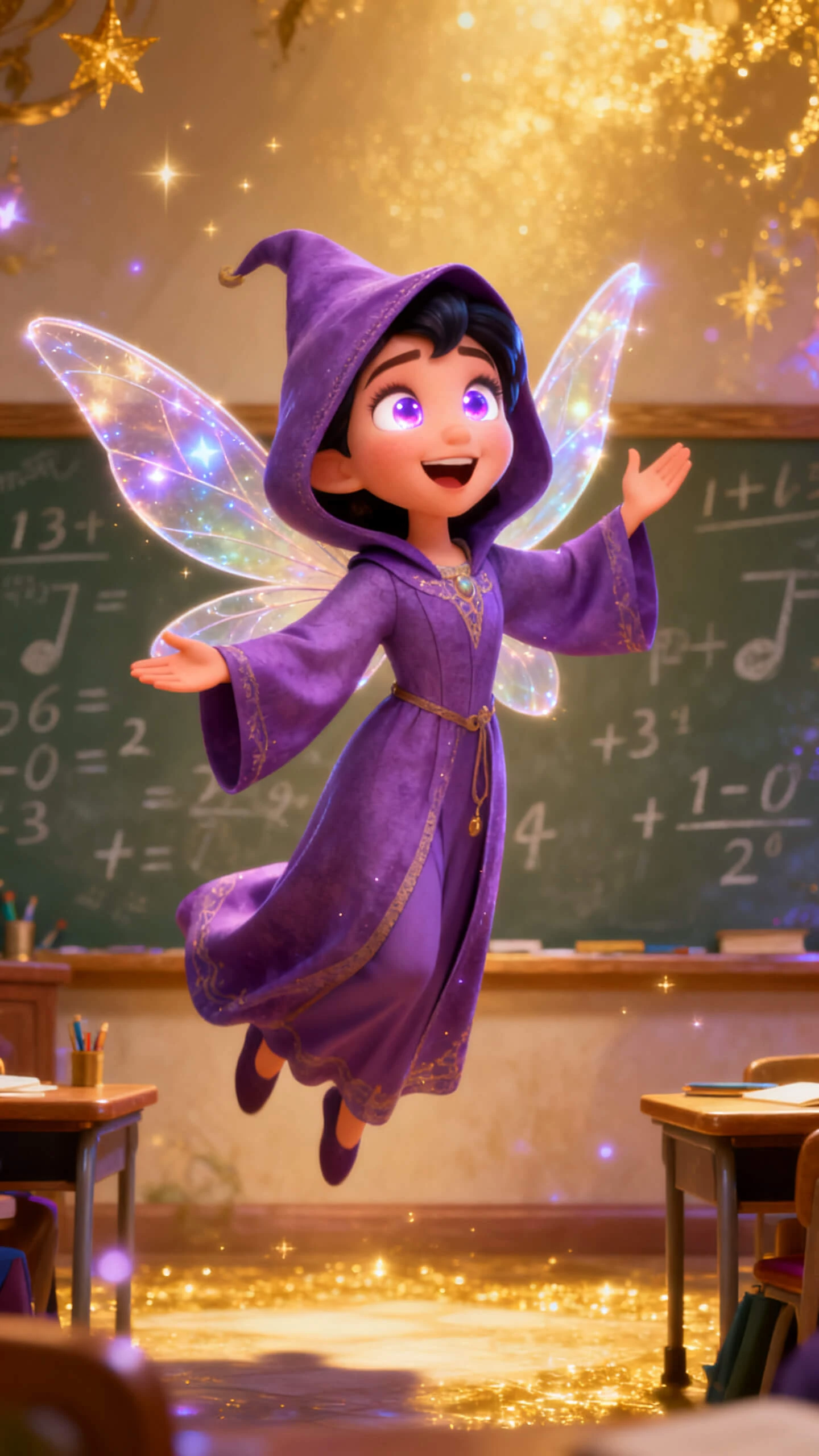
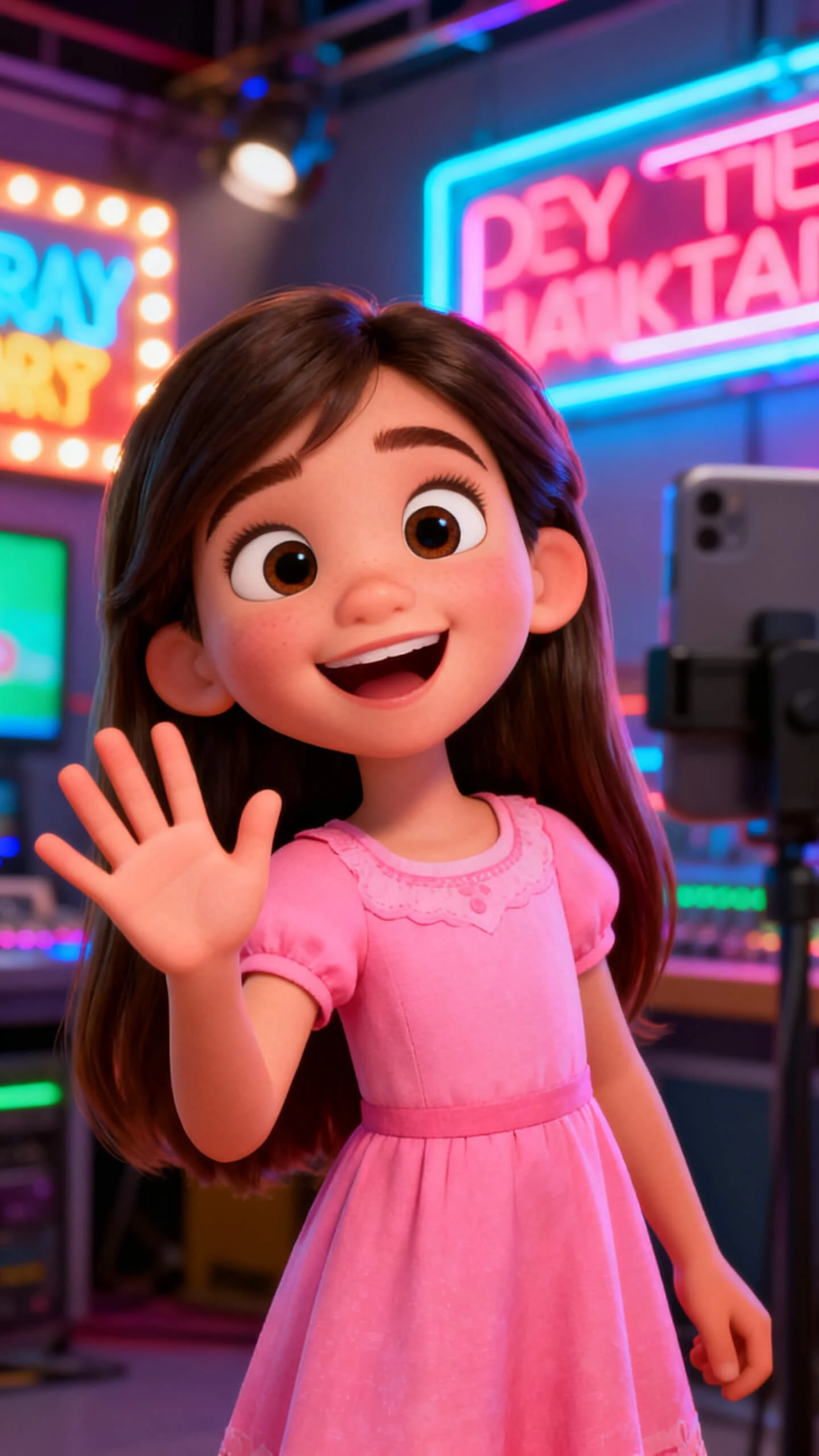
Avatar videos need more than a speaking face. Magiclight AI combines character setup, voice delivery, templates, and export so each avatar stays consistent across content online.

Character vlog turns a topic up to 500 words into a speaking avatar, with scripting, voice delivery, and export handled in one guided session.
Build an avatar from a name and prompt, then save it in the character library so the same face returns across future videos in your series.
Choose from 37 voices or clone your own, giving the avatar a steady sound that stays recognizable across lessons, demos, or social clips.
Use 6 character vlog templates to shape the format, tone, and pacing before your avatar presents the topic on social, course, or brand channels.


Your topic moves through avatar setup, template choice, voice selection, scene control, and export in four steps. No camera, microphone, or editing timeline is needed today.
Name the avatar, write a personality prompt, and upload a reference image if needed. Magiclight AI saves the character so it can return in future videos with the same identity.
Pick one of 6 vlog templates, choose a 20+ visual style, and select from 37 voices or voice cloning. Your avatar gets a clear format, tone, and delivery for each topic.
Type a topic up to 500 words, then open Nano Storyboard. Adjust poses, expressions, and camera framing before the avatar video renders for cleaner scene control.
Select one of 40 background tracks and choose from 16 subtitle styles. Export the avatar video in 720p or 1080p for posting, lessons, demos, or presentations.
An AI talking avatar video generator creates speaking characters without filming or cameras. Magiclight AI builds avatars with templates, voices, cloning, and reusable character settings online.
Before upgrading, you can explore Magiclight AI’s free AI talking avatar video generator. Check current plans because limits, exports, and features may change over time online.
Yes, voice cloning can make the avatar speak with your recorded voice clearly. Inside Magiclight AI, delivery stays consistent without manual audio syncing after generation online.
Your saved avatar can return across lessons, announcements, demos, and social videos easily. Magiclight AI keeps face, outfit, and style aligned between new projects for continuity.
For global videos, Magiclight AI supports 11 languages for subtitles and voiceovers online. You can adapt one avatar message without rebuilding scenes for every region separately.
Character Vlog accepts topic inputs up to 500 words for each avatar session. Longer story videos in Magiclight AI can run up to 50 minutes too.



Make a consistent avatar channel with Magiclight AI, saved characters, voices, and templates.