Upload Multiple Images As Reference
Add up to 5 images as a reference for your fighting video. Get your fighting characters right with a proper reference.
Create Now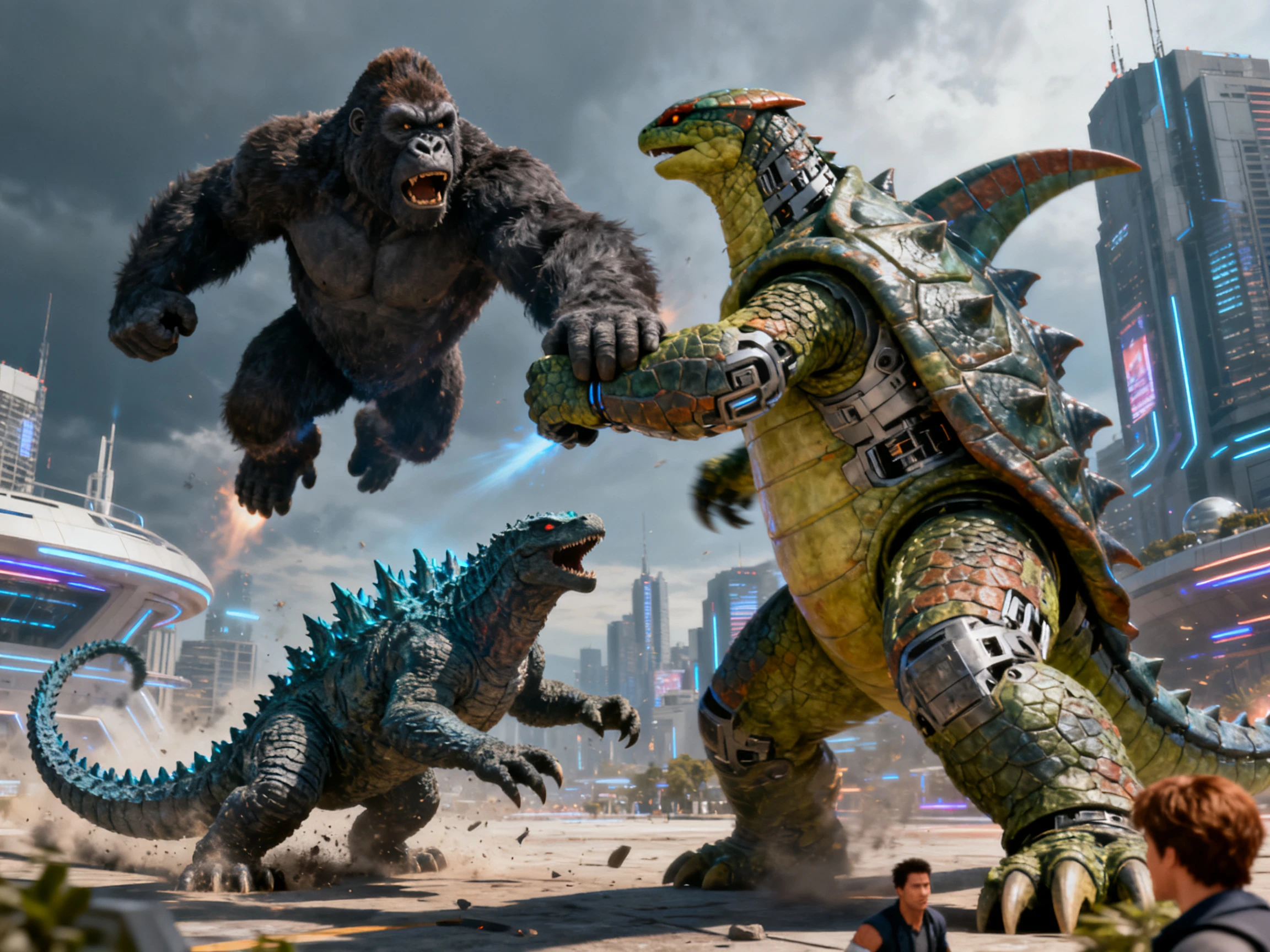

Turn two still images into a fight video. Let Magiclight AI bring the scene to life with dynamic character and camera motion. No manual editing needed.
Try AI Fight Generator for Free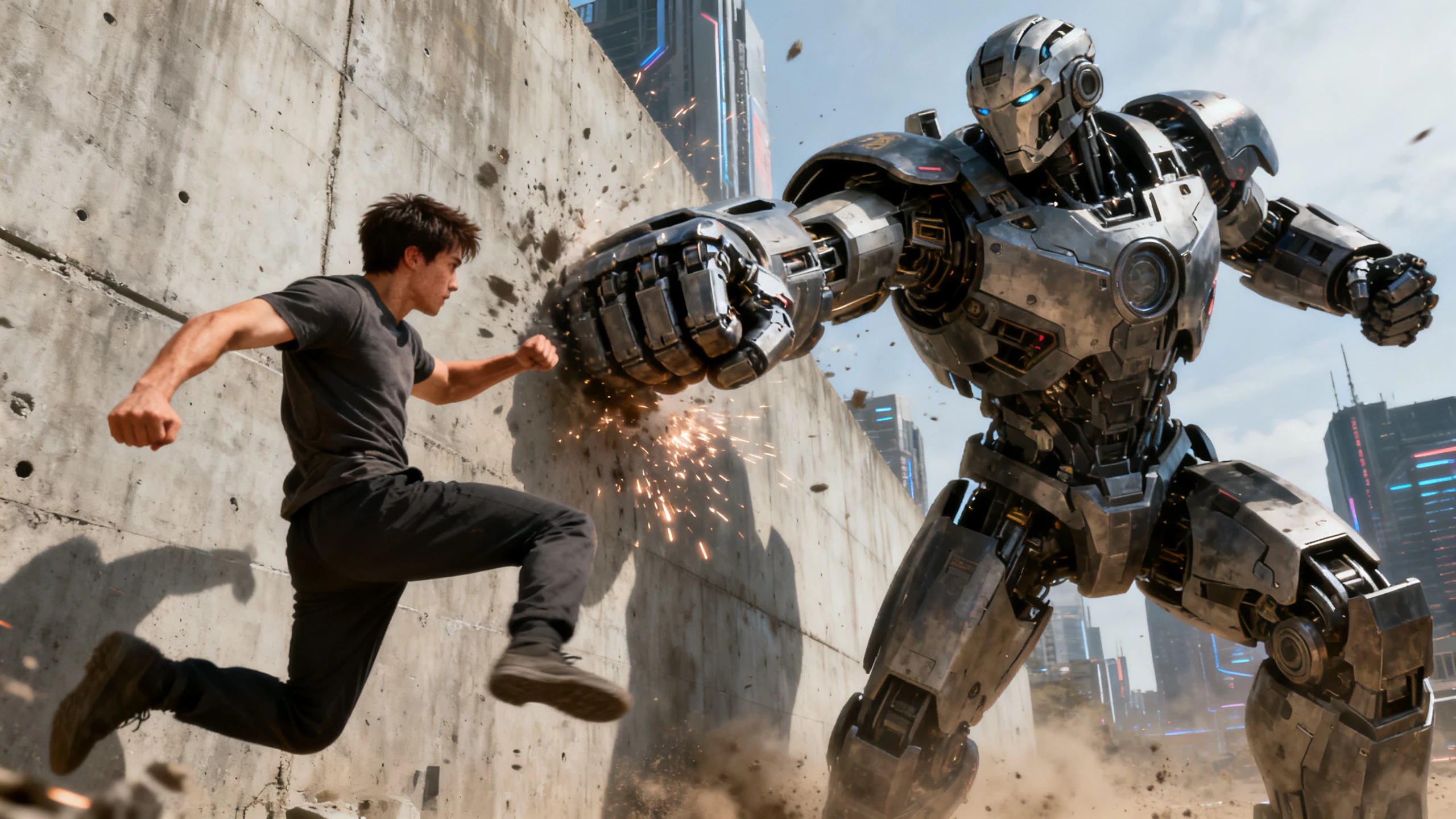










Different parts of a fight need their own actions. The Magiclight AI fighting video generator provides features for handling each part of the sequence.
Add up to 5 images as a reference for your fighting video. Get your fighting characters right with a proper reference.
Create NowTurn your idea into a complete 30-second fight scene with Magiclight AI. Make quick action clips for TikTok, Reels, or Shorts.
Create Fighters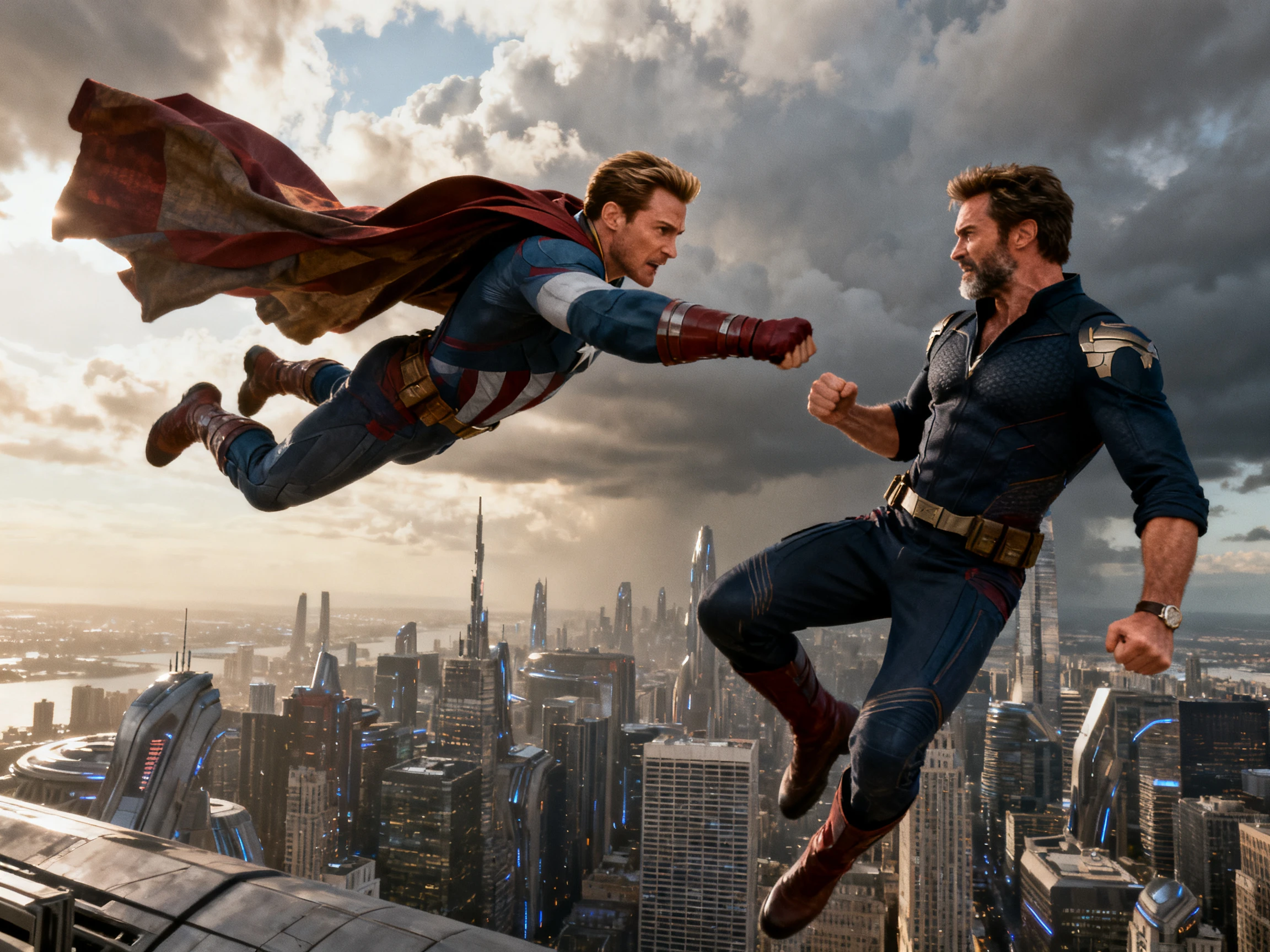
Create cinematic battles, anime fights, or superhero clashes using the 20 different AI video models, such as Seedance 2.5, in Magiclight AI.
Generate a Video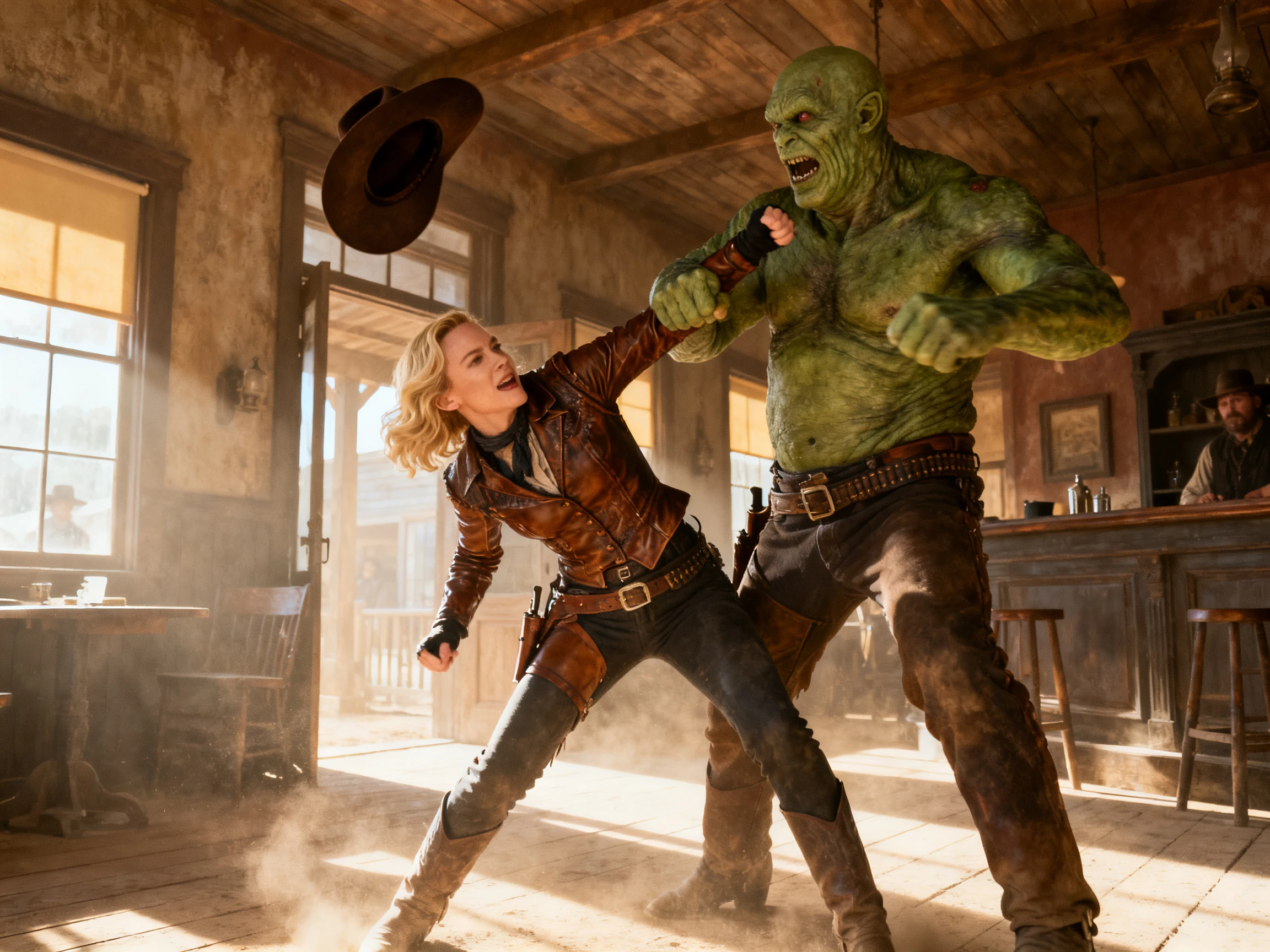
Export the final fight video in the resolution of your choice. Magiclight AI offers 720p and 1080p resolution according to the selected AI model.
Start Creating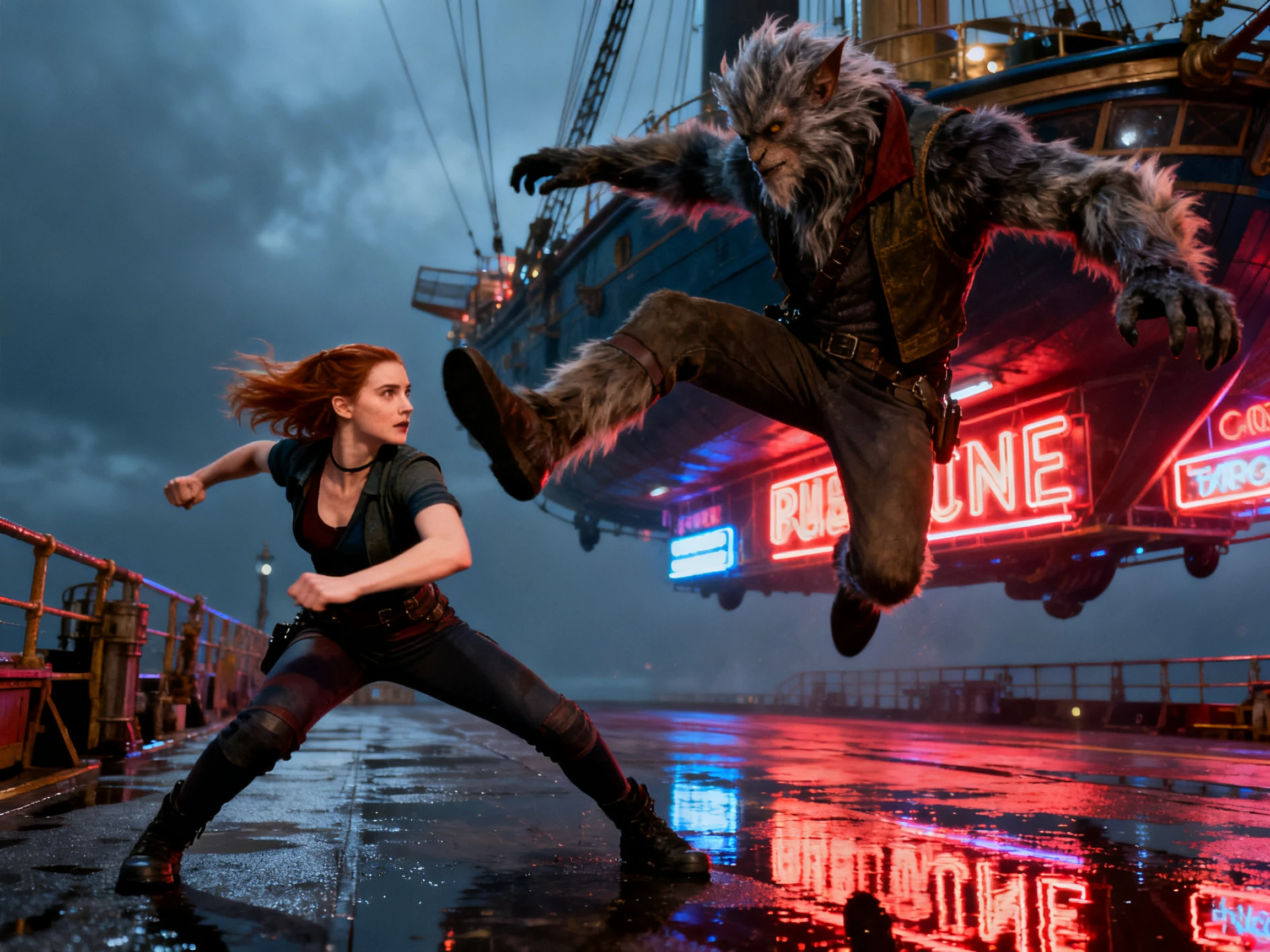


Create your fight sequence with the Magiclight AI fight video generator in 3 steps. Set your fighters, plan their actions, arrange the scenes, and generate the complete fight.
Add 2 images as reference for the fighting battle. Provide the prompt covering all important details from the motion to the environment.
Use any of the available 20 video models, and define other available parameters before hitting the button.
Generate the complete sequence and check how both fighters appear in every scene. Make any quick edits if needed and export the finished video in 720p or 1080p.
Fight Choreographer
I put the whole exchange into one prompt, and every move blurred together. Splitting the fight with Magiclight AI made each punch land well.
Storyboard Artist
Boarding a fight meant drawing every beat before anyone saw it move. With Magiclight AI, I get a rough version ready that same afternoon.
Game Developer
Our combat ideas sat in documents that nobody could picture moving. We can watch them in Magiclight AI before committing to an animator.
Animator
Overlapping fighters are where other tools I tried lost the characters. Saving both fighters first in Magiclight AI keeps them more consistent.
Magiclight AI fight generator turns written action into separate connected fight scenes. Both saved fighters stay recognizable in Magiclight AI as the fight moves forward.
Avoid putting every strike, block, and reaction into one crowded fight sequence description. Magiclight AI works much better when each scene focuses on one clear action.
Stylized fights can hide motion errors that realistic scenes tend to reveal clearly. Magiclight AI offers 20 video models that suit different fight styles and directions.
Magiclight AI lets you review fight scenes before finalizing the complete video sequence. Simply provide a prompt to re-edit any fighting sequence before exporting.
Keep the weapon description present whenever it appears during your fight scene sequence. Magiclight AI uses your scene direction to keep the duel visually more consistent.
Choose 9:16 vertical video for social feeds or 16:9 wide video for screens. Magiclight AI supports both formats, so fight scenes fit different publishing needs.



Put each strike, dodge, and reaction into a separate part of the sequence. Magiclight AI fighting video generator turns those moments into one connected fight.