
1000-Character Prompts to Create Your Anchor
Describe your presenter in up to 1000 characters and save the final look. Magiclight AI keeps the same anchor across every bulletin, so viewers see a familiar face each time.
Create Now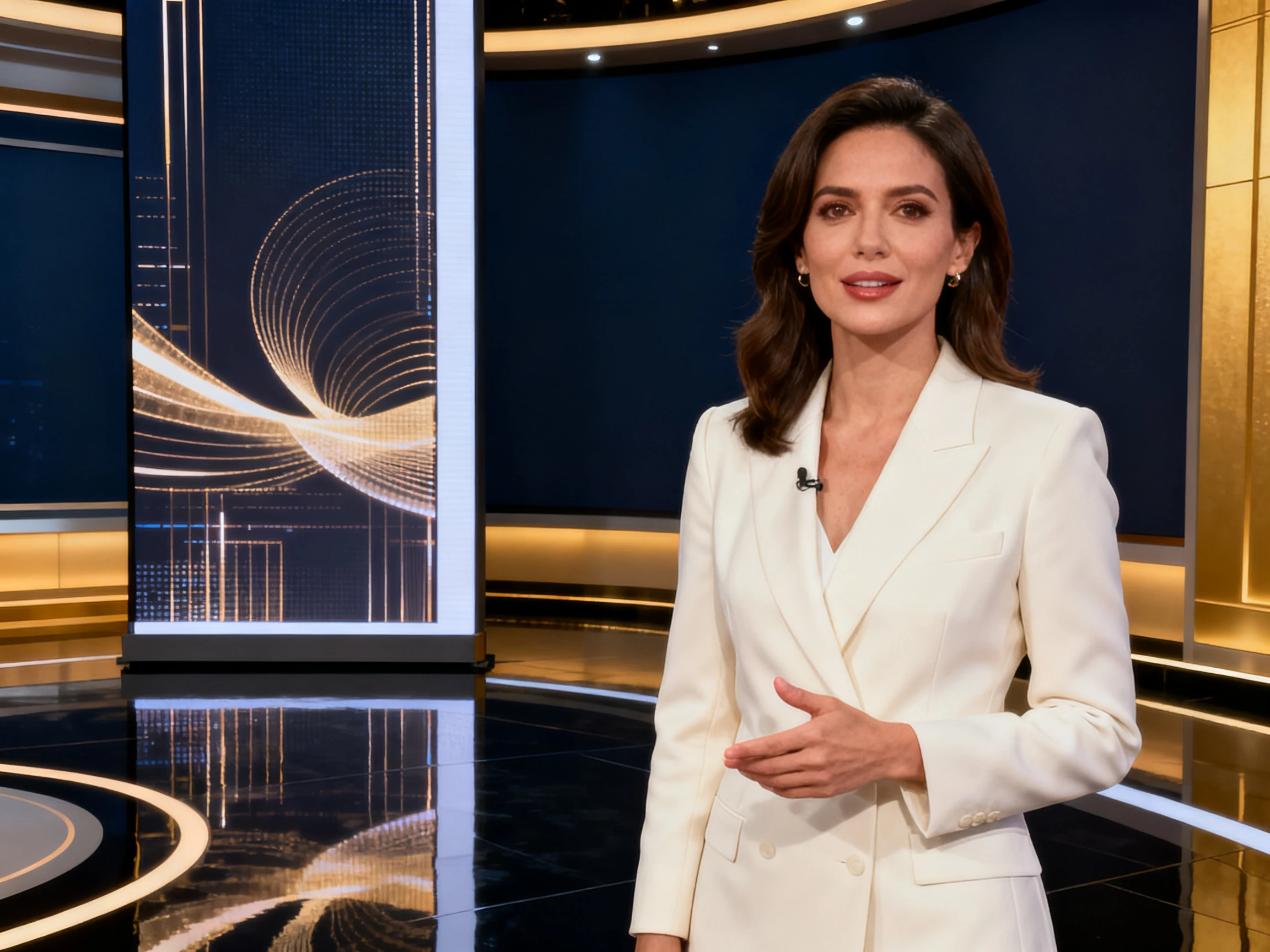

Start with a script and take it straight to a presenter-led news video. The Magiclight AI news anchor video generator handles the visuals and framing. No editing experience needed.
Create News Anchor Videos For Free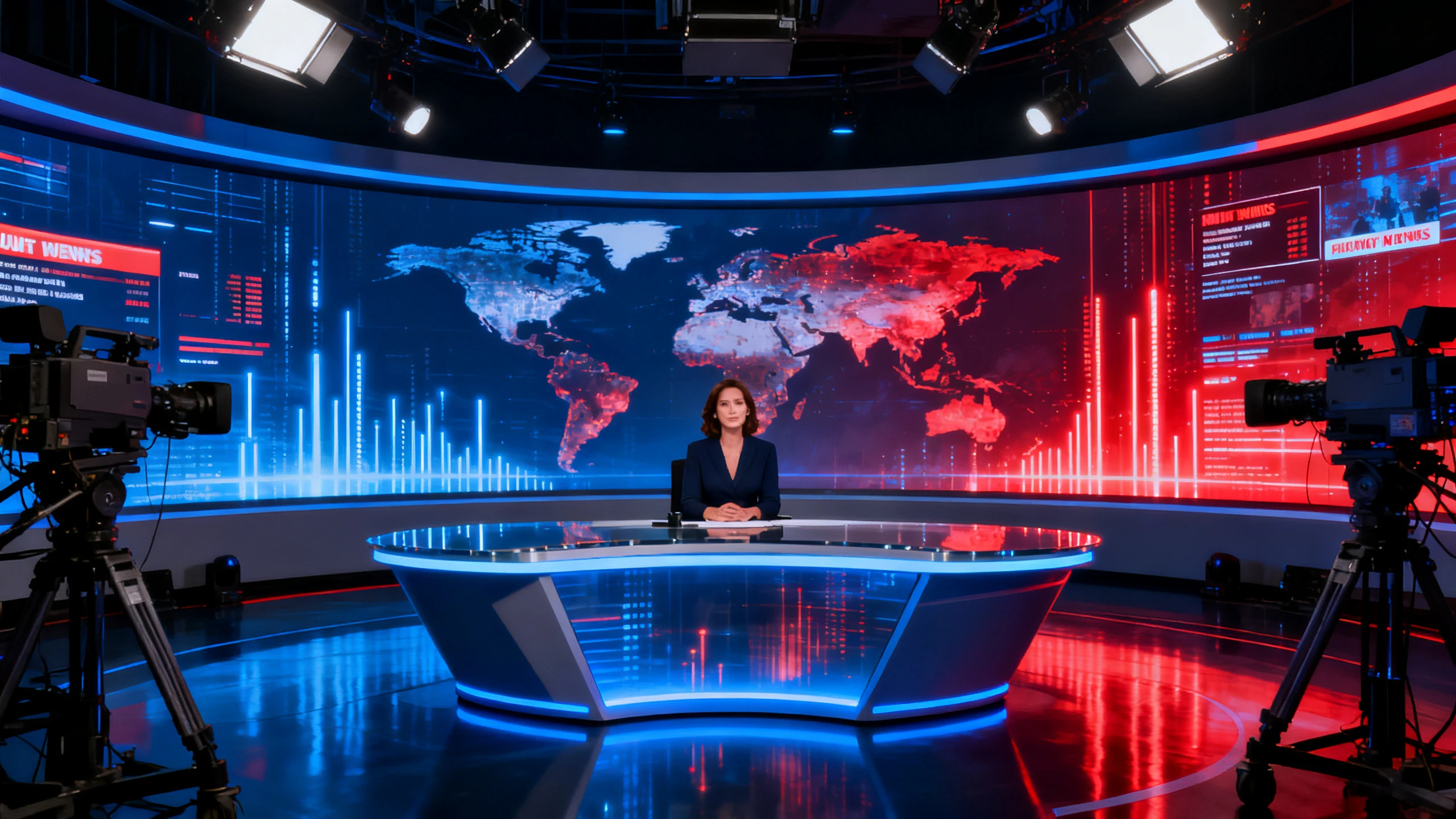










See what goes into a complete news report with the free AI news anchor video generator from Magiclight AI. Add your script, select the presenter, and control the on-screen details.
Describe your presenter in up to 1000 characters and save the final look. Magiclight AI keeps the same anchor across every bulletin, so viewers see a familiar face each time.
Create NowKeep names and headlines clear on screen with 16 subtitle settings. Choose the right setting in Magiclight AI, so each lower third fits naturally into your news report.
Create Characters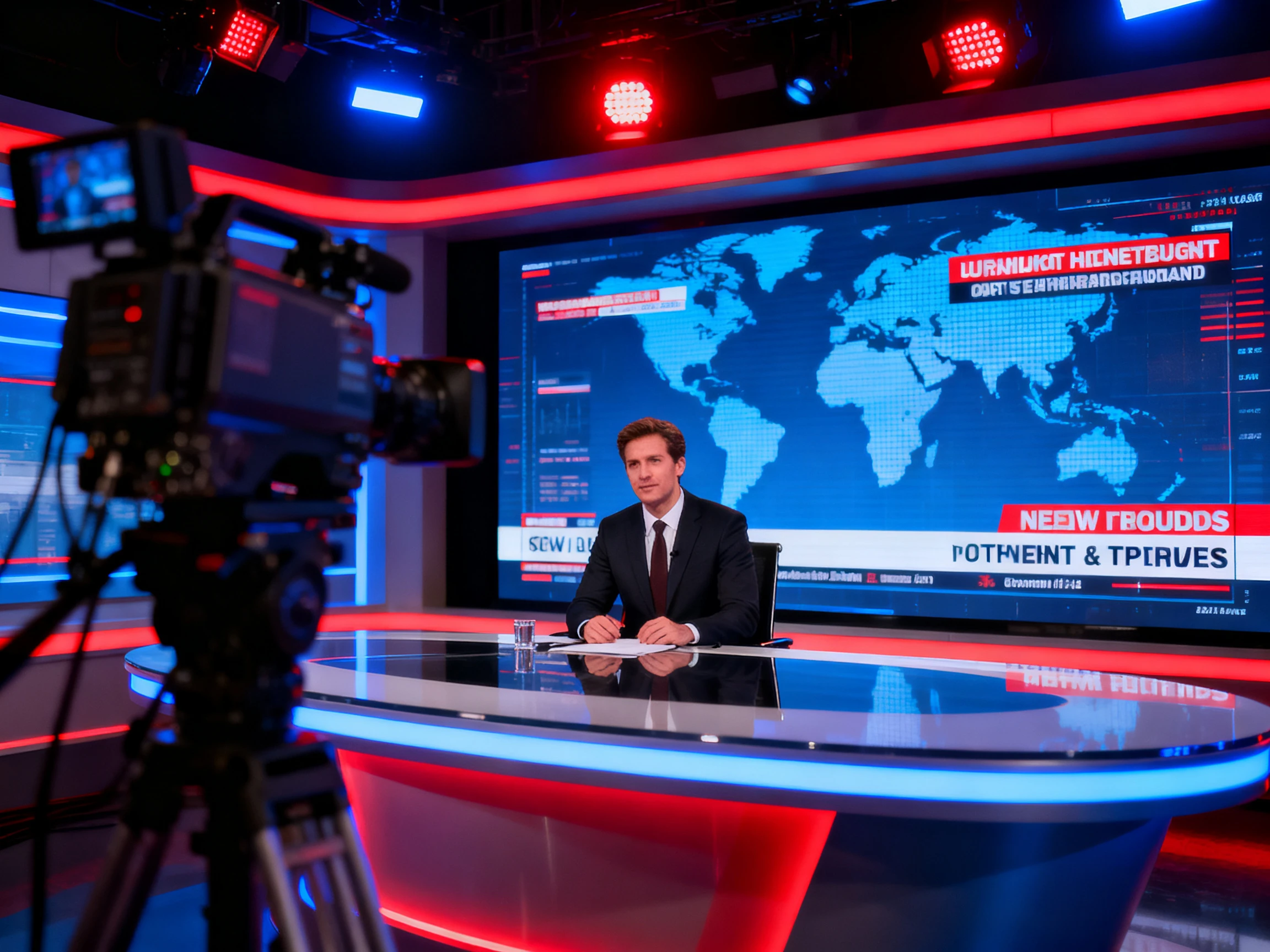
Choose from 37 voices to find the right delivery for your news anchor. Magiclight AI gives you options for a clear, steady read that keeps each report sounding consistent.
Generate a Video
Give every bulletin a familiar opening with 21 cover templates to choose from. Set the title card once in Magiclight AI, then carry that look across your news videos.
Start Creating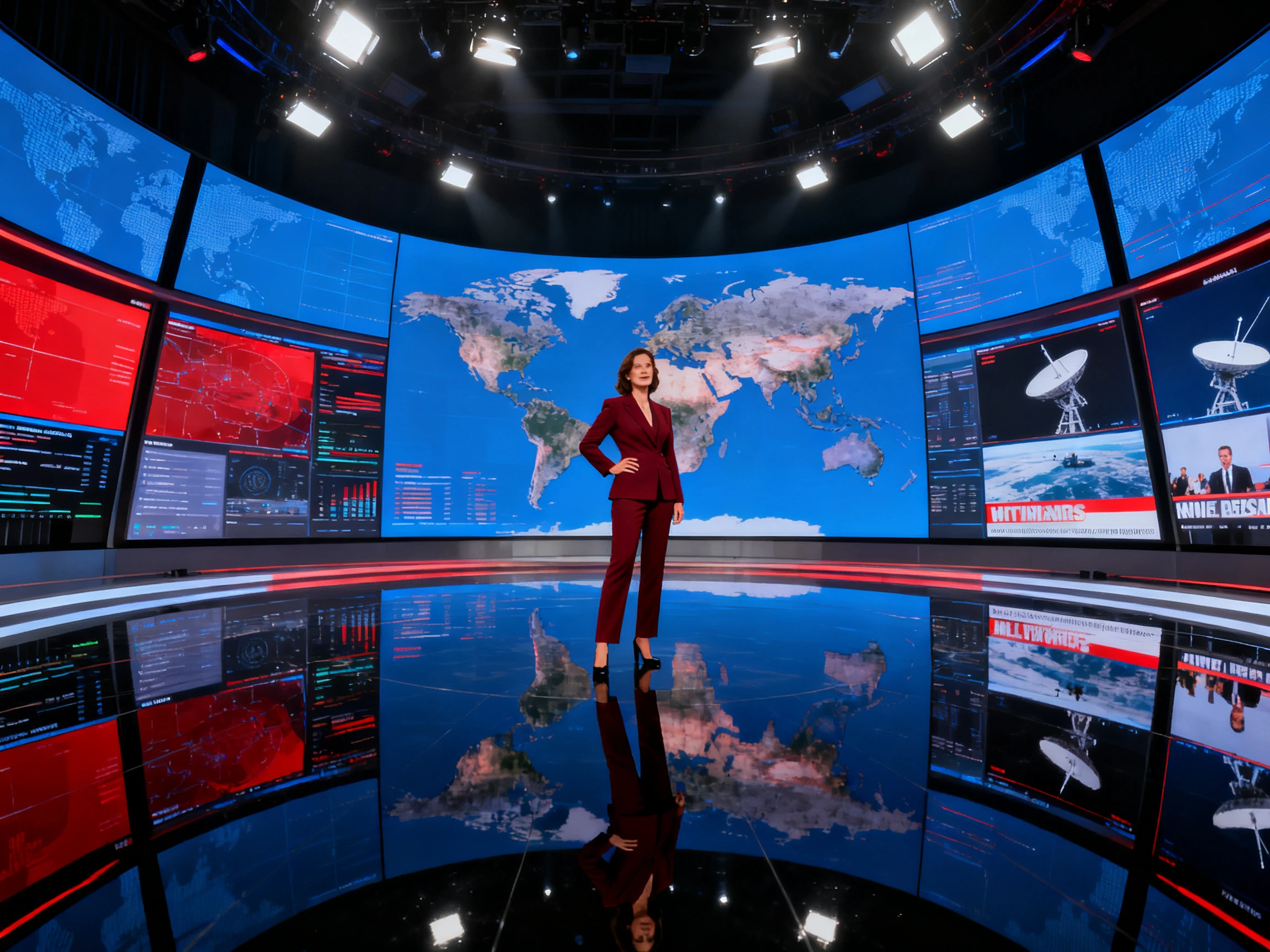


Create a news bulletin in 4 simple steps. Choose your presenter, add the script, adjust the on-screen text, then review and export with the Magiclight AI news anchor video generator.
Describe your presenter in up to 1000 characters or start from a photo. Save the anchor so the same look stays consistent across future news bulletins.
Enter your complete bulletin in up to 12,000 characters. Magiclight AI separates the script into segments, so each news story gets its own scene.
Choose the character poses, expressions, and voiceover options. Use the Nano Storyboard to review each scene and adjust anything before generation.
Add your news subtitles and prepare the bulletin in wide or vertical format. Download the finished news video in 1080p for your channel and other platforms.
News Editor
Our bulletin goes out at six, but the copy often arrives around four. With Magiclight AI, I just paste in the script and get the report ready.
Comms Lead
Magiclight AI helps us share the same weekly update across 4 offices in 4 languages. Nobody has to record the entire message again each time.
Media Lecturer
Students write the bulletin, but none of them wanted to appear on camera. We created an anchor in Magiclight AI that comes back every week.
Publishe
Our first attempts looked more like someone talking than a proper news report. Once we fixed the framing and on-screen text, Magiclight AI gave it the right news format.
The free AI news anchor video generator can create realistic human presenters. Magiclight AI supports lifelike anchors for professional news videos and broadcasts too.
Create and save your presenter once to keep every news bulletin consistent. Magiclight AI keeps the same face and voice across future reports automatically.
Registration gives you free credits without requiring any payment card details. Use them in Magiclight AI to create and review your first bulletin.
Once your anchor is saved, each bulletin starts with a new script. Magiclight AI handles the presenter and captions again for every new report.
Magiclight AI supports all 11 languages using the same news script. Each version gets adjusted timing, keeping the anchor delivery clear and natural.
Yes. Some platforms require labels for AI-generated news and video content. Magiclight AI leaves disclosure to you, so add the required label yourself.



Your anchor and news desk stay consistent across every new bulletin created. The Magiclight AI news anchor video generator keeps each new report familiar.