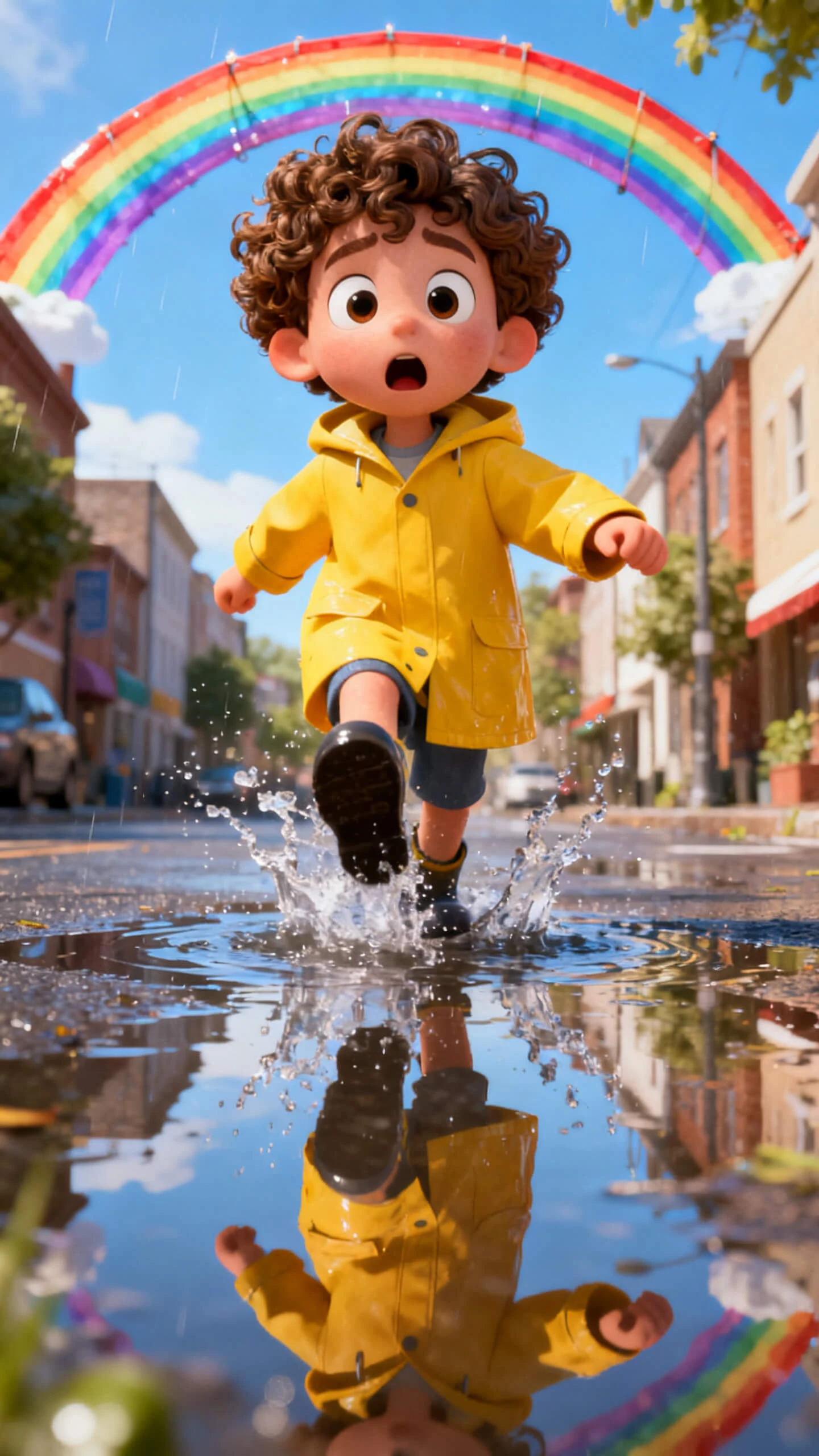
Hero background

Animate Photos with Photo Video Maker

With a single image, Magiclight AI’s photo video maker gives you a stunning clip. You also get access to various voice options for characters.

Try Photo Video Maker For Free
photo video maker
how to turn photo into video
make animated clips from photos
photo to animated video maker
photo video maker
photo video maker
photo video maker
how to turn photo into video
make animated clips from photos
photo to animated video maker
photo video maker
photo video maker
photo video maker
how to turn photo into video
make animated clips from photos
photo to animated video maker
photo video maker
photo video maker

Explore Features of Magiclight AI’s Video Maker From Photos

Every result comes out motion-matched, audio-scored, and ready to share when you use Magiclight AI’s free photo video maker. In one workflow, you create and publish fast.

Explore the video generator
3D decoration

Animated Clips from Photos

Turn any picture into a 10 or 15-second animated clip. Write a prompt of up to 1,500 characters to describe the mood and scene direction.

Many Music Tracks for Videos

Pick from 40 background tracks, and Magiclight AI automatically syncs the selected music to your clip. No manual audio editing is needed whatsoever.

AI Models for Photo Animation

Choose from 19 video models to animate your images. Each model suits various image types, from portraits and landscapes to product shots.

One Image, Various Styles

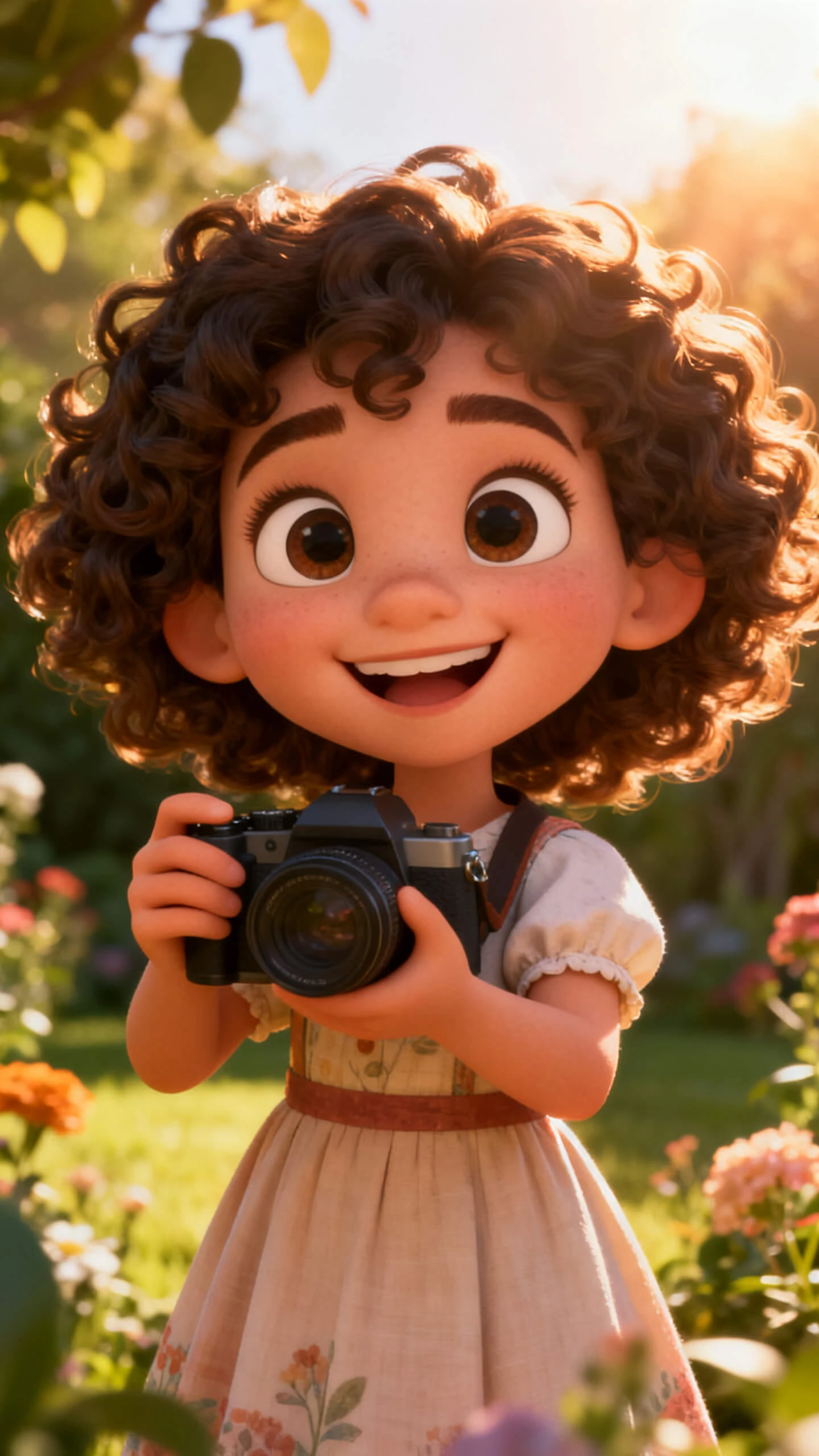
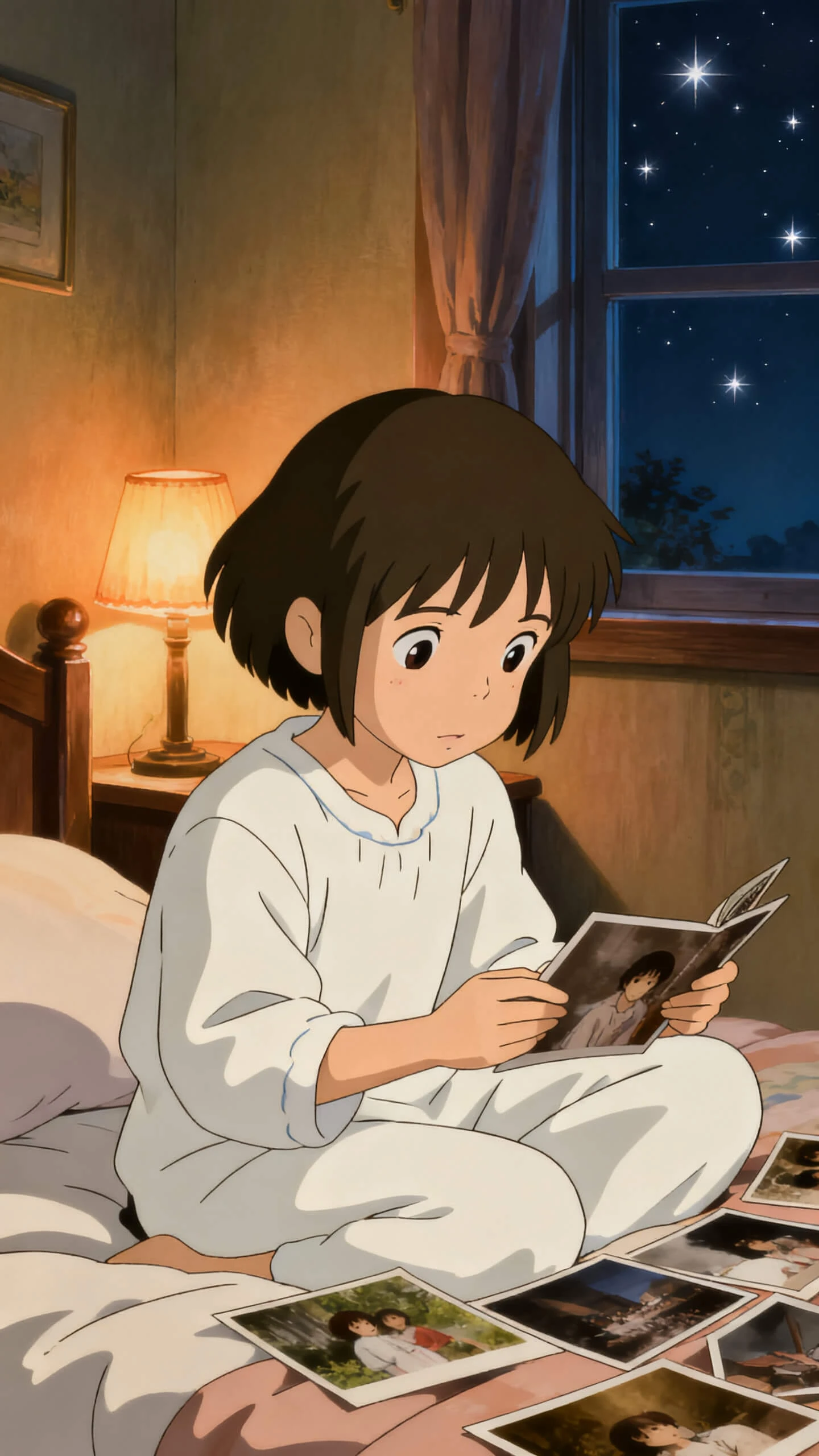
Render an image in Disney, 3D, or even anime. With MagicLight AI, test 20+ looks to see which one best fits your topic and audience.

Who Gets the Most Out of Magiclight AI’s Free Photo Video Maker
Those who need to create quick videos using only photos get more benefits from the photos-to-video maker in Magiclight AI. The creation process takes less time and low effort.
photo to viral video generator
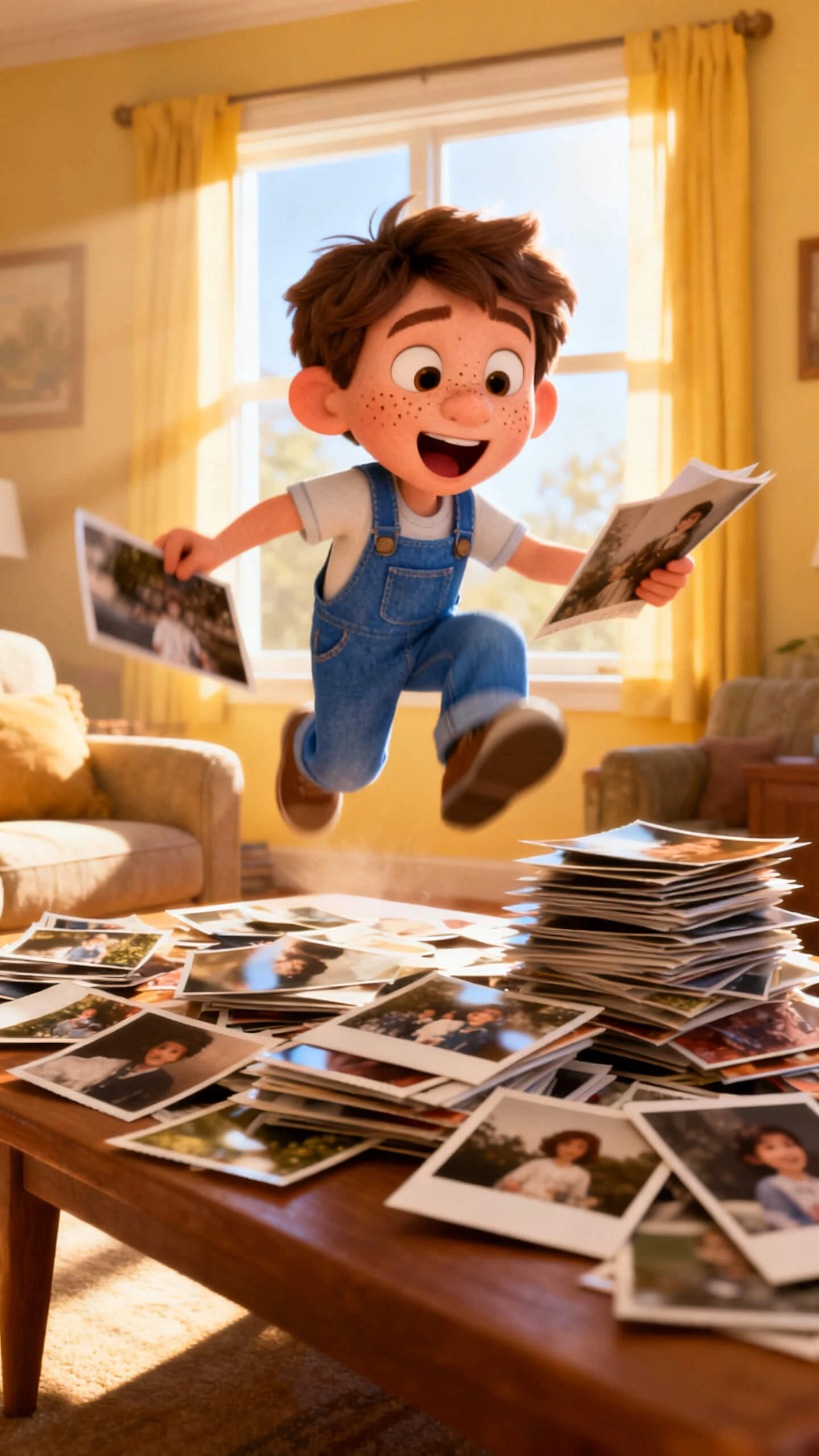
For Families
Turn family photos into a narrated memory video in seconds.
Add music to a birthday or anniversary photo slideshow.
Generate a keepsake video to share with less effort.
photo animation maker
For Event Creators
Build a ceremony recap video quickly from ceremony photos.
Sync romantic music to portraits and venue shots with no skills.
Deliver an event video without editing software.
photo video creator
For Social Media Creators
Animate photos for daily posts with no extra work.
Make video clips fast to meet deadlines.
Add lifelike voiceover narration to any photo story post.
product photo video maker
For Small Businesses and Brands
Convert product photos into animated video ads fast.
Pair product shots with music for engaging social campaigns.
Export brand-consistent photo videos for every platform in seconds.
Why Magiclight AI
Photo Video Maker Stands Out
Each photo gets real motion and engaging narration, all in one session. The photo into video maker in Magiclight AI loops your images over a track, making everything easier.
Real Motion, Not Just a Transition
Magiclight AI’s 19 video models, like Seedance 2.0 or Gemini Omni, generate actual motion inside each photo. A portrait becomes a cinematic close-up.
Narration and Music Stay Locked Across the Full Video
The tool synchronizes selected voice narration and background music across the full video. Narration, motion, and music align correctly at every point in the clip.
Multiple Photos Built Into a Sequenced Video
You animate multiple photos in one session and arrange them using Nano Storyboard. The final output is a complete photo video with a beginning, middle, and end.
Make Videos in 11 Languages for Global Sharing
You can add localized voiceovers and subtitles to any photo video. A brand in multiple markets or a creator with international viewers can localize the same video.
Visual Styles Change the Aesthetic of Any Photo
Apply visual styles, including cinematic, illustration, and Pixar-style 3D, to any uploaded photo. You get a stylized result from the same photo without reshooting anything.
No Editing Software or Timeline Skills Required
The workflow is built for people who have never used video editing tools. Upload the photo, choose style and music, set narration, and export

How to Make a Photo Into Video With Magiclight AI in 4 Steps

Magiclight AI makes photos into videos with motion, music, narration, and export in four steps. No editing tools, timeline skills, or software downloads required.

1.

Upload Your Photo and Add a Prompt

Upload any photo and write a short prompt about the scene, mood, or motion you want.

2.

Choose a Video Model and Visual Style

Select a video model to set how the photo animates. Pick from 20+ visual styles including cinematic, flat art, and illustration to define the look of the clip.

3.

Add Music and Narration

Choose music and select a voice from 37 options or clone your own. Magiclight AI syncs both to the animated photo clip before export.

4.

Export and Share

Export the finished photo video at 720p. The result is ready to post, send as a keepsake, or embed anywhere immediately after download.

FAQs on Photo Video Maker

What is a photo video maker?

The photo video maker in Magiclight AI turns images into video clips with music and optional narration. It uses 19 video models and 40 music tracks to animate any photo.

Is Magiclight AI’s photo video maker with music free to use?

Magiclight AI gives new users access to explore the free photo video maker with music online. Check current plan details and which features are available at each level.

Can I add music to my photo video in Magiclight AI?

Yes. The tool includes 40 background tracks that sync automatically to your photo video. Creators select the track that fits the mood, and Magiclight AI handles the rest.

What video styles can I apply to my photos in Magiclight AI?

You can try over 20+ visual styles, including cinematic, flat art, illustration, Pixar-style 3D, and comic book. Each style changes the look of the animated clip in Magiclight AI.

How long can a photo video be in Magiclight AI?

In Magiclight AI, image-to-video clips are 10 or 15 seconds long. Longer videos can run for up to 50 minutes per session, covering full slideshows and event recaps.

Can I turn multiple photos into a single video using Magiclight AI?

Yes. Magiclight AI lets creators animate multiple photos and sequence them using Nano Storyboard. The result is a clip with ordered scenes, music, and narration throughout.


Turn Photos Into Viral Videos With Magiclight AI

Upload a photo, choose a style and a track, and share a finished video the same day with Magiclight AI.