3 Audio Formats for Your Music
Your recorded song can go straight into Magiclight AI as an MP3, WAV or M4A file. Once the track is uploaded, the tool works with the music to prepare scenes for your video.
Create Now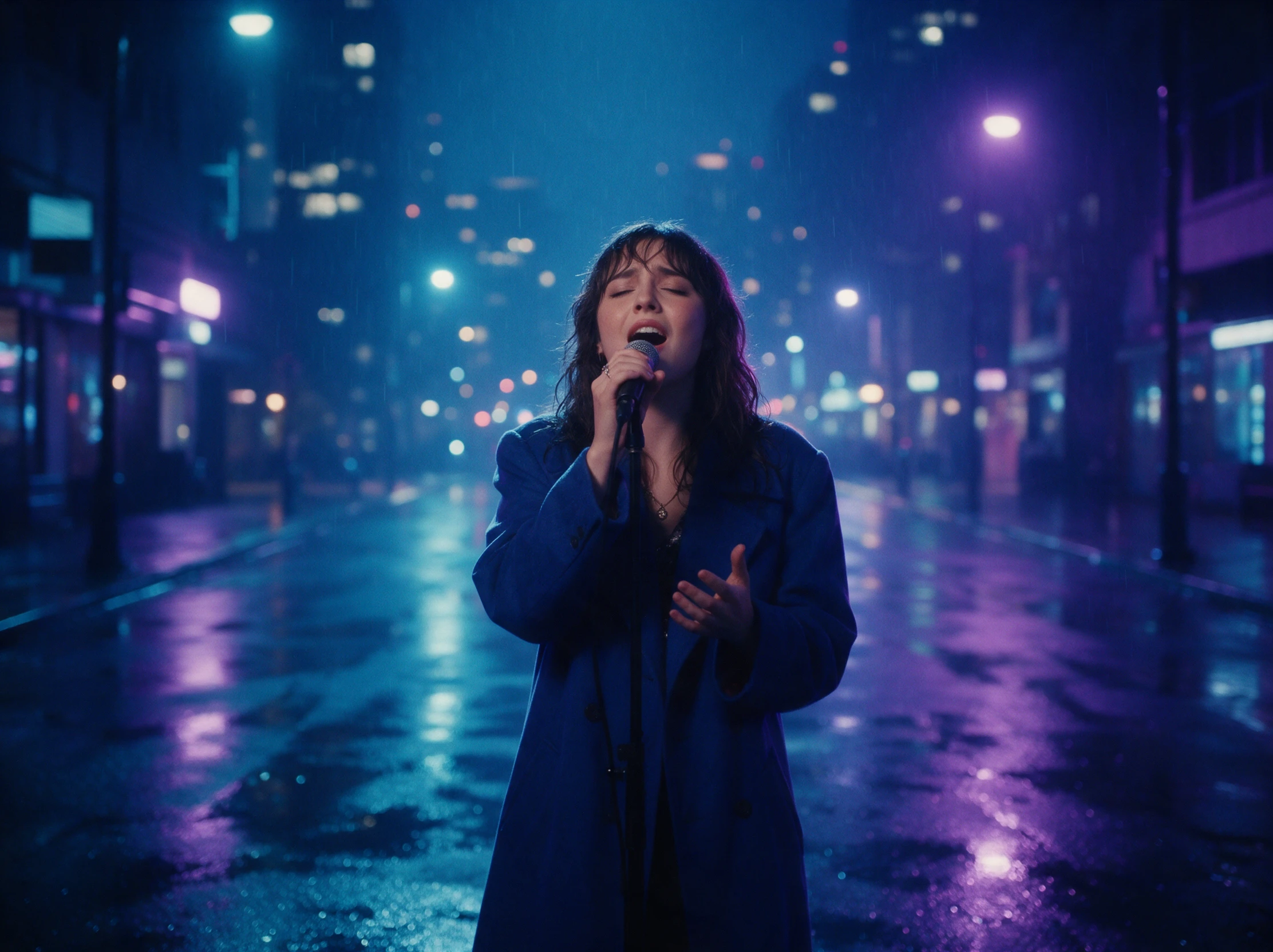

Upload your song and describe your video idea. Magiclight AI generates scenes that match the music's rhythm and mood. Adjust any details you want and create a video that fits your sound. No editing skills needed.
Create an AI Music Video for Free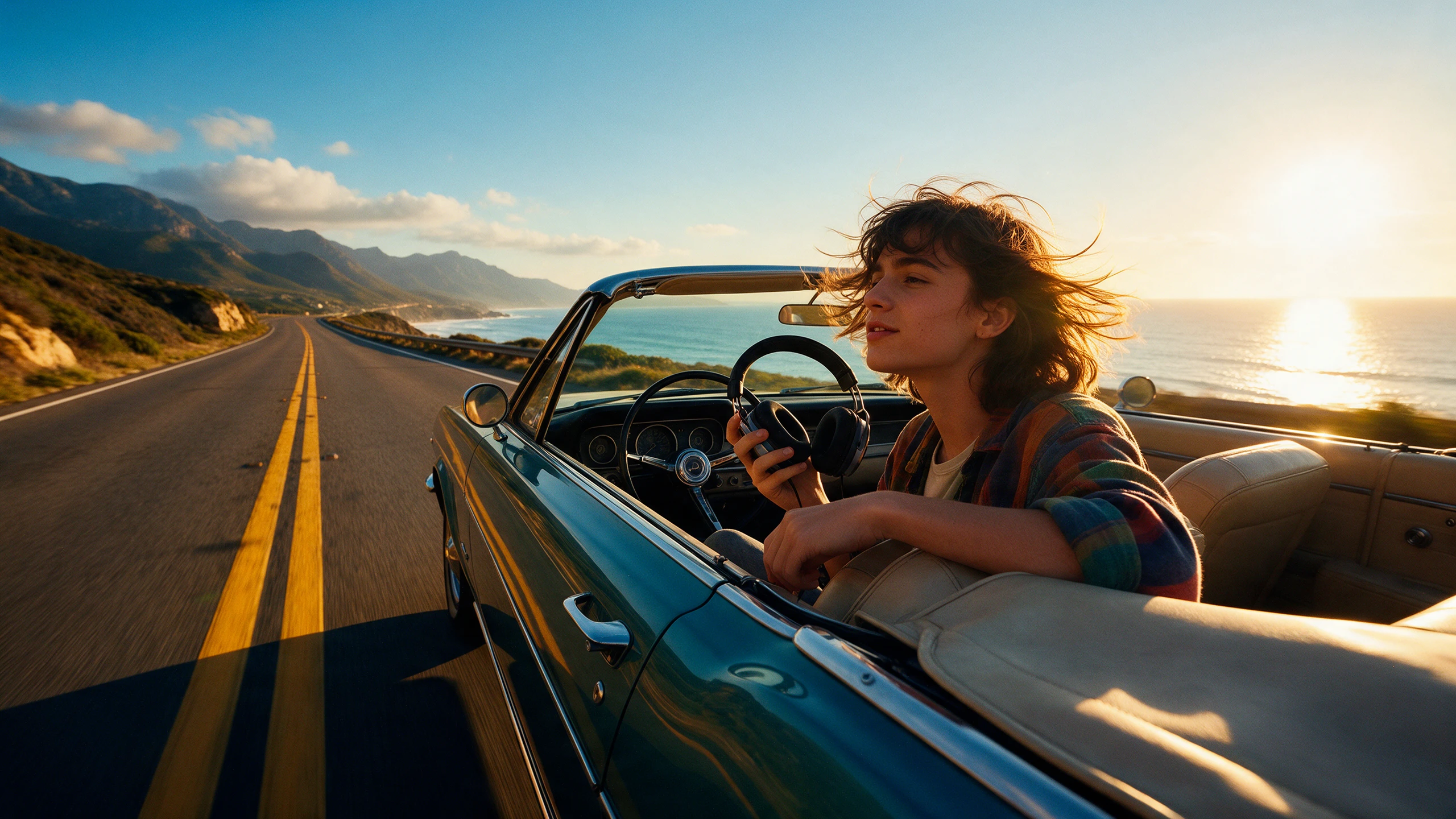










Describe the music you want to make and think about the people who should appear in its video. The Magiclight AI music video maker helps turn those details into a finished project.
Your recorded song can go straight into Magiclight AI as an MP3, WAV or M4A file. Once the track is uploaded, the tool works with the music to prepare scenes for your video.
Create NowA slow song might look better with gentle character movement. Magiclight AI offers 16 animation models to explore, giving you different ways to show movement throughout the video.
Explore Models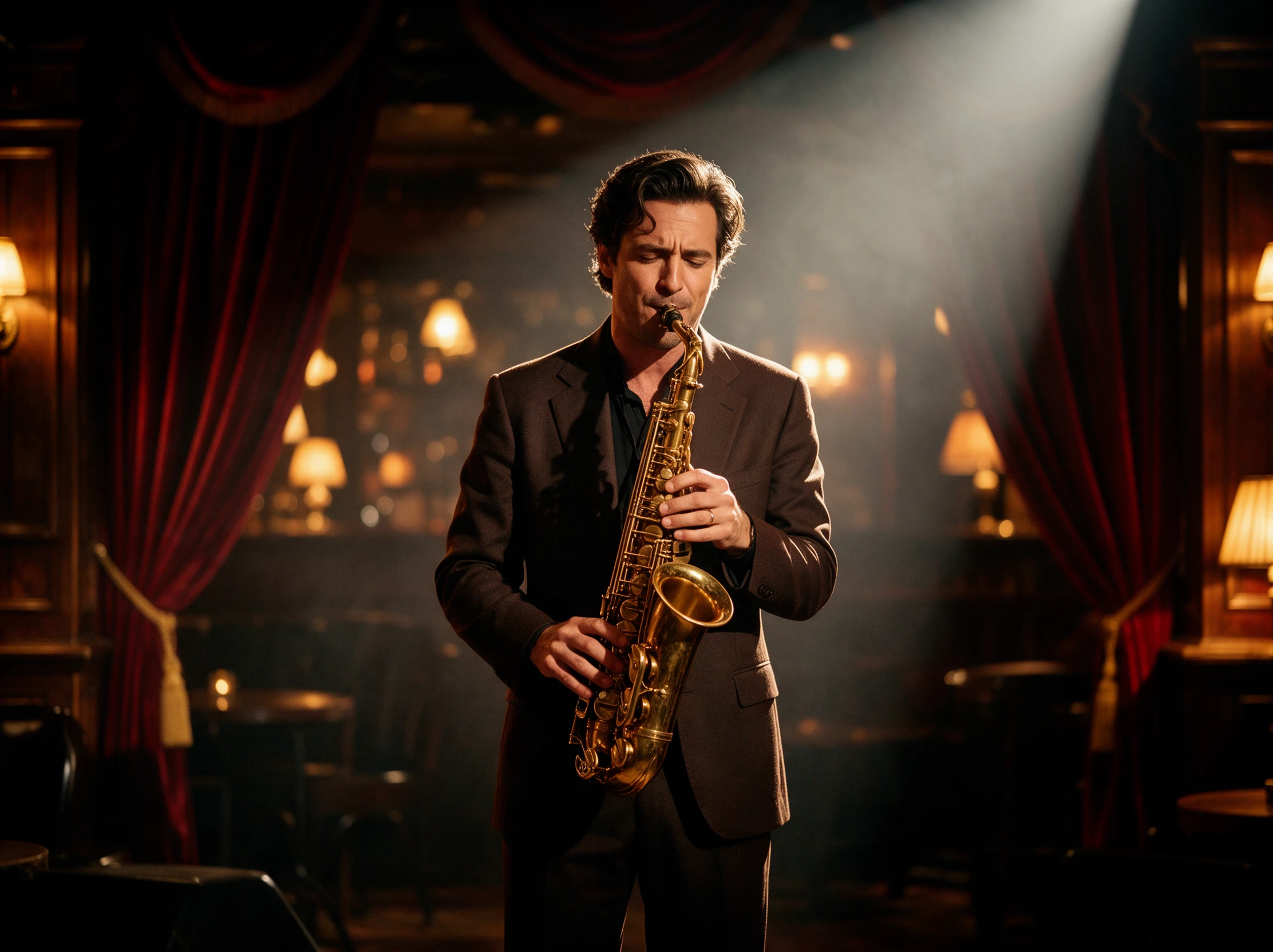
Describe the singer you want to appear in your music video. You get 1000 characters to explain their appearance, from the clothes they wear to the hairstyle you picture.
Create Characters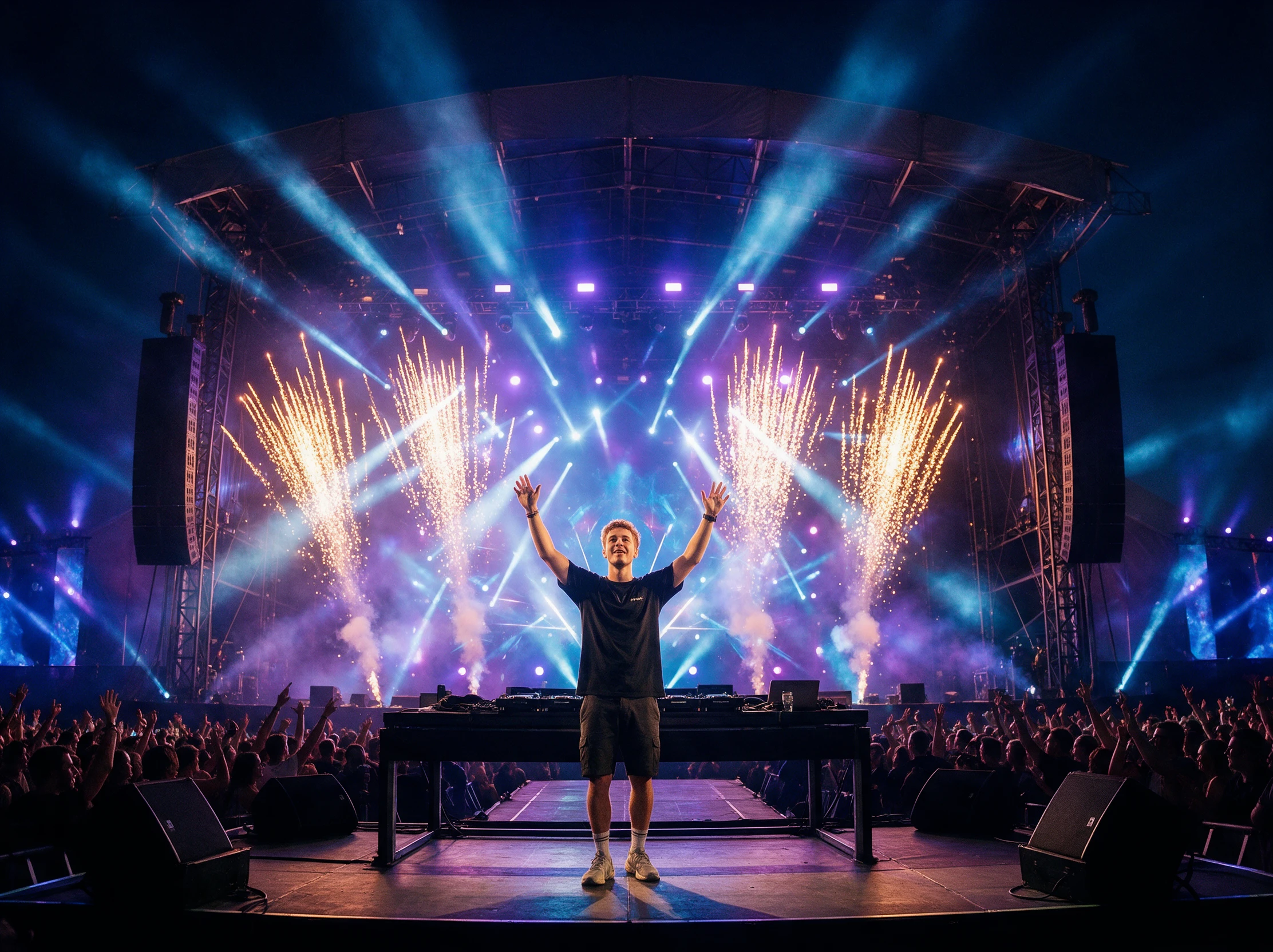
Write a short description of the song you want to hear. Magiclight AI uses Suno powered music generation to create a track from your 200 character idea before you make its video.
Start Creating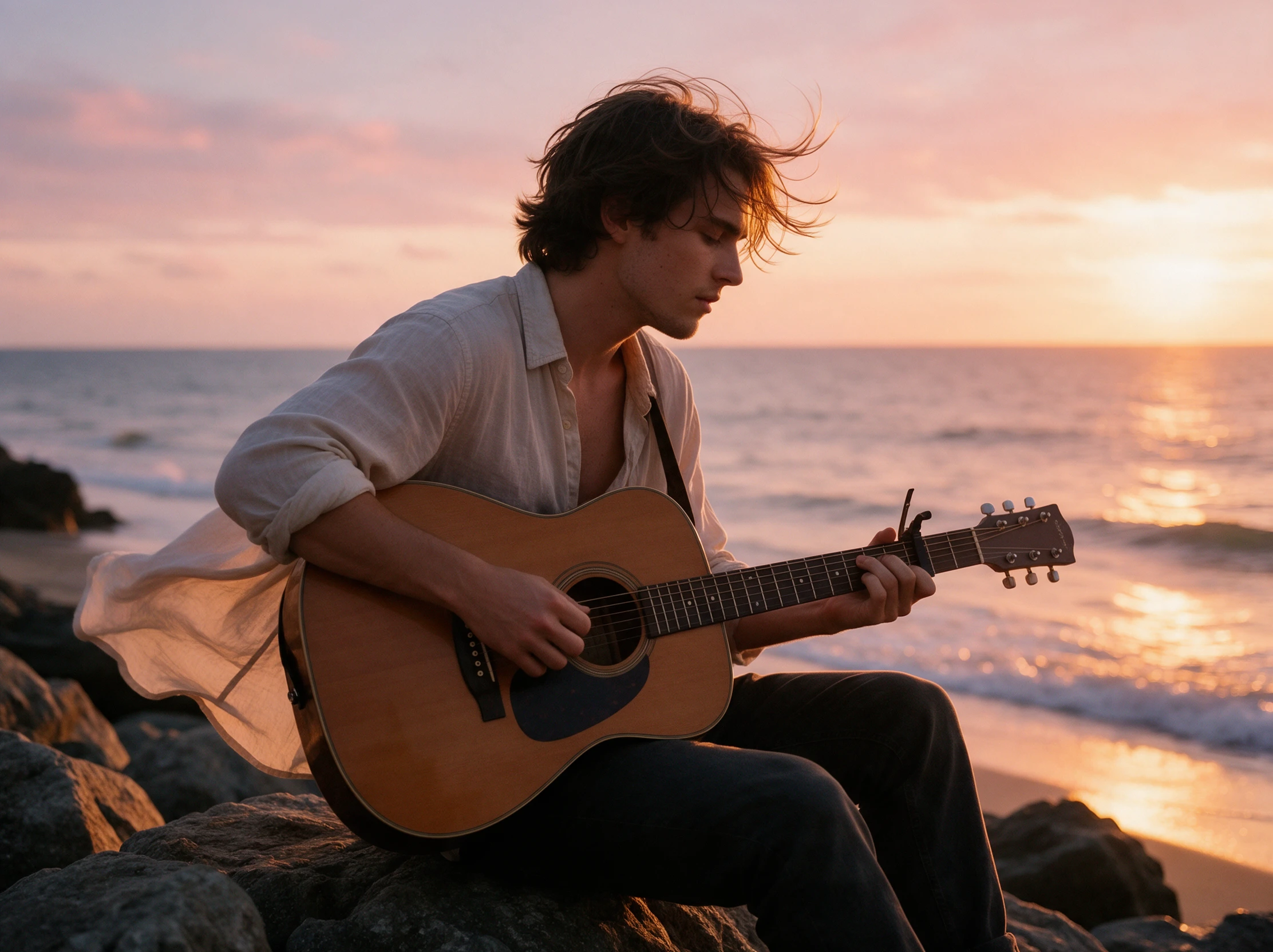


Turn your song into a music video in 4 steps. Upload the track, pick a visual style, review the scenes and add lyrics before downloading it with the AI music video maker.
Upload your song as an MP3, WAV or M4A file to Magiclight AI. Select a wide screen for YouTube videos or a vertical format if you plan to share your music on TikTok.
Your music sets the mood for the video. Pick a visual style that suits the song and select from 14 story models to decide how the scenes should develop as the track plays.
Describe your singer's appearance within 1000 characters. Nano Storyboard lets you change the clothes, facial expressions and camera views before generating your music video.
Place your song lyrics in the video and check how they appear during playback. Once everything looks right, download the finished music video and share it with your audience.
Independent Singer
I had a song ready but no footage to go with it. The first video gave me something to work from, and changing the singer's appearance was easier than I expected.
Music Producer
Most of my time goes into getting the track right. Being able to upload the finished mix and see some visual ideas helped me decide what suited the song before release.
Dance Teacher
Our recital needed something on the screen behind the dancers. We used the music from rehearsals, and the video gave the stage a nice background without filming students.
Podcaster
The podcast already had a theme song, but nothing visual for it. Now the opening has a proper video, and I can keep the same character when preparing another episode.
Yes. The Magiclight AI music video maker has 15 prebuilt songs to choose from. Pick a track that suits your video idea and use it to create scenes without recording your own music.
Yes. Magiclight AI supports 11 narration languages for your videos. Select the language you need when preparing narration for viewers who speak something other than English.
Yes. Add your song lyrics as subtitles and choose from 16 subtitle settings to change how the words appear. This helps viewers follow the lyrics while watching your music video.
You need permission to use a copyrighted song in a video. Magiclight AI can create the visuals, but it does not provide music licenses or prevent copyright claims on YouTube.
Yes. Changing the visual style can give your song a different look. Save the first version before creating another, as each generation uses Magiclight AI credits.
Nano Storyboard lets you review scenes and adjust character details before generating the video. You can change an outfit or facial expression without rewriting the entire idea.



Your next track is ready for more than audio. Give the AI music video maker your song and see what Magiclight AI makes of it.