Explore the Magiclight AI Pet Video Generator Features
Give your favorite pet photo a little more personality. Magiclight AI pet video generator lets you choose what happens next, from a sleepy stretch to a surprising adventure.

Turn your pet photos into fun and engaging videos with MagicLight AI. Bring your furry friends to life with creative scenes and playful movements. No filming or editing skills needed.
Create an AI Pet Video for Free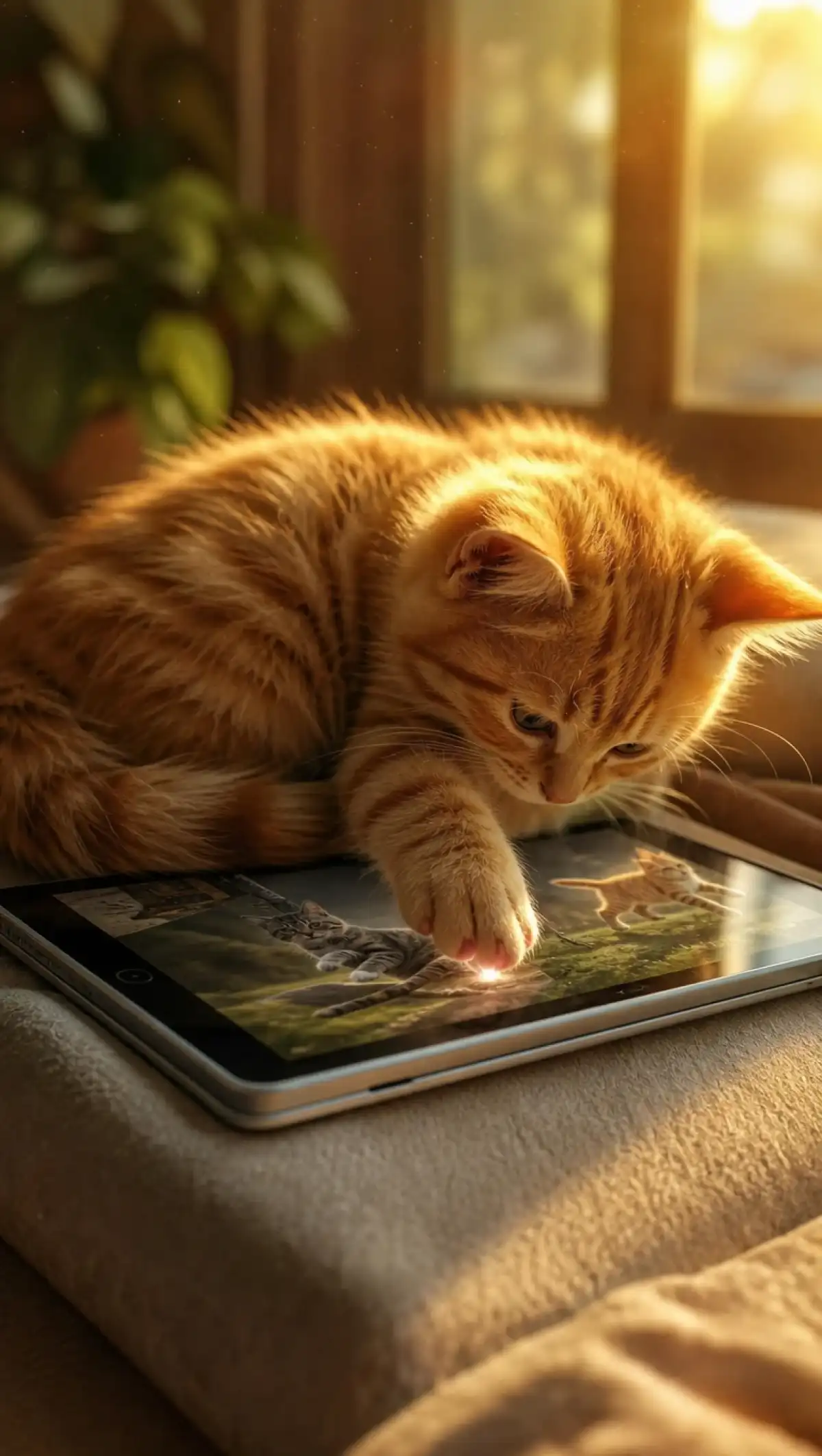
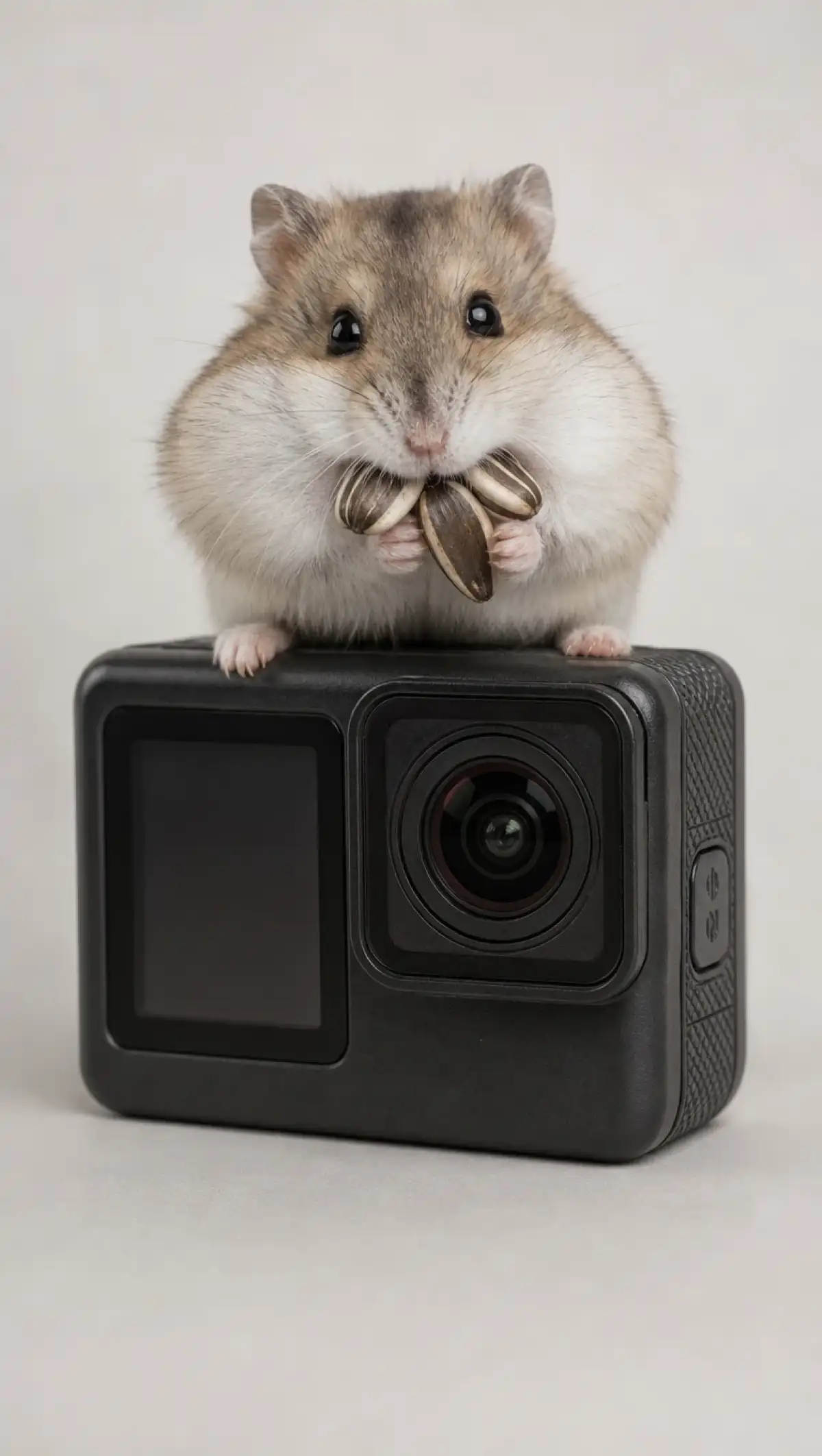
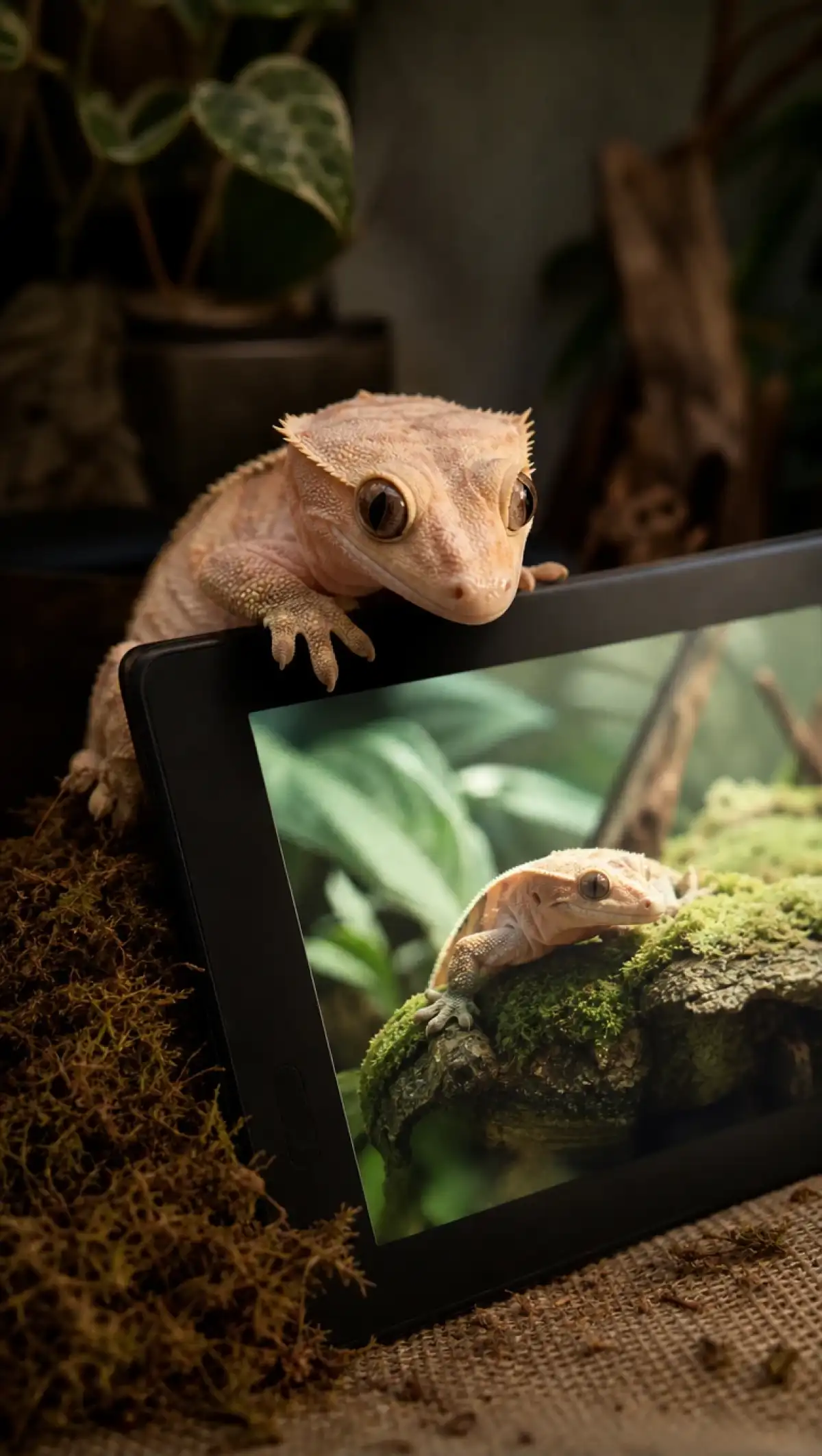
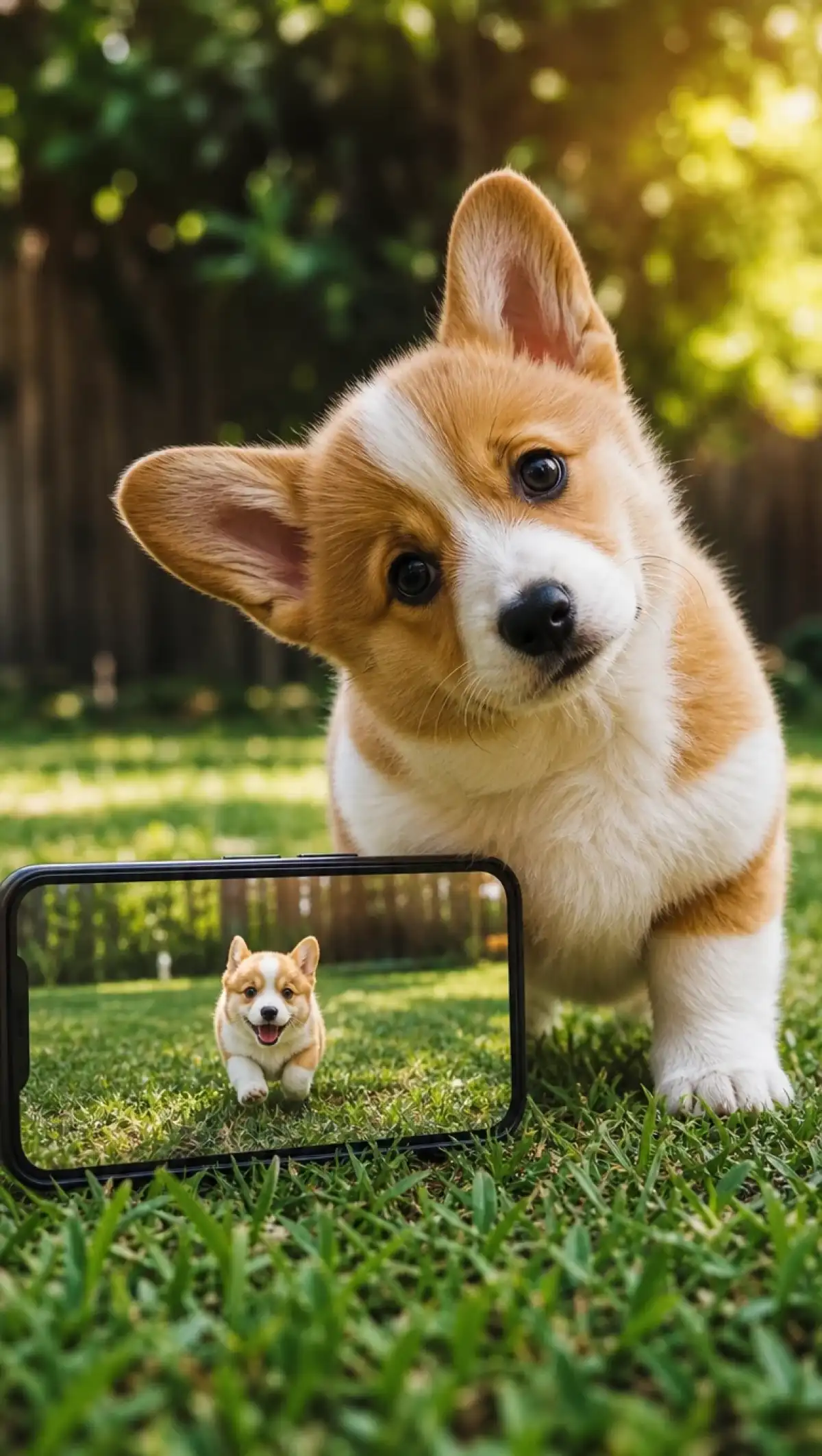
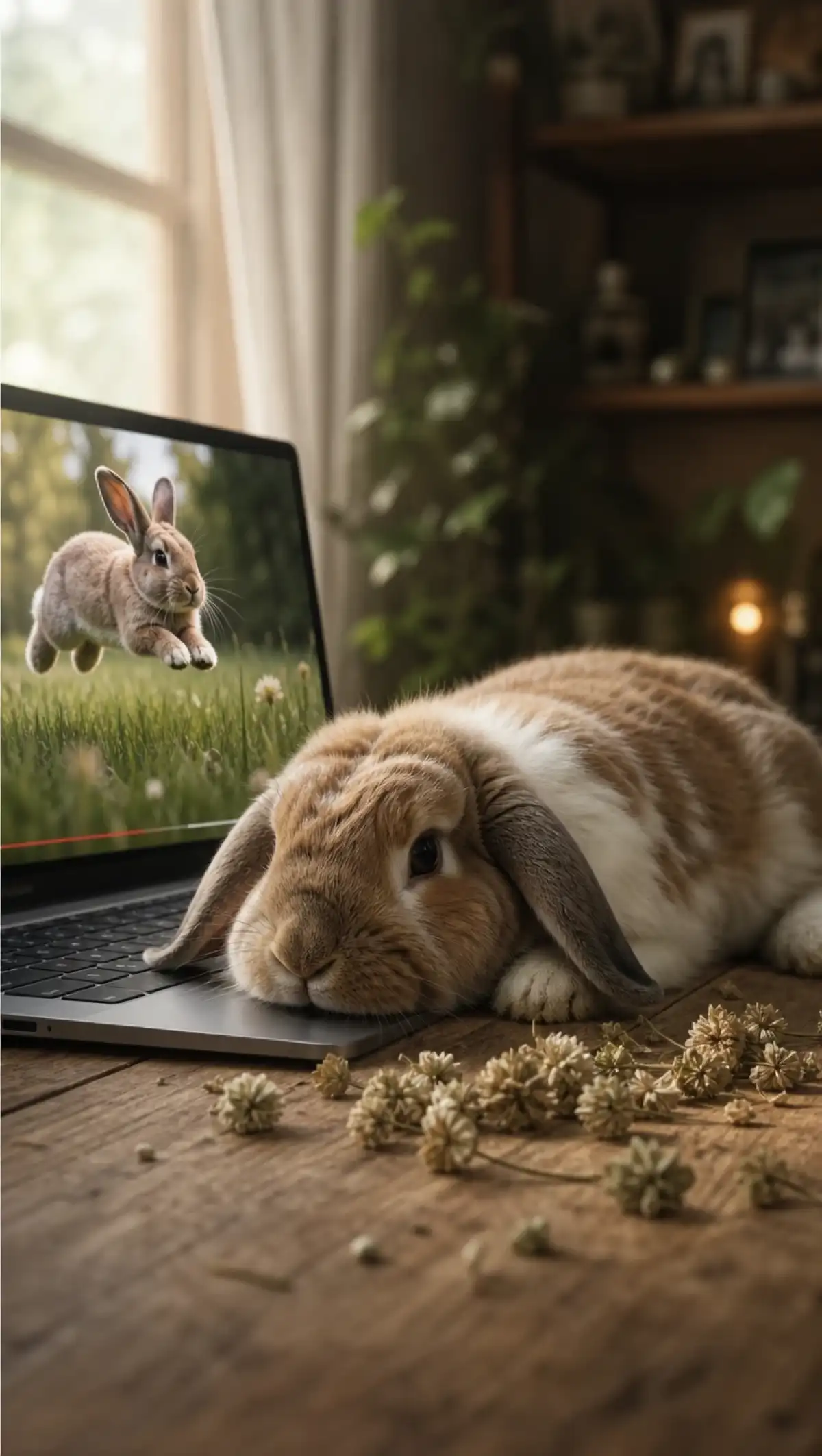
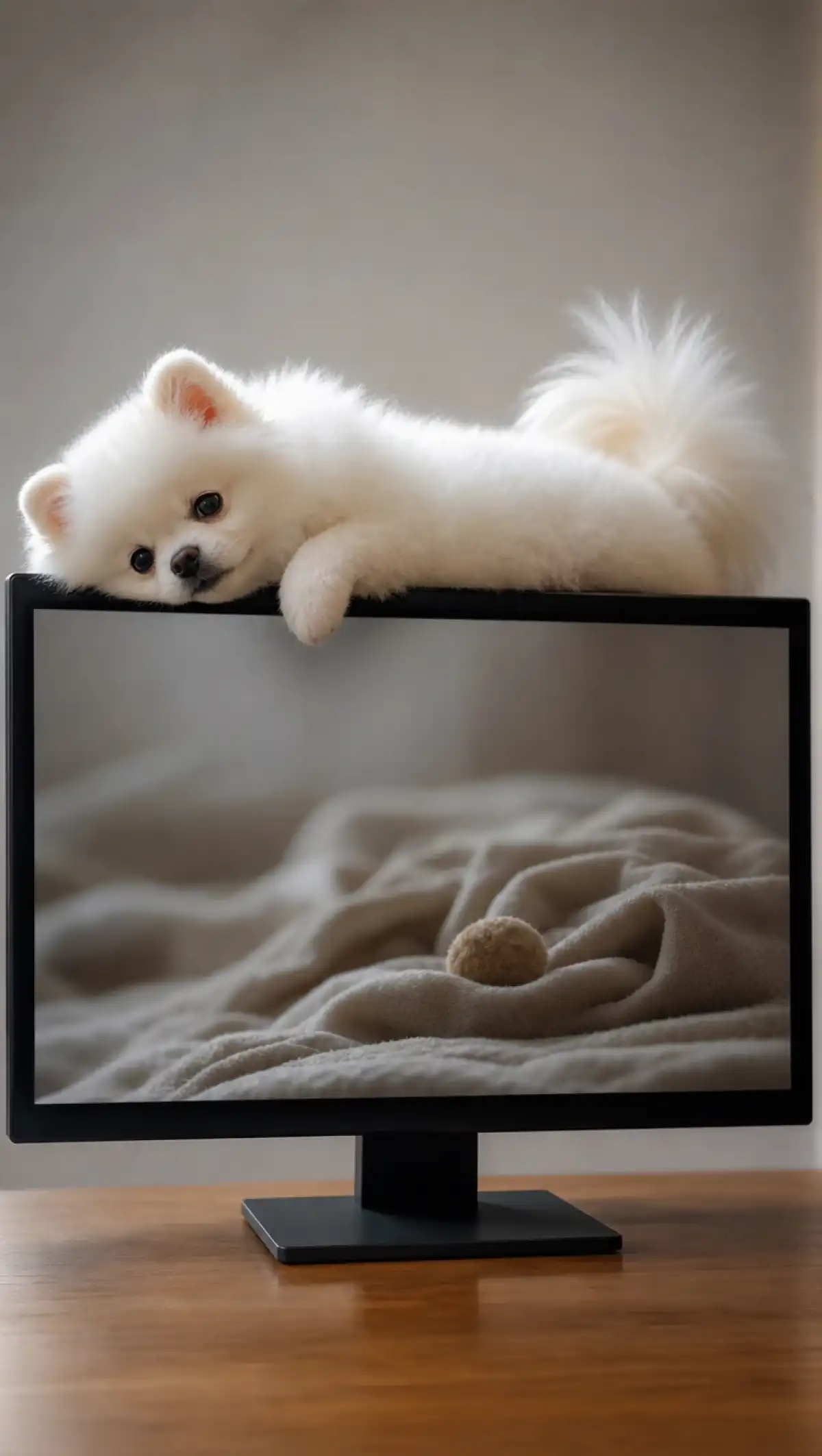
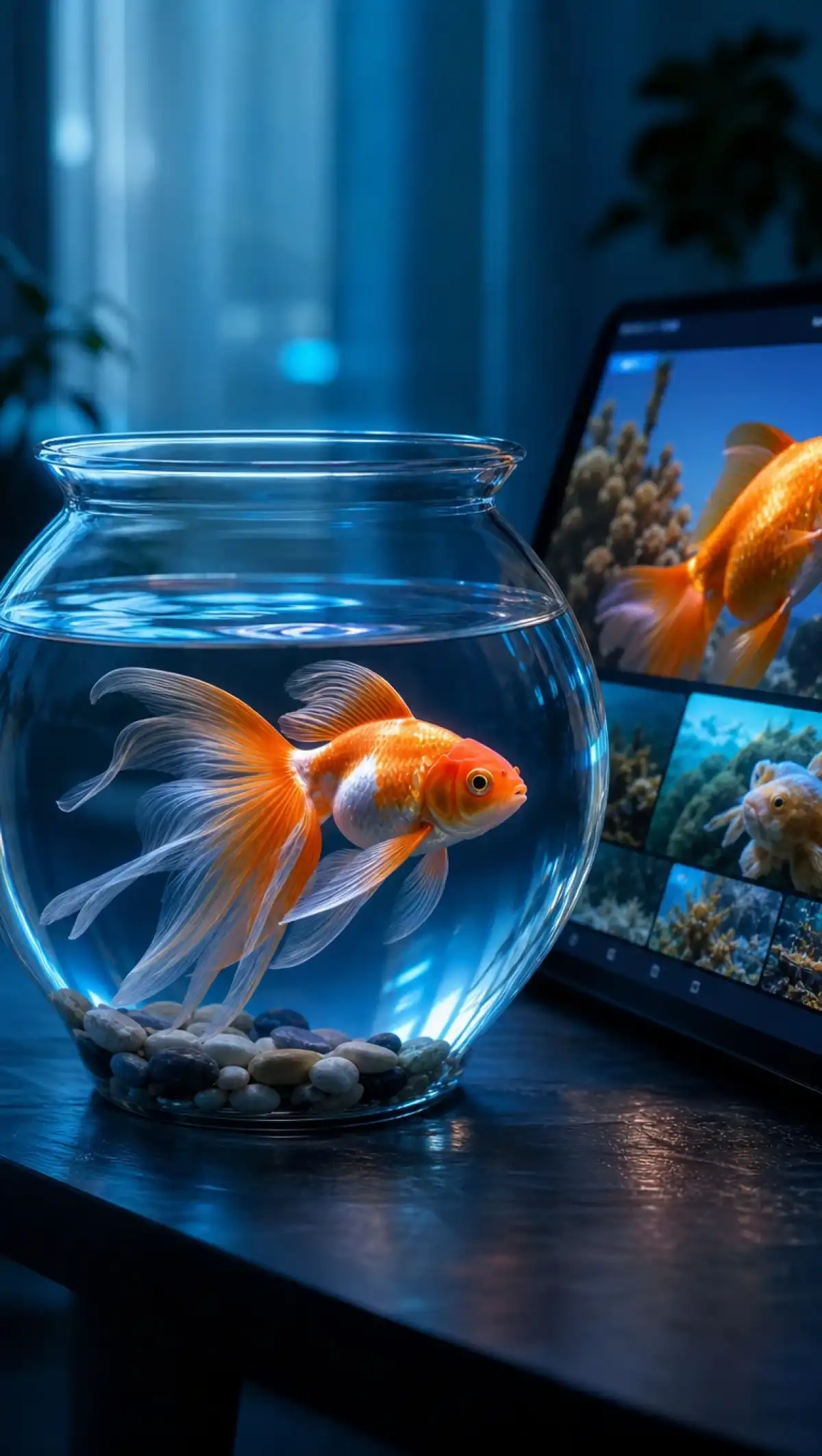
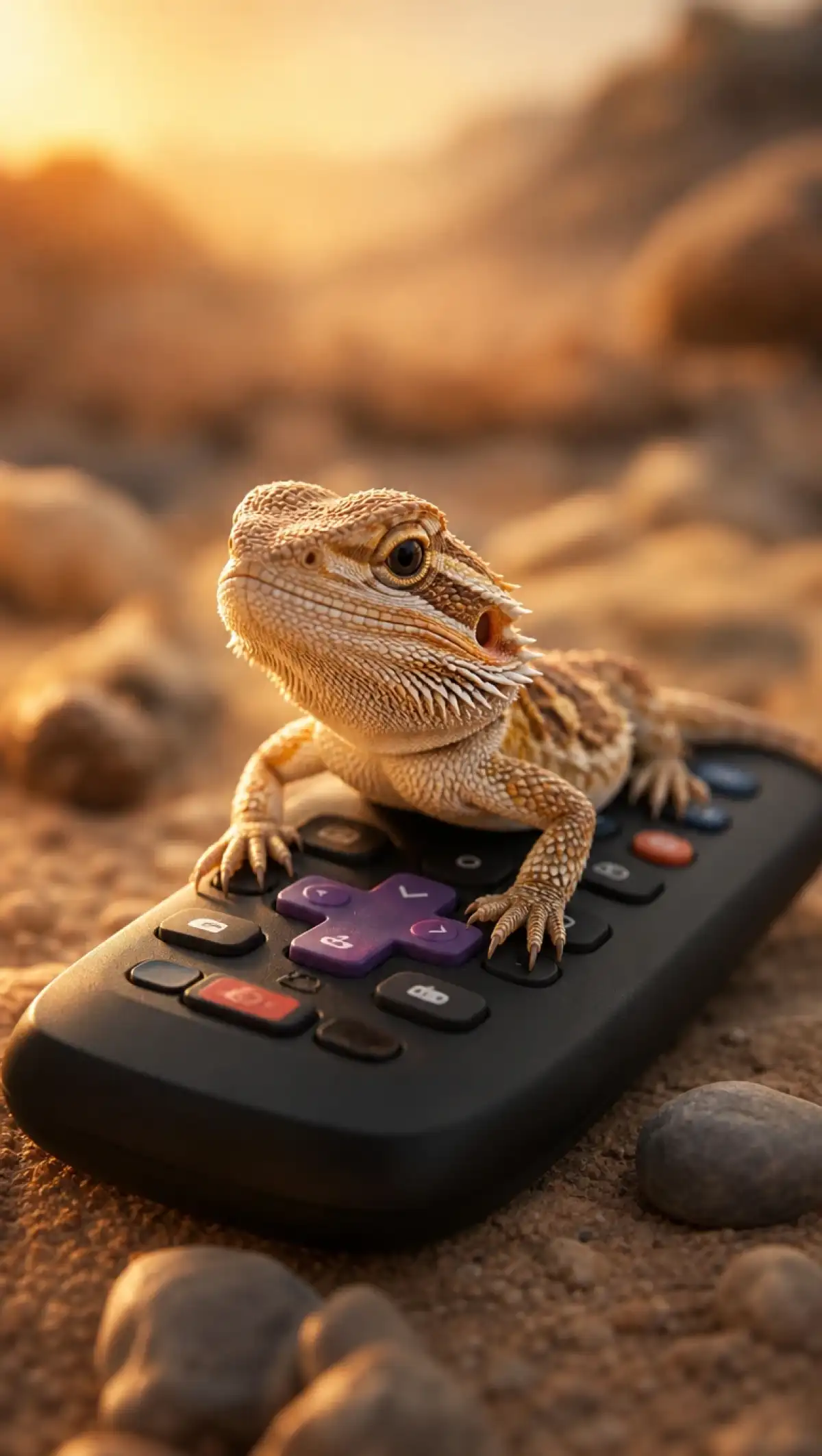
Give your favorite pet photo a little more personality. Magiclight AI pet video generator lets you choose what happens next, from a sleepy stretch to a surprising adventure.

Upload a favorite photo of your pet through Image to Video in Magiclight AI. Describe your dog stretching or your cat chasing a toy to create an animated clip lasting up to 30 seconds.
Give your cat a funny line about its empty food bowl. Use Lip Sync in Magiclight AI to match supported pet characters' mouth movements with dialogue and create an entertaining conversation.
Describe your pet's adventure within 10,000 characters in Magiclight AI. Explain how your dog explores a garden or your cat reacts to a butterfly. Include details about the surroundings and desired movements.
Add a puppy photo as the opening frame and a recent picture as the closing frame. Magiclight AI uses Frame to Video to create a transition showing how your pet has grown.


A single picture of your cat can lead to something much more entertaining. Magiclight AI pet video generator takes you through 4 steps to turn that pet face into a moving scene.
In Toolbox, switch to Video. Reference to Video helps keep your pet recognizable from its photos. Frame to Video lets you decide which pictures appear at both ends.
Look through the AI video models and pick one that fits your idea. Supply a picture where your pet's features are visible. For audio references, use a model from the Seedance family.
Use the 10,000 character description field to explain what your pet should do. Set the video duration to 30 seconds or less and let Magiclight AI turn your idea into a clip.
See whether your pet's appearance and actions match what you imagined. Revise the instructions if something needs changing. Once you're happy with the video, download it.
Magiclight AI pet video generator uses your pet's photos as a visual reference. Choose pictures where its face and markings are clear to help the finished clip resemble your animal.
Talking Animals focuses on fictional animal characters. Here, you can use photos of your own pet to create a scene where its familiar face becomes part of the action.
Yes. Choose photos that remind you of your favorite moments in Magiclight AI. A quiet song or a few personal words can turn those memories into something meaningful to revisit.
Choose a picture with good lighting where your pet's face is easy to recognize. Avoid blurry shots or busy backgrounds that make its features harder to distinguish.
Short pet animations can last 30 seconds or less through Image to Video. For a longer adventure, Magiclight AI also supports story videos lasting 50 minutes on eligible plans.
Your dog could explore a mysterious forest or your cat could become a tiny detective. Everyday habits also make funny stories when you give them an unexpected twist.



Pick a favorite picture and imagine something funny. Magiclight AI helps bring that little pet adventure to the screen.