Explore the Magiclight AI Song Cover Generator Features
A cover version gives a song a second life with a new sound. The Magiclight AI song cover generator reworks your own music or public domain melodies in the style you choose.
Skip the studio and the mixing software. Upload your track and describe the genre and the mood. The AI song cover generator in Magiclight makes a new version. No music skills needed.
Create an AI Song Cover for Free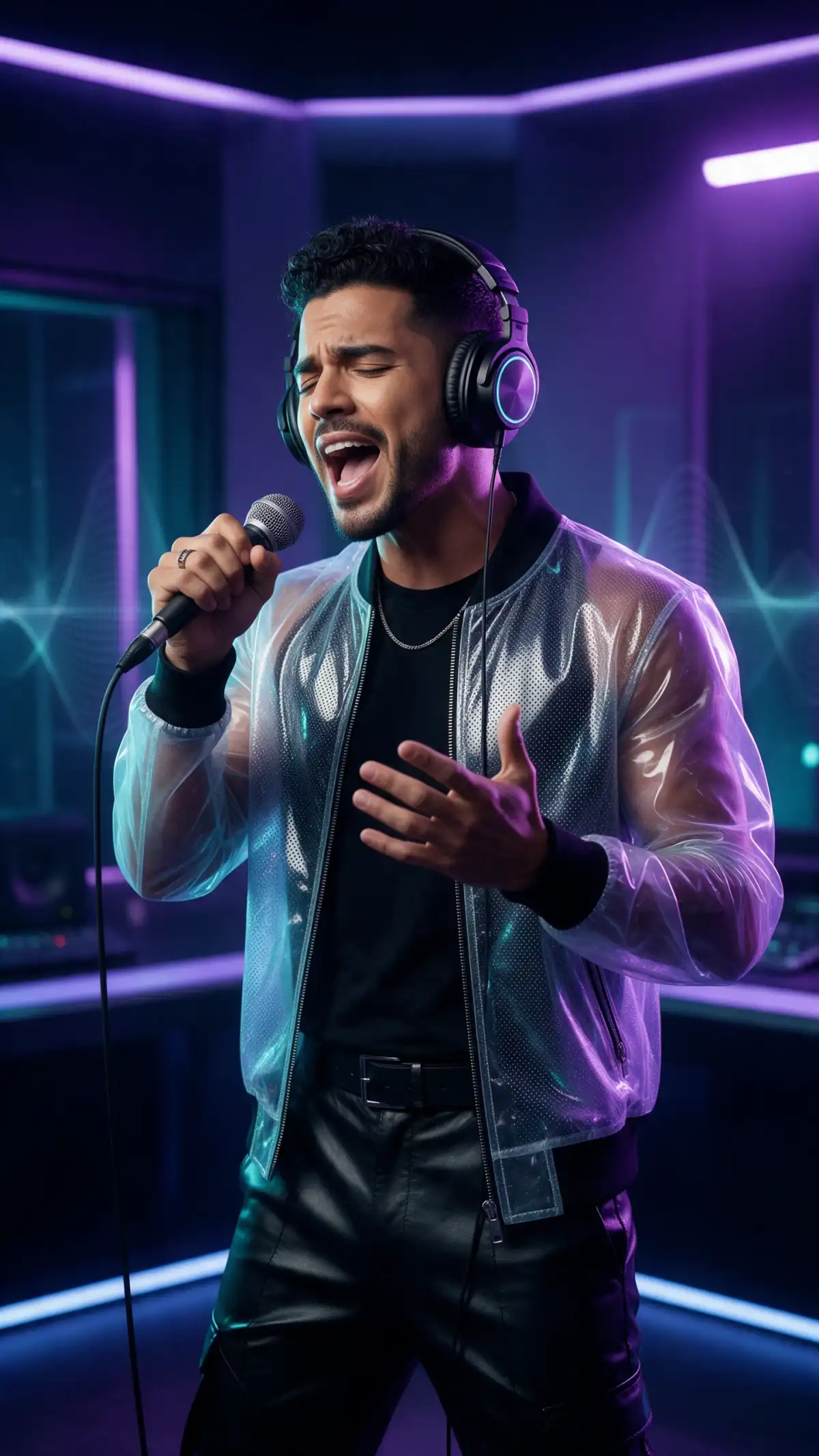
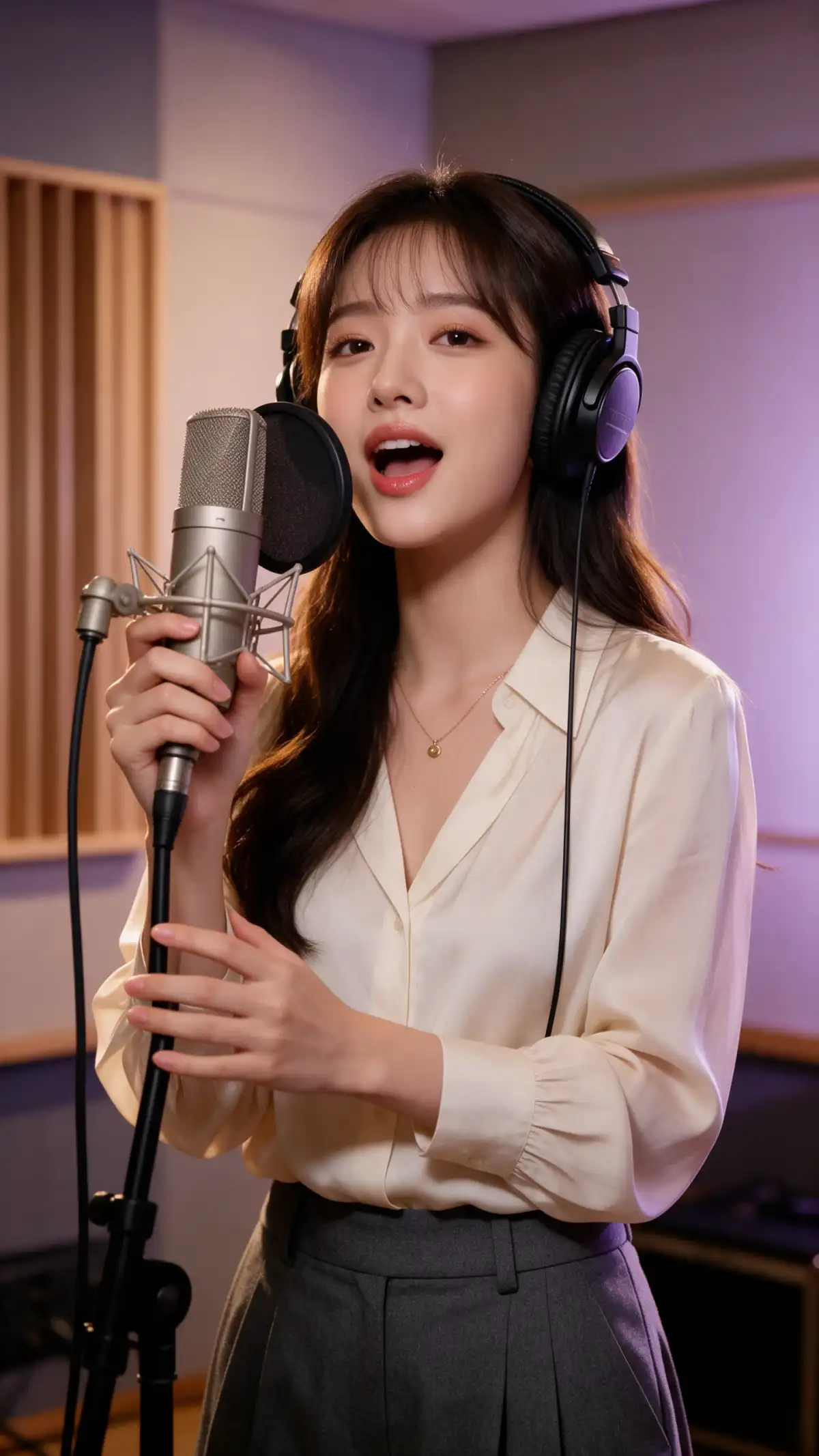
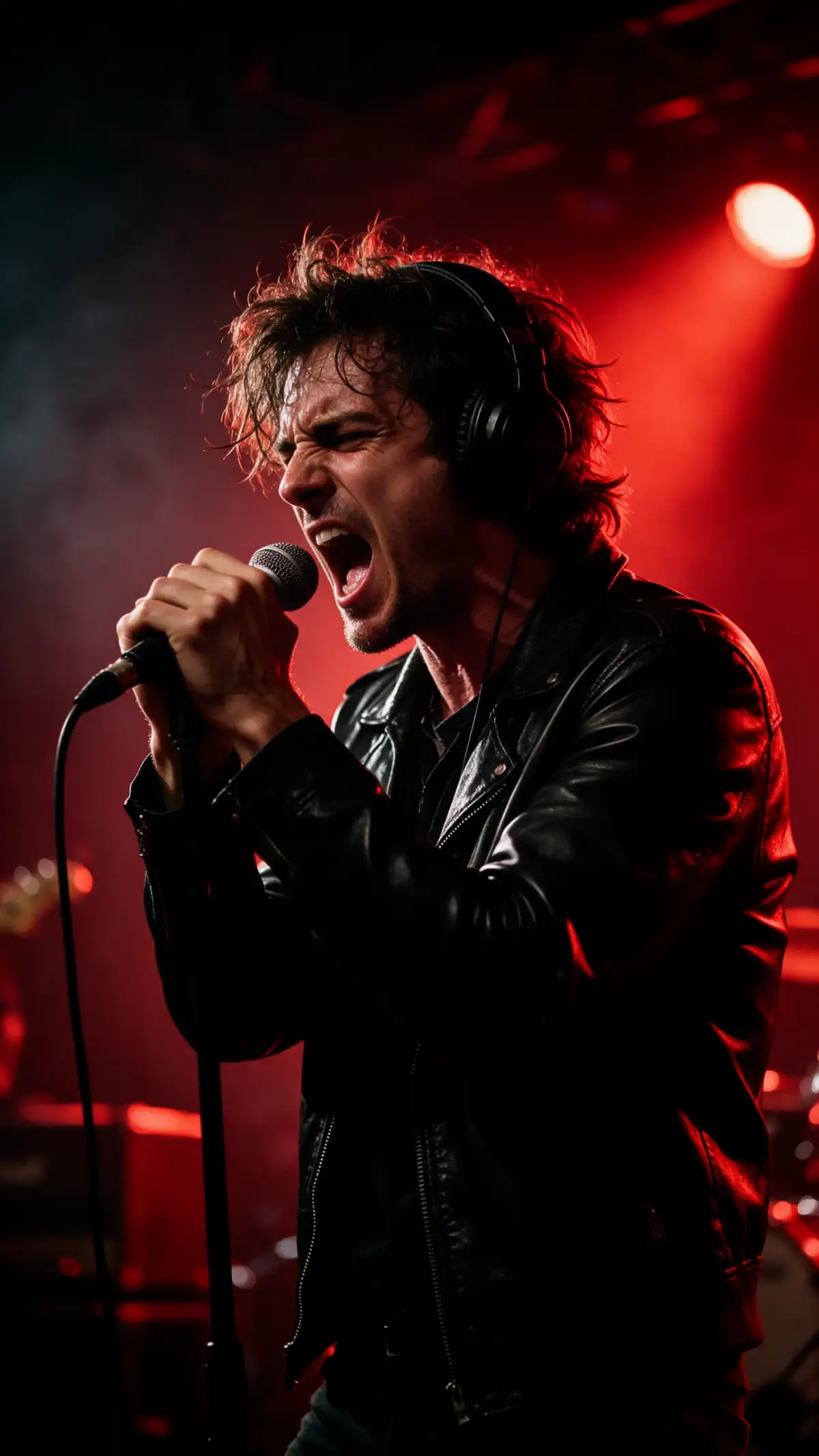
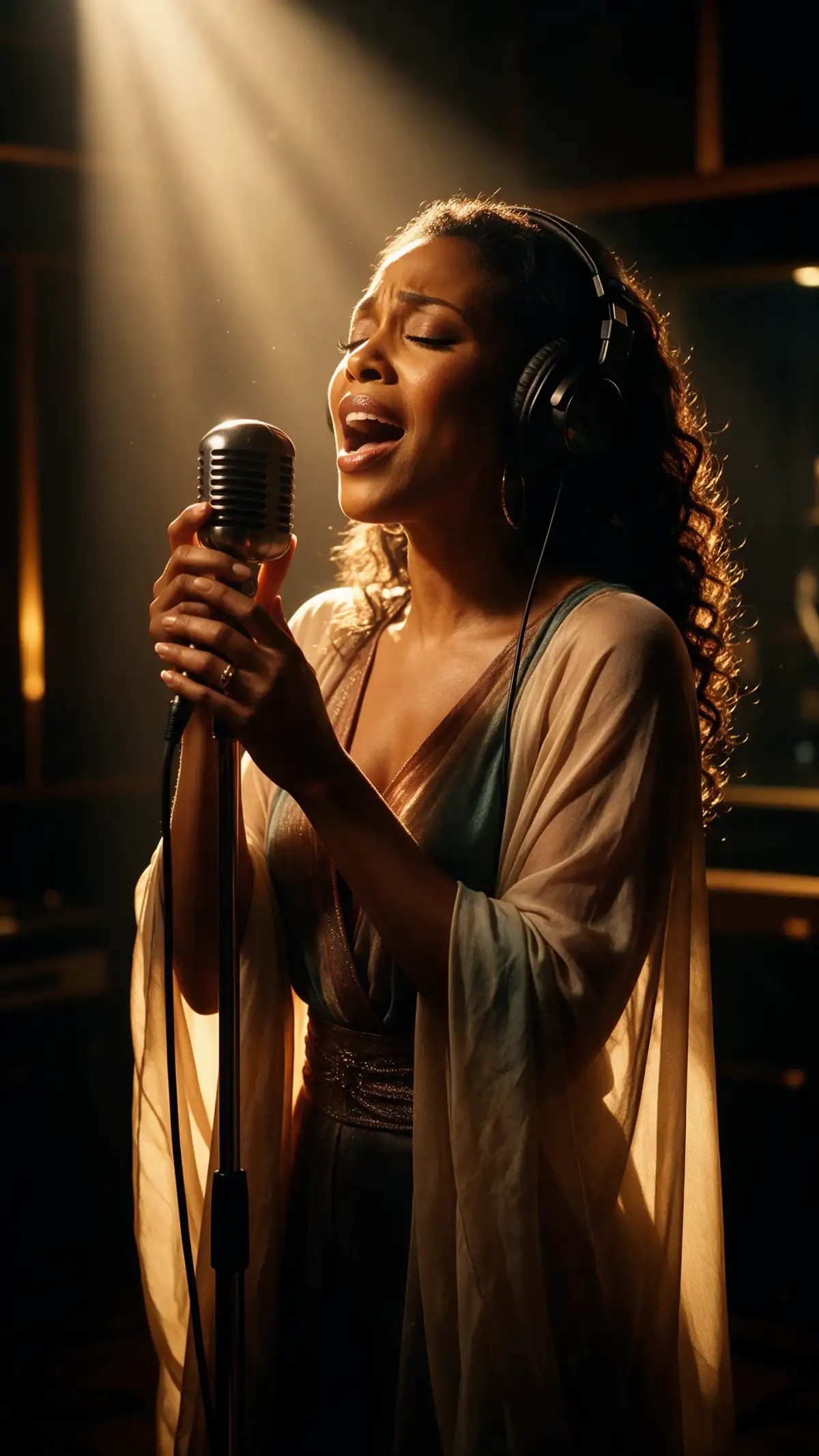


A cover version gives a song a second life with a new sound. The Magiclight AI song cover generator reworks your own music or public domain melodies in the style you choose.

Upload a recording of your cover song and choose the Audio to Audio mode. Your melody and structure guide the result in Magiclight AI and the style changes around them.
Move the new version into Music to Video. Add visuals around the song in the same account using 52 visual models. Share the cover as a full video instead of a bare audio file.
Choose Suno or Seed 1.0 when you start from a description. Name the genre, the mood, and the instruments. Use the result to sketch an arrangement before you record.
Switch to the Image tab and create square artwork for the release. Describe the cover you want in a short prompt. Keep the art and the song in one account.


3 steps are enough to hear your song in a new style. The AI song cover generator in Magiclight AI works best from a clean recording with a clear melody.
Open Audio in the Toolbox. Choose an MP3 or WAV file of your own song, such as a demo or a voice memo. A clean recording gives the new version a clear melody to follow.
Select Seed 1.0 because it is the model that accepts reference audio. Add your file as the reference. Write the genre, mood, tempo, and instruments you want.
Tap Generate to make the new version and listen back. Take it into Music to Video to share it with a visual.
Only if you hold the rights. Popular songs are protected by copyright, so use the AI song cover generator in Magiclight AI with your own music or public domain melodies.
The Seed 1.0 model accepts reference audio as an MP3 or a WAV file. Use a demo, a voice memo, or a finished mix. A clean recording gives the new version the clearest melody to follow.
Both models make music from a description in Magiclight AI. Only Seed 1.0 takes reference audio, so choose it to rework your own track. Choose Suno when you start from words alone.
Yes, move the finished track into Music to Video in the same account. Add visuals around the song and share it as a full video. Cover art from the Image tab can go with it.
Yes, if the song is yours and your plan carries business rights. Check your distributor’s rules on AI-created music before you submit it. Keep your original recording on hand.
Yes, you receive starter credits to try the tool. Use them to hear one song in a new style before you decide on a plan. Paid plans add more credits and business rights.



Hear your song in a new genre before you book studio time. The AI song cover generator in Magiclight AI reworks your own recording in the style you describe.