
14 Story Models to Compare
The same story idea can be read differently across models because pacing and tone change. Test another model, review both drafts, and choose the version that best fits your story.
Create an AI Story for Free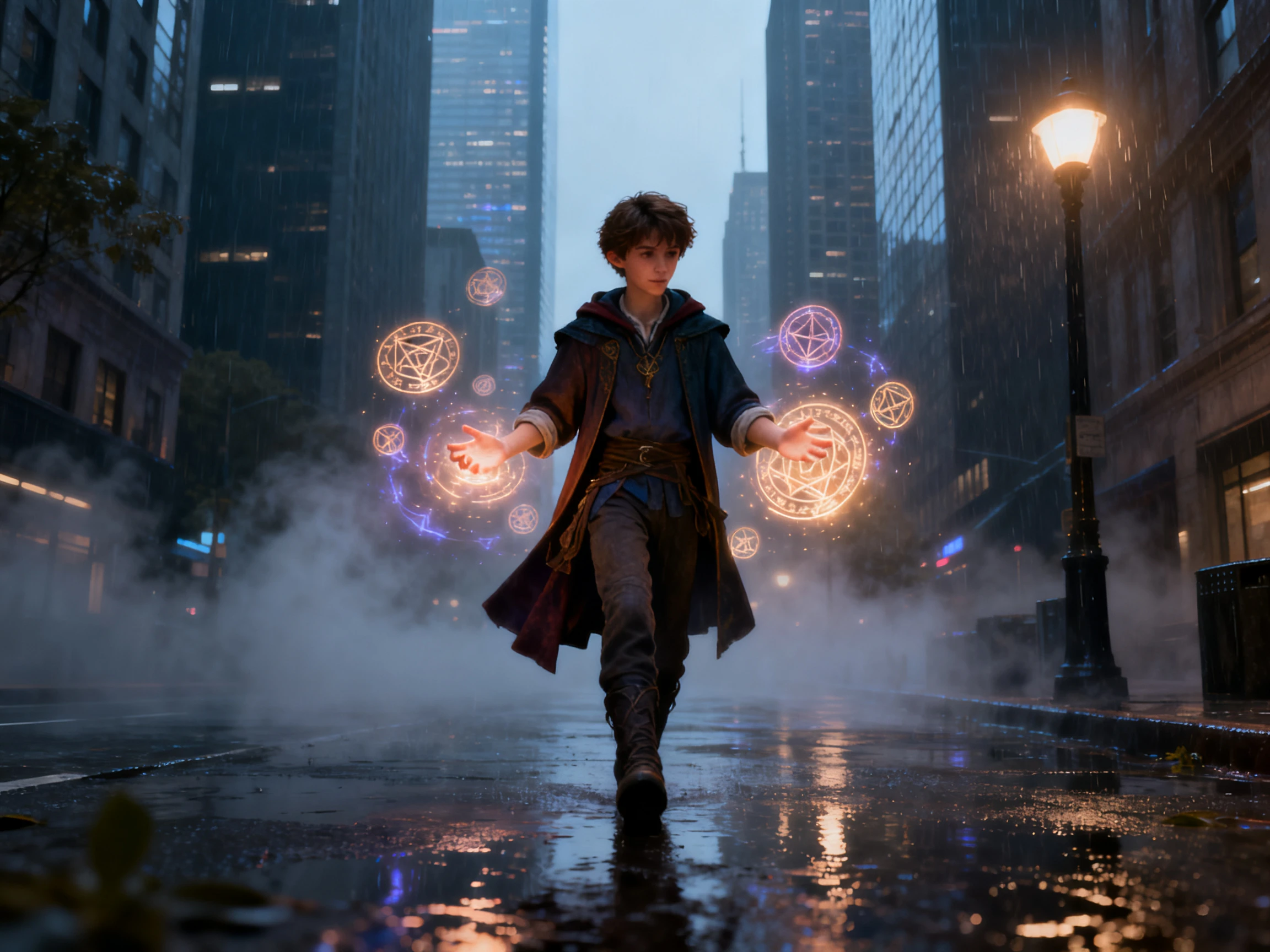

Read your new story first, then watch it on screen. Magiclight AI writes it from a single idea and turns the finished text into an animated video. No writing skills needed.
Create an AI Story for Free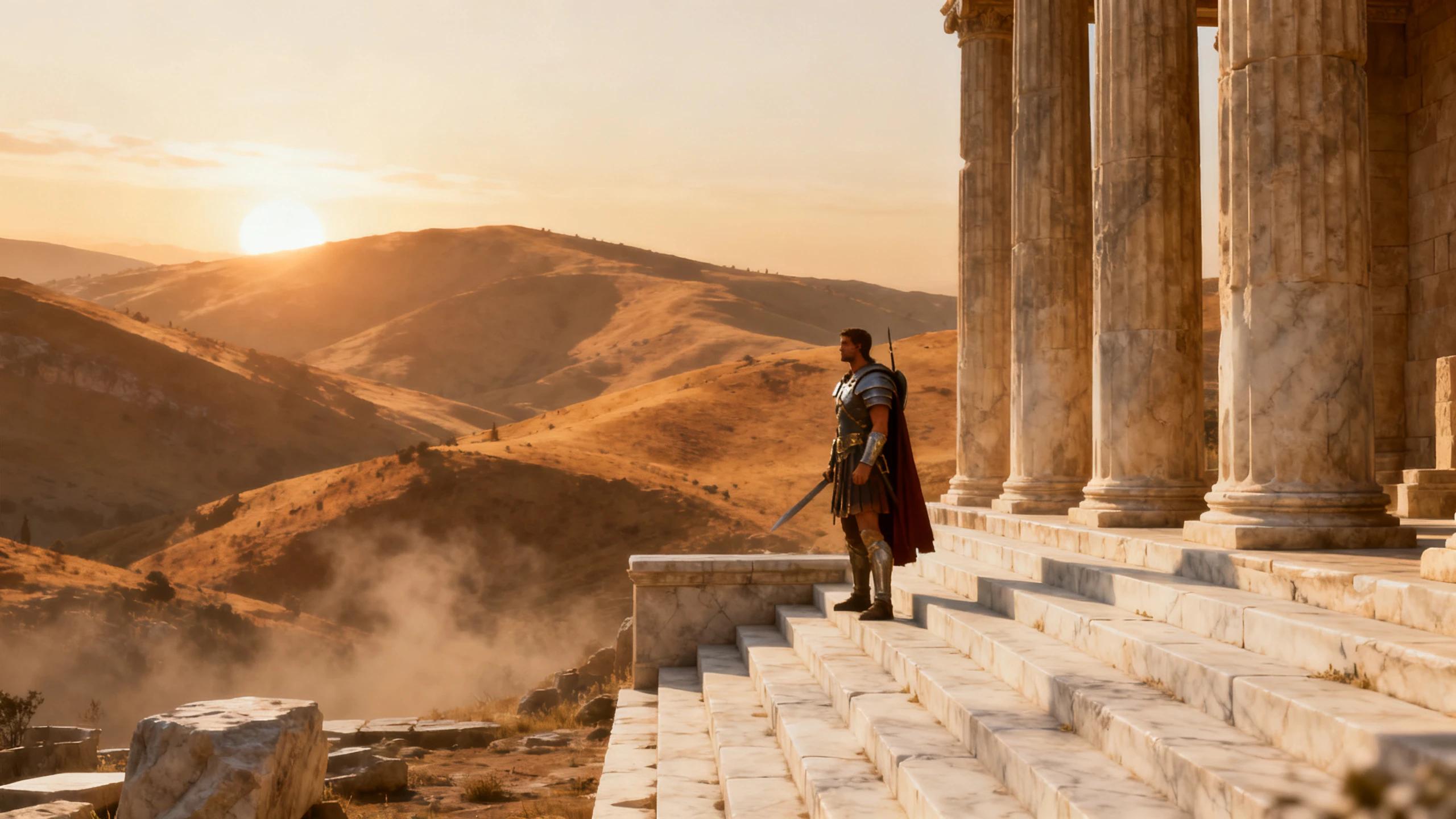










Find out how Magiclight AI story maker writes your story, then shows it to you as scenes. Pick a model, shape the draft, and choose the look before animating anything.
The same story idea can be read differently across models because pacing and tone change. Test another model, review both drafts, and choose the version that best fits your story.
Create an AI Story for FreeMagicLight AI supports scripts up to 12,000 characters, giving you space to develop the plot properly. Review or rewrite any line before the story moves into scenes and voice narration.
Create an AI Story for Free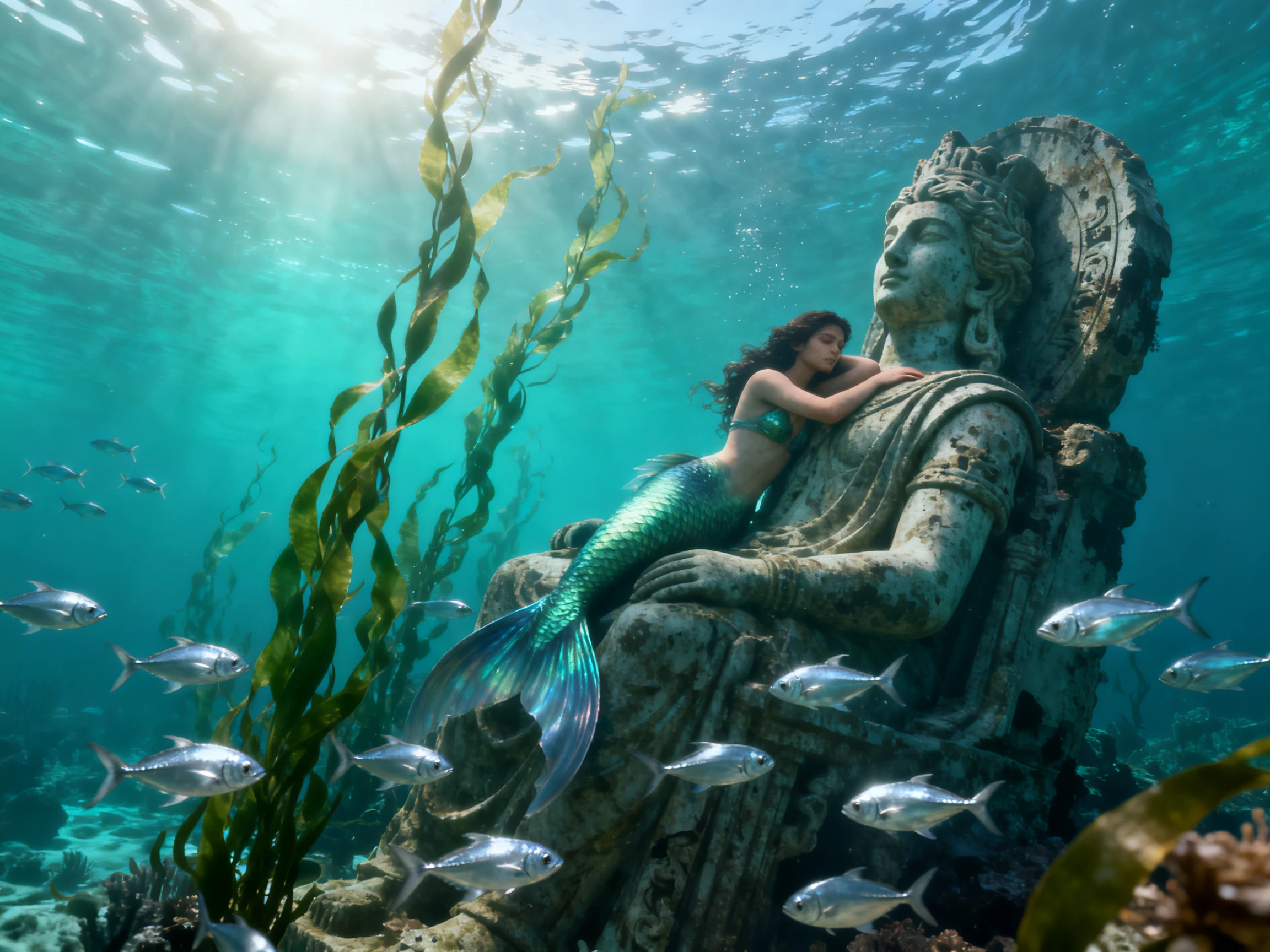
Type a basic idea, a character, or one line of plot. Magiclight Agent picks the format, from a short drama to a kids' story, and drafts the full story for you to confirm.
Create an AI Story for Free
Give the story its look with one of the 20+ visual styles, such as realistic, anime, or 3D cartoon. Magiclight AI keeps that look in every scene, so the story never switches styles.
Create an AI Story for Free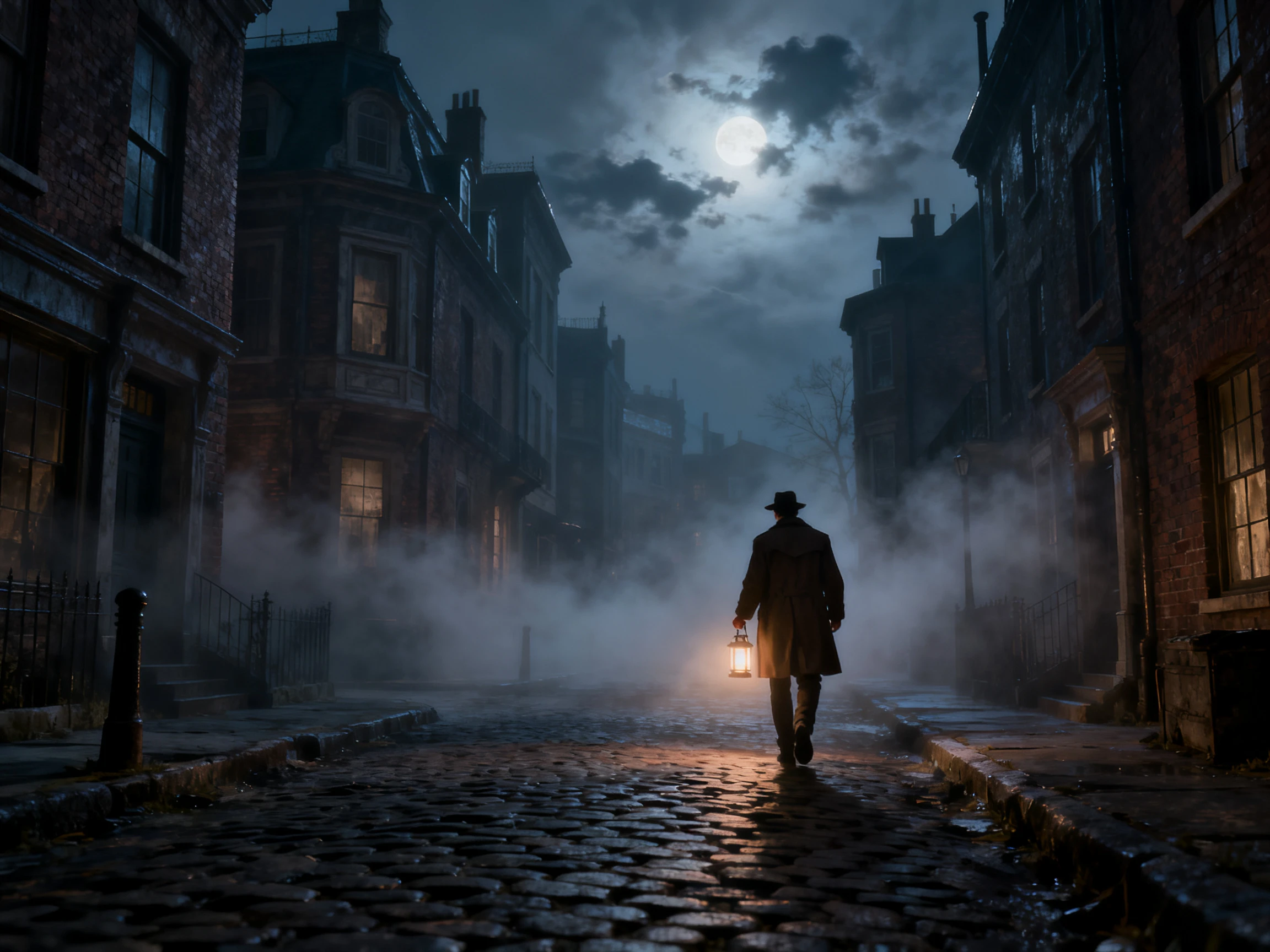


The short story AI generator in Magiclight AI takes a story idea through 4 steps before the video is ready. Add the premise, choose the style, review the scenes, and select the narration voices.
Type a plot idea or paste a story you started, then choose one of the 14 story models. Magiclight Agent sets the format and shows the full draft for you to confirm.
Select a visual style for the story and set 16:9 or 9:16. Then pick a suggested character for each role, or reuse one saved from an earlier story.
Open Nano Storyboard and check that each scene matches its part of the story. Fix a pose or expression if a moment looks off. Magiclight Agent then animates the full story.
Choose a proper background music and a subtitle style to give your story a unique look. Generate your story video and download the finished file to share.
Author
I gave the same premise to two story models, and one wrote the quiet ending I wanted. Magiclight AI then turned that draft into a short film for my writing group.
Content Creator
My channel posts a new story every Friday. Magiclight AI writes the draft, I fix a few lines, and the same narrator voice carries every episode so the series feels connected.
Primary School Teacher
My students write one-line premises, and we watch the stories together on Friday. Magiclight AI makes even the shy kids excited to share their next idea with the class.
Accountant
Bedtime used to mean the same five books. Now my daughter names an animal and a place, and Magiclight AI makes a gentle story from it for us to watch before lights out.
Yes. As an AI story creator, Magiclight AI shows you the full story as text first. Read it, change any line, and only then move on to scenes and narration.
You can start without paying. Magiclight AI adds free credits to every new account, which covers a first short story video, and a paid plan unlocks commercial rights.
Most free story tools return text only, and certain tool caps each result at 500 words. Magiclight AI writes the story, then turns it into an animated video with narration.
It can. Save a character once, and Magiclight AI brings back the same look and voice in your next story, keeping a series connected across episodes.
Name the main character, what they want, and what stands in their way. Magiclight AI creates the plot, scenes, and ending around those details, giving the story a clear goal.
Magiclight AI writes new text from your premise each time. Before you publish, check that the names, plot, or lines do not closely match a book you know.



Start with a premise you have wanted to write for a while. Try this story generator AI free tool, then read the draft and watch it play as a finished video.