Hero background

AI Tattoo Generator

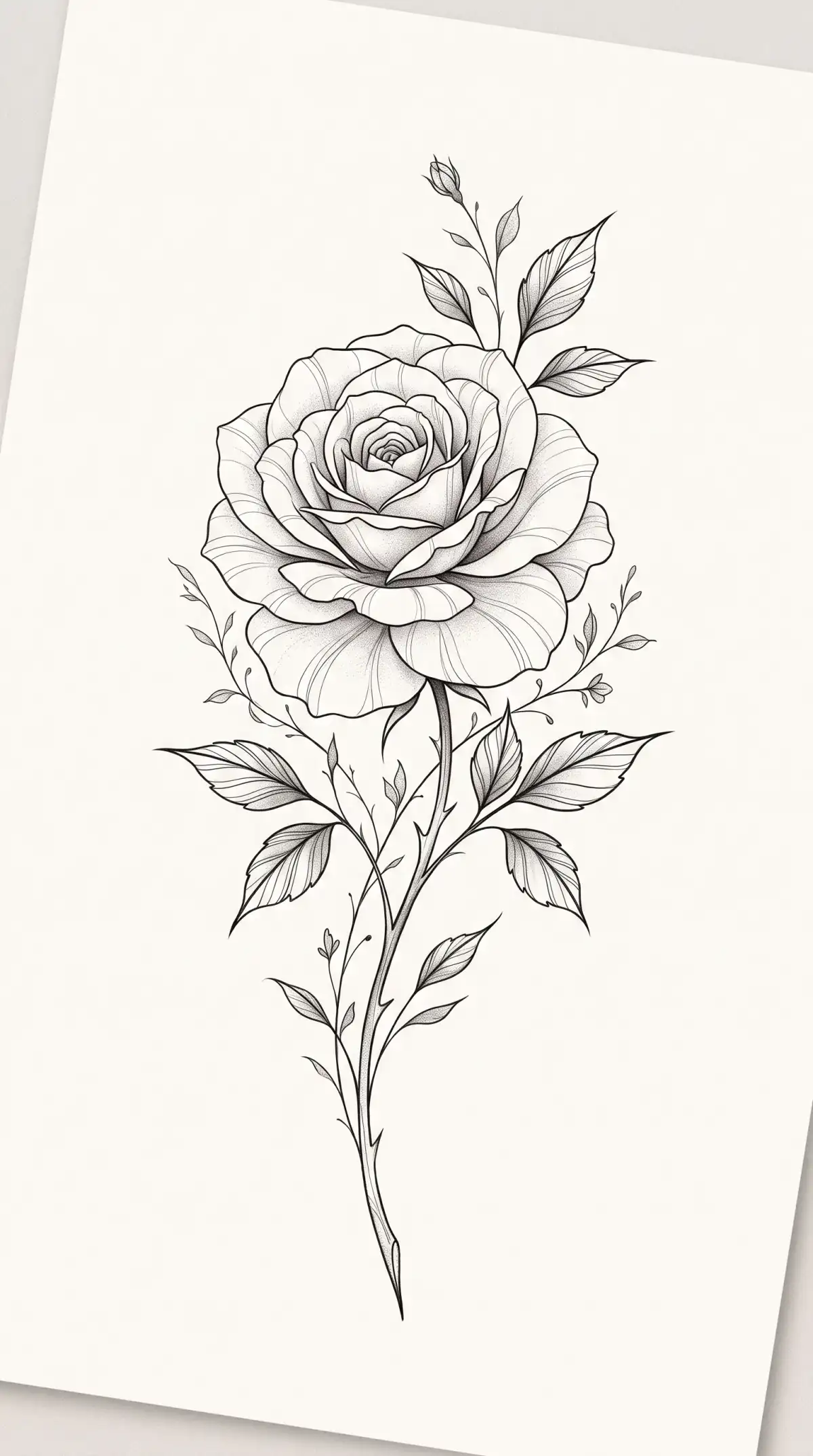
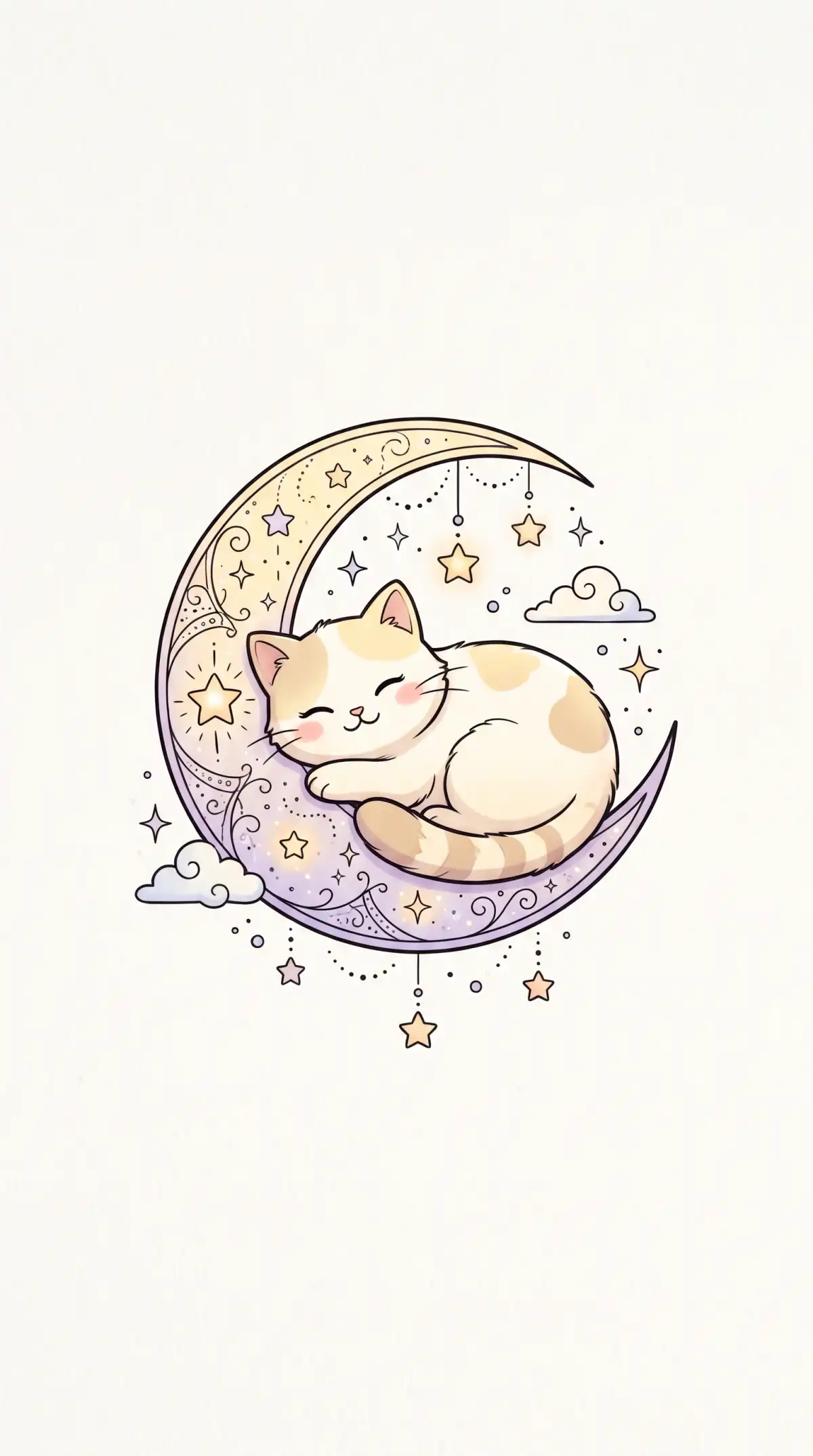
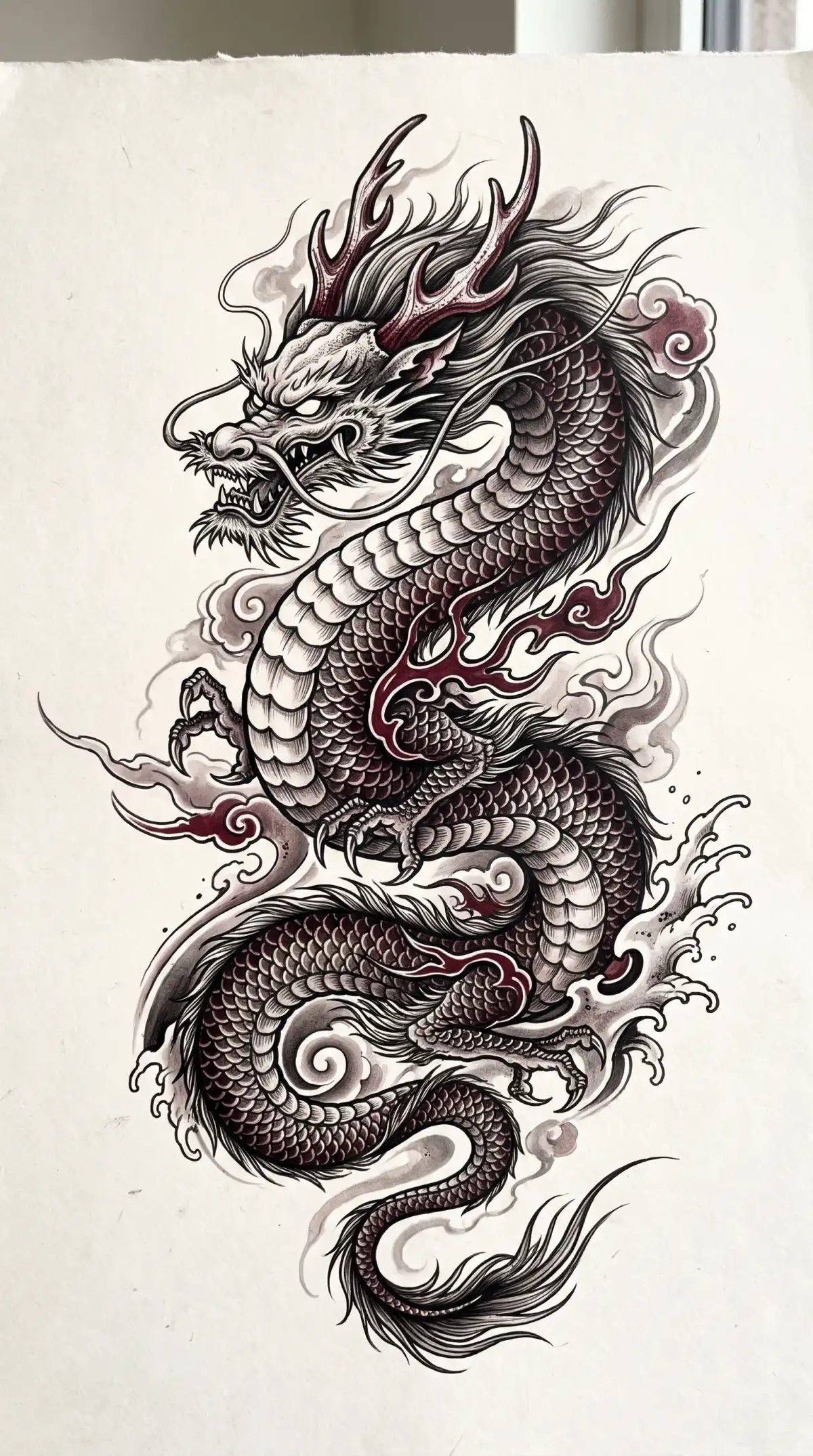
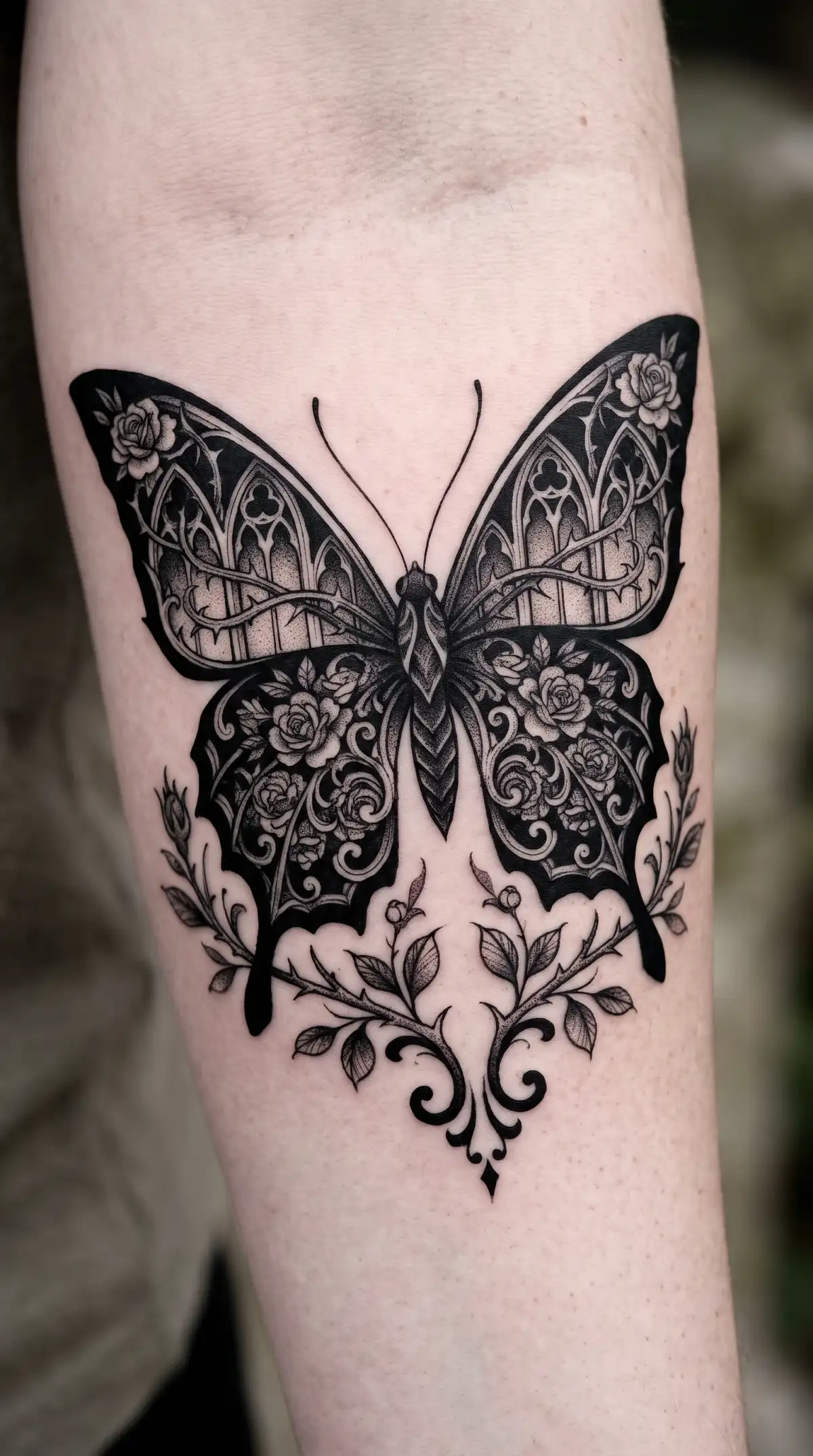
Describe a tattoo design in simple prompt and Magiclight AI draws different concepts under different models. Bring the one tattoo you love to your artist. No design experience needed.

Create an AI Tattoo Design for Free
AI Tattoo Generator
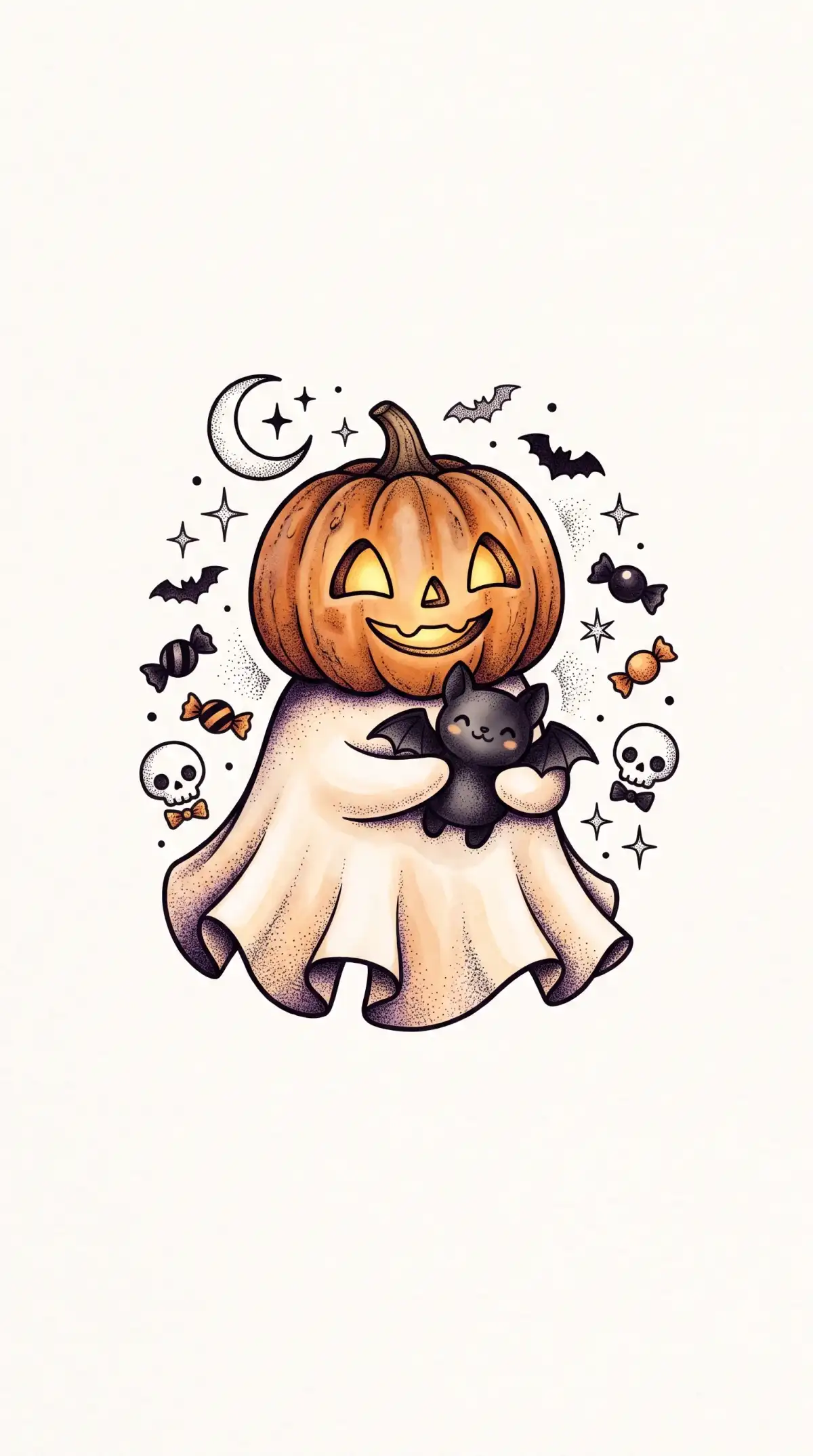
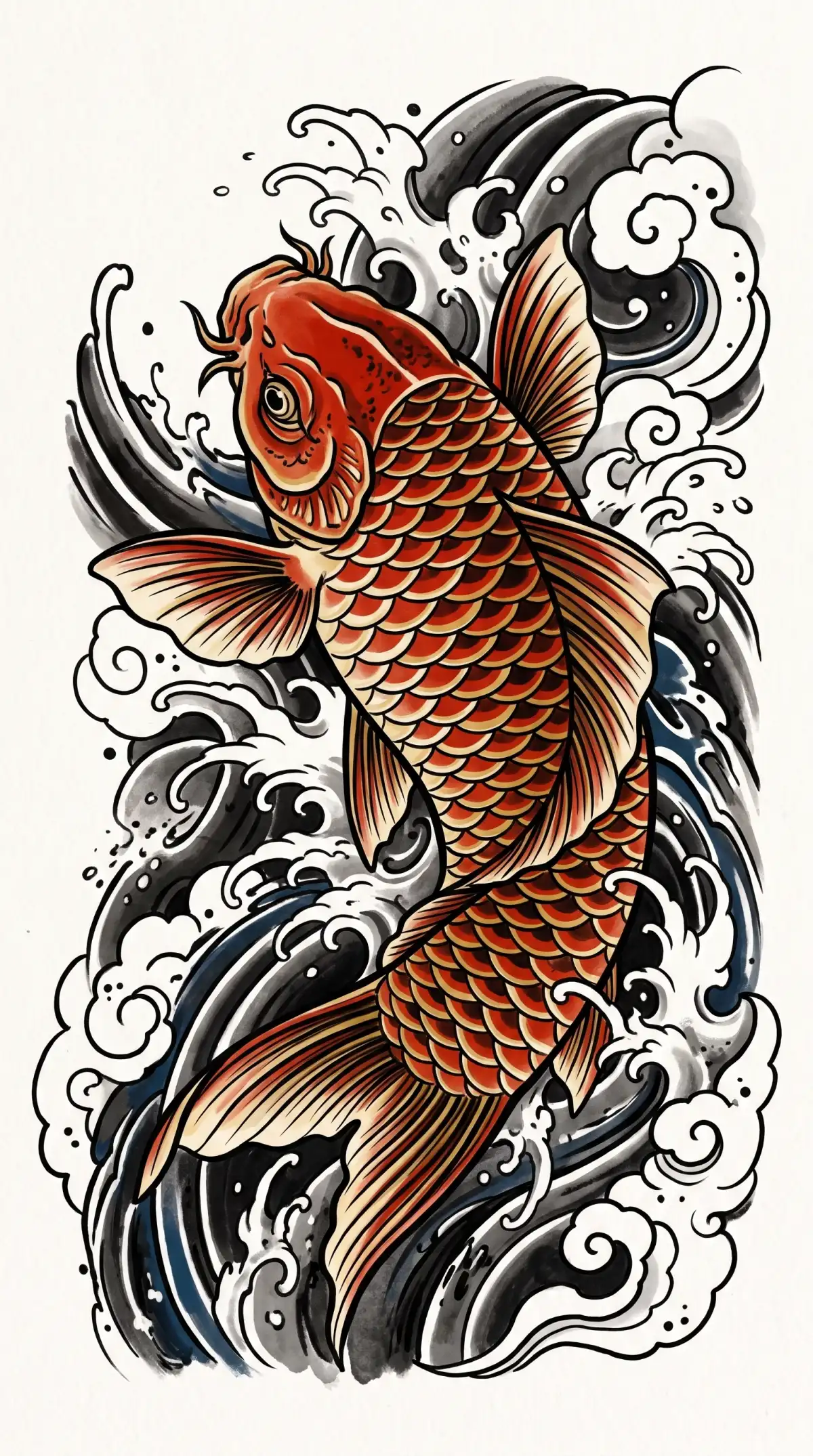
AI Tattoo Design Examples
AI Tattoo Concepts
Custom AI Tattoo Designs
AI Tattoo Generator Samples
AI Tattoo Maker Examples
AI Generated Tattoo Designs
AI Tattoo Creation Ideas
AI Tattoo Generator
AI Tattoo Design Examples
AI Tattoo Concepts
Custom AI Tattoo Designs
AI Tattoo Generator Samples
AI Tattoo Maker Examples
AI Generated Tattoo Designs
AI Tattoo Creation Ideas

Explore the Magiclight AI Tattoo Generator Features

A tattoo lasts a lifetime, so seeing the idea before the needle touches skin is worth a lot. The AI tattoo generator in Magiclight AI turns your words and references into clear design concepts.
Create an AI Tattoo Design for Free
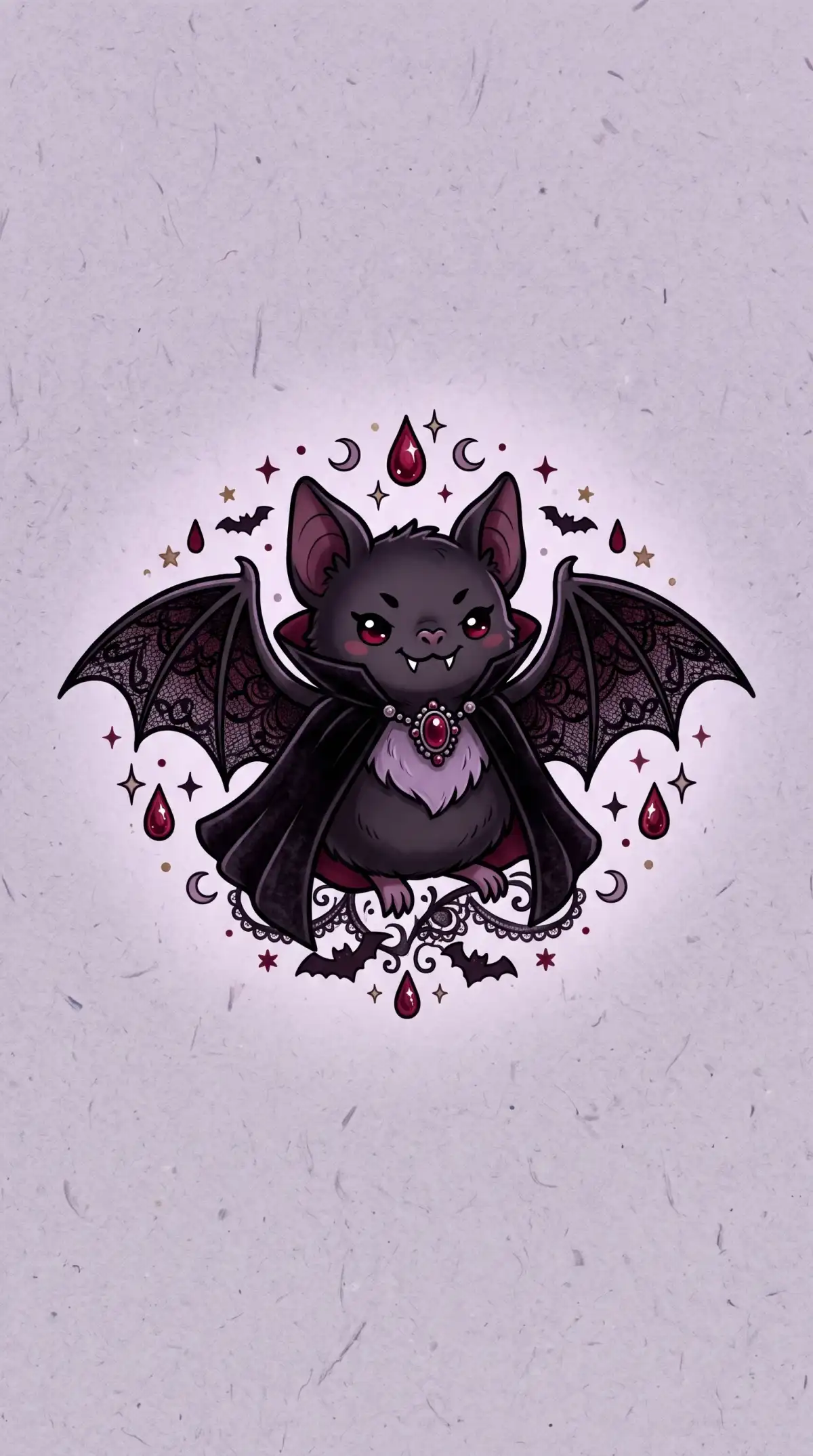
AI Tattoo Generator Features

500 Characters For a Tattoo Style

Ask for fine line, American traditional, blackwork, dotwork, or watercolor ink in up to 500 characters. Add size, placement, and symbols so the concept fits the spot you have in mind.

10 Reference Images For Covering Specifics

Upload a photo of a pet, a flower from a wedding bouquet, or a handwritten word as a JPG, PNG, or WEBP files. Add up to 10 reference images to cover minute details for your tattoo image.

Tall 9:16 Frames for Arm and Leg Pieces

Generate in a tall frame for forearm, calf, or spine designs. A vertical concept shows how the artwork flows along a long placement within Magiclight AI.

2 Image Generation Modes

Cover the requirement of tattoo designs with simple prompts and reference images. Magiclight AI offers 2 unique AI image generation modes to help users find the right design they want to commit to.

Who Can Use the Magiclight AI Tattoo Generator
Tattoo ideas often start as a feeling that is hard to explain. First-timers, artists, couples, and people planning memorial pieces use the AI tattoo generator to turn that feeling into a picture.
AI Tattoo Generator for First-Time Tattoos
For First-Time Tattoos
Compare a single design idea on GPT Image 2 and Nano Banana 2.
Add the style and the body placement within the 500-character prompt.
Get clear, high-quality tattoo design image for no confusions.
AI Tattoo Generator for Tattoo Artists
For Tattoo Artists
Upload up to 10 reference JPG, PNG, or WEBP images for influencing design.
Create the tattoo in 4 different aspect ratios for different perspectives.
Visualize your tattoo design idea within the Text to Image mode.
AI Tattoo Generator for Couple Tattoos
For Couple's Content
Design a matching or connecting tattoo with 6 AI image models.
Easily add a couple tattoo design idea of 20MB as input.
Convert the tattoo design into a complete video of 30 seconds.
AI Tattoo Generator for Memorial Designs
For Memorial Planners
Turn a loved one’s handwriting into a proper tattoo concept.
Combine different tattoo designs with the option of 9 reference images.
Add specific tribute details within the 500-character prompt.
Why Choose Magiclight AI Tattoo Generator
A tattoo stays for years, so the decision deserves more than a quick sketch on a napkin. Magiclight AI tattoo generator lets you look at an idea in several forms before you speak to an artist.
Square Frames for Small Pieces
Use a 1:1 frame for compact designs like wrist, ankle, or behind-the-ear tattoos. Small round or symmetrical pieces fit neatly in a square.
Keep Early Rounds Inexpensive
Credits depend on the image model you choose, so quick early ideas can stay cheap. Put stronger models to work only on the finalists headed to your artist.
Refine Until It Feels Right
Upload the concept you almost love and change one detail, like adding a date or thinning the lines. Small rounds of changes keep the meaning intact.
A Clear Reference for Your Artist
A finished concept gives your artist a better starting point than a written description. They can adapt it to your skin, the placement, and their own style.
6 AI Models for Different Looks
Run one idea on GPT Image 2, then on Seedream 5.0 Pro, and compare the line work side by side. You can see which model matches a bold traditional look and which one matches fine line.
Upload Heavy Tattoo Designs as Reference
Easily upload tattoo designs for reference within Magiclight AI, regardless of their size. The platform allows entering 20MB worth images easily as reference.

 How to Make a Tattoo Design with Magiclight AI

A clear tattoo concept starts with a few simple decisions. These 3 steps in the Magiclight AI tattoo generator take you through them, one question at a time.

1.

Choose the Mode to Make a Tattoo

In the Toolbox, choose the Image tab and select Text to Image or Reference Image to Image mode. Expand the Model menu and pick the one that suits your preferences.

2.

Describe the Design in Detail

Based on the option you choose, add the tattoo details within 500 characters. Enter any dates, names, or flowers that mean something to you.

3.

Set the Ratio and Generate

Select the aspect ratio, then choose Create Image to continue. Press the Download icon to save your concept and bring it along to the consultation.

FAQs on AI Tattoo Generator

Can I use an AI design as my final tattoo?

Treat it as a starting point, not a finished design. A licensed tattoo artist should redraw it as a stencil and adjust the lines and size for the placement, so the tattoo heals well.

Which tattoo styles can I create?

Name any tattoo style in the prompt, like fine line, neo-traditional, blackwork, or dotwork. Magiclight AI tattoo generator leans on those style words when drawing the concept.

Can I add a loved one's handwriting?

Photograph the handwriting clearly and upload it as a reference. Magiclight AI works it into a design, and your artist can trace the exact strokes later.

Can I recreate a famous character as a tattoo?

Characters and logos are owned by the people who created them. Stick to original designs in Magiclight AI, or ask your artist how licensed artwork is handled.

How do I see how the tattoo fits my arm or leg?

Go with the tall 9:16 shape for long placements and name the body part in your prompt. Magiclight AI then fits the design to that stretch of skin.

Is the AI tattoo generator free to try?

Yes, every new Magiclight AI sign-up includes credits and no card step. Play with a few concepts before settling on the design you will wear.


Create Your Next Tattoo with Magiclight AI

Try different styles and details before settling on a design. Magiclight AI tattoo generator shapes them into tattoo concepts ready for your artist's chair.