10 Reference Photos for Both Parents
Upload up to 10 photos of you and your partner to Magiclight AI. It uses all the photos to create a cute baby face with features from both parents and gives you a fun picture to enjoy together.
Create Now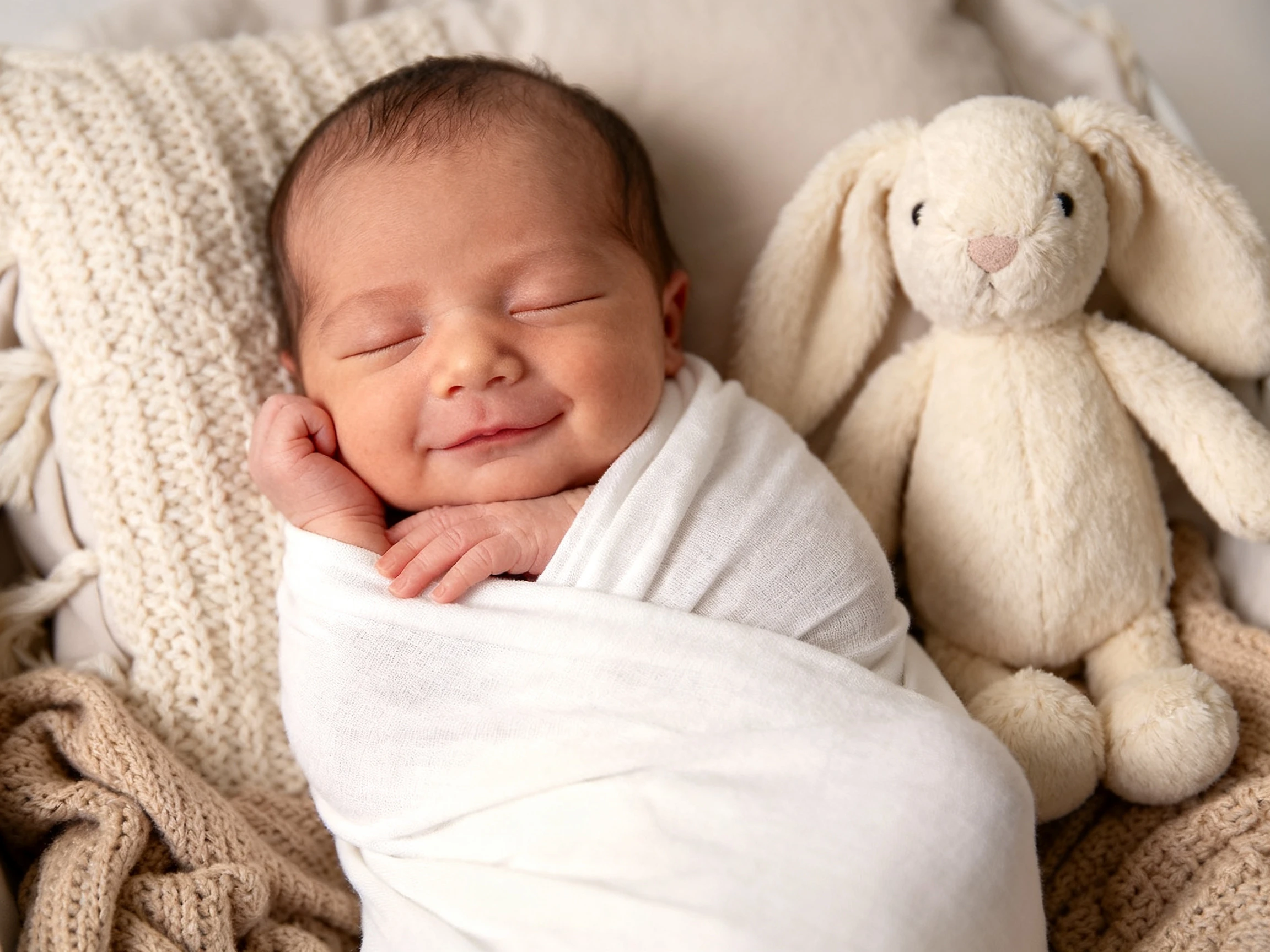

Upload a photo of yourself and your partner to see what your future baby might look like. Magiclight AI turns both faces into a cute baby picture as a newborn or toddler. No editing needed.
Create Your Baby For Free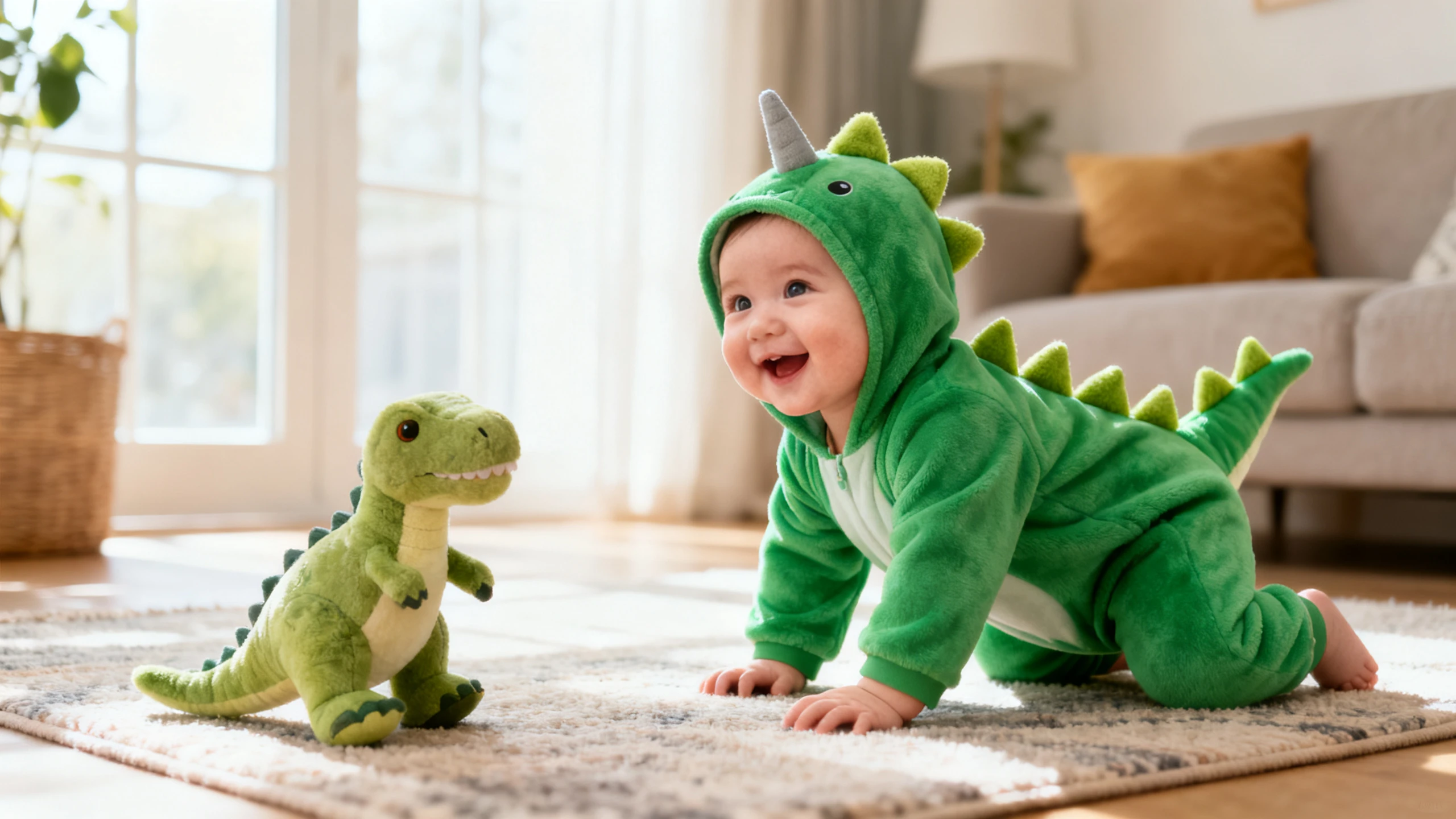










Start with two photos, one of you and one of your partner. The Magiclight AI baby generator combines features from both faces and lets you choose your baby's age.
Upload up to 10 photos of you and your partner to Magiclight AI. It uses all the photos to create a cute baby face with features from both parents and gives you a fun picture to enjoy together.
Create NowTell Magiclight AI how old you want the baby to look. You can use up to 500 characters to describe the baby's face and clothes with a background of your choice to get a picture close to what you imagine.
Describe Your Baby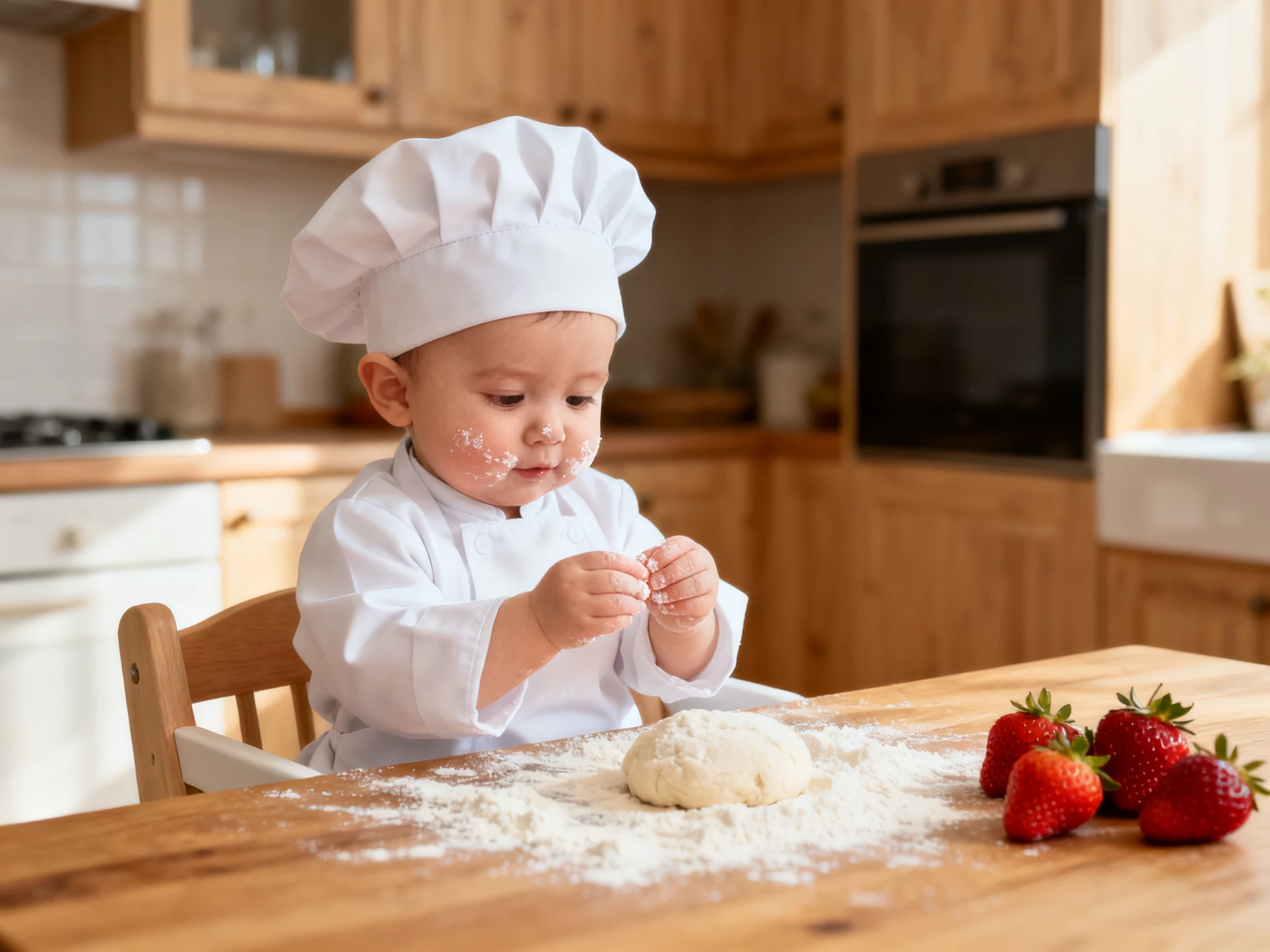
Run the same two photos through Nano Banana 2, and then through GPT Image 2.5 Flare. The second baby may have your partner's smile, while the first one has your nose.
Compare Baby Pictures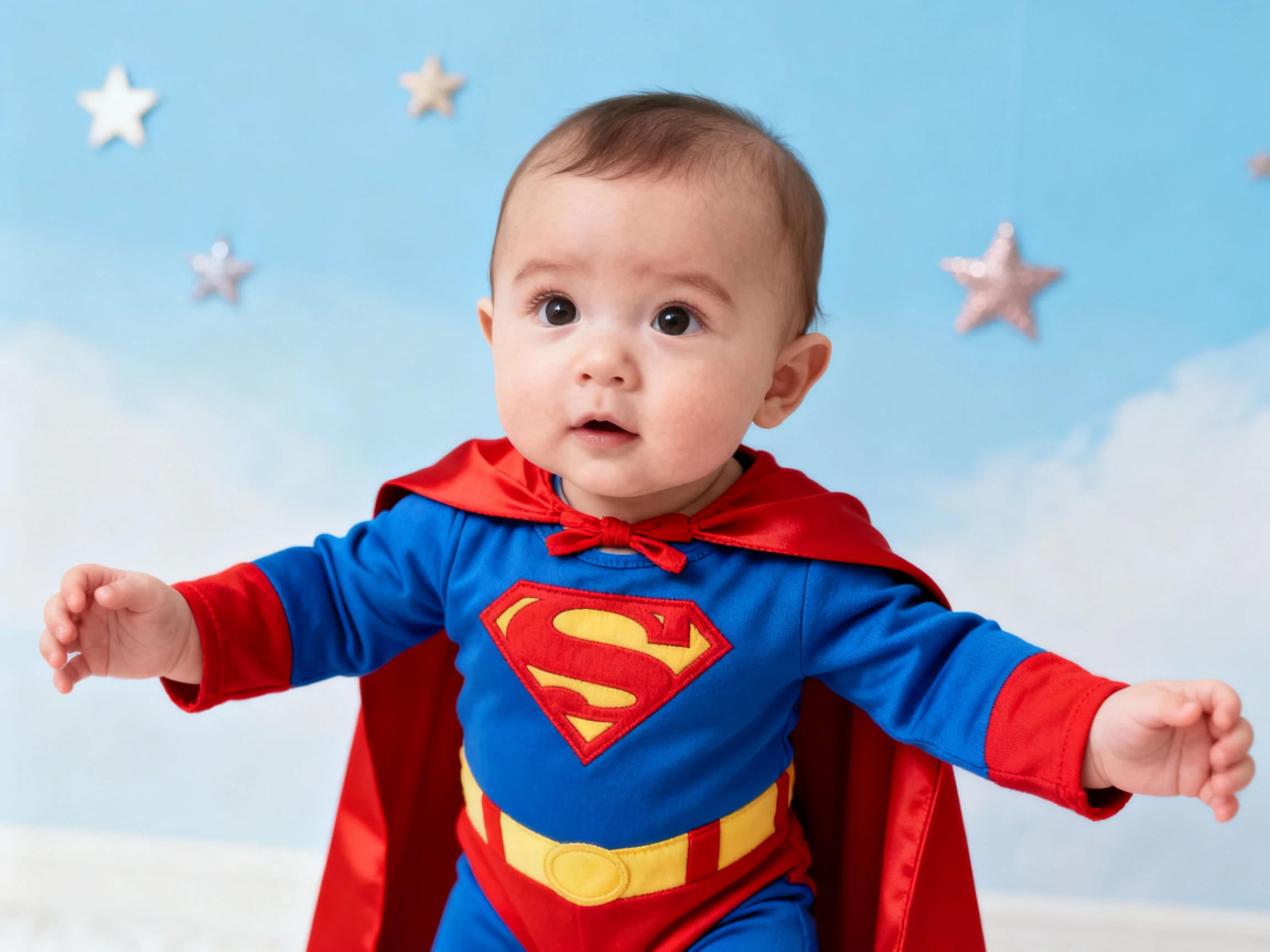
Animate your baby picture into a short video with Magiclight AI. Use up to 1,500 characters to describe how the baby should move, like smiling at the camera or waving tiny hands.
Generate a Baby Video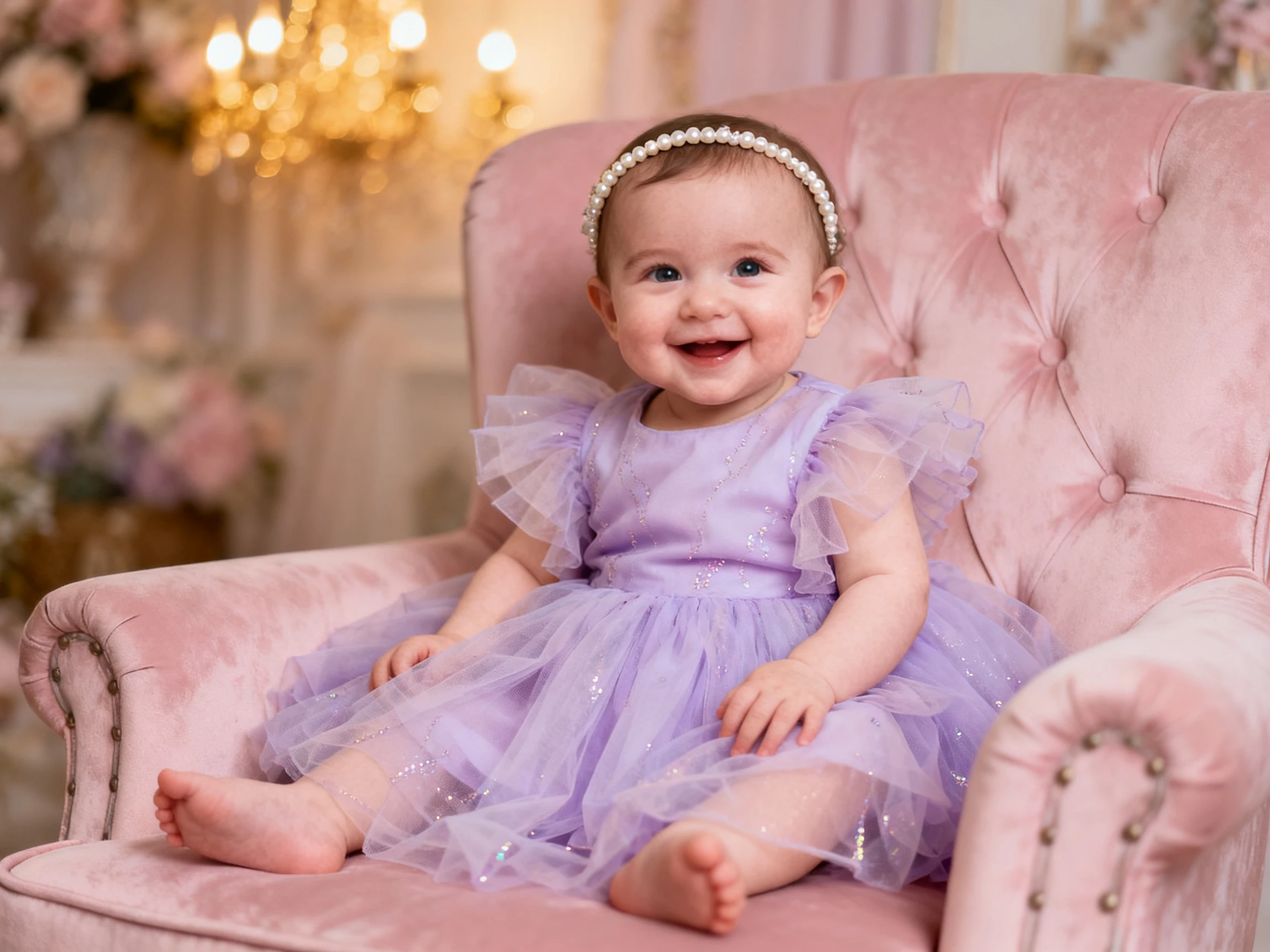


See what your future baby might look like with the Magiclight AI baby generator. Just follow 4 simple steps to turn your photos into a cute baby picture.
Open the Image tab and upload clear photos of both parents. Magiclight AI lets you add up to 10 reference photos, giving you room to include different pictures of each parent.
Use the 500-character prompt to tell Magiclight AI how old the baby should look. You can also describe the baby's clothes and what the baby is doing to get the look you want.
Choose from 5 image models to see different looks for your future baby. You can also generate several baby pictures at once to find the one you like best.
Generate your baby pictures and compare the results. Save your favorite picture and share it with friends and family.
Expecting Parent
My partner and I were curious about what our baby might look like. We uploaded our photos to Magiclight AI and had a good laugh comparing the different baby faces.
Couple Reaction Video Creator
I surprised my wife with a baby picture from Magiclight AI and filmed her reaction. She loved it, and we ended up trying several more pictures together that evening.
Baby Shower Host
I used Magiclight AI to get a few baby pictures for my friend’s baby shower. Everyone had fun guessing which picture looked most like the parents.
Personal Photo Creator
I wanted to see what I might have looked like as a baby. Magiclight AI gave me a cute picture, and my sister said it looked just like our childhood photos.
The Magiclight AI baby generator gives you a fun guess of what your future baby might look like. Your real baby may look different because photos cannot predict how features are passed down.
It is best to ask for permission before using someone else's photo. Magiclight AI works with photos of you and a partner who agrees to share their picture.
Yes. Magiclight AI works with the faces you upload, whether you add one photo or two. You can also use the 500-character prompt to describe the baby features you want.
Yes. Magiclight AI lets you turn your baby picture into a short video. Choose from 20 AI video models and use up to 1,500 characters to describe how the baby should move.
Clear photos taken in daylight usually give better results. Magiclight AI accepts JPEG and PNG images up to 20MB, so avoid blurry pictures and heavy filters.
Yes. You can generate several baby pictures in one go with Magiclight AI. Choose from 5 image models and compare the results to find your favorite.



Upload a photo of each parent and let the AI baby generator show you a cute baby face to enjoy together.