Narration Available in 11 Languages
Employees can hear their training instructions in a language they understand. Magiclight AI supports 11 narration languages, including English and Portuguese, for workplace lessons.
Create Now

Turn training materials into engaging videos with Magiclight AI. Explain processes, demonstrate tasks, and make learning easier with visual scenes and narration. No recording or editing skills needed.
Create an AI Training Video for Free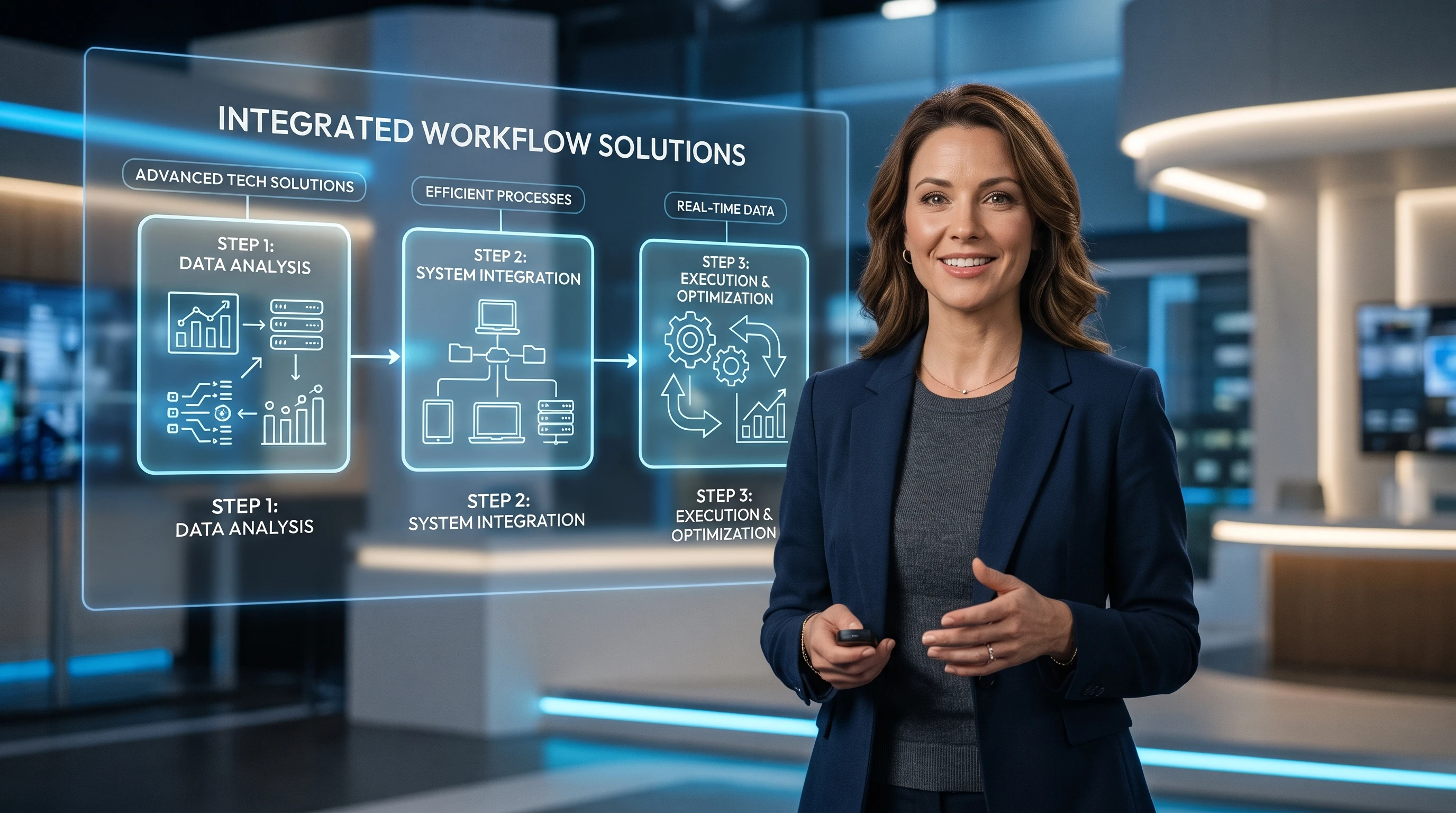










New employees need to see a task before trying it. Magiclight AI training video generator turns written instructions into animated lessons with a presenter explaining each step.
Employees can hear their training instructions in a language they understand. Magiclight AI supports 11 narration languages, including English and Portuguese, for workplace lessons.
Create NowPaste your workplace instructions into MagicLight Agent to create a training lesson. The Agent uses your script to arrange the procedure into scenes that employees can watch.
Create a Training Video
Give your lesson a familiar face by using a reference photo for the presenter. You can also describe the character's appearance within 1,000 characters to create someone new.
Create Characters
Some employees may need to watch lessons without sound during their shifts. Magiclight AI offers 16 subtitle styles to make spoken instructions easier to read on the screen.
Start Creating


A training video starts with the instructions your employees need to learn. Magiclight AI training video generator takes you through 4 steps to turn those instructions into a video.
Paste your training material into the script box, with 12,000 characters available. Pick a story model for the lesson and let MagicLight Agent take care of the next stage.
Decide how the lesson should look on screen. For a custom presenter, write a character description within 1,000 characters that explains the appearance you want for the video.
Look through the storyboard to see whether each task is shown. Correct any scene that misses an important instruction before MagicLight Agent turns the scenes into a video.
Listen to the 37 voice options and select one that suits your training lesson. Once the video is ready, review the final result and download it for your employees to watch.
HR Manager
We had a lot of onboarding material that new hires rarely finished reading. The videos made our company policies easier to explain during their first few days.
Safety Manager
Our safety briefings used to depend on whoever was leading the shift. Now the crew can watch the same instructions before starting work each morning.
Training Coordinator
I needed separate lessons for different departments without filming everything myself. Magiclight AI made it easier to prepare training videos for each team.
Restaurant Owner
New servers kept asking the same questions about our daily procedures. We turned those instructions into short videos they could watch before their shifts.
The Magiclight AI training video generator turns written procedures into animated lessons. You can create a presenter and choose narration that suits your employees.
Yes. Magiclight AI lets you describe a presenter in 1,000 characters or use a reference photo. Your training lesson can feature that character without filming a real person.
Most LMS platforms accept video uploads, so you can add Magiclight AI lessons as video modules. Quizzes and SCORM packaging still need your LMS or a separate authoring tool.
OSHA requires training in language and vocabulary workers understand. Magiclight AI supports narration in 12 languages, helping employers prepare lessons for multilingual teams.
Yes, with their permission. Magiclight AI offers voice cloning, letting you use your trainer's voice across different lessons without recording every script from scratch.
Magiclight AI has 16 subtitle styles for training videos. Choose one with clear text that employees can read during a lesson when they cannot listen to narration.



Turn workplace instructions into clear lessons with the AI training video generator. Help your team learn in 12 languages.