








Hero background

Animate Image With AI

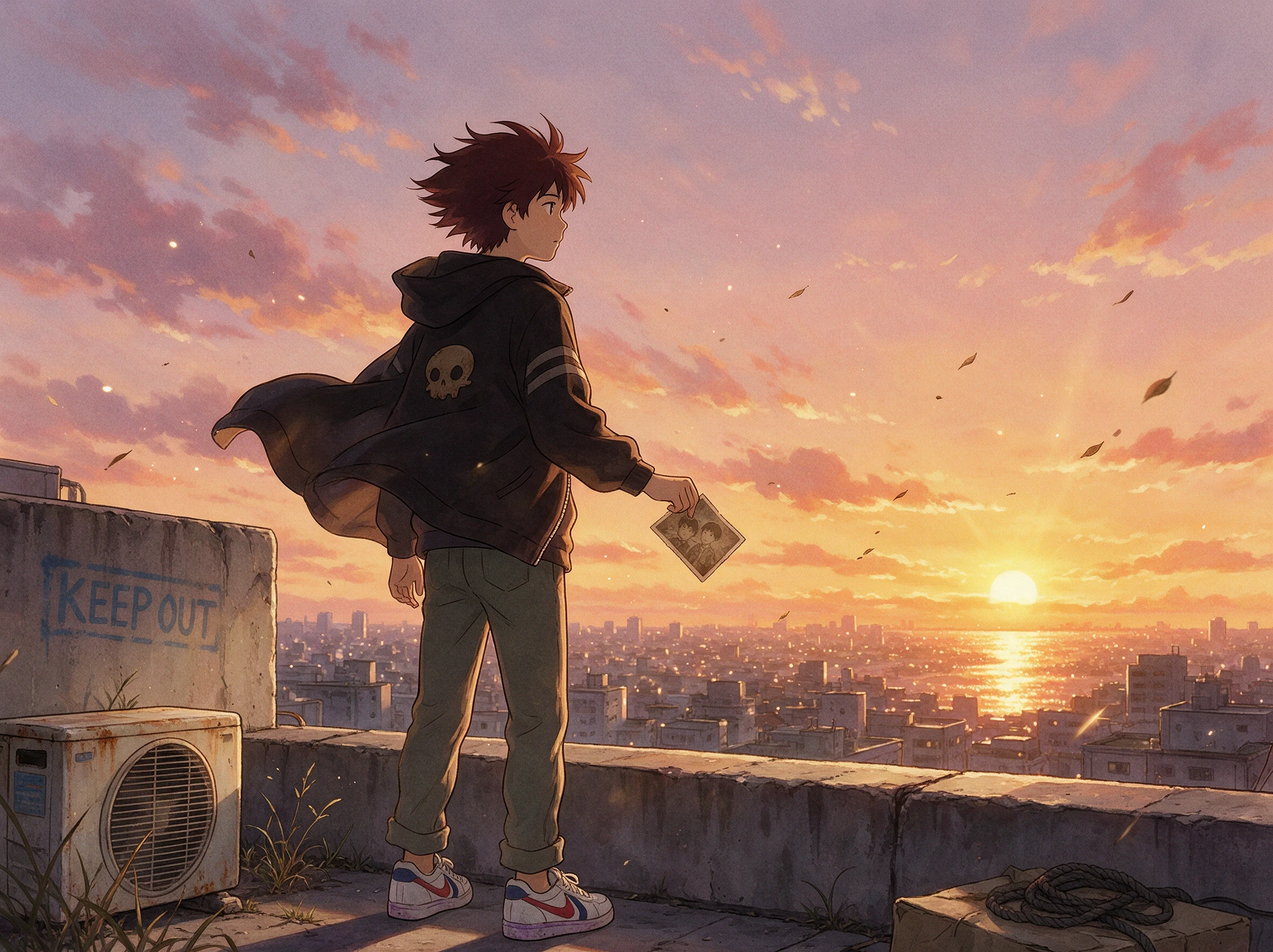
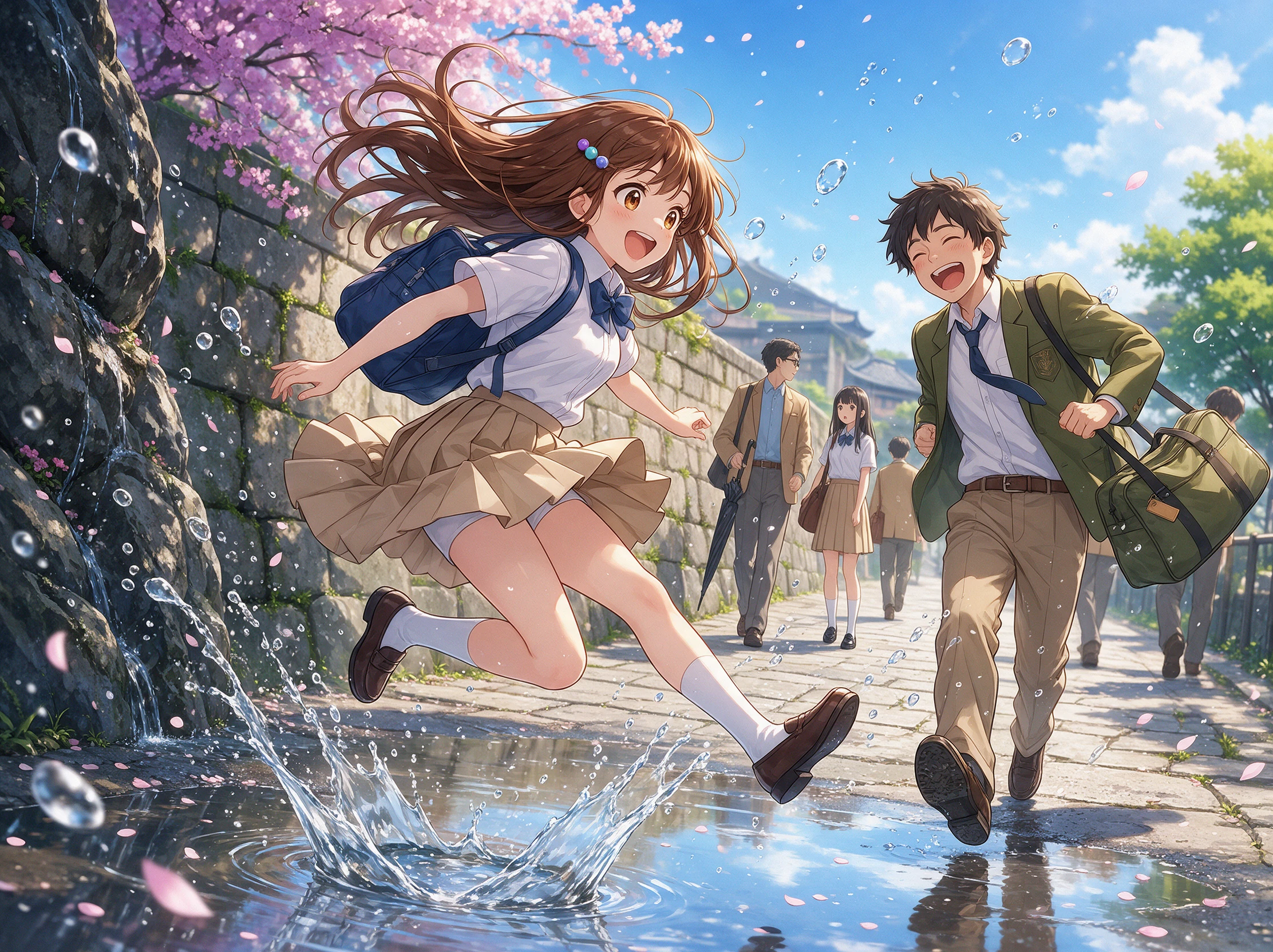
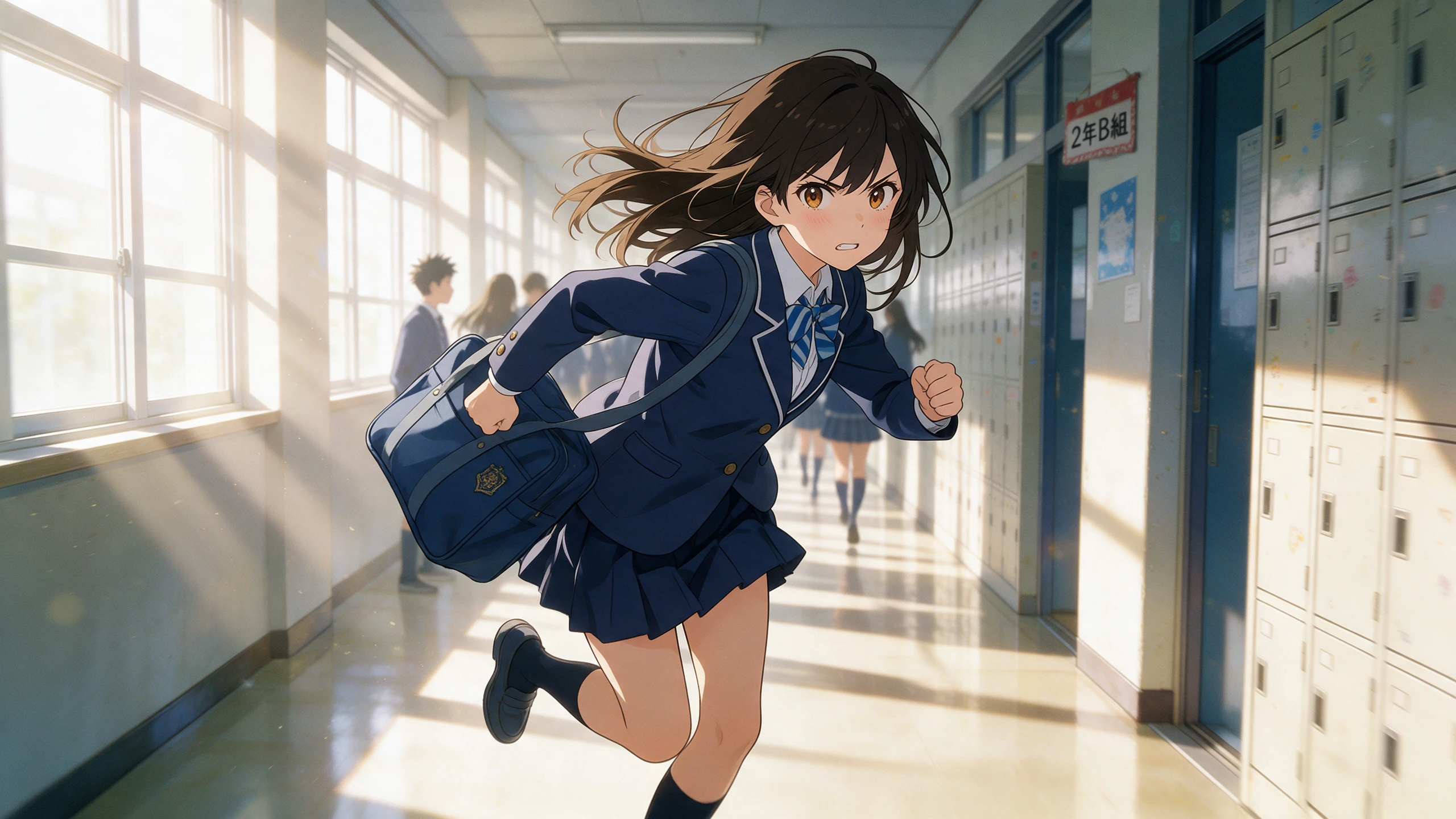
Bring still images to life with MagicLight. Upload a character image and a reference video, then describe the movements you want to create. No animation skills needed.

Animate Images for Free
Animate image preview 1
Nano Storyboard
Google VEO 3
Sora 2
Gemini
Hailuo
Kling
Midjourney
Qwen
Seedance
Wan
Nano Storyboard
Google VEO 3
Sora 2
Gemini
Hailuo
Kling
Midjourney
Qwen
Seedance
Wan

Top Features of MagicLight'sAnimate Image with AI Tool

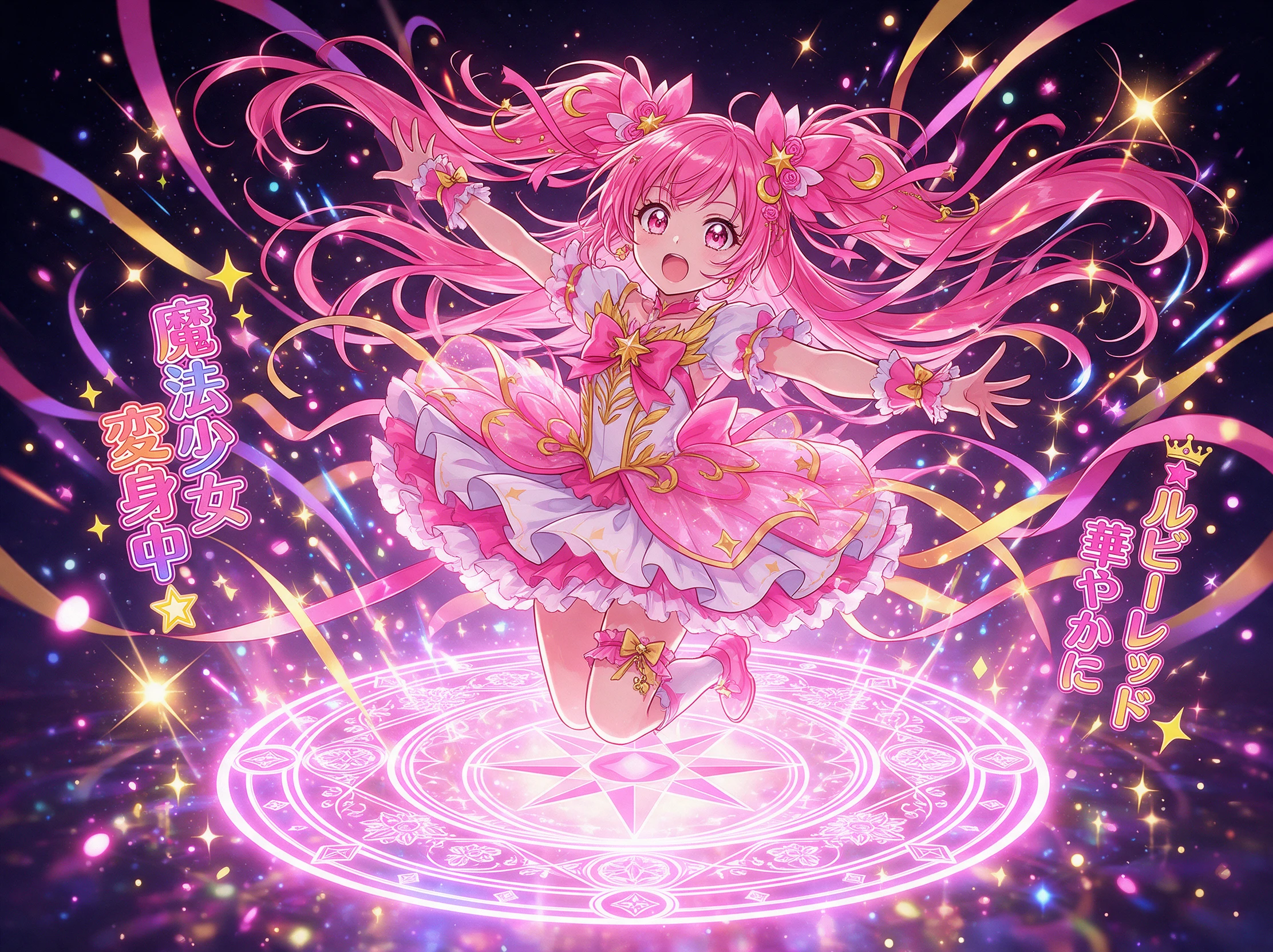
A single photo can become a dancing character, a moving illustration, or an animated portrait. Magiclight AI lets you animate image with AI using visual references and custom motion instructions.

10 Reference Images to Guide Your Animation

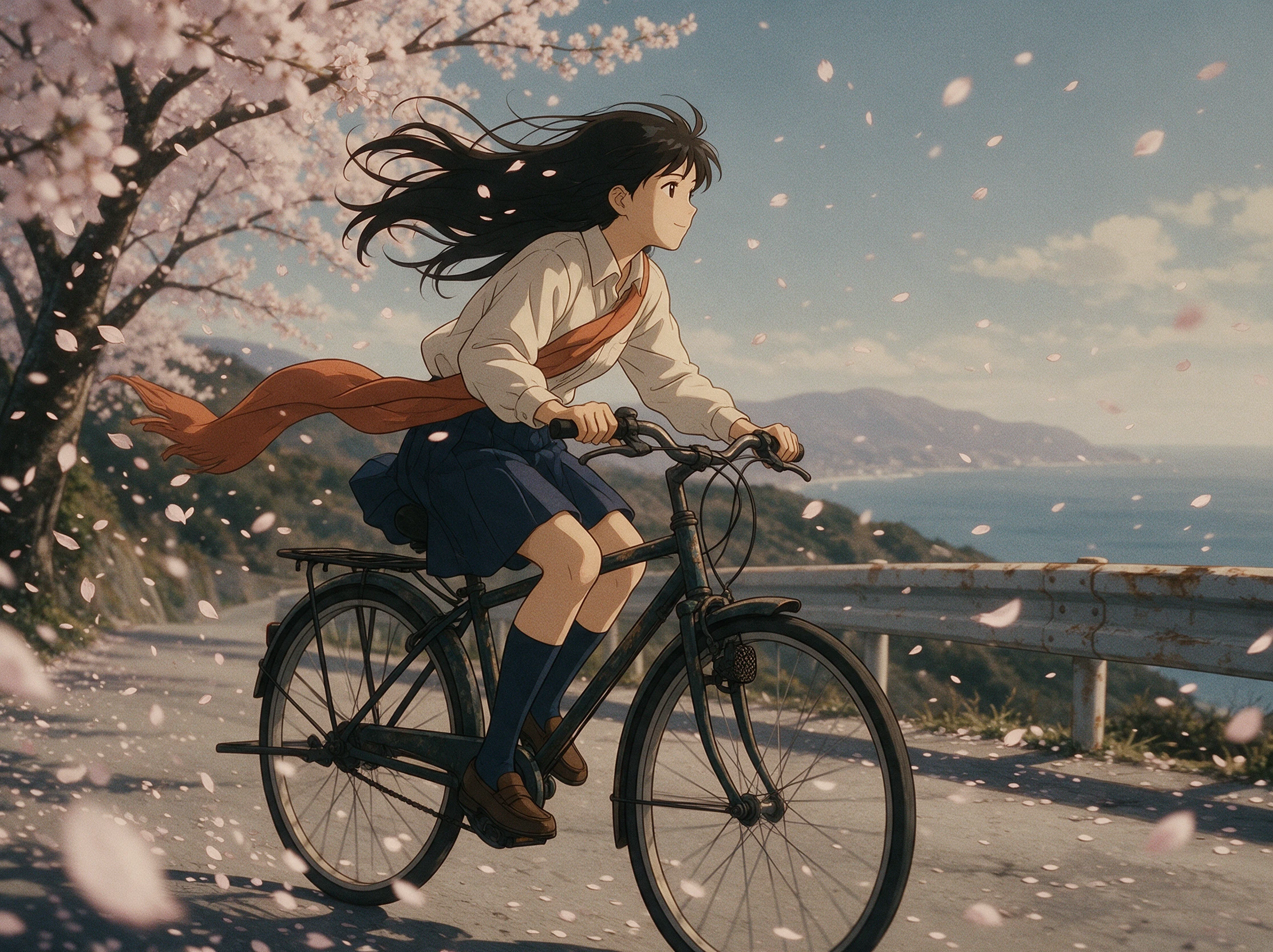
Add reference pictures showing your character from different angles, with various poses or facial expressions. Magiclight AI uses these images to guide the character's appearance and movement throughout your animated scene.

Create Now
10 Reference Images to Guide Your Animation

1500 Characters to Describe Your Animation

Explain how your character should move in a prompt of up to 1500 characters. Include details like dance steps, facial expressions, camera angles, or background movement to guide the animation.

Generate Story
1500 Characters to Describe Your Animation

20 AI Video Models for Different Animation Styles

Explore 20 video models in Magiclight AI to animate your pictures. Compare options from Kling, Veo, and Seedance to find the right character motion, camera movement, and overall animation style.

Generate a Story
20 AI Video Models for Different Animation Styles

3 Reference Types for Custom Animations

Add images, videos, and audio files to guide your animation in Magiclight AI Reference to Video. Use a character picture, a dance clip, or a music track to create a scene that follows your references.

Start Creating
3 Reference Types for Custom Animations
Who Can Use Magiclight AI to Animate Image With AI
Mirror a dance on a cartoon fox, time a mascot to a jingle, or set album art in motion. Reference to Video and the other Video tab tools let you animate image with AI for each job.
For Dance Clips
For Dance Clips
Film one dancer full body at 9:16 so the move reads for Reels.
Choose any of 20 video models for 1080p output on the final dance clip.
Open Video to Video mode to retake a dance clip that came out close.
For Music Artwork
For Music Artwork
Frame to Video starts a clip from the cover art as the first frame.
Add 1500-character prompts to draft a visual for the music intro.
Clear the track’s rights with a paid plan before you post it with the artwork.
For Mascot Moves
For Mascot Moves
Add a 2-second wave clip as video beside the mascot image reference.
Sell mascot clips to clients under a member plan’s commercial rights.
Create up to 30 second clips for advertising the mascot moves.
For Talking Characters
Take the image animation to long-form videos with the Story to Video mode.
Add a WAV line of 2 seconds or more beside the portrait.
Go for 4 different video mode creations for character image animations.

How to Animate Image with AI Across Magiclight AI

Trim each reference to the part that matters before you upload it. Process all files and write a prompt to animate image with AI under 3 simple steps.

1.

Step 1. Choose Reference to Video Mode

Go to the Video tab and select Reference to Video from the mode menu. Select a model for your clip, such as Seedance 2.0 for short takes or Seedance 2.5 for longer ones.

2.

Step 2. Upload the Image, Clip, and Sound

Click Add references and upload your picture first. Then add the clip or the sound the picture should follow as an MP4, MOV, WAV, or MP3 file.

3.

Step 3. Create the Clip and Check Timing

Name each upload in the prompt, such as “the fox in Image 1 copies Video 1.” Choose Create Video, check the timing against your track, and use Re-edit if it slips.

What Users Say After TheyAnimate Image With AI

Maya Torres

Maya Torres

Dance Creator

I film the move once and add my cartoon fox as Image 1. The clip copies every step across Magiclight AI without me touching a rig. My trend videos now go out the same day.

Kenji Watanabe

Kenji Watanabe

Music Producer

I add the cover art and a 15-second hook as audio in Magiclight AI. The artwork moves to the beat, and I no longer pay a motion designer for every release.

Olivia Grant

Olivia Grant

Brand Animator

We keep the mascot in several images so it holds one design across Magiclight AI. One reference wave in the video gave us a greeting animation for the client.

Sam Rivera

Sam Rivera

Indie Game Developer

I cite my character art and a short walk clip in the prompt and run it again with Re-edit until the timing fits. Magiclight AI saves hours of frame work.

FAQs on How to Animate Image With AI

Will my image copy the reference move exactly?

Close, but not frame for frame. Use one person with the full body in view and a steady camera to animate image with AI in Magiclight AI and use Re-edit if a limb drifts.

Why does Seedance 2.0 reject my audio file in Magiclight AI?

Seedance 2.0 requires an image or video to be added with the audio. Each file must be a WAV or MP3 of 2 to 15 seconds and 15MB or less.

Will a character's lips match a voice line in Magiclight AI?

Sometimes, but not reliably. Magiclight AI offers a Lip Sync model in Story to Video for a single image with a voice line of 5 characters or longer.

What about using a dance from someone else's video in Magiclight AI?

Ask the creator first, since their video, face, and music belong to them. Film the move yourself or use licensed footage as your Magiclight AI reference.

Is Magiclight AI’s Reference to Video part of a free account?

Reference to Video is a member feature, and free accounts are asked to upgrade. Members also get commercial rights for client work.

Can I animate drawings and illustrations with Magiclight AI?

Yes. Magiclight AI lets you animate drawings, cartoon characters, and digital illustrations using Reference to Video. Upload your artwork, describe the movement you want, and add a video reference to guide the animation.

Animate Images Online with Magiclight AI

Save a favorite beat or a dance clip and keep it ready for your next picture. Add both to Reference to Video and animate image with AI whenever the idea hits.