
Hero background

Clothing Mockup Generator

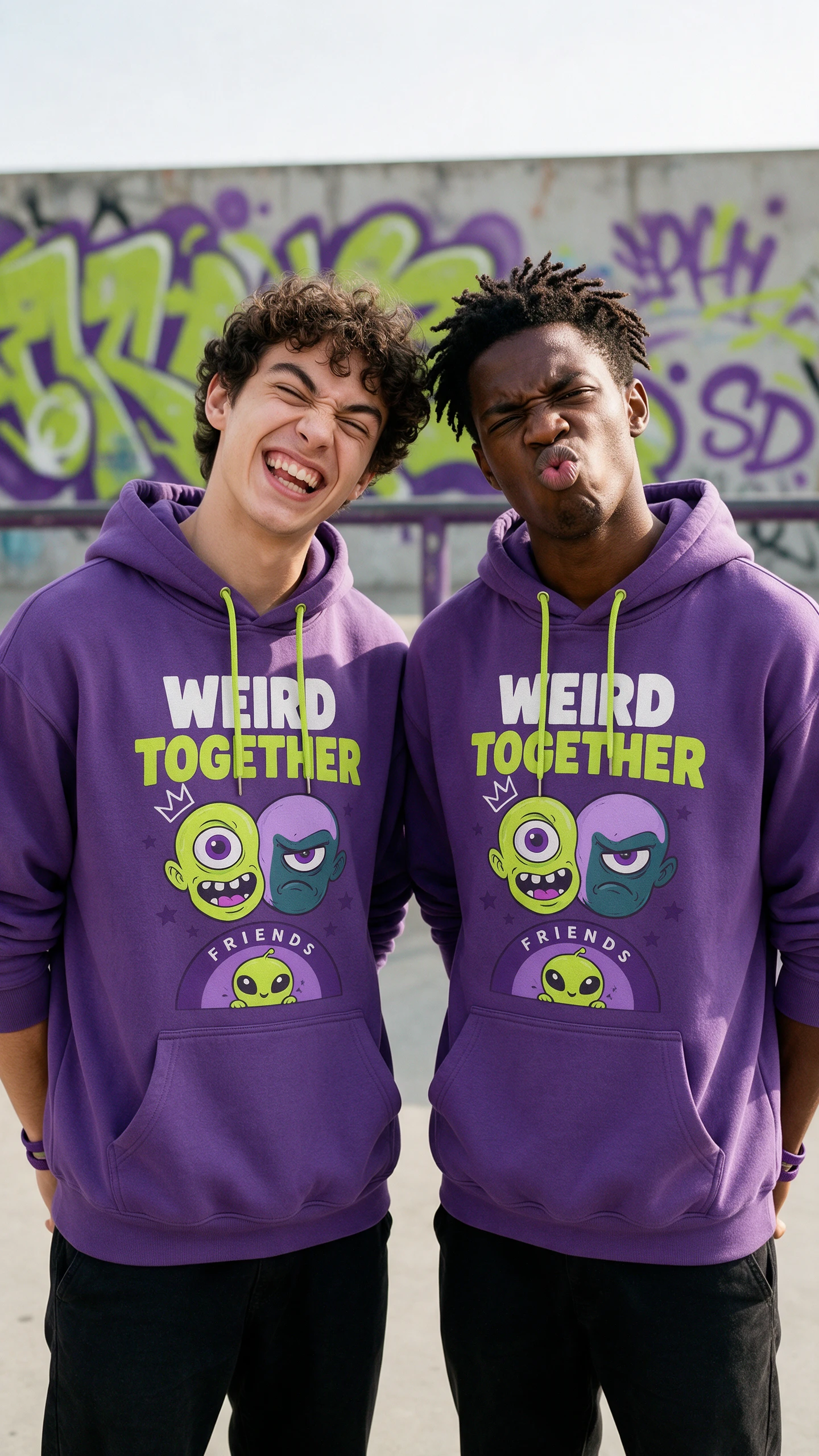
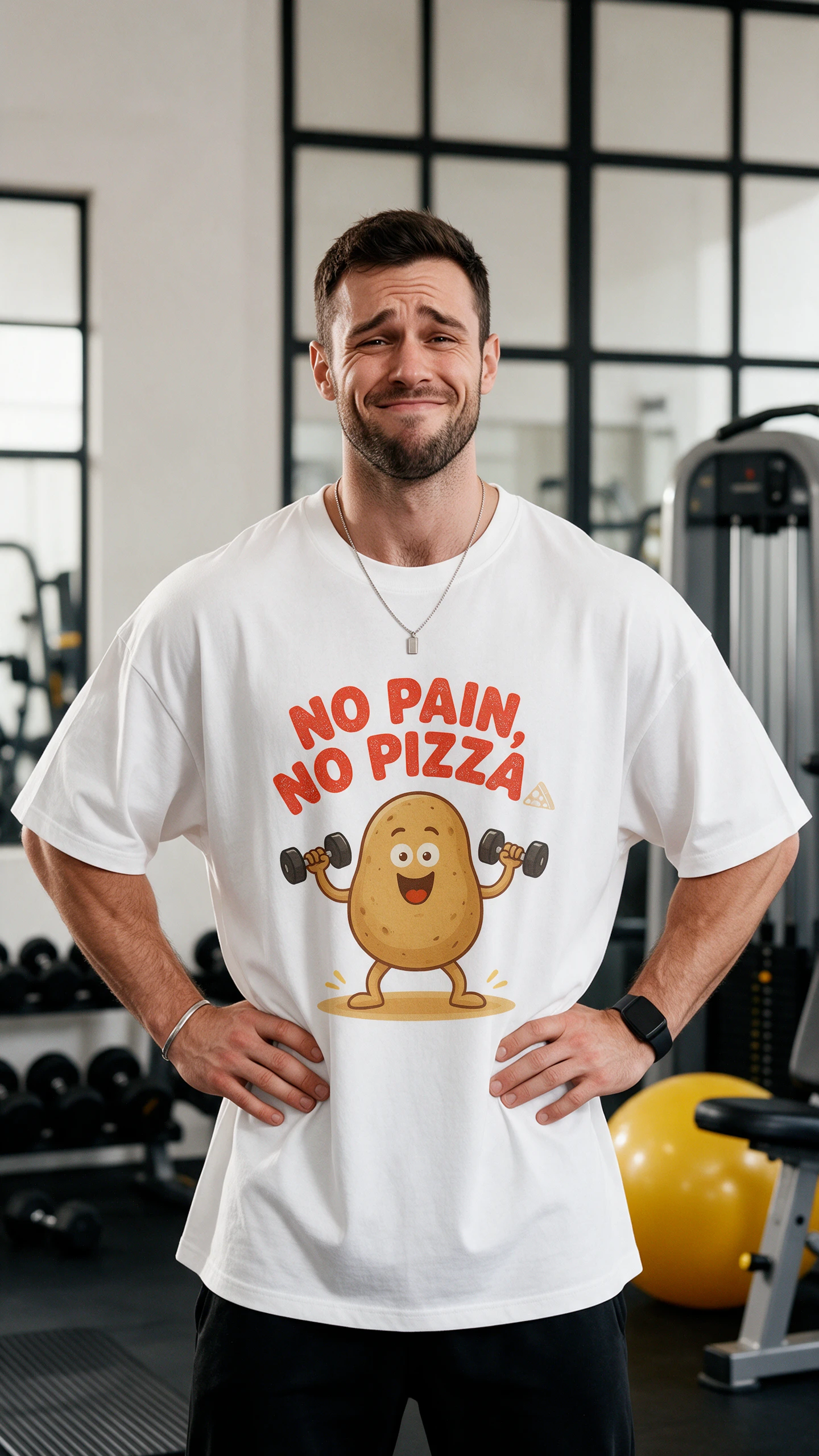
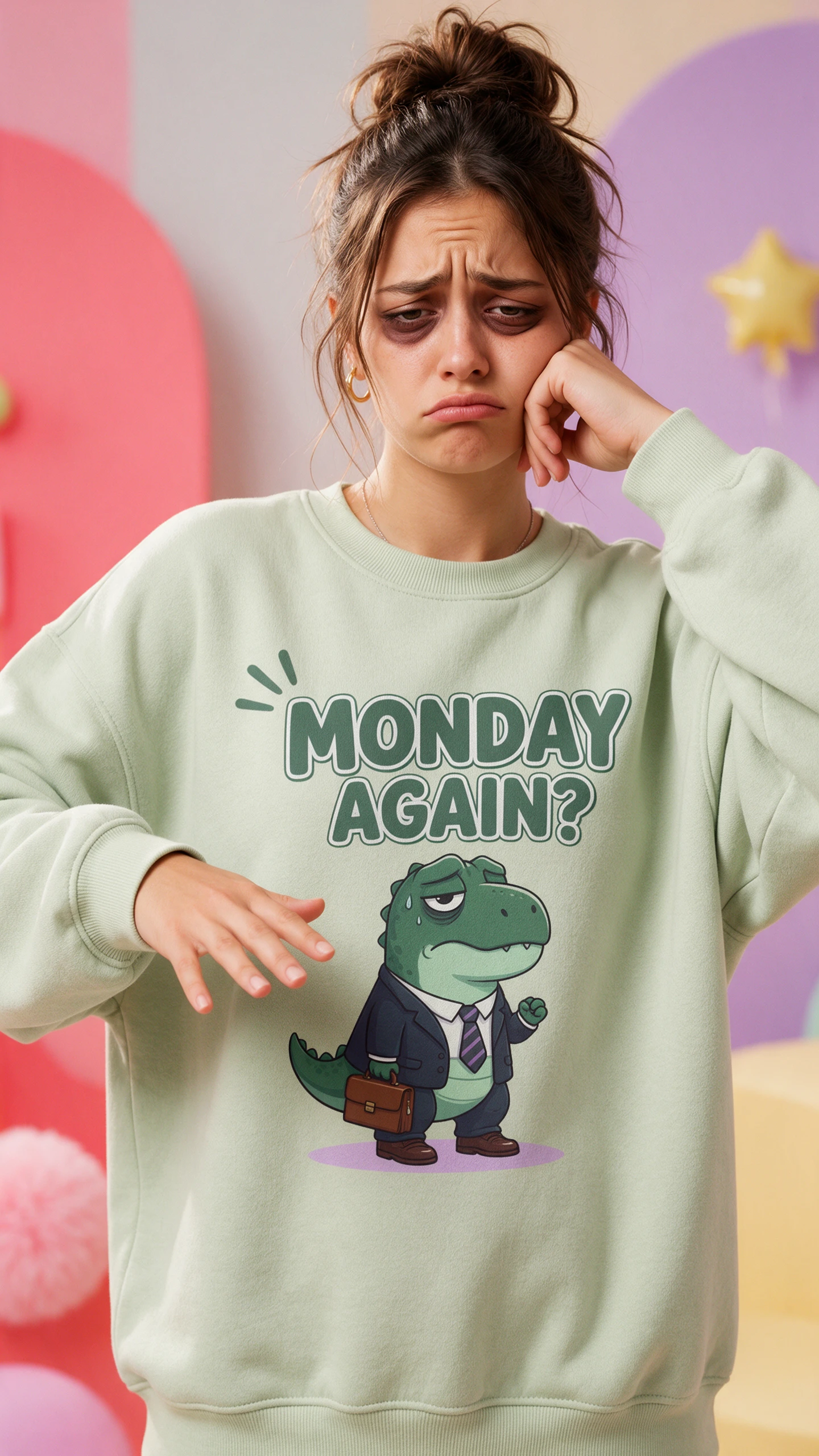
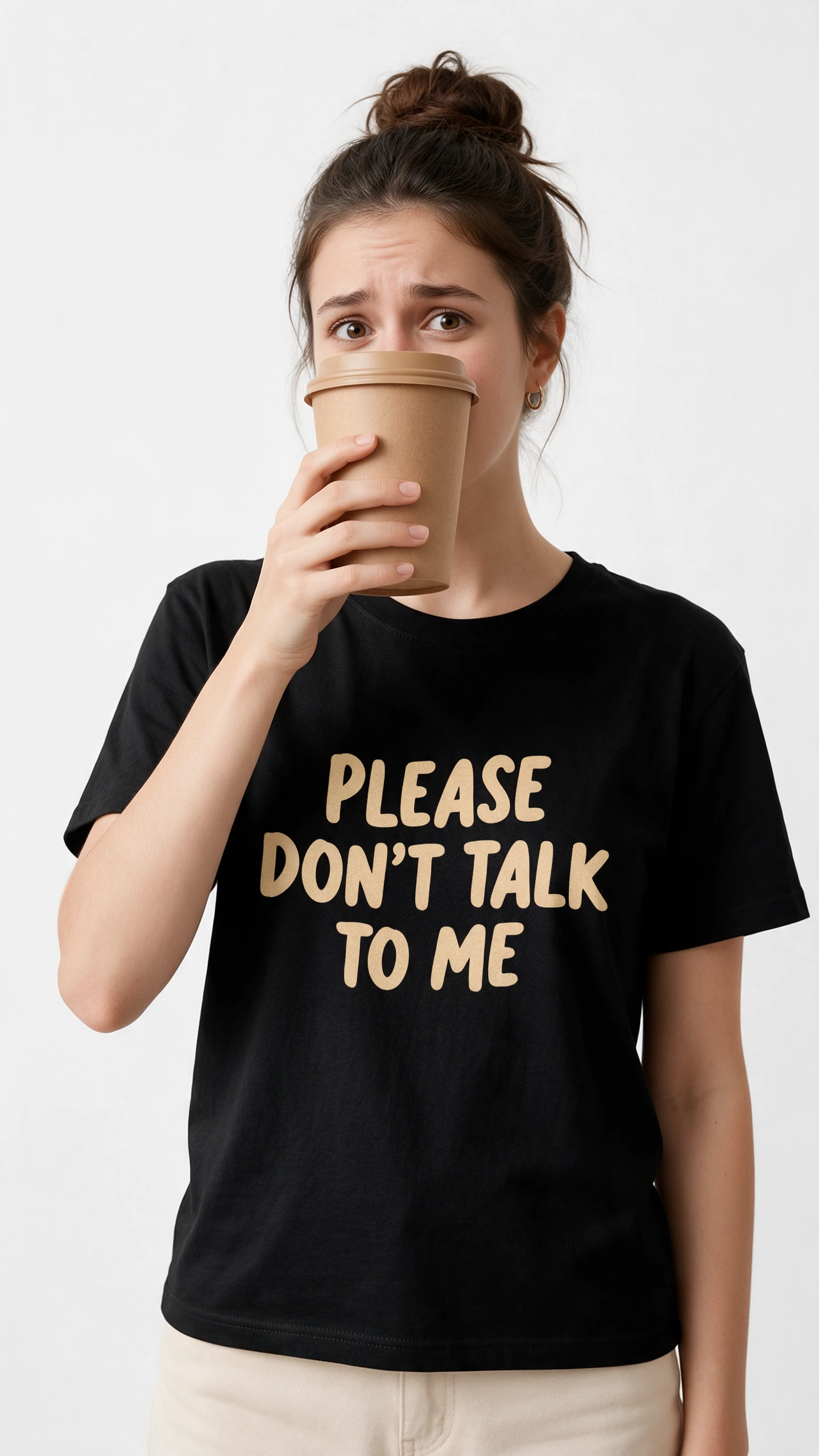
Create realistic clothing mockups with Magiclight AI Clothing Mockup Generator. Upload your apparel design and a garment photo, then describe your preferred setting with no photo shoot.

Create a Clothing Mockup for Free
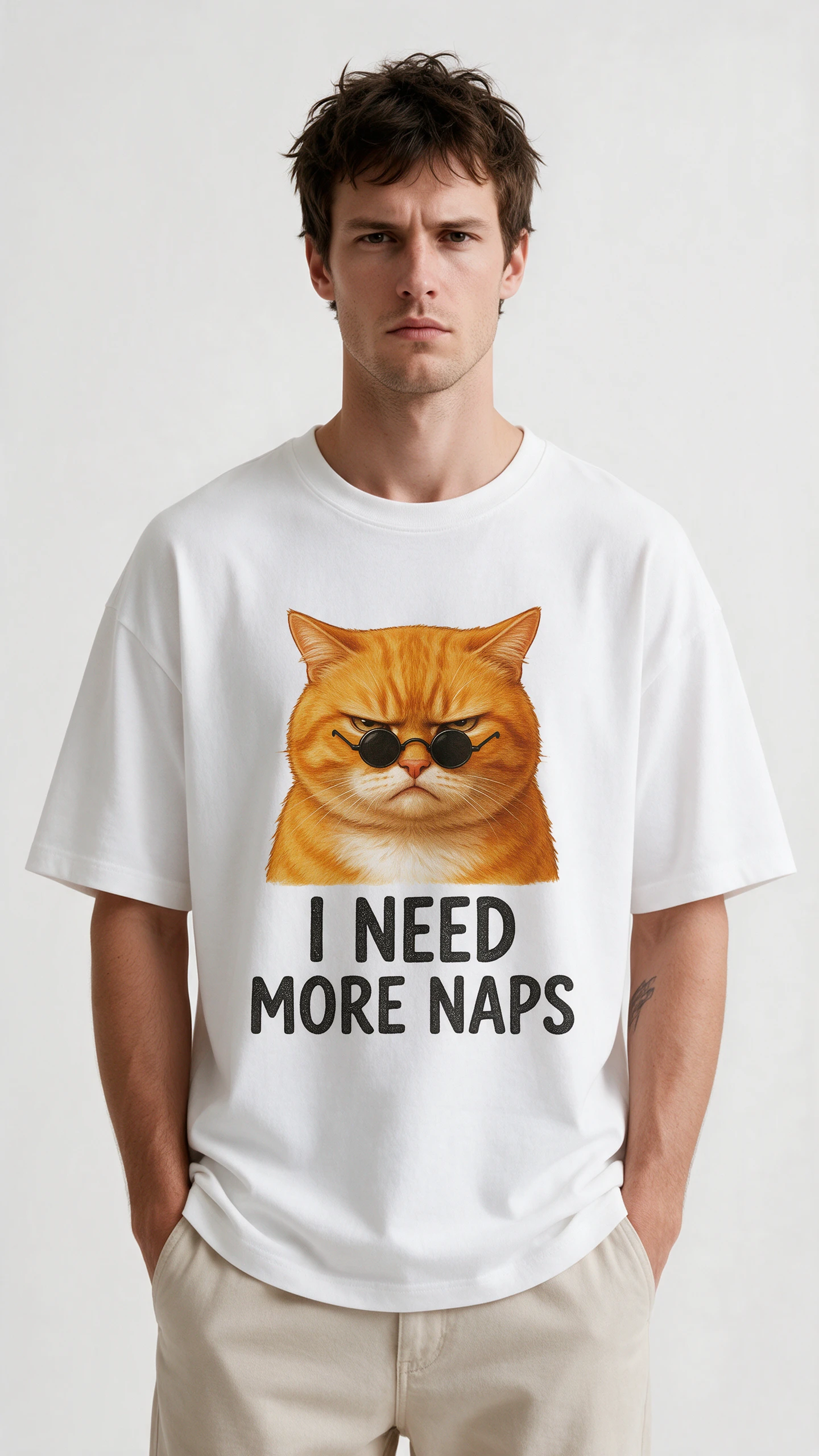
Clothing Mockup Generator Apparel Design Preview
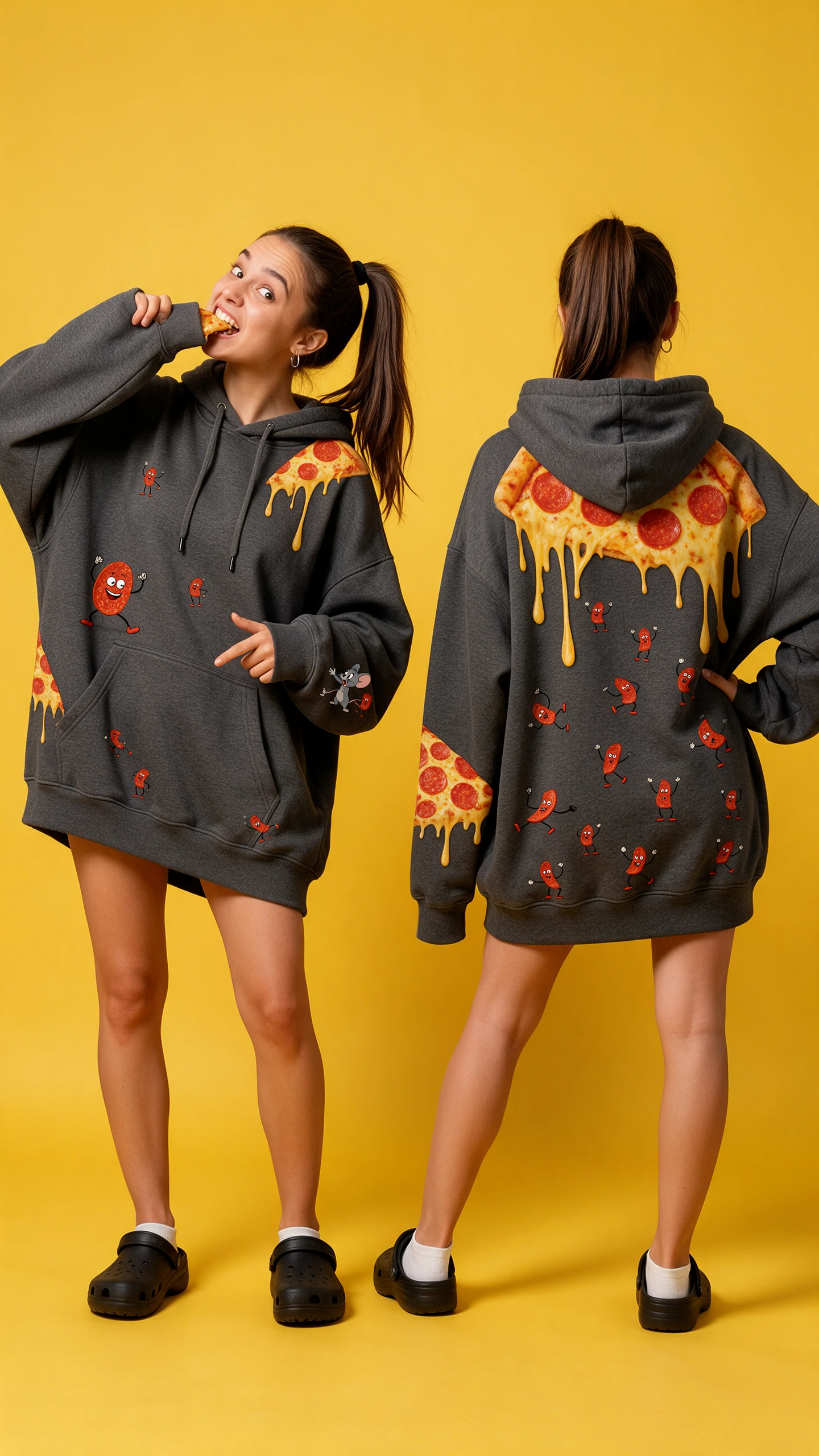
AI Generated Clothing Mockup on a Fashion Model
Custom Apparel Mockup and Fashion Product Presentation
AI Clothing Mockup Design Transformation Example
Fashion Clothing Mockup for Apparel Collections
Personalized AI Apparel Mockup Example
Clothing Mockup Generator Apparel Design Preview
AI Generated Clothing Mockup on a Fashion Model
Custom Apparel Mockup and Fashion Product Presentation
AI Clothing Mockup Design Transformation Example
Fashion Clothing Mockup for Apparel Collections
Personalized AI Apparel Mockup Example

Explore the Magiclight AI Clothing Mockup Generator Features

A fashion collection needs clear product images before customers can explore its designs. The Magiclight AI clothing mockup generator helps brands present their apparel in studio settings, flat-lay arrangements, and model-based photos.

Create a Clothing Mockup for Free
Clothing Mockup Generator Decoration

10 AI Image Models for Different Apparel Styles

Explore 10 image models in Magiclight AI to create clothing mockups. Try GPT Image 2.6 for clean studio product shots or Seedream 5.5 for casual streetwear scenes. Compare the results to find a presentation style that suits your brand.

20MB Uploads for Clothing References

Add your garment photos, fabric patterns, or printed designs as JPEG, JPG, PNG, or WEBP files up to 20MB each. Use clear images with visible stitching and artwork details to guide the appearance of your clothing mockups.

4 Aspect Ratios for Apparel Displays

Choose from 4 aspect ratios to present your clothing designs. Select 4:3 for catalog pages, 1:1 for store listings, 9:16 for social media stories, or 16:9 for website banners. Match the layout to your preferred display.

10 Reference Images for Consistent Clothing Mockups

Upload up to 10 reference images, including garment photos, fabric patterns, brand logos, and model poses. Magiclight AI uses these visual references to guide the clothing's appearance and create a consistent look.

Who Can Use the Magiclight AI Clothing Mockup Generator
Every clothing line starts as an idea that nobody can touch yet. 4 kinds of fashion teams use the Magiclight AI clothing mockup generator to show it early.
Fashion Startups Creating Apparel Mockups
For Fashion Startups
Try 2 different image generation modes to try dedicated fashion mockups.
Use AI Edit to swap the outfit or add Fireworks to the big launch scene.
Create fashion mockups for the fashion week in 4 aspect ratios.
Online Store Owners Creating Clothing Product Images
For Online Store Owners
Add references in JPG, PNG or WEBP for new mockup generations.
Use 37 stock voices to announce the new arrivals in the shop video.
Upload clothing images in 20MB for accurate mockup designs.
Fashion Students Designing Clothing Mockups for Their Portfolios
For Fashion Students
Design a complete length of fashion mockups for fashion thesis.
Restyle a catwalk clip with Video to Video as a member for a new look.
Clone your own voice to narrate the portfolio video of the capsule line.
Fashion Sales Teams Preparing Apparel Collection Mockups
For Sales Teams
Create complete mockups of the new range with 10 reference images.
Explain the diversity in the mockup design with a 500-character prompt.
Let a talking photo of the founder walk buyers through the new spring line.
Why Choose Magiclight AI Clothing Mockup Generator
The mockup is only the first frame of a clothing launch. These aspects in the Magiclight AI clothing mockup generator take it from a photo to a film with a soundtrack.
2 Image Modes for Clothing Mockup Designs
Use Text to Image to create clothing concepts from written descriptions. Switch to Reference Image to Image when you have garment photos or original artwork to guide the design.
Refine Prints and Logos on Clothing
A printed design might need changes before appearing in a catalog. Use Magiclight AI's image-editing workflow to adjust logo placement, graphic size, or print colors on your clothing mockup.
500 Characters for Detailed Clothing Mockups
Describe your clothing mockup in up to 500 characters using Magiclight AI. Specify the garment type, fabric texture, print placement, and model pose to guide the result.
20 Video Models for Fabric Motion
Choose from 20 video models such as Kling 3.0 and Veo 3.1 Lite. Each model animates a still image in its own way and with its own pace. Test one garment on two models and keep the movement that flatters the fabric.
Change Clothing Colors Without a New Photoshoot
Want to preview a hoodie in another color? Upload your garment photo through Reference Image to Image and request a different shade while keeping the original clothing design as a reference.
Suno Music for Drop Announcements
Create a custom song with Suno that matches the mood of the collection. Describe the genre and the energy, and let the music fit the lookbook. A matching soundtrack makes a drop announcement feel finished and ready to share.

How to Make a Clothing Mockup With Magiclight AI

A fitting room has a mirror and a hanger. Here, the Image workspace has an upload box and a prompt box. Three steps complete the shot in the Magiclight AI clothing mockup generator.

1.

Step 1. Upload the Design and Garment

Open the Toolbox, select the Image tab, and choose Reference Image to Image. Upload the artwork, the blank garment, and any model or pattern files.

2.

Step 2. Describe the Shot

Write the garment type, fabric, fit, and scene in up to 500 characters. Say where the design should sit, such as “centered on the chest.” Ask for on-model or flat-lay and name the pose.

3.

Step 3. Generate and Check

Select an Image Model and an Aspect Ratio, and set how many Outputs you want. Click Create Image and look closely at where the artwork landed. Download the best shots for your store.

FAQs on Clothing Mockup Generator

Which garments does the clothing mockup generator support?

The MagicLight AI clothing mockup generator works with any garment you can describe, such as hoodies, dresses, jackets, leggings, and caps. Upload a photo of the blank piece for the closest match and add up to 10 reference images in total.

Will my design look exactly like the file I upload?

Mostly, though, tiny details can bend along folds and seams. Upload a crisp JPEG, JPG, PNG, or WEBP file up to 20MB for the sharpest result. Check logos and text in every output and send the original file to your printer.

Can I use AI models instead of real ones?

Yes, because you can describe the model’s look and pose in the 500-character prompt. Save a character profile to keep the same model across later scenes. Avoid using real people’s faces without permission and keep model images honest about the product.

Can I sell products using these images?

Yes, once your Magiclight AI plan includes commercial use. Check the plan details before you publish images in a store or an ad. Make sure the final product matches the mockup closely so customers get what the picture shows.

Is the clothing mockup generator free to try?

Yes, a first apparel shot is free to try after sign-up. Test a single design on a single garment before you plan a full line. Check the plan page for the current limits and upgrade for full collections or store use.

Launch Your Clothing Line with Magiclight AI

Launch day does not have to wait for the samples. Bring the designs, the garments, and the scene to the Magiclight AI clothing mockup generator and create the shots.


