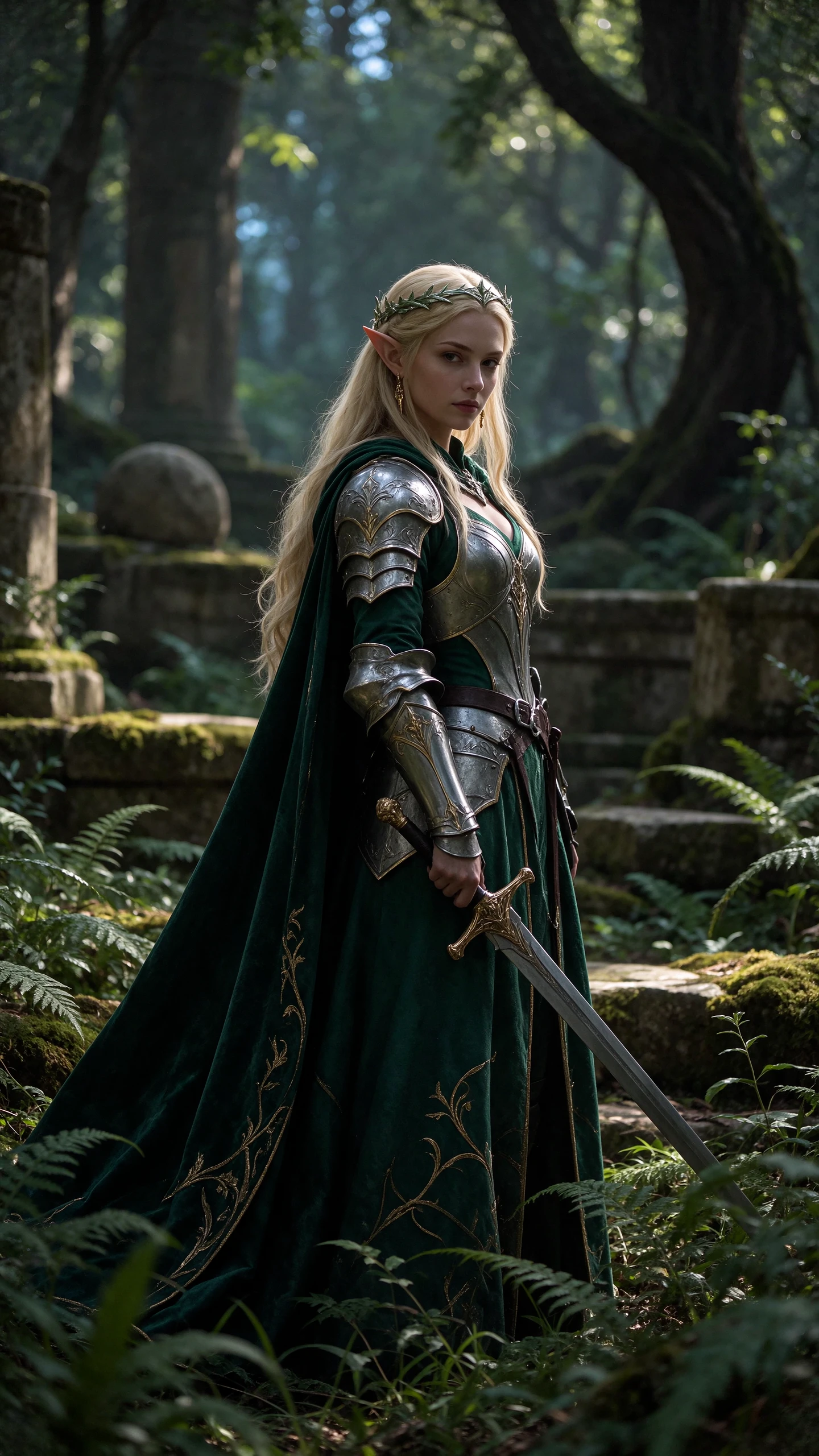
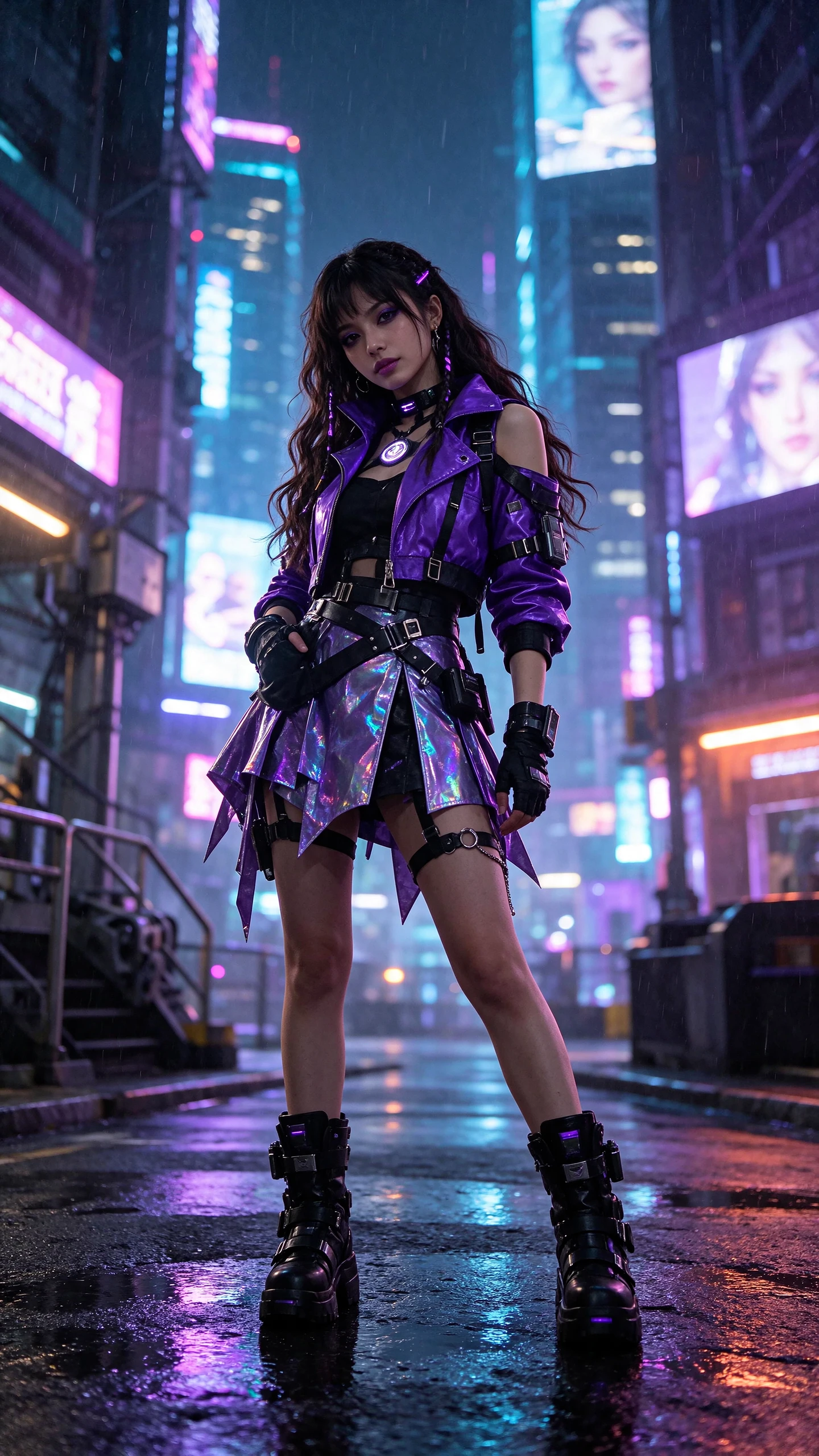
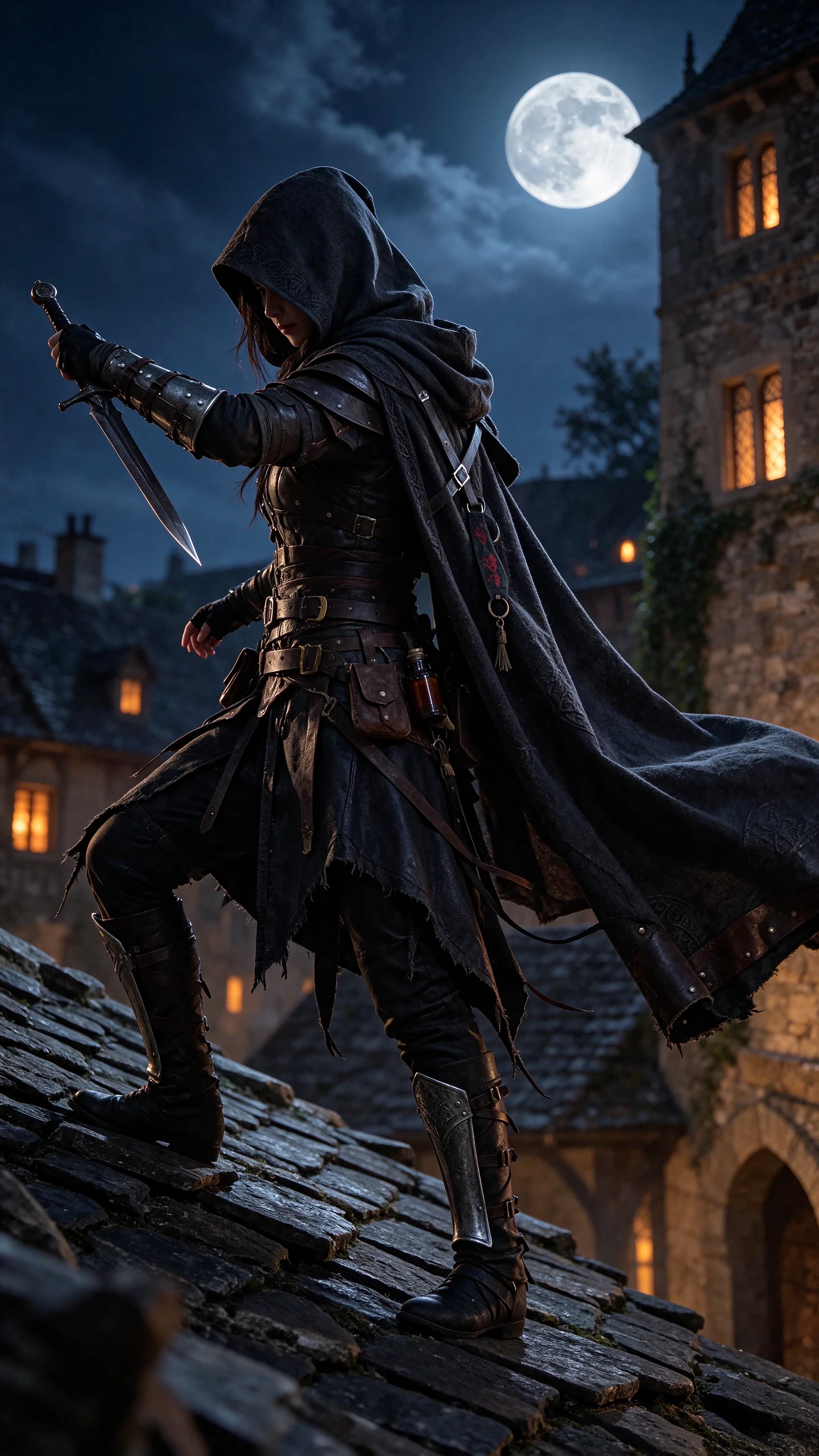
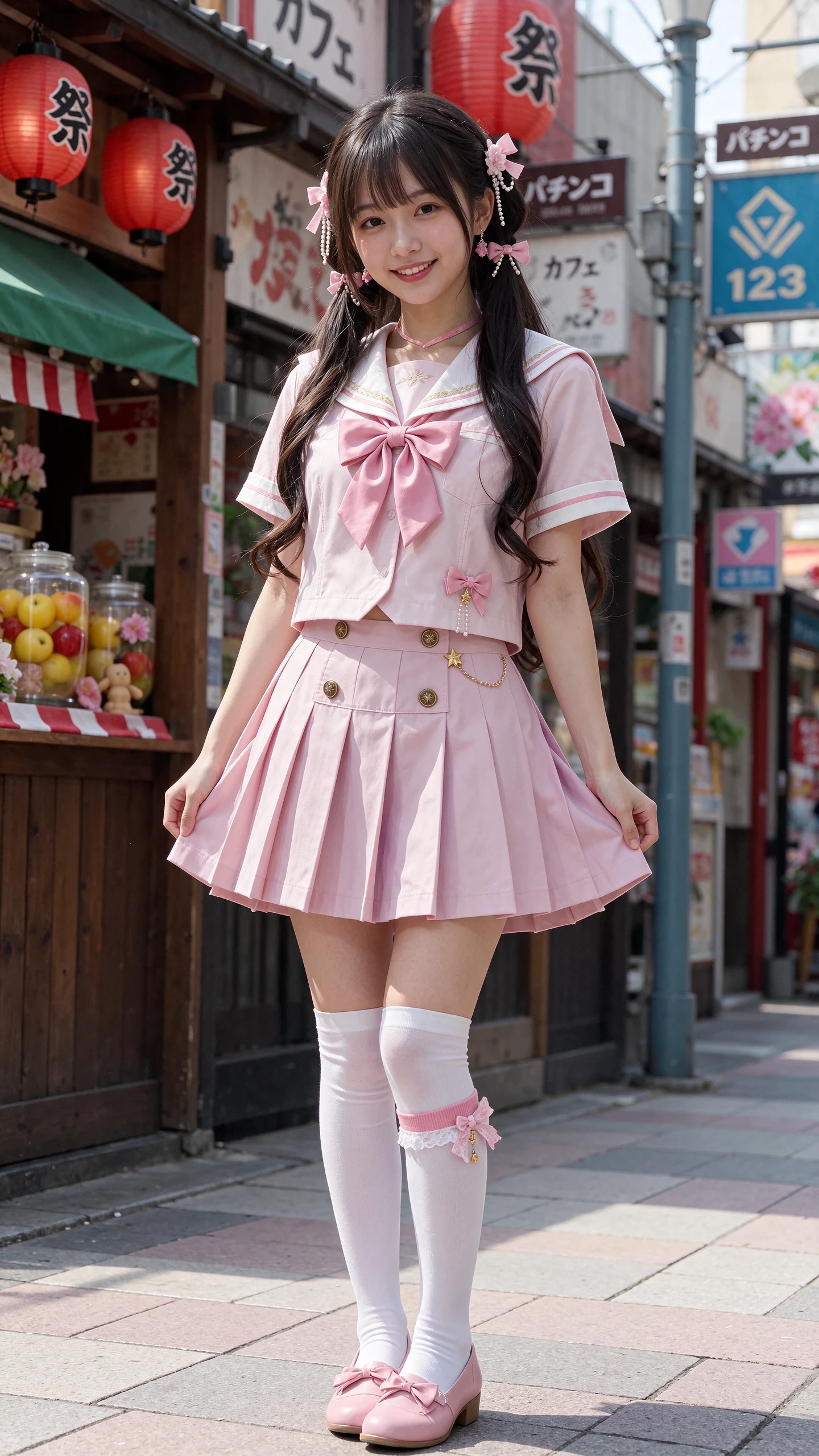
Hero background

Mockup Generator

Upload your artwork and describe the product and the scene in a sentence. The Magiclight AI mockup generator places your design in a real-looking scene. No design work needed.

Create a Mockup for Free
AI Mockup Generator Product Design Preview
AI Generated Product Packaging Mockup
Custom Product and Device Mockup Design
AI Mockup Generator Lifestyle Scene Example
Creative Branding and Packaging Mockup
Personalized AI Generated Product Mockup Example
AI Mockup Generator Product Design Preview
AI Generated Product Packaging Mockup
Custom Product and Device Mockup Design
AI Mockup Generator Lifestyle Scene Example
Creative Branding and Packaging Mockup
Personalized AI Generated Product Mockup Example

Top Features of the Magiclight AI Mockup Generator

A mockup shows people what your idea will look like in the real world. The Magiclight AI mockup generator places your designs on devices, packaging, and signs.

Create a Mockup for Free
Mockup Generator Decoration

Reference Image to Image for Screens and Labels

Upload your app screenshot, product label, or brand logo to Magiclight AI. Describe a phone screen, packaging box, or storefront sign to create a mockup using your artwork as a visual reference.

4 Aspect Ratios for Different Mockup Displays

Select 16:9 for presentation slides, 9:16 for mobile Stories, 1:1 for product listings, or 4:3 for brochures. Choose the aspect ratio that suits your intended layout before generating your mockup in Magiclight AI.

500 Characters to Describe Your Mockup Scene

Explain your preferred setting in a prompt of up to 500 characters. Include details like a laptop on a wooden desk, soft studio lighting, a coffee cup, or a specific camera angle to guide the mockup.

10 AI Image Models for Different Mockup Styles

Explore 10 image models in Magiclight AI to create product mockups. Try GPT Image 2 for a clean packaging presentation or Seedream 5.0 Pro for a lifestyle scene. Compare the results to find your preferred style.

Who Can Use the Magiclight AI Mockup Generator
Ideas sell faster when people can see them. App makers and packaging designers use the Magiclight AI mockup generator for pitches, while marketers and shop owners use it for campaigns.
App and Web Developers Creating Device Mockups
For App and Web Developers
Upload app screenshots in Reference Image to Image for previewing.
Choose 16:9 for website presentations and 9:16 for mobile app mockups.
Compare 10 AI image models to find a realistic device presentation.
Product Designers Creating Packaging and Product Mockups
For Product Designers
Add product labels and packaging artwork as references for products.
Describe materials, lighting, and camera angles in a 500-character prompt.
Generate product mockups in 4 aspect ratios for different packaging.
Marketing Teams Designing Product Promotion Mockups
For Marketing Teams
Add up to 10 reference images to include product designs and brand colors.
Create a custom Suno song to match the mood of the product launch reel.
Use 10 image models to create lifestyle mockups for product promotions.
Cafes Shops and Restaurants Creating Brand Mockups
For Cafes, Shops, and Restaurants
Use Text to Image to create product display concepts without existing photos.
Save a mascot image as a character and reuse it in every new brand scene.
Choose 4:3 for menu presentations and 1:1 for promotional posts.
Why Choose the Magiclight AI Mockup Generator
A product mockup helps brands see how their designs could look before production. The Magiclight AI mockup generator offers tools to create product previews, customize scenes, and prepare promotional content.
Preview Your Designs Before Production
Check how your artwork looks on products before ordering physical samples. Magiclight AI helps you preview logos on storefront signs, labels on bottles, and designs on packaging boxes.
10 References for Product and Setting
Upload up to 10 reference images, including product photos, logos, brand colors, and background settings. Magiclight AI uses these visual references to guide the appearance of your final mockup.
2 Image Modes for Different Mockup Needs
Magiclight AI offers Text to Image for creating product concepts from written descriptions. Use Reference Image to Image when you have existing artwork or product photos to guide your mockup.
Image to Video for Product Turnarounds
Bring your finished product mockup to life with Magiclight AI Image to Video. Upload the image and describe a slow camera movement or product rotation to create an animated showcase.
Text to Image for Empty Scenes
Design a product setting using Magiclight AI Text to Image. Describe a clean desk, empty shelf, or studio display, then use the generated scene as a reference for placing your product mockup.
Video Clone for Launch Ads
Create promotional videos for new products with Magiclight AI Video Clone. Add a sample advertisement and your product mockup as a reference to generate a launch video with a similar presentation style.

How to Make a Mockup with Magiclight AI

Your artwork and a product or setting are all a mockup needs. Simple 3 steps take the Magiclight AI mockup generator from a design file to a finished scene.

1.

Step 1. Upload the Design

From the Toolbox, select Image and choose the artwork upload option. Add the screenshot, label, or logo file. Upload a blank product photo if you have one.

2.

Step 2. Describe the Product and Scene

Write the product type, surface, lighting, and camera angle. Say exactly where the design should sit. Keep the whole description within the 500-character limit of the prompt box.

3.

Step 3. Pick the Shape and Generate

Match the frame to the deck, the listing, or the brochure it is for. Choose a model and press Create Image. Download the cleanest result and use it in your deck or page.

FAQs on Mockup Generator

What kinds of mockups can I create?

Devices, packaging, signs, mugs, tote bags, and many everyday objects all work with the mockup generator. Describe the product in the prompt and upload your design. Apparel and books have separate mockup pages in Magiclight AI.

Will my screenshot or label stay exact?

Large shapes and colors usually stay close, though small text can shift. Read through each label and screen for errors. Use the mockup for previews and not as a final print proof.

Can I show my app on a branded phone?

Ask for a generic smartphone or laptop in the prompt. Avoid other companies' logos on the device. Your app should be the only brand in the shot.

Can I use mockups in investor decks and ads?

Yes, provided your subscription tier licenses commercial use. Label early product mockups as concepts if the product is not created yet. Honest visuals construct trust with investors.

Do I need a photo of the blank product?

No, you can describe the product in words. A blank product photo gives a closer match. Use Text to Image to create an empty scene first if you need one.

Is the mockup generator free to try?

Yes, a first mockup is free to try after signup. Upload one design and test a first scene. Upgrade for more scenes or client projects.


Show Your Mockup Idea in the Real World with Magiclight AI

Bring the design and the product you want to see it on. The Magiclight AI mockup generator turns it into a pitch-ready scene.