Explore the Magiclight AI Comic to Animation Generator Features
Comics already have the characters, the poses, and the story. Magiclight AI comic-to-animation tools add motion, voices, and sound to the art you already drew.

Turn your comic panels into animated videos with MagicLight AI. Upload your artwork, describe the movements, and bring your comic scenes to life. No frame-by-frame animation needed.
Create Animation from Comic for Free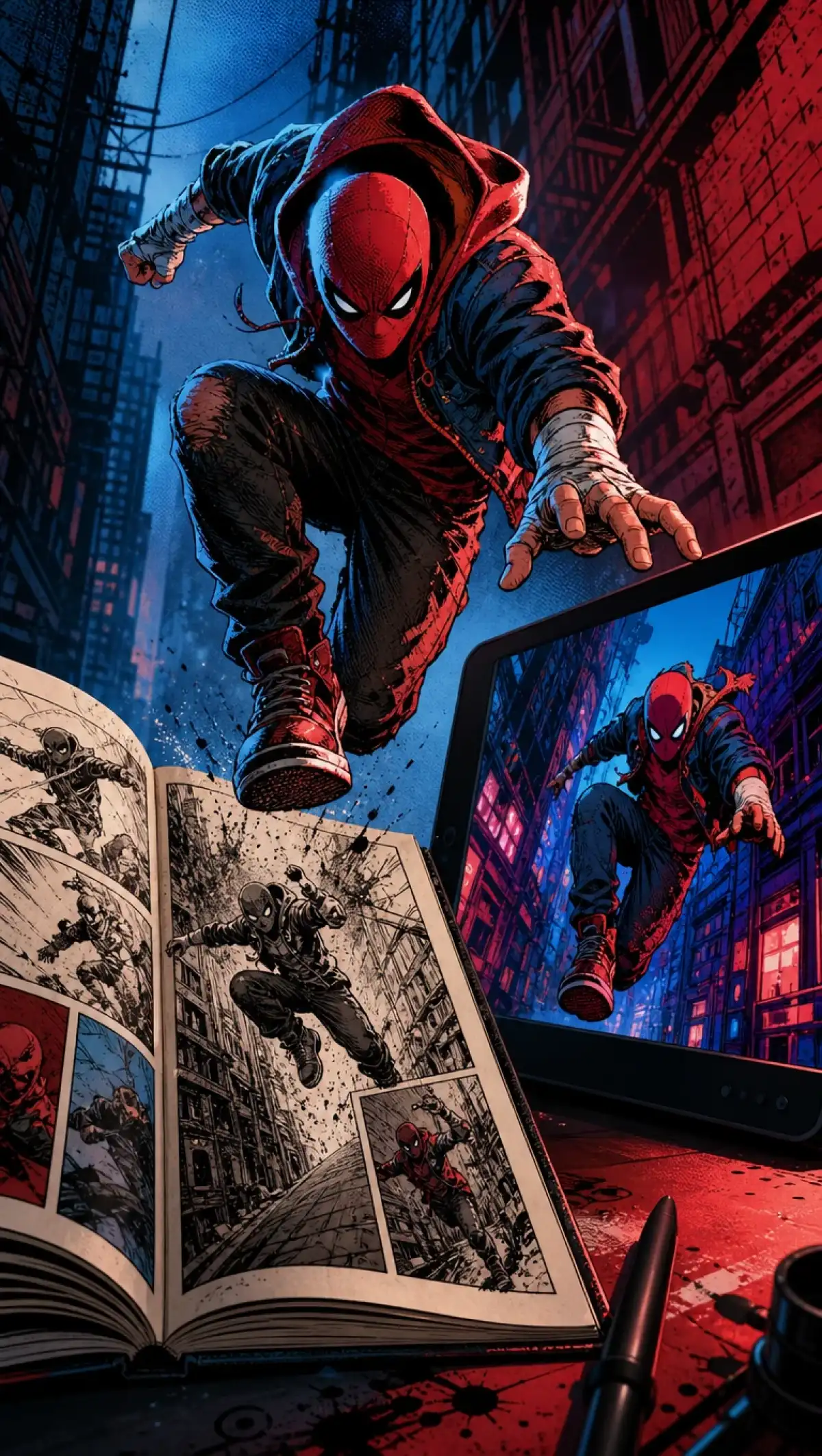
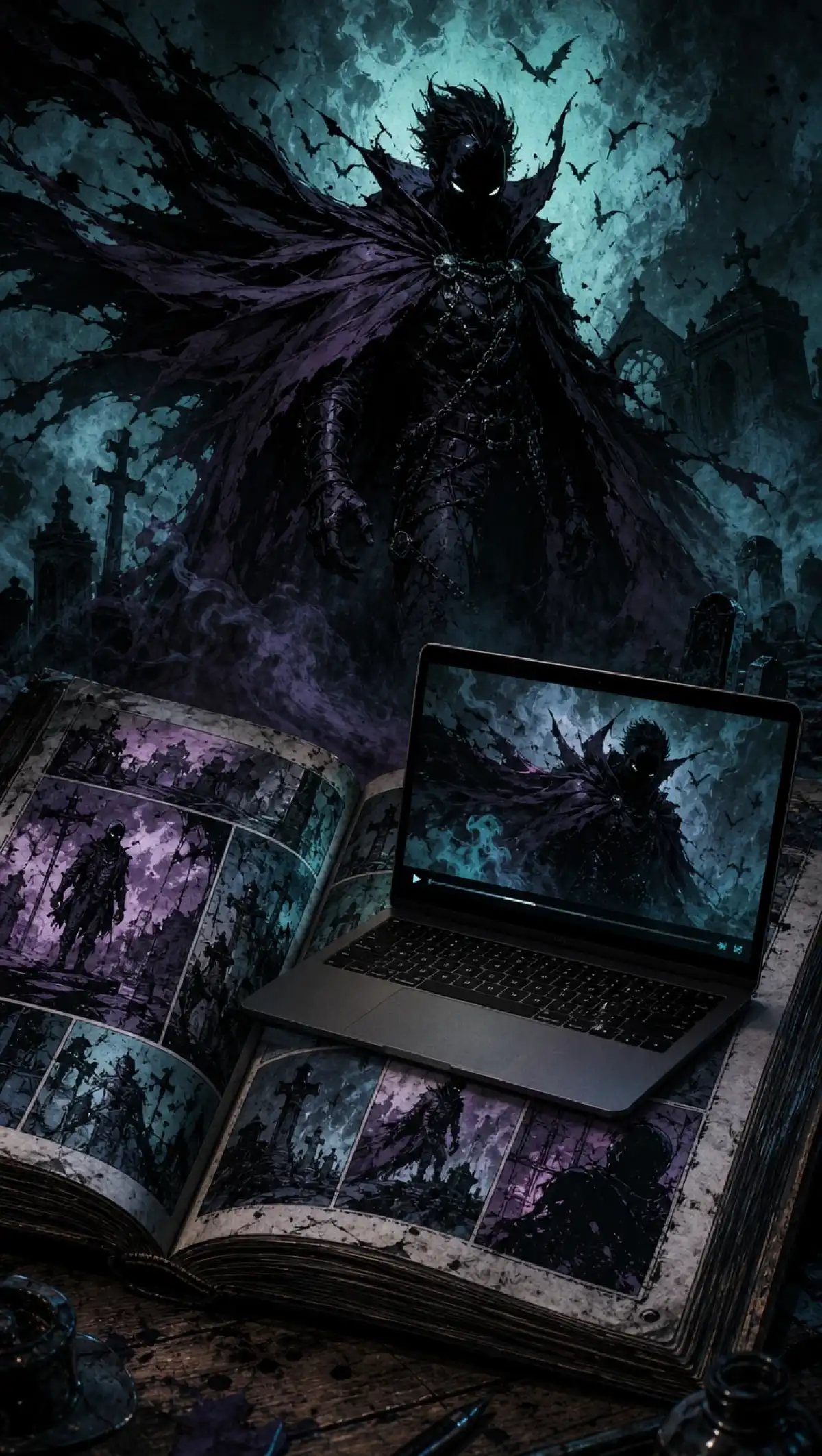
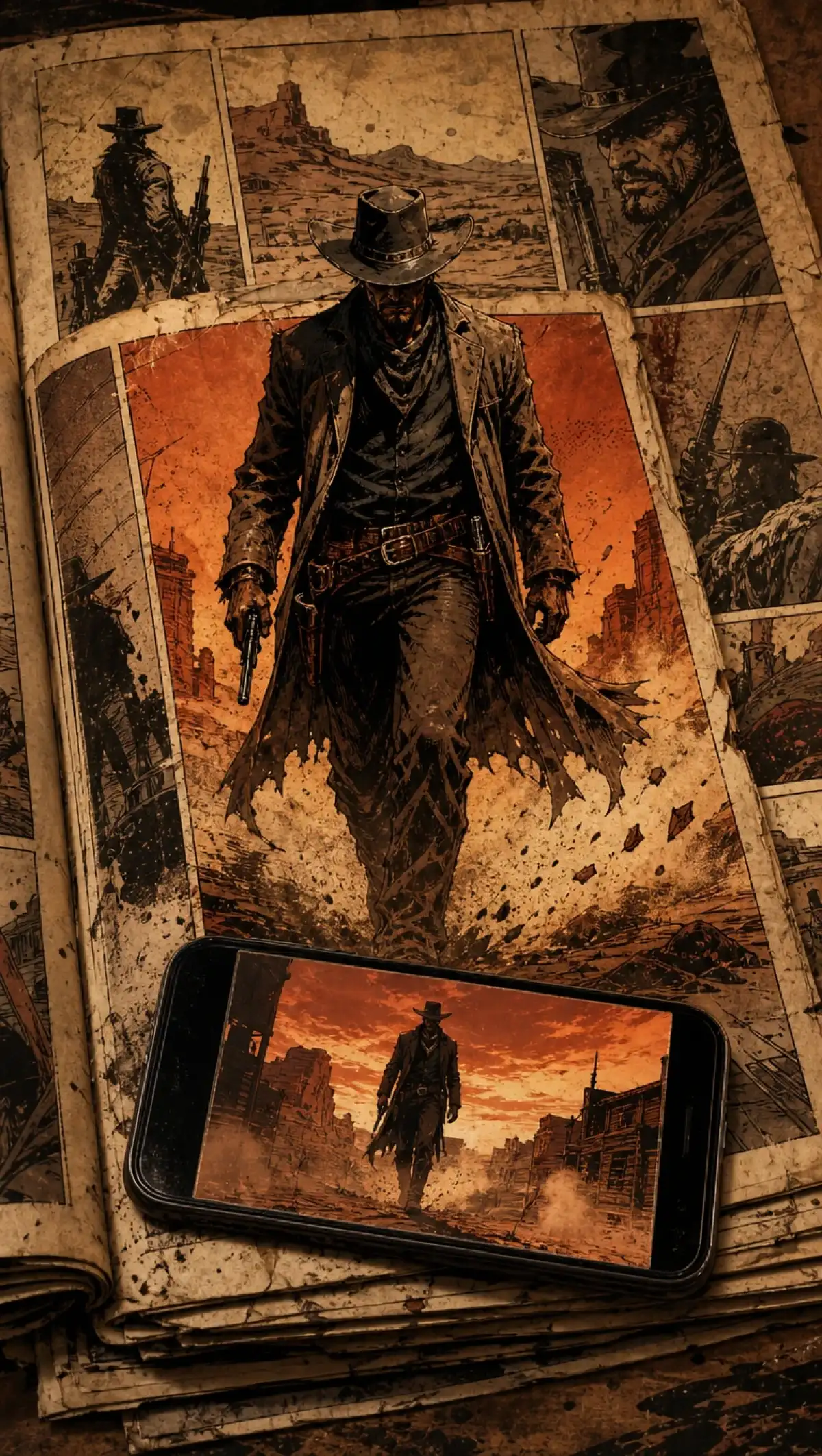
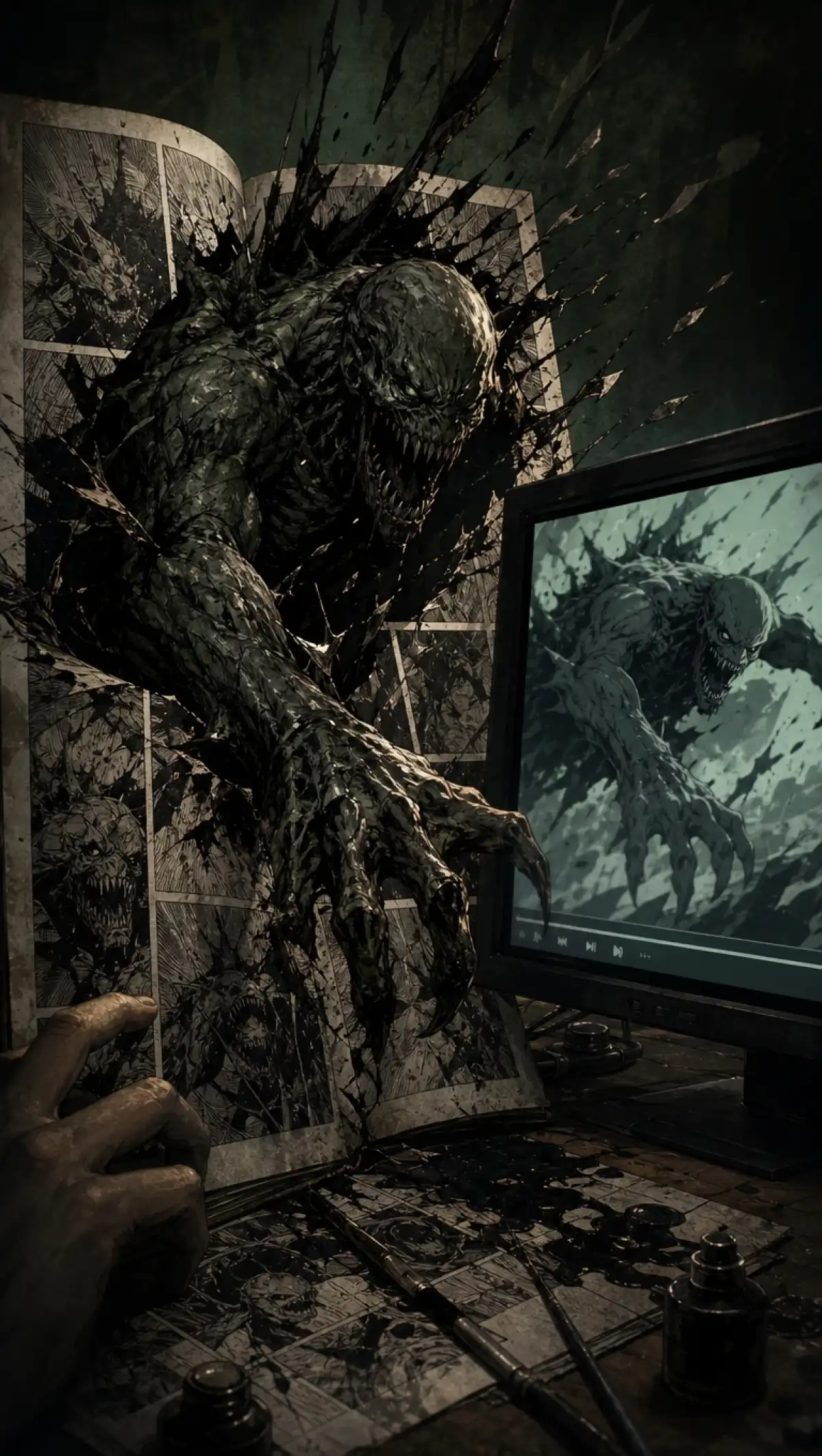
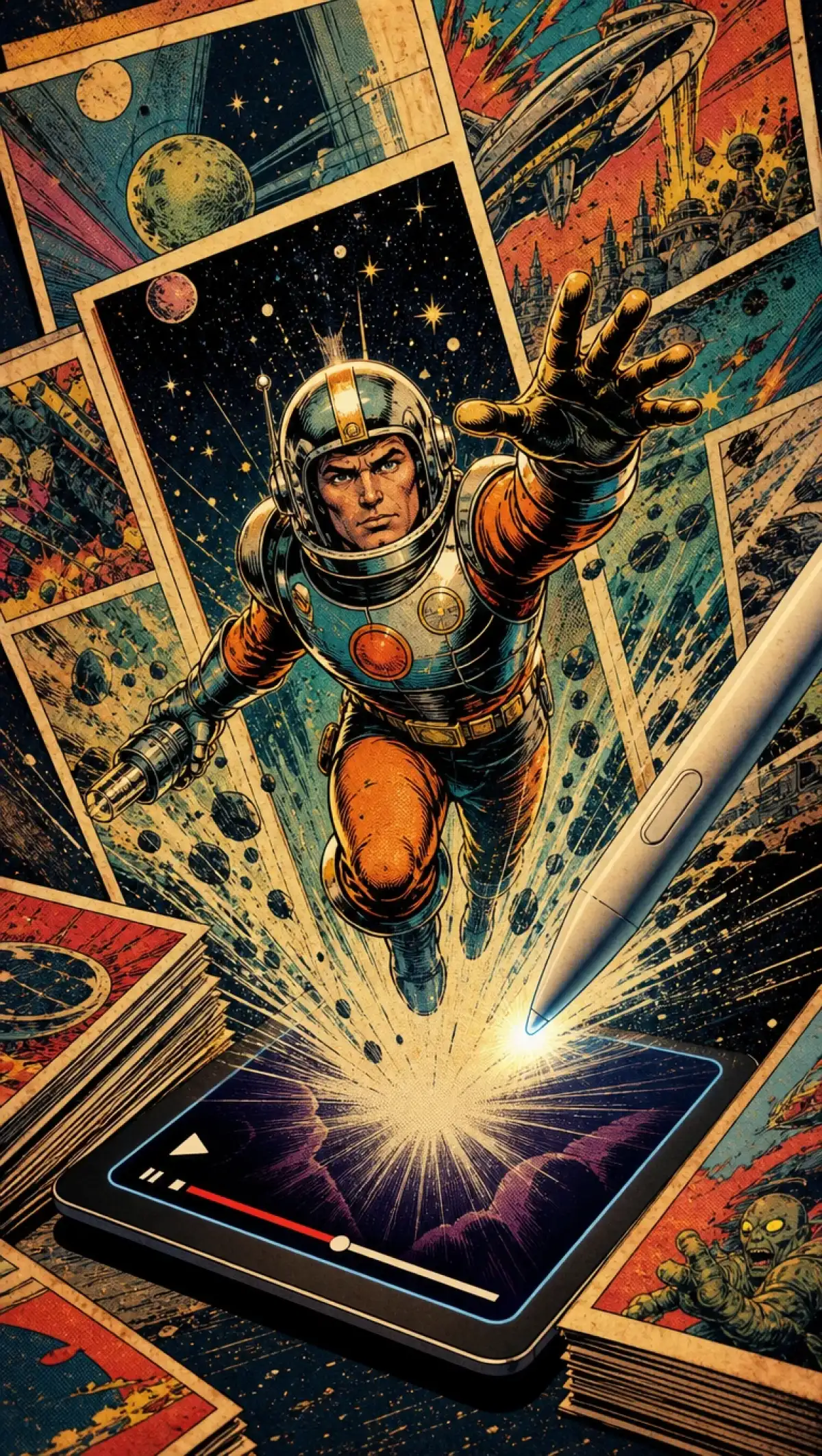
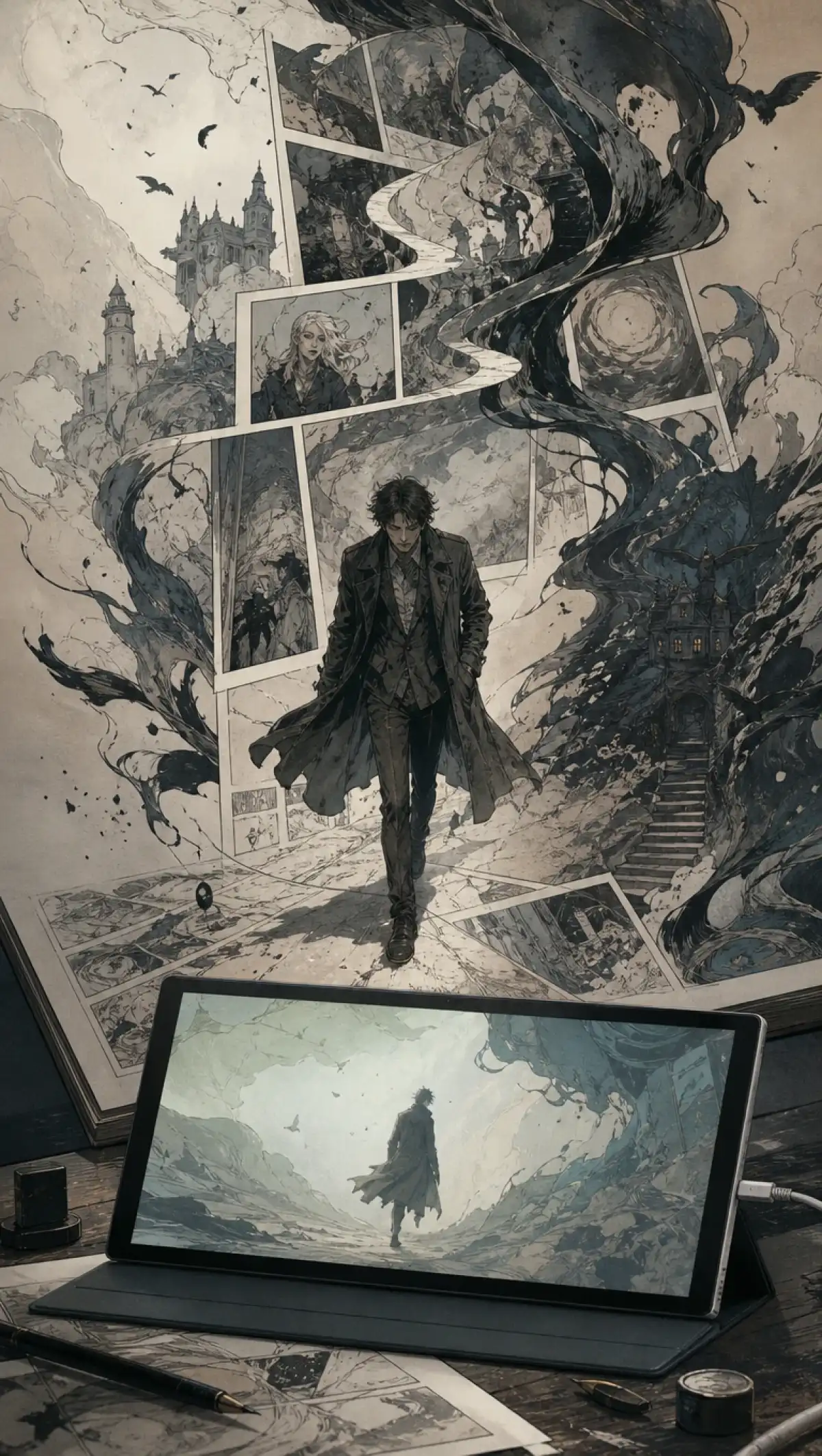
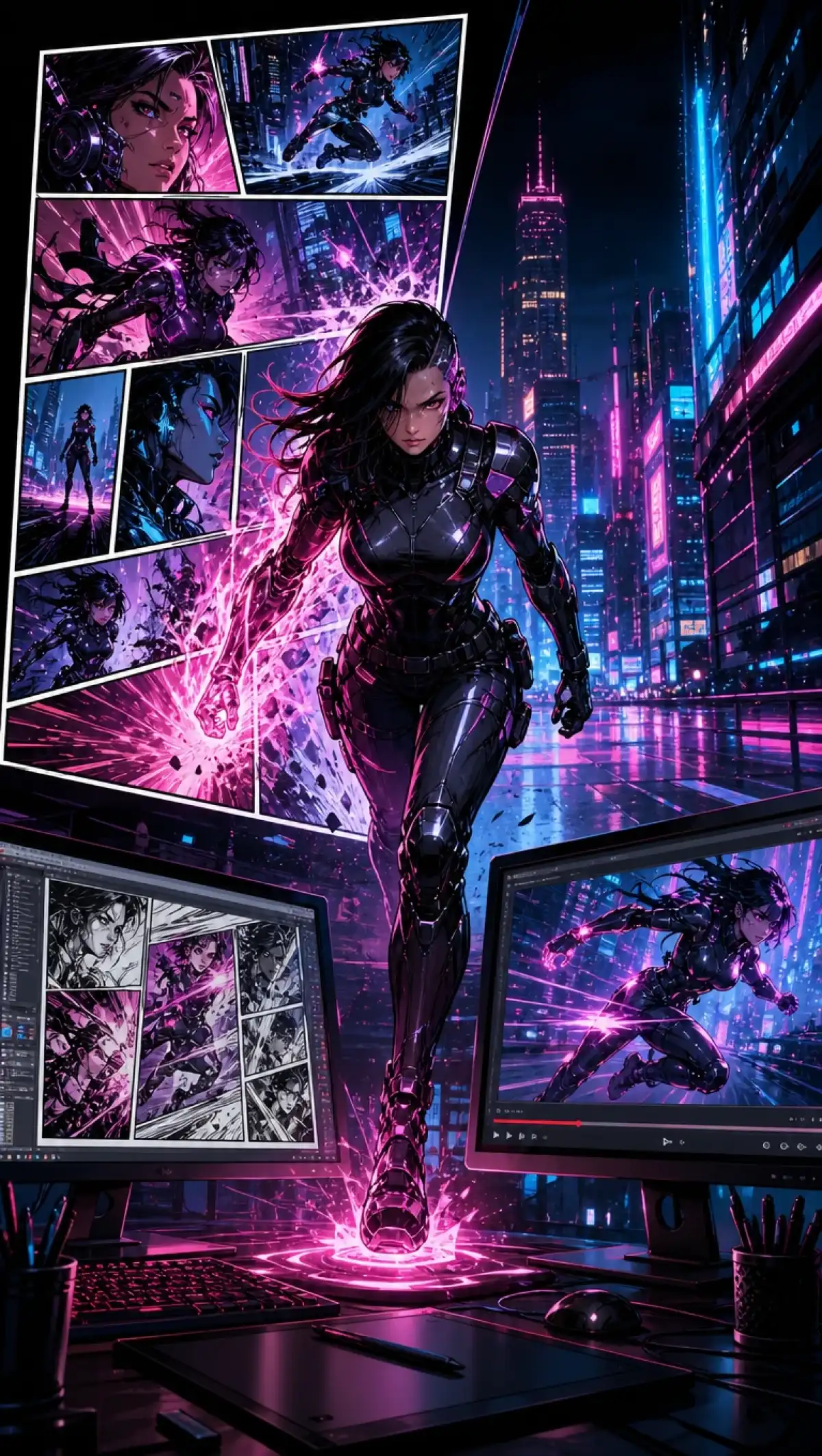
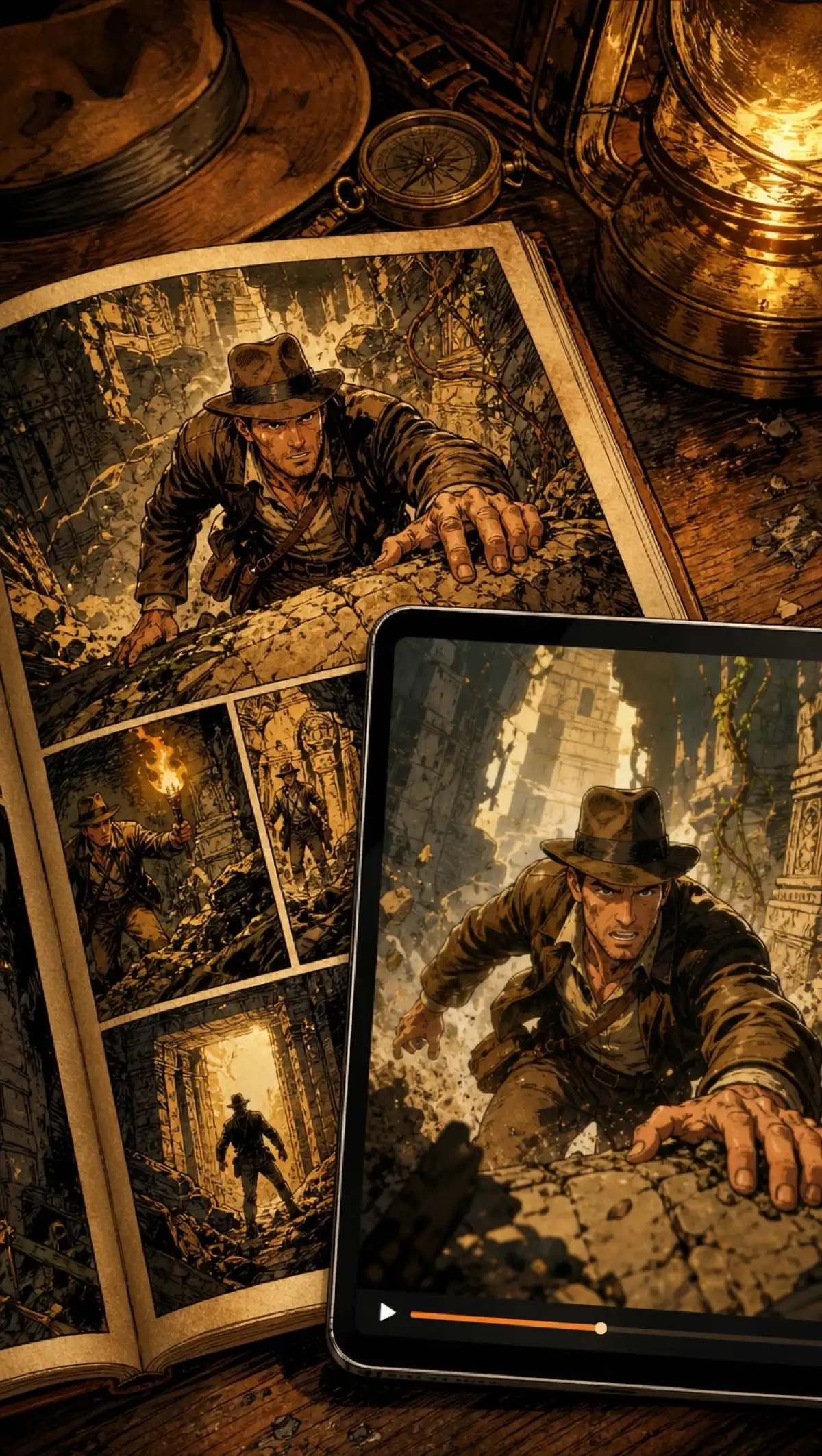
Comics already have the characters, the poses, and the story. Magiclight AI comic-to-animation tools add motion, voices, and sound to the art you already drew.

Magiclight AI Image to Video lets you upload a single panel and describe the action you want. Ask for a character to turn around or a cape to move, then create a clip lasting 30 seconds.
Place one comic panel at the start and another at the end with Frame to Video. Magiclight AI creates motion between the images, helping a jump or a sudden reveal play out as a scene.
Magiclight AI offers 20 AI video models for your comic scenes, including Seedance, Veo and Kling family models. Try a model that suits your artwork and see how it handles the movement.
You have 10,000 characters to explain what should happen in your comic video. Describe a character's reaction or the movement between panels to give Magiclight AI more direction.


Your favorite comic panel can become a moving scene. Magiclight AI comic-to-animation takes you through 4 steps, from choosing the artwork to saving a clip you can share.
Head to Toolbox and find the Video tab. Use Reference to Video for character artwork, or Frame to Video when you want to show the movement between 2 comic panels.
Browse the available AI video models and pick one for your comic scene. Supply clear character artwork as a reference, with a Seedance model for music or voice references.
Use the 10,000-character description field to explain the action in your comic scene. Set the clip duration to 30 seconds or less, then select Create Video to start the animation.
Play the animated comic and compare it with your original artwork. Change the description if a character moves incorrectly, then download the clip once you're happy with it.
Comic to animation can follow your artwork, though small visual changes may appear. Use Magiclight AI Reference to Video with character images to help maintain a familiar look.
You need permission from the copyright owner before animating someone else's comic. Stick to your own artwork or material you have the legal rights to adapt and share.
Magiclight AI accepts JPG, PNG, and JPEG images up to 10MB through the Video tab. Choose clear comic artwork with visible character features for better animation results.
New Magiclight AI users receive starter credits to try comic animation. You can test a scene before choosing a paid plan for additional video creation and export options.
Magiclight AI lets you create individual comic animation clips lasting 30 seconds or less. Longer stories can be divided into separate scenes to cover more of your comic's action.
Scenes with clear character poses and a single main action are easier to animate. A character turning around or running across a room gives the AI a focused movement to follow.



Take the characters you've drawn and see them in action. Magiclight AI helps you turn familiar comic moments into videos worth sharing.