
MagicLight AgentWrites the Whole Story
Give Magiclight Agent a fear, setting, and character in trouble. It offers a suitable format, for instance, a kids' story, and develops the complete idea in that direction.
Create Now

Turn your scary story ideas into complete horror videos with MagicLight AI. Generate suspenseful plots, develop the script, and bring your story to life with AI narration and visuals. No writing or editing experience required.
Create a Horror Story For Free










The Magiclight AI horror story generator writes and narrates your tale. Pick the fear, choose a narrator or clone your voice, then decide how dark the story should be.
Give Magiclight Agent a fear, setting, and character in trouble. It offers a suitable format, for instance, a kids' story, and develops the complete idea in that direction.
Create NowExpand a complete horror story idea using the 14 story models for viewing how the plot is handled. Improve the plot, tension between scenes, and final moments in the script format using models like GPT-6 Astra or Gemini Flash 3.1
Improve Your Story
Add life to your story using 37 narrator voices or clone your voice by offering a recording of 30 to 60 seconds. Voice cloning should only use your voice or another person’s voice with their clear permission.
Create Narration
Easily match the appearance of the horror story according to the mood and audience. Look across 52 different visual styles and choose the best option that suits your listeners.
Explore Story Styles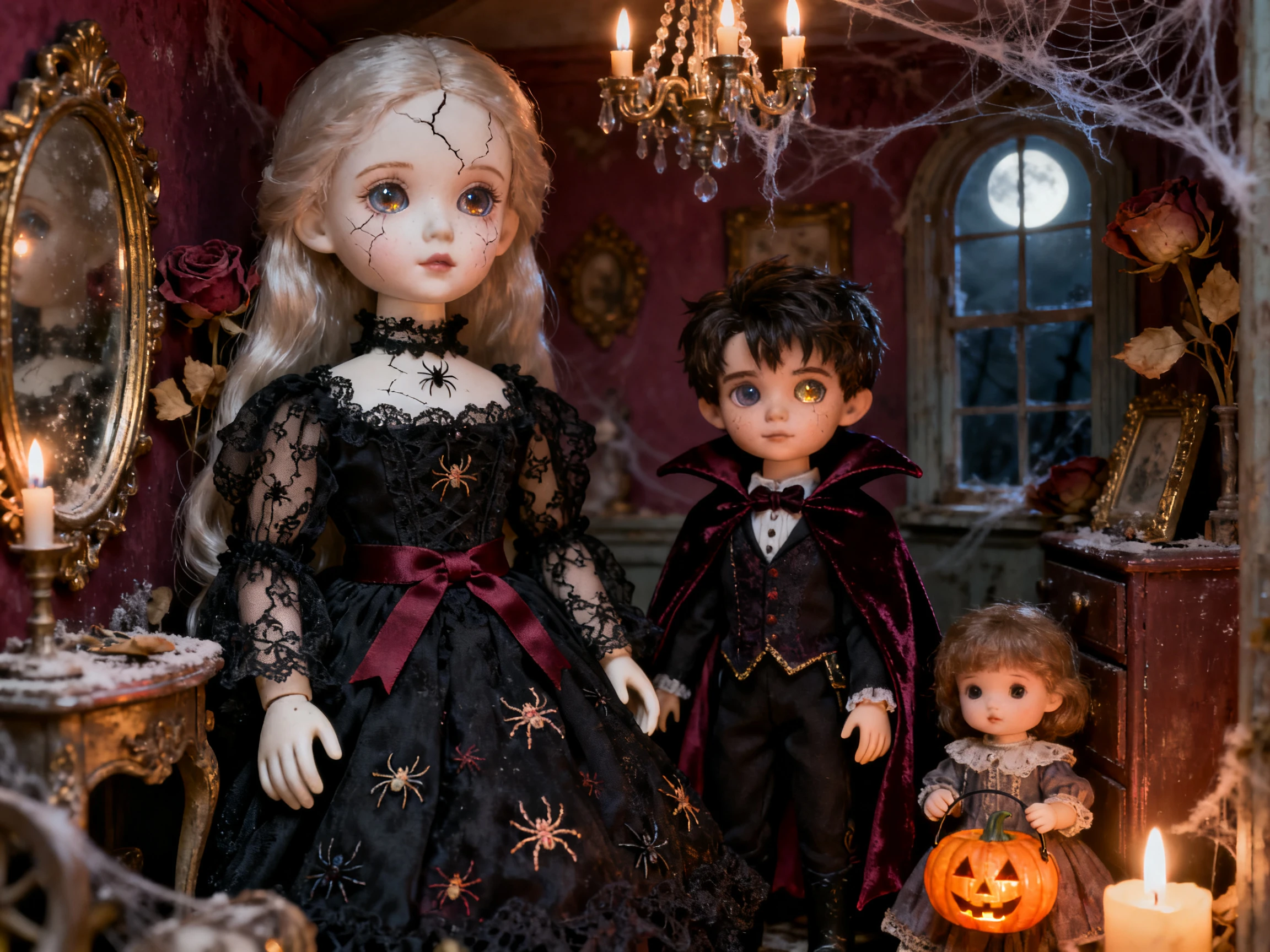


In 4 simple steps, this scary story generator turns one fear into a narrated video. Add your fear, pick a style and voice, review the scenes, then generate your complete story.
Start with a complete horror story with all details in 12,000 characters. Magiclight Agent determines the format and creates a draft script.
Choose a style that matches your story and audience. Add characters, such as a lost child or hidden monster, with descriptions of up to 1,000 characters for each one.
Check each scene in Nano Storyboard and adjust the expressions and camera angles. Animate the full storyboard using the available options.
Include music and subtitles in your horror story for more attraction. Finalize and generate the final story in your required resolution.
YouTuber
My channel is my voice, but recording every story was wearing me out each week. I cloned it in Magiclight AI, and now every new creepy tale still sounds exactly like me.
Librarian
Our library runs a spooky story hour every October. Magiclight AI wrote a gentle tale about a lost lantern, and the Picture Book style kept the youngest kids smiling instead of scared.
Camp Counselor
At camp, the kids always beg for one more scary story at the fire. I had Magiclight AI write five short ones, and I read the best endings out loud myself in the dark.
Writer
I write short horror fiction, and testing an ending used to mean reading it to my partner. Magiclight AI lets me compare endings from different story models before I pick one.
Choose the Kids Story format when MagicLight Agent asks, describe a friendly ghost or a lost pumpkin, and pick a soft style. Magiclight AI limits kids' stories to 10 minutes.
Yes. Speak clearly for about a minute, and Magiclight AI checks that the voice belongs to you before it creates the clone. Never clone someone else without their permission.
Magiclight AI first writes a story that can be read, which is then followed by a narrated video. It acts as a complete package with dedicated AI models for scripts and videos.
Magiclight AI horror story generator works as a scary story generator AI that turns a simple idea into a horror story with scenes, narration, music, and subtitles for videos and social posts.
Old folk legends are usually free to retell in Magiclight AI. Some newer internet horror characters belong to their creators, though, so give the story a monster of your own.
Yes. Magiclight AI lets you review the story and scenes before generating the final video. You can change the text, characters, visuals, voice, and other details first.



Think of something that scares you. This scary story maker turns your idea into a story and reads it aloud using a voice from the library or your own cloned voice.