
1000 Characters to Define Each Figure
Describe clothing, age, class, appearance, and period details across 1000 characters. These details help Magiclight AI show historical figures in a way that better matches the time and role.
Create Now

Tell Magiclight AI what happened, who was there, and how the scene looked. It turns those details into a full video with narration and visuals. No editing experience needed.
Create a History Video For Free










Magiclight AI history video generator turns your historical script into scenes while keeping your details at the center. Adjust the story and narration to match the period.
Describe clothing, age, class, appearance, and period details across 1000 characters. These details help Magiclight AI show historical figures in a way that better matches the time and role.
Create NowAdd up to 12,000 characters of sourced history, dates, events, and context. After you enter a rough script, MagicLight Agent chooses the video niche and uses that direction to shape the scenes.
Create Character
Choose from 14 story models, including Gemini Flash 3.1, GPT-6 Astra and more. Magiclight AI gives you different ways to shape the pacing, structure, and direction of a historical story.
Pick Voice
Tell the same historical account in any of 11 supported languages. Magiclight AI helps you adapt narration for different audiences without changing the facts, people, or events in your script.
Start Creating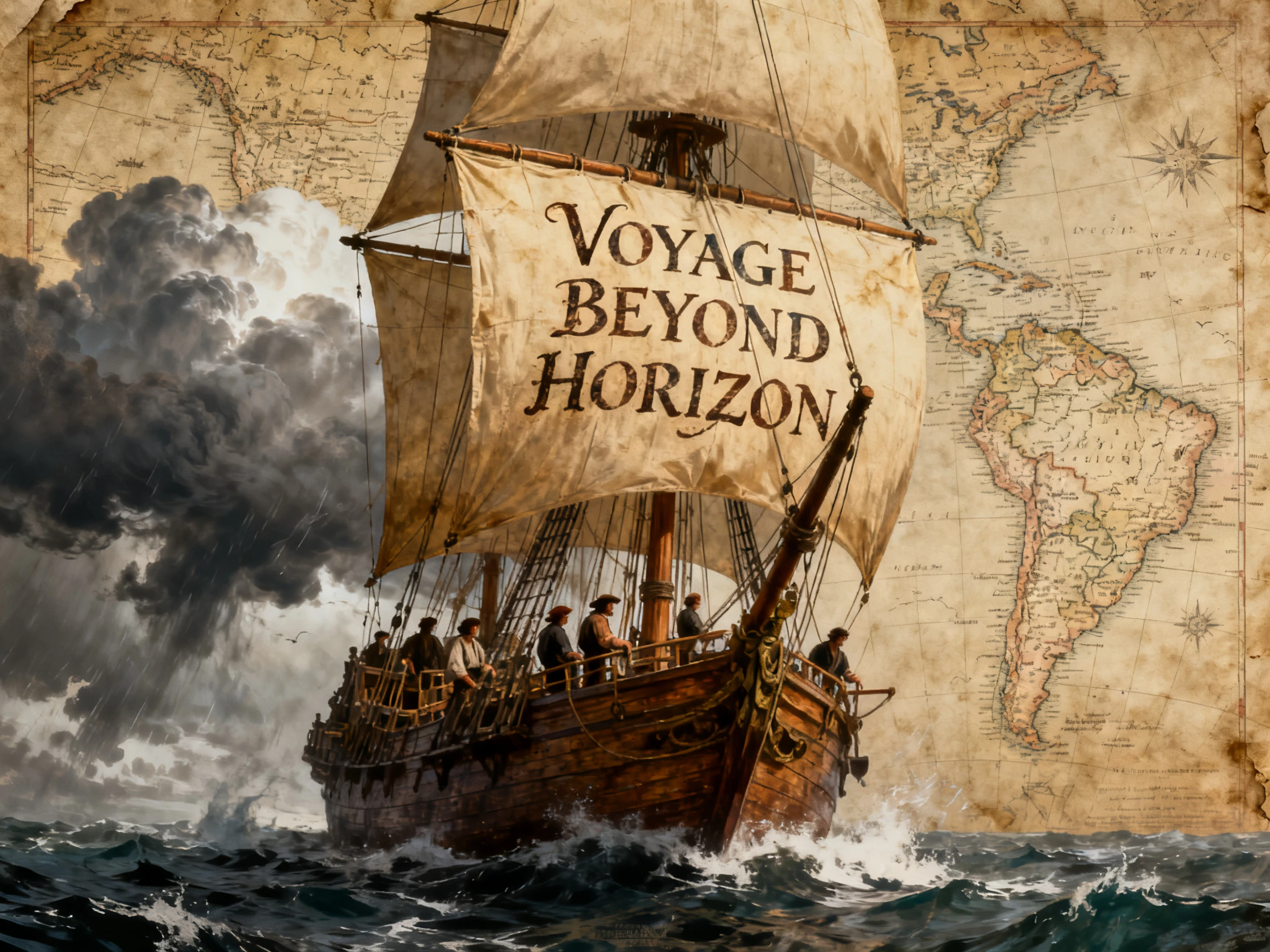


The Magiclight AI history video generator takes you from a researched script to a finished history video in 4 steps. Add the facts, set the period details, review the scenes, and generate the final video.
Add your history script with up to 12,000 characters. MagicLight Agent chooses the video niche from your rough script, then lets you review and confirm the script.
Pick a visual style from 20+ available options for your history video. Choose a suggested character that fits the story, period, and direction you want for the video.
Check every scene inside Nano Storyboard before generating the video. Adjust individual scenes, review the opening, then work with MagicLight Agent to animate the video.
Choose from 37 voices and 40 background music options for your video. Add subtitles using the 16 available settings, generate and export the finished result.
History YouTuber
People used to call out the wrong armor in my comments. Now I write the details into the script, and Magiclight AI follows them closely enough that the discussion stays on the history.
History Teacher
Explaining Tudor London to 40-year-olds can lose them quickly. I use Magiclight AI to turn the lesson into scenes they can actually see instead of only hearing me describe it.
Museum Educator
Visitors often pass a glass case without stopping. Our Roman gallery holds their attention longer now because Magiclight AI helped us turn the period into something moving on screen.
Content Creator
A myth-busting video only works if the correction is accurate too. I check the facts first, describe them clearly, and let Magiclight AI turn that version into the visuals.
Magiclight AI history video generator follows the details in your script, so vague writing can lead to generic visuals. Add the correct date and objects before generating scenes.
Magiclight AI does not replace your own research. Check dates, names, events, and other facts before adding them to the script so incorrect information does not appear in the final video.
Watch for modern roads, streetlights, clothing, buildings, or objects that do not belong in the period. Magiclight AI lets you review scenes so you can catch these details before the final video.
You can describe a historical figure and use those details to guide how they appear. Magiclight AI creates a visual interpretation when no reliable photograph or portrait exists.
Magiclight AI gives new users credits to try the tool before moving to a paid plan. You can use those credits to test a history script and see how the scenes turn out.
It is a good idea to tell viewers when AI-generated visuals are used, especially in educational history content. Magiclight AI can support the presentation, while your sources should support the facts.
Ancient civilizations, famous events, daily life, empires, battles, and historical myths can all work well. Give Magiclight AI a focused script so each scene stays connected to the topic.



Start with the part of history you want viewers to understand. Magiclight AI turns that focus into a video with a clear beginning, middle, and end.